14 DAY TRIAL //
 Don't you just hate having the same desktop on your computer like 90% of all computer owners? Personally, I like my computer to have a little of my personality and, when people see my desktop, to say "Yes, that's his alright!". I always wanted something cool for my computer, something to make it "irregular", different from other machines.
At the beginning I used to set different desktop images, or move my taskbar and hide it. After a while I switched to using shell replacements.
Desktop enhancers are just everywhere now. There are hundreds of softwares designed to change the looks of your computer. But if you need a visual boost, try Talisman Desktop. It is a Lighttek Software application that costs $25. The trial version expires in 30 days, so you have plenty of time to experiment and get acquainted.
Talisman Desktop has four separate modes of changing your computer appearance: Application mode, Application mode without Windows taskbar, Desktop panel and Shell mode.
Application mode can be used as an application launched from Windows shell. In order to execute Talisman at startup, you just have to place a shortcut in the Startup directory. In this mode, all it's left from Windows is the task bar. Of course, the Talisman clock and tray are not visible.
Application mode without Windows taskbar is also launched from from the Windows shell, but you will see no trace of any typical Windows element. This mode allows enabling/disabling Windows or Talisman taskbar (show/hide in Talisman Object Editor).
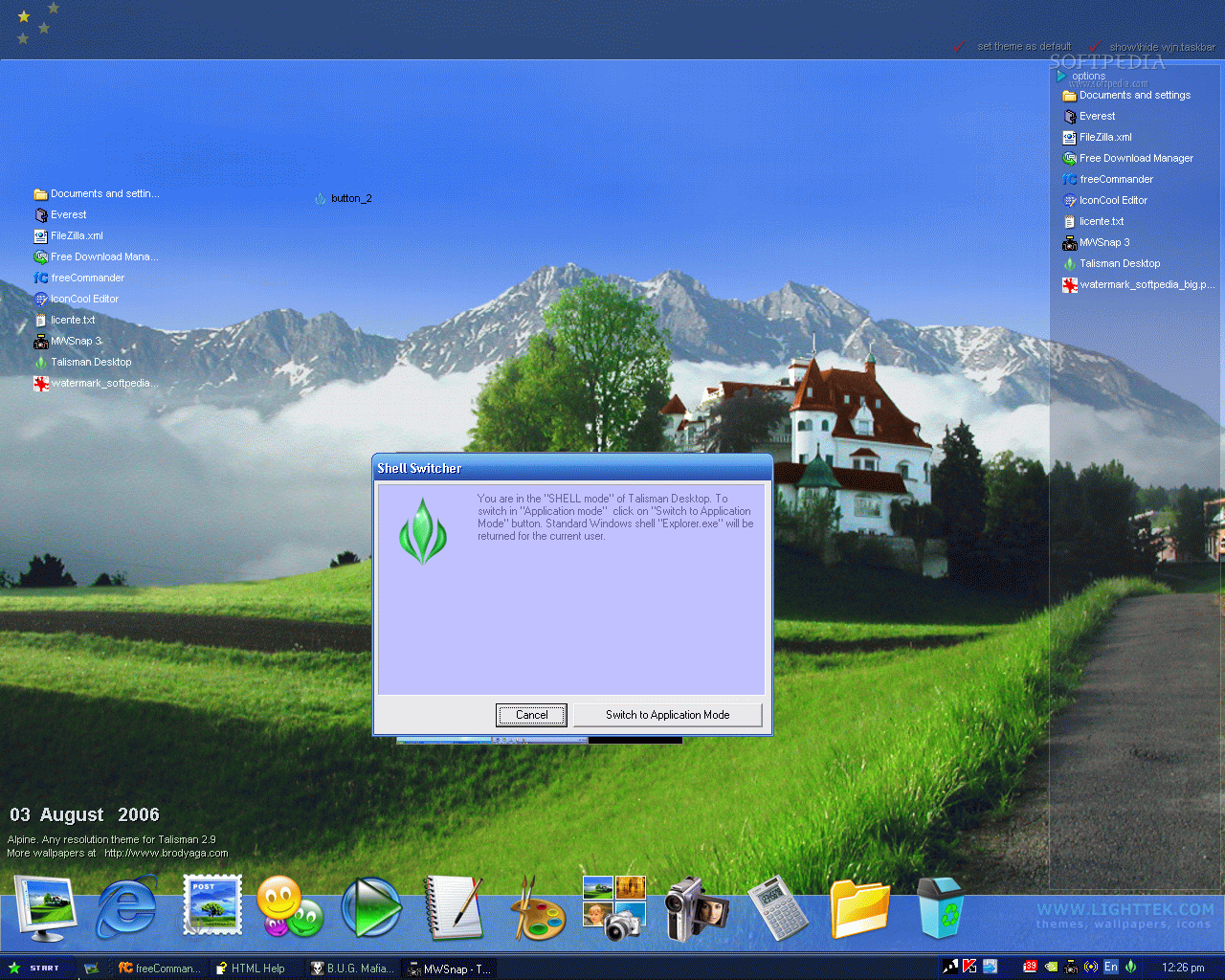
Desktop panel mode will display the application as a desktop panel occupying only part of the desktop. Shell mode is the real star of the application as it replaces explorer.exe (Windows shell) and will display all the Talisman items (taskbar, clock and tray).
Shell mode is to be treated with care, in the sense that you must not uninstall Talisman before switching shell.
What can you do with Talisman? The answer would be: "Change the entire Windows look on your computer by creating desktops and forms". The difference between desktops and forms is the following: desktops and forms are related to each other as a desktop is a special kind of form, but it is a "full screen" form without width and height parameters.
Desktops and forms are objects containers (every icon and button you have on your desktop). Thus you can create a more attractive and functional desktop. The software gives you the possibility to create your own buttons that can be configured to work as links to different programs, or applications.
Now, to make a short story long, Talisman Desktop allows the user to do whatever s/he wants with the desktop. You can even add a "HTML Page" or flash object if you wish so. For flash objects the only limitation is that they would be visible only on top form (desktop 0).
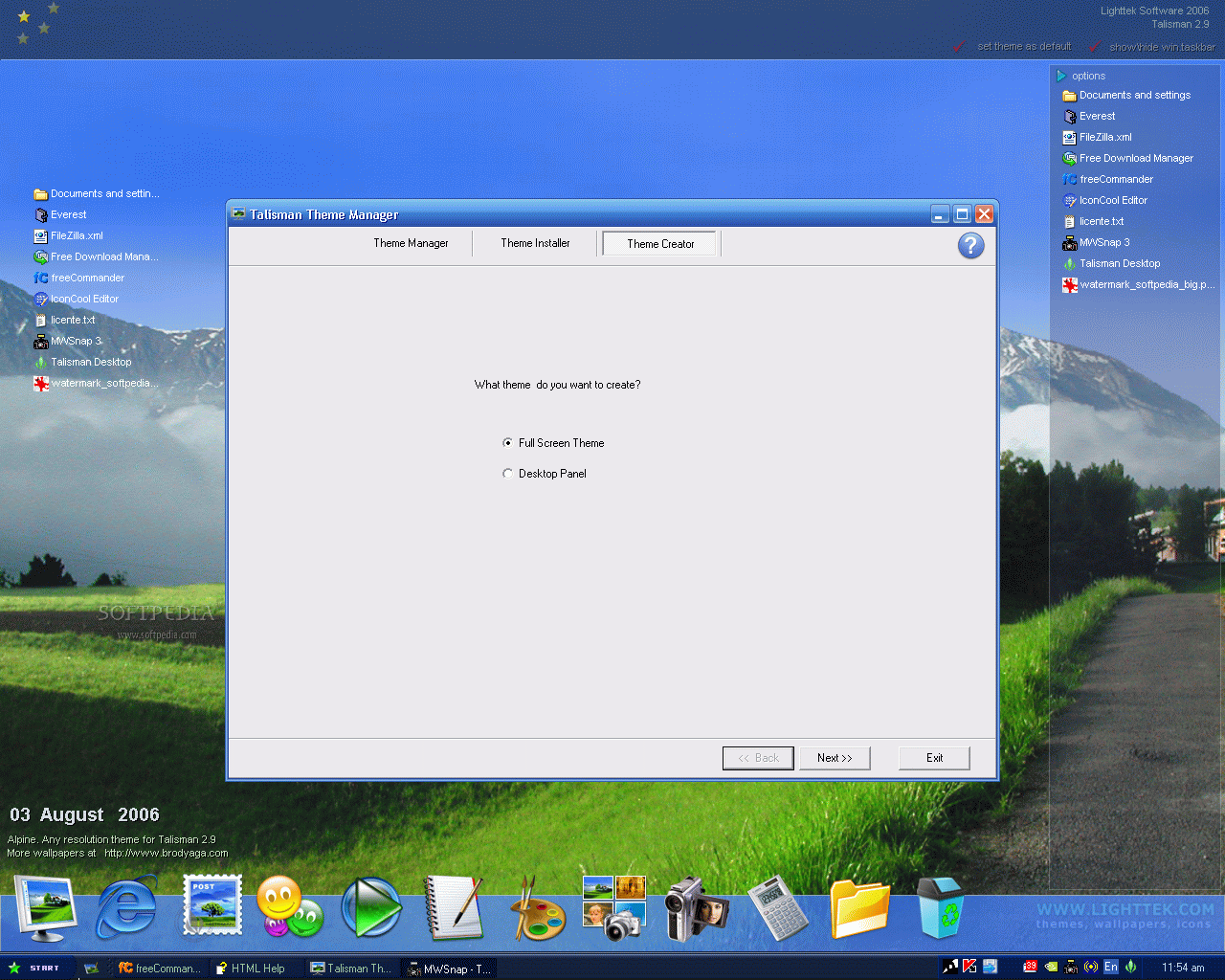
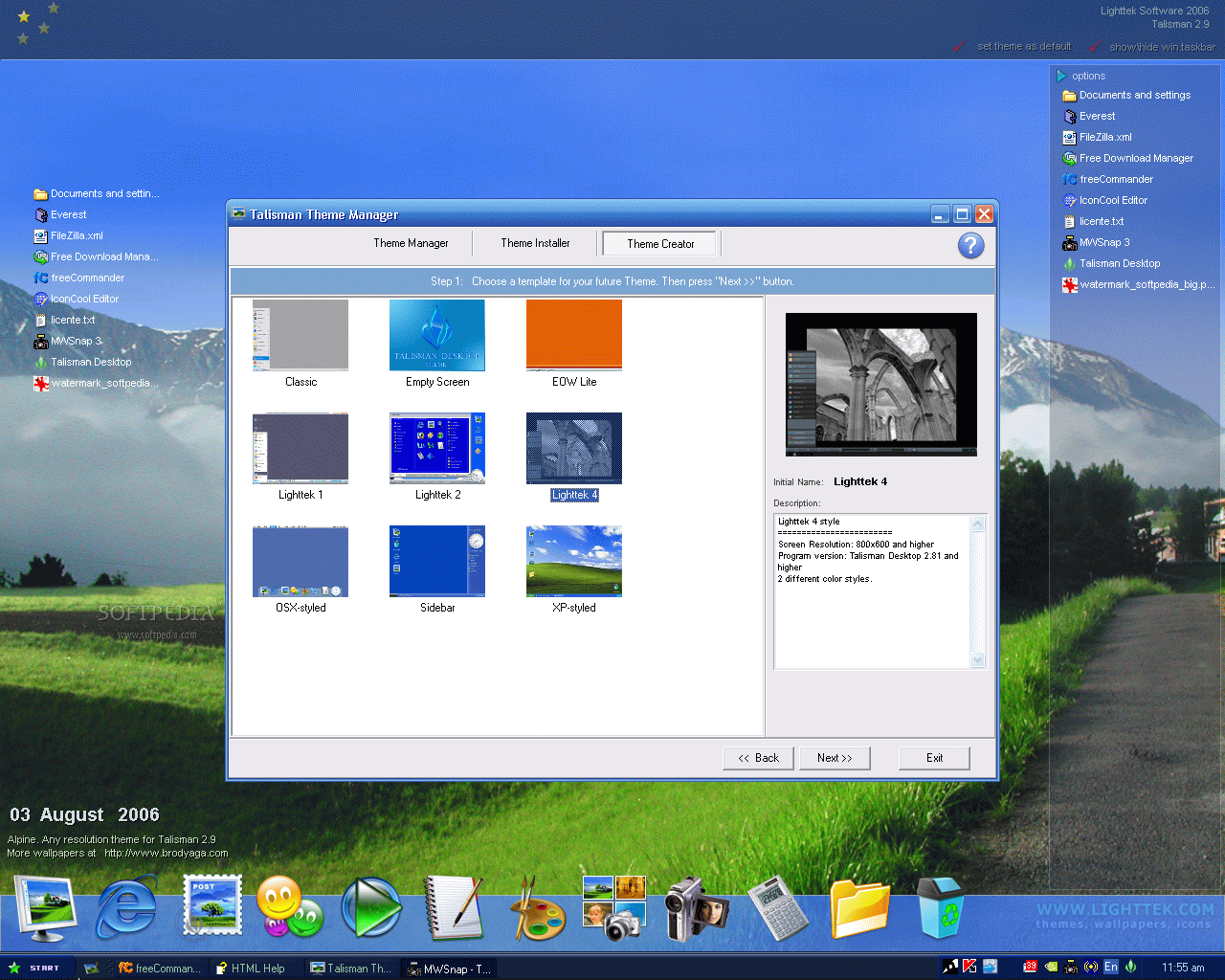
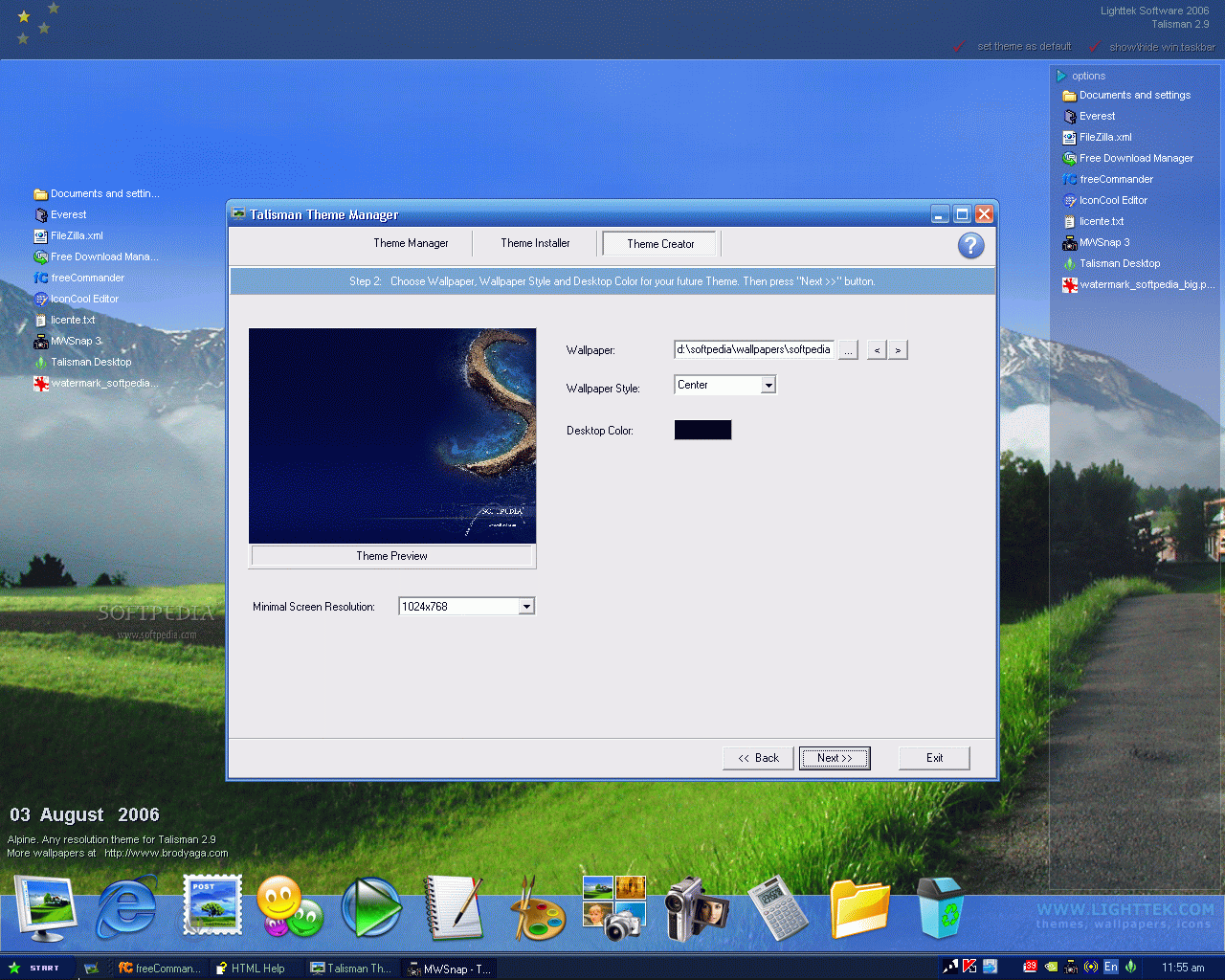
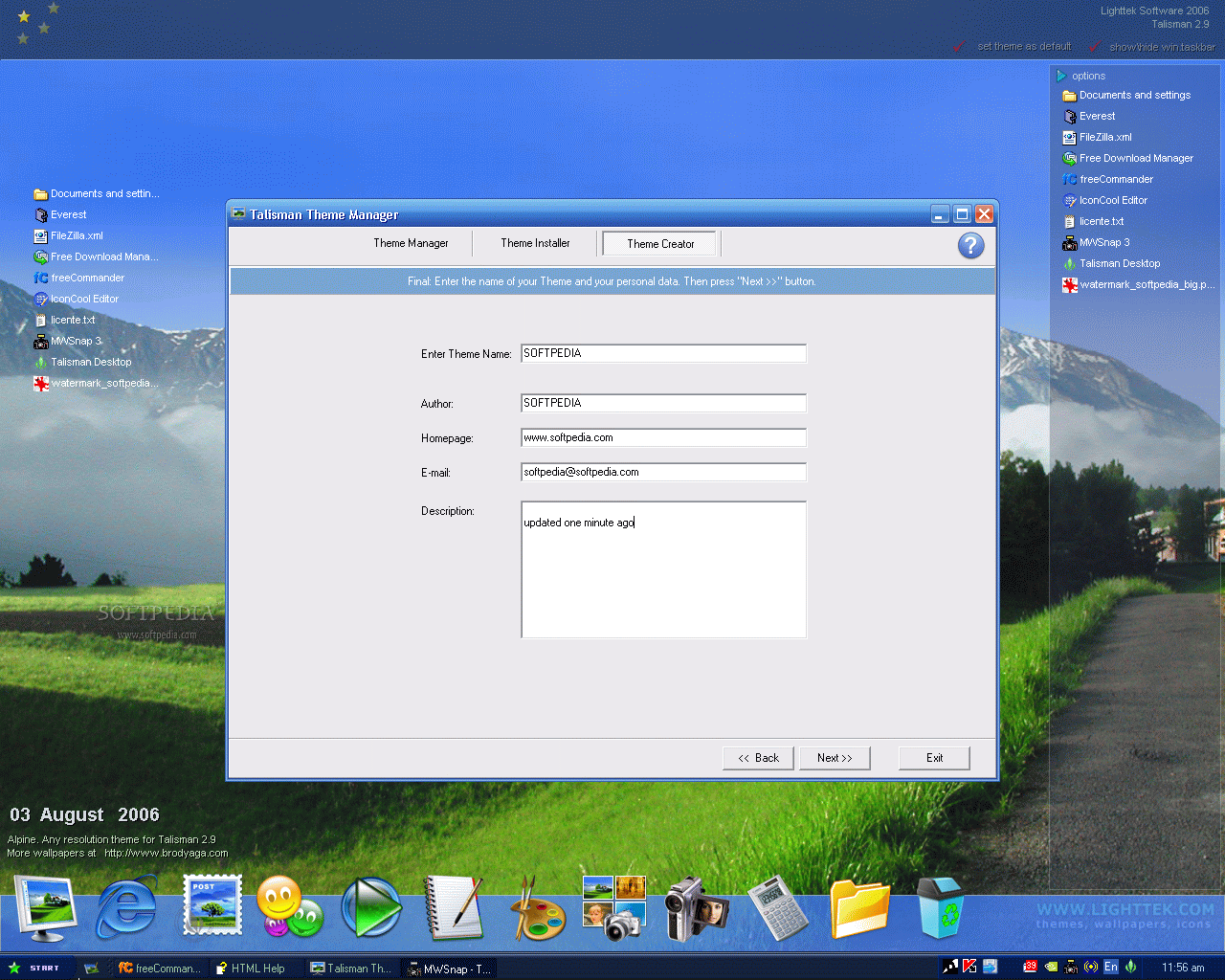
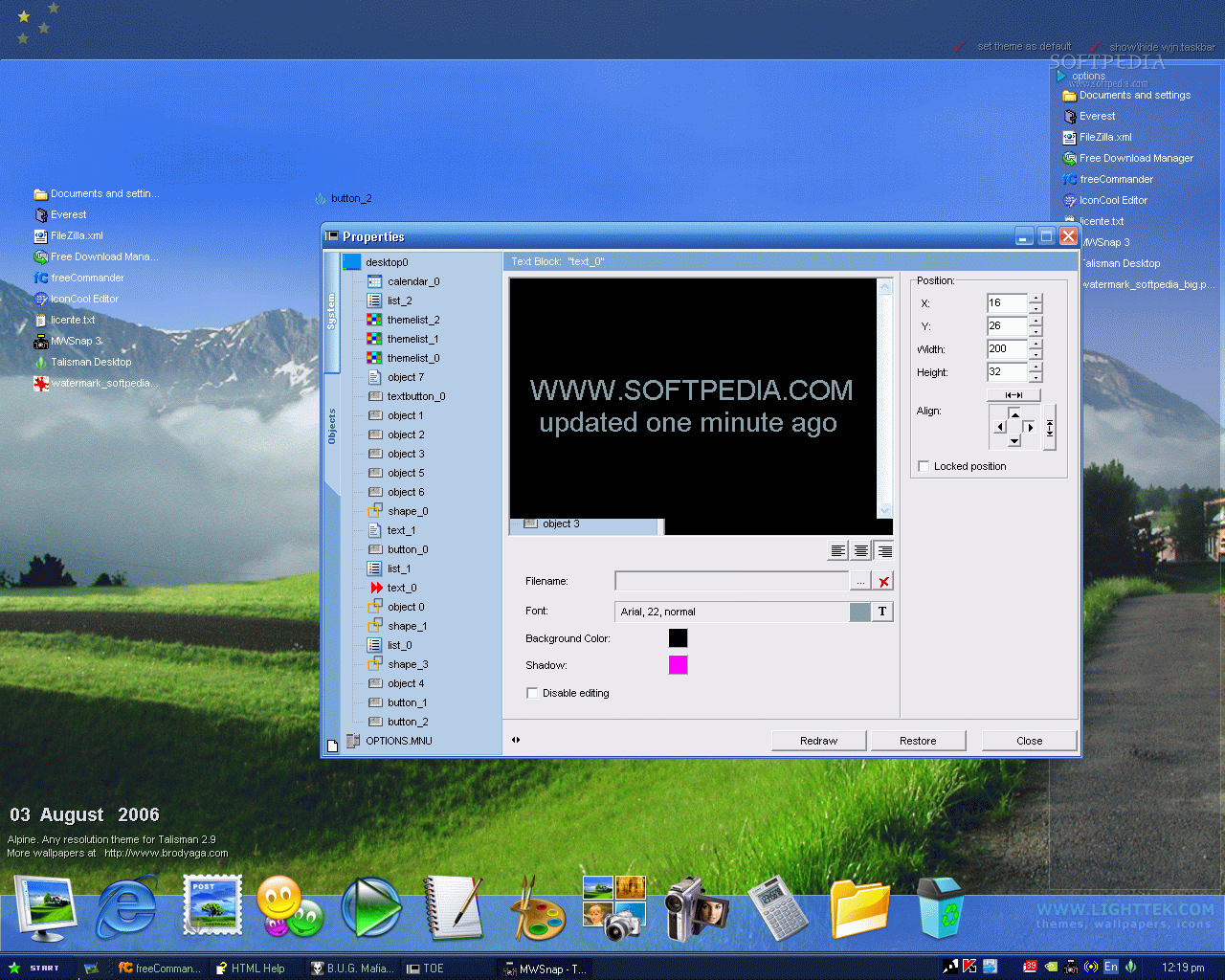
It is not hard at all to "maneuver" the software, but you need some skills to create beautiful and fully personalized desktops. The software also provides the means to create your own themes by starting from square 1 (empty desktop) and editing the properties for each object.
If you do not have the time (or the courage) to start from scratch, there is another alternative for customizing your computer's looks. Create a theme from a template by using some predefined elements (taskbar, start button, menu, etc.), or duplicate the current theme and add objects to it.
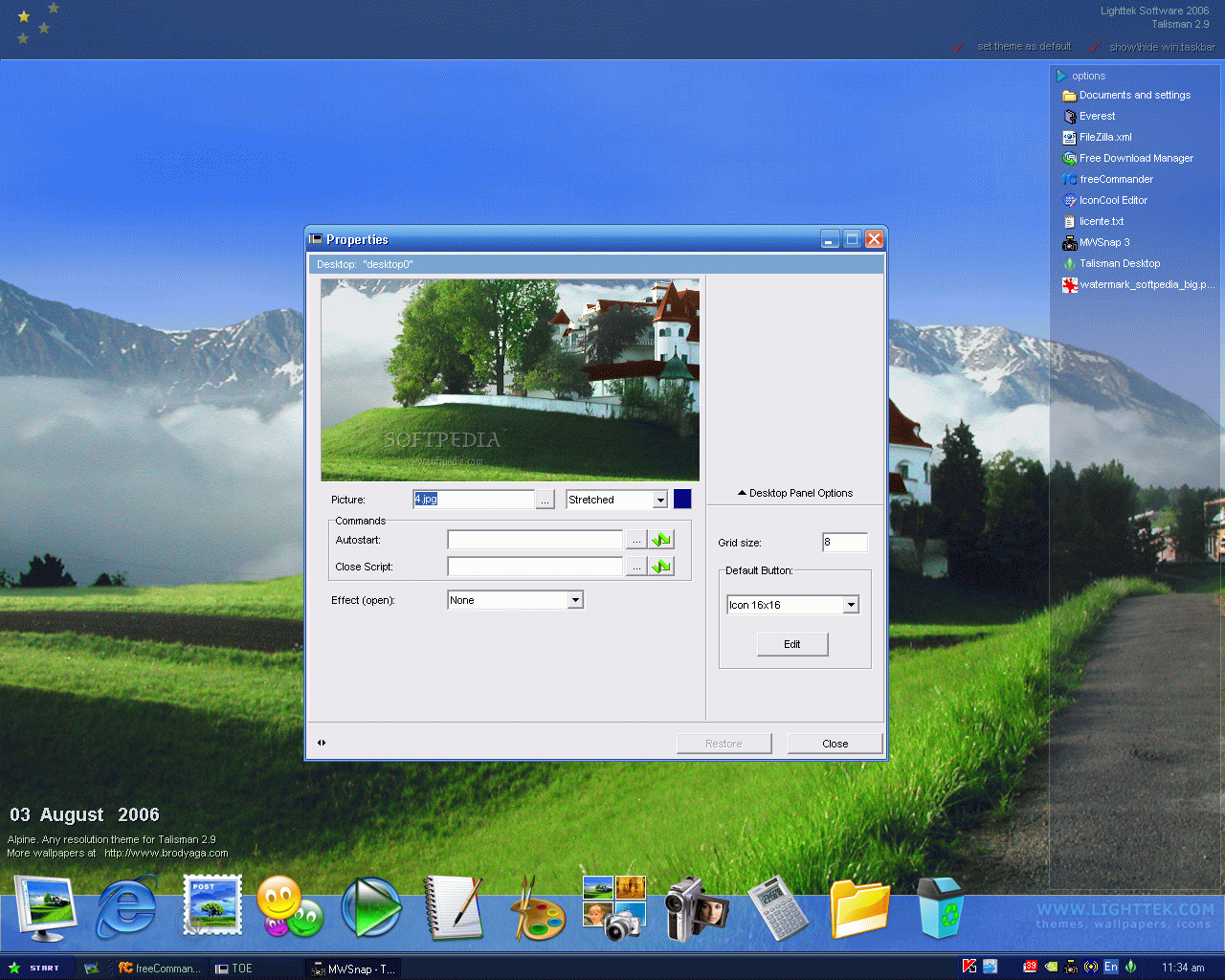
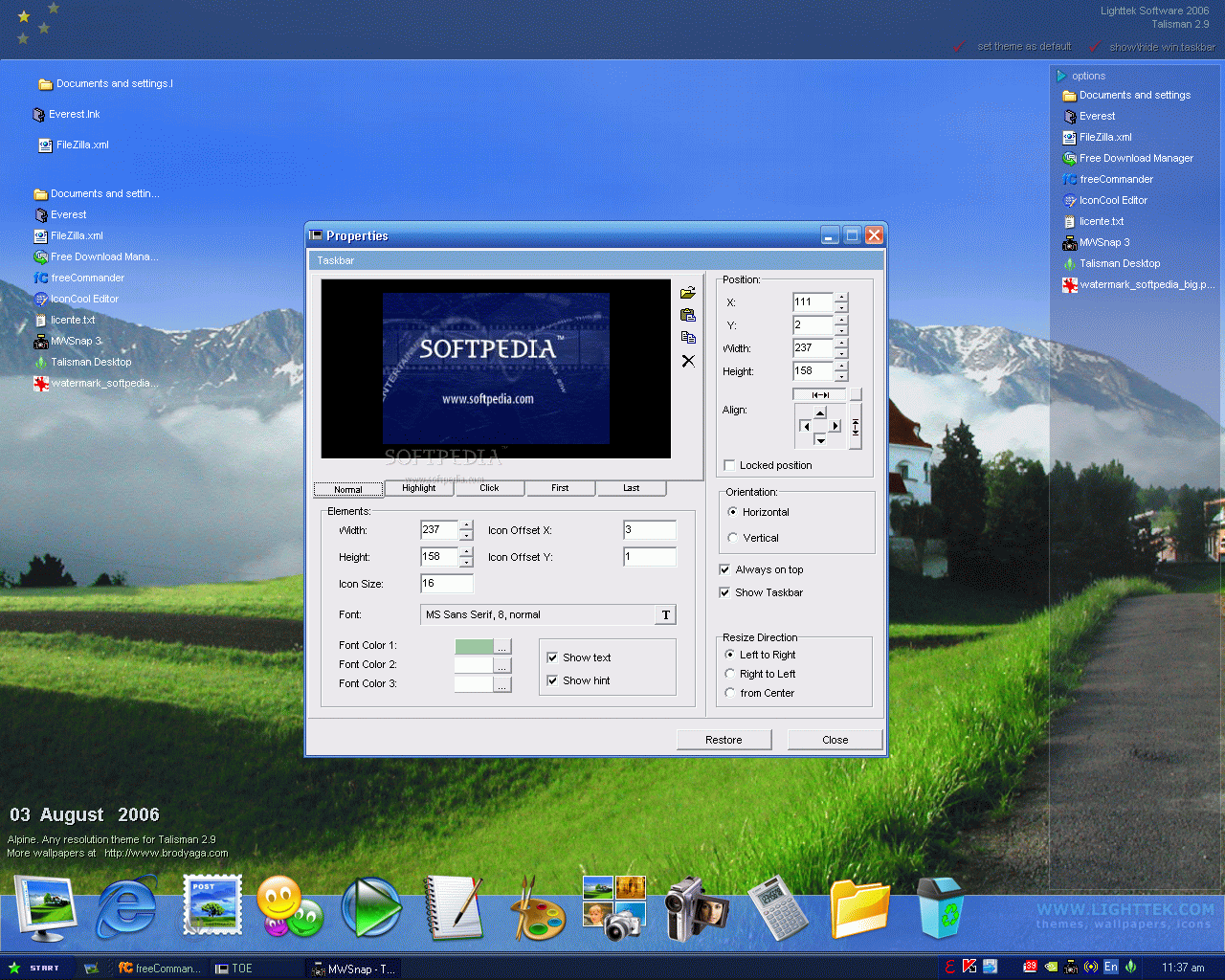
The "Properties" window contains all the elements composing your desktop. In here the user can make the necessary changes so that the computer's desktop will be a pleasure to look at.
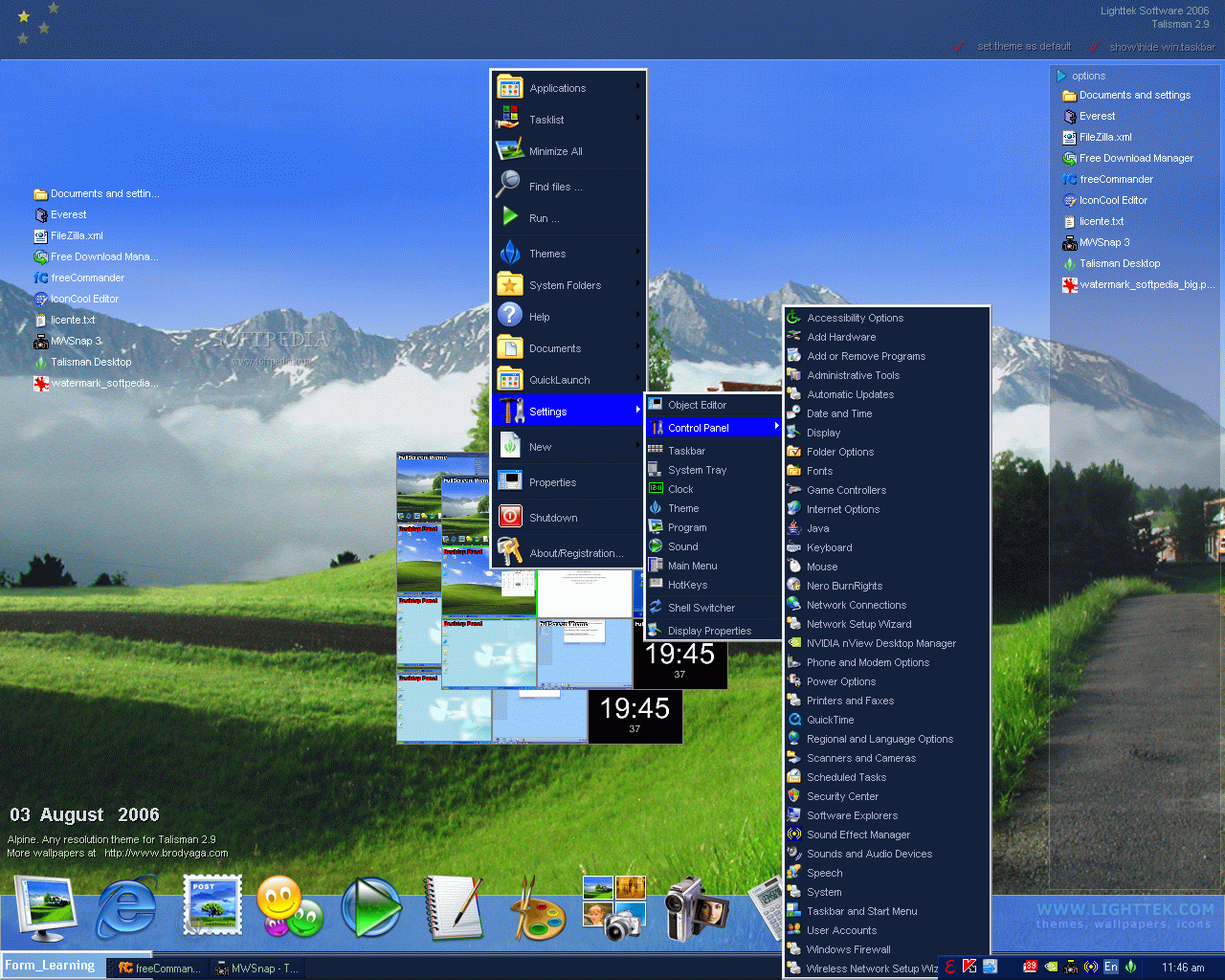
Open Talisman and make some settings in the "Settings" menu, in the right upper part of the screen, and choose your theme from the opposite side. In "Settings" you can make some introductory settings just to see how the software reacts (tray, clock, theme, main menu, hotkeys, program and taskbar).
The Good
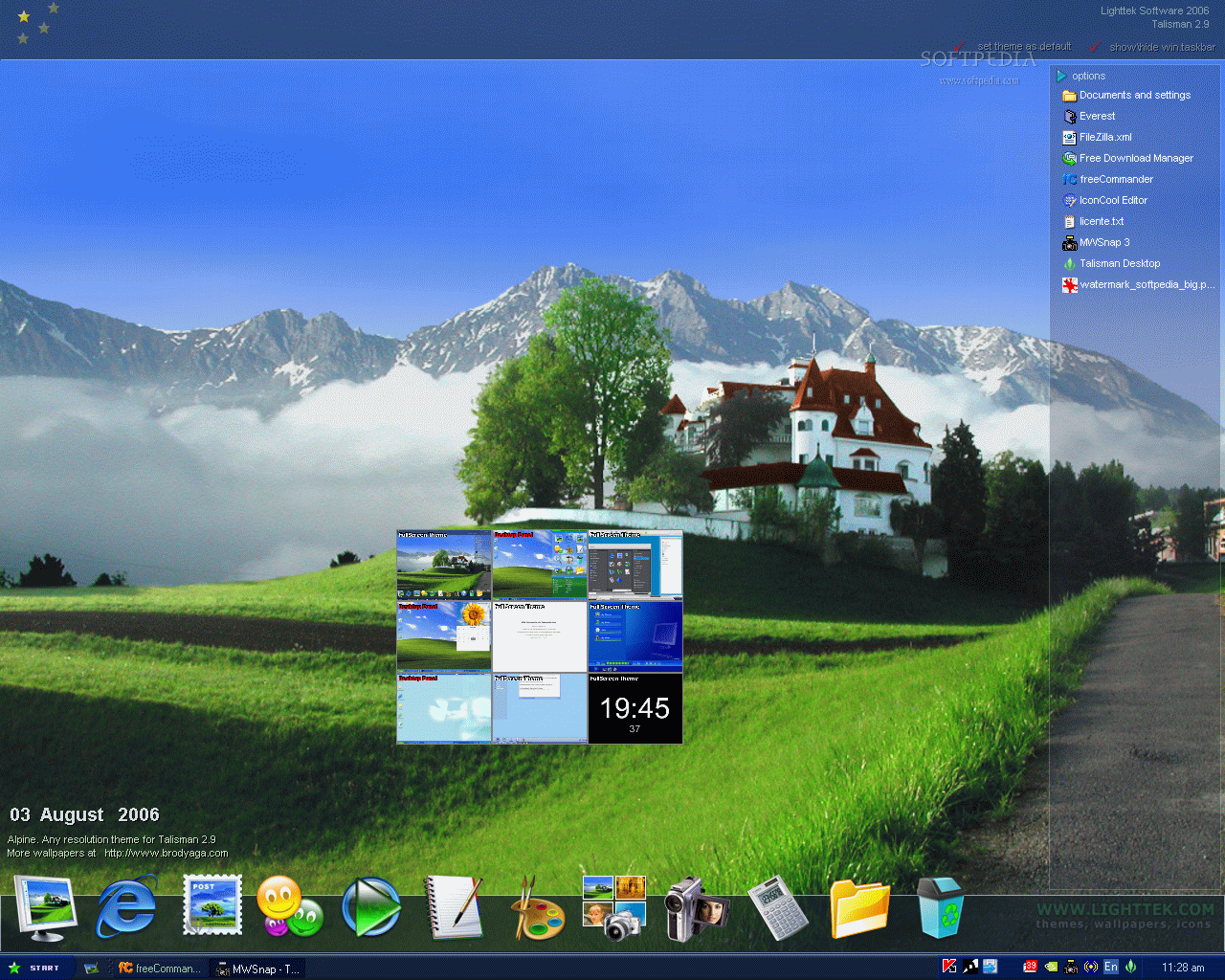
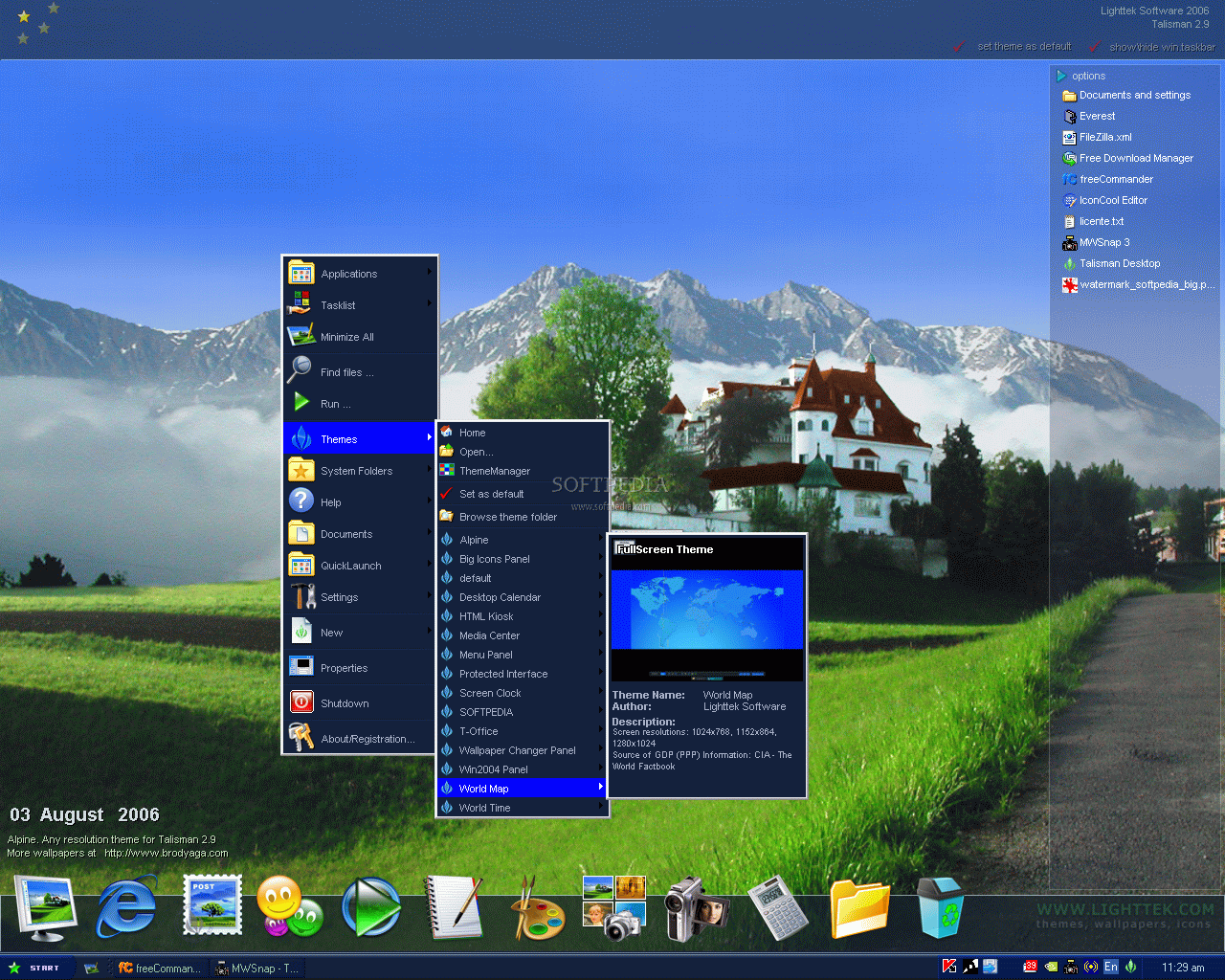
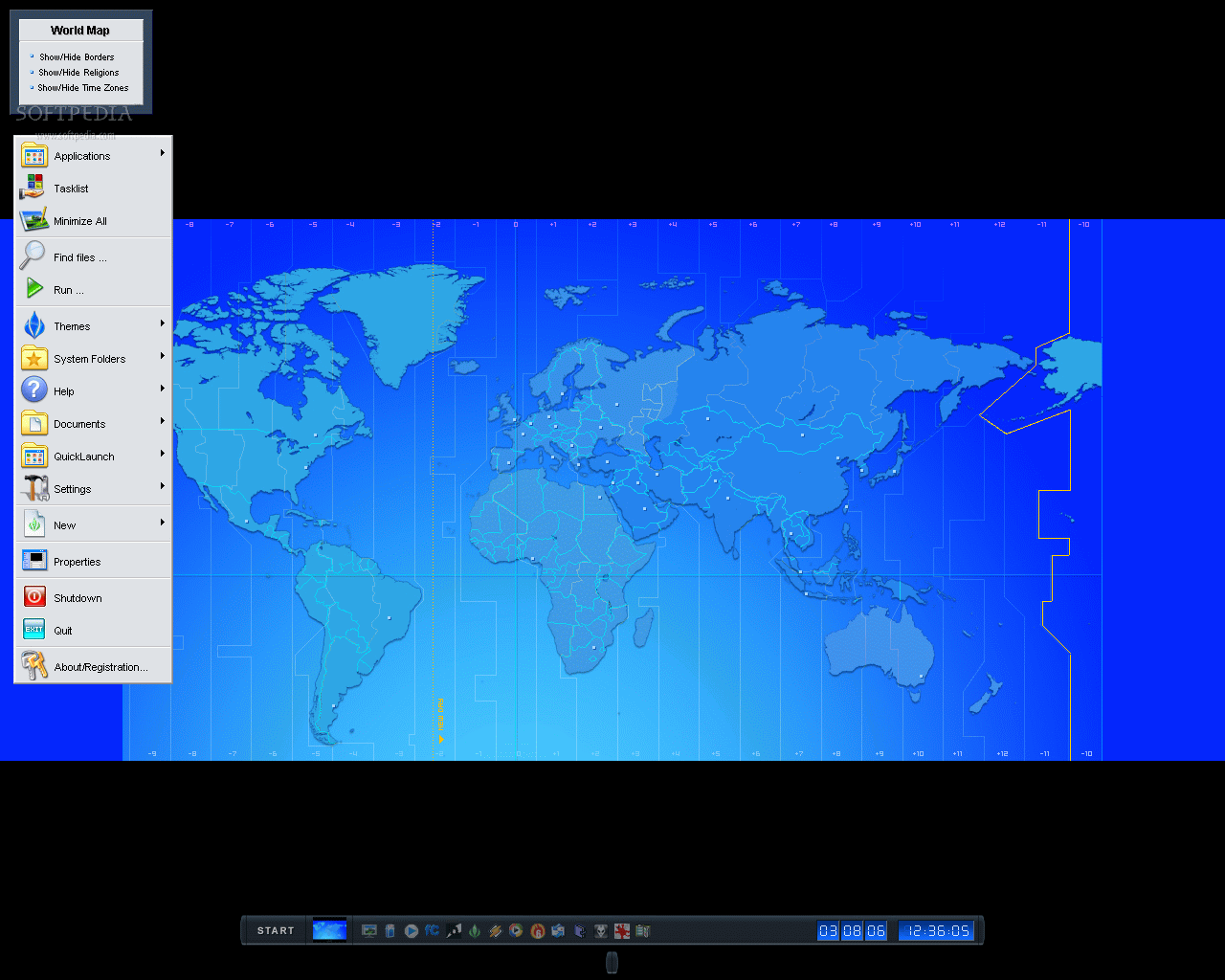
As soon as you open Talisman from the Windows shell you will see things more clearly. The software's desktops are looking just great. The colors and the menu are fabulous. I really enjoyed the taskbar in application mode. All the buttons are fully configurable (you can use different iconsizes for each state of button) and you can add as many buttons as you want. The user can create multilevel user defined desktops.
The Bad
Although the software does not take a lot of memory, in Shell mode it made my computer move a little slower. I couldn't get rid of the theme list on the desktop. It is impressive how easy I found this option and how difficult it is to get rid of it (my opinion is that it is impossible, as I could not find any specification in the Help menu). Moving the objects is also somehow annoying as they do not move immediately after releasing the mouse button, but wait for about a second or two, to see if you are really sure of your action. Of course, the desktop is paralyzed for those two seconds. It's a pity that the software does not also change the other application's windows, to suit the theme.
The Truth
As I am a more practical person, I think that the price is a bit over the limit, but you have to pay the cost if you want to be the boss. I could never pay such money because when I open my computer I don't do it just to stare at my desktop. I am aware of the fact that there are desktop enhancers that cost more than this one, but this is only my opinion. I really liked what I saw, because I have to admit that the "interface" is great, but I expected more. With a little finishing it could become extremely popular. And I am not just saying this, but if there was a desktop beauty contest, your Talisman enhanced desktop would be the winner. Try it for free for a 30 day trial period (this will definitely be worth).
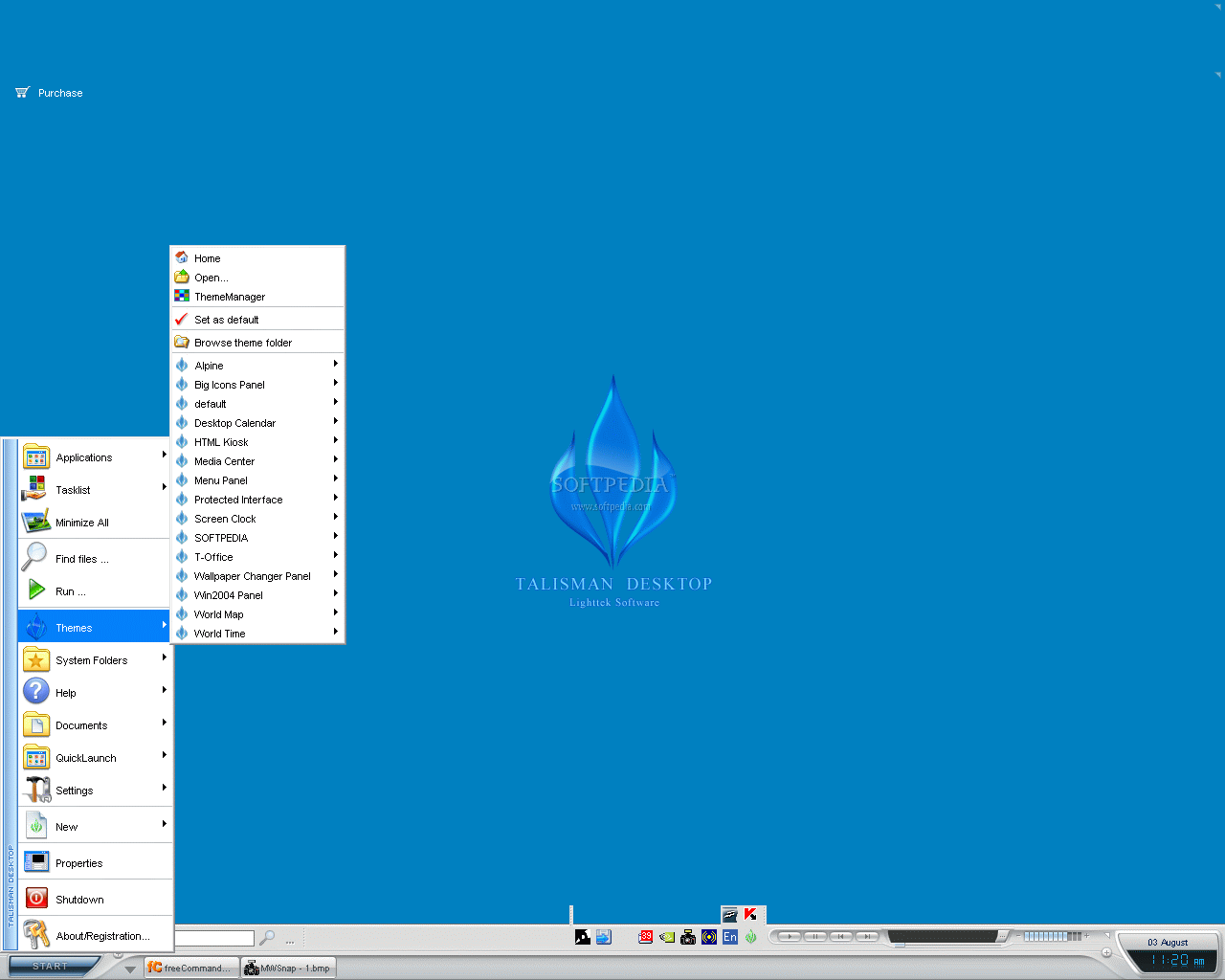
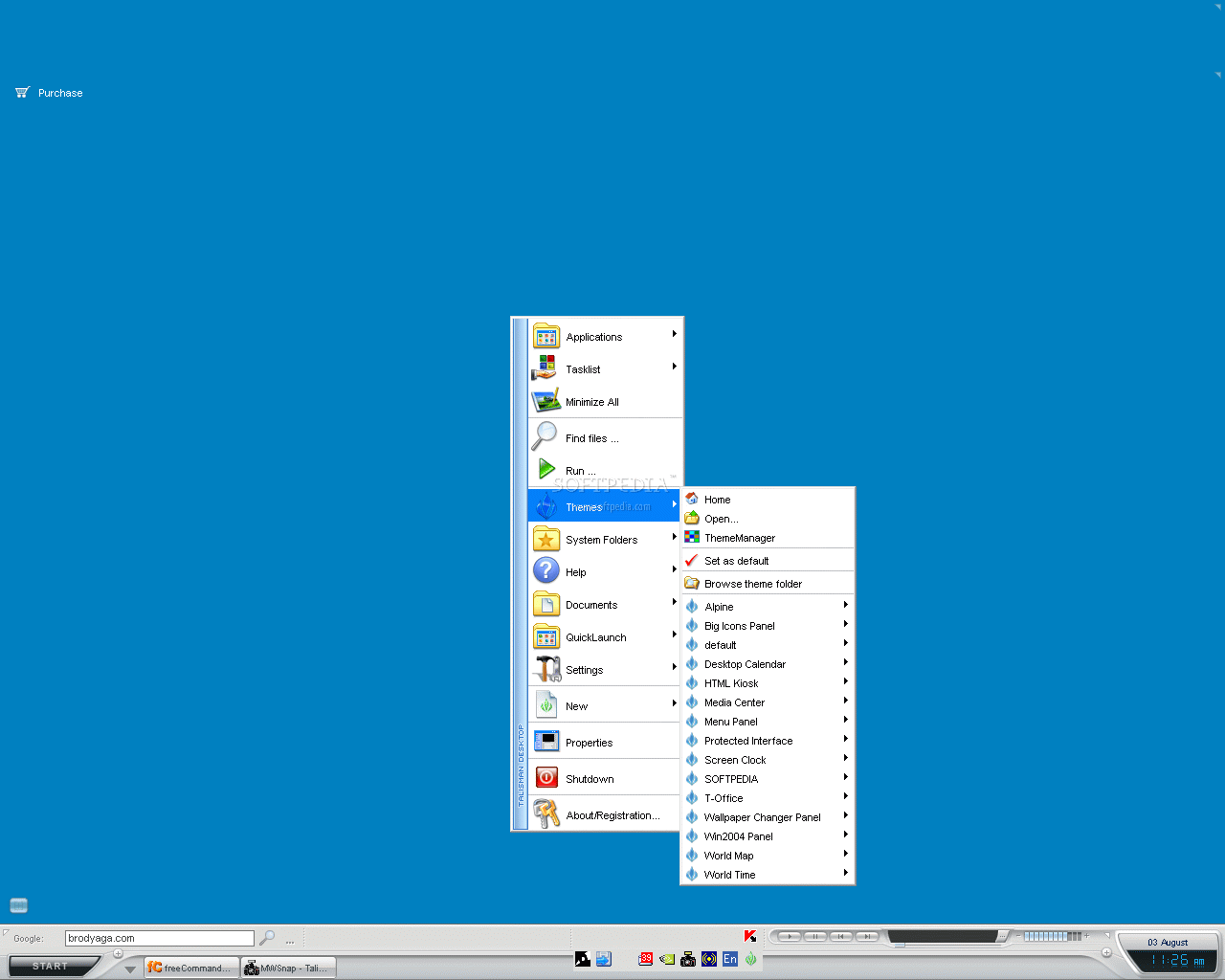
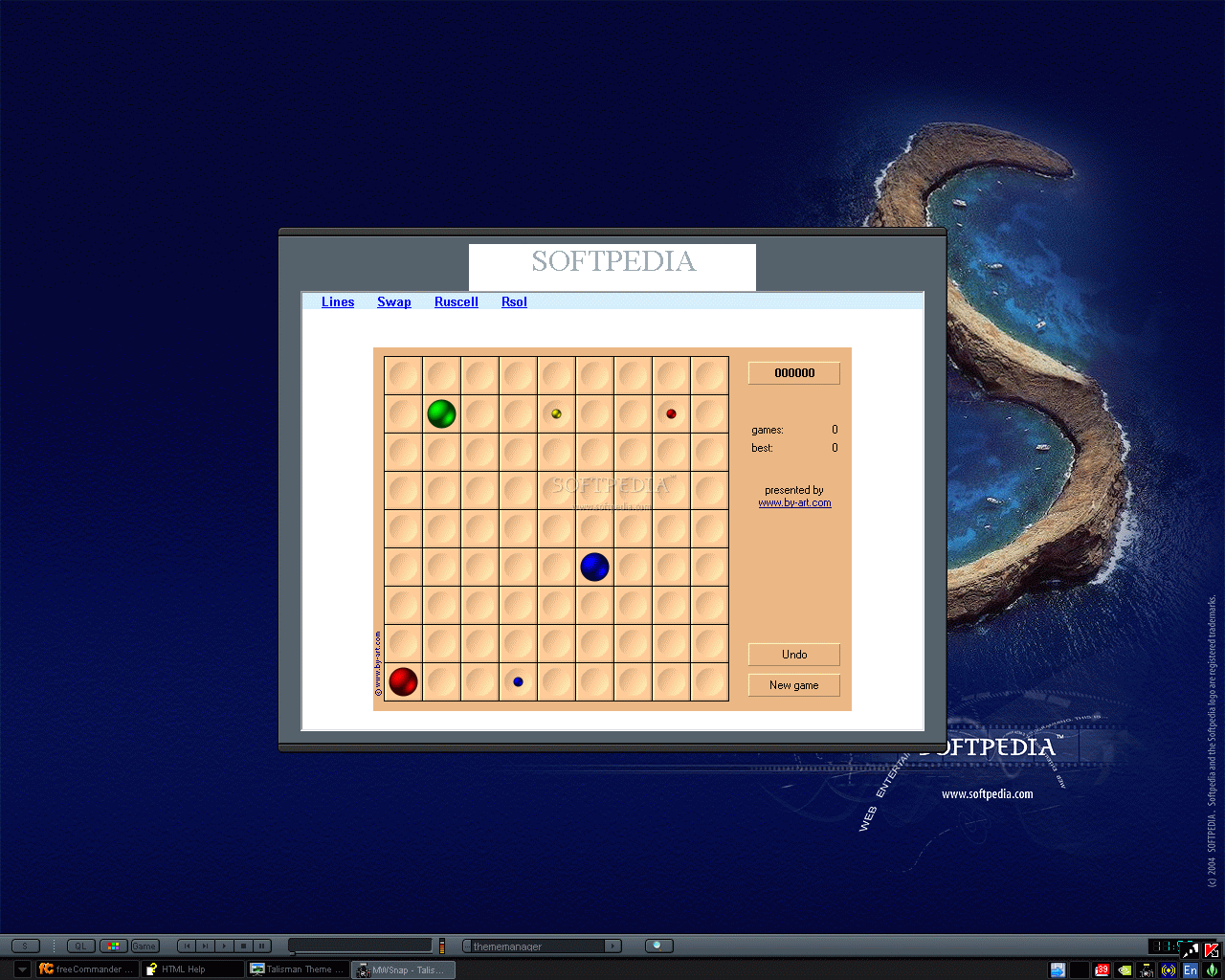
Here are some snapshots of the application in action: