14 DAY TRIAL //
 Most of the people using a computer at work use a text editing tool on a regular basis, and I don't have to prove that. Text editor are also much easier to develop than media players or Internet browsers, and the result is that we have a huge number of such programs floating around. Of course that not all of them are good, but there are enough of them having something special, and this is what I have found today: a special text editor.
The program I am talking about is called Text Suite Pro and its latest version is 3.5.5590. I was just about to tell you something about the license and price, but...what do you know? This program is free! Sounds good for the start, and since the install package has only 3.3MB in size and the setup process was fast and easy to complete, I guess it's the time to move on and discover the program's interface and features, as usual.
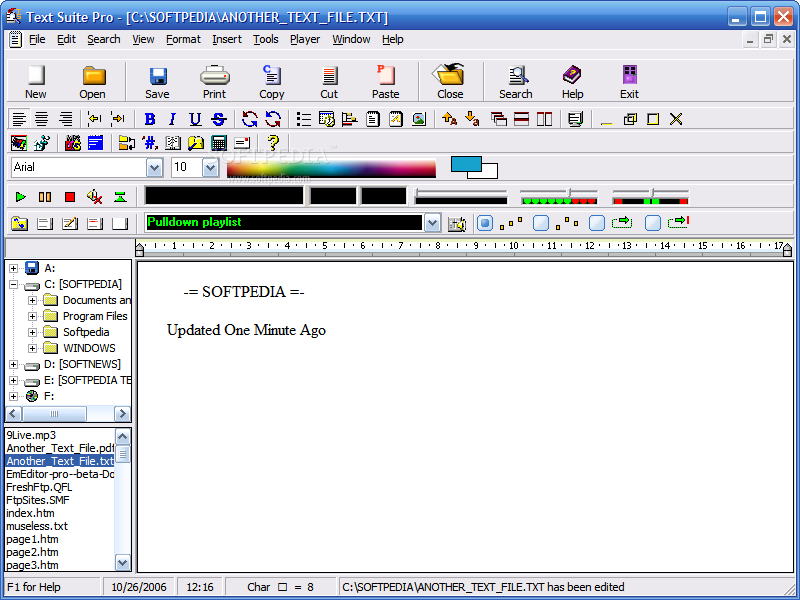
Text Suite Pro is a program with a foot in the past and looking towards the future, because I can't say that its interface blew me away. There are too many toolbar items for my taste, and the icons are too colored in my opinion, but I noticed some interesting things.
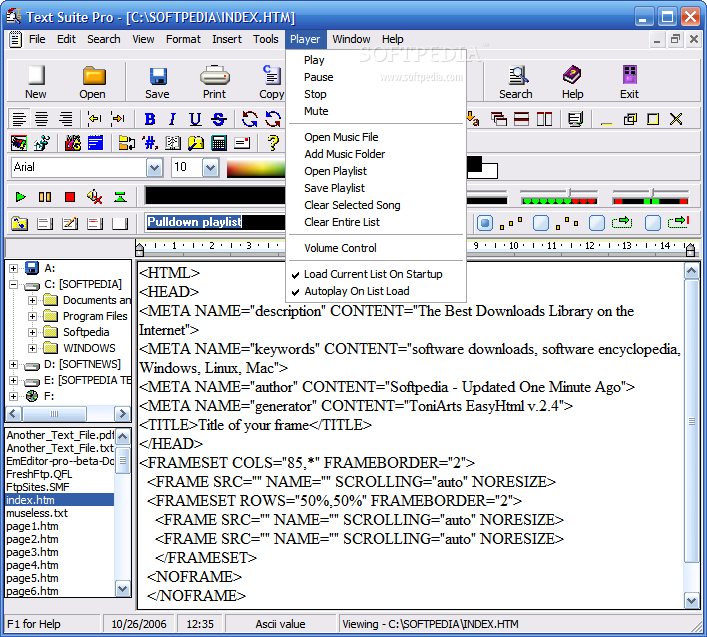
First of all, this text editor integrates a media player, which is at least interesting, although most people won't find this extremely useful, and to be honest, I am not crazy about a basic MP3 player in a text editor since I have my own favorite players. Another feature that is worthy to be mentioned here is the browsing panel that allows you to load files quickly and is located on the left of the text editing area. These being said, let's dig deeper and discover what this program can do for us!
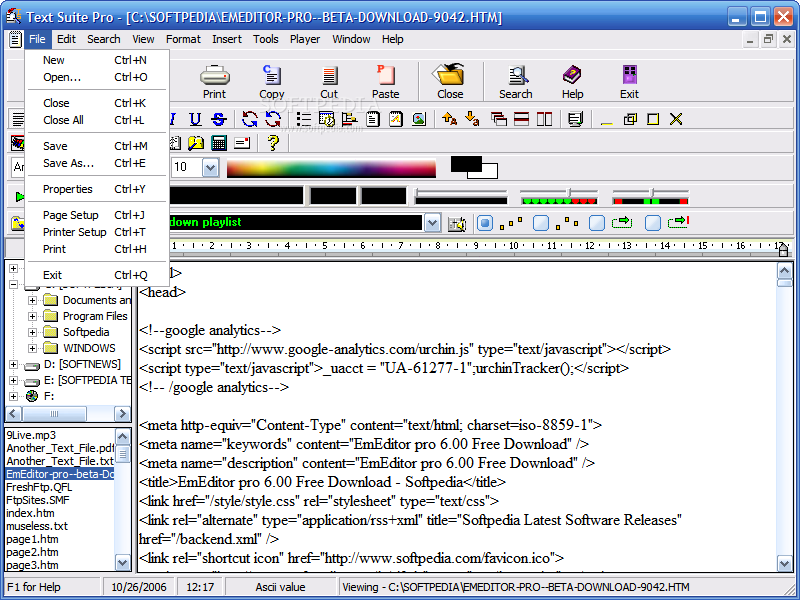
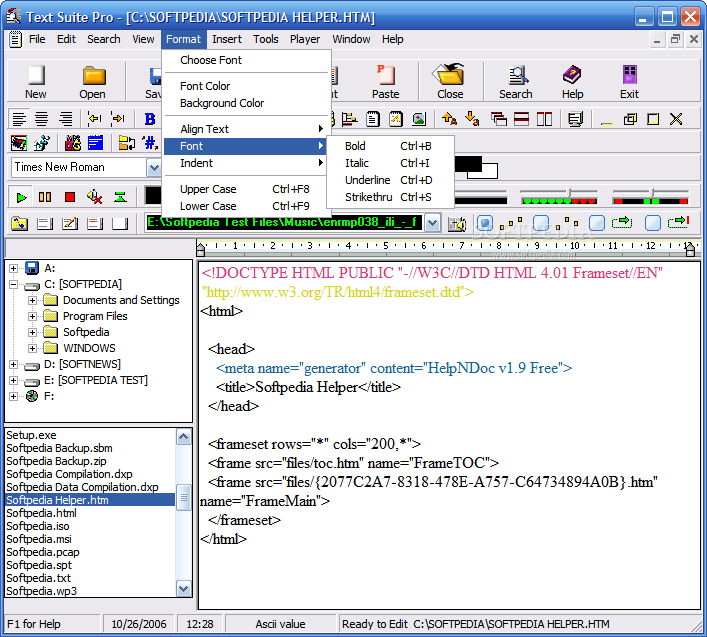
The file support that Text Suite Pro offers is not good at all, because you can save only RTF and plain text files. The RTF format is supported to preserve advanced text formatting, and it would be nice to have at least support for DOC files.
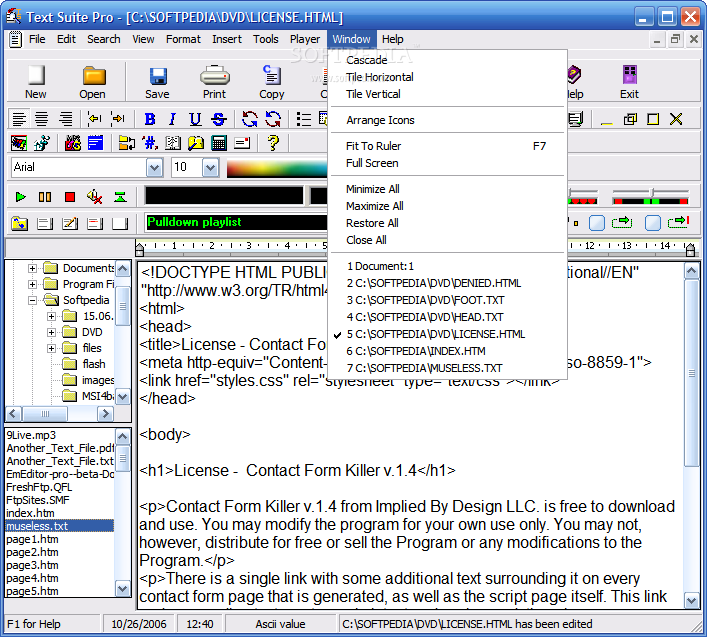
An interesting feature allows you to open as many text files at a time as you need, but there's a major disappointment here: their management is less than poor. To switch between open files, you can use the Ctrl+Tab keyboard shortcut or the Windows menu, but you don't get any tabs to click on. How hard can it be to add some tabs to the interface?? I really hope to see this problem solved as soon as possible, but let's move on.
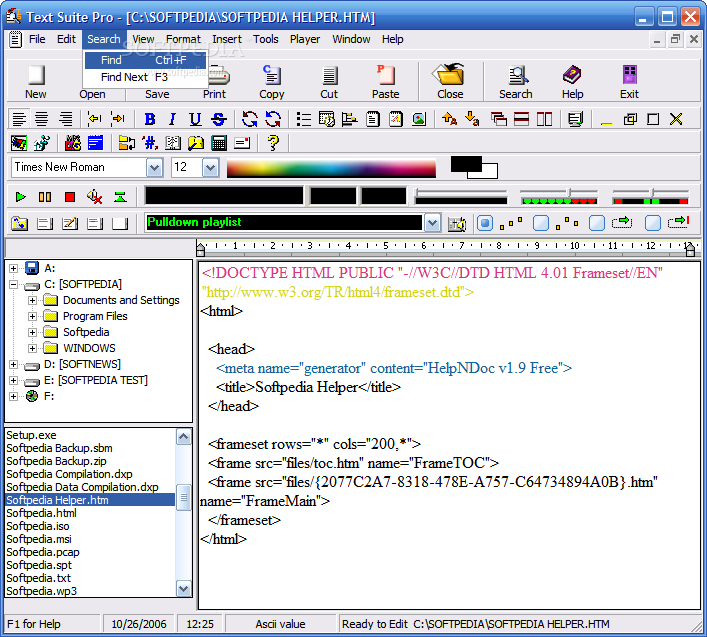
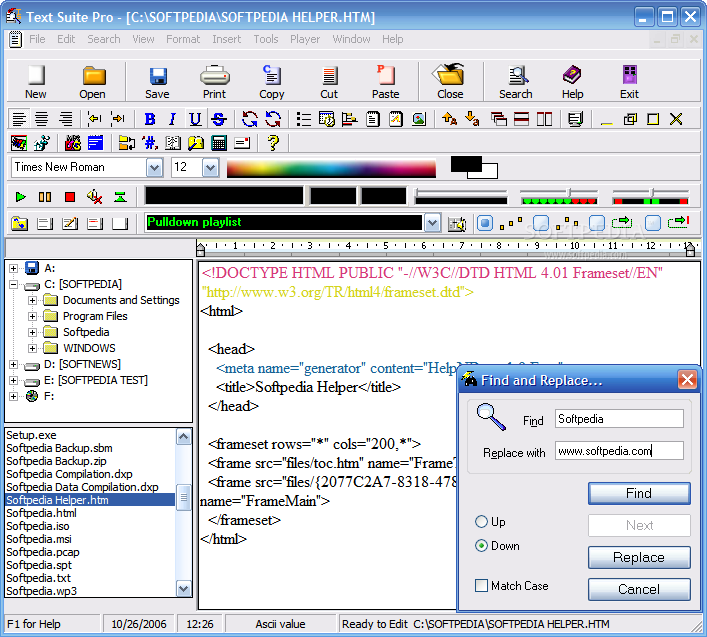
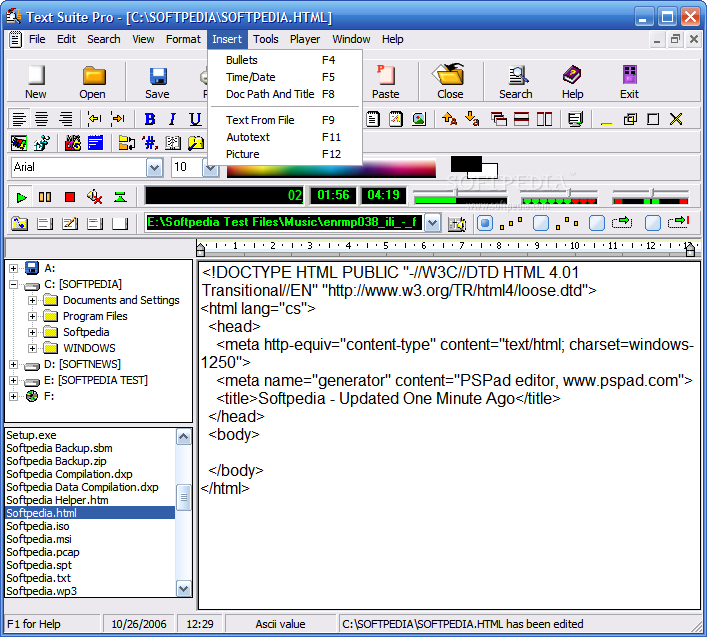
Adding color to your text is done very easy, just select the text and use the color picker - a right click changes the background color of the document and a left click changes the text color. If you want to insert bullets, document path and title, text from a file or built in salutations and greetings, you can use the Insert menu.
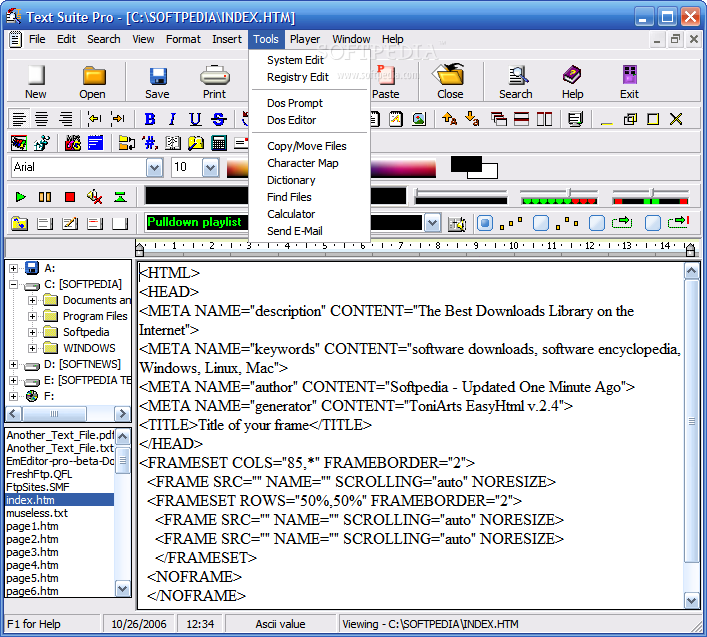
The Tools menu gives you access to Windows tools like the Registry Editor or the Dos Prompt, but you can also use an internal dictionary, a basic calculator or the program's Character Map.
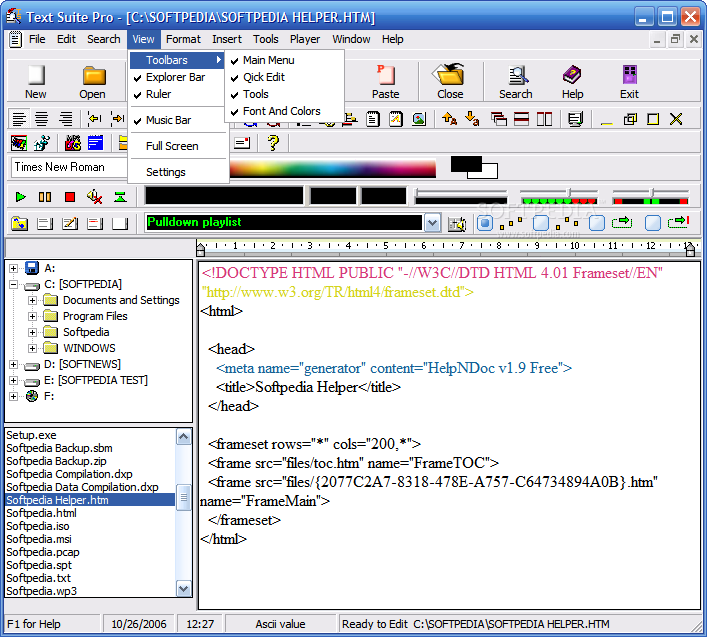
At last, a few words about the MP3 Player must be said. The Music Bar can be hidden or shown as you wish using the Music Bar item from the View menu. Unfortunately, you can only listen to MP3 files, but you can save your playlists, select the playing mode and adjust sound volume and balance. There's not much, but it was really surprising to find this inside a text editor...even better, a FREE text editor!
These being said, you know all there is to know about this program, but you can check it out for yourselves, just to be sure I didn't miss anything. Anyway, don't leave before reading the conclusions!
The Good
Text Suite Pro is easy to use and has some interesting features, making it a good choice for beginners that want to replace Notepad or Wordpad with a free program capable of editing more files at once.
The Bad
I don't think this program is worthy of standing next to my beloved PSPad yet, but some additional file types supported and an improved interface could help a lot.
The Truth
Text Suite Pro is a tool that you must try, because despite its drawbacks, it has something special and it can replace your Notepad easily and probably soon, it will become a worthy Wordpad replacement. The download is small enough and you don't have to pay anything, only dedicate a small share of your time to this. Are you ready?
Here are some snapshots of the application in action: