14 DAY TRIAL //
 The crontab command, found in all Unix and Unix-based operating systems, is used for scheduling tasks to be executed periodically. What it does is to read a series of commands from the standard input that are collected into a file known as "crontab" for later use.
Crond is the name of the daemon that runs constantly in the background and checks the crontab once a minute to see if there are any tasks scheduled, and when the answer is positive, it runs those tasks. Sounds complicated, maybe, but this is a very powerful command, so why not having something like that on your Windows system?
VisualCron is a full featured task scheduler for Windows that goes way beyond the features of the regular Windows tool built for this purpose. What I have here is the version numbered 3.8.5, the trial version, of course. Don't worry, you'll have 45 days for trying it out, the installation kit is 7.5MB in size, which shouldn't be too much for most of you, and the setup process finishes in a flash.
When the installation process finishes, you are required to connect to a server, and the default option is the local host. I have no reason to try any connection to a remote server, so this should be fine for now. Once this step is left behind, we're inside! Let's check the program's interface and some of the available goodies now, shall we?
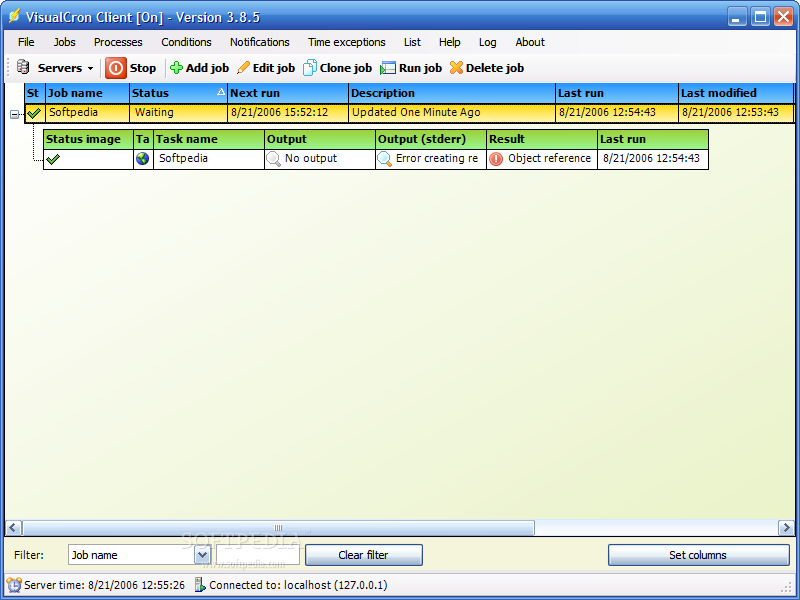
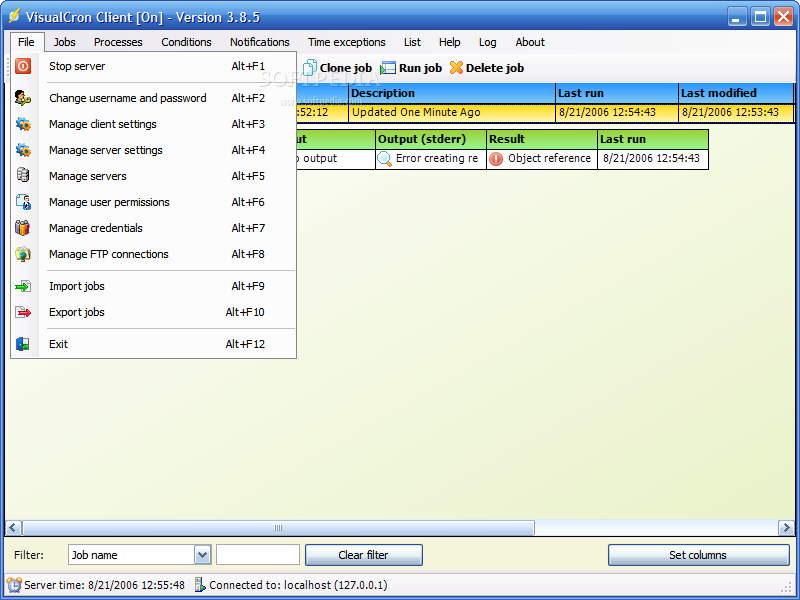
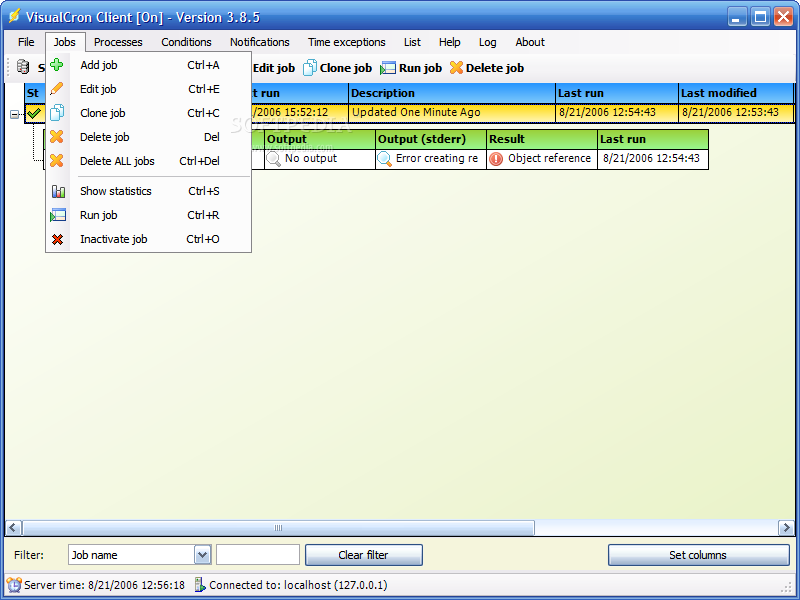
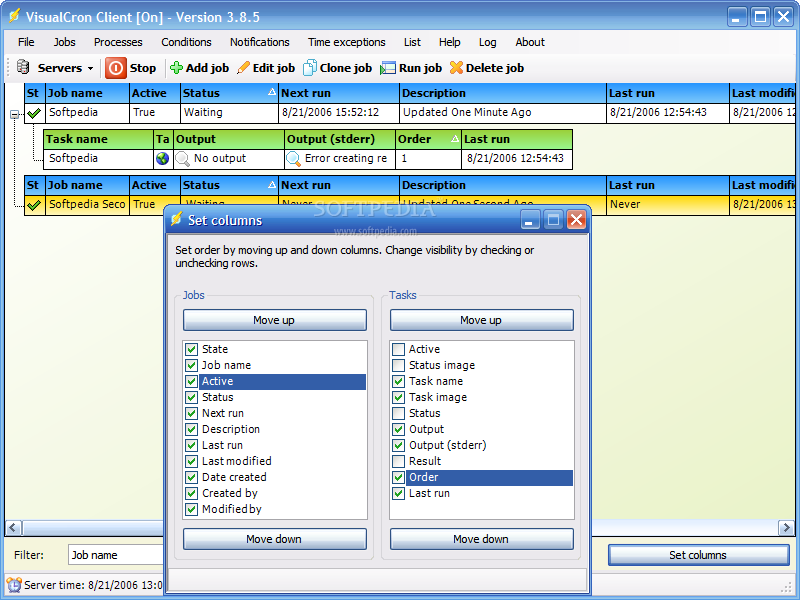
The interface of this program is the way it should be, easy to use and simple yet powerful. What I see here is a menu bar, a toolbar and the main work area. All the icons inside this program are clean, well done and easy to understand, while the interface has been translated in over 30 languages.
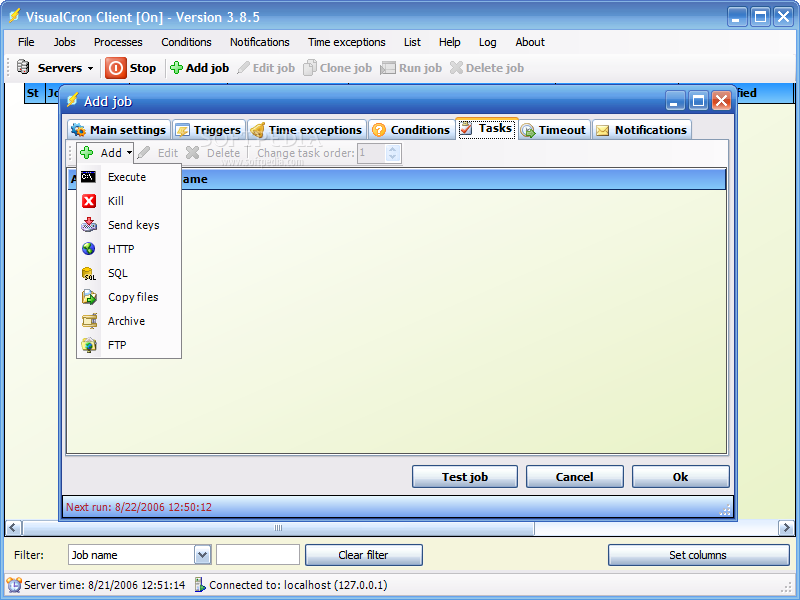
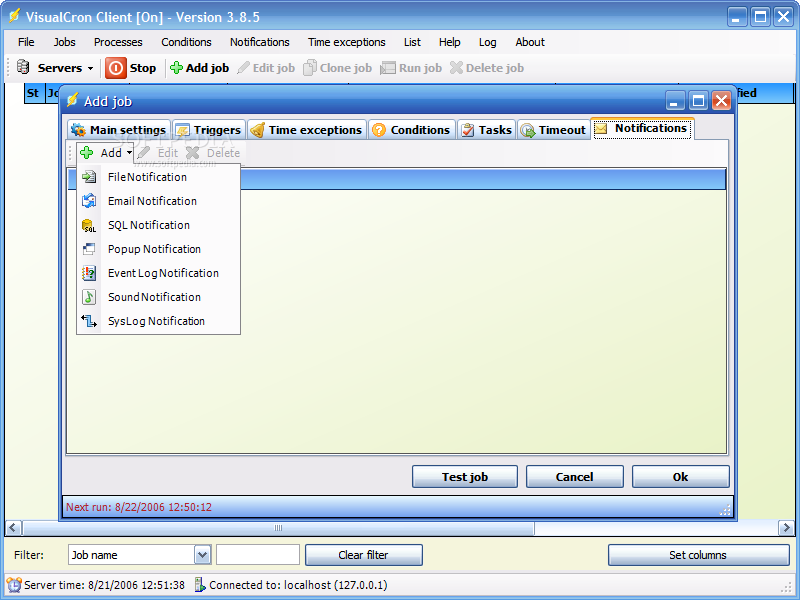
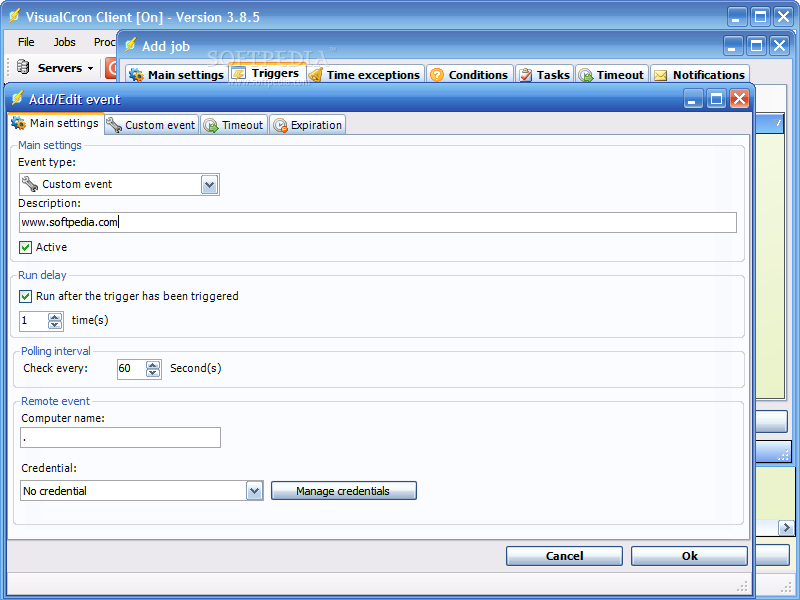
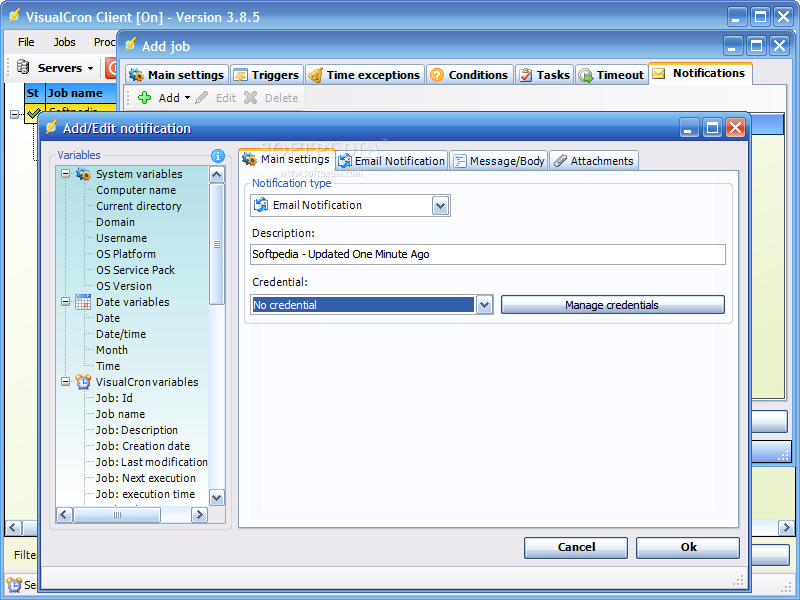
I told you about the Unix cron utility for a reason, to help you understand better my Windows target here, so now I'll tell you more about the way VisualCron works. This program can run any task periodically, within a time interval or once. The task doesn't have to be an executable file, since there are more things that can be scheduled. The flow is trigger, task, notifications.
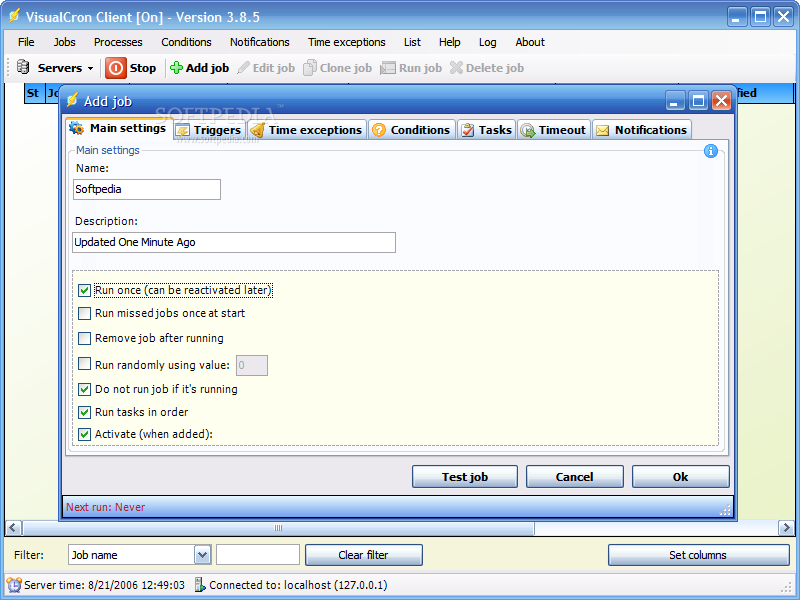
When you add a new job, the triggers, tasks and notifications are the three main elements that you should take care of. The story behind them is that the trigger starts your job, while the job can include one or more tasks, and when everything is done, one or more notifications can be performed.
The three secondary elements of a job are the time exceptions, conditions and timeouts. They can be easily defined by three words: exception, inclusion and shutdown, and you'll see why for yourselves.
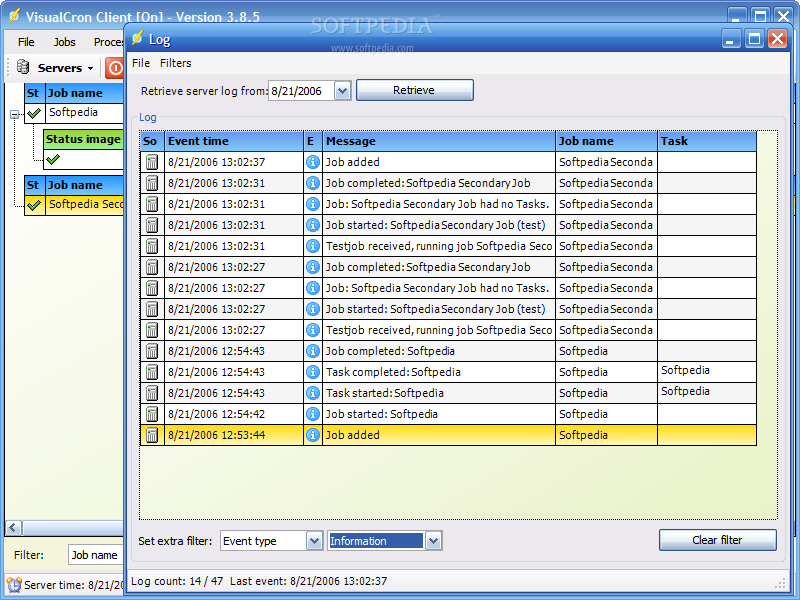
Ok, let's suppose that you have set up fifty jobs and all their individual options and after twenty days you want to check what happened in the meantime. Of course that you have to check the log, there's no doubt about it, but why should you waste your time searching? The Log window allows you to filter the entries based on the day when those events happened, but additional criterions can be used, such as event type, message containing a certain string, even time and others.
The greatest part of this program is that it has a client-server architecture (remember the server connection part, in the beginning?), so you're not limited to your computer. If you're the administrator of a large network, you can connect to remote computers and start various tasks. Just think how easy would be to perform maintenance and checking tasks on the workstations and receive email notifications about that!
The things that can be done with this program go way beyond what I have been able to describe here, and the excellent user manual can help you master this program's secrets in a fair amount of time. Since one month and a half of free trial awaits, go ahead and start it now!
The Good
Interface, features, and documentation, all these are powerful triad behind VisualCron. Even though the tasks that can be performed by this program can be of an increased complexity, it's still easy to use, which is an excellent thing.
The Bad
Beginners may not find this program useful and easy to learn, while people who don't need to enable advanced scheduled tasks may find the 47$ price tag a bit high.
The Truth
I am not crazy about scheduling, but I start to recognize that this can be a great time saver, and not only that. Power, ease of use and flexibility are the three keywords describing VisualCron for me, and the list remains open for you. Arm yourselves with a little patience and prepare to start your trip!
Here are some snapshots of the application in action: