14 DAY TRIAL //
 Even if we might not always be aware of this fact, most of us like to have our things organized in a predefined manner, this being the way we feel most comfortable. Moreover, this is true both for our material possessions, like furniture or our wardrobe, and our virtual data. Just in case this introduction confused a bit, I will simply ask you to think of your computer – your desktop, to be more precise. I am sure that you have a certain layout for all your icons that you have been using for a long time, and this is probably the case with your wallpaper too.
Also, let's assume that you like the WYSIWYG software – “what you see is what you get,” the type of application that doesn't require you to be a genius to come to grips with the functions of all the buttons, or to play the detective to discover their hidden menus. And this is where Wallpaper Changer comes to take the center stage: as you can see, even its name is self-evident and reveals its functionality, which is to change the background of your desktop.
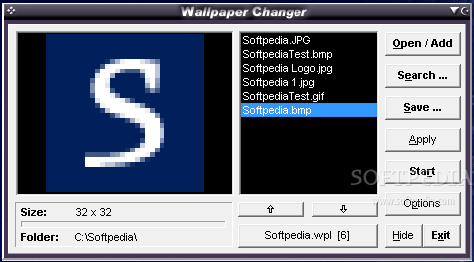
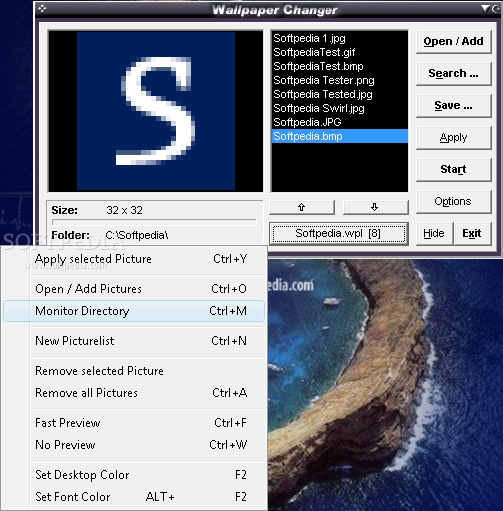
The interface of this software is simple and easy-to-use, and will display all the images that will be used to enhance the appearance of your desktop. In other words, you choose the wallpapers that you like the most, and they will be shown on your desktop. Furthermore, you can create customized playlists that you may apply according to your mood or taste. For example, let's assume you are working on a shared computer and, consequently, cannot personalize it as much as you would like. A way to solve this “problem” is to simply create a list with the pictures you like the most, then save it as a .WPL file that can later be loaded within the application.
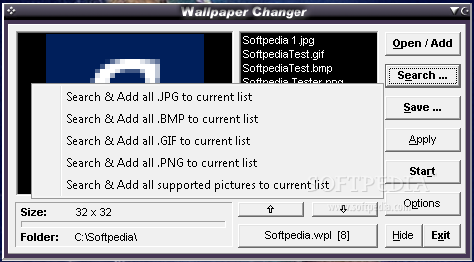
On the other hand, many of us have large collections of pictures in various formats, and usually not all of them are of very high quality. Instead of manually adding each good image to the playlist, you can easily specify a folder, and add only the file that is in one of the following formats: JPG, BMP, GIF or PNG (of course, you can also choose to load all the supported files from a certain folder).
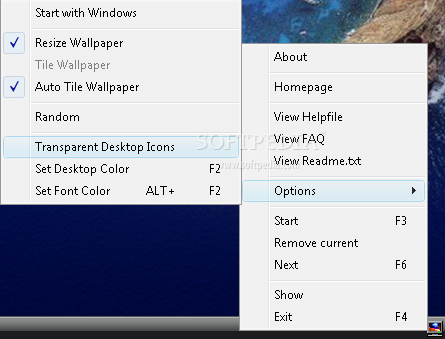
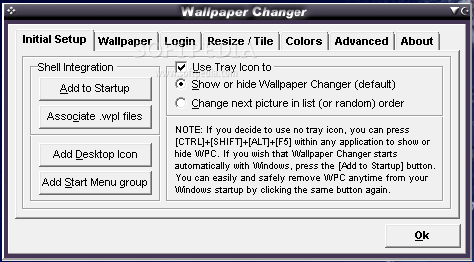
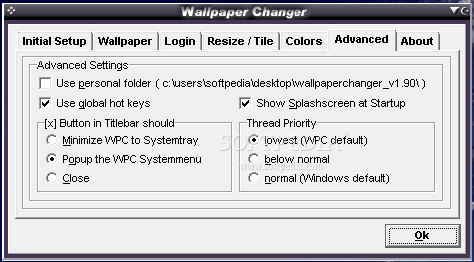
Moving along to the Options window, now is the time to stress that Wallpaper Changer can be configured to run unattended in the background, without disturbing you from your work. The only thing you need to do is just to set the options once, and they will remain the same even if you reset the software. To be more precise, you can choose to hide it in the system tray or Start menu, as long as you remember the key combination that needs to be pressed to bring it back to the foreground.
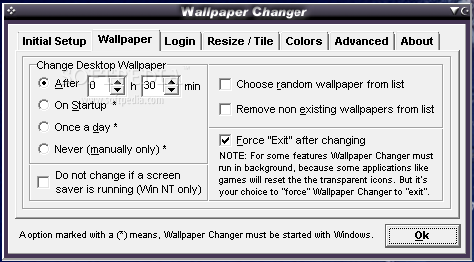
We have now reached what can be called the very essence of this software, namely the automatic wallpaper switching. You will have the possibility to change it every hour or at a time interval of your choosing, or you can just replace it at system startup. As is the case with music playlists, here too you can specify the order of the pictures, or you can settle for the random mode, if you want to be pleasantly surprised every time you open your PC.
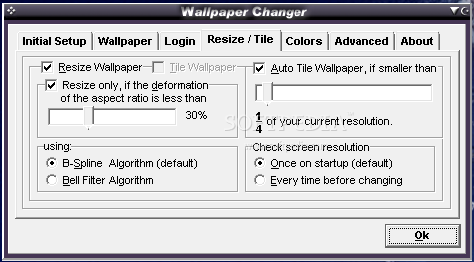
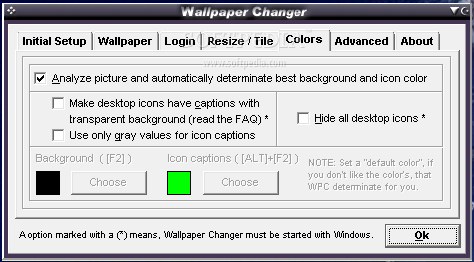
A great feature of Wallpaper Changer is that it allows you to resize or tile your images, depending on their dimensions, without asking you for these settings every time it modifies the background. Since we’re speaking of “set once, forget about it” options, you can also select the background and icon colors for your desktop (or even hide them when you want to admire a particular landscape in all its greatness). Even if these features may not seem all that relevant, they come to complement the purpose of Wallpaper Changer, which is to personalize the appearance of your computer.
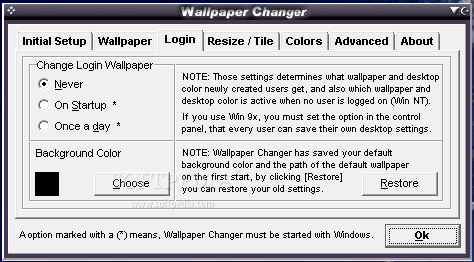
Here are some snapshots of the application in action:
The Good
The Bad
The Truth