14 DAY TRIAL //
 Growing up, time-zones have always been both fascinating and somehow ambiguous to me, as I could never fully understand why people said that in Japan, for instance, New Year's Eve was always earlier than ours - after all, we were all beginning a new year. Also, I couldn't quite figure out why when we went to bed at night, people in Alaska were just starting their day. It all sounds childish, but for a kid, these seemed serious issues.
Luckily for nowadays' youngsters, there are tools and software applications that not only explain and illustrate this natural process, but also help us calculate the exact time in other parts of the world. WorldClock is one of these utilities that will enable you to improve your timezone-related skills. First of all, I need to warn you that it is not free and that the demo version won't allow you to save your settings between sessions. Nonetheless, its price is quite affordable ($20) if you really value your knowledge, especially since you will be allowed to extensively test its functionality before making a purchase. So, it is really up to you if you want or need the complex functions of WorldClock.
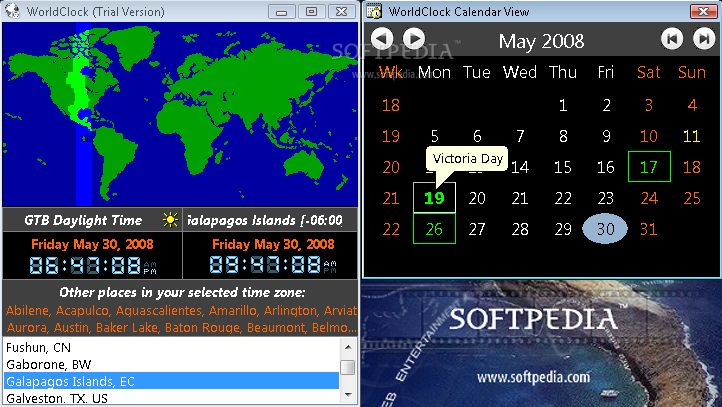
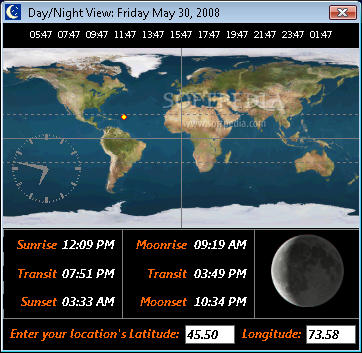
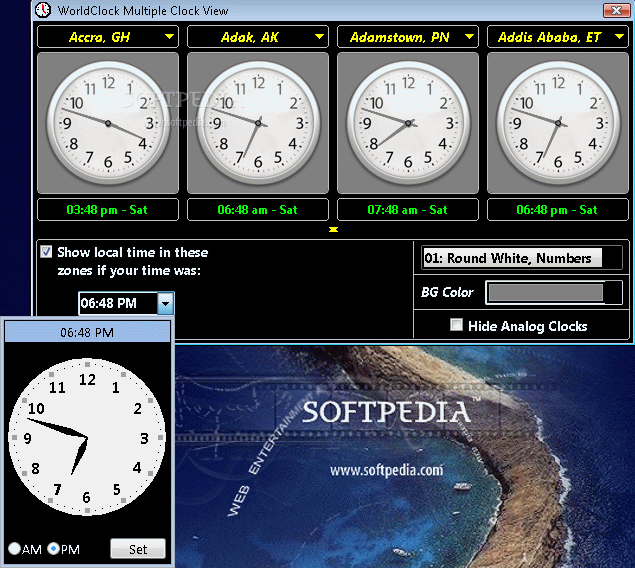
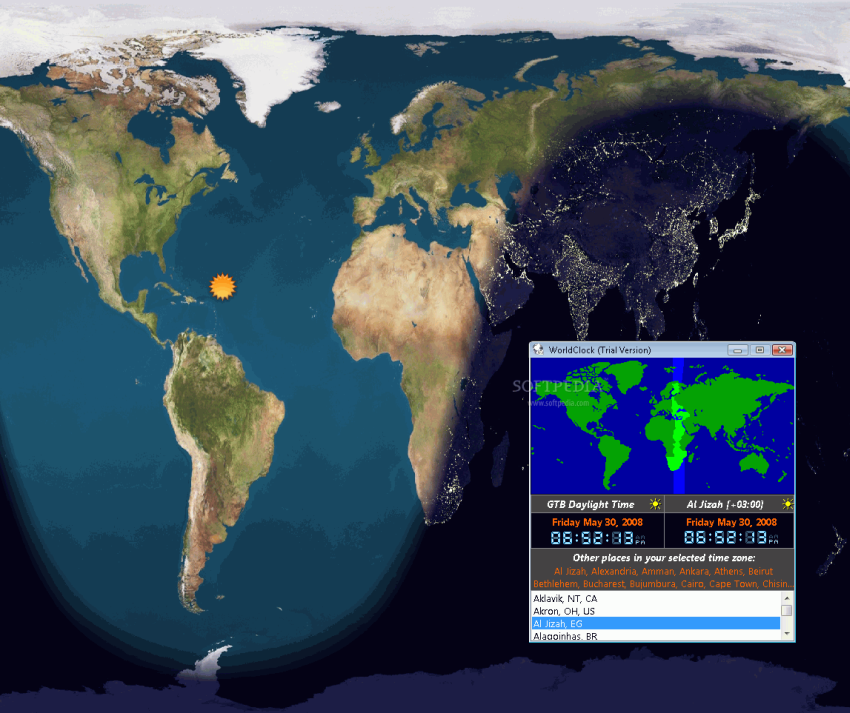
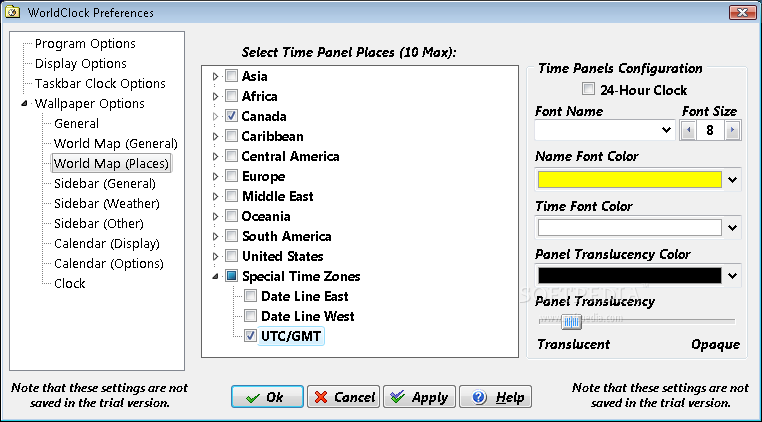
First of all, you will see the function of timezone calculator that will display the corresponding time in several parts of the world and you won't even need to make any calculation. If this doesn't seem much, maybe you will be pleased to know that you can see the day/night distribution over the globe with just one mouse click that will launch a window. And if this still doesn't impress you, then I'll tell you that WorldClock also enables you to enter a specific hour and date (even if it isn't the current one) and see its equivalent on the other side of the planet.
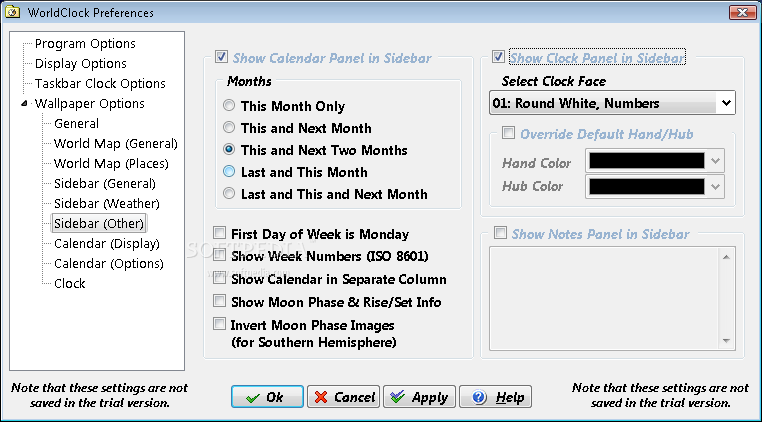
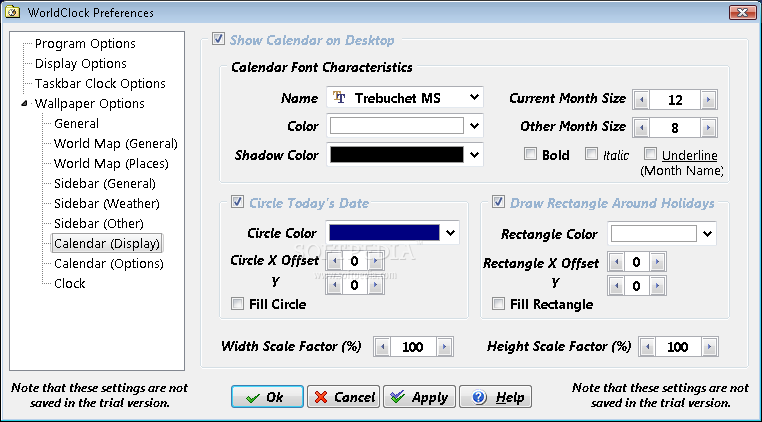
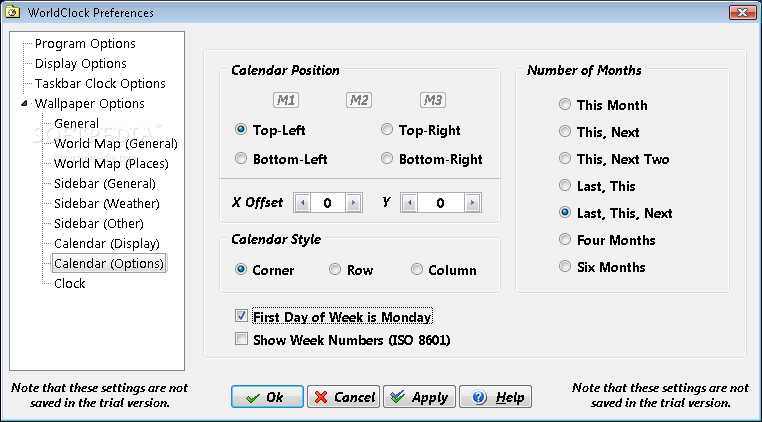
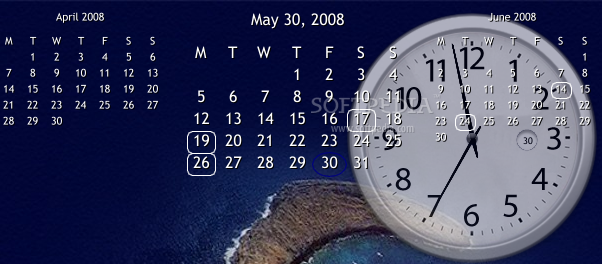
Another role of WorldClock is to add a desktop calendar that will also display the default holidays, so you won't be taken by surprise by some unannounced celebration. You can choose to see the current month, as well as the previous and the following one, and you can even specify the first day of the week (good to know that there are still people who take this into consideration). In addition, besides being able to select the calendar's location, you will be able to customize it by picking a certain font type and size (you can choose a large font for the current month, and a smaller one for the previous and the following months.)
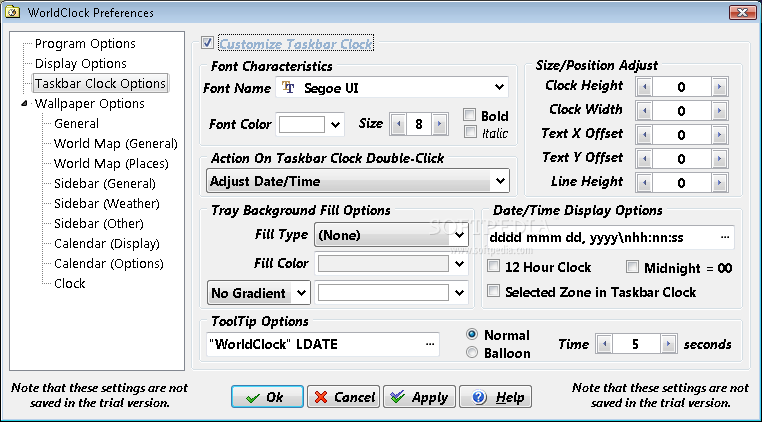
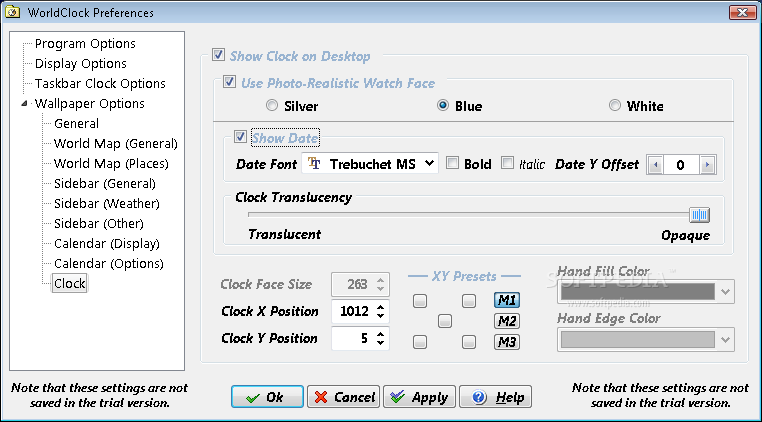
Continuing on the customization part, you will also be able to add a personalized desktop clock that will have exactly the colors you set up, thus matching the rest of your OS theme, and can also display the date. You probably won't need this considering WorldClock offers you the possibility to modify the taskbar clock in order to show the date and the time in the formats you are most familiar with.
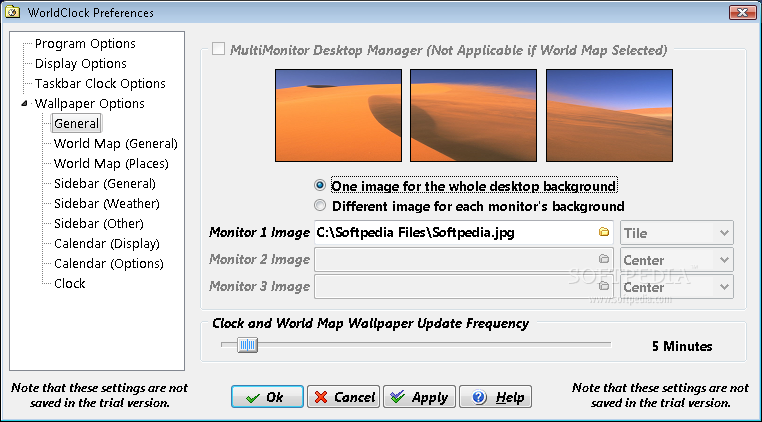
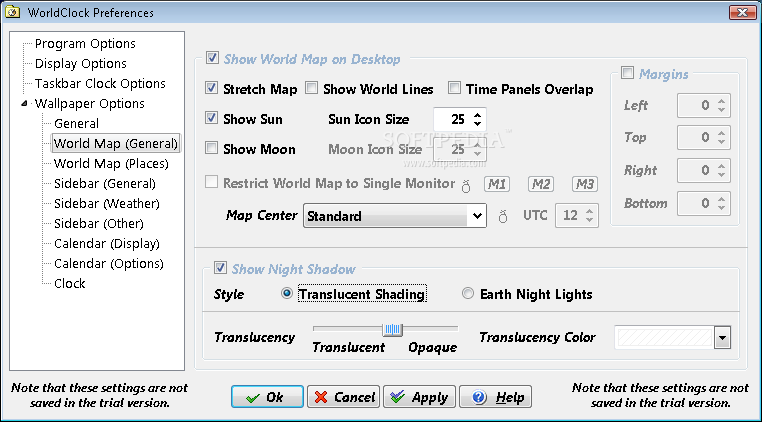
Furthermore, WorldClock will help you personalize your computer and open up to the world as a whole by placing a timezone wallpaper on your desktop that will show you the current position of the Sun and the Moon, as well as the areas where there is night or day. This wallpaper is not animated, therefore it won't require a lot of RAM, but you can refresh it regularly so it will always be up-to-date.
As a matter of fact, another way of keeping up-to-date is to use the time synchronizer provided by WorldClock that will adjust your computer clock and will sync it to a time server you can enter (but you can always use the default one).
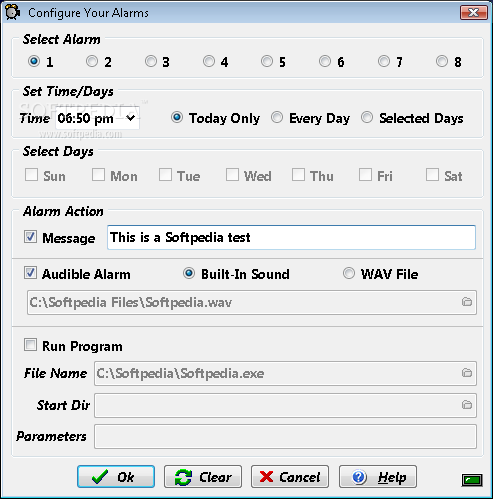
Last but certainly not least, there is the alarm scheduler that will display a notification, play a specific sound or launch an application - even though you might claim that a popup message window would be enough to remind you of a deadline or of a planned event, you should remember how often you postponed the alarm until you forgot about it. So you can use WorldClock to remind you of a certain task by playing a particular song or by launching the text processor, or the web browser, or any other application that you commonly use in your work.
The Good
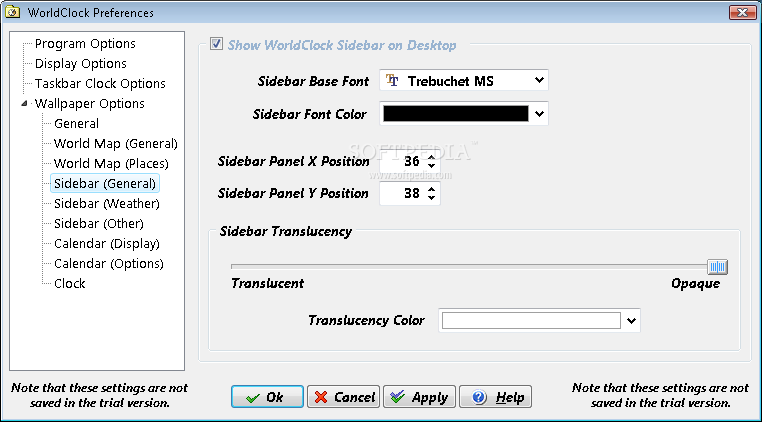
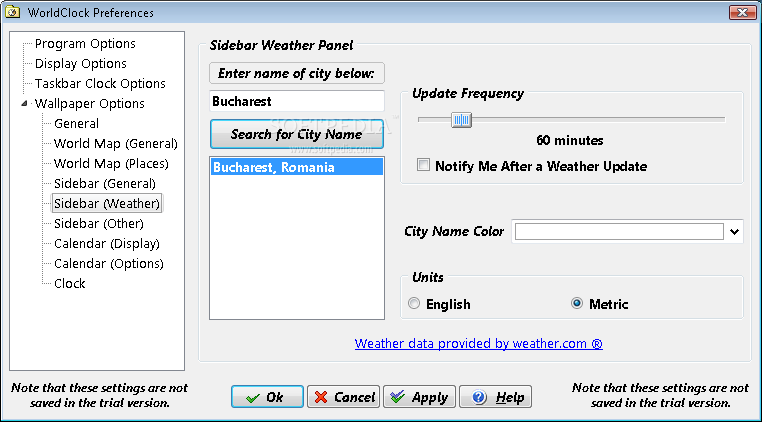
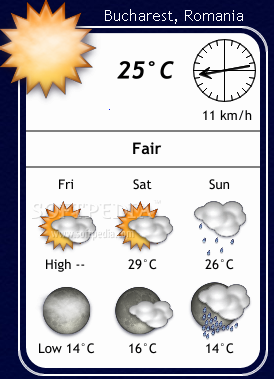
To be honest, WorldClock does much more than its name suggests and you can put each of its functions to great use. You can come up with a unique computer that has desktop weather reports and a personalized calendar, a timezone wallpaper and a replacement for the standard taskbar clock, then synchronize your PC clock to the official Internet one. Don't forget to schedule the reminders and you are set to start a new stage of your life.
The Bad
While testing WorldClock, I did not come up with any major drawbacks, and the ones I did encounter were related mainly to the usage - sometimes the settings are not quite clear, but you'll quickly get out of the fog using the extensive Help file.
The Truth
Overall, I have to admit that I'm amazed I discovered WorldClock so late in my life, but it's never really too late. I have already designed a new professional appearance for my computer and the alarm scheduler will surely help me improve my office performance reminding me of tasks in due course. And if I do my job really well, maybe I can go on that round-the-world trip I've been dreaming for so long, so I'll need both the timezone calculator to make sure I don't miss my flights and the weather reports to always get the proper clothing. To cut it short, world, here I come!
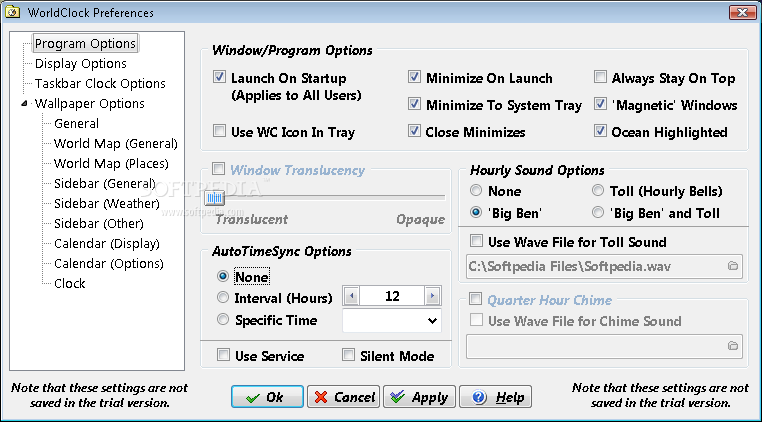
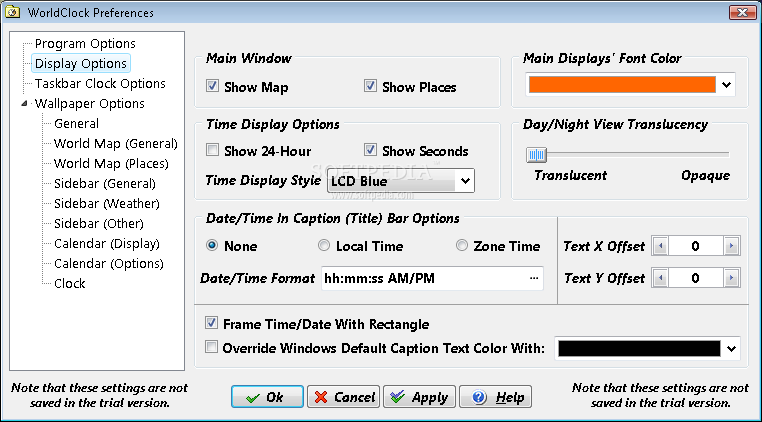
Here are some snapshots of the application in action: