| A new answer to your compression problems |
| By: Alex Muradin, Editor, Software Reviews |
|
|
|
Version reviewed: 6.0.2.1060
ZipGenius has greatly evolved over the years, and today it isn't just a zip/unzip application, but a perfect companion for your work.
ZipGenius is not only a great solution for those who need to archive and protect their files and projects, but also suitable for everyone who just wants to share pictures and music files.
Version 6 of ZipGenius take advantage of the experience acquired since ZipGenius 5 first public release: we got bug reports, compliments, critics, suggestions and feature requests, and everything has contributed to build a better ZipGenius day after day. ZipGenius now is more flexible than before, it has been improved and it is faster, but it still is easy to use.
Some features:
-Support for 7-zip compression format
-Support for OpenOffice.org/StarOffice documents
-Multilianguage system
-ZipGenius 6 is a typical application for Windows® environment, but today Linux is closer than ever: RPM, TAR, TAR.GZ, TGZ, GZ, Z files are well supported and you are now enabled to move files from Linux to Windows® and vice versa.
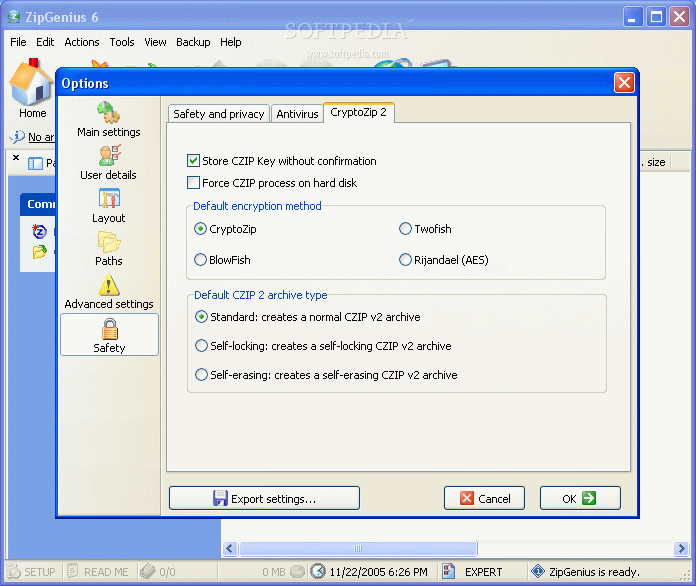
-CryptoZip 2.1 gives better encryption algorhythms to lock your archives.
-ZGAlbum has an important role: it allows you to create slideshows with your favorite pictures, which can be loaded from a folder or imported through a TWAIN device.
DOWNLOAD PROGRAM
REQUEST A REVIEW
|
Need Compressing?
Winzip, WinRar, 7-Zip, ZipAl, WinAce, there are so many compression tools to choose from that you really get lost in the mix. Which is the right one for your daily needs? Let’s find out if ZipGenius can appease both intermediate and power users.
I’d have to say that I wasn’t expecting ZipGenius to be as good as it was, especially in the grab-bag market of compression tools. It was a pleasant surprise after sifting through a list of sub par compression applications.
It’s got a great interface, decent speed, but more importantly, I actually enjoy using it. It supports Windows 95, 98, Me, 2000, NT and XP.
What’s Included
It works with: ZIP, RAR, 7Z, CZIP, EXE (ZIP SFX), JAR, DSFZ, BSZ, SXW, SXI, SXC (OpenOffice.org 1.x documents), OOT (OpenOffice.org 2.x documents), TAR, TAR.GZ, TAR.BZ2, TAZ, TGZ, ISO, NRG, CMI, WAL, UPX and many others.
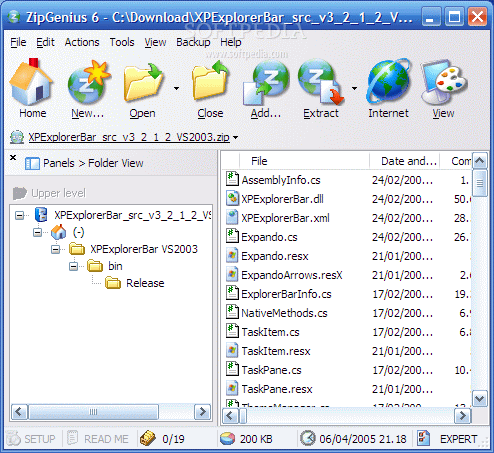
After your basic install, I was able to grab, unzip and compress the basic .ZIP and .7Z files without a hassle. I liked the look of this program since ZipGenius resembles the typical Explorer style view and I thought it had some decent features.
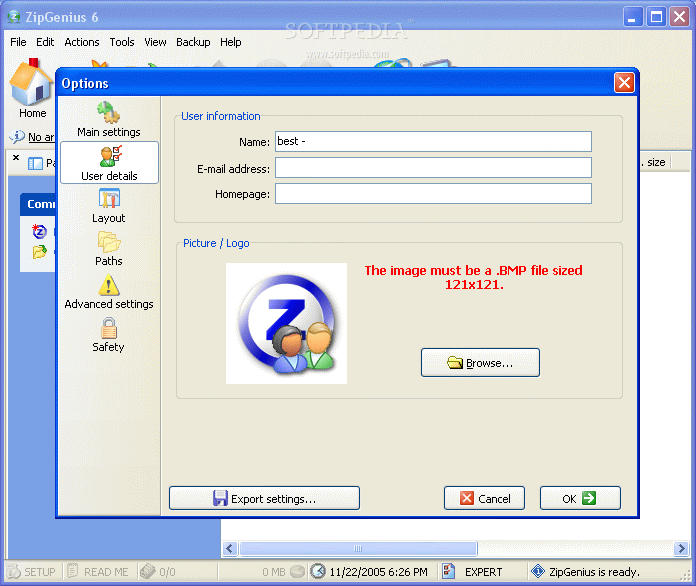
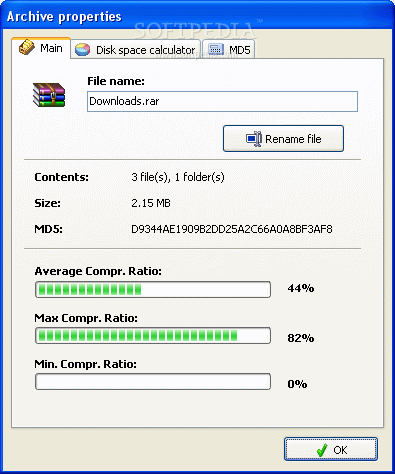
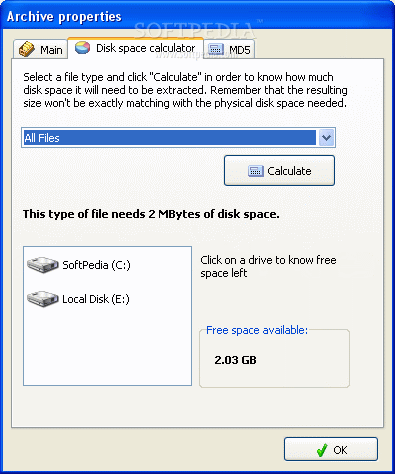
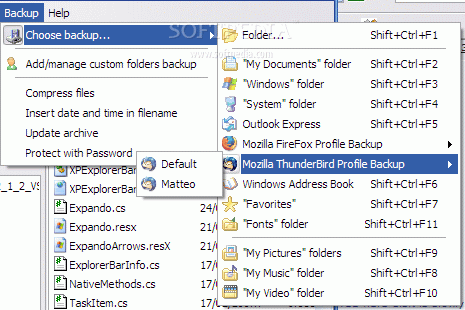
The one I mostly enjoyed was that ZipGenius allows you to add your signature and contact information to any zip file you create. It offers encryption, antivirus scanner support, backup, statistics, download time calculator, disk spanning, file export and support for OpenOffice. You can also create self-extracting exe files (this includes a setup launch and icon).
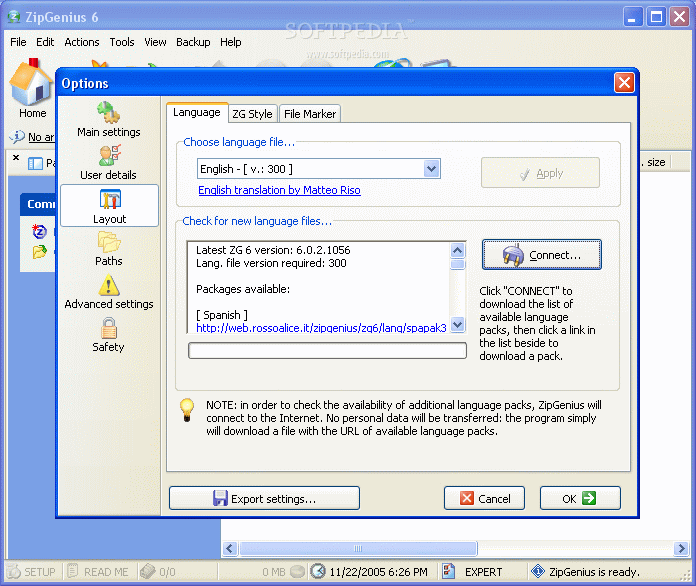
ZipGenius has a multi functioning plug-in support which has the capability to use the Open Source UPX executable compressor to further compress (.exe, .dll, .ocx, .img) files. It is available in English and Italian and you can download a Language pack with Spanish, Polish, Japanese, German, Chinese and Swedish.
border="0" style="margin-bottom: 5px;" src="http://news.softpedia.com/images//news2/ZipGenius-4.png" alt="" /> It doesn’t cost you anything to get, but donations are definitely encouraged. Some key features to focus on would be ZipGenius’ rapid compression speed, but it lacks in how good it actually compresses. Its compression ratio doesn’t compete with that of WinRAR’s. However, it offers the ability to export all your customized settings to a file (.reg).
The Good
Zip Genius offers 7Z and .RAR compression capabilities (.RAR is only for decompressing). It’s got a fast archiving speed compared to a lot of other archiving programs. It’s definitely user friendly and very intuitive. It’s got a basic FTP tool that works and encryption capabilities. It’s got great plug-ins and add-ons for you to work with.
The Bad
You can’t get a quick and easy help file from the program, you have to go online instead… So if you don’t have the net, you can’t get too much help on compressing data. You’re not going to get the smallest archive when using ZipGenius (but you will get one of the faster ones).
The Truth
Aside from its boggy compression ratio, ZipGenius combines the sort of appeal you’d like to see with most archivers. It’s got a nice interface with an intuitive and ergonomic design along with great features and speed.
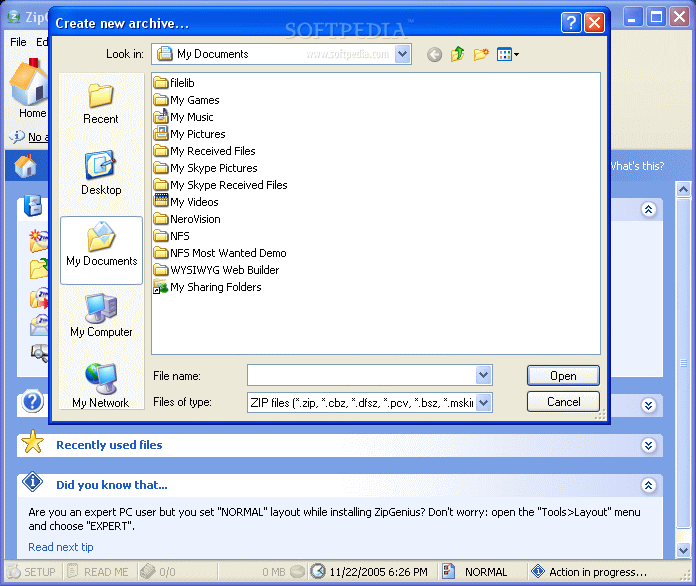
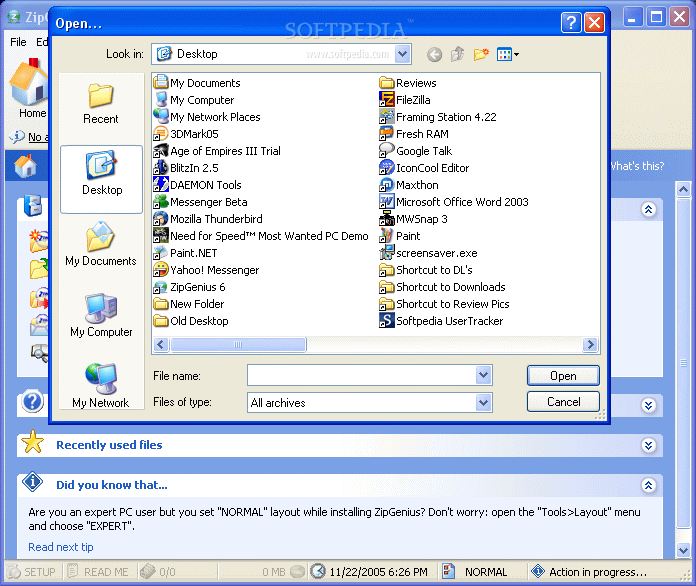
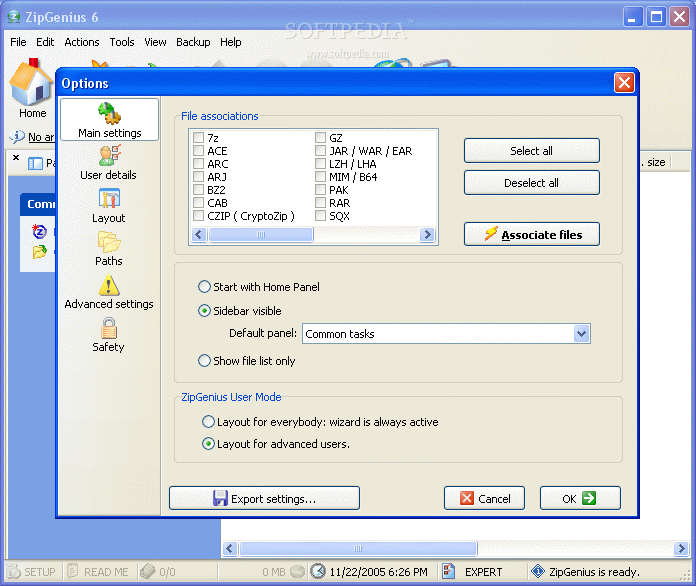
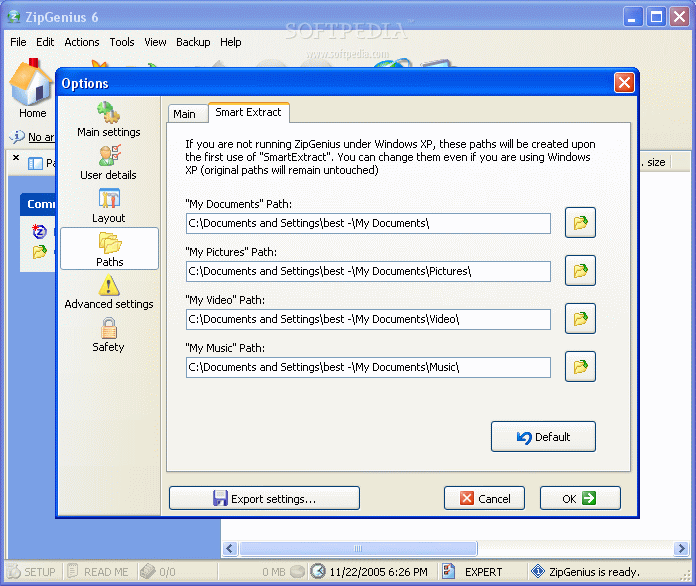
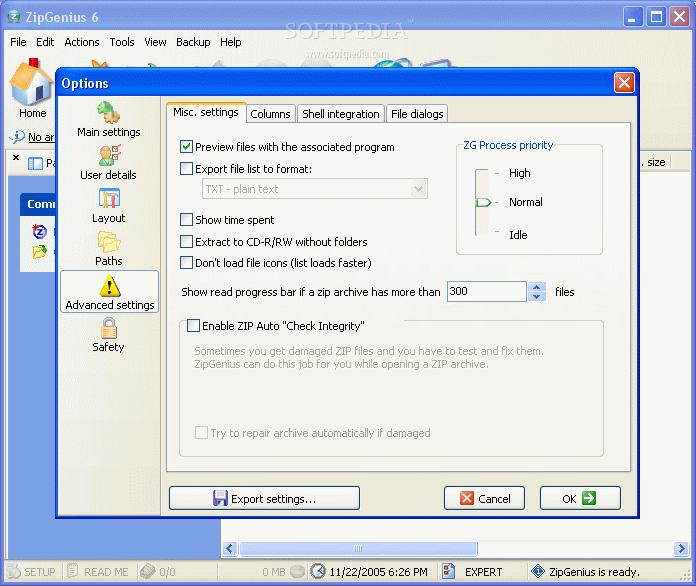
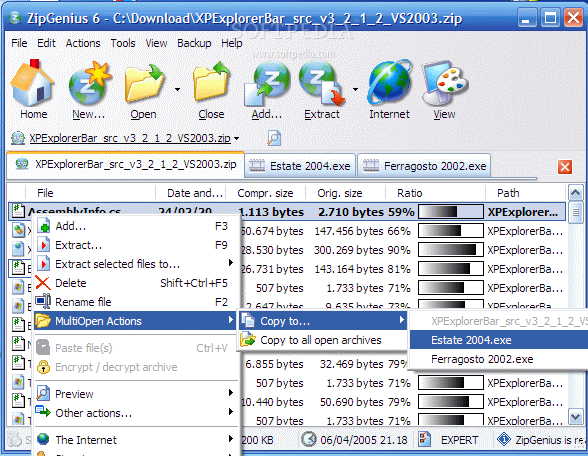
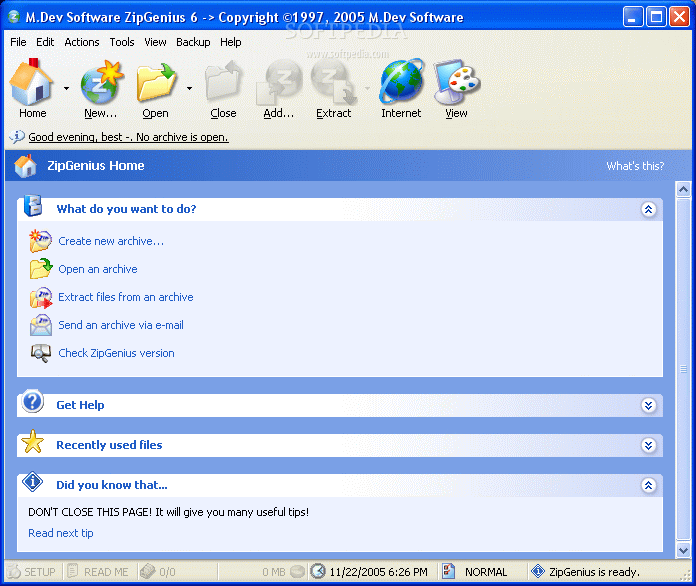
Check out some screenshots below.
Editor's ratings:
User Interface:    
Features:    
Ease of Use:    
Price/Value:    
OVERALL:    
|
22nd November 2005, 15:49 GMT | Copyright (c) 2005 Softpedia | Contact:  |
|
|
|
TODAY'S HEADLINES:
Camfrog Video Chat Review Almanah Diary Review Portable Quicksys RegDefrag Review Sunbelt Personal Firewall Review XML Copy Editor Review GNOME Mplayer Review GeoAze Review Checkout Review Simply Calenders Review KJClipper Review JCODER Review Optimism Review
|
|
|
|
| | ZipGenius 6.0.3.1150 | | Reviewer: MF | Date: 2008-05-25, 18:30 GMT Version: ZipGenius 6.0.3.1150 Overall rating:     (Excellent)
|
| GUI:     Features:     Ease of use:     Value:     |  | I have use ZipGenius for a long time and have not seen anything better then this price is right mattre of fact i introduce to my proffessor to have it check out for himself.
Keep up the good work. |
|
| | ZipGenius 6.0.3.1150 | | GUI:     Features:     Ease of use:     Value:     |  | 1st off 7-zip is a joke. its more complex then it should be. trying right clicking on a compressed file with it to extract it to a place of your choice is a pain specially considering zipgenius allows that plus allowing creation of a folder before placing in that. 7-zip doesnt do that
IZArc is 2nd best but again it doesnt have the flexibility of zipgenius, it also is harder to right click on an item to transfer it to a place as well as creating a folder.
but to even recommend 7-zip over zipgenius means you clearly have not used both because there is nothing 7-zip can do that zipgenius cant but there are things zipgenius can do that 7-zip cant.
also for more proof of bobad's ignorance, one must only go to software reviews of pcworld and check out compression software in which not only is zipgenius the ONLY FREEWARE product on the list but is 2ND BEST OVERALL. |
|
| | ZipGenius 6.0.3.1127 | | GUI:     Features:     Ease of use:     Value:     |  | | I find nothing special about this Archiver. The competition beats it at everything. IZArc and 7-Zip trounce it at features and speed respectively. |
|
| | ZipGenius 6.0.2.1060 | | GUI:     Features:     Ease of use:     Value:     |  | This is an AMAZING piece of software. And I really mean amazing.
The most noticable thing about this program is that it looks exactly like Windows XP. It looks and feels it...they nailed every aspect of XP to a T in their program...it is quite amazing. Fonts, colors, windows, etc.
Include that with the fact that it lets you SKIN EVERY PART OF THE PROGRAM! No need for hacks like WinRAR has for skinning!
Its in the OPTIONS! Everything is skinnable!
You want XP, you got, because this program somehow works with the XP Create CD feature...its in there if you don't believe me. It works! Unbelievable.
The create archive window is the most intuitive archive creation tool of all programs available. Its colorful, easy to handle as it has an explorer like interface to find files, which lets you select more than one, and it has neat tabs showing all the settings in a very clear manner. More clear and easier to find that WinRAR, WinACE, 7Zip and WinZIP combined.
They REALLY made this program user friendly.
The other great part is that they implemented 7Zip. If I'm not mistaken, its the same implementation of it as TUGZip has done it, where they took the 7-Zip Dll from the 7Zip program and implemented its features.
I think that for them to implement RAR or ACE creation in the future they are going to have to go the route of TUGZip. TUGZip has plugins for RAR and ACE however you need the WinRAR and WinACE exceutables copied to the TUGZip folder first.
The interface for reading the contents of an archive is the best available. Better than all the other programs combined. Its so clear, and BRIGHT!
At the same time, all the menus in the program seem like they were copied from MS Office 2003! Bravo!
The program has all your standard features available:
encrypt, decrypt archives.
MD5 checker.
CRC32 checksum built in.
Repair archive.
Make SFX
Export archive information to TXT, HTML, XML, or CSV...which is MUCH better implemented that WinRAR's similar ability. CSV...*kisses moth with cupped hand*. And it lets you choose where to put the file, WinRAR just puts it in the same folder as the archive...
Its an amazing piece of software.
Id say there is a "WTF" factor with the filetypes it reads.
IT READS QUAKE PAK FILES??? WTF?????
IT READS MAC SQX?????? WTF???
Just for reference:
Here are the filetypes it supports reading the extracting from:
7z, ACE, ARC, ARJ, BZ2, CAB, CZIP, GZ, JAR, WAR, EAR, LZH/LHA, MIM, B64, PAK, RAR, SQX, TAR, TAZ, TGZ, UUE, XXE, YZ1, Z, ZIP, ZOO, FWP, CBZ, DFSZ, PCV, BSZ, MSK.
Here are the archive types it supports creation of:
ZIP, CBZ, DFSZ, PCV, BSZ, MSK, 7z, CAB, ARC, ARJ, ZOO, LZH, LHA, JAR, EAR, WAR, FWP (Frontpage web packages), SQX, TAR, TAZ, TGZ, GZ, RPM.
And of course, best of all...ITSSSSSSSSSSSSSS FREEEEEEEEEEEEEEEEEEEEEEEEEEEE. I hope it says that way. |
|
| | ZipGenius 6.0.2.1041 | | GUI:     Features:     Ease of use:     Value:     |  | | I've tried downloading this 4 times from three different sites with two different browsers and it's corrupted every time. Maybe someone could upload an uncorrupted version somewhere? |
|
|
DO YOU WANT TO CONTACT US? |
|
|
|
|
 
| Welcome! |
Hello, Guest
Login if you have a Softpedia.com account.
Otherwise, register for one.
|
|