14 DAY TRIAL //
 With the heavy artillery in the field of storage devices I think we all agree that finding something on the computer sometimes turns into a tedious, time consuming task. A software solution that keeps track of all the whatnot on the disks would come in handy and although Vista came with its amazing indexing solution for the job, being on the lookout for new apps for the task could result in nothing but benefits.
Tag along for a while because alternatives to the resource gulping indexing solution are showing up on the horizon. The extensive usage of tags to find results as relevant as possible to our subject of interest has led to a new way of getting the data on our computer, regardless of the location on disk. tag2find is among the first programs to implement tag usage on the computer with the sole purpose of finding items more or less sharing the same field of activity.
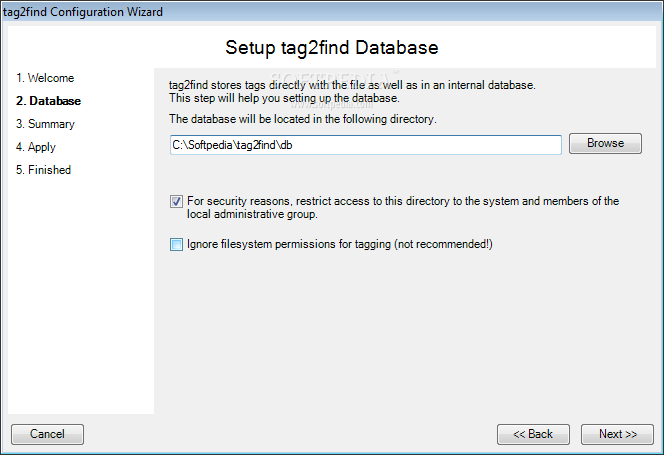
This little freebie requires little from the user when it comes to handling, but the capacity of tagging items, .NET Framework, administrative rights over the computer and a NTFS formatted file system are a must. Installing the application requires a little attention as you have to make the proper configuration in order to save the tag database and the recommendation for this is to choose a somehow restricted location in order to avoid unpleasantries. Fortunately the application can secure the location itself and restrict the access to both the system and members of the local administrative group.
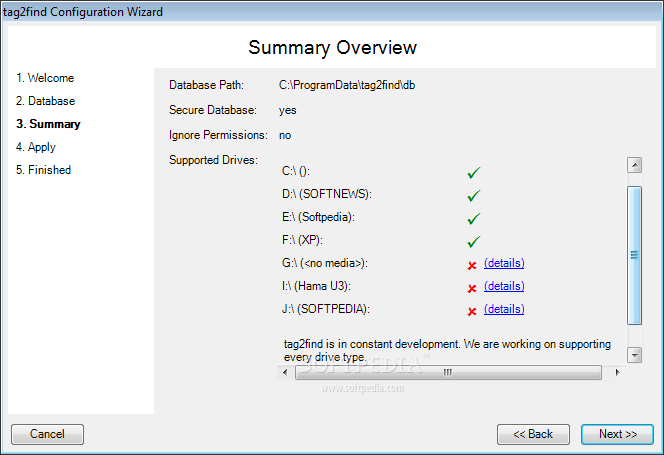
Before applying all the changes of the configuration, tag2find will present a summary overview that displays all supported drives and an explanation for those that are not taken into consideration (removable drives, optical drives or non-NTFS formatted ones). The end of the configuration is marked by the display of a short video file revealing how tag2find should be used. Actually working with the app, on both Vista and XP, is piece of cake, especially if you enabled the inclusion of a tag menu in Windows Explorer so you can create tags for new items at a right click.
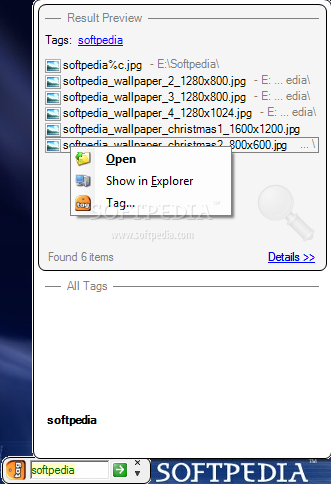
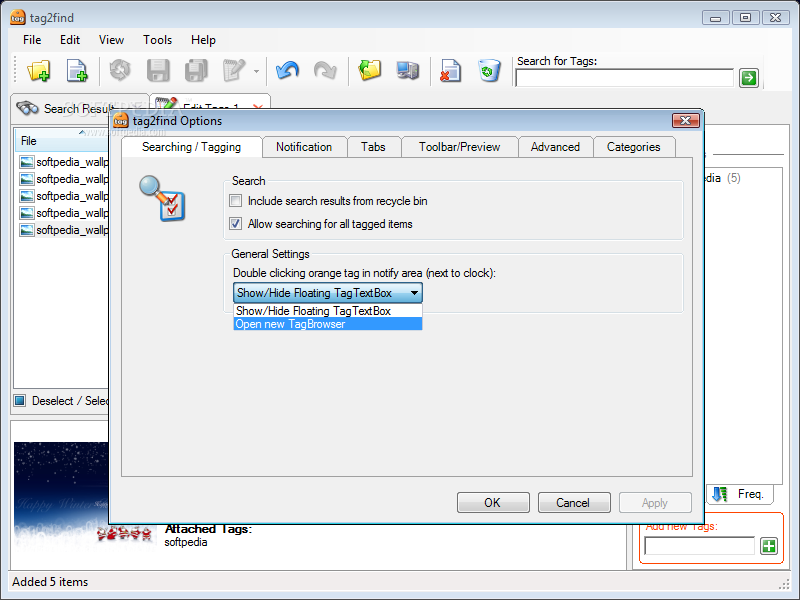
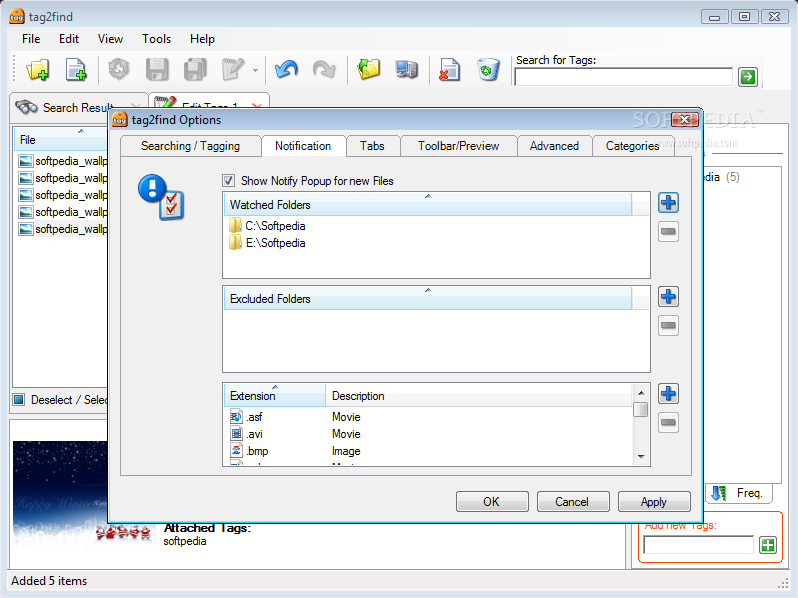
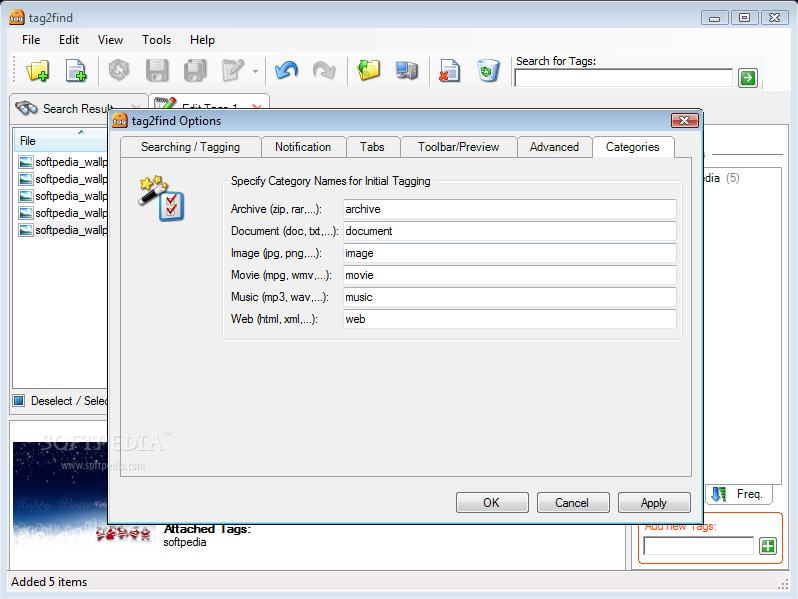
The application will sit quietly in system tray and only a transparent float bar could create inconveniences for some users, but this can be easily solved by removing it from the context menu or by simply closing it. Accessing the context menu of the tray icon gives you the possibility of setting up tag2find. It can be configured to include search results from Recycle Bin, customize the action for double clicking the tray icon, append folders to be watched by the application and receive a notification whenever new files are added or set exclusion folders and extensions for tag2find to keep an eye on.
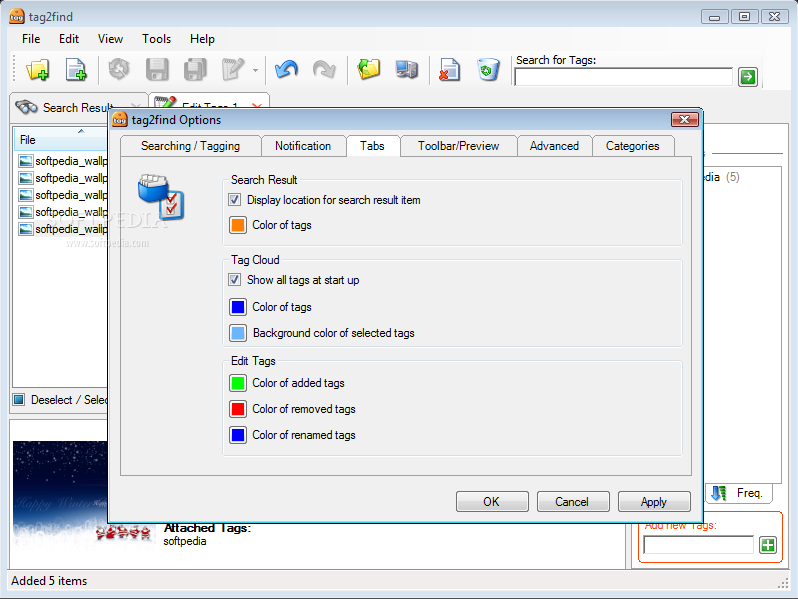
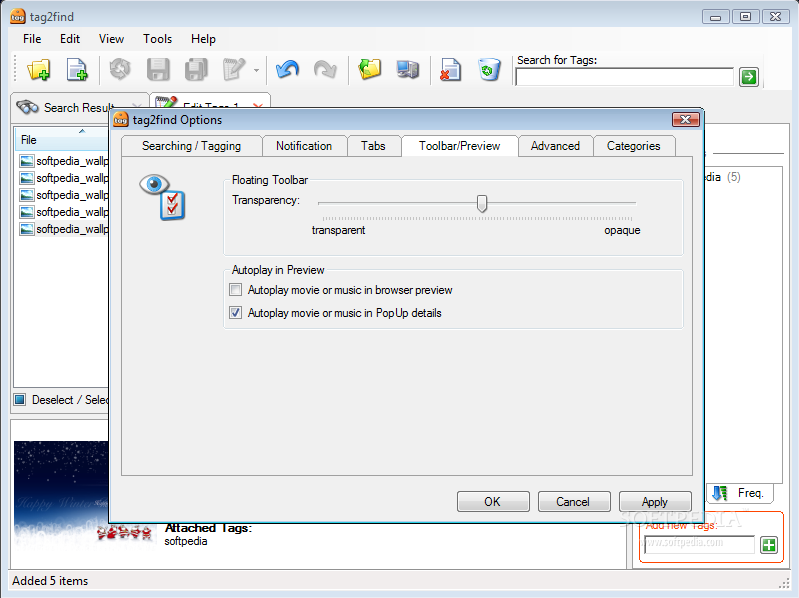
Despite the lack of a traditional interface (at a first glance), tag2find still provides options to customize the looks of the tag cloud (the one popping up the minute you type something in the floating bar), color of the tags, background color of the selected ones or color code edited tags for better view. The customization options of the floating bar refer to setting up the transparency level so that it won't become annoying on the desktop the moment it sits constantly on the screen.
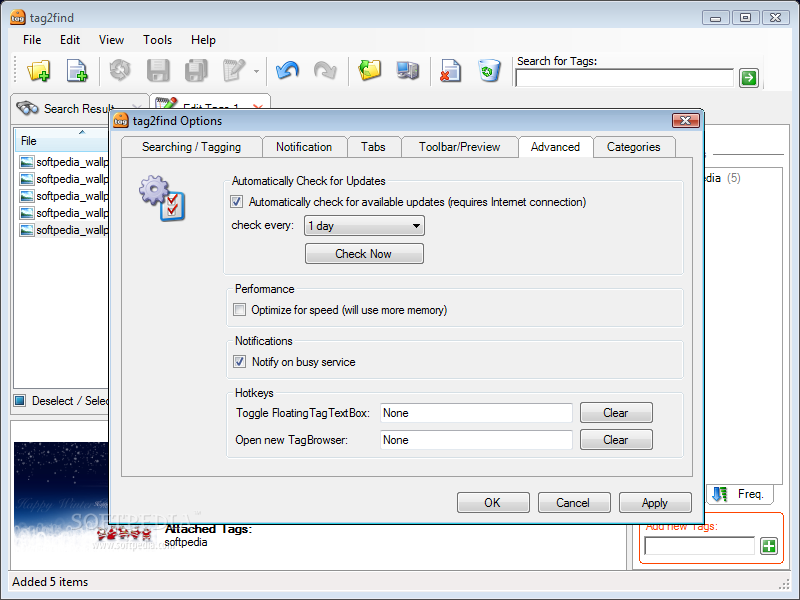
Advanced section combines performance and defining of hotkeys for quickly accessing of the TagBrowser and the Floating Tag TextBox as well as offering the option of automatically checking for updates at a predefined time interval.
Working with the software does not require great effort from the user as there are plenty of ways to define tags either for a single item or for an entire group. You can drag and drop a file to the floating bar, type in the newly defined tag and agree to the setting or tag elements by using Explorer context menu. In the end there will be the same effect.
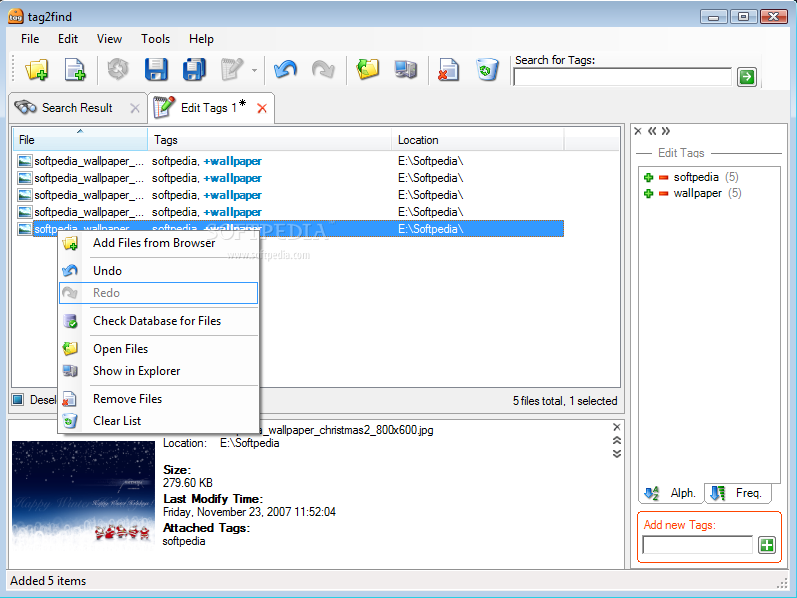
Finding items sharing the same tag(s) is almost instantaneous as all there is to the job is to type in the tag and tag2find immediately displays in the balloon all corresponding elements. The options available next allow opening the file in the associated program or opening the location, viewing its details (preview is available in the case of images) or re-tagging them. You don't need to learn the location of the file as once the file is marked tag2find will show it to you, regardless of its place on the disk.
tag2find is special in its way as you do not necessarily need access to the interface in order to configure it because the Settings panel can be approached separately and for adding tags to new items all you need is the floating bar.
The application does a wonderful job and will promptly display all the items sharing the same tag or set of tags, no question about this, but there is a lot of work to do to mark all the items on the computer in order to be able to find absolutely any element through the software. A very handy option would be the ability to tag entire folders and display them in the balloon the moment the tag is entered. This would bring more functionality to the software as well as provide faster access to different locations.
The Good
tag2find provides a quick and ingenious way to get access to files or groups of files on your computer. It is easy to configure and work with.
Setting it up requires the minimum effort from the user and the floating bar can sit anywhere on the desktop and thanks to transparency options be totally unobtrusive to the user.
Details view provides preview for images, video and audio files.
The Bad
The application is still at the beginning and there is plenty of room for improvement. Adding more options to make the software more flexible than it already is would be to its advantage. A nice feature would be integrating the floating bar in Windows taskbar and allowing the display of entire folders would bring even more value.
The Truth
tag2find is like a breath of fresh air when it comes to fast finding files on the disk, bringing a new approach by grouping elements with the same tag(s). The effort in working with the application is minimum on the user's part and elements corresponding to the same tag are displayed in a jiffy.
There aren't any drawbacks of the program, just plenty of room for new features and options tailored to infuse more value. The application is at an early version and already looks and feels great so there should be nothing but quality and improvement on the way.
Here are some snapshots of the application in action: