WINDOWS CATEGORIES:


NEWS ARCHIVE >>
SOFTPEDIA REVIEWS >>

WEEKLY HIGHLIGHTS

DVD Cloner45
Spyware Doctor40
1Click DVD Copy40
Apollo DVD Copy40
ABC Amber BlackBer...45
Protected Music Co...40

7-DAY TOP DOWNLOAD

#
Program
Avira AntiVir
Personal - Free
Antivirus 9.0.0.415

172,574
Windows Live
Messenger 2009
14.0.8089.726

144,415
Avira Antivir Virus
Definition File
Update November 30,
2009

130,339
Nexus Radio 4.2.2
125,058
FreeZ Online TV 1.30
94,763
Y! Multi Messenger
8.x and 9.x

75,235
Microsoft Office
2010 14.0.4536.1000
Beta / 2007

72,824
Windows Live
Messenger
8.5.1302.1018

51,138
DVD Shrink 3.2.0.15
50,317
AVG Free Edition 9.0
Build 707a1765

46,760

WEEK'S BEST

  • VirtualBox 3.1.0 r...
  • SiSoftware Sandra ...
  • Kaspersky Virus Re...
  • Faststone Image Vi...
  • Vuze (formerly Azu...
  • Softpedia Wallpape...
  • Softpedia Wallpape...
  • Softpedia Wallpape...
  • RSSOwl 2.0.1
  • Internet Explorer ...
  • Online Armor ++ 4....
  • cFosSpeed 5.01 Bui...
  • SONY Vegas Pro 9.0...
  • Firefox 3.6 Beta 4...
  • Nokia Photos 1.6.434
  • Windows Server 200...
  • Skype Portable 4.1...
  • Google Chrome Port...
  • PCMark Vantage Bas...
  • Kaspersky Anti-Vir...
  • Microsoft Virtual ...
  • Messenger Plus! Li...
  • WinX DVD Author [F...
  • SoftPerfect Networ...
  • System Mechanic Pr...
  • Ad Muncher 4.81 Bu...
  • Windows 7 Upgrade ...
  • Pidgin 2.6.4
  • OpenOffice.org Dev...
  • VirtualDub 1.9.7 B...
  • Home > Windows > Antivirus
     Report spyware

    Kaspersky Rescue Disk 8.8.1.34

    Download button

    Downloads: 72,556  Add to download basket  Tell us about an update
    User Rating:
    Rated by:
    Good (3.8/5)
    117 user(s)
    Developer:

    License / Price:

    Size / OS:

    Last Updated:

    Category:
    Kaspersky | More programs
    Freeware / FREE
    112 MB / Windows All
    June 9th, 2009, 10:27 GMT
    C: \ Antivirus

     Read user reviews (2)  Add a review  Refer to a friend  Subscribe


    Kaspersky Rescue Disk description


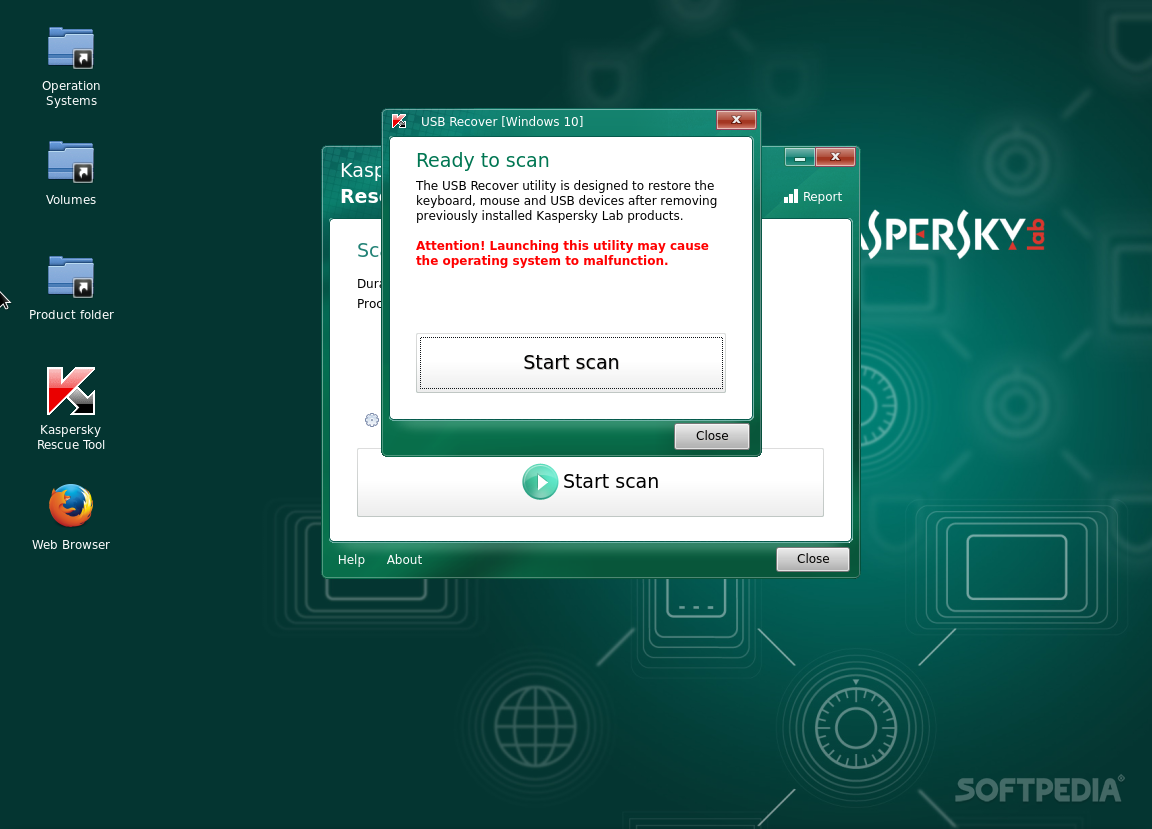
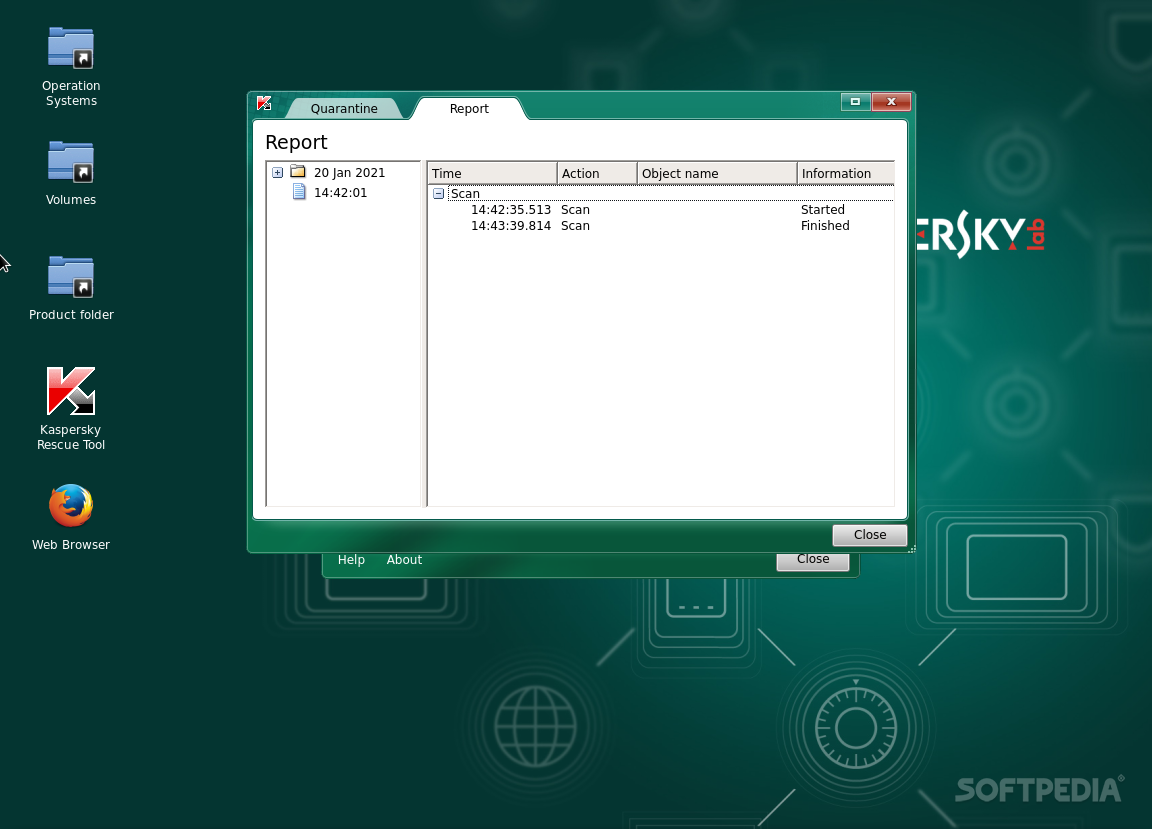
    A safe way to remove viruses from a computer without the risk of getting infected

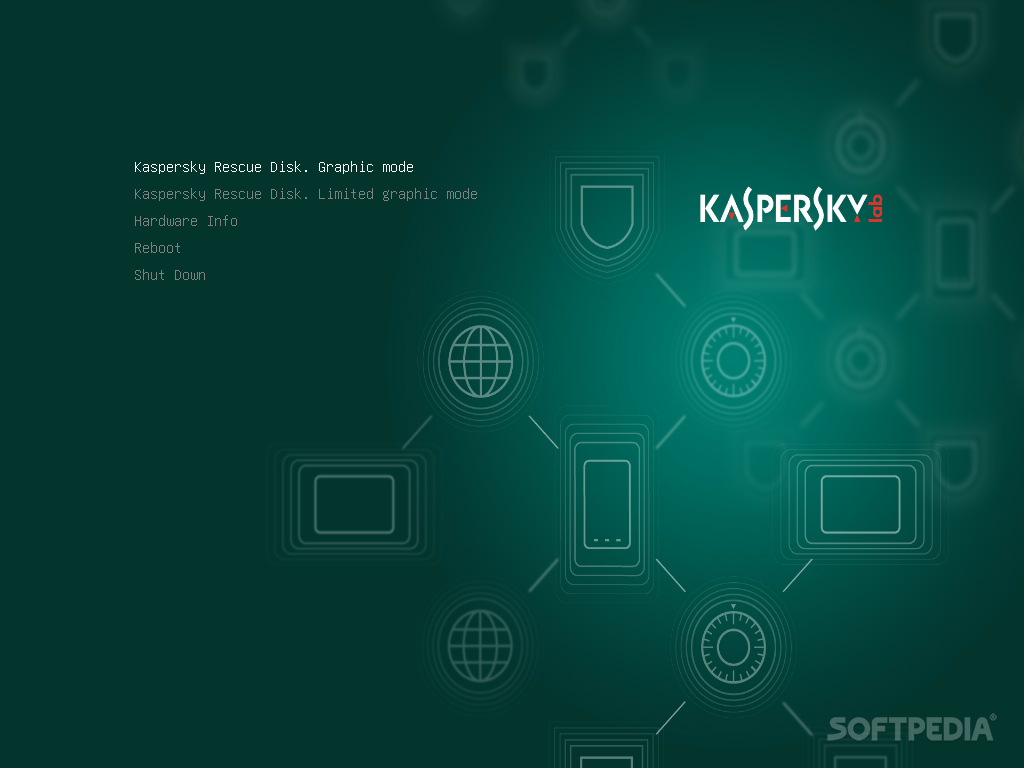
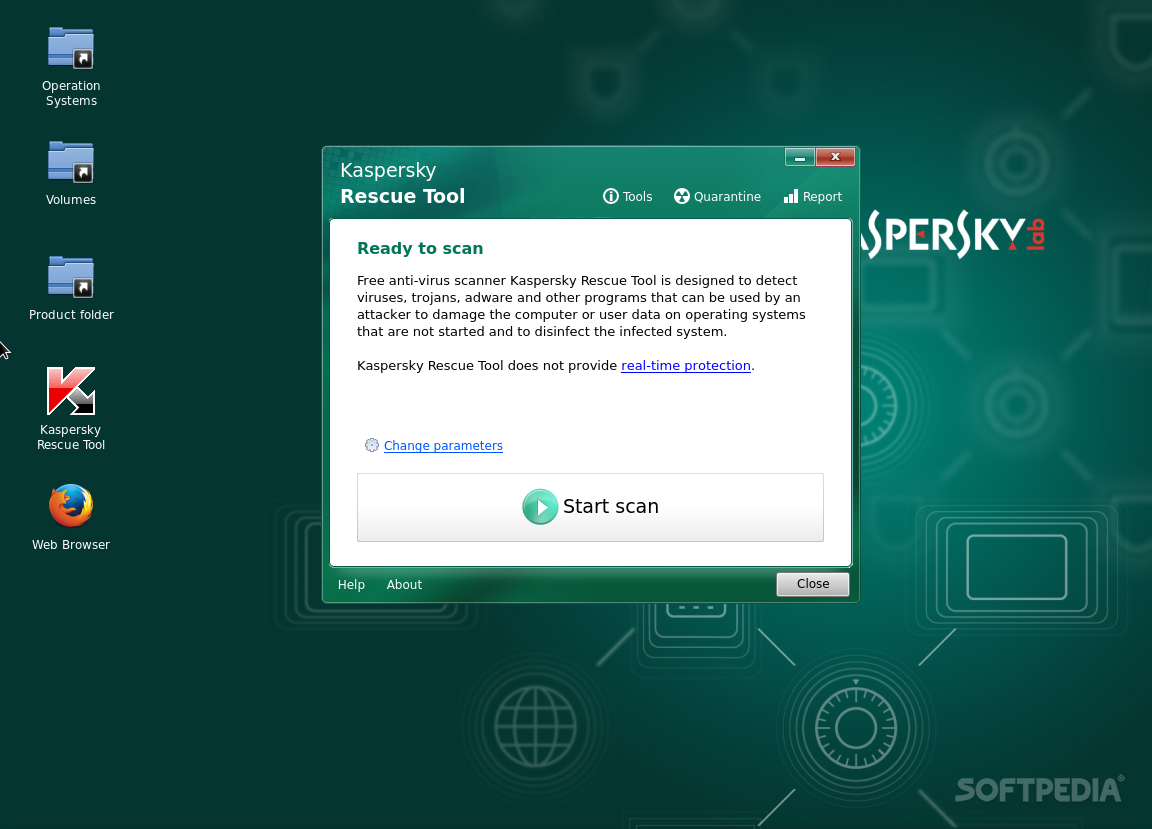
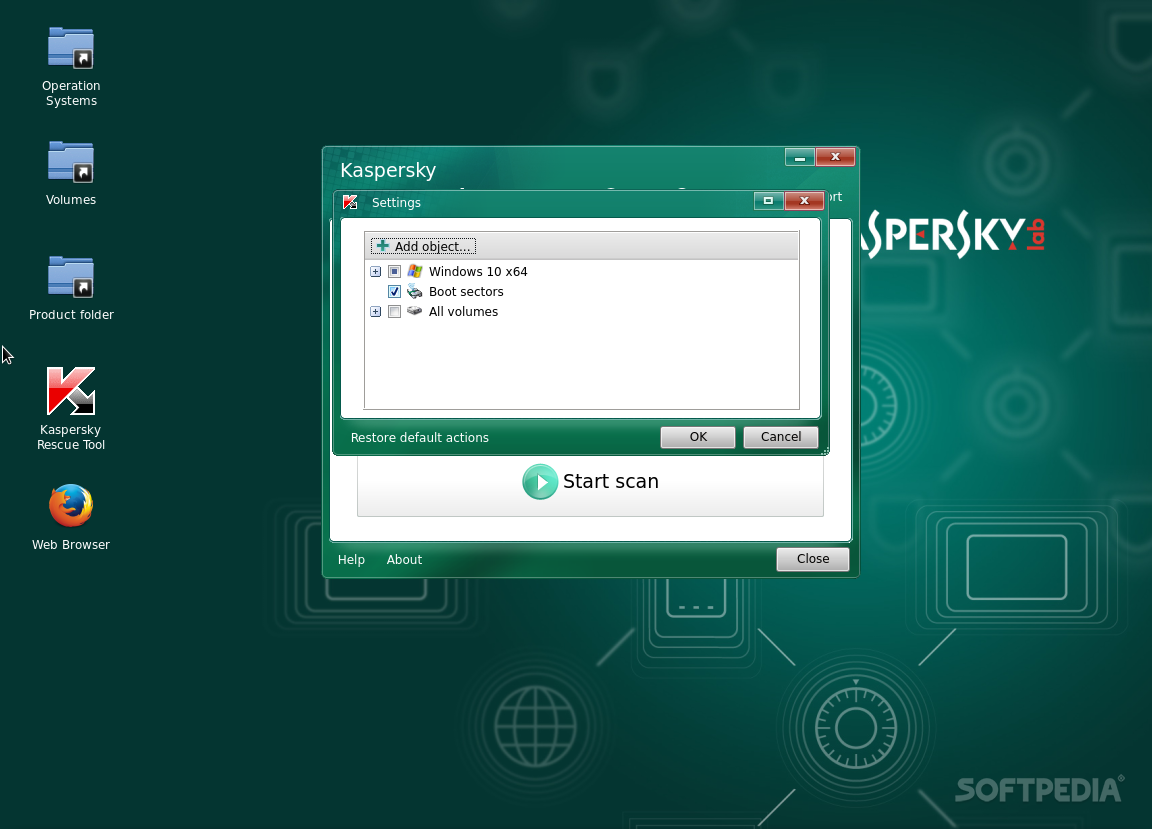
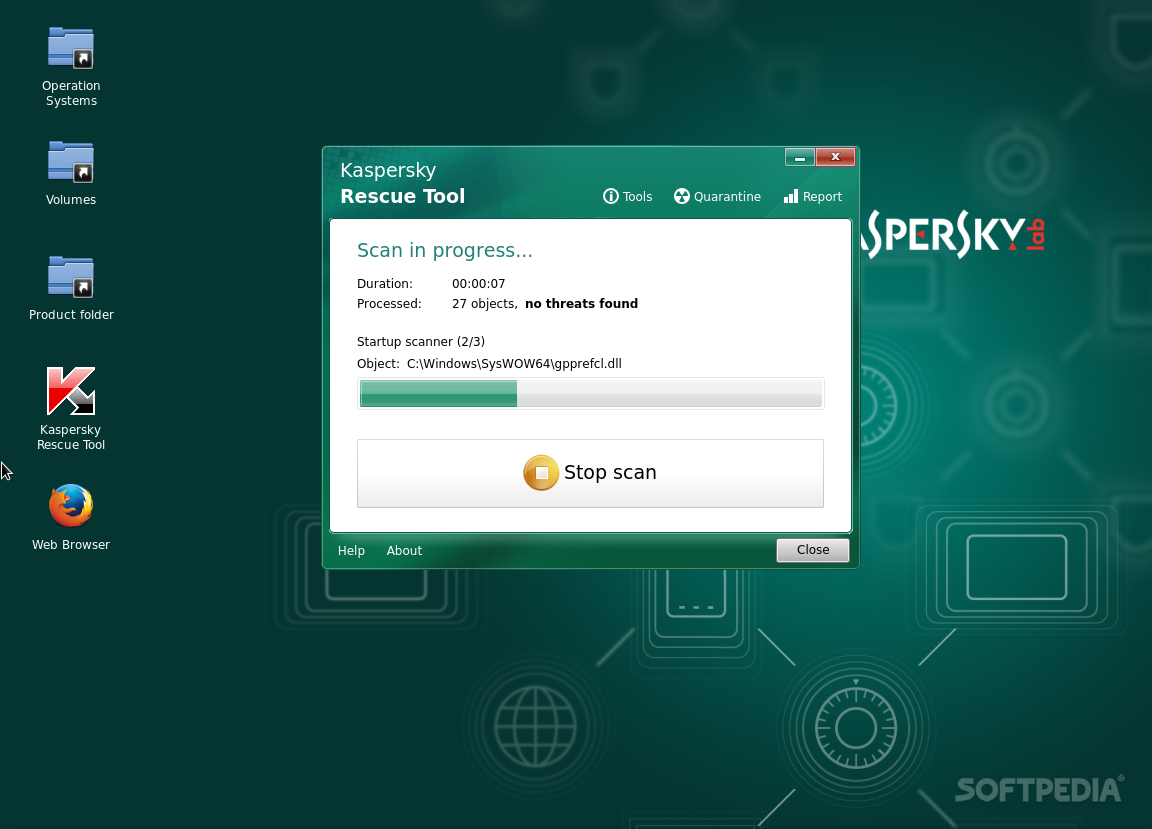
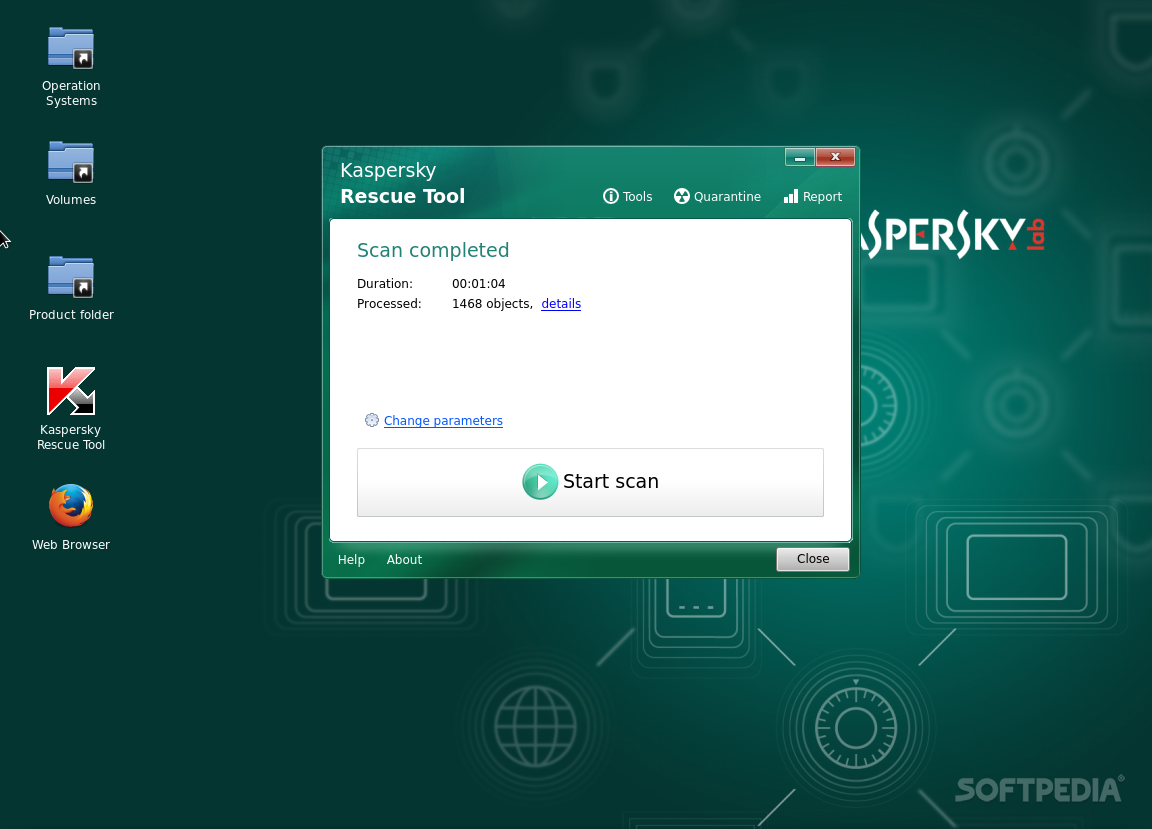
    Boot from the Kaspersky Rescue Disk to scan and remove threats from an infected computer without the risk of infecting other files or computers.

    Burn this ISO image to a CD, insert it into the infected system's CD-ROM drive, enter the PC's BIOS, set it to boot from the CD and reboot the computer.

    This lists the Gentoo-specific options, along with a few options that are built-in to the kernel, but that have been proven very useful to our users.

    Also, all options that start with "do" have a "no" inverse, that does the opposite. For example, "doscsi" enables SCSI support in the initial ramdisk boot, while "noscsi" disables it.

    Hardware options:
    acpi=on - This loads support for ACPI and also causes the acpid daemon to be started by the CD on boot. This is only needed if your system requires ACPI to function properly. This is not required for Hyperthreading support.
    acpi=off - Completely disables ACPI. This is useful on some older systems, and is also a requirement for using APM. This will disable any Hyperthreading support of your processor.
    console=X - This sets up serial console access for the CD. The first option is the device, usually ttyS0 on x86, followed by any connection options, which are comma separated. The default options are 9600,8,n,1.
    dmraid=X - This allows for passing options to the device-mapper RAID subsystem. Options should be encapsulated in quotes.
    doapm - This loads APM driver support. This requires you to also use acpi=off.
    dobladecenter - This adds some extra pauses into the boot process for the slow USB CDROM of the IBM BladeCenter.
    dopcmcia - This loads support for PCMCIA and Cardbus hardware and also causes the pcmcia cardmgr to be started by the CD on boot. This is only required when booting from a PCMCIA/Cardbus device.
    doscsi - This loads support for most SCSI controllers. This is also a requirement for booting most USB devices, as they use the SCSI subsystem of the kernel.
    hda=stroke - This allows you to partition the whole hard disk even when your BIOS is unable to handle large disks. This option is only used on machines with an older BIOS. Replace hda with the device that is requiring this option.
    ide=nodma - This forces the disabling of DMA in the kernel and is required by some IDE chipsets and also by some CDROM drives. If your system is having trouble reading from your IDE CDROM, try this option. This also disables the default hdparm settings from being executed.
    noapic - This disables the Advanced Programmable Interrupt Controller that is present on newer motherboards. It has been known to cause some problems on older hardware.
    nodetect - This disables all of the autodetection done by the CD, including device autodetection and DHCP probing. This is useful for doing debugging of a failing CD or driver.
    nodhcp - This disables DHCP probing on detected network cards. This is useful on networks with only static addresses.
    nodmraid - Disables support for device-mapper RAID, such as that used for on-board IDE/SATA RAID controllers.
    nofirewire - This disables the loading of Firewire modules. This should only be necessary if your Firewire hardware is causing a problem with booting the CD.
    nogpm - This diables gpm console mouse support.
    nohotplug - This disables the loading of the hotplug and coldplug init scripts at boot. This is useful for doing debugging of a failing CD or driver.
    nokeymap - This disables the keymap selection used to select non-US keyboard layouts.
    nolapic - This disables the local APIC on Uniprocessor kernels.
    nosata - This disables the loading of Serial ATA modules. This is useful if your system is having problems with the SATA subsystem.
    nosmp - This disables SMP, or Symmetric Multiprocessing, on SMP-enabled kernels. This is useful for debugging SMP-related issues with certain drivers and motherboards.
    nosound - This disables sound support and volume setting. This is useful for systems where sound support causes problems.
    nousb - This disables the autoloading of USB modules. This is useful for debugging USB issues.

    Volume/Device Management:
    dodevfs - This enables the deprecated device filesystem on 2.6 systems. You will also need to use noudev for this to take effect. Since devfs is the only option with a 2.4 kernel, this option has no effect if booting a 2.4 kernel.
    doevms2 - This enables support for IBM's pluggable EVMS, or Enterprise Volume Management System. This is not safe to use with lvm2.
    dolvm2 - This enables support for Linux's Logical Volume Management. This is not safe to use with evms2.
    noudev - This disables udev support on 2.6 kernels. This option requires that dodevfs is used. Since udev is not an option for 2.4 kernels, this options has no effect if booting a 2.4 kernel.
    unionfs - Enables support for Unionfs on supported CD images. This will create a writable Unionfs overlay in a tmpfs, allowing you to change any file on the CD.
    unionfs=X - Enables support for Unionfs on supported CD images. This will create a writable Unionfs overlay on the device you specify. The device must be formatted with a filesystem recognized and writable by the kernel.

    Other options:
    debug - Enables debugging code. This might get messy, as it displays a lot of data to the screen.
    docache - This caches the entire runtime portion of the CD into RAM, which allows you to umount /mnt/cdrom and mount another CDROM. This option requires that you have at least twice as much available RAM as the size of the CD.
    doload=X - This causes the initial ramdisk to load any module listed, as well as dependencies. Replace X with the module name. Multiple modules can be specified by a comma-separated list.
    noload=X - This causes the initial ramdisk to skip the loading of a specific module that may be causing a problem. Syntax matches that of doload.
    nox - This causes an X-enabled LiveCD to not automatically start X, but rather, to drop to the command line instead.
    scandelay - This causes the CD to pause for 10 seconds during certain portions the boot process to allow for devices that are slow to initialize to be ready for use.
    scandelay=X - This allows you to specify a given delay, in seconds, to be added to certain portions of the boot process to allow for devices that are slow to initialize to be ready for use. Replace X with the number of seconds to pause.


    TAGS:

    Rescue Disk | Kaspersky LiveCD | Kaspersky Antivirus | Kaspersky | Antivirus | Rescue


    HTML code for linking to this page:


    Go to top

    Windows tabGames tabDrivers tabMac tabLinux tabScripts tabMobile tabHandheld tabGadgets tabNews tab

    SUBMIT PROGRAM   |   ADVERTISE   |   GET HELP   |   SEND US FEEDBACK   |   RSS FEEDS   |   ENTER NEWS SITE   |   ENGLISH BOARD   |   ROMANIAN FORUM