
Anti-malware application with basic protection against viruses, spyware, adware and other web threats, wrapped up in a highly intuitive interface. #Remove Malware #Malware Scanner #Quarantine Virus #Antivirus #Protection #Anti-Malware

The importance of protecting one's privacy and sensitive (or less sensitive) data has become a lot more apparent in the last few years.
In today's digitized, Internet-addicted world, a study antivirus solution can save you a lot of time, headaches, and even money. Thankfully, there's no shortage of remarkably good AV solutions out there, both free and paid.
Even though we all know who the titans of the industry are, there's one name that always appeared in the context, and that name is Malwarebytes.
Malwarebytes is both the name of the company and the product itself, and it's a name that is associated with cybersecurity and privacy protection for well over 15 years now.
It's been marketed as an antivirus solution and "anti-malware replacement" tool. What does that mean? It means that Malwarebytes is perfectly capable of keeping your computer and data out of harm's way, but most security experts seem to agree that it's actually meant to be run in parallel with other, full-fledged AV solutions.
For years, Malwarebytes has been regarded as one of the best, if not the best, solution for removing malware and viruses from computers. However, there's more to the story than just that, as Malwarebytes is no longer just a tool used when the bad has already happened. This brings us to our next point: Malwarebytes Premium.
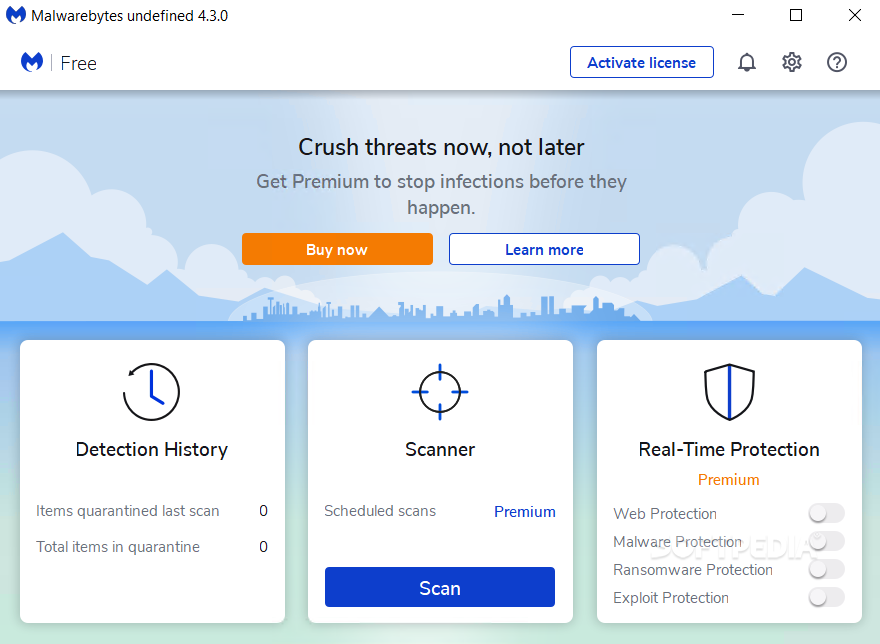
The Malwarebytes Free plan offers you pretty much everything you might want to effectively remove malware from your computer.
However, if mitigation is not what you're after and you believe that active detection is even more important (and rightfully so), you can opt for the Premium plan (14-day Premium trial included in the Free plan).
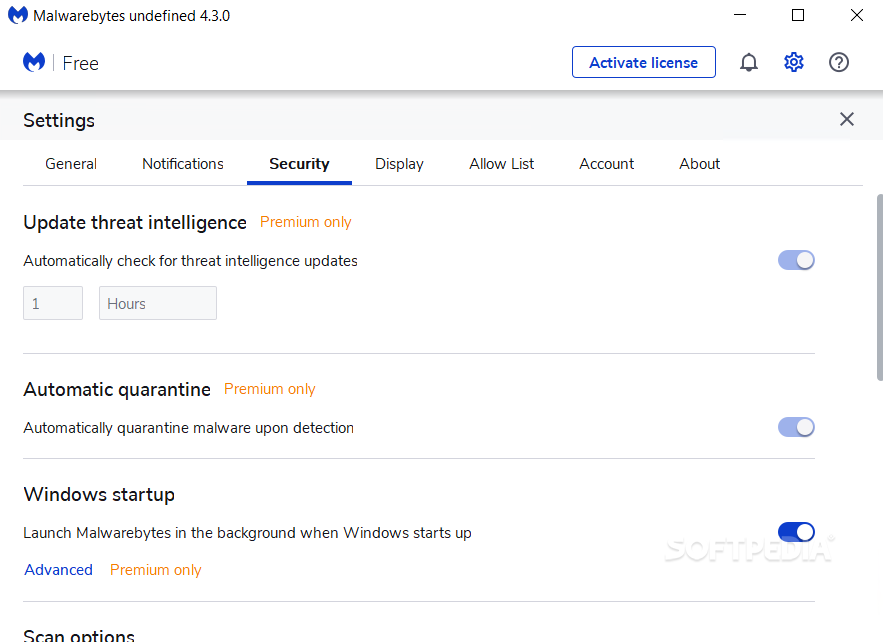
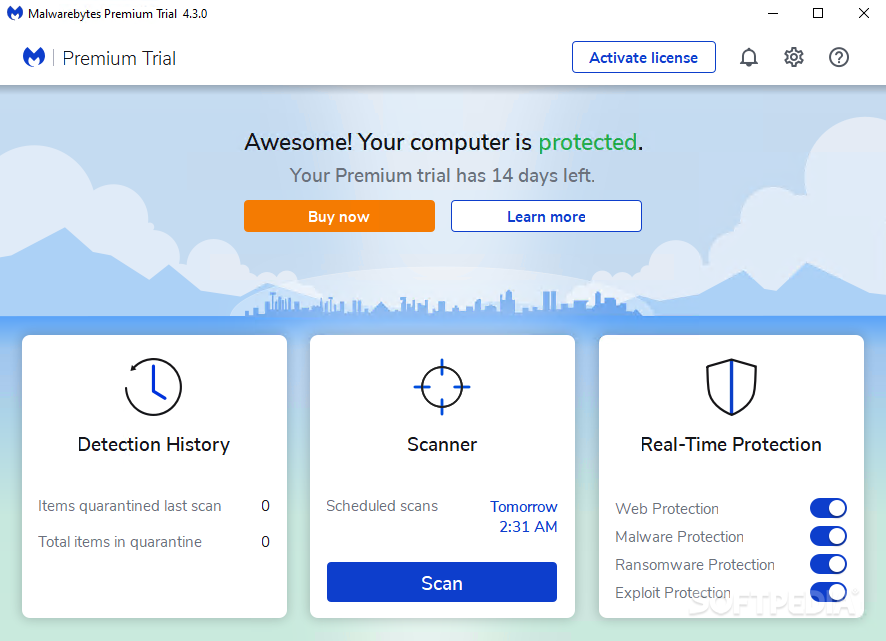
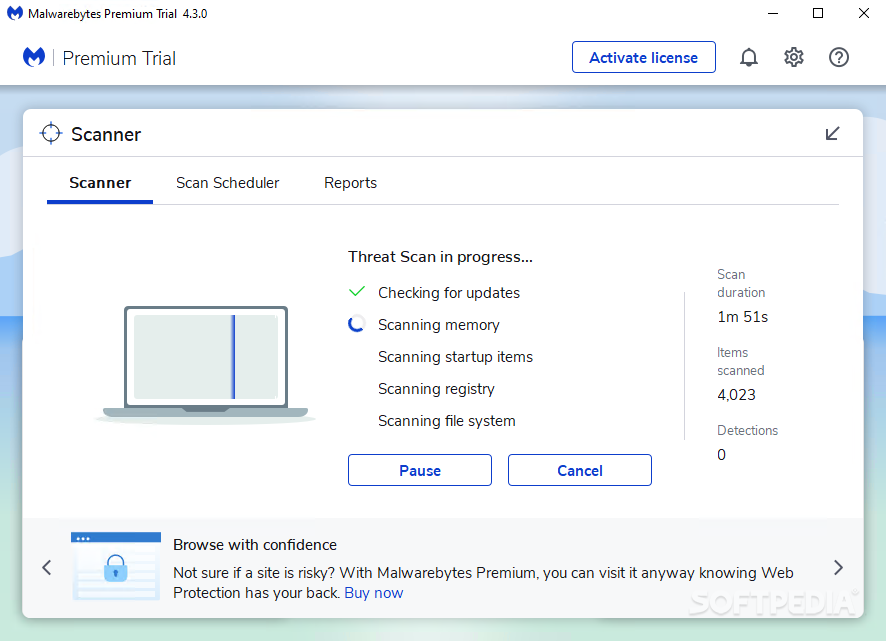
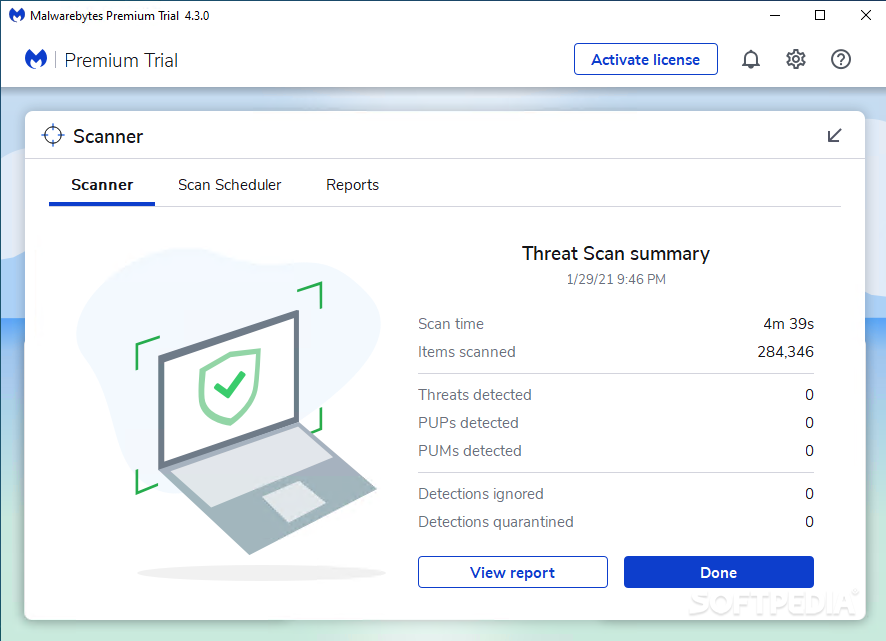
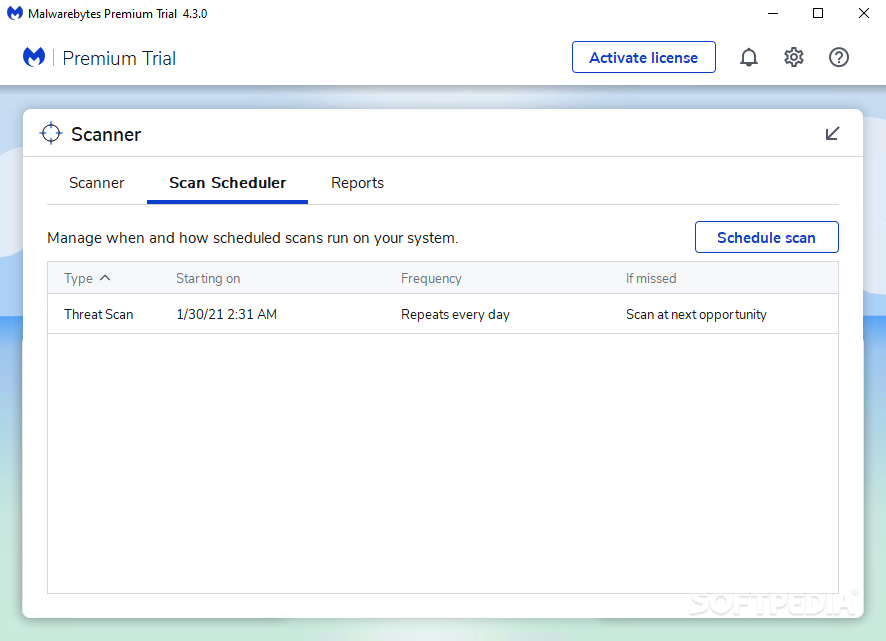
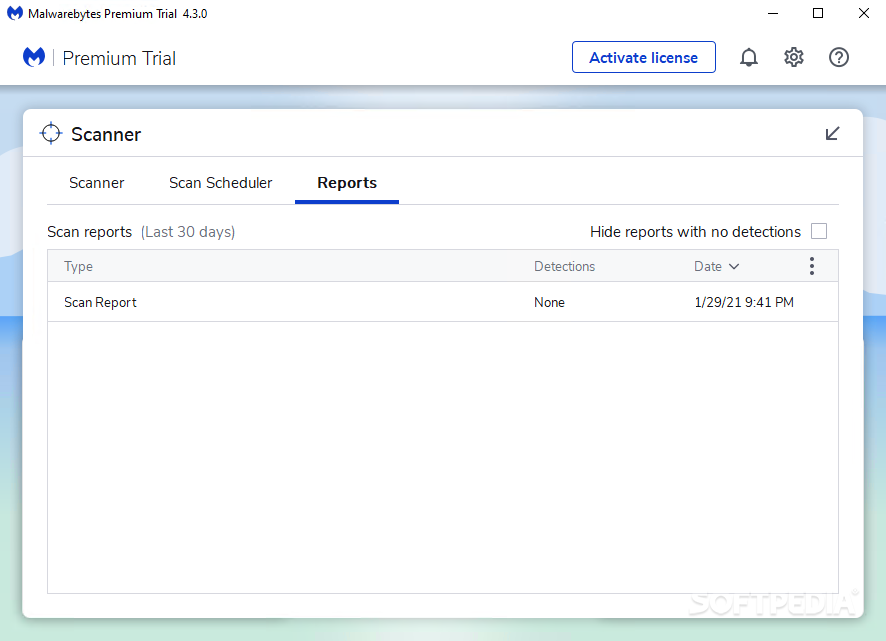
The Premium plan transforms Malwarebytes from a simple malware removal tool into something that resembles a top-tier AV solution. You get real-time protection, automatic protection for malicious websites, a bit of extra control when it comes to removing infections, and automatic and scheduled scans.
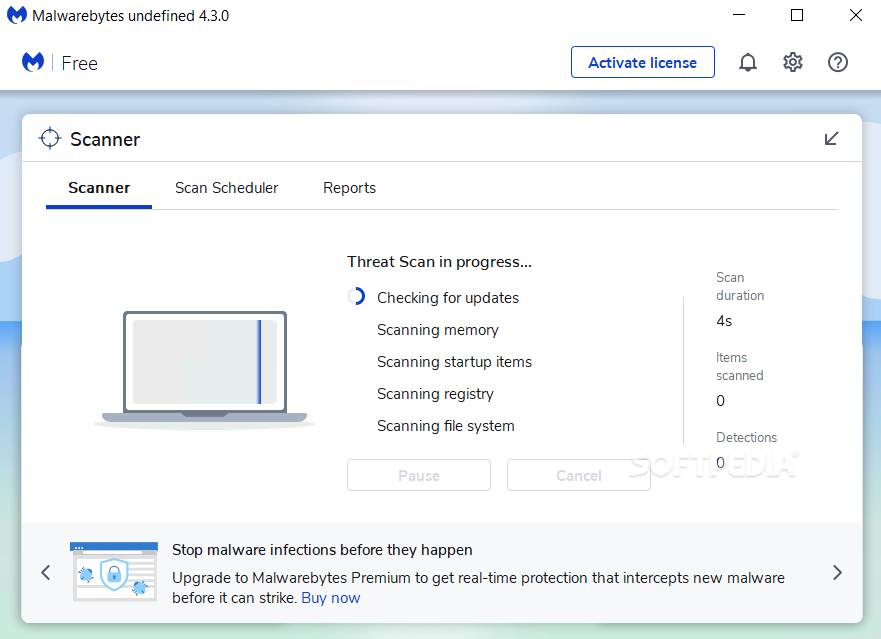
The latest iteration of Malwarebytes (4) is a lot better than the previous one while still being at its core a very fast, lightweight, and user-friendly solution for removing and preventing infections.
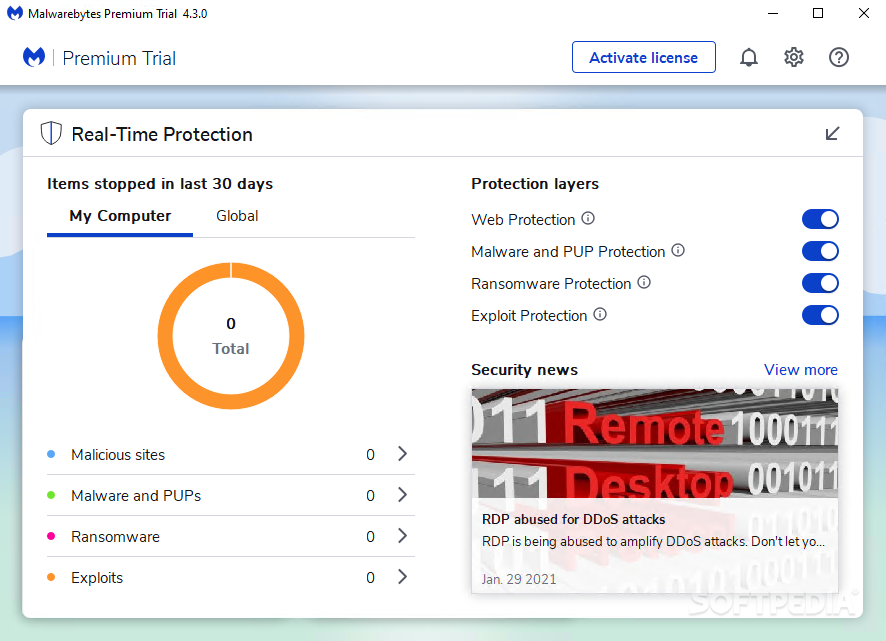
We covered the fact that you get web protection, malware protection, ransomware protection, and exploit protection in the case of the Premium plan. A thing worth noting is the fact that the app's real-time protection engine relies on AI and machine learning to keep you safe from online threats.
The Web Protection module is responsible for blocking off online scams, malicious links, infected websites, in short, pretty everything you would want to avoid. You also get the option to adjust the protection layers, to schedule scans, and chosee between three scan modes.
While it doesn't have all the extra gimmicks that other AV top-tier solutions might offer (firewall control, parental controls, the ability to backup data, and so forth), Malwarebytes helps you not only keep your computer clean, but also in tip-top shape when it comes to performance. The free scanner can also help you find potentiall unwanted programs that hog your computer's resources.
While there's not much to be critized about Malwarebytes, as it has earned its name and spot between the greats, it does seem that its biggest problem is an identity one.
Up until not long ago, Malwarebytes was seen as a secondary layer of security for computers, and a damn fine one. Now, with the Premium plan, it crosses into the teritory of hardcore, full-stacked AV solutions, and that's not good or bad. There are a lot of arguments for both.
Regardless, things can seem a bit confusing if you're an average user looking to spend some money on a full-featured AV solution.
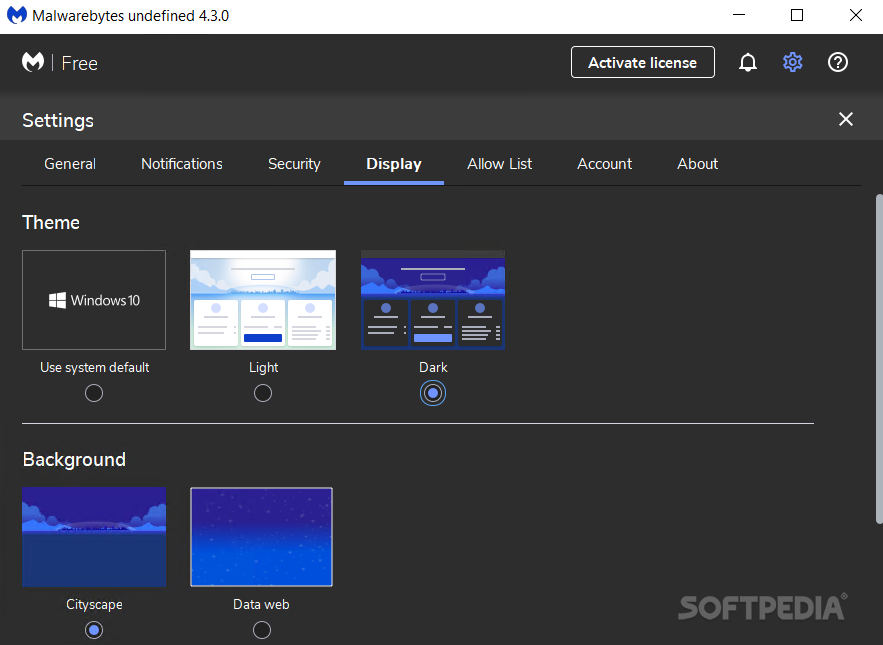
The good news is that all the things that made Malwarebytes stand out for years on end are still here. It still has a solid infection/malware removal engine, it's still extremely lightweight, it's fast, it looks modern, it's still remarkably easy-to-use even for the average folk, and it still optimized to work alongside other AV solutions.
The only real difference is that now you have a choice, and it's not an easy one: to either buy a top-tier AV solution and run Malwarebytes alongside it as an extra layer of protection and even more firepower when it comes to removing infections, or simply buy the Premium plan and enjoy a good AV solution but without other advanced features that we've come to expect from today's top-tier AV solutions.
Download Hubs
Malwarebytes is part of these download collections: Scan For Viruses, Free Antivirus, Remove ZBot, Remove Palevo Worm
Malwarebytes 5.1.3.110
 Softpedia Editor's Pick
add to watchlist
add to download basket
send us an update
REPORT
Softpedia Editor's Pick
add to watchlist
add to download basket
send us an update
REPORT
- runs on:
-
Windows 11
Windows 10 32/64 bit
Windows 8 32/64 bit
Windows 7 32/64 bit - file size:
- 2.5 MB
- main category:
- Antivirus
- developer:
- visit homepage
Bitdefender Antivirus Free

calibre

7-Zip

IrfanView

4k Video Downloader

Zoom Client

ShareX

Context Menu Manager

Windows Sandbox Launcher

Microsoft Teams

- Context Menu Manager
- Windows Sandbox Launcher
- Microsoft Teams
- Bitdefender Antivirus Free
- calibre
- 7-Zip
- IrfanView
- 4k Video Downloader
- Zoom Client
- ShareX
