
Protect your system of various threats, including viruses, Trojans, adware, spyware, spam, rootkits, phishing and other such online perils. #Adware protection #Antivirus protection #Virus scanner #Antivirus #Scanner #Security

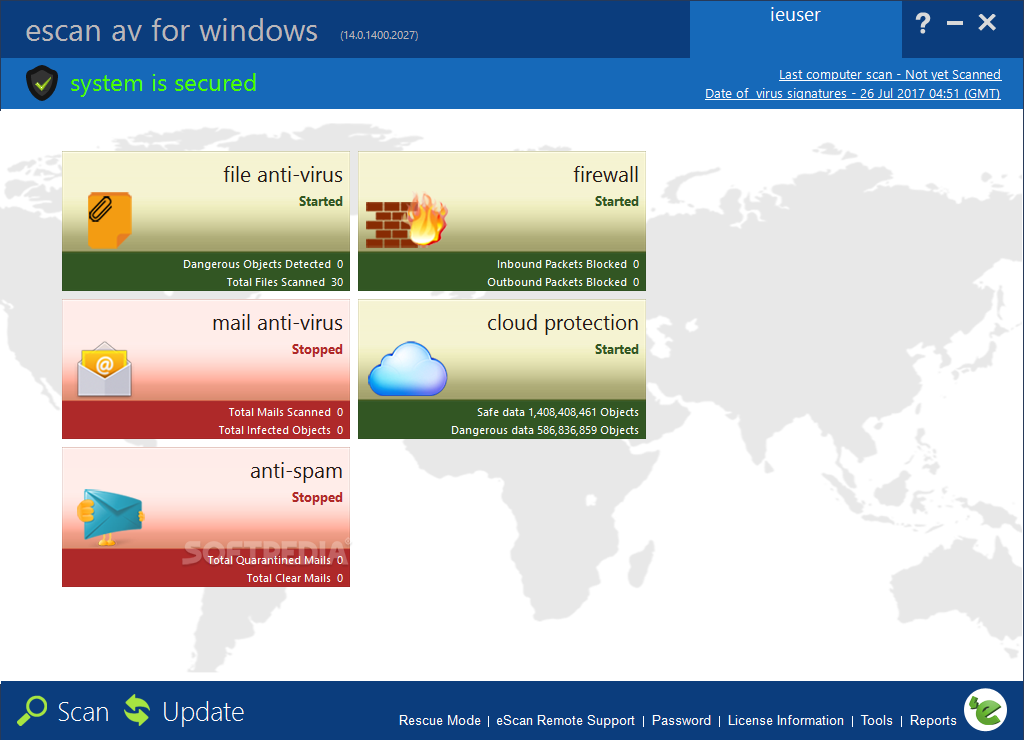
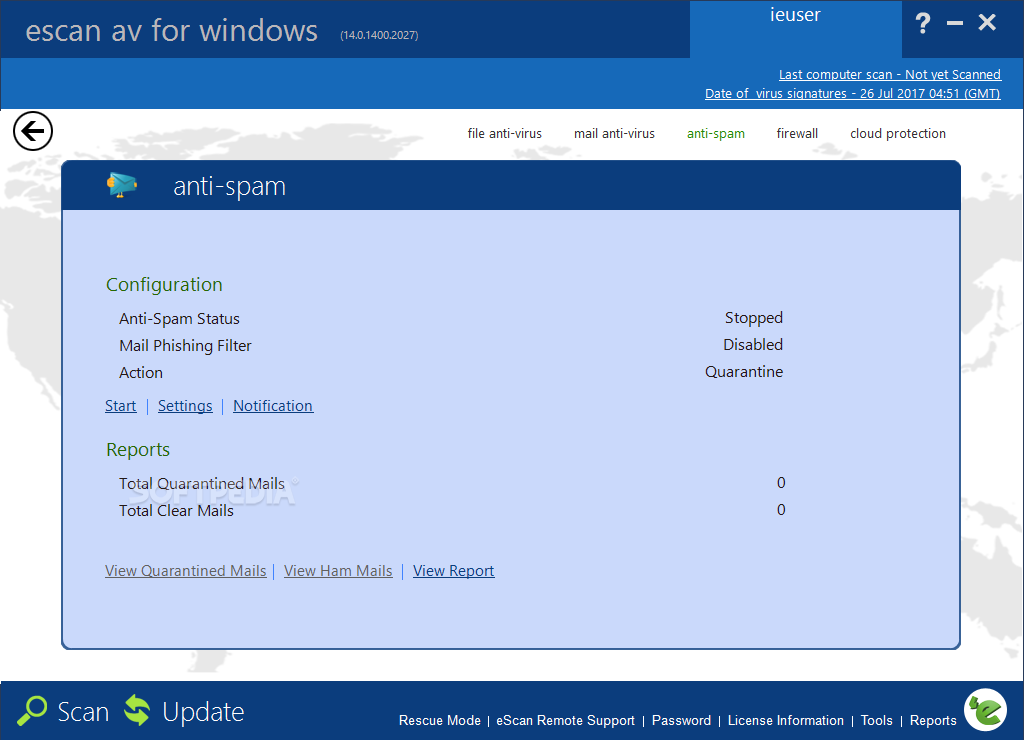
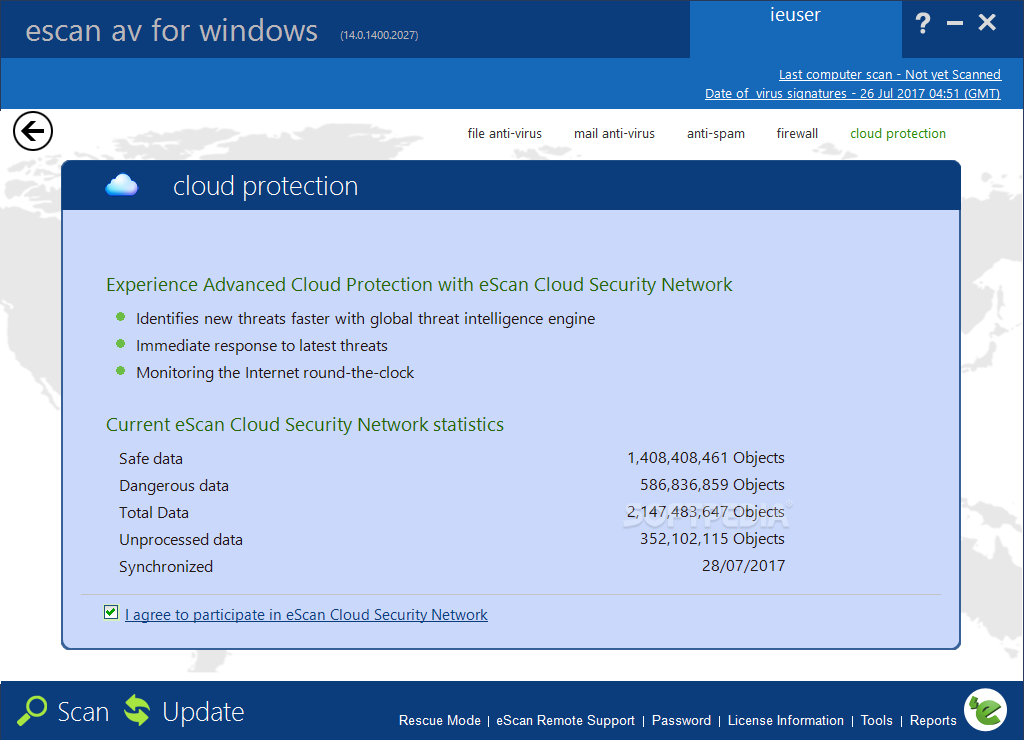
eScan Anti-Virus is an all-in-one security solution that provides an antivirus tool to protect your computer against viruses and other types of infections, as well as a firewall and an anti-spam utility to help you stay on the safe side.
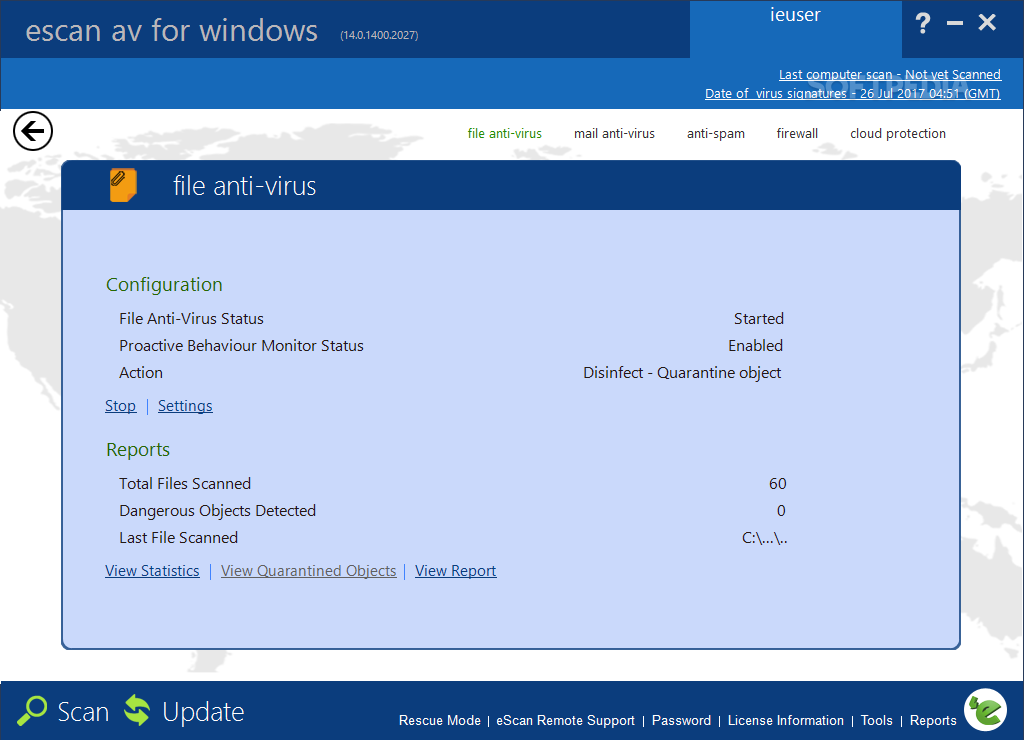
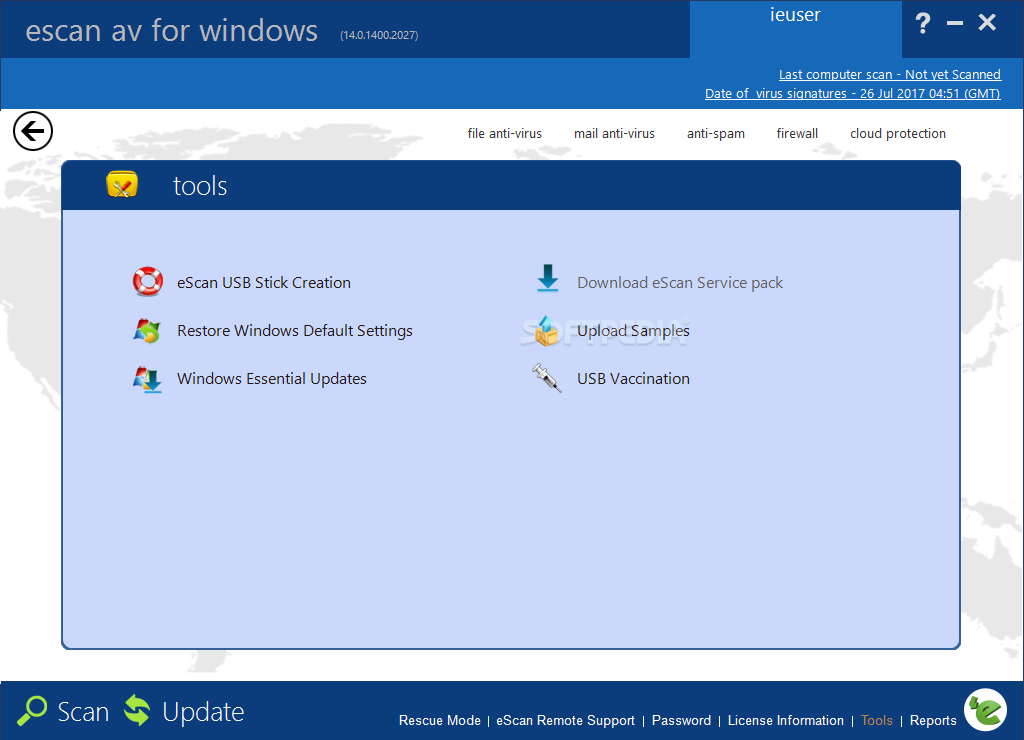
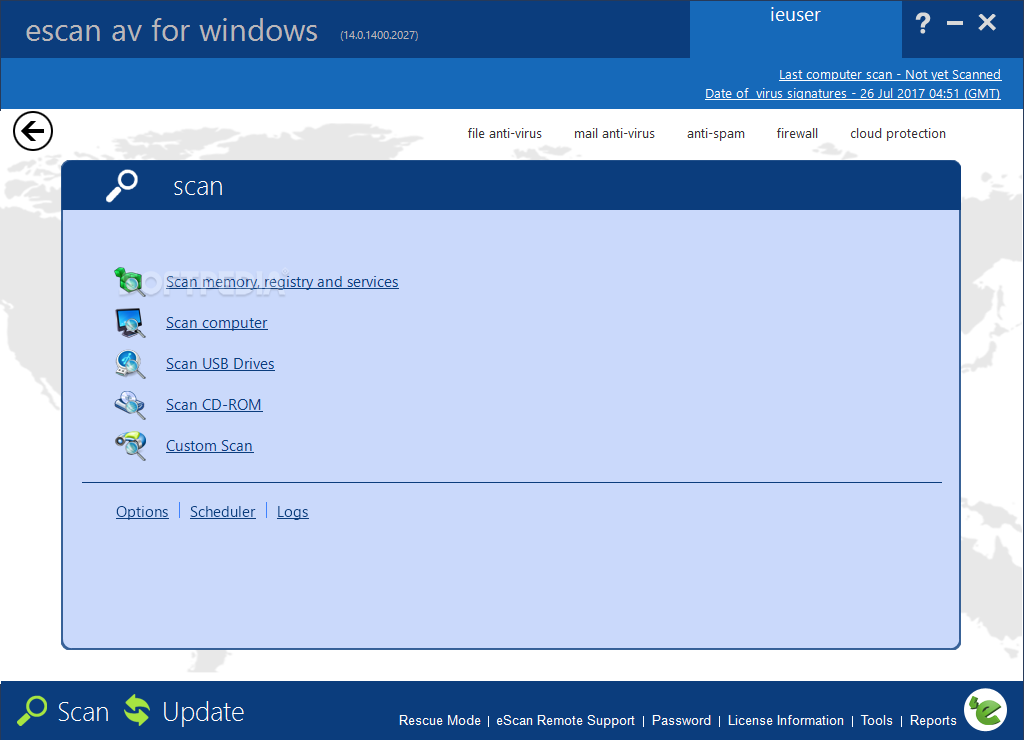
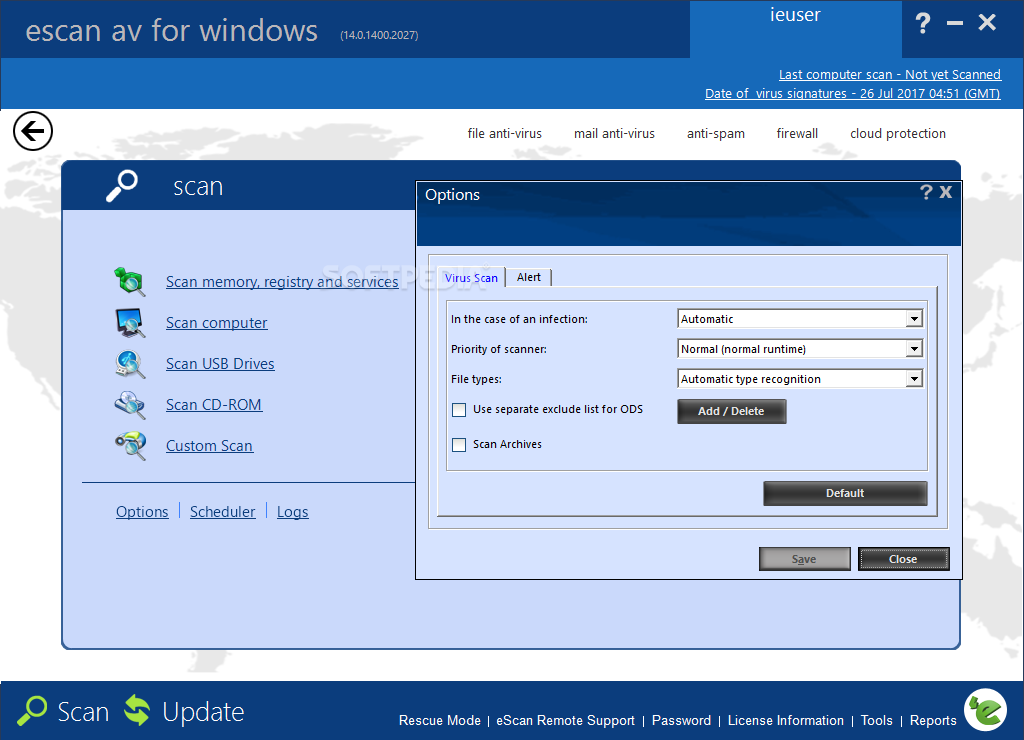
While the interface is easy to navigate, it may take a while to set up every single feature that's bundled into the app. An eye-candy dock-like bar allows you to switch from file antivirus to mail antivirus, anti-spam or firewall with just a single click, but each of these tools come with its very own pack of settings.
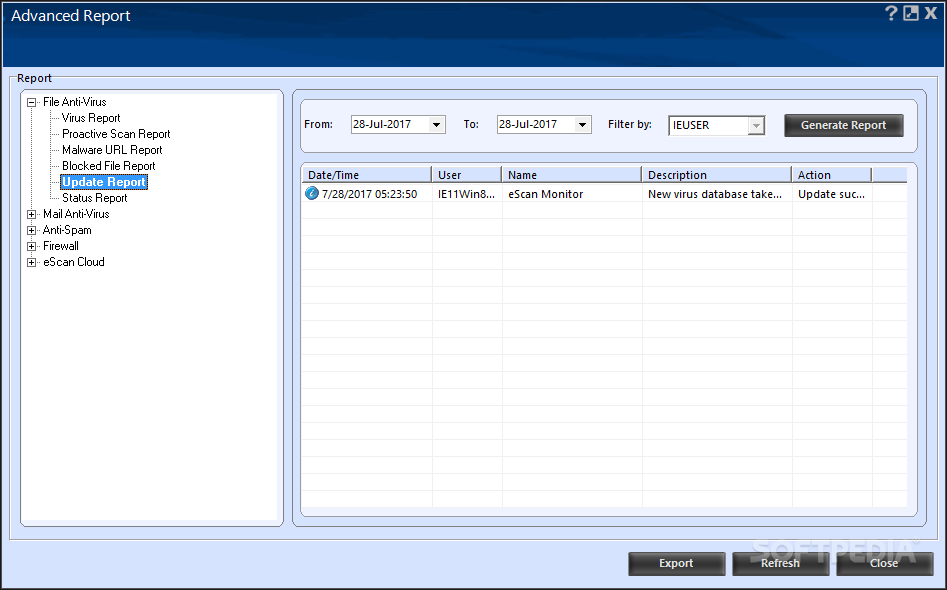
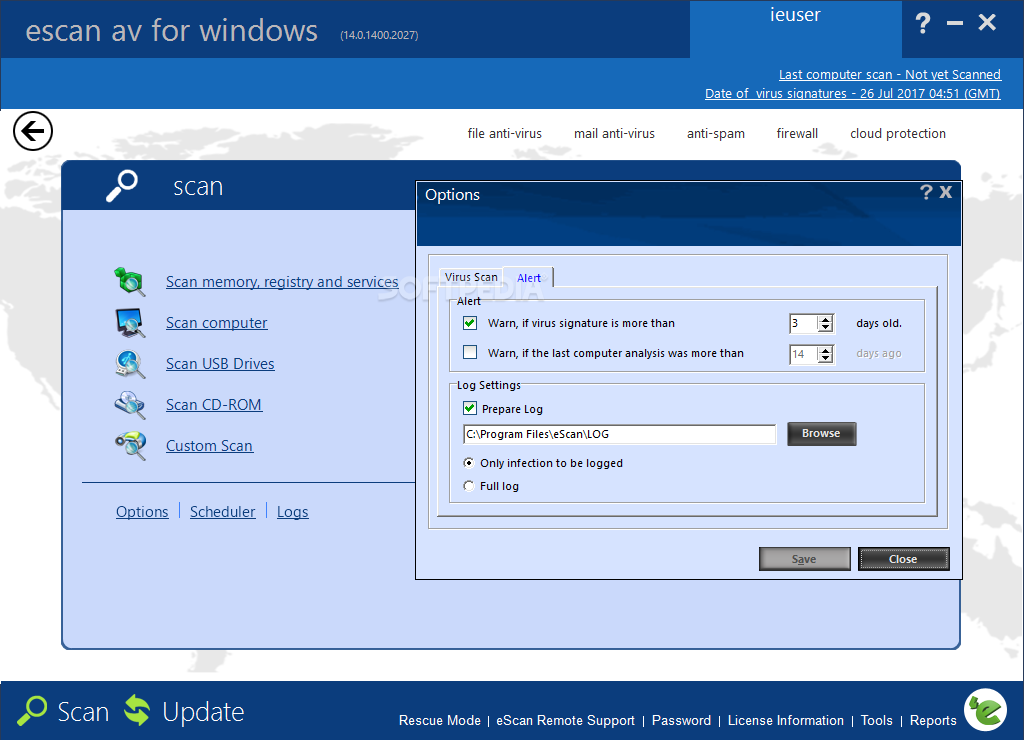
There are five scanning modes at your disposal, including a scheduler, so you can conduct scans at a user-defined time and date. The logs allow you to easily find out if there's something wrong with your system.
Obviously, the application features an auto-update tool, which means the latest virus definitions land on your computer as soon as they are released by the developer.
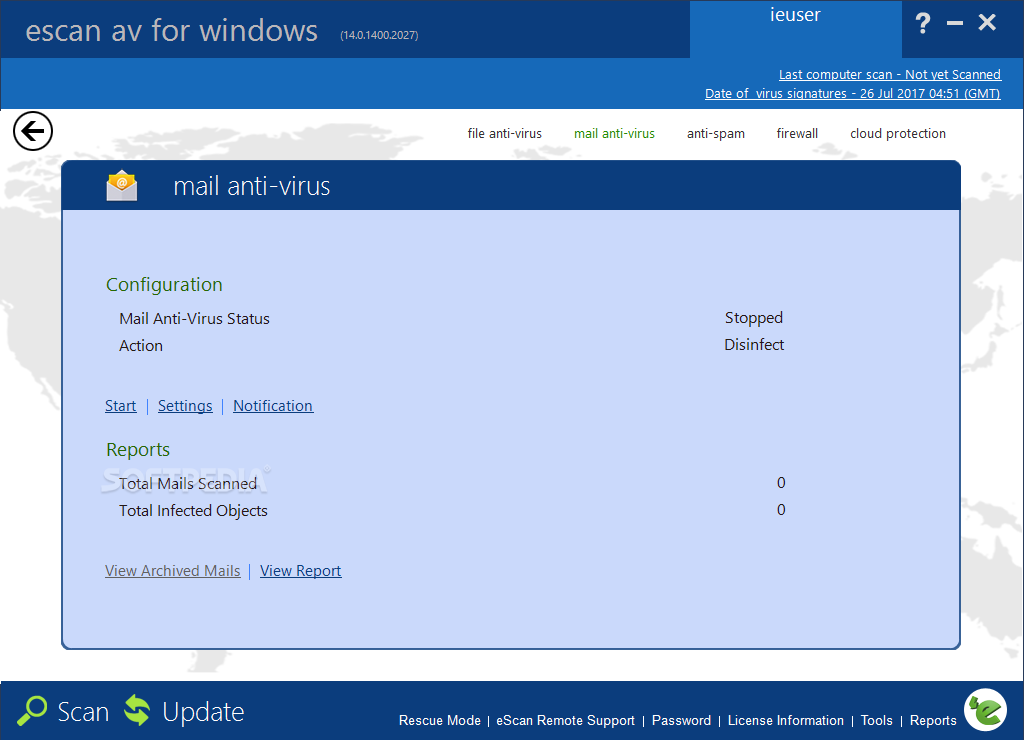
The so-called “Email Antivirus” blocks malicious files delivered via email; it can be configured to block certain attachment types, with specific port settings. You can archive emails or attachments and forward suspicious messages to a configured address. This feature only works with Outlook Express and Windows Mail.
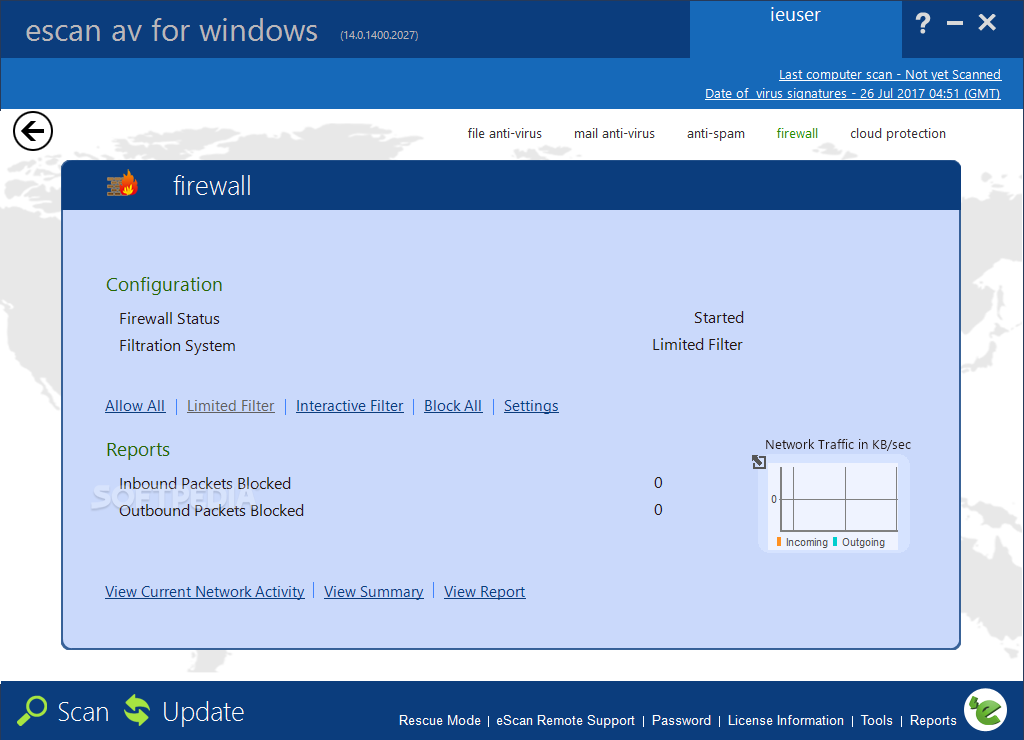
The firewall keeps an eye on network traffic and allows you to block certain applications that may connect to the Internet. Of course, this utility shows a detailed report on network activity, so any suspicious process can be easily blocked with just a single click.
Unfortunately, eScan Anti-Virus is not at all friendly with computer resources and it seems to seriously slow down the system, especially when performing a scan. Windows needs more time to boot, while eScan Anti-Virus starts its processes in more than ten seconds.
As a conclusion, eScan Anti-Virus is a useful solution, but not if you don't have a truly powerful system. Otherwise, you may end up staring at the screen while the application scans your files because the computer becomes unresponsive.
What's new in eScan Anti-Virus 14.0.1400.2281:
- New Virus Signatures added.
- Optimization done for Performance Improvement.
eScan Anti-Virus 14.0.1400.2281
add to watchlist add to download basket send us an update REPORT- runs on:
-
Windows 10 32/64 bit
Windows 8 32/64 bit
Windows 7 32/64 bit
Windows Vista 32/64 bit
Windows XP 32/64 bit
Windows 2K - file size:
- 443 MB
- main category:
- Antivirus
- developer:
- visit homepage
IrfanView

7-Zip

Zoom Client

Windows Sandbox Launcher

Context Menu Manager

Bitdefender Antivirus Free

Microsoft Teams

calibre

4k Video Downloader

ShareX

- calibre
- 4k Video Downloader
- ShareX
- IrfanView
- 7-Zip
- Zoom Client
- Windows Sandbox Launcher
- Context Menu Manager
- Bitdefender Antivirus Free
- Microsoft Teams