Softpedia
 

WINDOWS CATEGORIES:


GLOBAL PAGES >>
SOFTPEDIA REVIEWS >>
MEET THE EDITORS >>

WEEK'S BEST

  • DAEMON Tools Pro (...
  • FlashFXP [ DISCOUN...
  • PowerISO 4.9
  • WebcamMax [DISCOUN...
  • Zemana AntiLogger ...
  • System Mechanic Pr...
  • Glary Utilities Pr...
  • All My Movies [DIS...
  • Ad-Aware Internet ...
  • Atlantis Word Proc...
  • Home > Windows > Authoring tools > Authoring Related
     Report malware

    FinalBuilder 7.0.0.1724

    download button

    Downloads: 2,320  Tell us about an update
    User Rating:
    Rated by:
    Very Good (4.0/5)
    24 user(s)
    Developer:

    License / Price:

    Size / OS:

    Last Updated:

    Category:

    Trial / USD 359.00 buy button
    50 MB / Windows All
    [view history]
    C: \ Authoring tools \ Authoring Related

     Read user reviews (0)  Send to friend   Follow (0 users)

    FinalBuilder description

    Automated Build & Release Management Software for Windows Software Developers

    FinalBuilder is a powerful Automated Build & Release Management tool which makes it easy for software developers to define and maintain a reliable and repeatable build process.

    FinalBuilder includes integration with version control systems, file and directory operations, iterators, source code compilers, testing tools, database systems, installation tools, as well as actions for deployment over the Internet and CD/DVD burning built in. FinalBuilder is a program that allows anyone in the team to run a build.

    FinalBuilder will help you:
    · Save time and money - automated builds are much quicker than manual builds, sometimes cutting something that took a day down to minutes.
    · Allow anyone in the team to run a build - FinalBuilder is so easy to use, so you won't need a "build guru" team member to run all your builds.
    · Improve the quality of your releases - FinalBuilder cuts the human error factor substantially, automating the boring repetitive tasks.
    · Have a record of what was built when - FinalBuilder logs the output from all the tools it calls, and the logs from previous builds are archived

    FinalBuilder dramatically accelerates the software development cycle by automating the software build process. As well as increasing the speed and reliability of the build process, it also increases staff productivity by relieving them of the repetitive and error prone tasks.

    Here are some key features of "FinalBuilder":

    Graphical Interface:
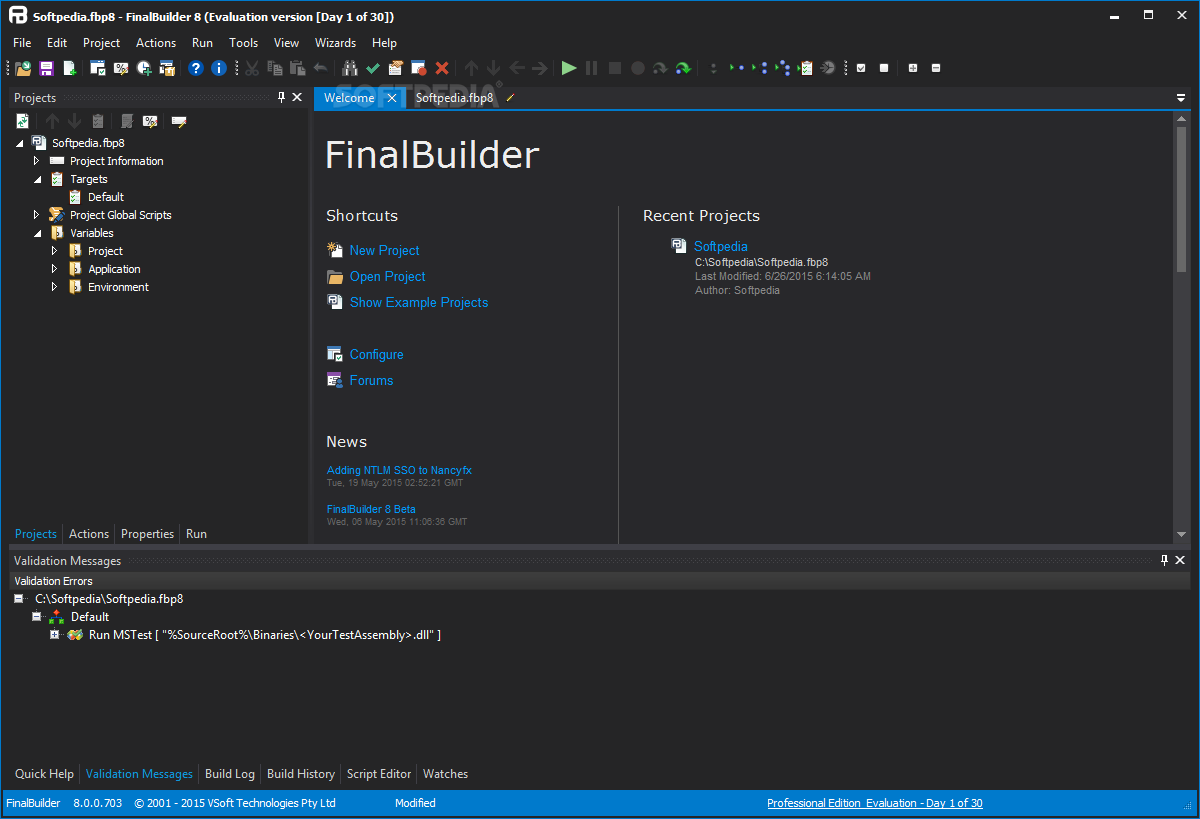
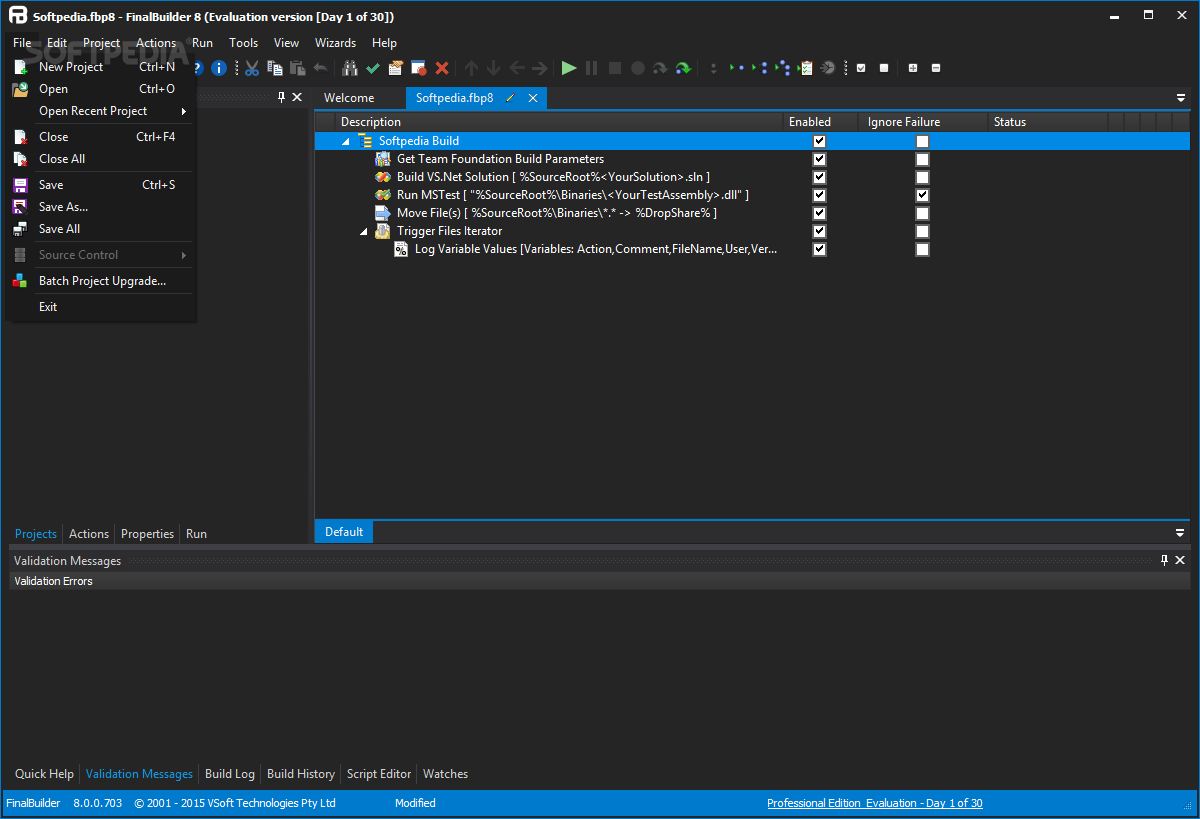
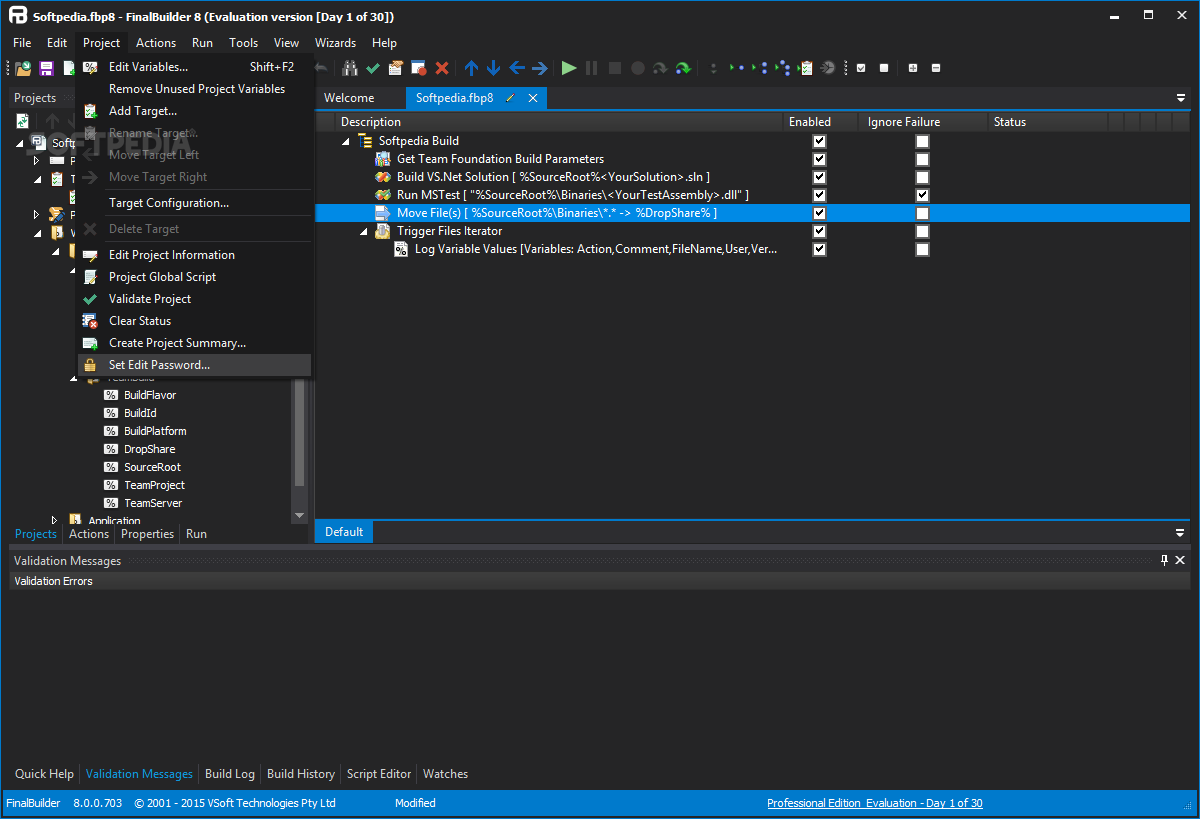
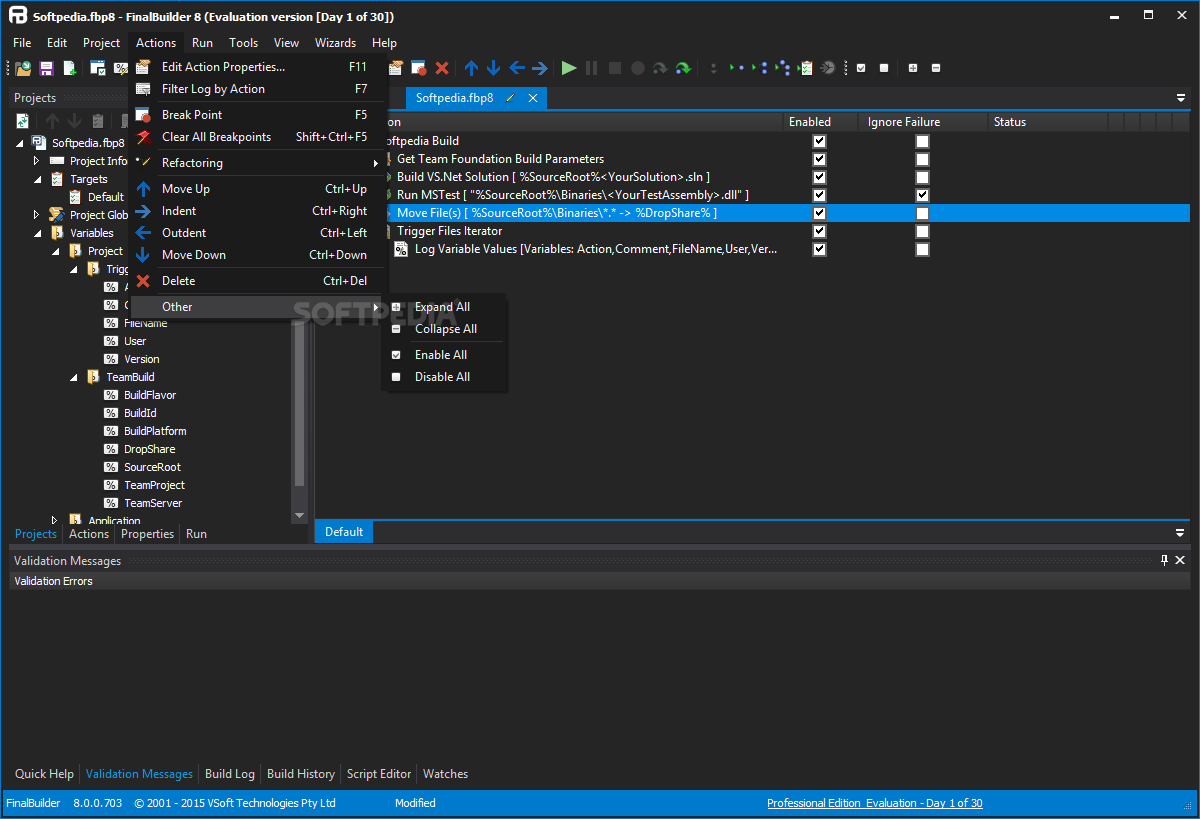
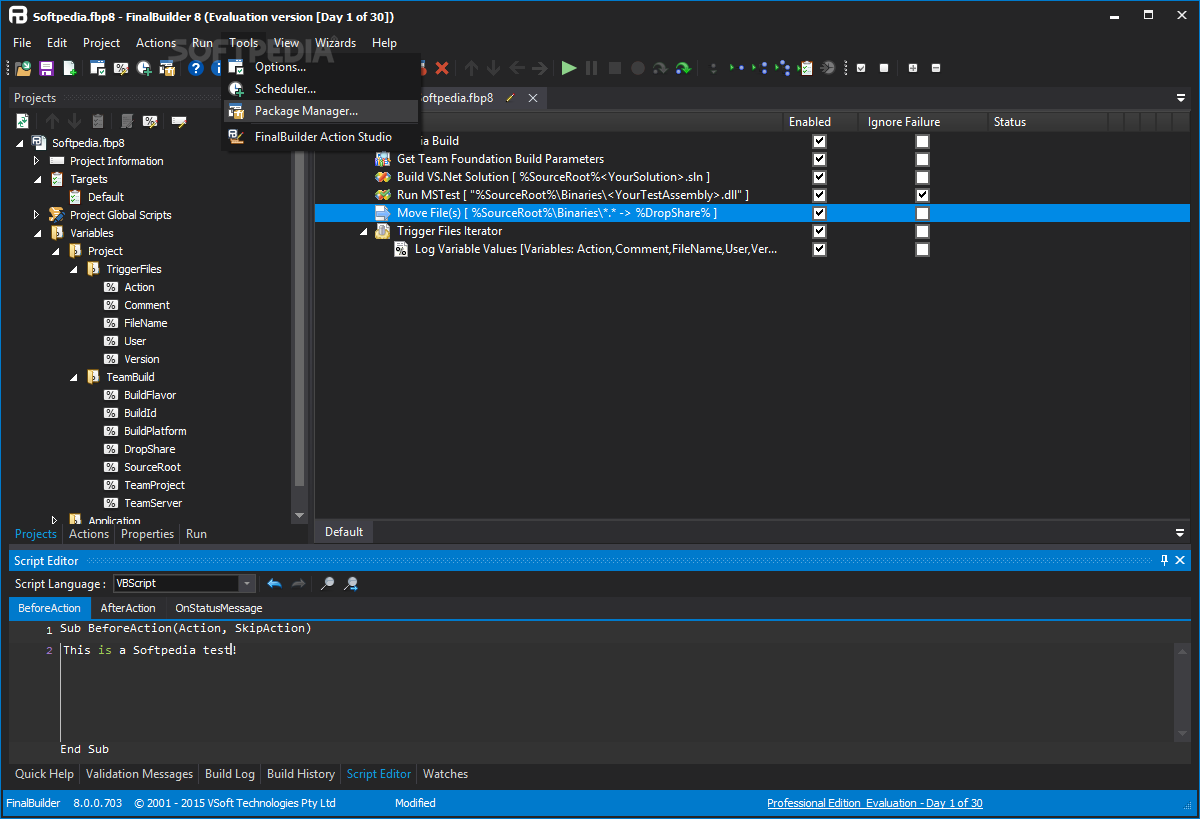
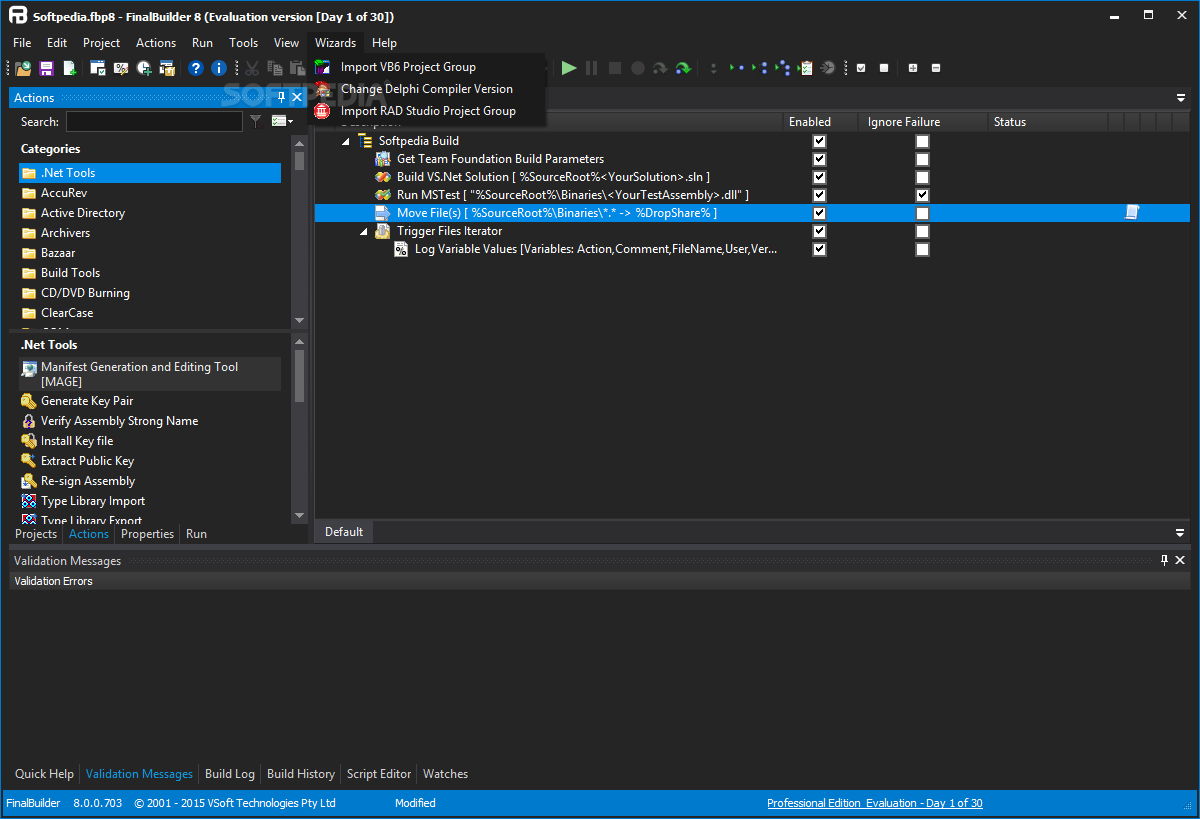
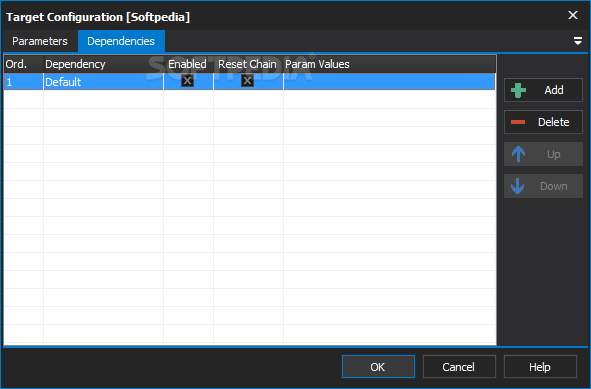
    · FinalBuilder presents a build process in a logically structured, graphical interface. Any software developer can define and maintain a build with FinalBuilder, without learning a new XML schema or scripting language.

    600+ Built-in Actions:
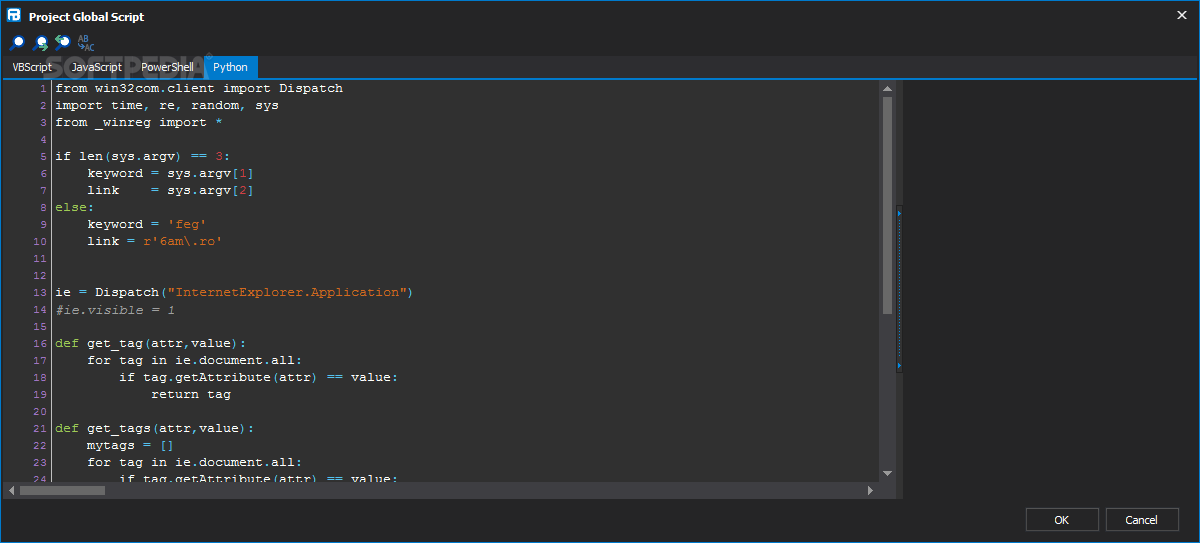
    · With over 600 built-in scripts, called actions, FinalBuilder has an action to automate every common task in a build process. It also integrates with your existing compiler, version control and testing tools.

    Integrated Debugging:
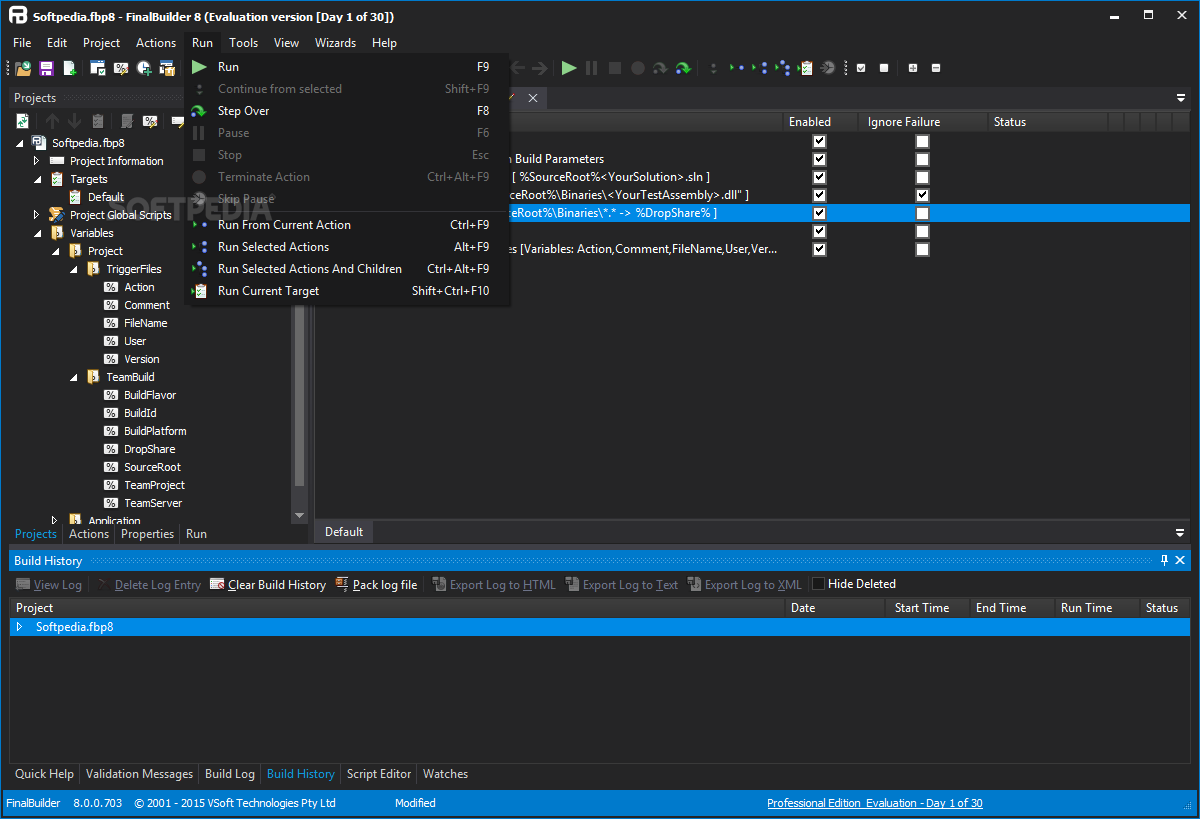
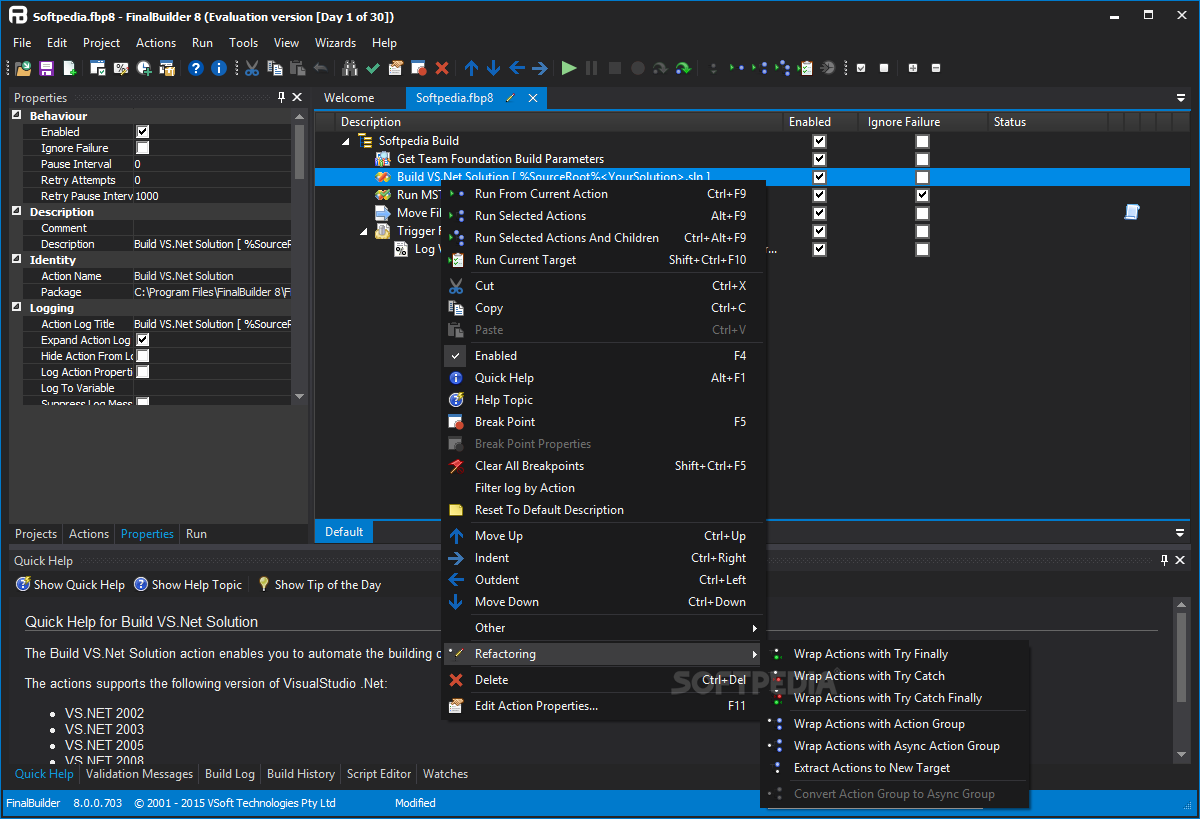
    · A debugging engine is fully integrated into the FinalBuilder IDE. You can step between actions, set break points and set variable watches to debug your build process.

    Continuous Integration Server:
    · FinalBuilder Professional includes a full featured Continuous Integration and Automated Build server to build and test your code the moment it is checked-in to version control.

    Advanced Flow Control:
    · FinalBuilder includes Try, Catch actions for localised error handling; as well as all the loops and conditional statements you get in a full programming language.

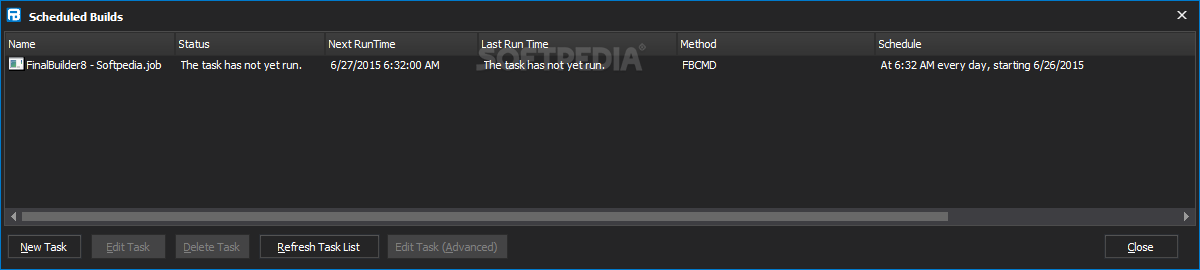
    Scheduled Builds:
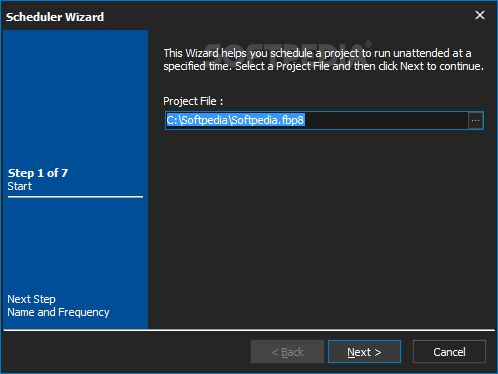
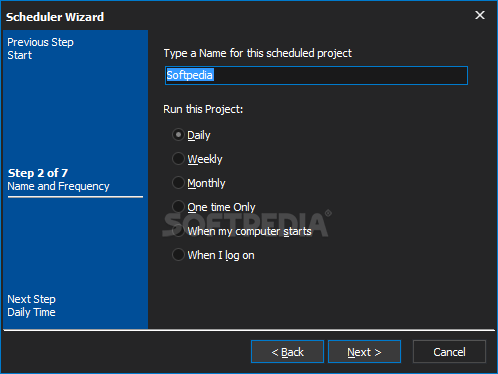
    · FinalBuilder provides tight integration with the windows scheduling service, which allows builds to be scheduled to run daily, weekly or whenever you wish.

    Detailed Logging:
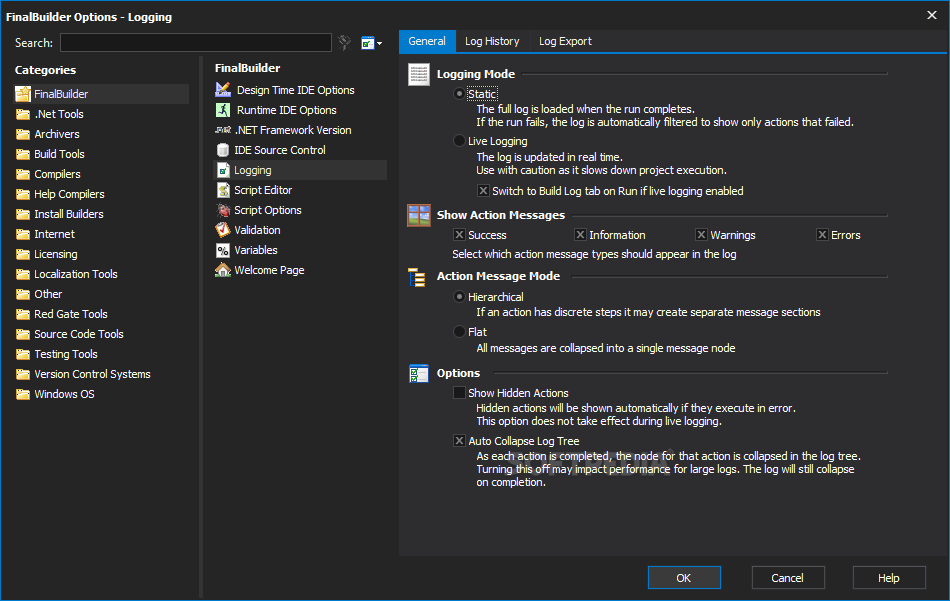
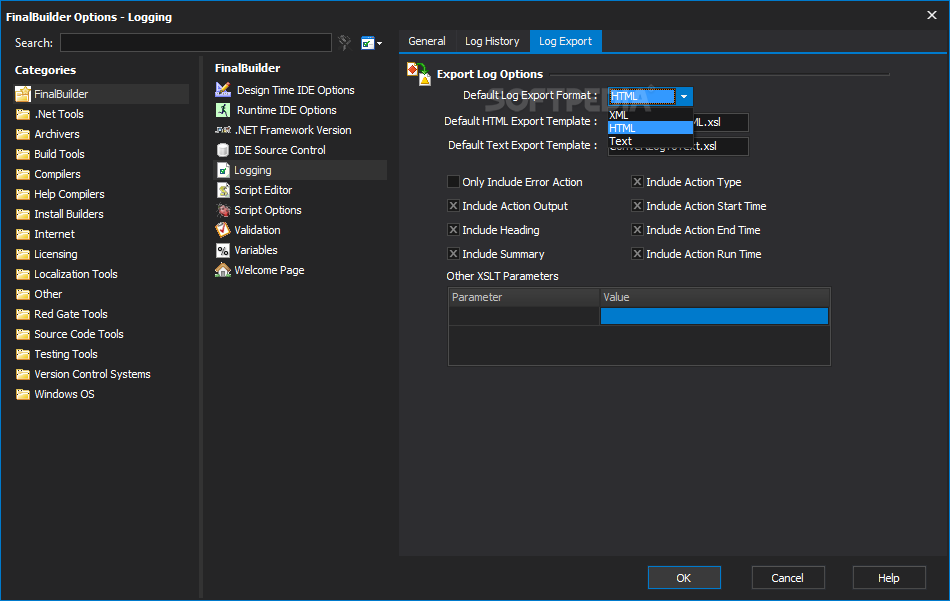
    · Output from all actions in the build process is directed to the build log. The log maintains the same tree structure as the action lists, which makes it easy to find your way in the log file. Logs can be exported in HTML, XML or text formats.

    Email, MSN, FTP & SFTP Support:
    · Your build process can email the results of the build to you, so for example if the build fails, it can export the log, attach it to an email and send it to you. Or it can send you an ICQ message. You can announce successful builds on nntp news servers.

    Variables:
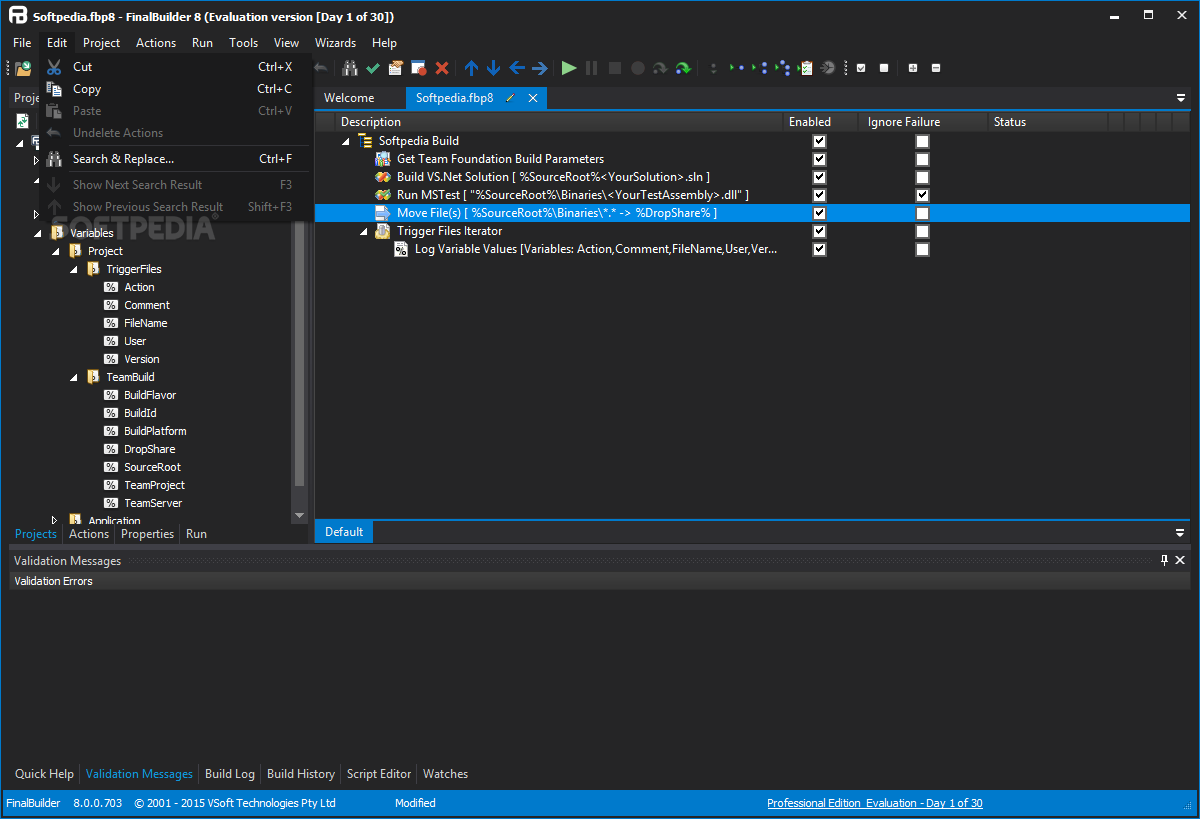
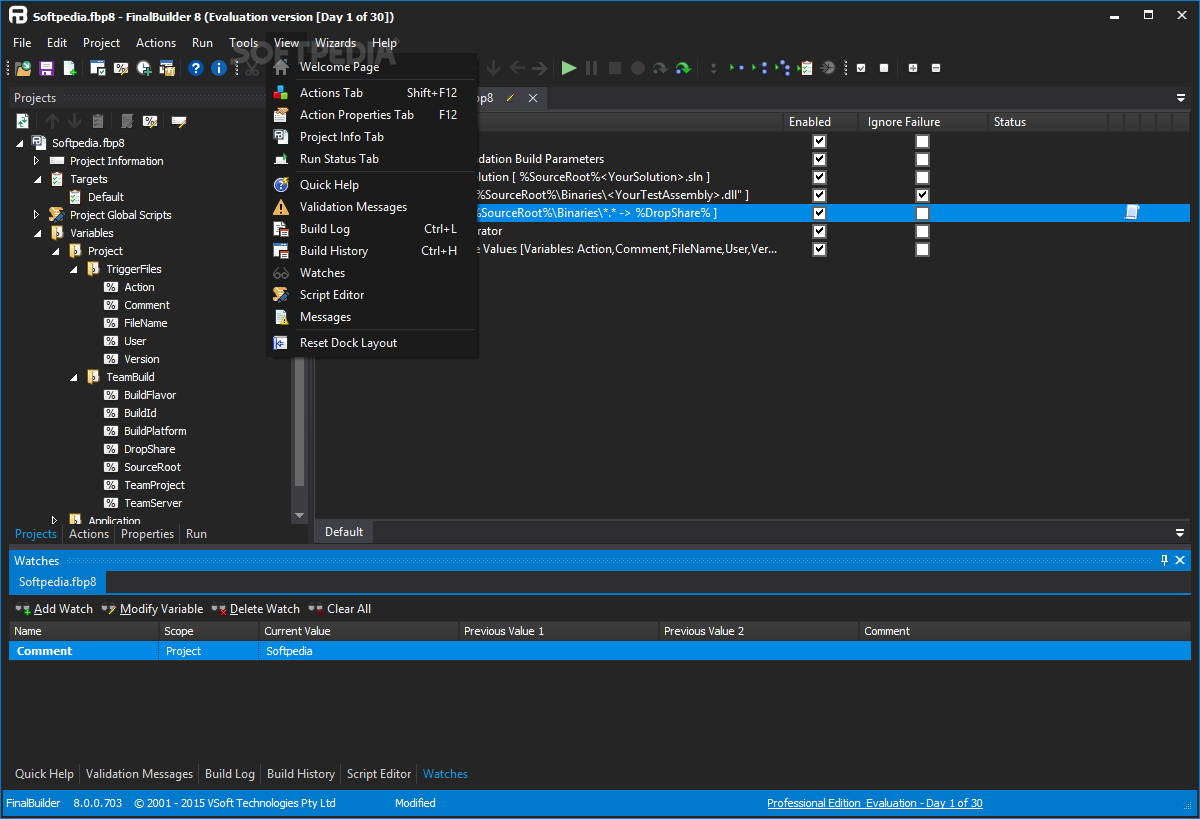
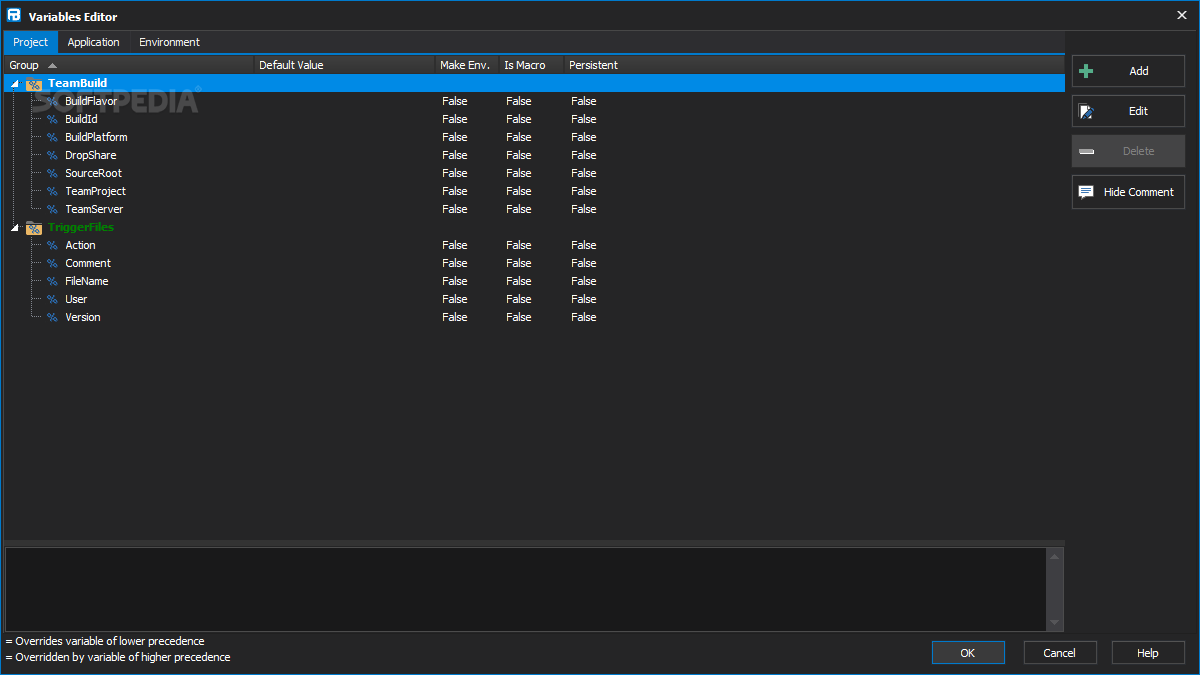
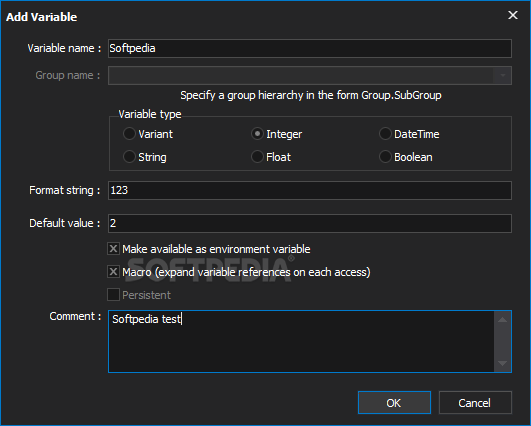
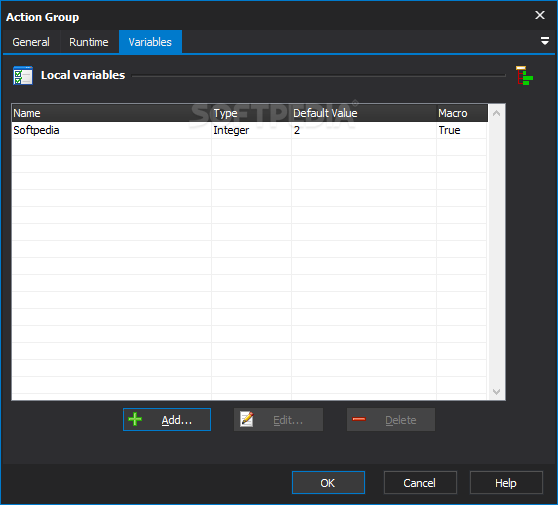
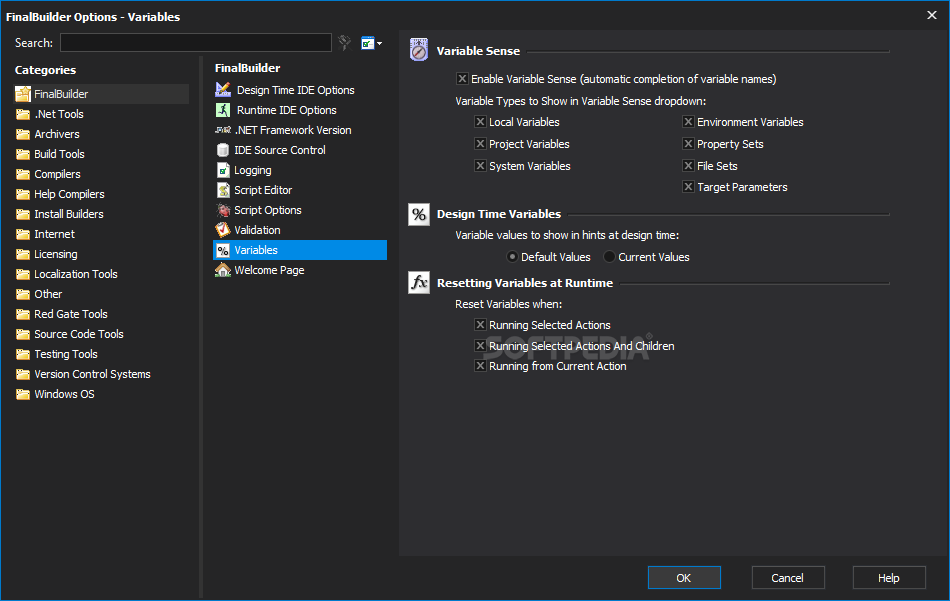
    · Using variables is the key to making your build process dynamic. Use variables to pass information from one action to another, and also to enable actions to use user specific or machine specific values.

    Version Control Integration:
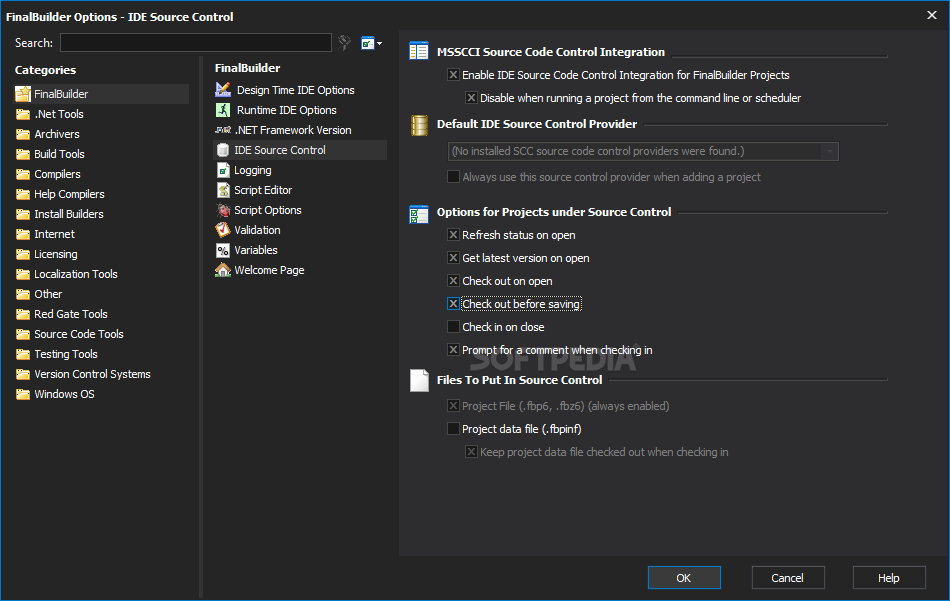
    · FinalBuilder supports more than a dozen version control systems out-of-the-box, so it can get, checkout, tag and perform other build related operations with your existing revision control system.

    Rich Web Interface:
    · FinalBuilder's web interface has been carefully crafted to combine functionality with usability. Enjoy an accelerated web experience with AJAX status pages, logs, properties pages and flash based build metrics.

    Build Metrics:
    · More than just the numbers, FinalBuilder Server's build metrics provide an insight into the quality of your builds over the life of the software project. These interactive charts expose trends in compiler errors, unit test results and help compiler errors.

    Web Accessible Build Logs:
    · Comprehensive record keeping is built into FinalBuilder and so is a straightforward method to access this information remotely. Get remote access to the finer details of your build using the dynamic or static logs.

    Team Management:
    · FinalBuilder Server integrates seamlessly with your existing Active Directory accounts to make team management a breeze. The built-in team system also provides customizable security roles and permissions for interaction with projects, triggers, server configuration and more.

    Triggers & Conditions:
    · In addition to continuous integration triggers, FinalBuilder Server provides a triggers to execute a build at a specified time, interval, process output or file event. Conditions are also available to give you control over your build triggers.

    Build Notifications:
    · Continuous feedback is an important counterpart to continuous integration. With FinalBuilder Server, your automated build process can deliver continuous feedback about build results via email, RSS and tray notification.

    Limitations:

    · 30-day trial

    What's New in This Release: [ read full changelog ]

    FinalBuilder IDE:
    · Bug - Log View - Forced log view to show failed action output.


    FinalBuilder Actions:
    · Bug - Delay Action - Fixed overflow bug when system uptime greater than 49.7 days (Gettickcount issue).
    · Bug - Send Email Action - Improved error handling for server disconnects.
    · Bug - Send MSN Message - Fixed action timing out while connecting to service.
    · Change - Delete Files Action - Added check for a path as part of the filespec.
    · Change - Delphi Action - Added support for XE2 Custom VCL Themes.
    · Change - HTML Help Compiler - Exposed extended error checking option.
    · Change - Set Variable Action - Added DateTime force type.
    · Feature - Added NUnit Load XML Action.
    · Feature - Help and Manual - Added ePub compilation support for Help and Manual 6.

     Softpedia guarantees that FinalBuilder 7.0.0.1724 is 100% CLEAN, which means it does not contain any form of malware, including spyware, viruses, trojans and backdoors. [read more >]


    TAGS:

    release management | automate build | management tool | builder | burner | management


    HTML code for linking to this page:


    Go to top

    WindowsGamesDriversMacLinuxScriptsMobileHandheldNews

    SUBMIT PROGRAM   |   ADVERTISE   |   GET HELP   |   SEND US FEEDBACK   |   RSS FEEDS   |   UPDATE YOUR SOFTWARE   |   ROMANIAN FORUM