Softpedia
 

WINDOWS CATEGORIES:


GLOBAL PAGES >>
SOFTPEDIA REVIEWS >>
MEET THE EDITORS >>

WEEK'S BEST

  • DAEMON Tools Pro (...
  • FlashFXP [ DISCOUN...
  • PowerISO 4.9
  • WebcamMax [DISCOUN...
  • Zemana AntiLogger ...
  • System Mechanic Pr...
  • Glary Utilities Pr...
  • All My Movies [DIS...
  • Ad-Aware Internet ...
  • Atlantis Word Proc...
  • Home > Windows > Authoring tools > Authoring Related
     Report malware

    The Logo Creator 5.1

    download button

    Part of the Logo Managers download hub
    Downloads: 25,696  View global page  Tell us about an update
    User Rating:
    Rated by:
    Very Good (4.1/5)
    42 user(s)
    Developer:

    License / Price:

    Size / OS:

    Last Updated:

    Category:

    Trial / USD 29.95 buy button
    38.4 MB / Windows All
    [view history]
    C: \ Authoring tools \ Authoring Related

     Read user reviews (1)  Send to friend   Follow (3 users)

    EDITOR'S RATING

    Softpedia Editor's Review for The Logo Creator

    Utility that will help you create incredible logo designs

    Written by Elena Opris on January 27th, 2012

    The Logo Creator is an application that lets you quickly create logos for websites, advertisements, presentation slides, and others.

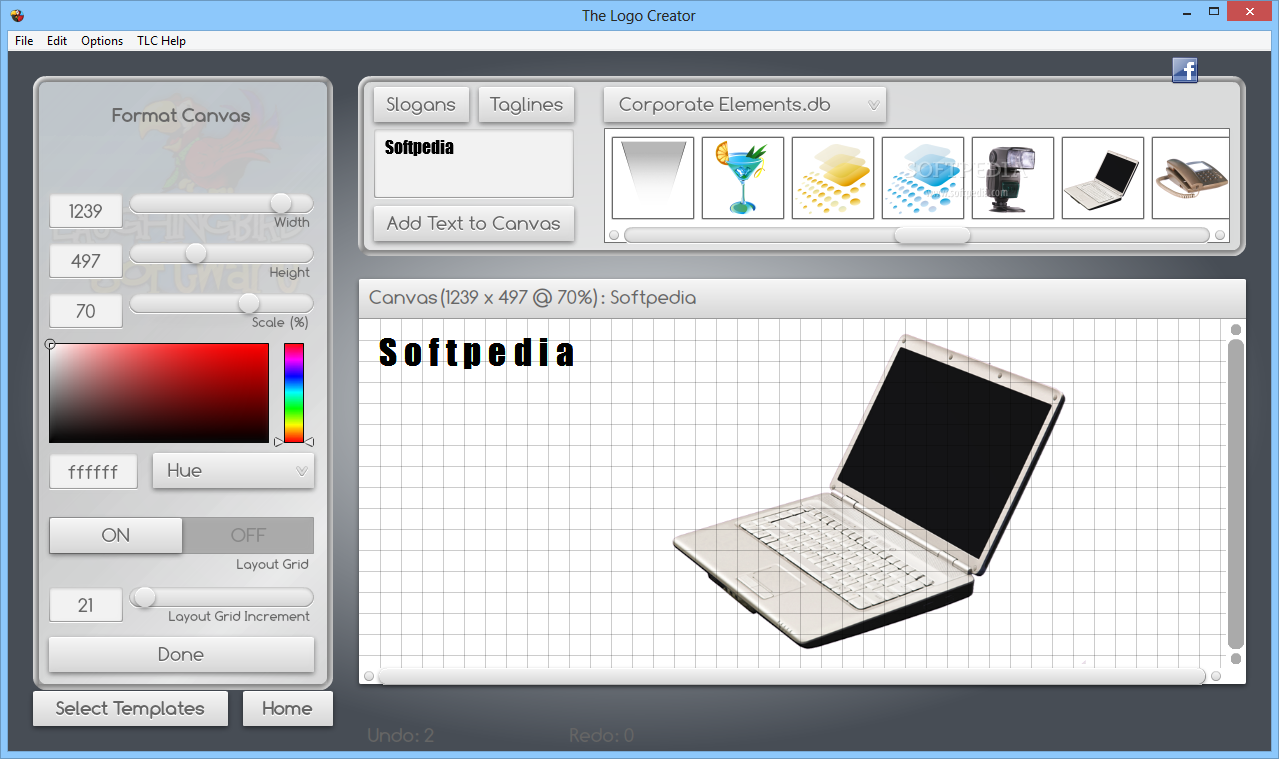
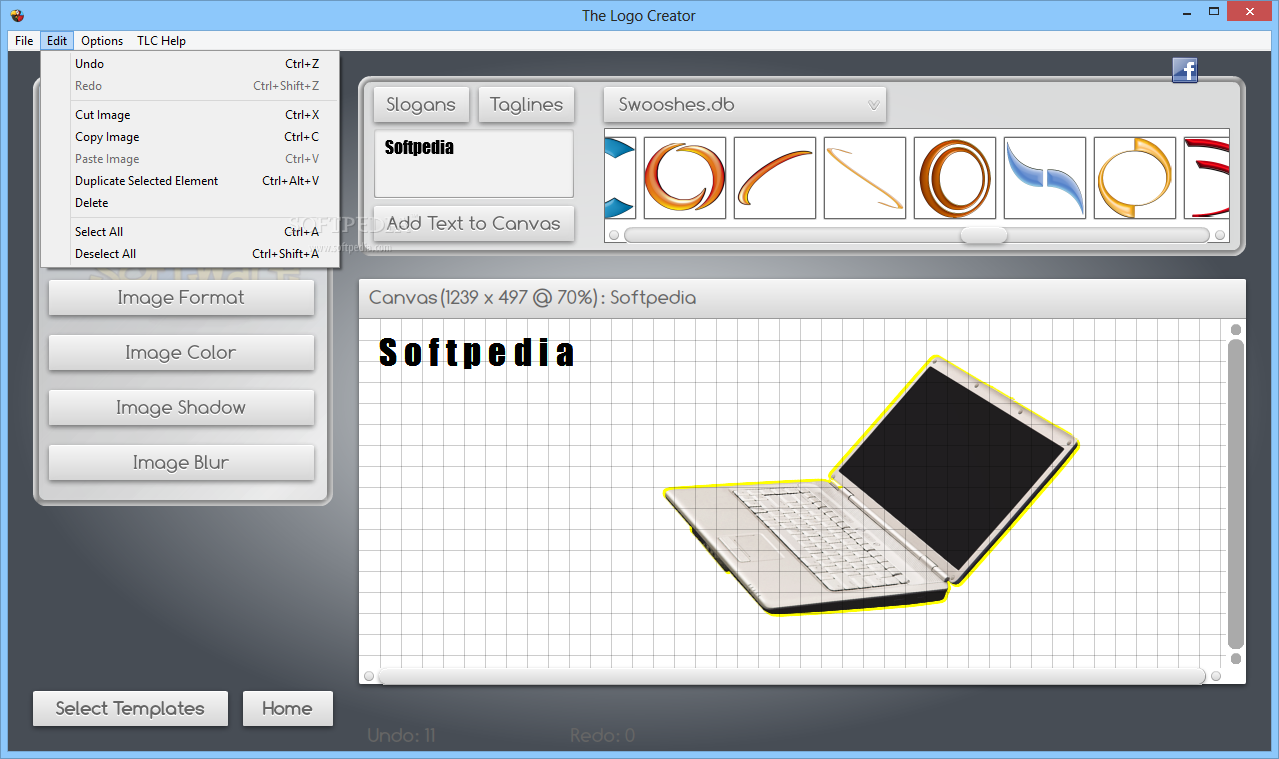
    The user interface of the program is intuitive and consists of three small windows where you select elements, control actions and view results.

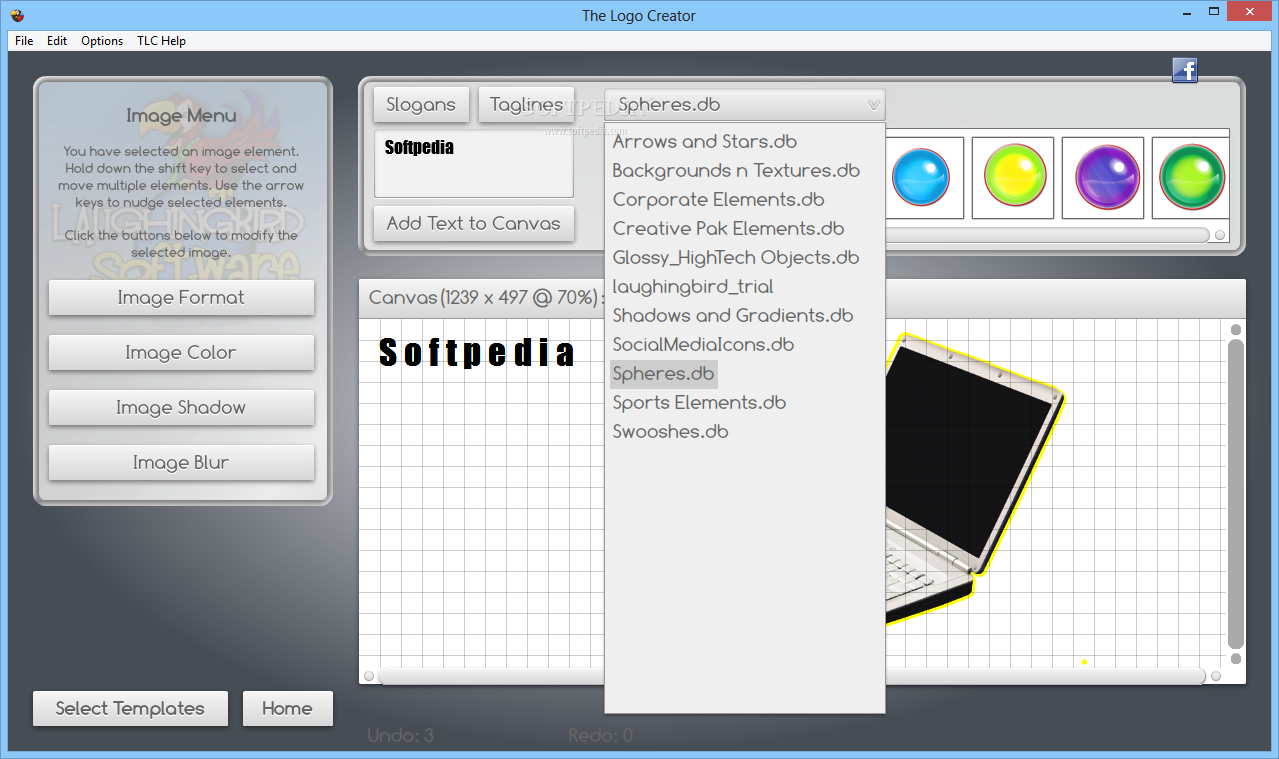
    So, you can add your own text or generate a slogan or tagline that you can adjust to your liking, as well as insert template images (orbs, banners and stars, shapes, swooshes).

    When it comes to text, you can change the format (attributes, size, character and line spacing, circle radius and rotation) and color (e.g. gradient type, number of cycles).

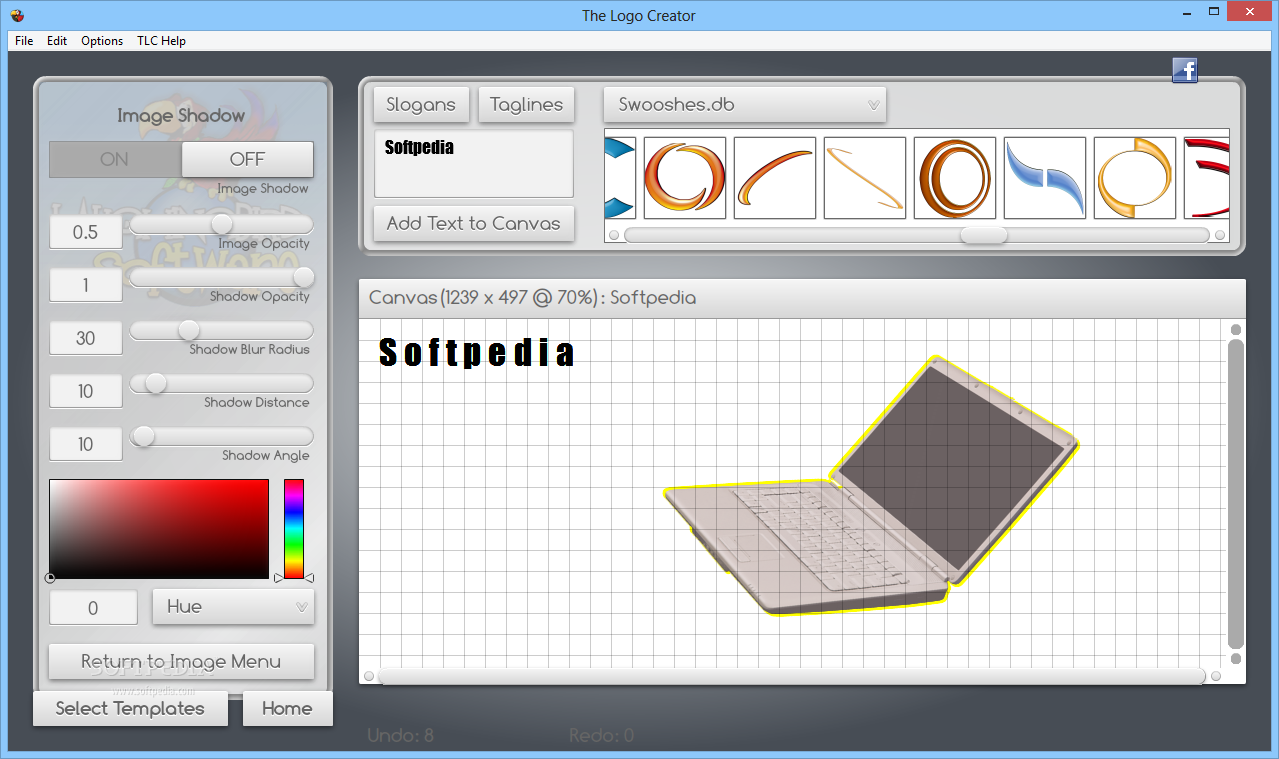
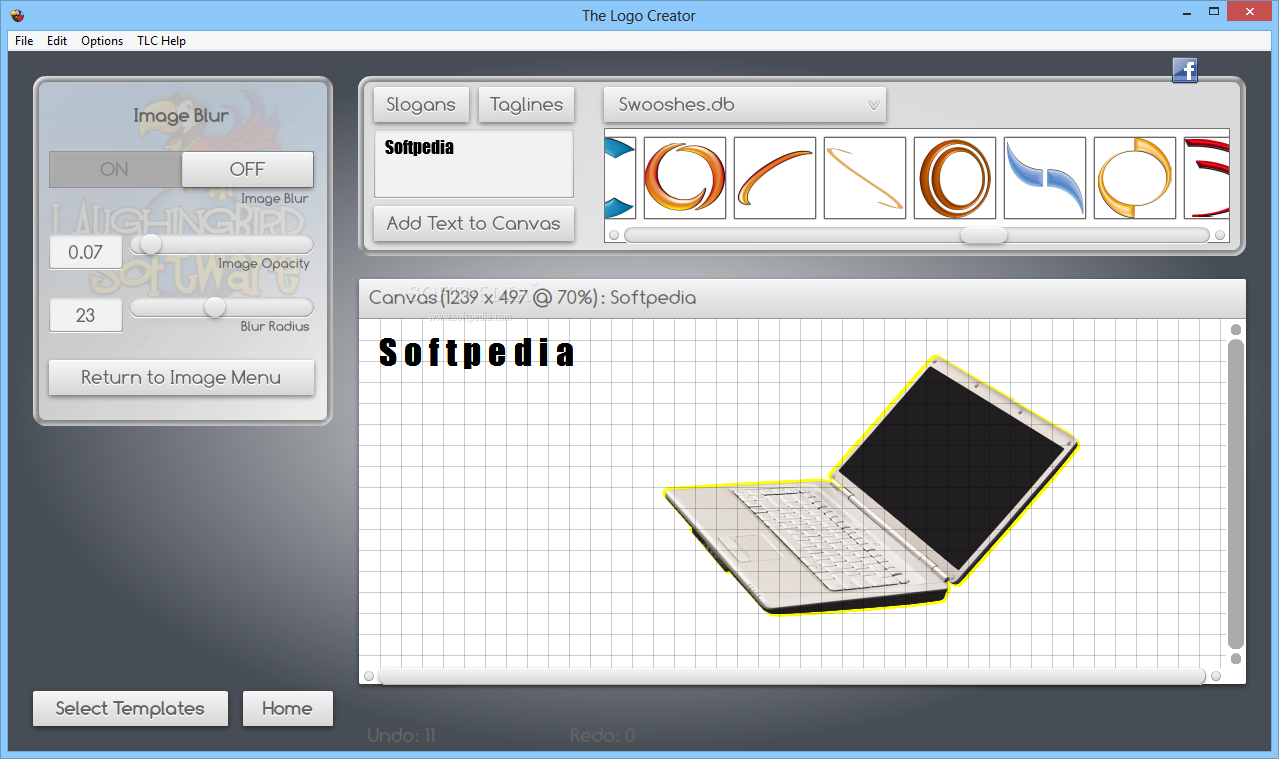
    But you can also configure settings for the shadow (e.g. opacity, blur radius, turn off shadow mode), blur (opacity, radius, disable blur), outline (opacity, width, color, disable outline), as well as add more text effects (e.g. 3D, double outline, glow, metallic, neon, mirror).

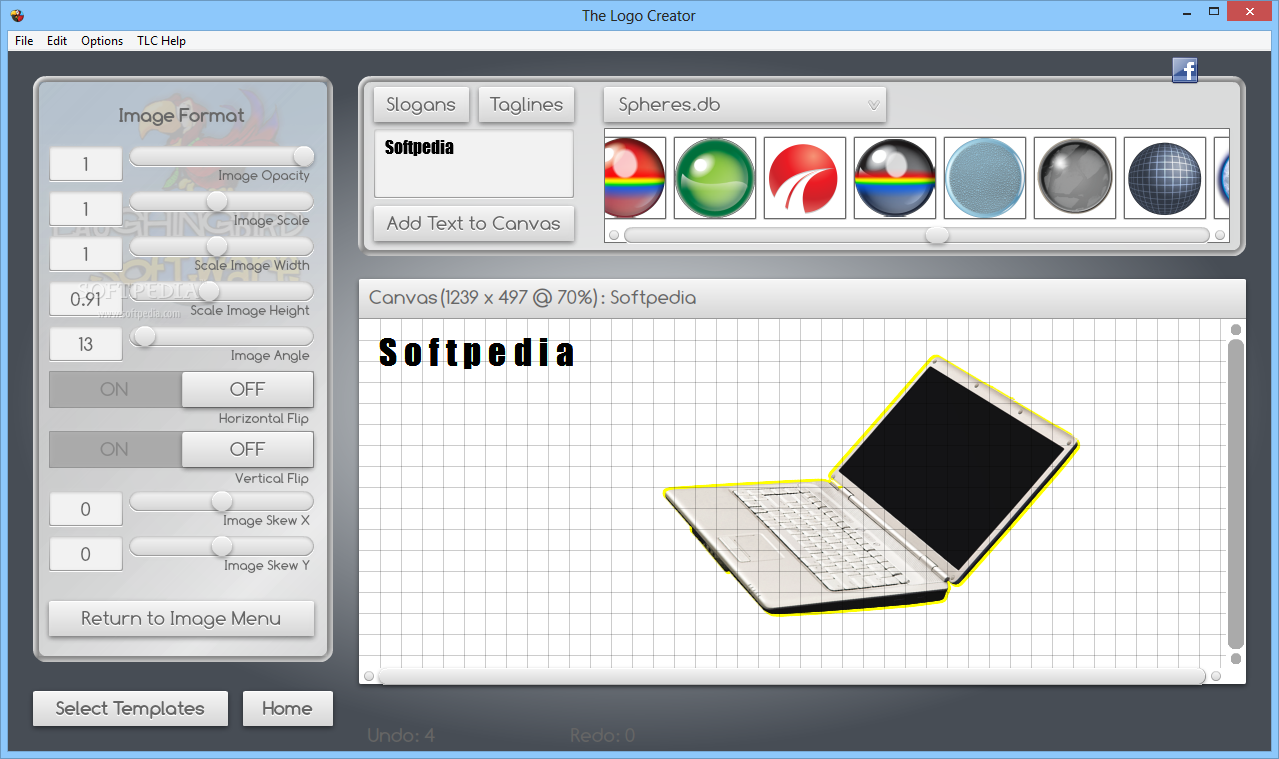
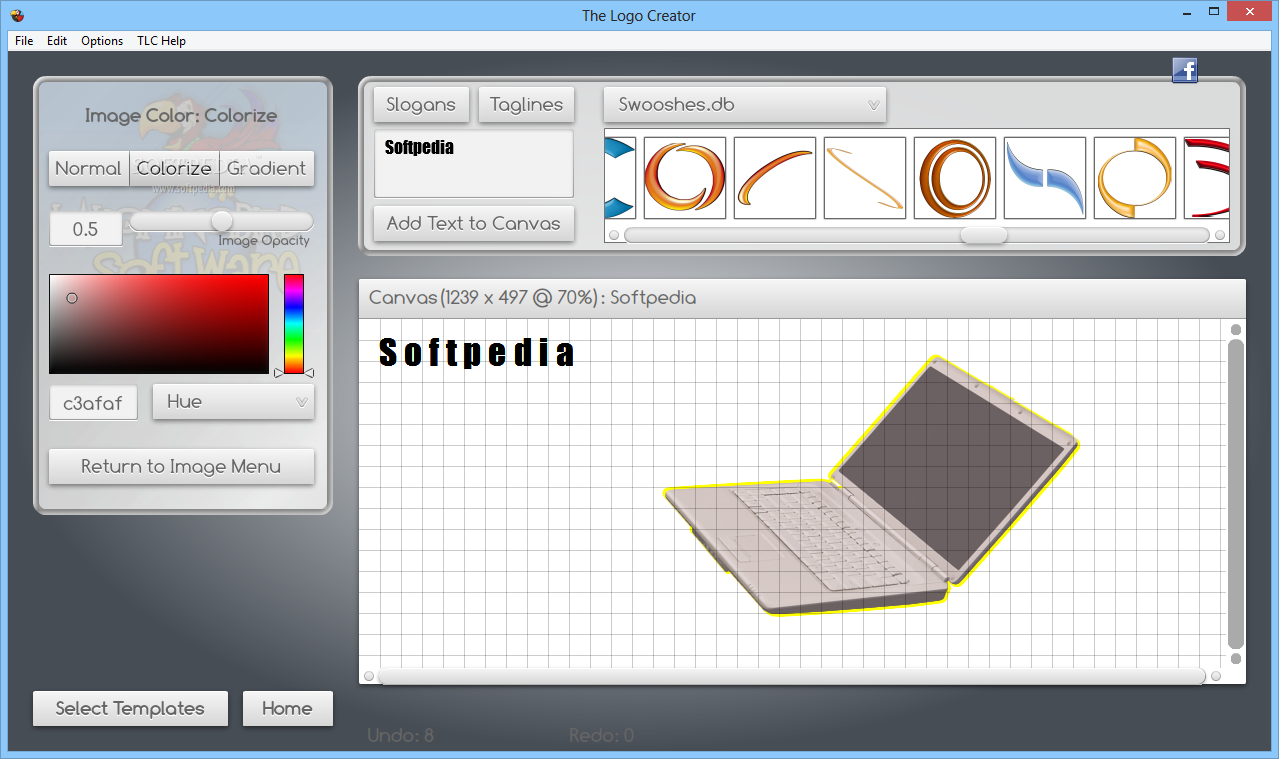
    Regarding other objects, you can change their attributes (opacity, scale, flip horizontally or vertically, image angle), color (opacity, normal, colorize, gradient), shadow and blur (both are similar to text shadow and blur).

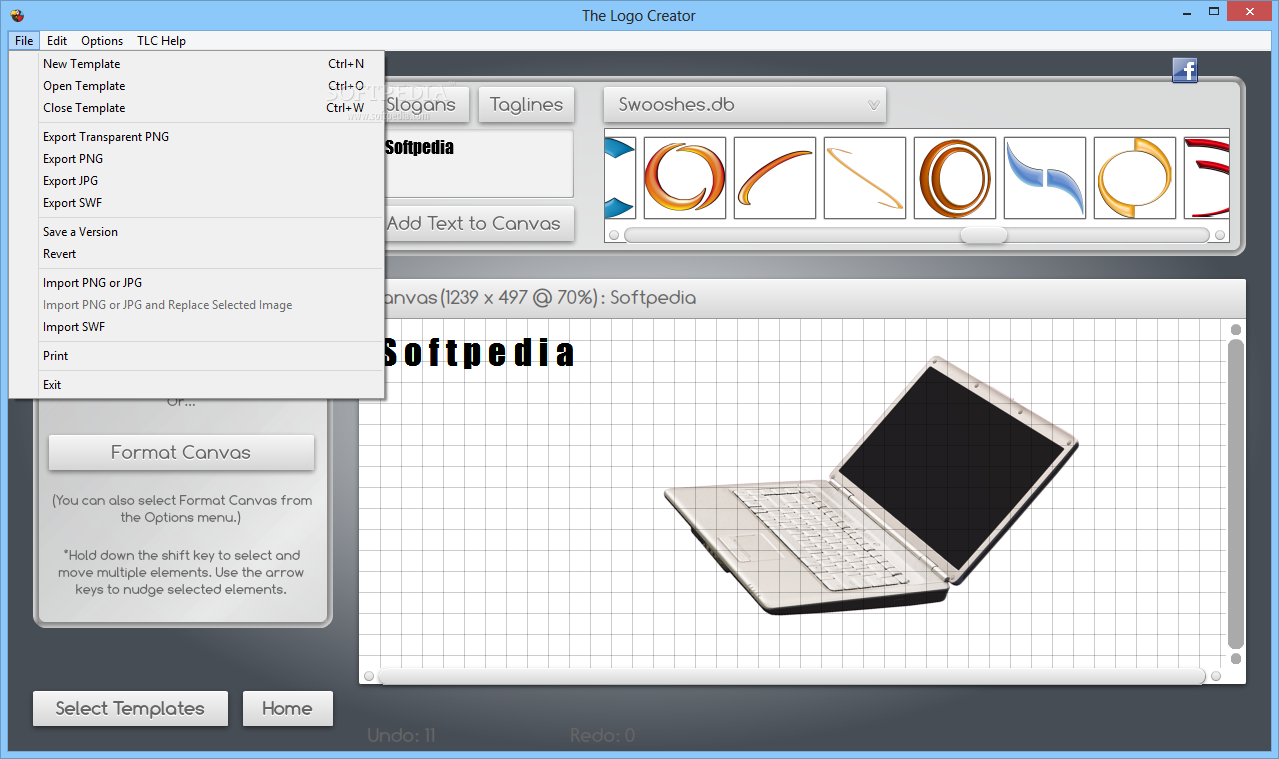
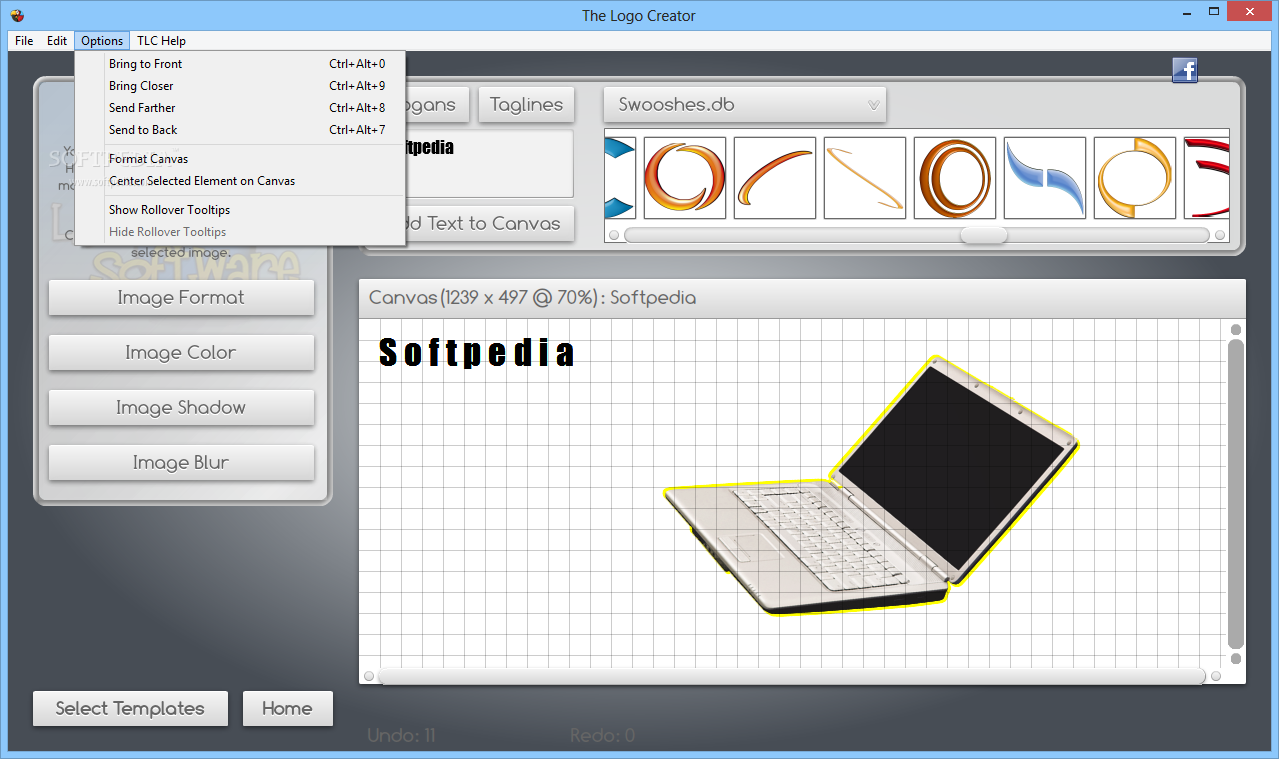
    In addition, you can set the background color, import an image from the hard drive, view logo thumbnails, export to file or save as template, use the "Undo" and "Redo" buttons, bring elements to front or send them to back, group, ungroup, lock or unlock elements, remove white backing, duplicate a logo element, and more.

    The program uses a moderate-to-high amount of system resources, contains a comprehensive help file and didn't pop up any errors during our tests. Sometimes it takes a while for changes to be applied (especially when it comes to text) and the trial version is severely limited.

    All in all, The Logo Creator is a very simple tool for designing logos but it doesn't really offer professional solutions. Nevertheless, it it simple to use, even by novices and we recommend you try it.

    The Logo Creator description

    Here are some key features of "The Logo Creator":

    Faster rendering:
    · The engine has been enhanced. Logos now render quicker.

    Saving custom templates:
    · You can now save your own logo templates. Choose "Save Template" from the FILE menu. This will save a logo library called "My Templates" containing your logo projects!
    · Once you have a full set of templates, you can rename this folder to something like "My Sports Logos" or "My Beauty Supply logos". When you next run TLC, you can start saving another group of templates!

    Drag and Drop Element Setter:
    · You can now choose a logo element from the "element setter" (the top window that appears over the Canvas). Simply pull down an Element library, then drag and drop an element onto the Canvas!

    New text and Object creation control:
    · To create new text and images in v5.0 - simply choose the appropriate button from the "element setter" (the top window that appears above the canvas)
    · Number of images visible in the 'element setter' (the top window pain) is now 6.
    · Strange window re-layering has been fixed.
    · The Element setter no longer automatically switches context based on the selected element. Instead, tabs allow you to select Images or Text
    · Removed the confusing "Add this text" versus "Use this text" buttons from the text part of the element setter, replacing with only "Use this text". Clicking "Use this text" with a text element selected replaces the text of that element. Clicking "Use this text" with an image or nothing selected adds the text to the canvas.

    New start up screen:
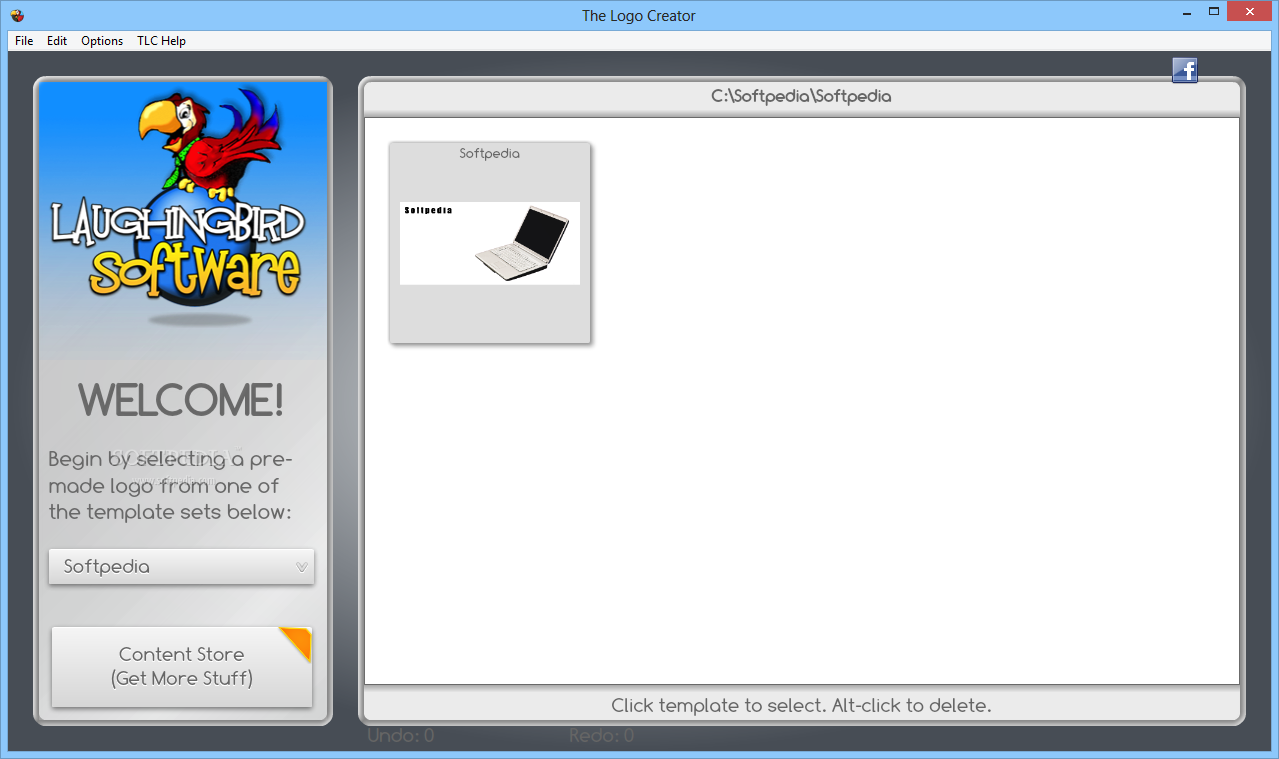
    · Start up screen now appears with a welcome message to important tutorials and web site information.

    New logo sets available online:
    · Each logo set has been updated. I've also added a few new new logo editions.
    · The Real Estate Edition, The Sports Pak and The Spiritual Edition! 50 logos in each set!

    Limitations:

    · 16 uses allowed within the 30 days trial period

    What's New in This Release: [ read full changelog ]

    New Logos Added:
    · Each and everymodifialble logo has been updated for this new release. Each logo package contains more logos. More logo elements have also been added to each logo edition.
    · "The Hollywood Edition" is now called "The Entertainment Edition" It previously contained 26 logos. Now, it has 50!
    · This upgrade will add the logos!
    · "The Leisure Edition" is now called "The Travel and Leisure Edition" It previously contained 26 logos. Now, it has 50!
    · This upgrade will add the logos!
    · "The Value Pak" is now called "The Spiritual Edition" It previously contained 26 logos. Now, it has 50!
    · This upgrade will add the logos!
    · "The Mega Pak" used to contain 250 logos. It now packs a whopping 350 logos into one easy to download set!
    · This upgrade will add the logos!
    · The Corporate and Mascot logo sets have also been enhanced and new logos have been added!
    · This upgrade will update any and all logo sets that you currently have in the version 4.x format!

     Softpedia guarantees that The Logo Creator 5.1 is 100% CLEAN, which means it does not contain any form of malware, including spyware, viruses, trojans and backdoors. [read more >]


    TAGS:

    Logo design | create logo | logo designer | creator | designer | logo


    HTML code for linking to this page:


    Go to top

    WindowsGamesDriversMacLinuxScriptsMobileHandheldNews

    SUBMIT PROGRAM   |   ADVERTISE   |   GET HELP   |   SEND US FEEDBACK   |   RSS FEEDS   |   UPDATE YOUR SOFTWARE   |   ROMANIAN FORUM