Softpedia
 

WINDOWS CATEGORIES:


GLOBAL PAGES >>
SOFTPEDIA REVIEWS >>
MEET THE EDITORS >>
WEEK'S BEST
  • Sticky Password FR...
  • Parallels Workstat...
  • ESET NOD32 Antivir...
  • BitDefender Total ...
  • WinPatrol 24.6.201...
  • PerfectDisk Free D...
  • Adobe Photoshop CS...
  • PerfectDisk Profes...
  • Windows 8 Consumer...
  • Atlantis Word Proc...
  • Home > Windows > Authoring tools > Help & e-book creators
     Report malware

    HelpScribble 7.8.1

    download button

    Downloads: 5,965  Tell us about an update
    User Rating:
    Rated by:
    Good (3.1/5)
    31 user(s)
    Developer:

    License / Price:

    Size / OS:

    Last Updated:

    Category:

    Demo / USD 99.00 buy button
    2.8 MB / Windows All
    [view history]
    C: \ Authoring tools \ Help & e-book creators

     Read user reviews (2)  Send to friend   Follow (1 user)

    HelpScribble description

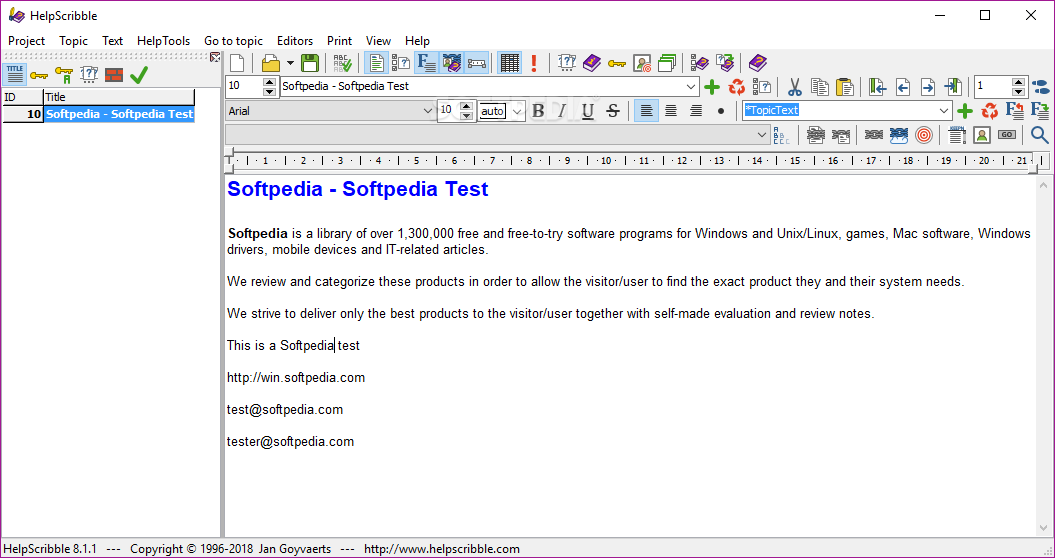
    Easy to use application to create Windows Help files

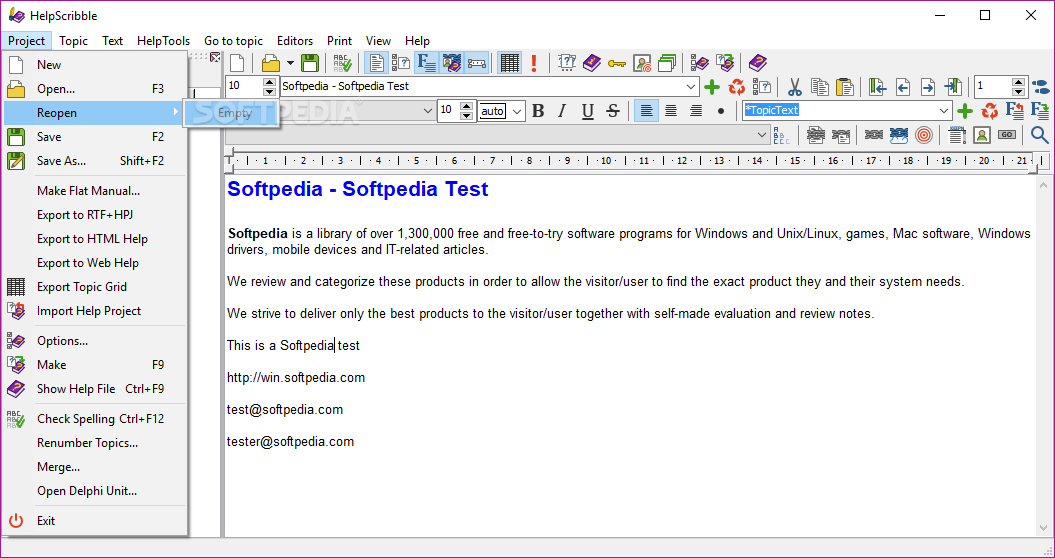
    HelpScribble is a useful, full-featured and easy-to-use help authoring tool for creating help files from start to finish. Create WinHelp (.hlp) files, HTML Help (.chm) files, a printed manual and online documentation (on a web site) all from the same HelpScribble project.

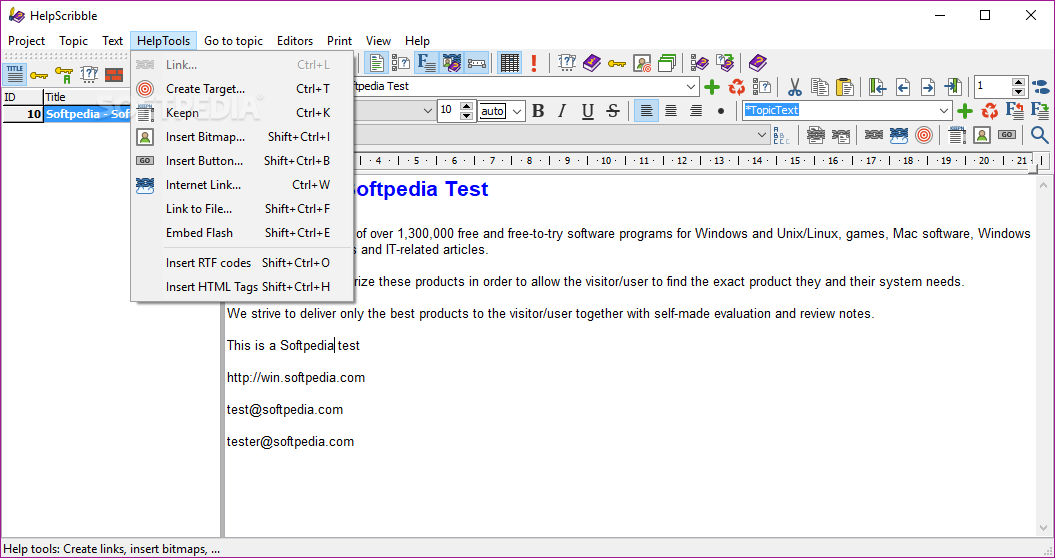
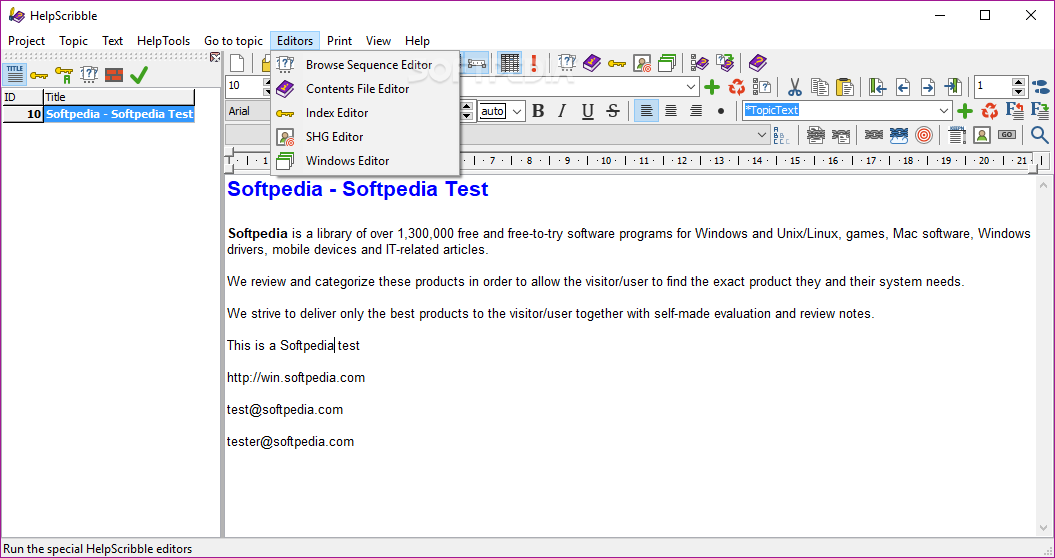
    Write full-featured help files with the built-in editors for SHG files (hotspot bitmaps), WinHelp macros, contents tree, browse sequences, etc. If you have previously used another help authoring tool, reuse your work by importing the HPJ+RTF files created with the other tool or by a decompiler.

    Use the help files you make with HelpScribble to provide context-sensitive help with your Window applications, no matter which development tool you use. If you use Borland Delphi or C++Builder, you will like the way HelpScribble's HelpContext property editor integrates with them to make assigning Topic ID values to HelpContext properties very easy.

    HelpScribble is a stand-alone tool. It does not depend on MS Word or any other third party package. It does need a help compiler that you can download for free here.

    Here are some key features of "HelpScribble":

    Write Perfect Help Files for Your Software:
    · You need HelpScribble to create a top quality help file for your software. Windows users expect to receive detailed documentation at a quick press of the F1 button. You will sell more copies of your software if a thoughtful help file flattens the learning curve for prospects trying the evaluation version of your product.
    · No matter which development tool you are using, you can always use a help file created with HelpScribble to provide context-sensitive help for your application, whether it's 16-bit Windows, 32-bit Windows or .NET (dot net).
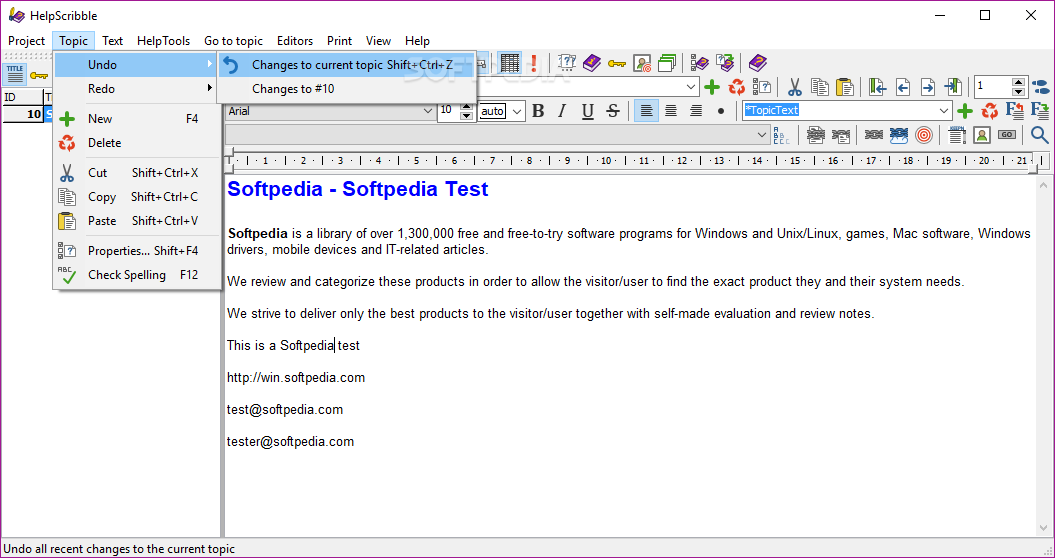
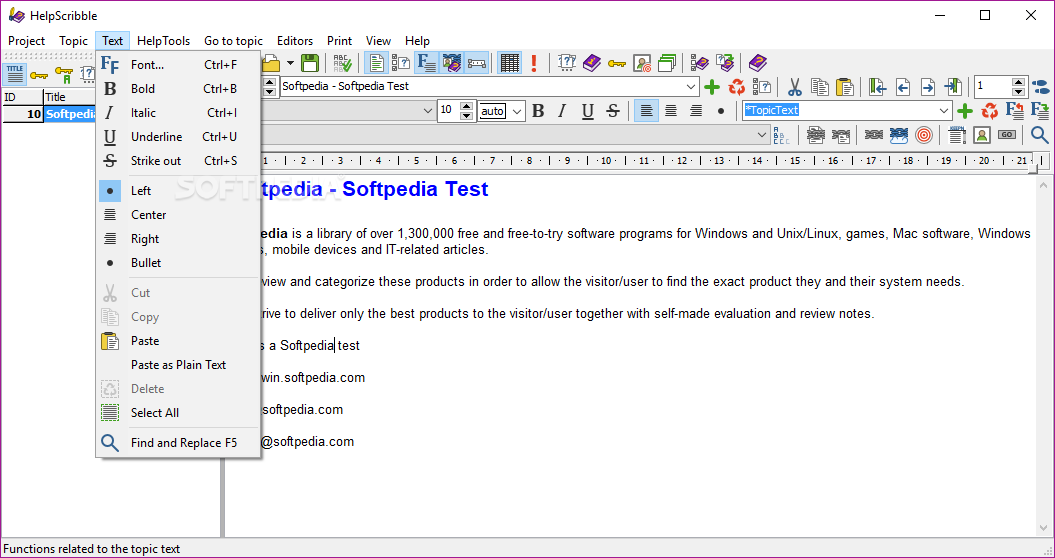
    · If you know how to use a word processor, you can build a help file with HelpScribble. Creating new topics and adding links to them cannot be easier. No experience required.

    Portable Documents with Hyperlinks:
    · With HelpScribble you can easily create hyperlinked documents that can be read on any computer running Windows.
    · The WinHelp files that you create with HelpScribble are a collection of linked pages, just like a web site. But unlike a web site, you only need to distribute one file. This file can be read on any Windows computer. No other software is needed.
    · You need absolutely no programming experience to use HelpScribble. Many word processors and HTML editors are more complicated than HelpScribble.

    The Complete Help Authoring Tool:
    · HelpScribble is a full-featured stand-alone help authoring tool. It is not an add-on for MS Word like so many other help writing products. You can create the entire help file right within HelpScribble.
    · With HelpScribble you can even provide your documentation in several forms, all from the same source. You can add context-sensitive help to your application, print a manual and provide online documentation on your web site.

    WinHelp:
    · WinHelp is the classic Windows help file format. It is fast, compact and supported by Windows 3.x, NT 3.x, 95, 98, ME, NT4, 2000, XP. Windows users are familiar with it. Most Windows development tools allow you to use WinHelp files to add context-sensitive help to your applications.
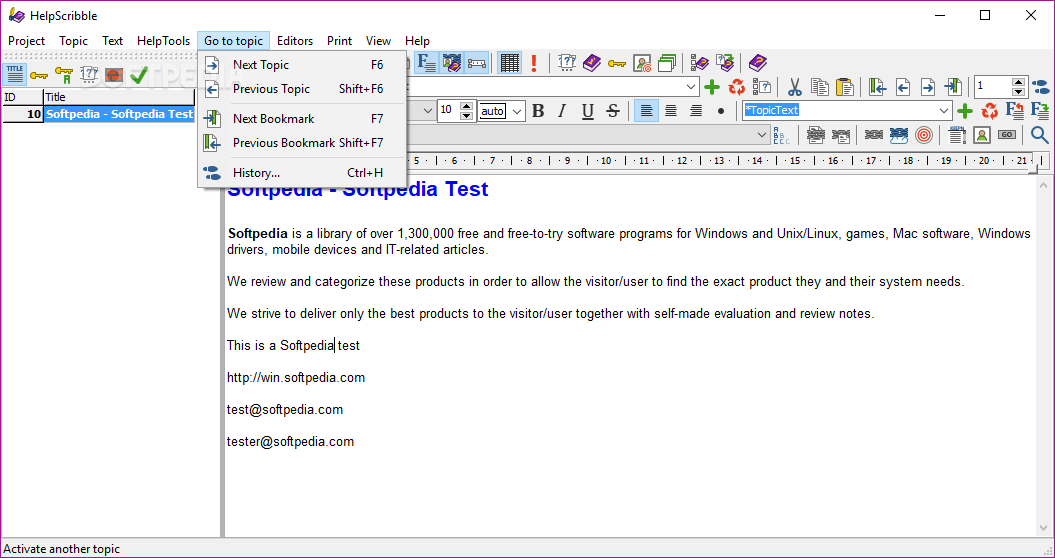
    · With HelpScribble you have all the functionality you need to build a complete help file, including table of contents, keyword index, browse sequences, etc. With HelpScribble's SHG (image map) editor, you can make your pictures or screen shots say more than a thousand words.

    Printed Manual:
    · Reading from paper is a lot easier than reading from a screen. A printed manual or, for downloadable software, a printable manual in PDF format, adds greatly to the value of your product.
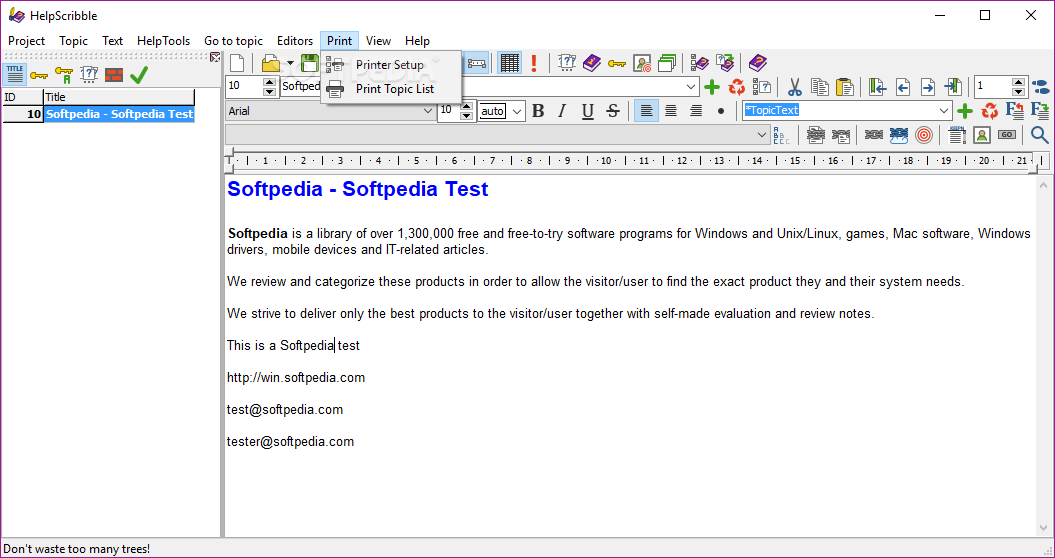
    · You can use your HelpScribble project as the basis for your printed manual. You can export your help text to one large RTF or HTML file that you or your DTP professional can turn into a finished manual using a word processor or DTP program.

    HTML Help:
    · HTML Help is Microsoft's new help format. It is supported by Windows 98, ME, 2000, XP, Vista, and 7. It is the standard help format for .NET (dot net). Using HelpScribble, you can build classic WinHelp .hlp files and new HTML Help .chm files from the same source. You decide whether you want maximum compatibility with older computers, or if you want to offer a state of the art help system, or both.

    Web Help:
    · If you want to provide online documentation, you can create one large HTML file or a collection of HTML files from your HelpScribble project and upload those to your web site. Your customers will have instant access to the latest documentation at any time.

    Cross-Platform Help:
    · If you are developing platforms such as Linux, where there is no standard help format, you can provide your documentation as HTML files. The user can easily view those files in a browser. If you use Kylix, you can even easily integrate them into your application.

    Limitations:

    · The free evaluation version is fully functional, except for the export features, and does not expire.
    · Help files you create with the free evaluation version have a small reminder at the bottom of each topic.
    · The free evaluation version cannot export your help project into source files that can be read by other help authoring tools
    · Nag screen

    What's New in This Release: [ read full changelog ]

    New feature:
    · HelpContext property editor for Delphi XE2 and C++Builder XE2. Supports both VCL and FireMonkey.

    Improvement:
    · Contents Editor: Allow topics to be indented under another topic when compiling into HTML Help format. In the HTML Help file, topics that have topics under them will appear as headers that also show their topic when clicked on.

    Bug fix:
    · Web Help: Buttons were not correctly exported to web help, resulting in a page not found error if a button was clicked.

     Softpedia guarantees that HelpScribble 7.8.1 is 100% CLEAN, which means it does not contain any form of malware, including spyware, viruses, trojans and backdoors. [read more >]


    TAGS:

    help file creator | create HLP | help creator | HLP | create | authoring


    HTML code for linking to this page:


    Go to top

    WindowsGamesDriversMacLinuxScriptsMobileHandheldNews

    SUBMIT PROGRAM   |   ADVERTISE   |   GET HELP   |   SEND US FEEDBACK   |   RSS FEEDS   |   UPDATE YOUR SOFTWARE   |   ROMANIAN FORUM