
An easy-to-understand application that can assist you in writing and editing Windows help files, useful for beginners as well as experts. #Help editor #Help maker #Help creator #Help #Creator #Maker

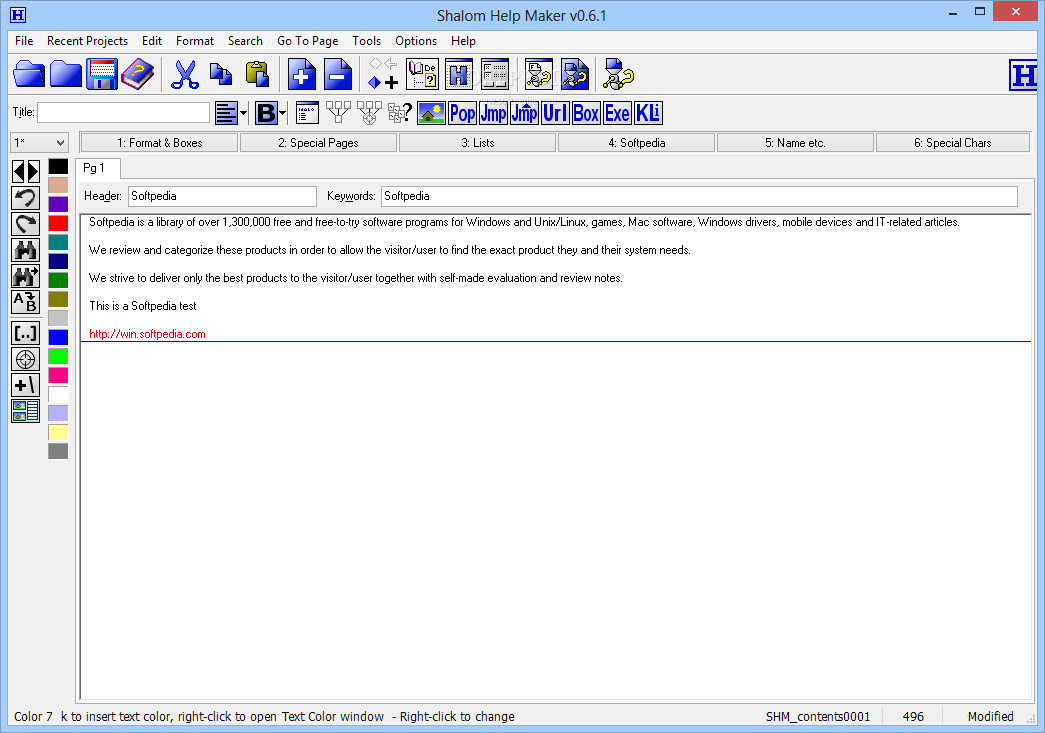
With a pretty self-explanatory name, Shalom Help Maker is a free Windows help file builder that provides all the necessary tools to create a comprehensive help manual.
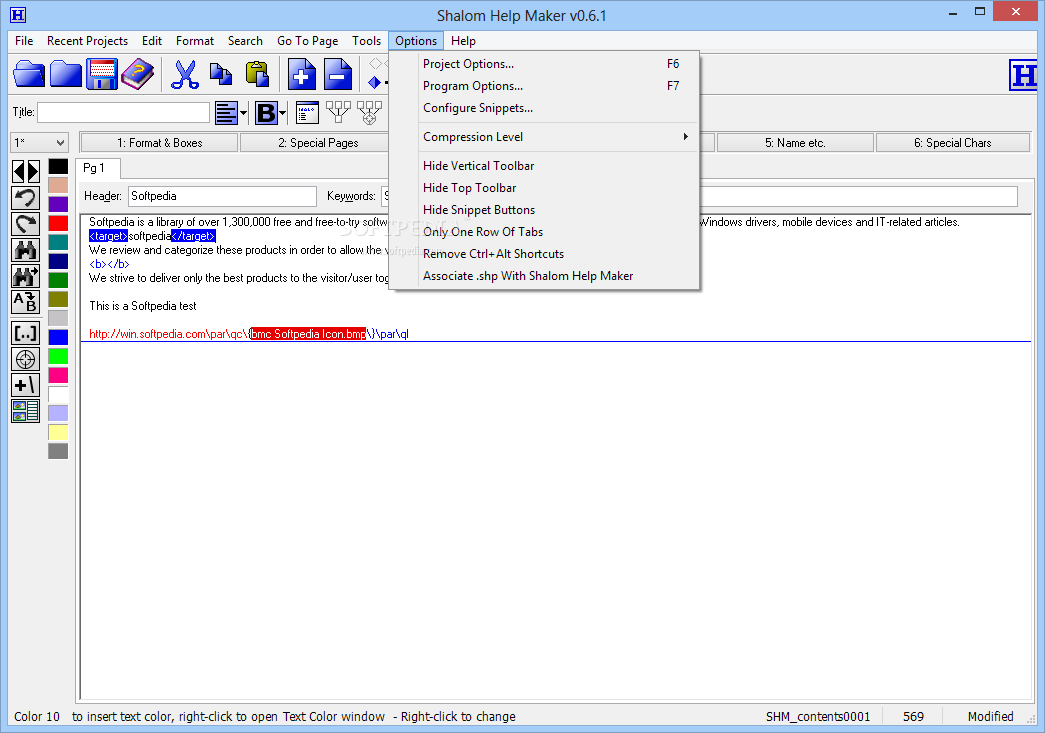
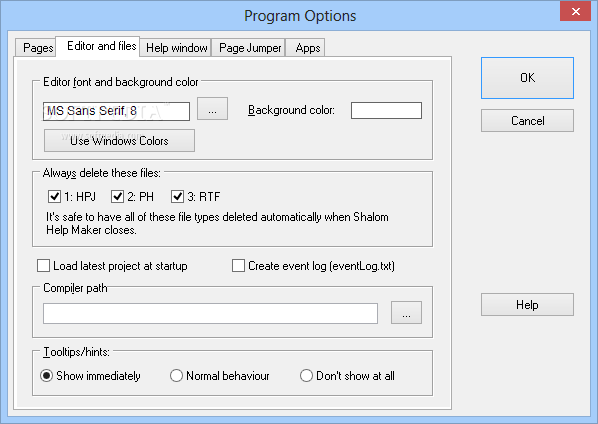
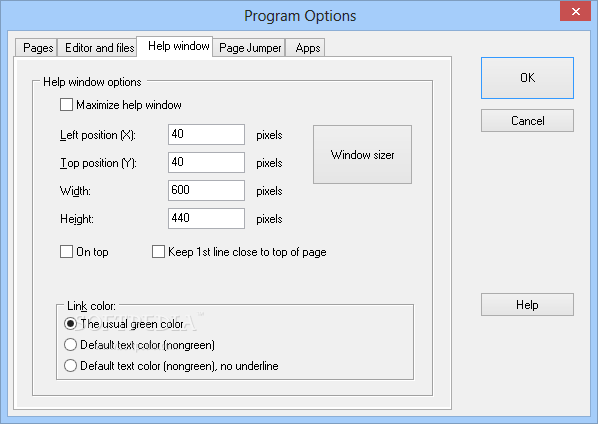
You may find the interface a bit overwhelming at the first look and one thing is pretty clear: this is far from being a well-organized interface, but it serves its purpose and still helps the program get the job done.
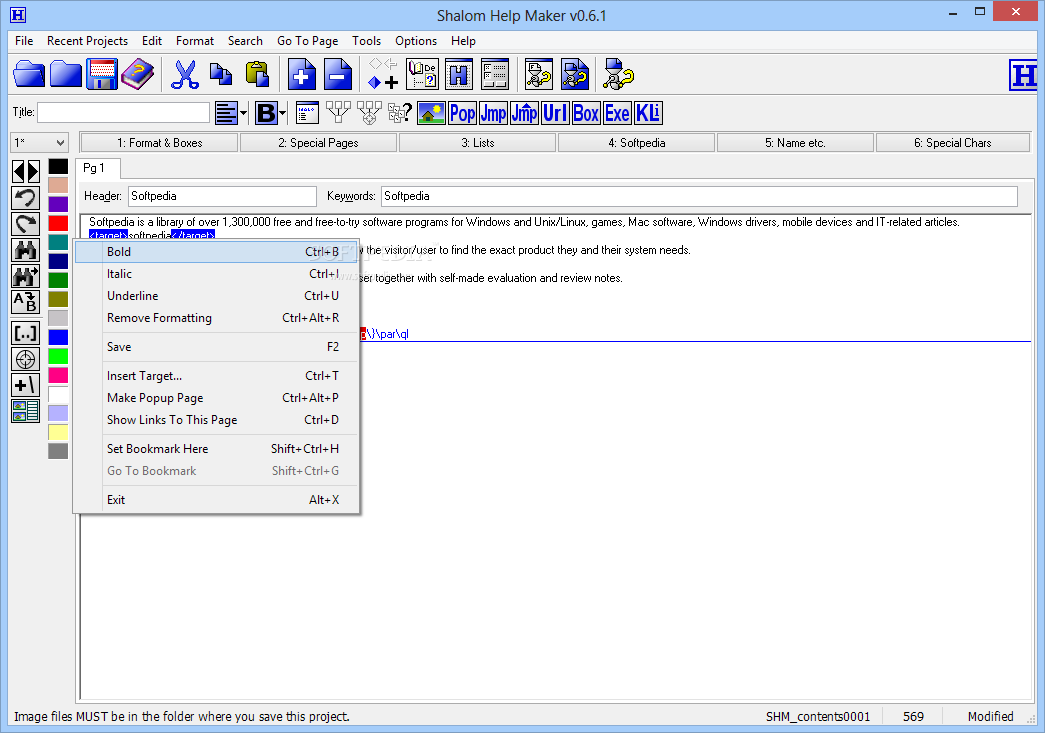
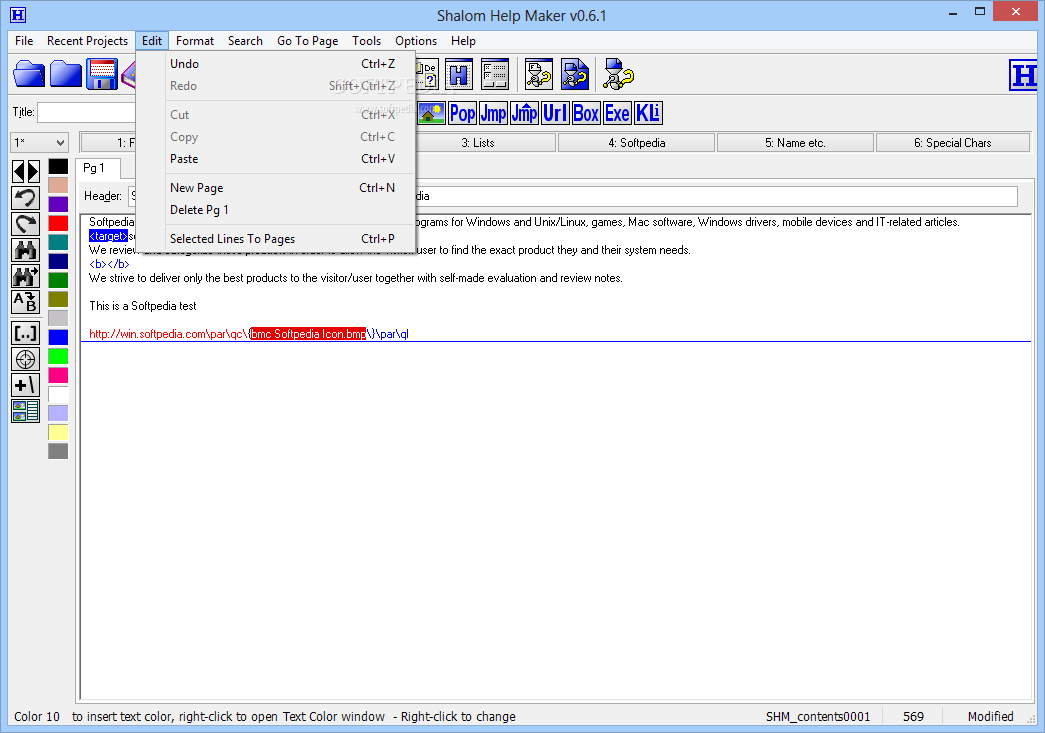
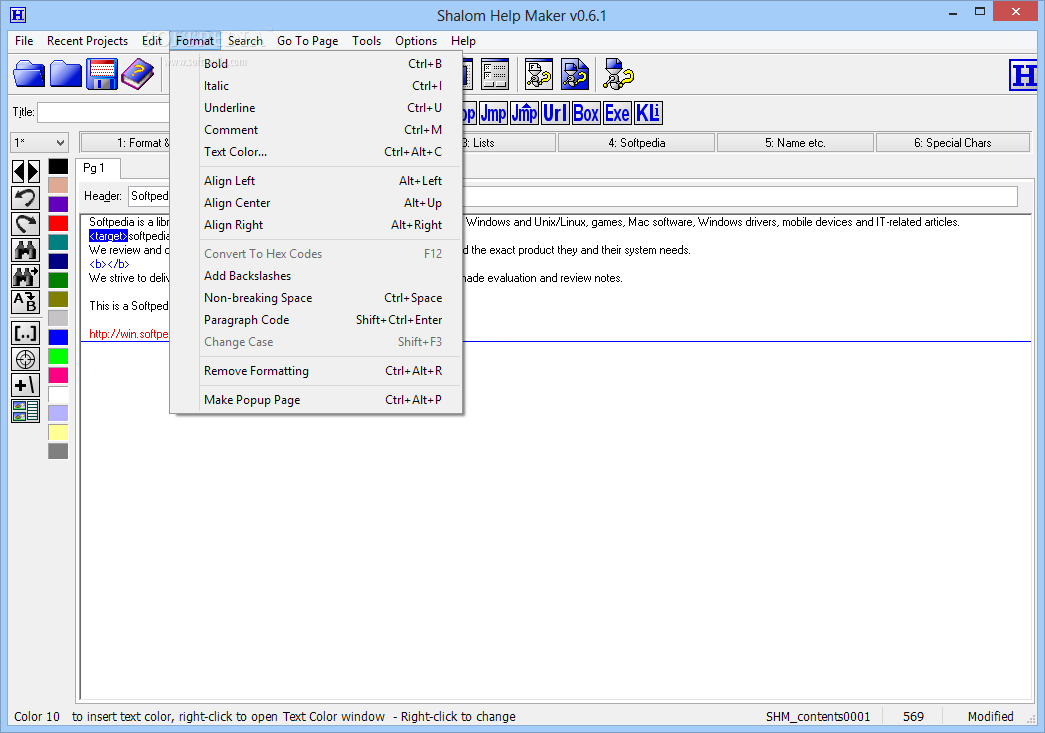
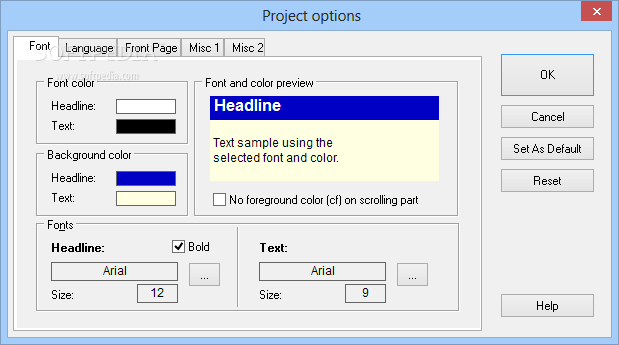
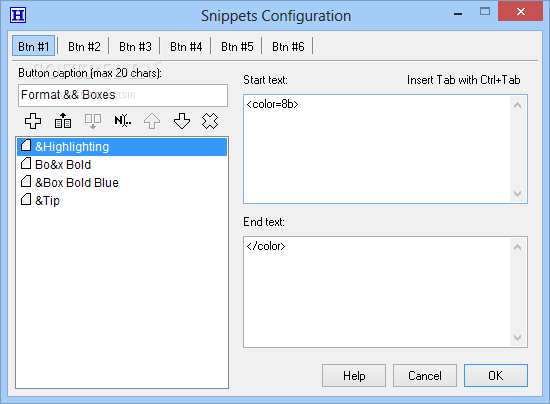
Besides the fact that it doesn't need a standalone word processor, Shalom Help Maker offers all the tools you need when creating help files, including links, images, popup windows, highlighting and many formatting options such as colors, layout and alignment.
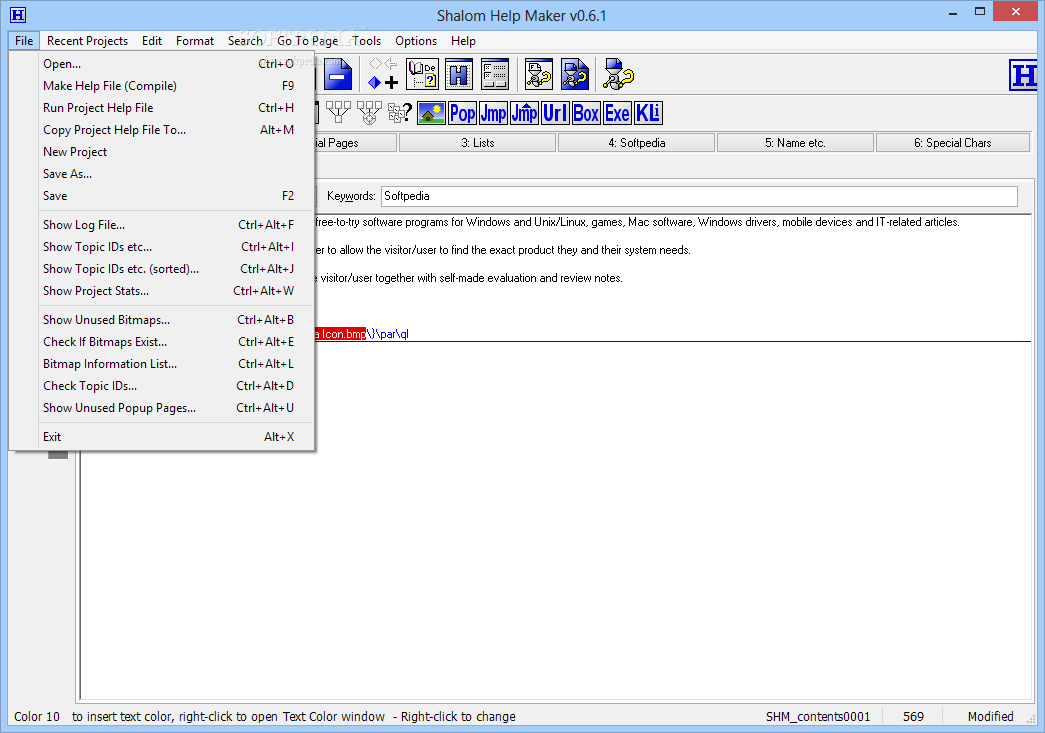
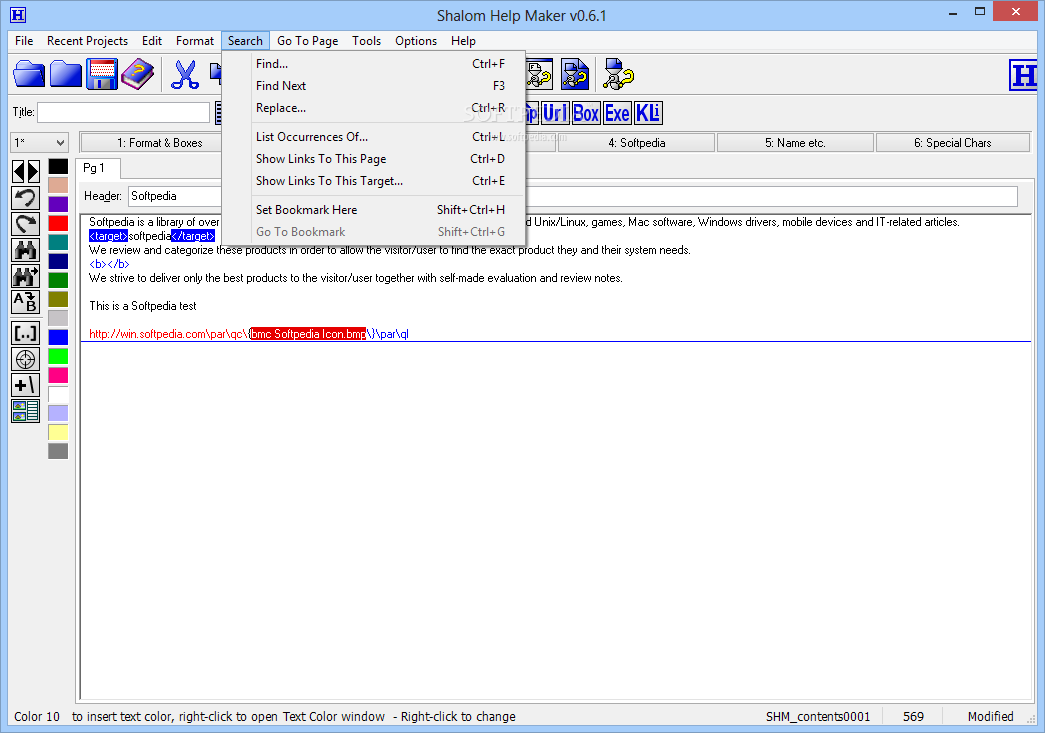
Obviously, a search tool is also there to make sure you can find a page with ease, but Shalom Help Maker also boasts a content and index utility to help you keep track of the files. Plus, you need to fill in a keyword text box on every single page, which also lends you a hand when trying to find a specific page.
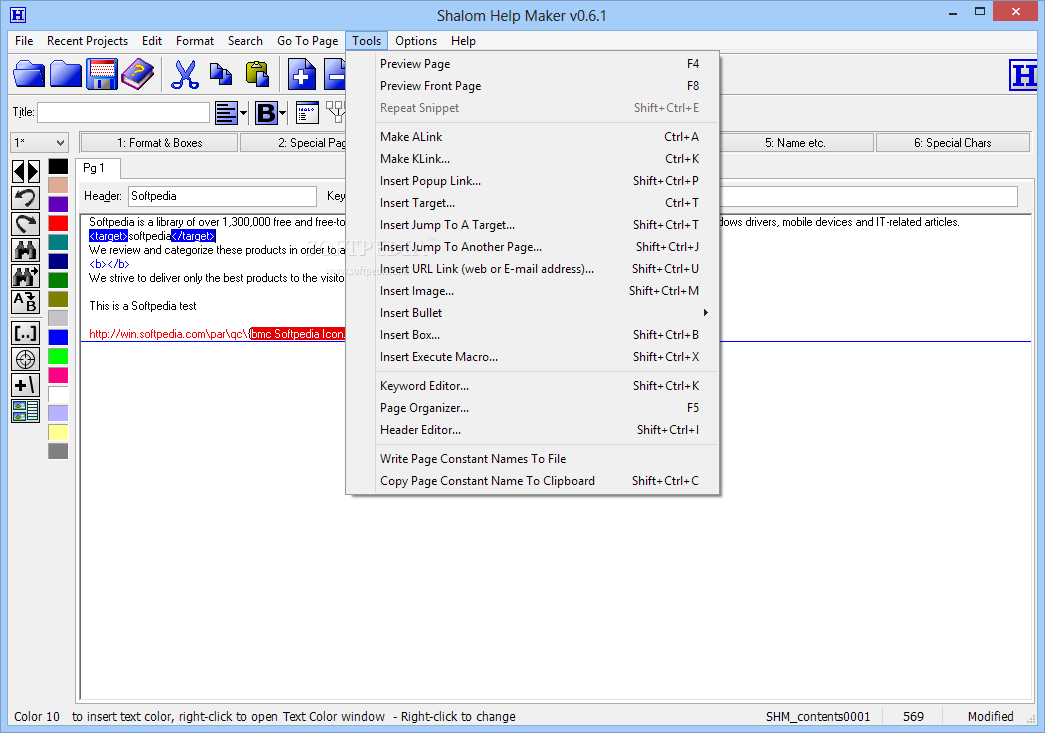
The “Tools” menu holds lots of features, including the possibility to insert various components, such as popup links, targets, jump to a target or to another page, images, bullets, boxes or execute macros.
The app sports a dedicated keyword editor and a page organizer, but also a preview utility to see your content as you update a page.
The footprint on hardware resources is really minimal and Shalom Help Maker works without a flaw on every single Windows workstation out there.
Which leads us to a rather simple conclusion: with a few updates, including an interface redesign, Shalom Help Maker could become one of the top products in this particular software category. It has a lot of great features, that's for sure.
Download Hubs
Shalom Help Maker is part of these download collections: Help Creators, Help Makers
What's new in Shalom Help Maker 0.6.1:
- Added search function to the Insert jump to another page and Insert jump to a target windows: Pressing F3 will find the first/next page header or target name in the list, that contains the hotspot text.
- Color number 16 wasn't recognized by SHM.
Shalom Help Maker 0.6.1 Beta
 Softpedia Editor's Pick
add to watchlist
add to download basket
send us an update
REPORT
Softpedia Editor's Pick
add to watchlist
add to download basket
send us an update
REPORT
- runs on:
-
Windows 10 32/64 bit
Windows 8
Windows 7
Windows Vista
Windows XP
Windows 2K - file size:
- 1.1 MB
- filename:
- shelpm.zip

- main category:
- Authoring Tools
- developer:
7-Zip

Context Menu Manager

4k Video Downloader

Windows Sandbox Launcher

Bitdefender Antivirus Free

IrfanView

Microsoft Teams

ShareX

Zoom Client

calibre

- ShareX
- Zoom Client
- calibre
- 7-Zip
- Context Menu Manager
- 4k Video Downloader
- Windows Sandbox Launcher
- Bitdefender Antivirus Free
- IrfanView
- Microsoft Teams