Softpedia
 

WINDOWS CATEGORIES:


GLOBAL PAGES >>
SOFTPEDIA REVIEWS >>
MEET THE EDITORS >>
WEEK'S BEST
  • Sticky Password FR...
  • Parallels Workstat...
  • ESET NOD32 Antivir...
  • BitDefender Total ...
  • WinPatrol 24.6.201...
  • PerfectDisk Free D...
  • Adobe Photoshop CS...
  • PerfectDisk Profes...
  • Windows 8 Consumer...
  • Atlantis Word Proc...
  • Home > Windows > Authoring tools > Screensaver Tools
     Report malware

    Digital Photos Screensaver Maker (formerly Photo SlideShow Maker) 5.0.0.0

    download button

    Part of the Slideshow Creator download hub (+3 others)
    Downloads: 21,091  View global page  Tell us about an update
    User Rating:
    Rated by:
    Good (3.6/5)
    49 user(s)
    Developer:

    License / Price:

    Size / OS:

    Last Updated:

    Category:

    Trial / USD 29.90 buy button
    3.5 MB / Windows All

    C: \ Authoring tools \ Screensaver Tools

     Read user reviews (1)  Send to friend   Follow (0 users)

    Softpedia Editor's Review for Digital Photos Screensaver Maker (formerly Photo SlideShow Maker)

    EDITOR'S RATING:

    Turn digital photos into your own SlideShow with music and transition effects!

    Written by Bogdan Popa on February 22nd, 2012

    Digital Photos Screensaver Maker is a powerful software solution that allows you to create your very own slideshows, with tons of customization options.

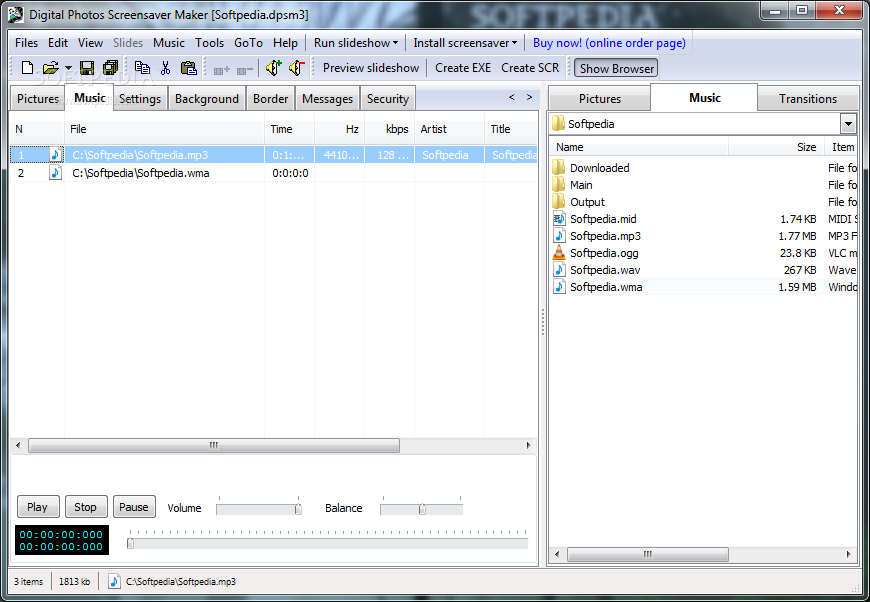
    The application also comes with support for music and multiple transition effects, letting your save each project with the SCR format and use the file as screensaver on your personal computer.

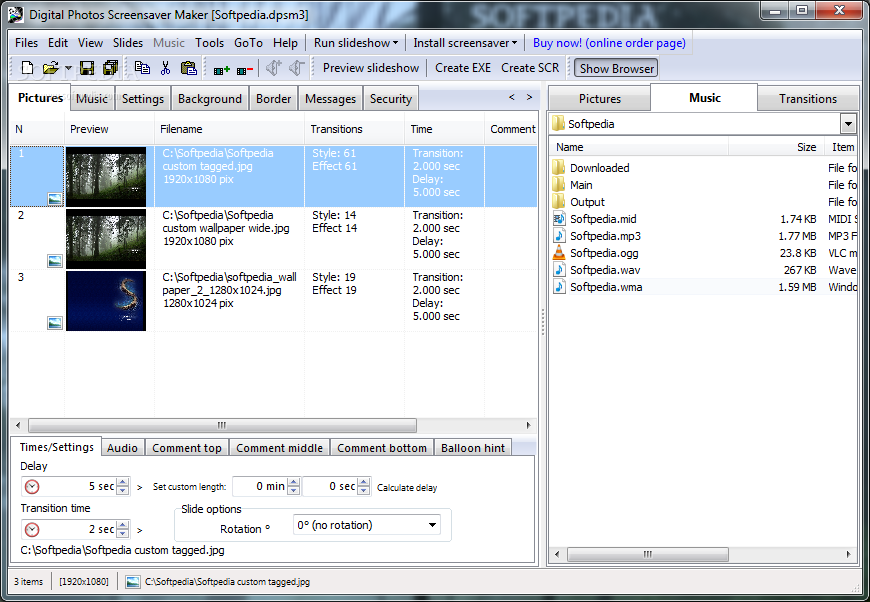
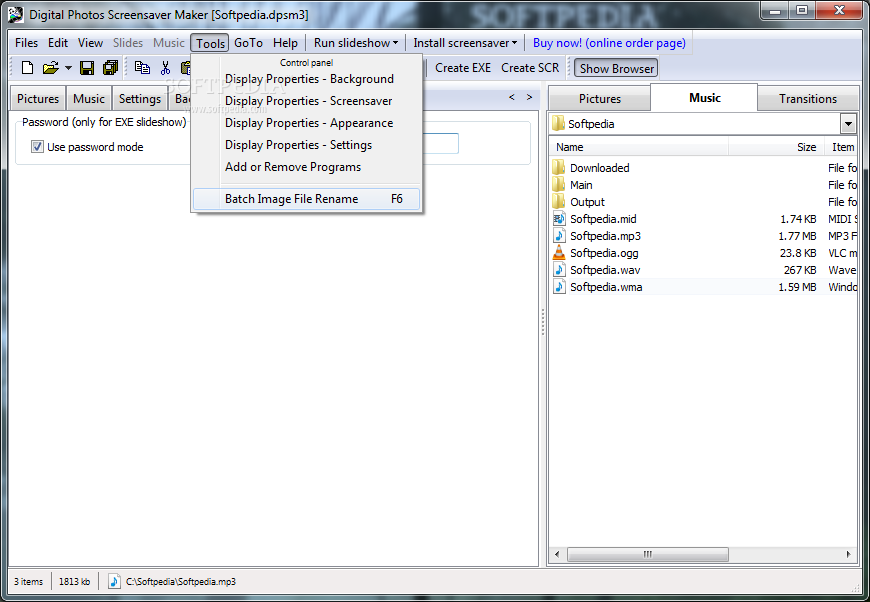
    You may not know where to start when you first launch the program, but Digital Photos Screensaver Maker actually boasts a well-organized interface with tabs and several panels to provide access to its main features.

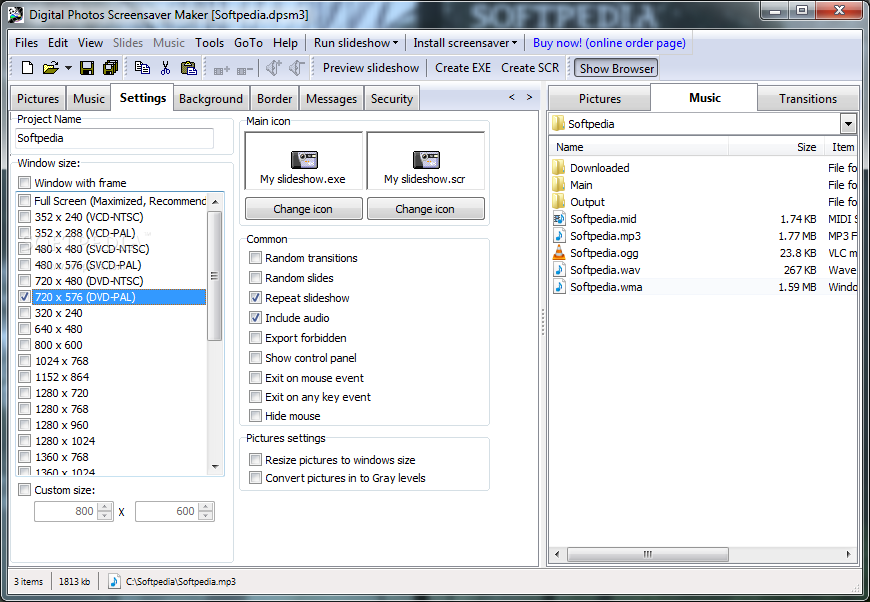
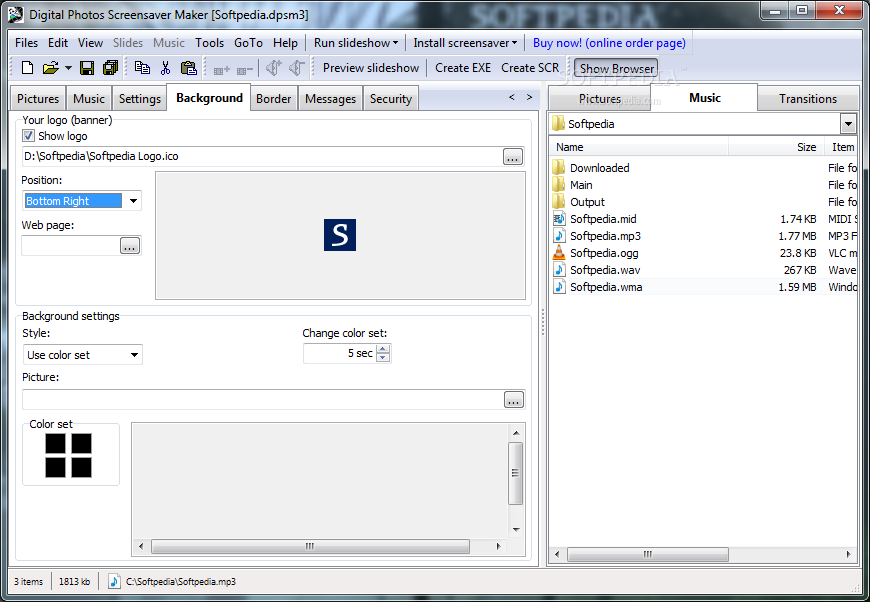
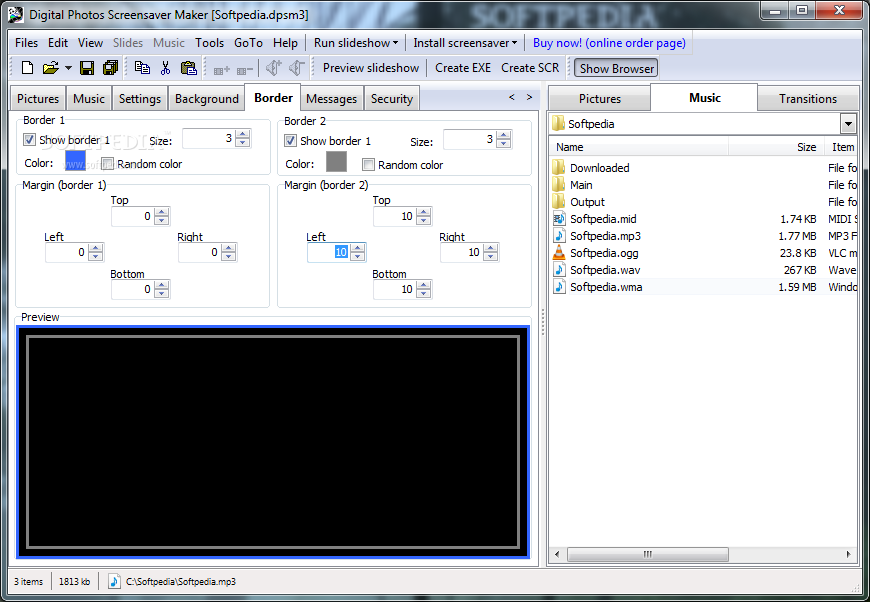
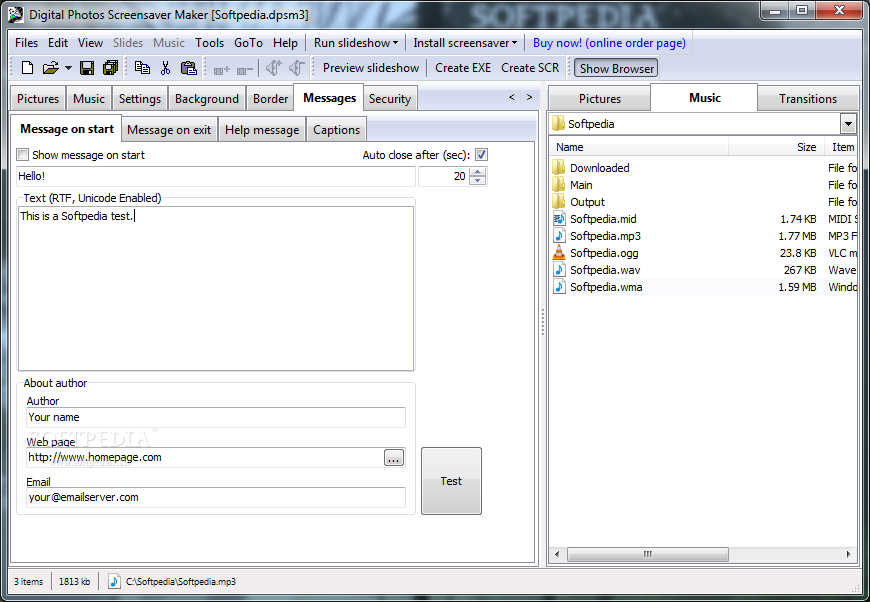
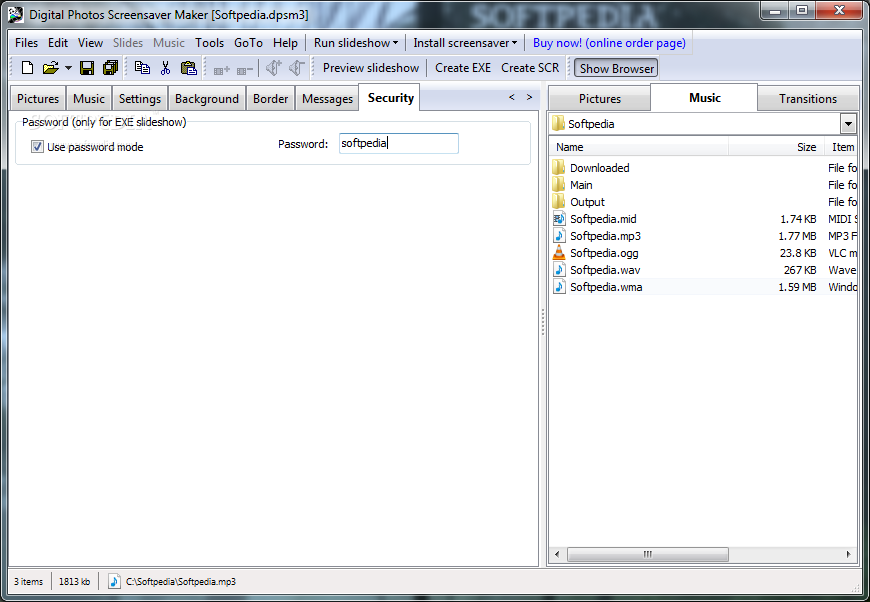
    For instance, you can select the pictures to be included in the slideshow, choose the music and the background, adjust settings and borders, input messages and define security straight from the main window.

    The amount of the available customization settings is indeed impressive, so you're allowed to configure delay and transition time, slide options and rotation, text comments, fonts and colors, background and margins styles, on start and on exit messages and many more.

    Digital Photos Screensaver Maker supports a very wide array of image formats, including JPG, BMP, TIF, GIF, TGA and PNG. Additionally, it supports MP3, WAV, MID and MIDI audio formats.

    Of course, there are multiple preview tools so you can preview individual slides or the whole slideshow in real time.

    Just as expected, the memory footprint is minimal and Digital Photos Screensaver Maker remains light on hardware resources all the time.

    Overall, Digital Photos Screensaver Maker is a handy tool that boasts an impressive lineup of features addressed to both beginners and more experienced users. It works flawlessly on any Windows machine and comes with a multilingual interface, with supported languages including German, Spanish and French.


    Read an in-depth analysis in our professional review for Digital Photos Screensaver Maker (formerly Photo SlideShow Maker)

    Digital Photos Screensaver Maker (formerly Photo SlideShow Maker) description

    Here are some key features of "Digital Photos Screensaver Maker (formerly Photo SlideShow Maker)":

    · Create presentations combining photos and audio into a single executable file or screensaver (EXE or SCR). No additional programs are required to playback the slideshow.
    · Choose from 182 transitional effects (fade, slide, wipe, etc.) for each individual slide.
    · Showing fade out one slide with fade in the next one.
    · Showing fade out one slide then fade in the next one.
    · Supported graphic formats include *.jpg; *.jpeg; *.jpe; *.bmp; *.dib; *.jp2; *.j2k; *.jpc; *.j2c; *.tif; *.tiff; *.fax; *.g3n; *.g3f; *.gif; *.pcx; *.rle; *.png; *.wmf; *.emf; *.tga; *.targa; *.vda; *.icb; *.vst; *.pix; *.pxm; *.ppm; *.wbmp; *.dcx; *.crw; *.cr2; *.nef; *.raw; *.ref; *.raf files.
    · Supported audio formats include MP3, WAV, MID, and MIDI files.
    · Uses 182 transition effects (fade in, fade out)
    · Tuning "frames per slide" to effectively using your 3D accelerator. For slowly video-cards (like nVidia TNT, TNT2 ...) value 20-50 is recommended. For faster video-cards (GeForce, Radeon) you can set it greater than 50.
    · Set background pictures for each slide.
    · Set background colors for each slide.
    · Set duration times for each picture.
    · Stretch pictures to fit into each slide.
    · Simultaneously (fade in and fade out) for each slide.
    · Set alignments for each slide.
    · Each slide can have up to two notes.
    · You can define theirs location on the screen, font, size, color of font itself and background as well.
    · Current date and time (each slide). You can define theirs location on the screen, font, size, color of font itself and background as well.
    · Preview individual slides and their effects.
    · Preview the slideshow(screensaver) in its entirety.
    · Create separate messages for the slideshow's beginning and end.
    · Have program create slideshow with random transitions.
    · No extra library needed for audio files.
    · Multilingual interface (English, German, Spanish, French, Italian, Russian, Belarussian, Danish, Croatian, Czech, Dutch, Hungarian, Slovenian, Portuguese(Brazil))
    · Save projects to work with again in the future.
    · Require DirectX 9.0 or later
    · Uses hardware 3D accelerator (if any). This allows to improve performance and output quality.

    Requirements:

    · Intel Celeron 700 MHz
    · 256Mb minimum, (512 MB or greater recommended)
    · 7 MB free disk space
    · 128 MB Graphics memory on graphics card, Graphics Card with DirectX 9 support
    · DirextX 9.0 (or higher)

    Limitations:

    · 30 days trial
    · Watermark on the output file
    · Nag screen

       Softpedia guarantees that Digital Photos Screensaver Maker (formerly Photo SlideShow Maker) 5.0.0.0 is 100% CLEAN, which means it does not contain any form of malware, including spyware, viruses, trojans and backdoors. [read more >]


    TAGS:

    slideshow maker | photo slideshow | digital photo | slideshow | maker | photo


    HTML code for linking to this page:


    Go to top

    WindowsGamesDriversMacLinuxScriptsMobileHandheldNews

    SUBMIT PROGRAM   |   ADVERTISE   |   GET HELP   |   SEND US FEEDBACK   |   RSS FEEDS   |   UPDATE YOUR SOFTWARE   |   ROMANIAN FORUM