
A user-friendly tool that enables you to design screensavers by merging images, audio files, movies, Flash items, URLs, text messages, and transition effects. #Screensaver maker #Screensaver builder #Create screensaver #Screensaver #Maker #Creator

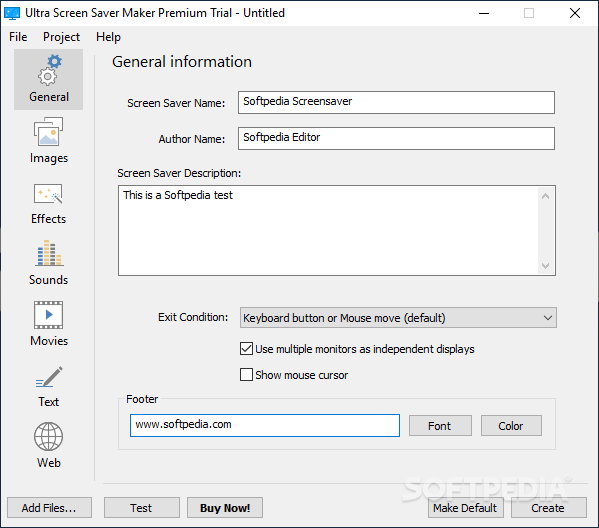
Ultra Screen Saver Maker is a straightforward piece of software designed to help users create screensavers.
Although it comes bundled with several dedicated parameters, it boasts a clean and intuitive layout that allows you to configure the dedicated parameters in only a few steps.
Ultra Screen Saver Maker gives you the possibility to provide general information about the screensaver, such as name and short description, assign an action to be triggered when you exit the tool (e.g. keyboard or mouse button), as well as show or hide the mouse cursor.
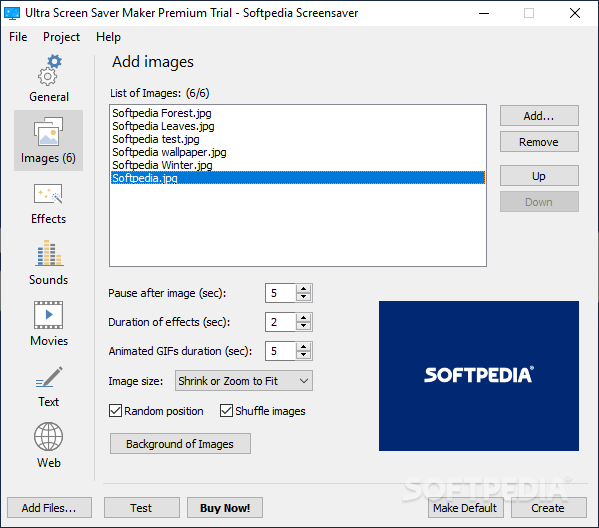
What’s more, you can insert a footer and customize it in terms of font, font style, size, and color, upload multiple images (JPG, PNG, BMP, GIF, TGA, TIF) by simply dragging and dropping them into the workspace or using the built-in browse function, and preview the photos.
The program lets you specify the time delay, pick the effect and animated GIF file duration, select the image size, opt for a random photo position on the screen, make the utility shuffle the images, and choose a background picture by uploading a photo or using a color.
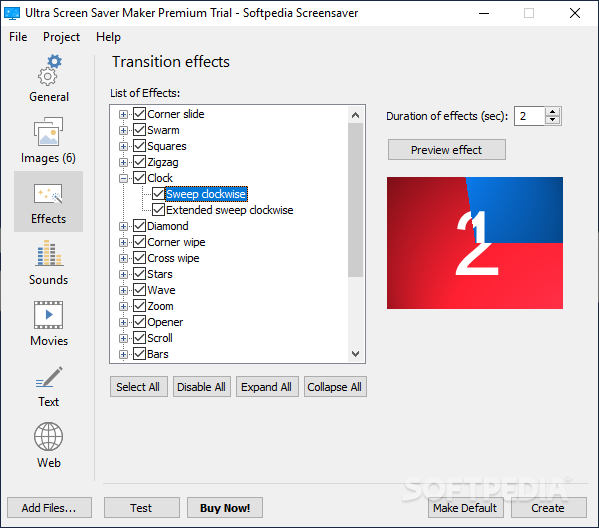
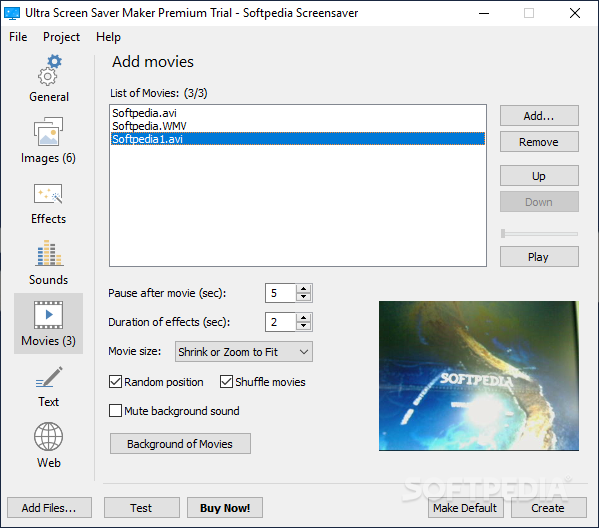
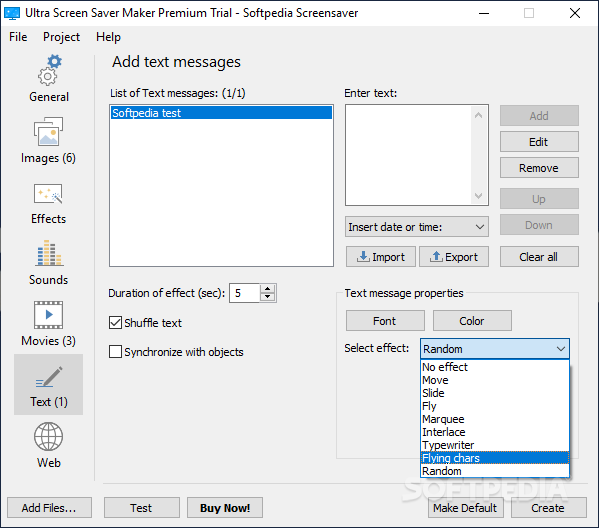
Other notable characteristics bundled into this tool enable you to insert transition effects (e.g. clock, bars, squares, stars), add audio files (WAV, MID, MP3), shuffle the songs, upload clips and Flash animations (SWF, AVI, MPG, WMV), attach URLs, as well as embed text messages, which can be imported from plain text files.
The application comprises several customization tools designed to give you a hand when it comes to changing the transition delay for audio and video files, text messages, and Flash items, as well as tweaking their size and position. Plus, you are allowed to preview the screensaver, and export it to EXE, ZIP, or SCR file format.
Ultra Screen Saver Maker provides a decent pack of features for helping users create screensavers by merging images, audio files, movies, Flash items, and text messages. Its intuitive layout makes it ideal for beginners and professionals alike.
What's new in Ultra Screen Saver Maker 22.0.2:
- Bundled Live Screensaver Creator 22.0.2.
Ultra Screen Saver Maker 22.0.2
 Softpedia Editor's Pick
add to watchlist
add to download basket
send us an update
REPORT
Softpedia Editor's Pick
add to watchlist
add to download basket
send us an update
REPORT
- runs on:
-
Windows 11
Windows 10 32/64 bit
Windows 8 32/64 bit
Windows 7 32/64 bit - file size:
- 13.5 MB
- filename:
- ussm_setup.exe
- main category:
- Authoring Tools
- developer:
- visit homepage
Zoom Client

Context Menu Manager

Windows Sandbox Launcher

ShareX

4k Video Downloader

Microsoft Teams

IrfanView

Bitdefender Antivirus Free

calibre

7-Zip

- Bitdefender Antivirus Free
- calibre
- 7-Zip
- Zoom Client
- Context Menu Manager
- Windows Sandbox Launcher
- ShareX
- 4k Video Downloader
- Microsoft Teams
- IrfanView