
Create friendly installers for your developed software projects in order for the rest of the world to be able to access your creations. #Setup creator #Installer builder #MSI builder #Installer #Setup #Installation

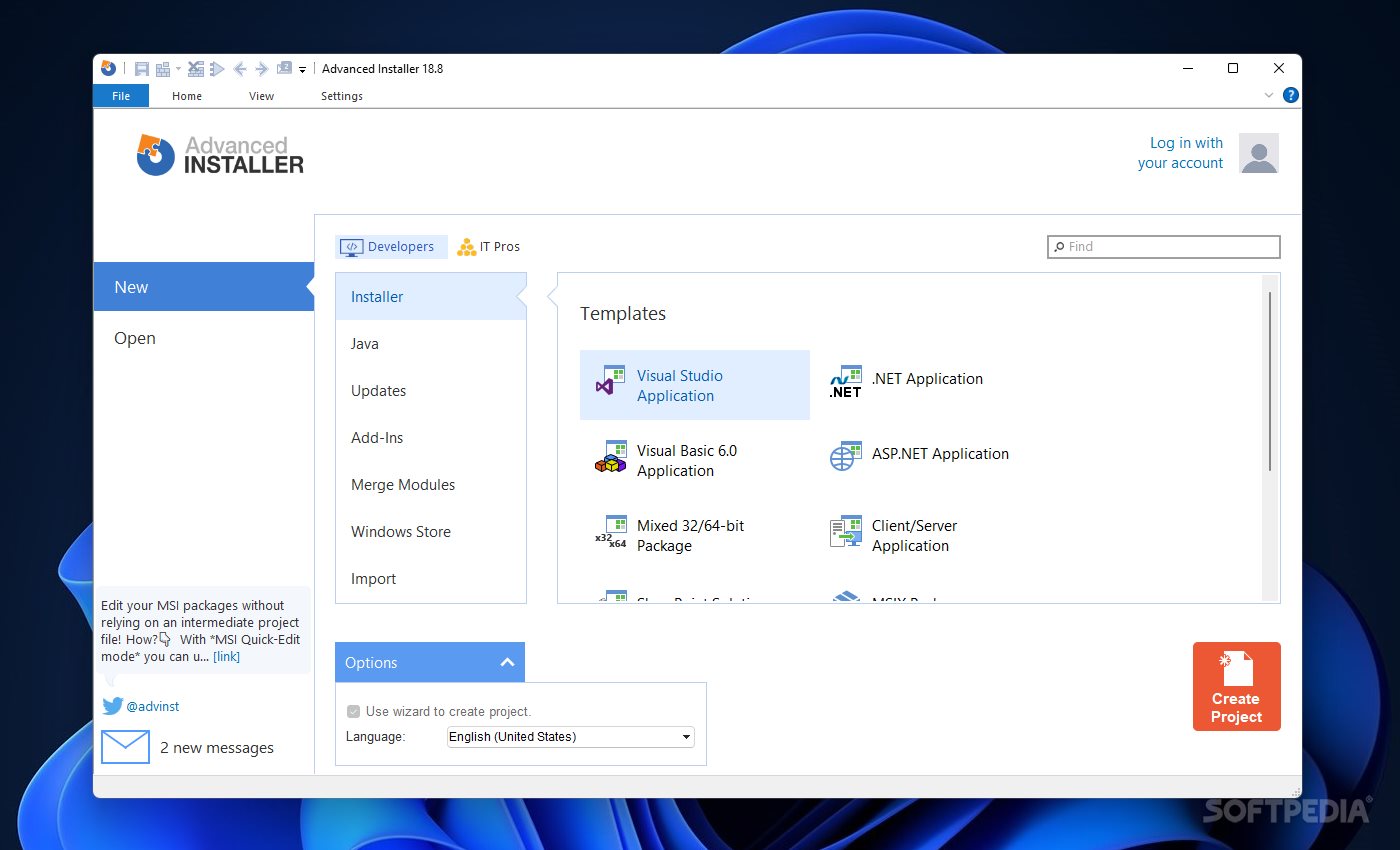
As you might have guessed, Advanced Installer Enterprise is another solution for creating that ridge between your developed software and the rest of the world who might want to install and try it. The program helps any user out there create a very simple installer for an application developed in some of the most famous coding languages. It works just like any wizard out there, so if you already have your creation ready, the hard part is now behind you.
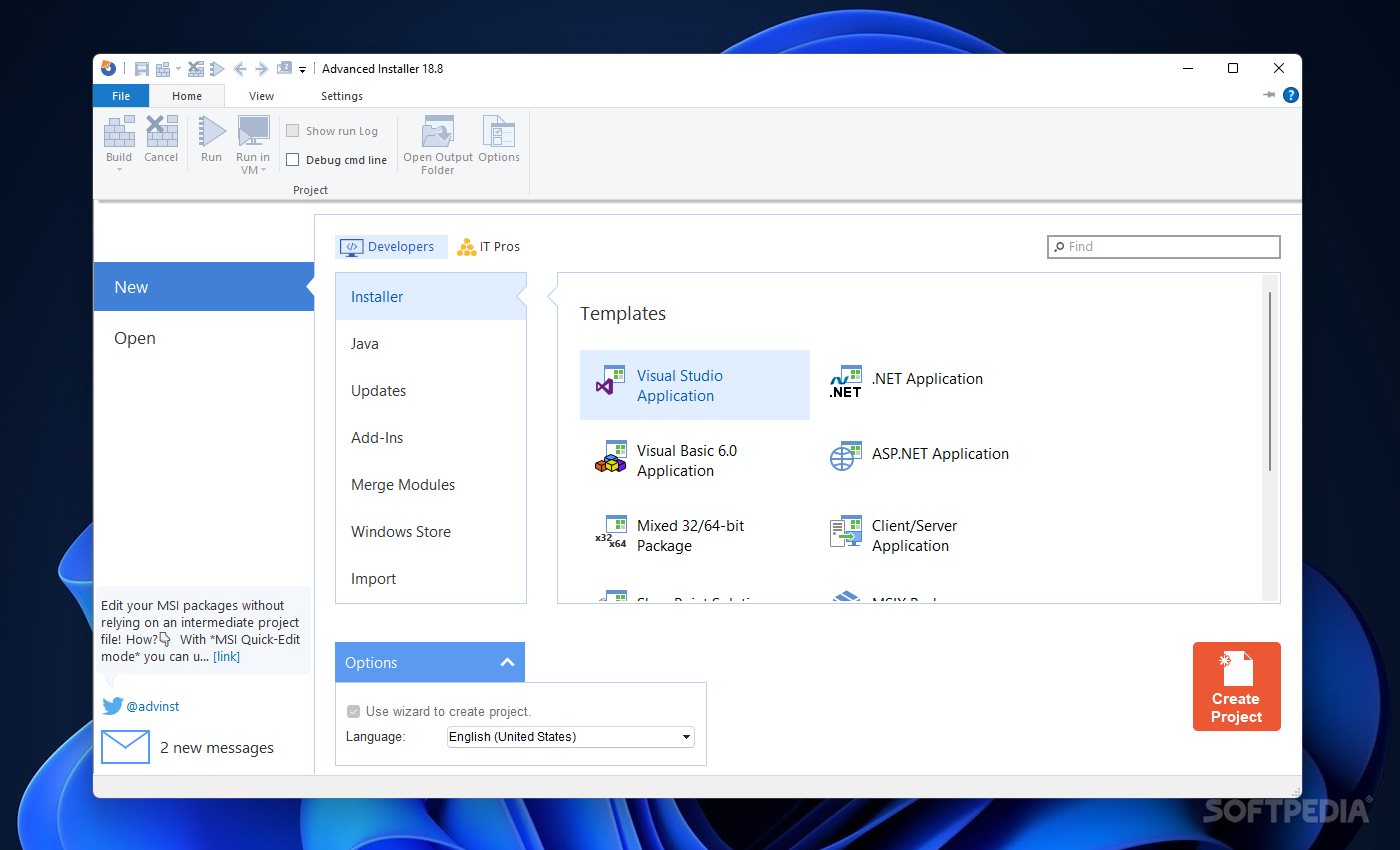
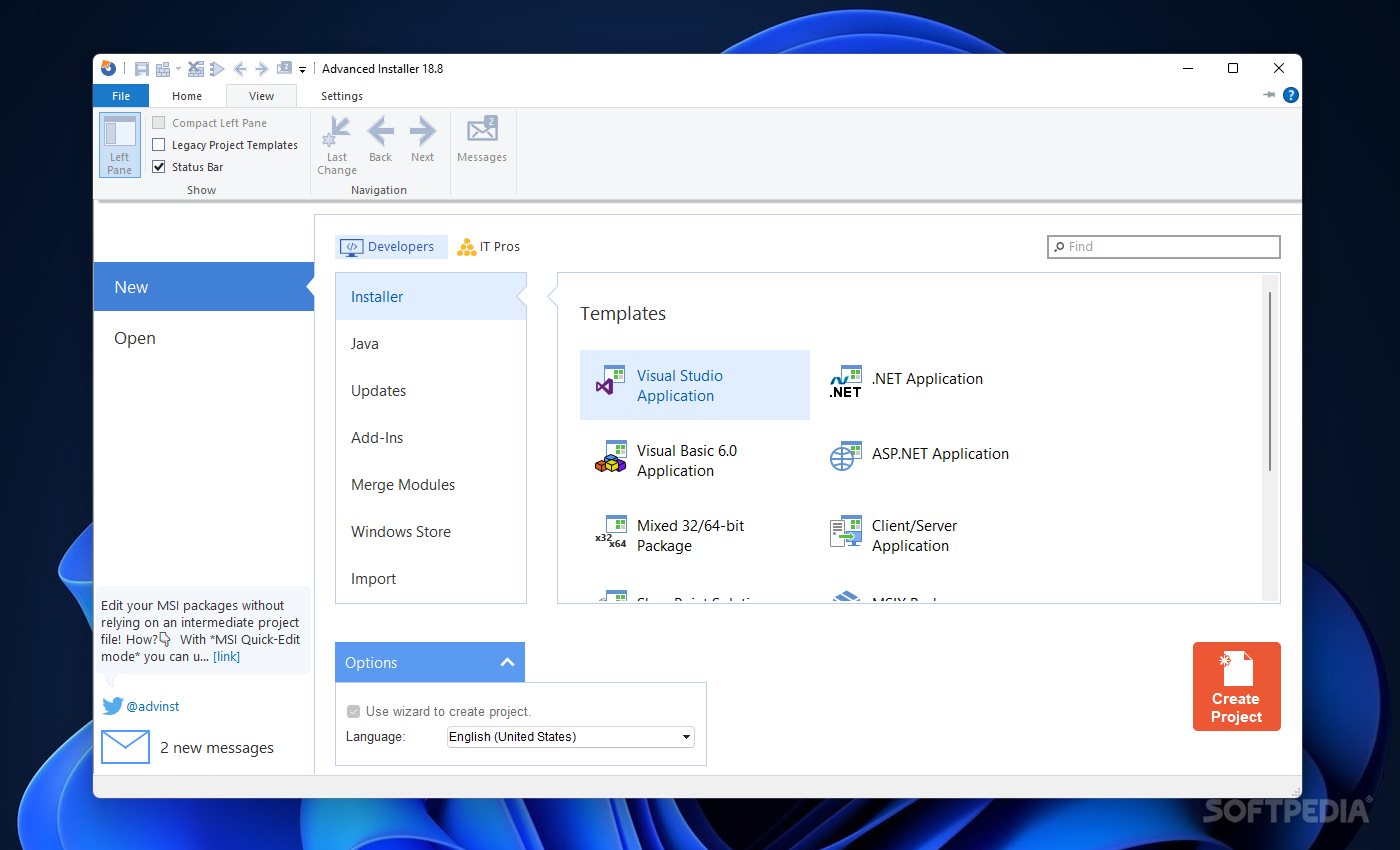
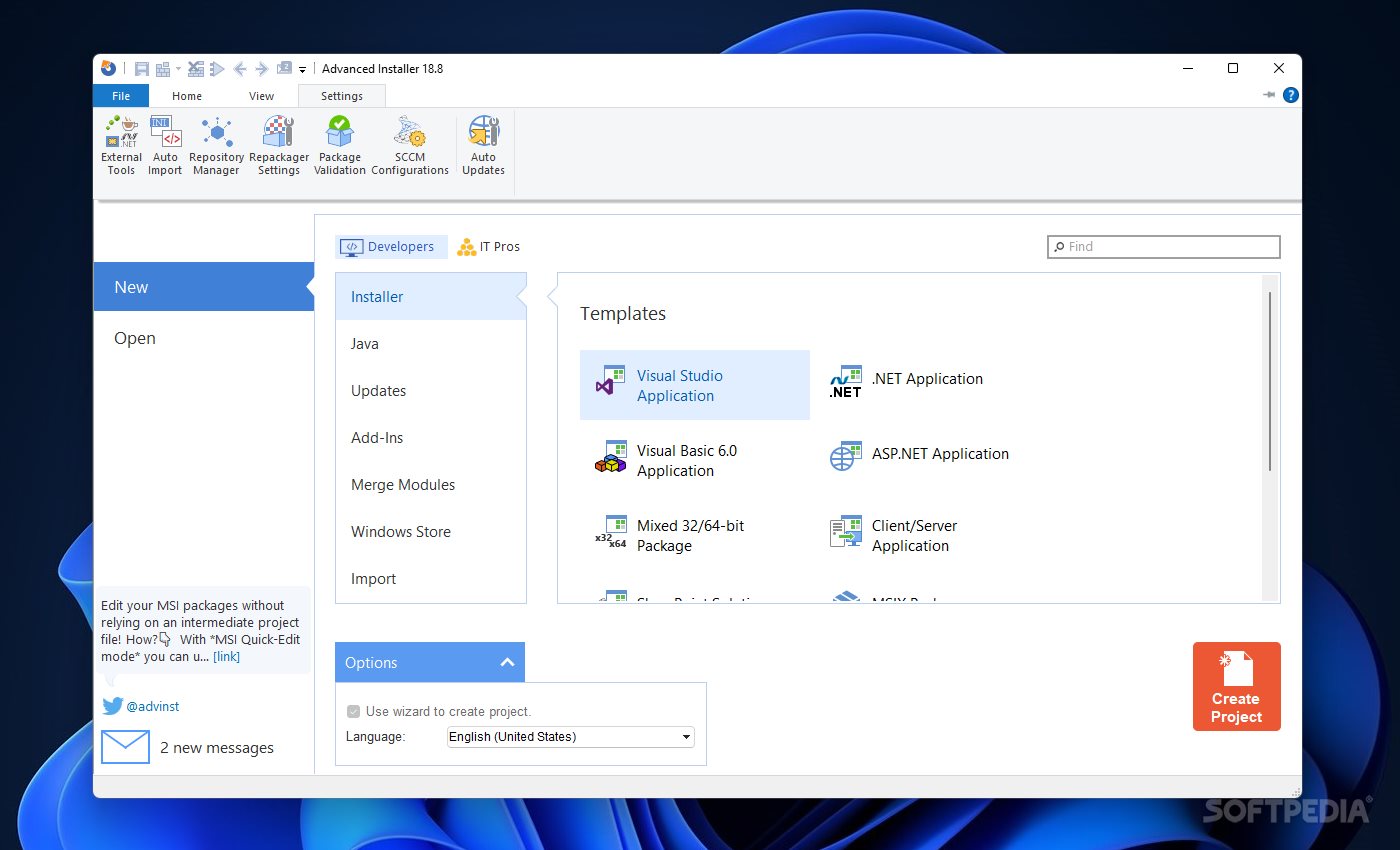
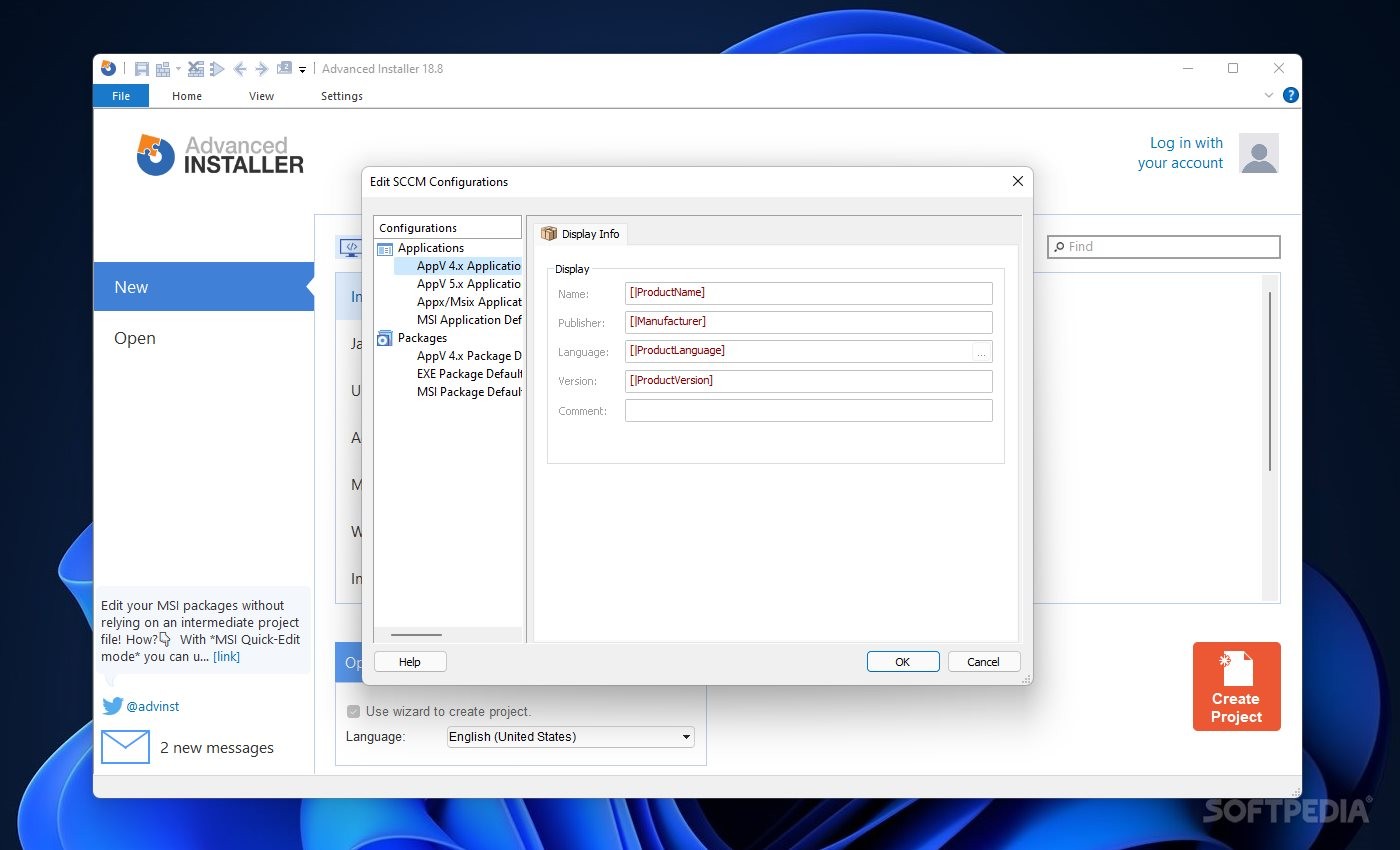
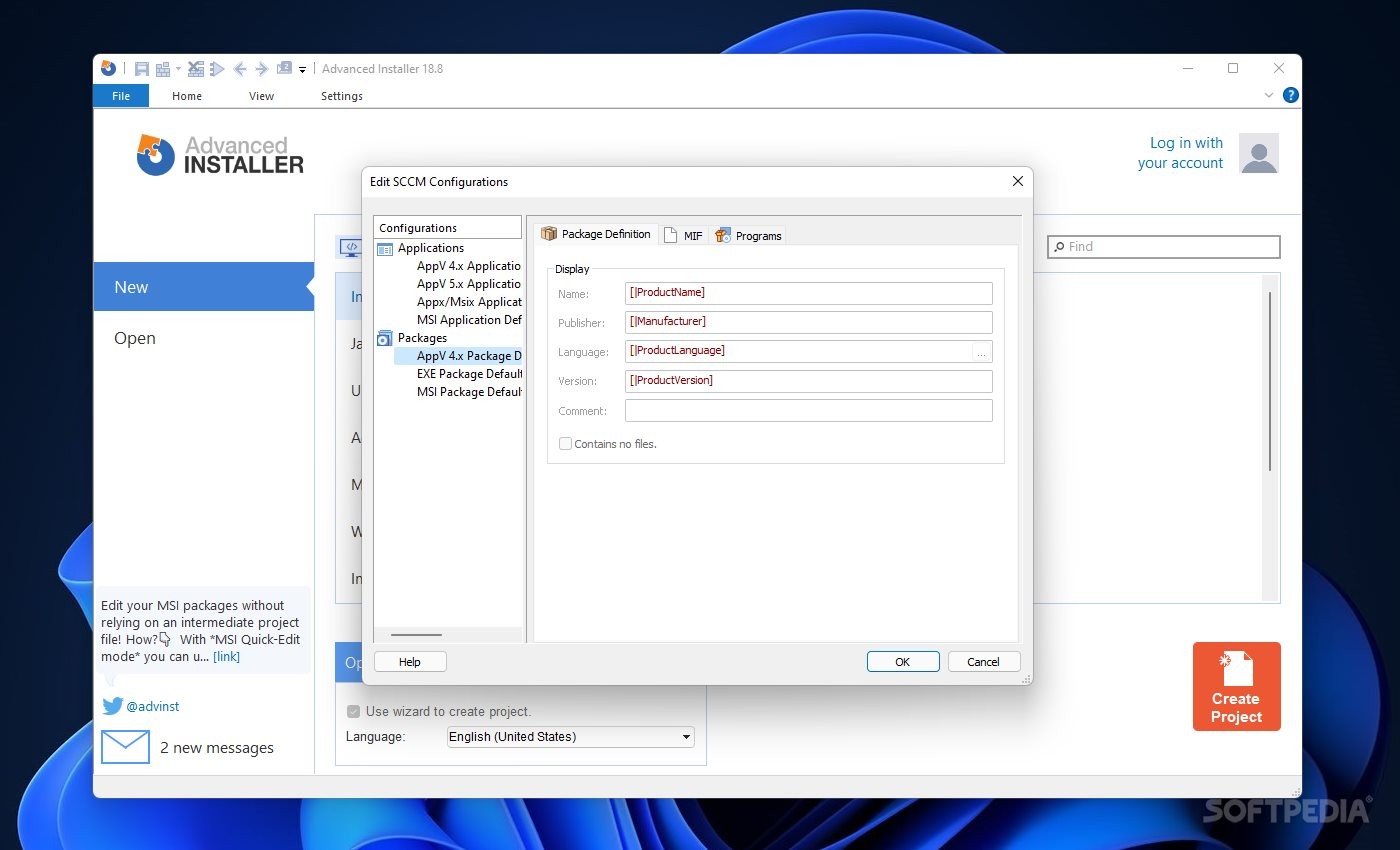
The first thing that struck me as a user was how friendly the interface was. Moreover, it was equally modern and well-thought-out. All the options were within reach and did not confuse the user in any way. Everything else is straightforward. Thus, once you are ready to allow the app to create an installer for your software, all that is left to do is select the appropriate documentation and submit it via this program.
You can use already created templates for Visual Studio, .NET, and Visual Basic-type apps. There are many other options, including mixed variants, in case you need what is best from both worlds. For those working with Java, there is an independent area just for those components. Windows Store app developers will also be happy to learn they will find support when working with this program.
Another cool feature worth mentioning is the installer language selection option. Thus, when creating a new project or even when continuing previous work, the app does allow one to create an installer in their native language. As a result, this means more users can get help from this program, especially if they do not speak English as their first language. An account can also be created and associated with the app. If you're in a hurry, a search bar will easily provide access to your required options.
Advanced Installer Enterprise offers a lot of perks in a very neat package that will not scare, or further burden, already tired software developers. Instead, it comes as a helpful hand for anybody looking to share their creation with the rest of the world.
Download Hubs
Advanced Installer Enterprise is part of these download collections: MSI Creator, Setup Maker
What's new in Advanced Installer Enterprise 21.6.1:
- Digitally sign your files using Azure Trusted Signing
Advanced Installer Enterprise 21.6.1
add to watchlist add to download basket send us an update REPORT- runs on:
-
Windows 11
Windows 10 32/64 bit - file size:
- 202 MB
- filename:
- advinst.msi
- main category:
- Authoring Tools
- developer:
- visit homepage
Context Menu Manager

4k Video Downloader

IrfanView

calibre

7-Zip

Windows Sandbox Launcher

Zoom Client

ShareX

Microsoft Teams

Bitdefender Antivirus Free

- ShareX
- Microsoft Teams
- Bitdefender Antivirus Free
- Context Menu Manager
- 4k Video Downloader
- IrfanView
- calibre
- 7-Zip
- Windows Sandbox Launcher
- Zoom Client