
Helps developers create installers for their apps in a streamlined, easy-to-pick up manner, while still affording them all the options they need. #MSI builder #Setup generator #Installer builder #Installer #Install #Setup

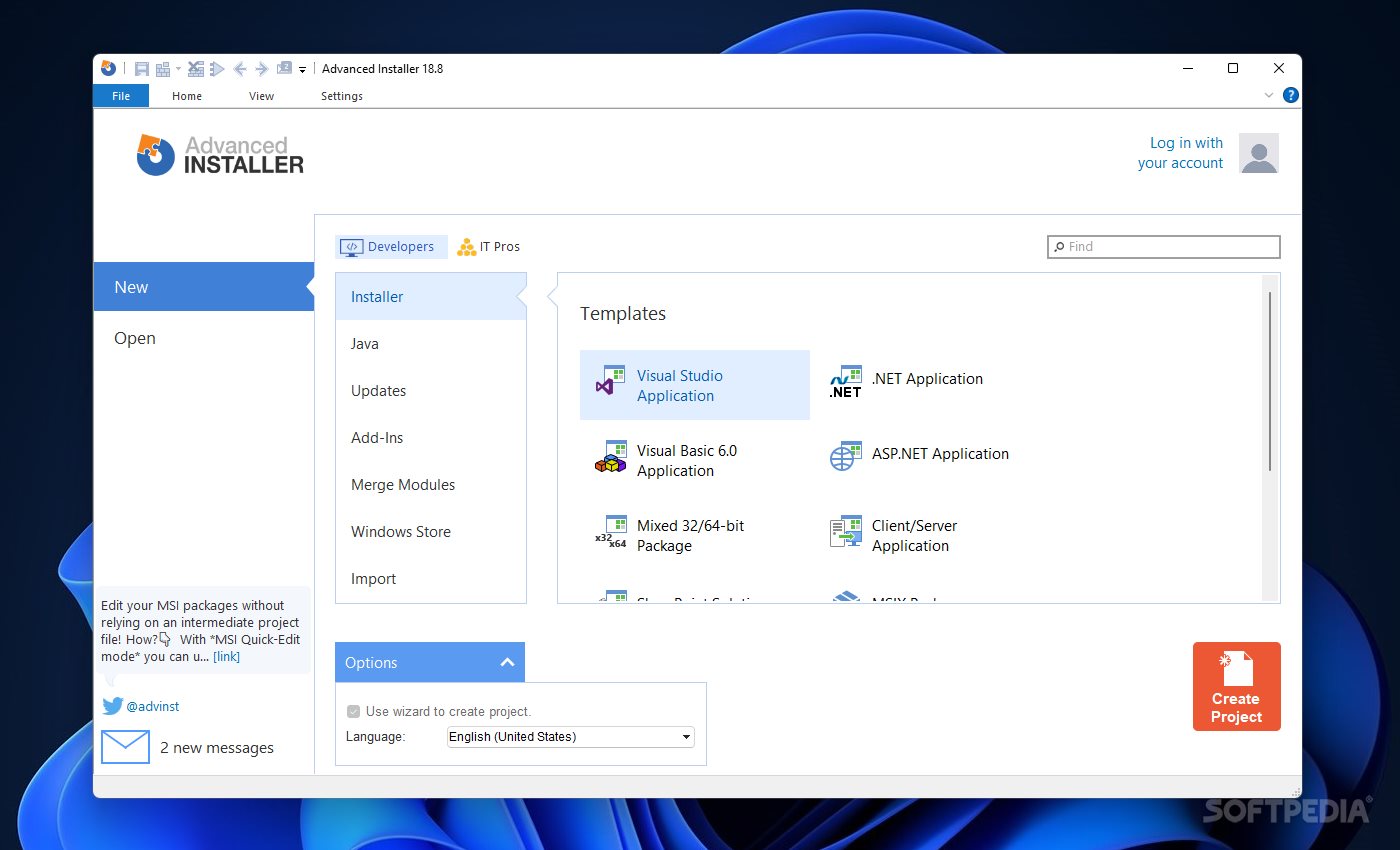
Though it’s mostly seen as a means to an end, the installer is the first interaction the user has with your software. We all know that first impressions do matter, even if a good program is a good program at the end of the day, despite a poor installation experience.
Even so, neglecting the user experience when installing a program is not recommended. If you’re having trouble creating an installer, or are simply looking for some ideas, Advanced Installer might be a utility to look into.
You may get the idea that, based on the name, this is an app that should be difficult to get into. After all, advanced tools aren’t known to be necessarily friendly to newcomers, which is why it’s worth appreciating that all of this really is very approachable in the end.
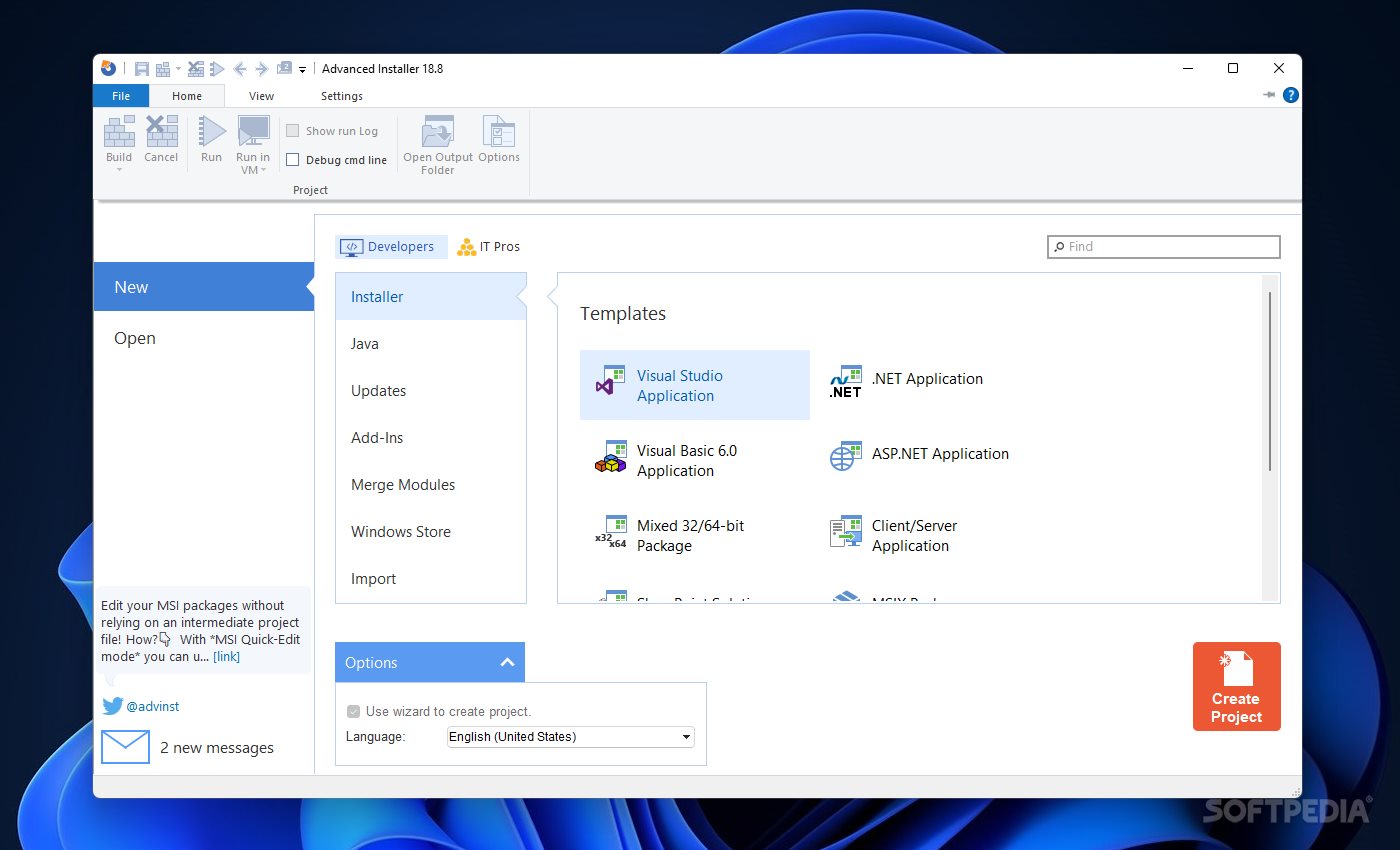
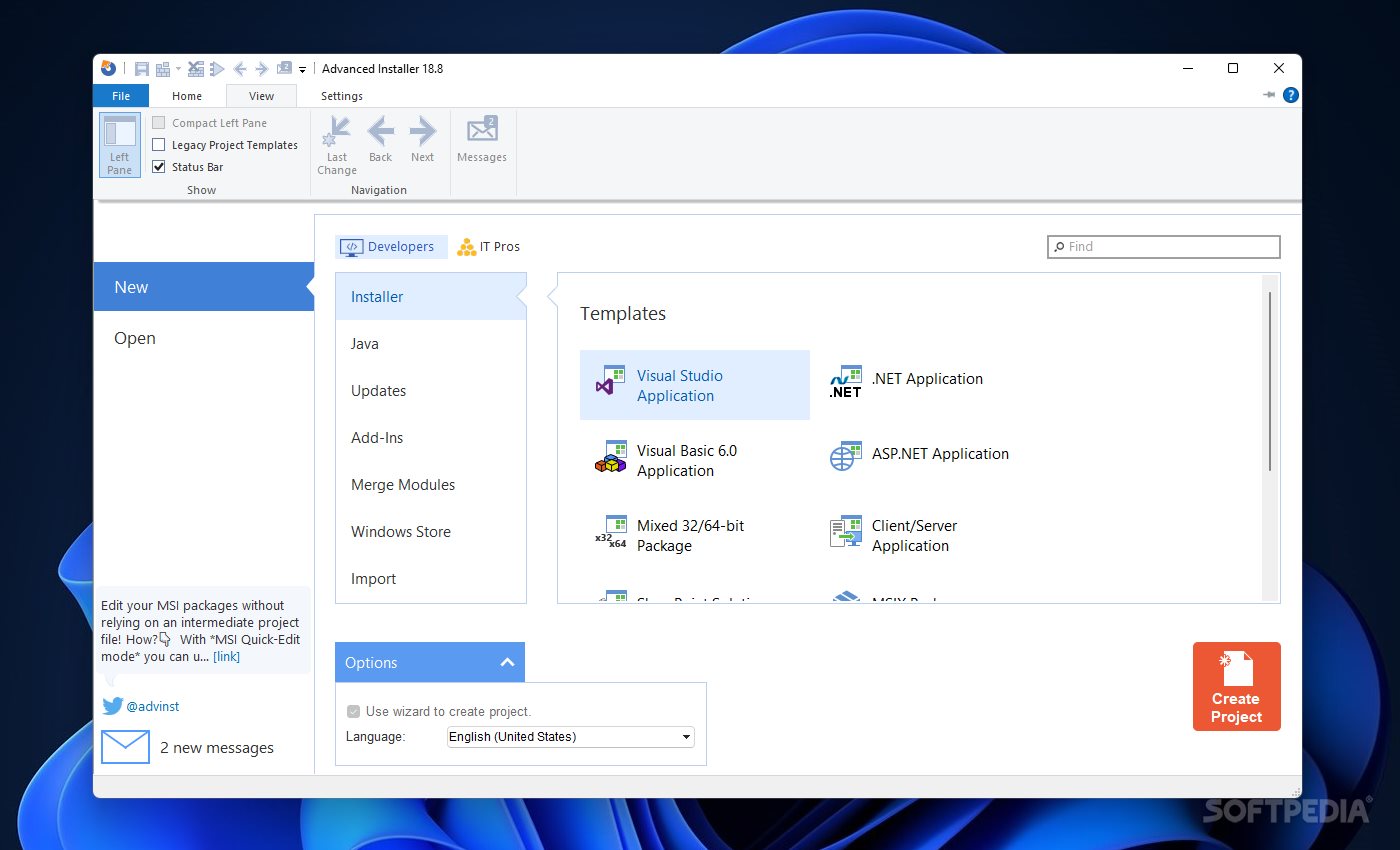
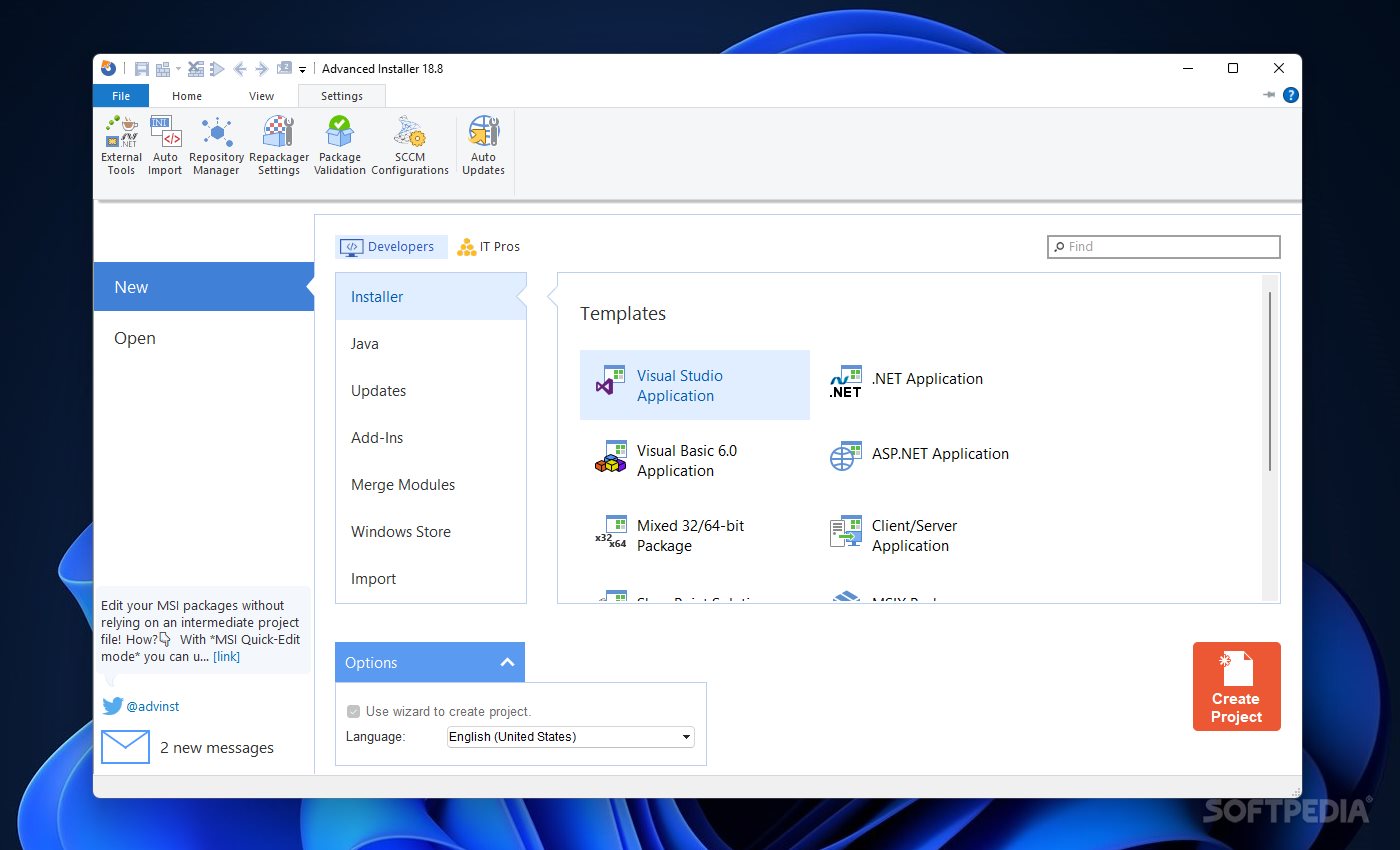
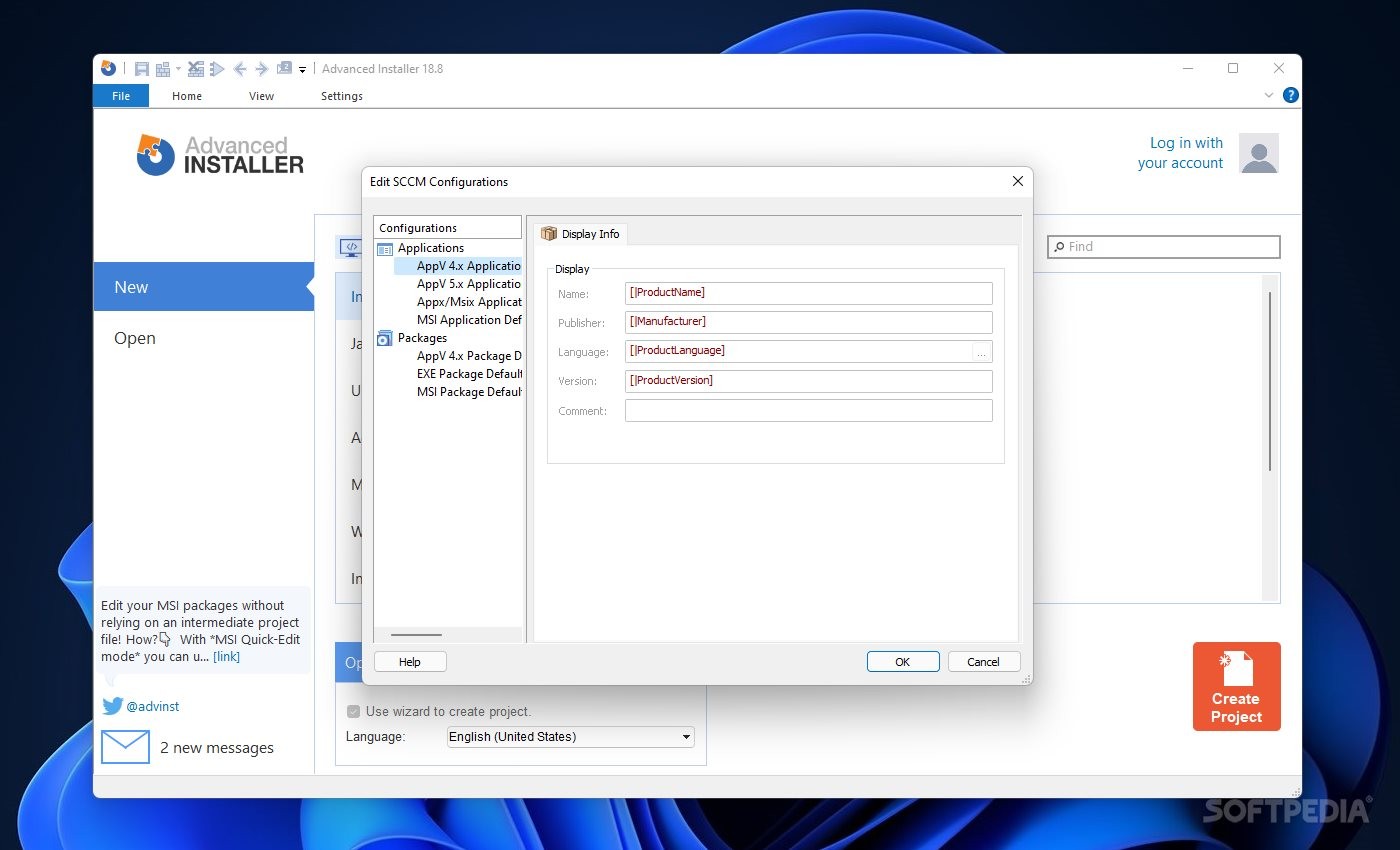
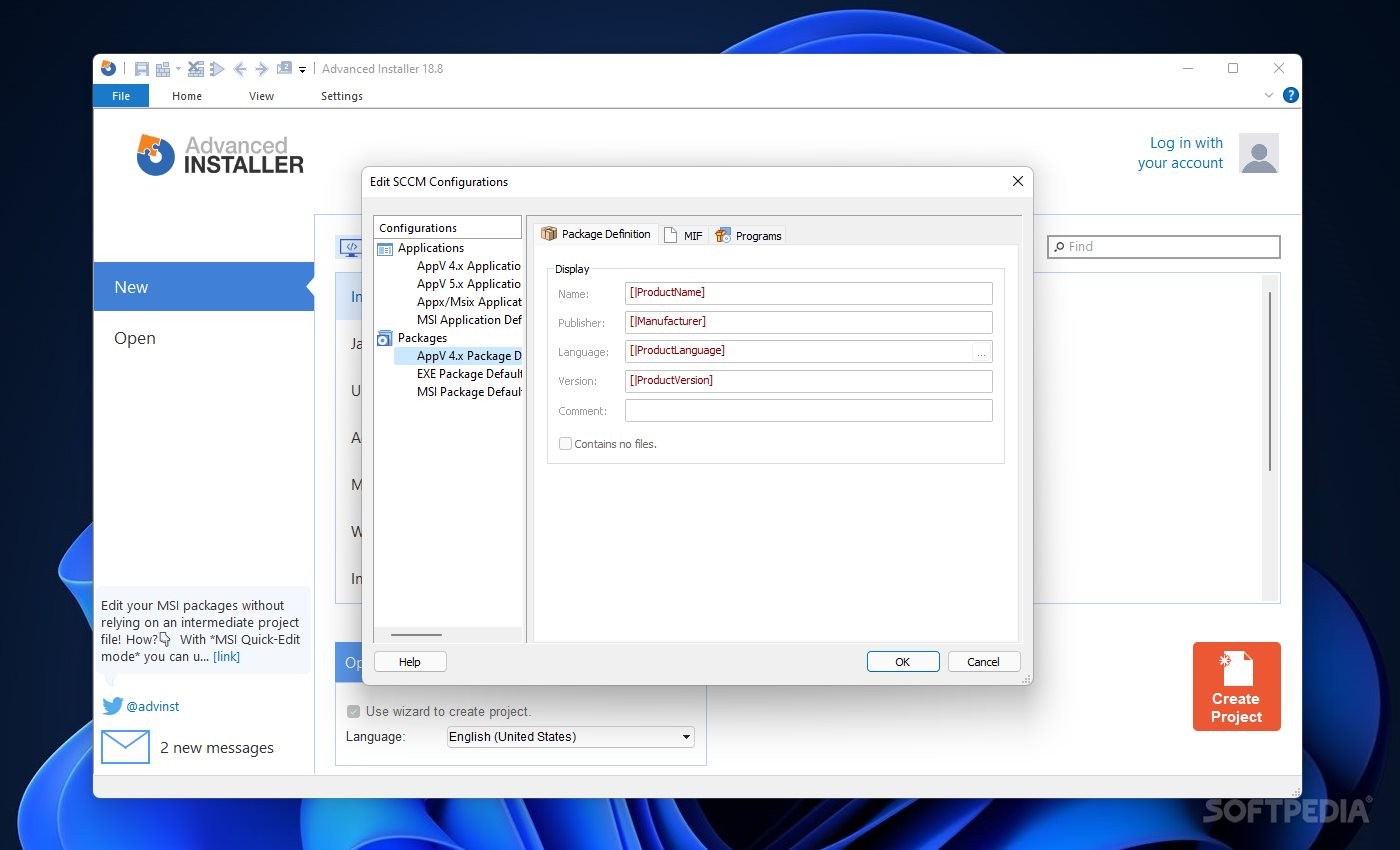
An example of this approachability is presented to you from the jump: the interface is indeed welcoming, and the many available project types can quicken the work it takes to create an installer by a considerable amount. Templates for Visual Studio, .NET, SharePoint, and other such apps are provided, and the program does well to innately guide users by way of intuitive interface design.
Alternatively, you may create an Installer Project where you can parametrize your installation in a way that is more closely aligned with your demands. If the number of options has got you confused, consider using the built-in assistant, as I found it really cleared lots of things up.
As mentioned above, you can really get into the meat of things when creating a custom project. Mention the relevant details about your project, then move on to the resources and packages that are to be used.
Perhaps these parts may be considered a bit boring, but they work to set everything up: select your app’s files, manage its shortcuts, and configure the registry entries that will be created. Among other things, users will also be able to manage install parameters, as well as the requirements to launching the installer for their app, such as a minimum OS version, screen resolution, and so on.
Advanced Installer will help users create installers for their apps that are indeed advanced, but thanks to an overall intuitive design, doing so won’t necessarily require advanced user knowledge to carry everything out.
Download Hubs
Advanced Installer is part of these download collections: Setup Maker, Create Installer
What's new in Advanced Installer 21.6.1:
- Digitally sign your files using Azure Trusted Signing
Advanced Installer 21.6.1
 Softpedia Editor's Pick
add to watchlist
add to download basket
send us an update
REPORT
Softpedia Editor's Pick
add to watchlist
add to download basket
send us an update
REPORT
- runs on:
-
Windows 11
Windows 10 32/64 bit - file size:
- 202 MB
- filename:
- advinst.msi
- main category:
- Authoring Tools
- developer:
- visit homepage
calibre

4k Video Downloader

Microsoft Teams

7-Zip

Windows Sandbox Launcher

Zoom Client

Bitdefender Antivirus Free

Context Menu Manager

IrfanView

ShareX

- Context Menu Manager
- IrfanView
- ShareX
- calibre
- 4k Video Downloader
- Microsoft Teams
- 7-Zip
- Windows Sandbox Launcher
- Zoom Client
- Bitdefender Antivirus Free
