
An application installation and configuration service that makes it possible for software developers to create setup packages for streamlined application deployment. #Windows Installer #Setup shield #Install module #Installer #Builder #Install
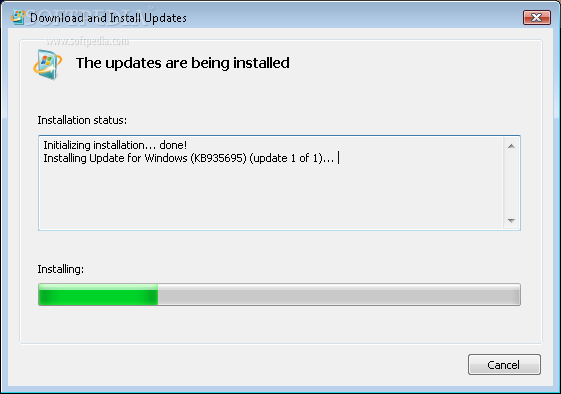
Microsoft Windows Installer is a redistributable system component that enables software developers to enjoy the benefits of a better application deployment. It provides the backbone for installing and uninstalling software on the operating system.
One of the most important capabilities of Windows Installer is Multiple Package Transaction. It uses a chainer to integrate packages in a transaction with multiple components. So in case not all packages are successfully installed or you choose to cancel the installation process, Windows Installer can roll back all the changes and restore the operating system to its original state.
In addition to that, you do not have to install packages one by one and reboot the machine after each installation. Windows Installer does that in a single transaction that integrates the installation progress, rollback and reboot.
When it comes to patching an application, Windows Installer only updates the files affected by the patch, thus reducing the patching time. If you choose to uninstall a patch, you can do that regardless of the order the other patches were installed, and revert the software to the state before the patching occurred.
The Embeded UI Handler is another feature provided by Windows Installer. It allows you to integrate a custom user interface handler in the installer package that can be invoked using the Add or Remove Programs applet in the Control Panel or during a product repair process.
Moreover, Microsoft Windows Installer makes it possible for an updated component to be available to all products using it (enable installation events across multiple packages). Last but not least, setup developers can use Windows Installer to develop single installation packages capable of installing an application in either a per-machine or a per-user installation context.
Download Hubs
Microsoft Windows Installer is part of these download collections: Setup Maker, Create Installer
Microsoft Windows Installer 4.5.0
add to watchlist add to download basket send us an update REPORT- PRICE: Free
- runs on:
-
Windows 2008 32/64 bit
Windows 2003
Windows Vista 32/64 bit
Windows XP 32/64 bit
Windows 2K - file size:
- 1.7 MB
- filename:
- WindowsInstaller-KB893803-v2-x86.exe
- main category:
- Authoring Tools
- developer:
- visit homepage
7-Zip

Bitdefender Antivirus Free

4k Video Downloader

IrfanView

Microsoft Teams

Context Menu Manager

ShareX

Zoom Client

calibre

Windows Sandbox Launcher

- Zoom Client
- calibre
- Windows Sandbox Launcher
- 7-Zip
- Bitdefender Antivirus Free
- 4k Video Downloader
- IrfanView
- Microsoft Teams
- Context Menu Manager
- ShareX