
Multiboot ISO and USB creation tool that features various rescue CDs, Linux distributions, recovery utilities, and antivirus support. #Antivirus Rescue Disk #Rescue Disk #USB Boot #Rescue Disk #Boot #USB
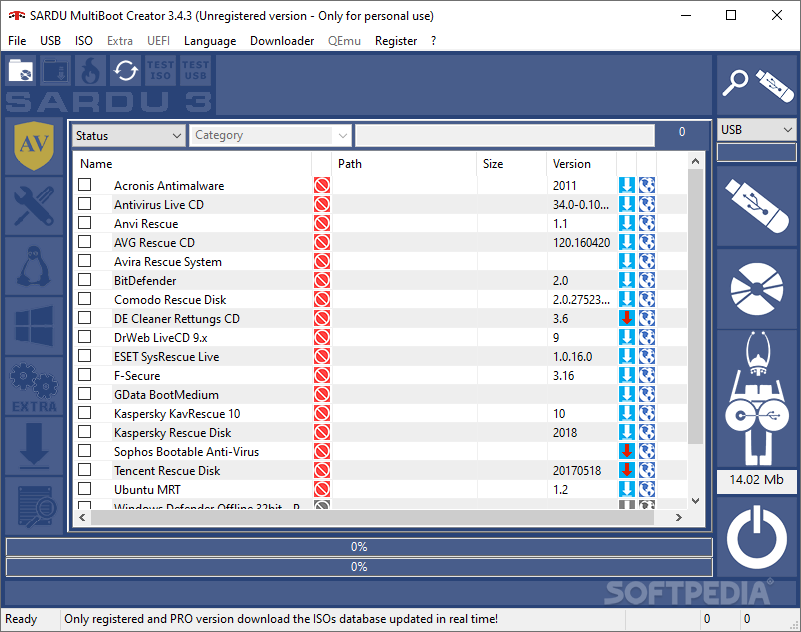
Shardana Antivirus Rescue Disk Utility (SARDU) is a useful application designed to help you create an emergency rescue CD or USB drive. These drives can be used to check and to repair your system in case of a failure.
Most computer users have dealt with a situation when the computer simply cannot start the operating system. Although every one of us hopes to avoid this type of event, it is better to be prepared by having a recovery disk at hand.
This program intends to help you create a recovery disk with the tools required to diagnose and to repair the issues that prevents your computer from starting properly. The disk can be customized by creating multiple boot options and by adding the utilities that you need for your system configuration.
You might need to include an antivirus, a partition manager and a network diagnosis tool. The program allows you to fetch the bootable images from the internet and to include them on your disk. The recovery tool can be customized by adding any bootable image from an ISO file.
The boot menu can be personalized with folders, files and other items that are useful for the diagnostics. Unfortunately, you cannot preview the menu which means that you have to keep track of the inserted items.
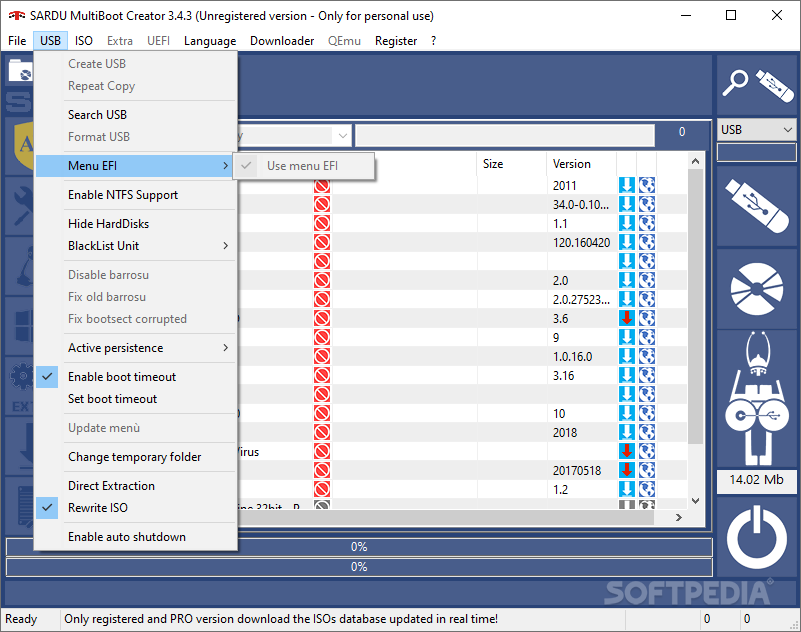
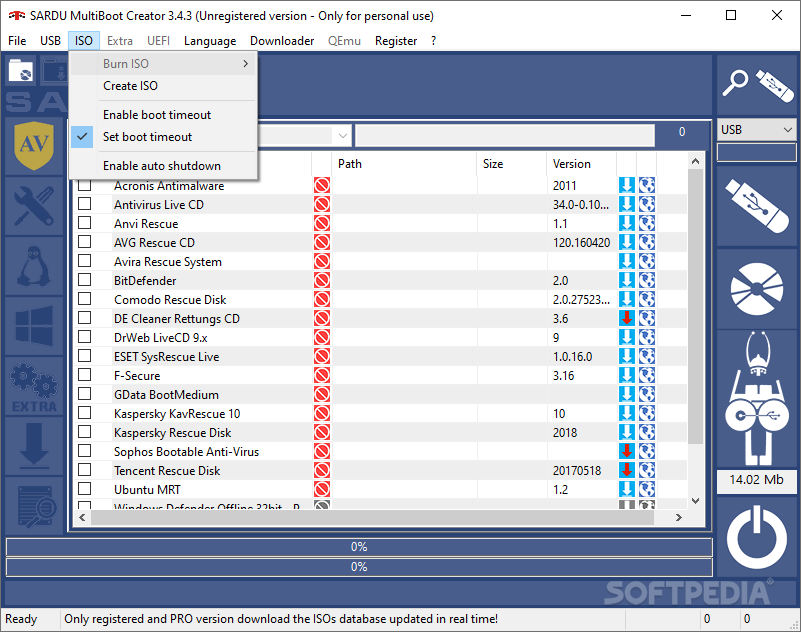
The recovery disk can be saved as an ISO file for burning it to a DVD or by creating a bootable disk from a removable USB device. The app automatically detects the connected USB device and turns it into a bootable recovery toolbox.
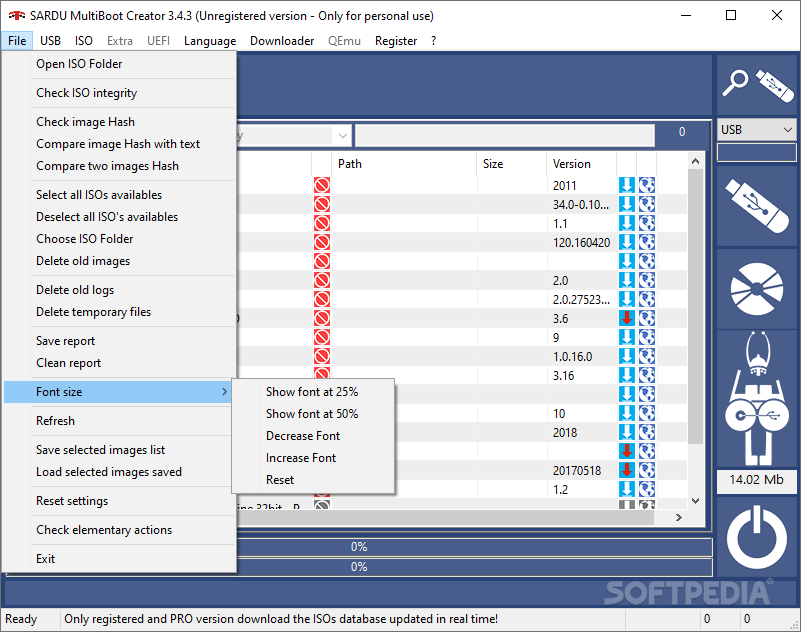
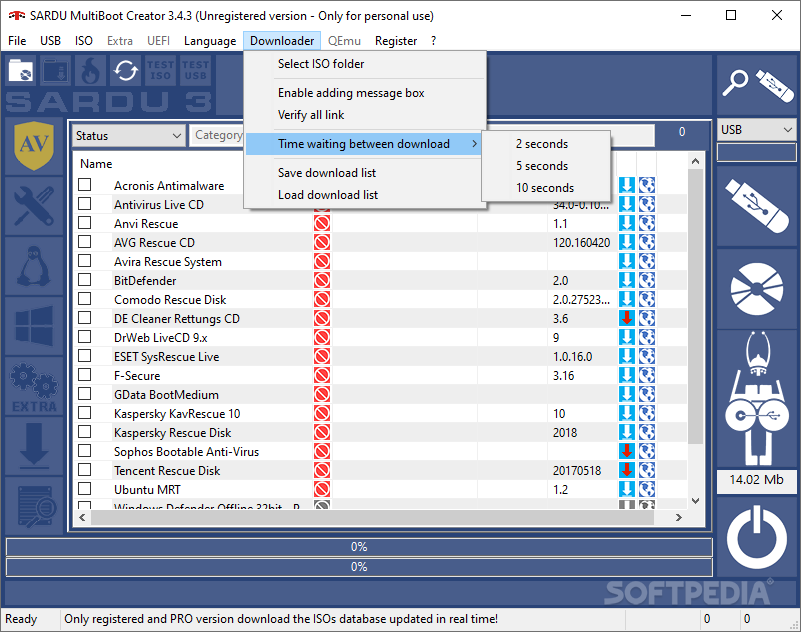
The interface of the application is easy to use and allows you to download or manually add the images that you want to use. The included download manager can handle multiple processes at once. It requires insignificant resources while downloading the images or creating the bootable ISO.
Although it prompts you to install other components such as toolbars, SARDU is a practical tool for all the users that want to create a bootable recovery disk with minimum effort. It includes features for both novice and experienced users, as well as a documentation for the most important operations.
Download Hubs
SARDU is part of these download collections: Create Bootable USB, Rescue Disks
What's new in SARDU 5.2.0:
- Updated rEFInd to 0.14.1
- Updated PassMark Memtest86 to 10.7 build 1000 (UEFI)
- Updated Memtest86+ to 7.00 (UEFI and BIOS Legacy)
- Fixed language problem for license acceptance
SARDU 5.2.0
add to watchlist add to download basket send us an update REPORT- runs on:
-
Windows 11
Windows 10 32/64 bit - file size:
- 34.5 MB
- filename:
- SARDU_520.zip
- main category:
- CD / DVD / Blu-ray Tools
- developer:
- visit homepage
Bitdefender Antivirus Free

ShareX

Zoom Client

Microsoft Teams

Windows Sandbox Launcher

IrfanView

7-Zip

calibre

4k Video Downloader

Context Menu Manager

- calibre
- 4k Video Downloader
- Context Menu Manager
- Bitdefender Antivirus Free
- ShareX
- Zoom Client
- Microsoft Teams
- Windows Sandbox Launcher
- IrfanView
- 7-Zip