
Create and manage disk images for USB flash disks, USBs, hard drives, VHD/VMDKs and CD-ROMs using this intuitive piece of software. #CD image #Floppy image #Mount image #Mount #Creator #Extractor

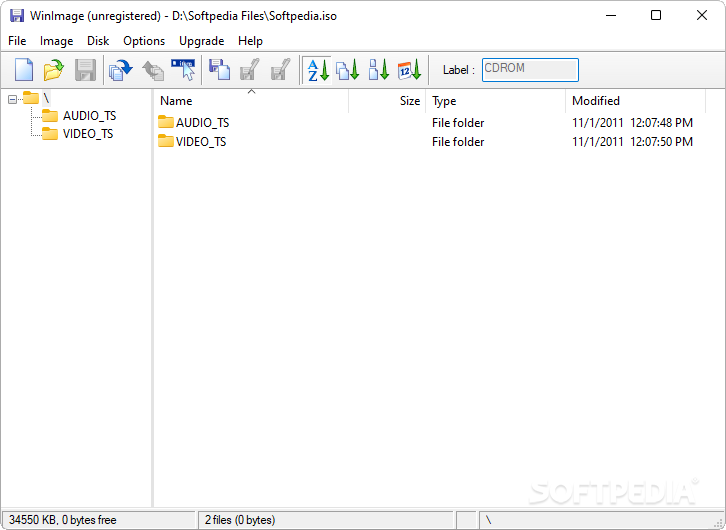
WinImage provides you with an intuitive application that can be used for creating and managing various disk image file types. It enables you to browse and change the content of image files, perform format conversions or image defragmentation.
The application can assist you in creating disk images from removable drives, CDs and floppy disks. While the latter option might seem a bit outdated and irrelevant for the majority of users, WinImage also comes with advanced, useful functions for opening multiple types of disk images, such as ISO, VHD, VMDK, CIF, VUD and the list does not end here.
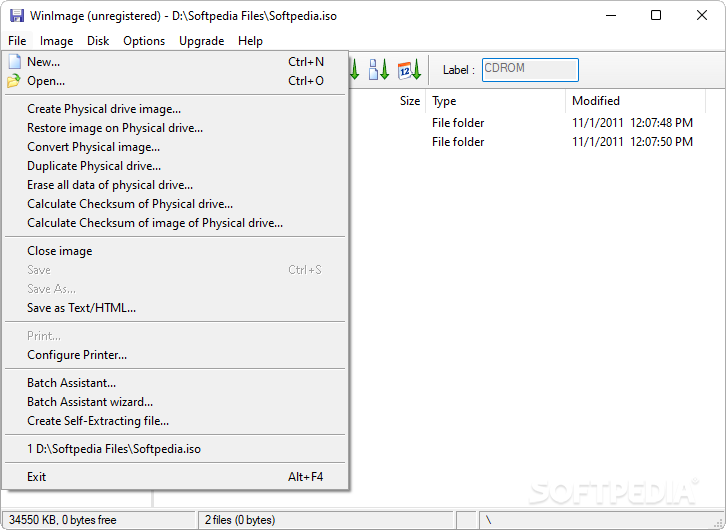
Moreover, the built-in batch assistant is designed to help you process sets of files with a single operation, making the image creation process just a matter of pressing a few ‘Next’ buttons.
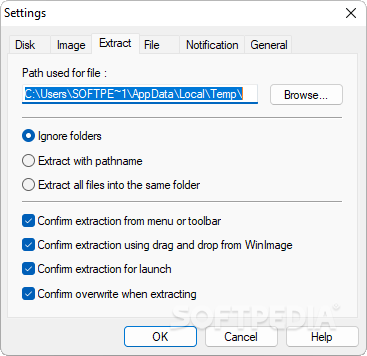
You can use the application to extract files from a disk image, remove existing content, add folders and files to the image, create new directories, modify the label and view detailed information about the loaded image file. You can compare the content of two different disks.
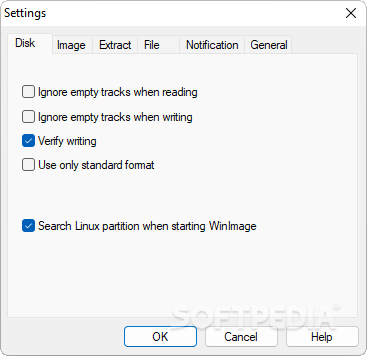
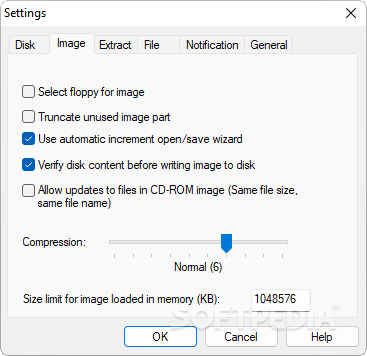
It comes with a set of options and settings designed to meet the requirements of more advanced users. For instance, it can be used for formatting disks, editing the master boot record (MBR) properties, erasing the physical drive and resetting it as bootable or even creating a virtual hard drive from a physical drive and restore it at a later time.
There is an option for converting virtual disk images, enabling you to easily generate fixed size or dynamically expanding VHD files. The program comes in handy for creating custom boot disks or performing backups of your hard-disk data. It can save you the time needed to restore the system or re-installing Windows and all the necessary software, in case of a system crash.
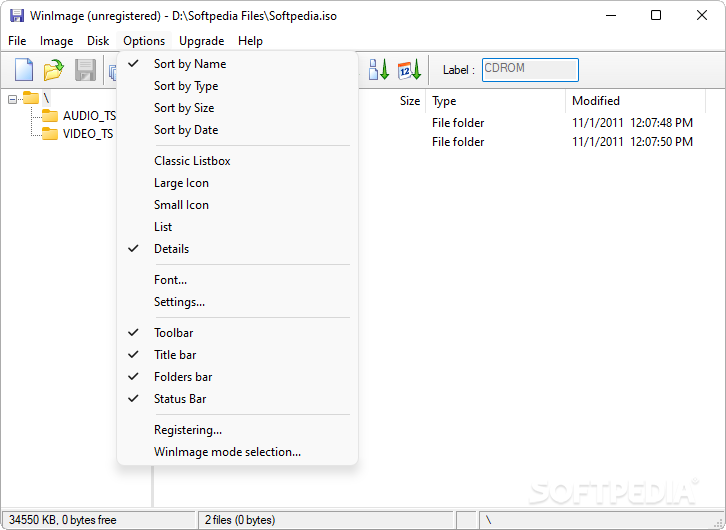
With its intuitive interface, WinImage can be used by professionals and beginners alike. It brings to the table the necessary tools for handling virtual disk images and performing data backups. However, the project has been discontinued so the application will not receive updates anymore.
WinImage 11.00
add to watchlist add to download basket send us an update REPORT- runs on:
-
Windows 11
Windows 10 32/64 bit - file size:
- 1.2 MB
- filename:
- wima64100.exe


- main category:
- CD / DVD / Blu-ray Tools
- developer:
- visit homepage
Microsoft Teams

Zoom Client

Windows Sandbox Launcher

IrfanView

7-Zip

4k Video Downloader

calibre

Context Menu Manager

ShareX

Bitdefender Antivirus Free

- Context Menu Manager
- ShareX
- Bitdefender Antivirus Free
- Microsoft Teams
- Zoom Client
- Windows Sandbox Launcher
- IrfanView
- 7-Zip
- 4k Video Downloader
- calibre
