
Emulation software application allowing users to play CDs and DVDs without a physical disc, and search for disc images on their computer. #Create virtual CD #Virtual drive creator #Mount image #Mount #Clone #Virtual CD
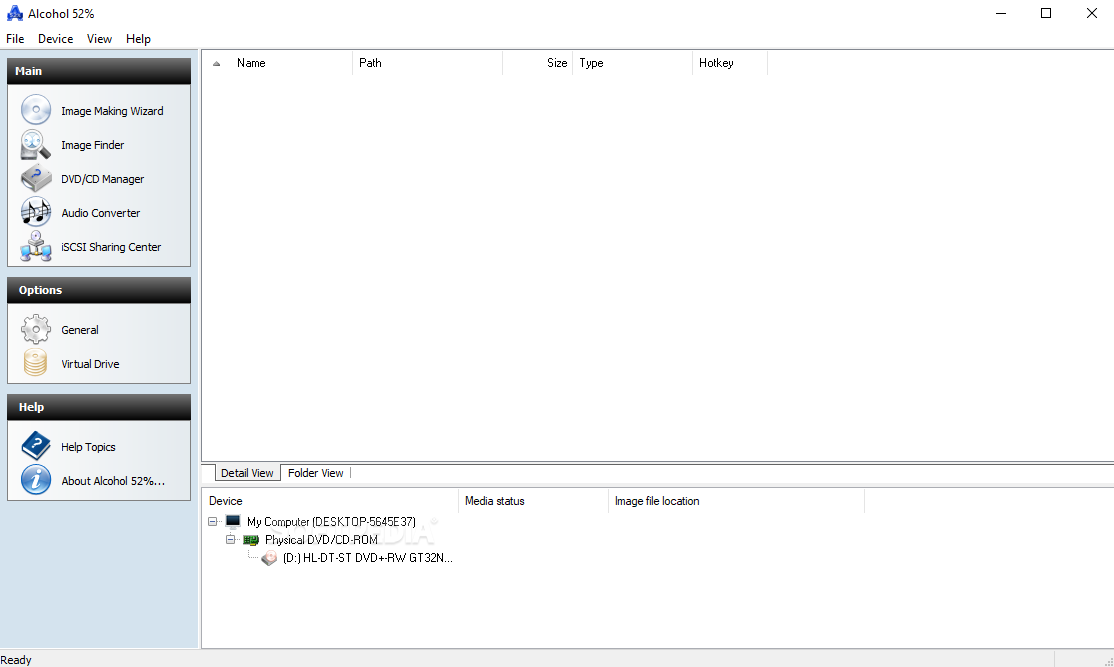
Alcohol 52% is specially created as a virtual drive software application, that can emulate physical drives. If you're tired of opening your disc drive every time you want to load a CD / DVD, then, Alcohol 52% is a solution that you can take into consideration.
The installation process is fairly simple, but, like most tools of the kind you have to reboot your computer for the program to be installed properly.
The program's interface is pretty straightforward and easy to use. Disc image creation can be done directly from the main menu, and you can start creating your image as soon as you load the disc. As an example, it took us around 19 minutes to create a DVD image.
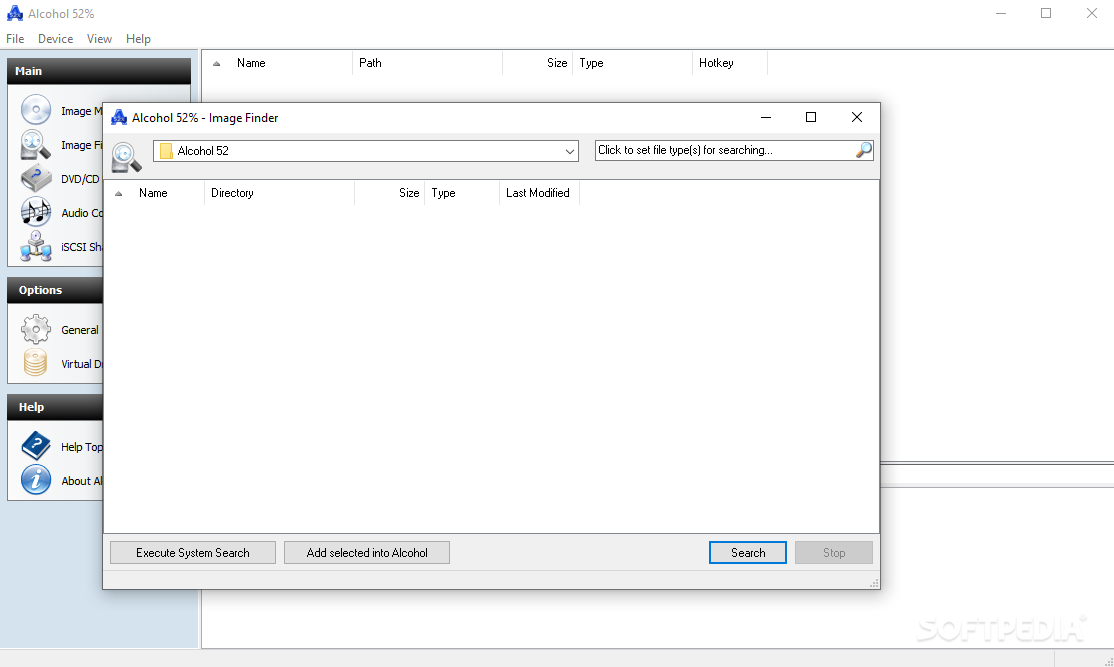
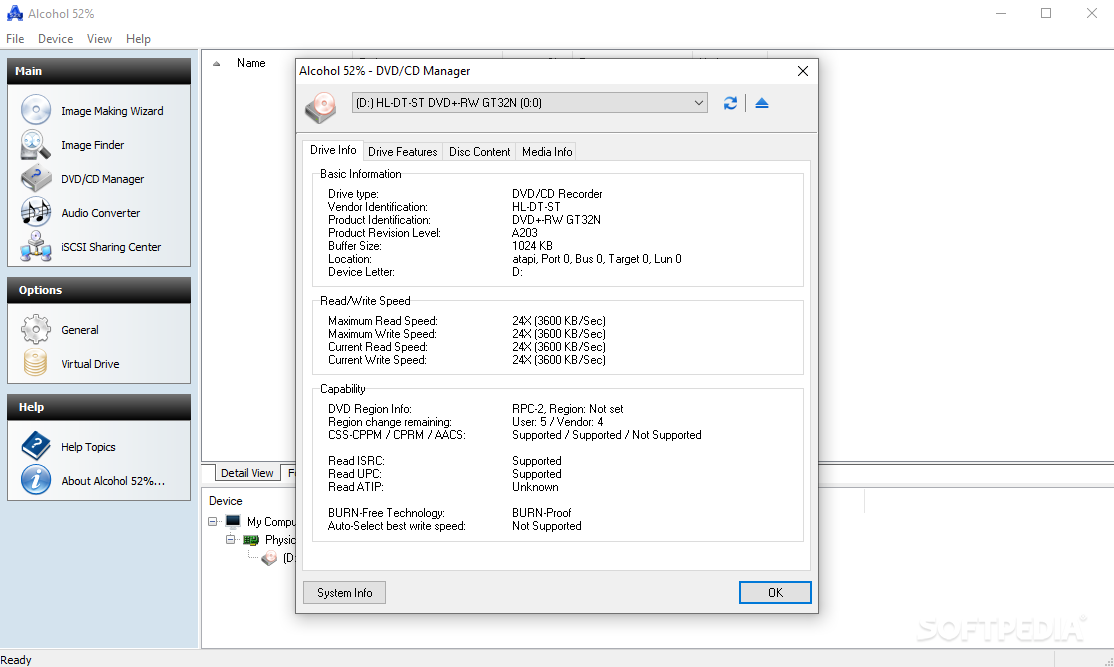
You can also search for disc images on your computer or view the full spec list for each of your drives from the same menu.
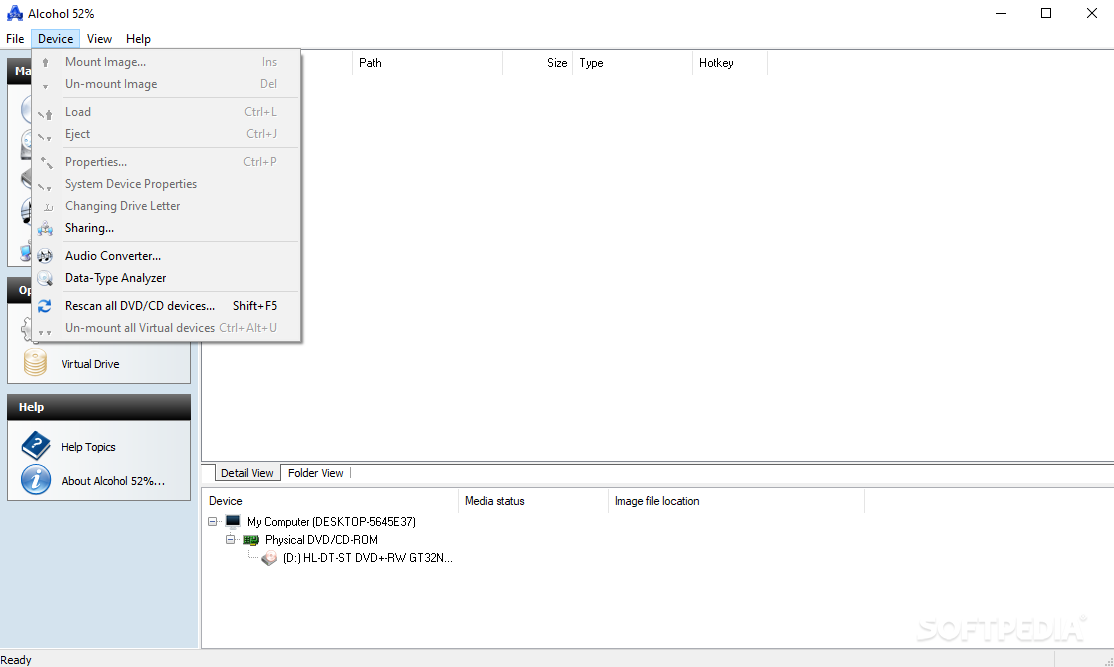
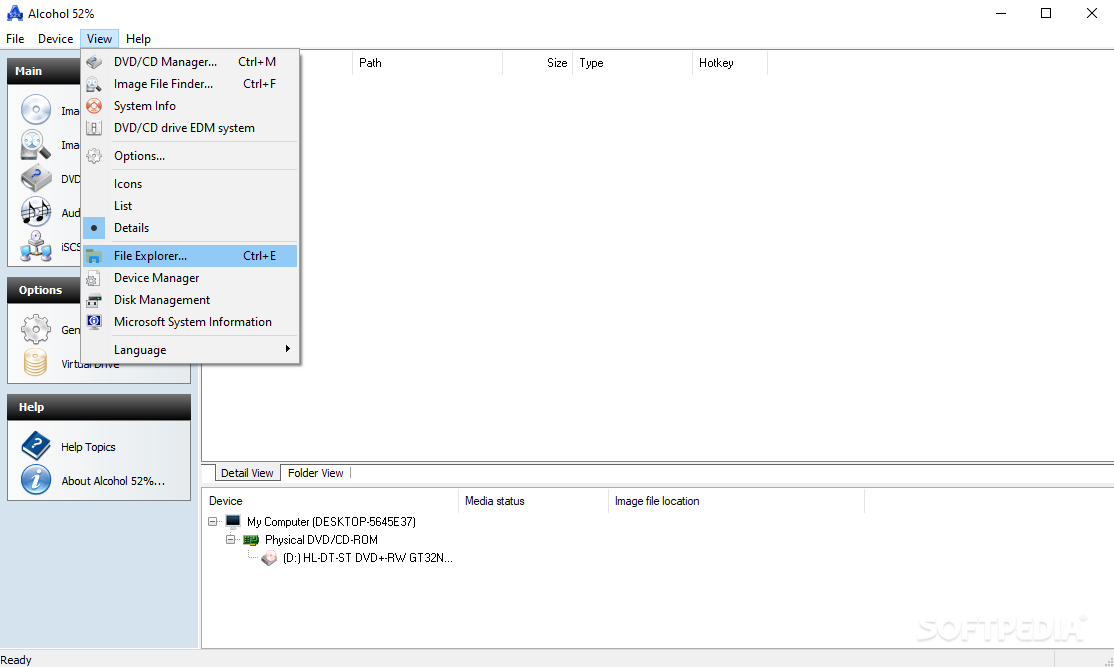
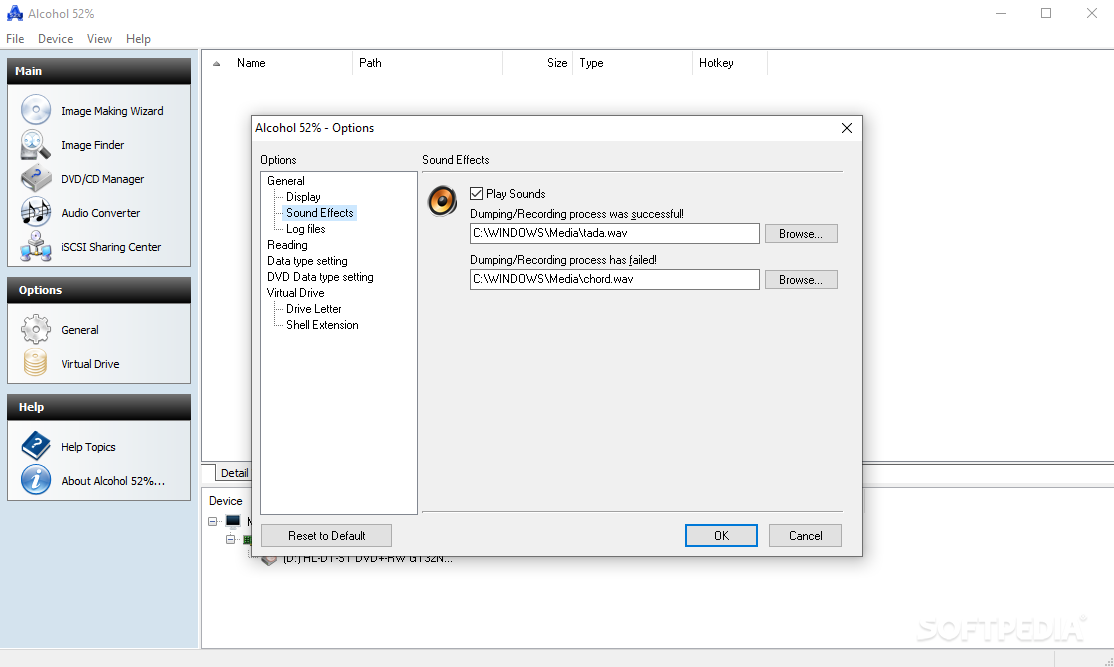
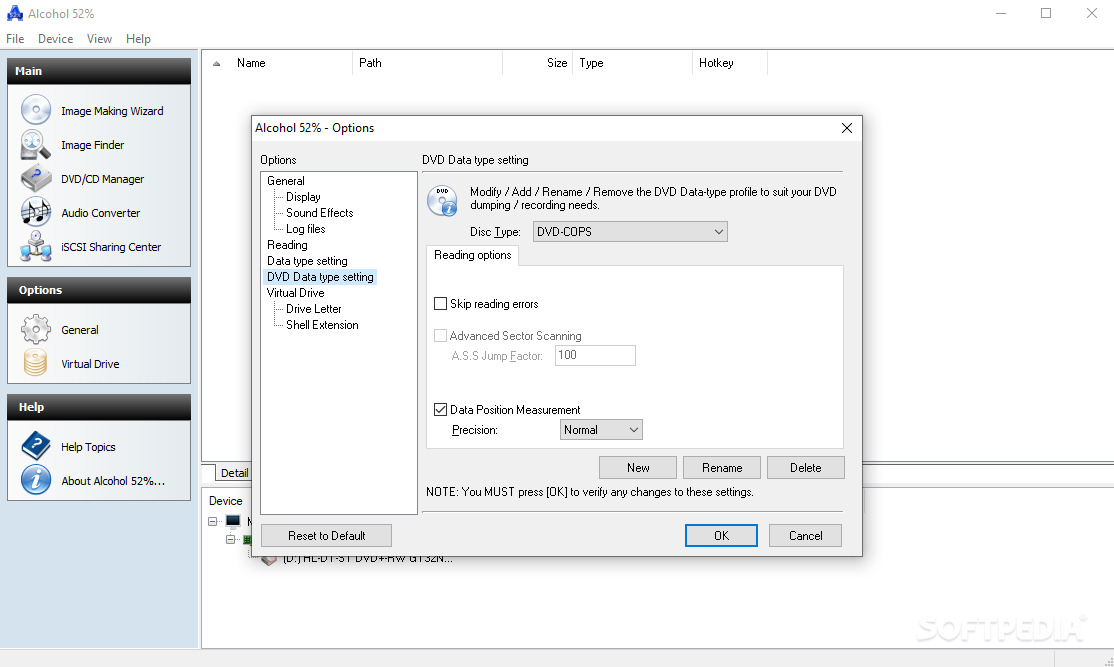
Moreover, if you don't want to access the main window of Alcohol 52% every time you want to load a disc then you can do it from the system tray icon. You can choose the emulation options you want to activate, access the Disk Management or Device Manager windows, and, of course, the customary Options window.
It is easy to make an image file, it is also easy to mount or unmount your disc images, and what is even better is that, although, the software utility allows you to easily and quickly manage your discs, it offers a lot of customization options and features.
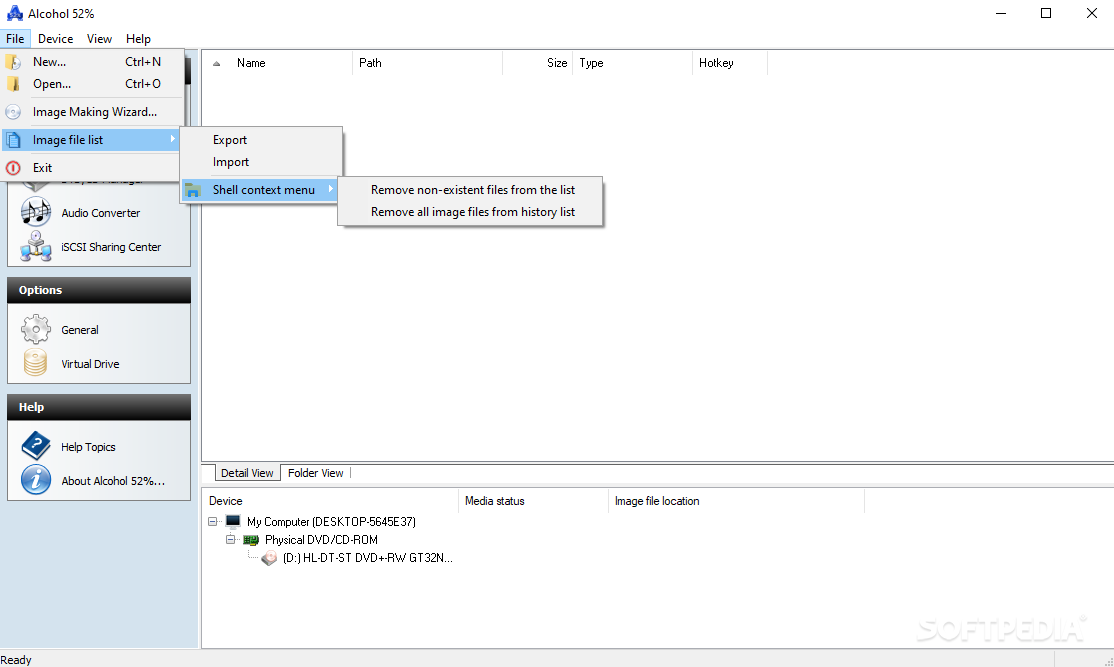
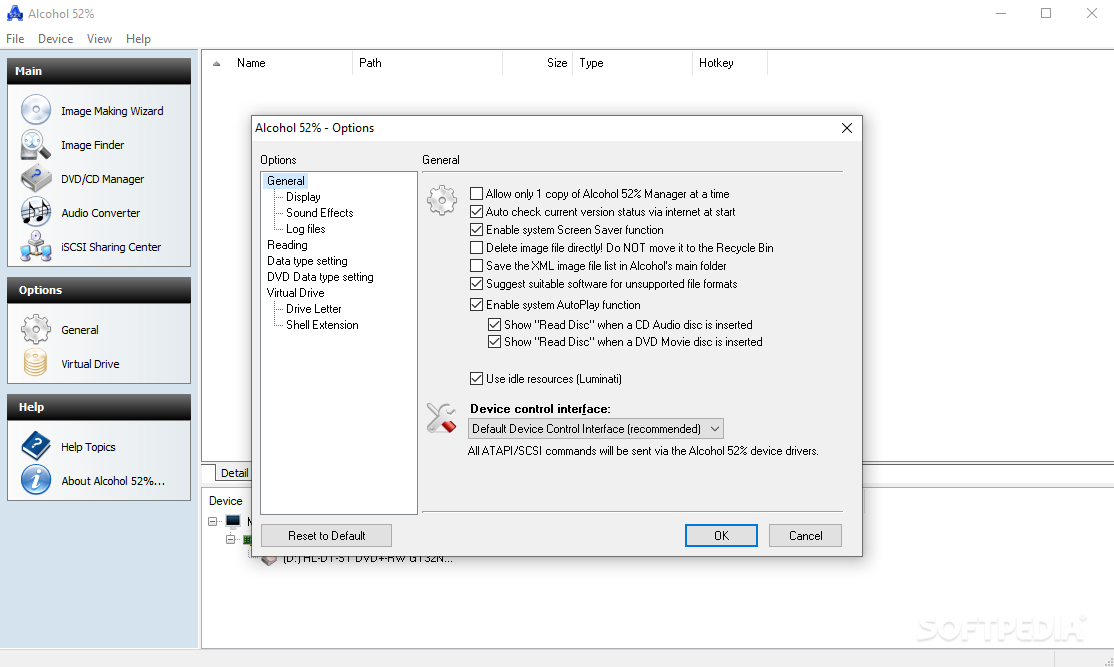
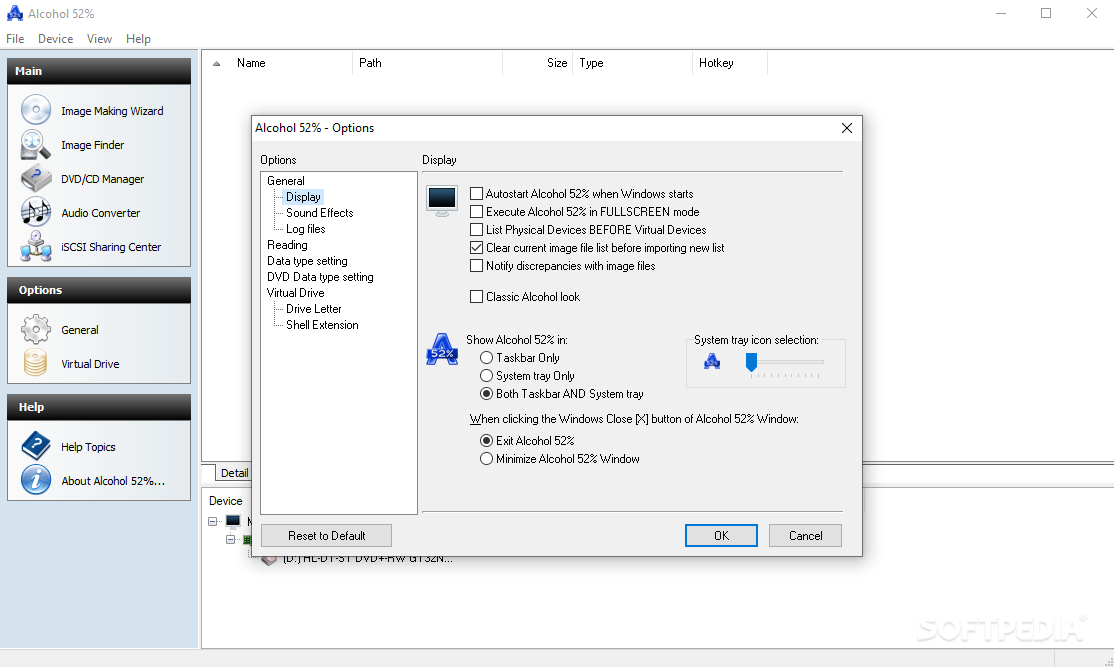
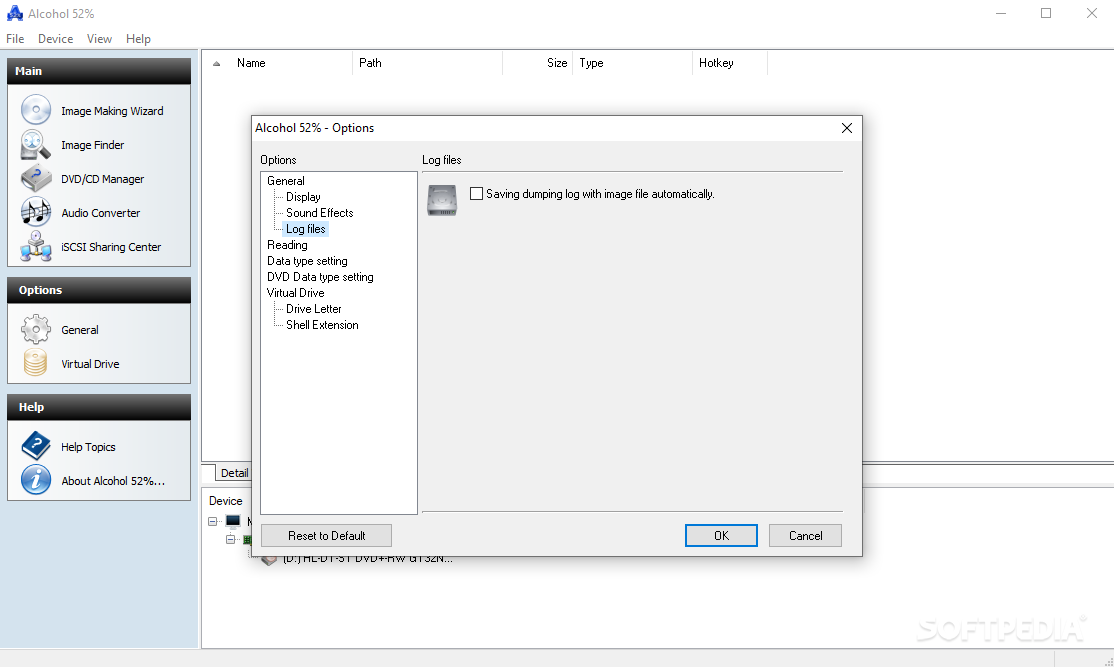
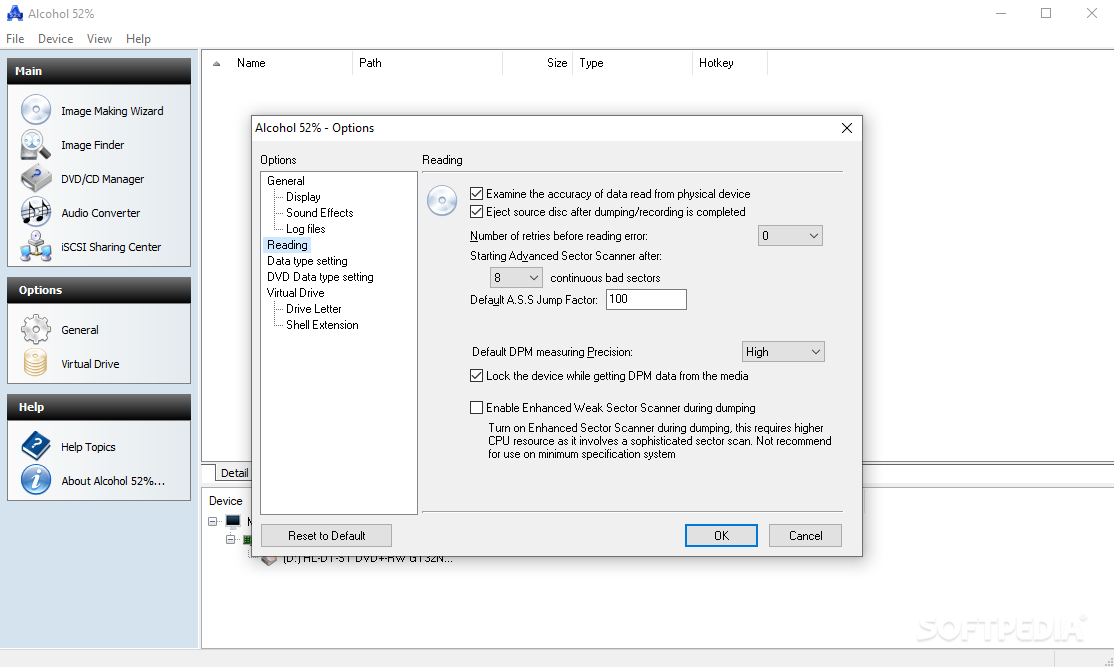
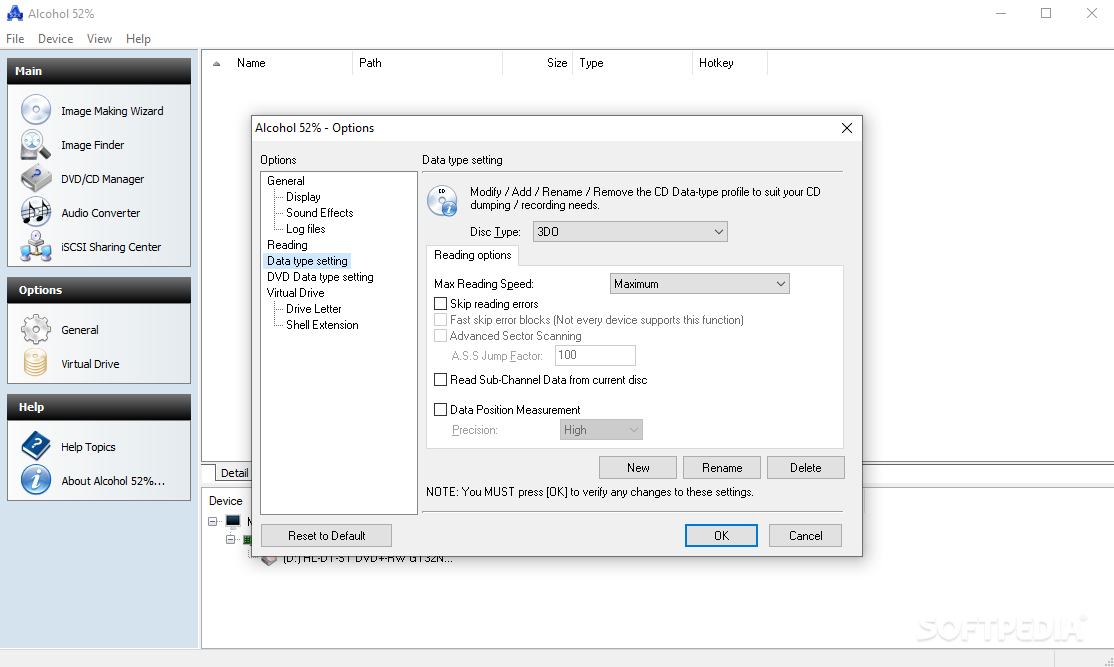
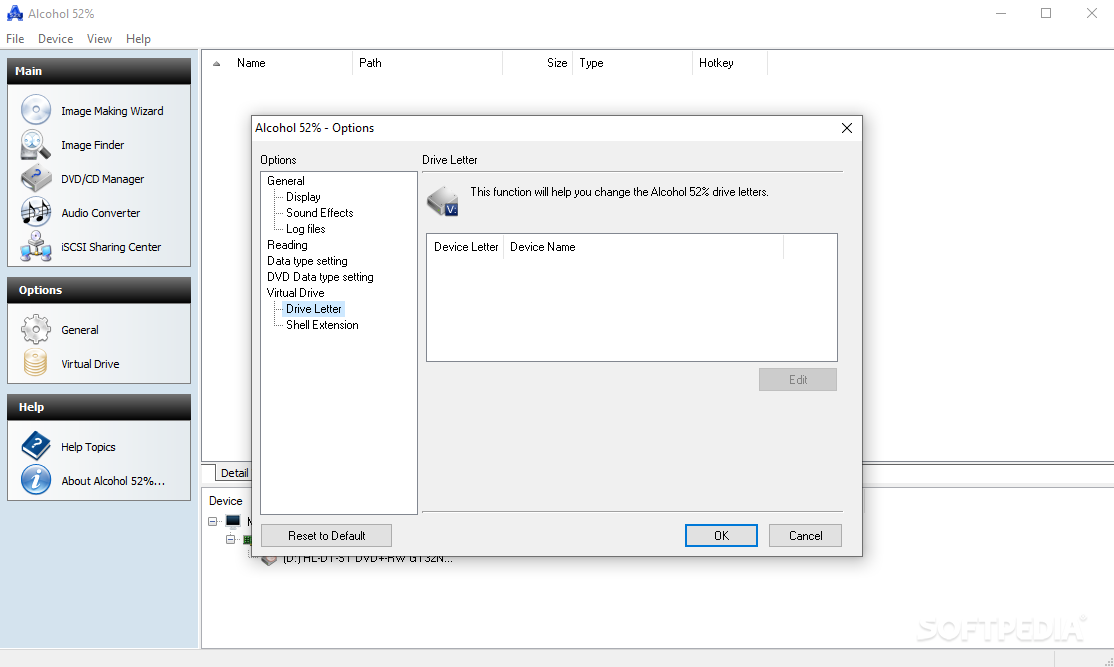
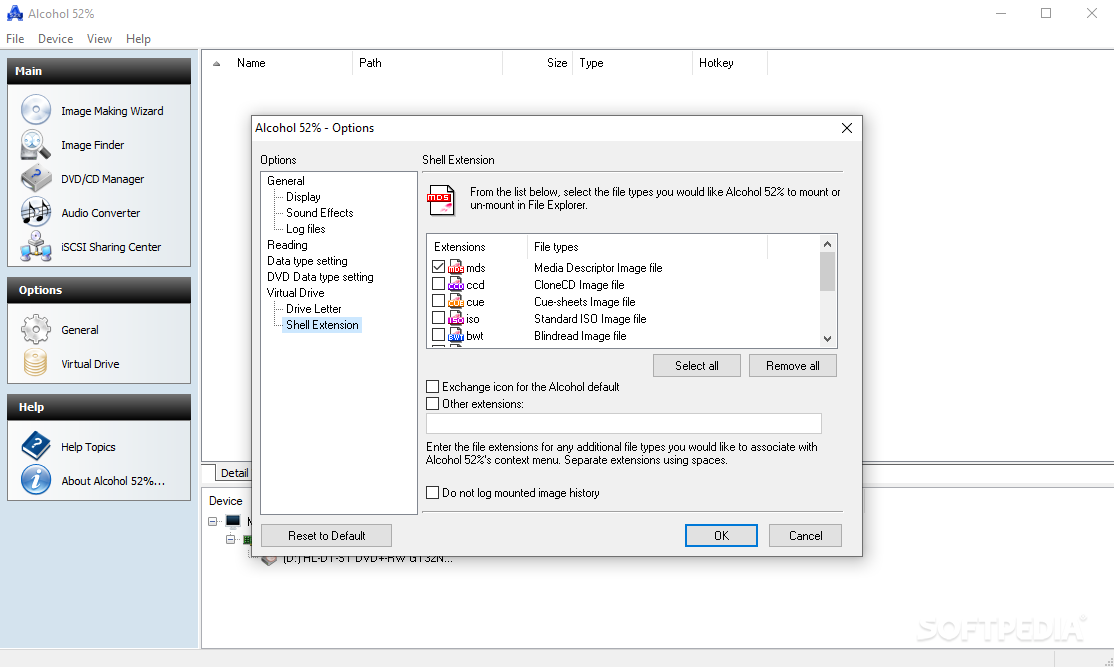
The customization process is done via the Options window. And, as long as we are here, you should know that Alcohol 52% can handle quite a few file formats. The file formats that the software program supports are the following: MDS, CCD, CUE, ISO, BWT, CDI, NRG, PDI, B5T, and ISZ.
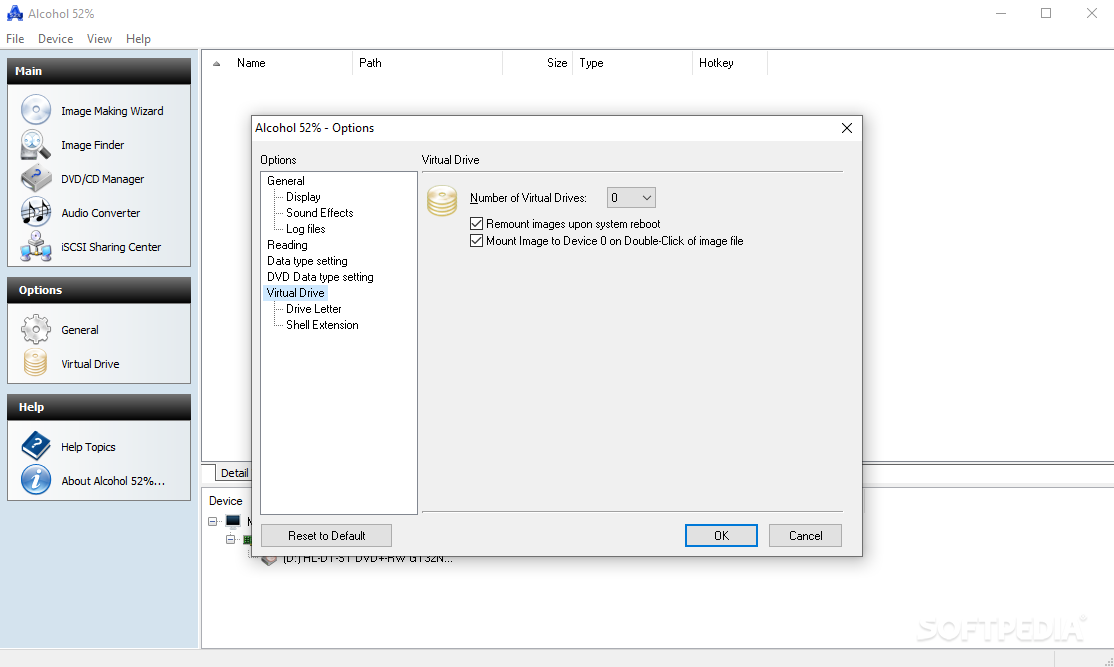
The maximum number of mounted virtual drives can also be set, and the magic number is 6, but that should be more than enough.
Alcohol 52% is a tool that can surely help you manage your disc images. Now, you won't have to load your disc from your physical drive every time you need them. Reading speed is another plus, as images stored on your computer can be accessed much faster.
Download Hubs
Alcohol 52% Free is part of these download collections: Open NRG, Virtual Drives
What's new in Alcohol 52% Free 2.1.1 Build 2201:
- FIX Minor bugs reported by users.
- ADD AppEsteem Certification
- ADD support for more drives
Alcohol 52% Free 2.1.1 Build 2201
 Softpedia Editor's Pick
add to watchlist
add to download basket
send us an update
REPORT
Softpedia Editor's Pick
add to watchlist
add to download basket
send us an update
REPORT
- runs on:
-
Windows NT
Windows 11
Windows 10 32/64 bit
Windows 2008 32/64 bit
Windows 2003
Windows 8 32/64 bit
Windows 7 32/64 bit
Windows Vista 32/64 bit
Windows XP 32/64 bit
Windows 2K - file size:
- 11.8 MB
- filename:
- Alcohol52_FE_2.1.1.2201.exe
- main category:
- CD / DVD / Blu-ray Tools
- developer:
- visit homepage
IrfanView

Context Menu Manager

Windows Sandbox Launcher

ShareX

calibre

Bitdefender Antivirus Free

Zoom Client

Microsoft Teams

4k Video Downloader

7-Zip

- Microsoft Teams
- 4k Video Downloader
- 7-Zip
- IrfanView
- Context Menu Manager
- Windows Sandbox Launcher
- ShareX
- calibre
- Bitdefender Antivirus Free
- Zoom Client