
Automatically decrypts CSS encrypted DVDs; removes features such as warnings, trailers and forced subtitles; allows you to play protected audio CDs. #Dvd copy #Dvd ripper #Dvd decryptor #Ripper #Decrypter #Decrypt

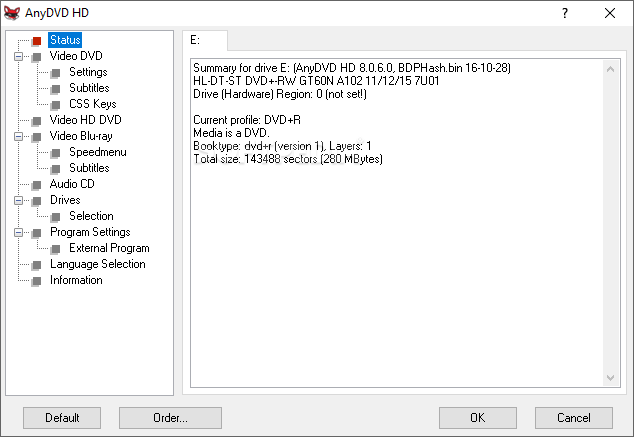
AnyDVD is part of the DVD decryption software category and its target is to remove copy protections in order to allow disc backups and other similar operations.
AnyDVD is able to decrypt CSS encrypted DVDs and it performs the job automatically in the background, so it won’t bother you from other tasks you plan on completing.
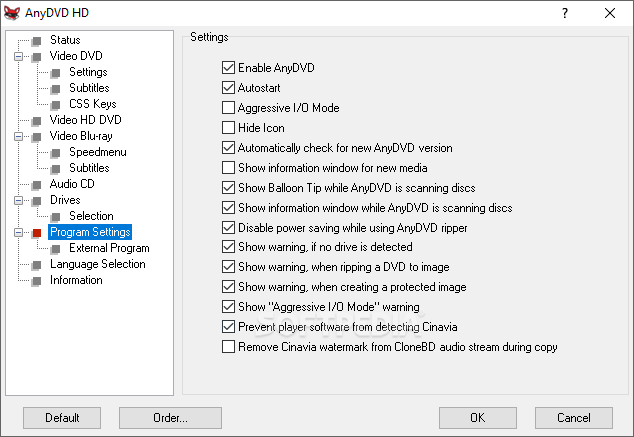
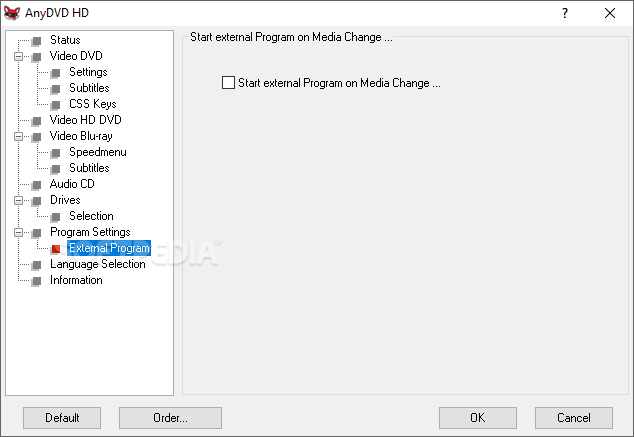
The installation process is not at all complicated, but a restart is required in order to fully enjoy the application’s features. The user interface is pretty much standard, with all the menus gathered up on the left side, while adjacent options are presented on the right side.
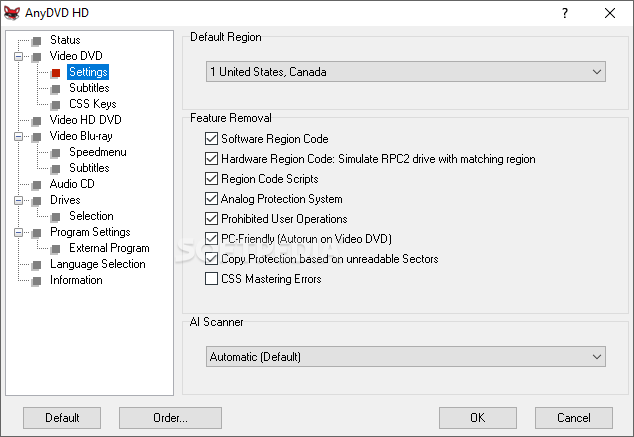
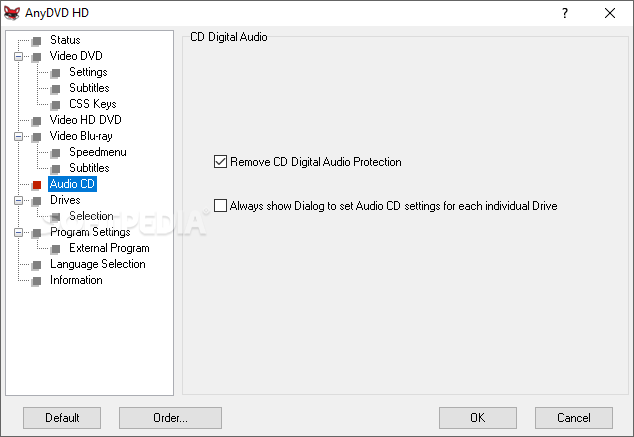
AnyDVD features built-in support for both NTSC and PAL-DVDs and is able to decrypt audio CDs as well. After processing your discs with AnyDVD, the result is a clean, free of region codes and restrictions DVD that can be further re-worked via a wide range of third-party tools such as CloneDVD, Pinnacle InstantCopy, etc.
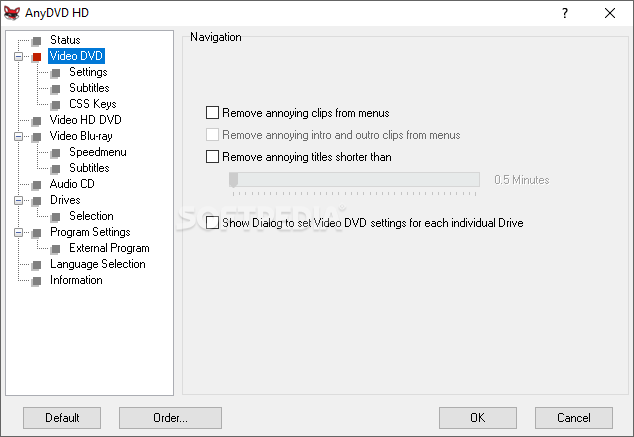
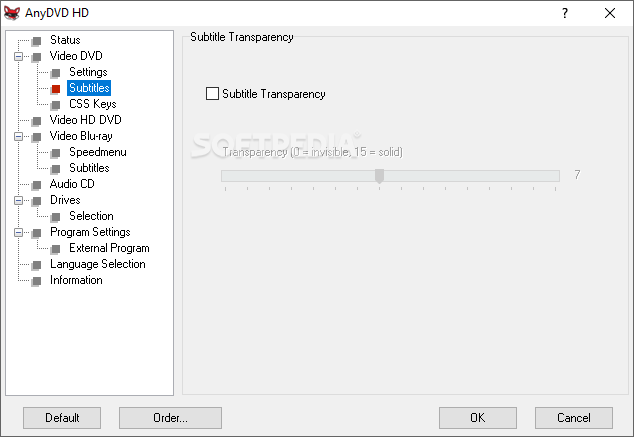
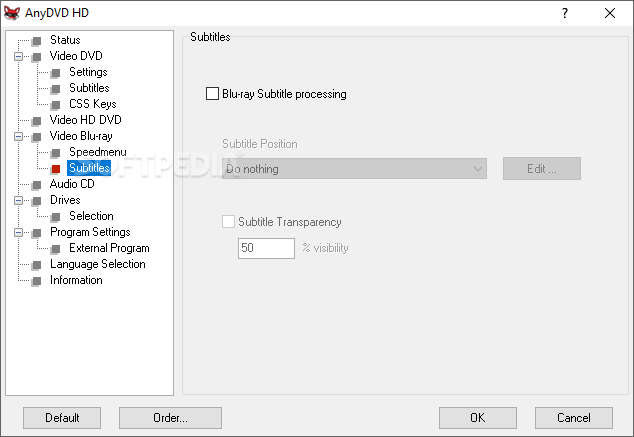
With this tool you can remove annoying clips from menus (including intro and outro clips), titles shorter than a given number of minutes, and you can also configure subtitle transparency (thus, choosing 0 will remove it).
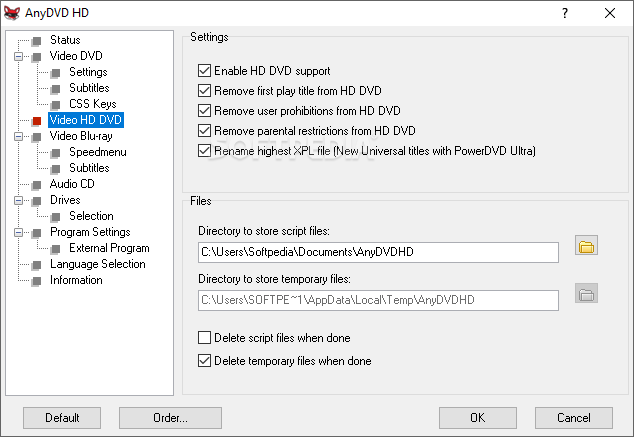
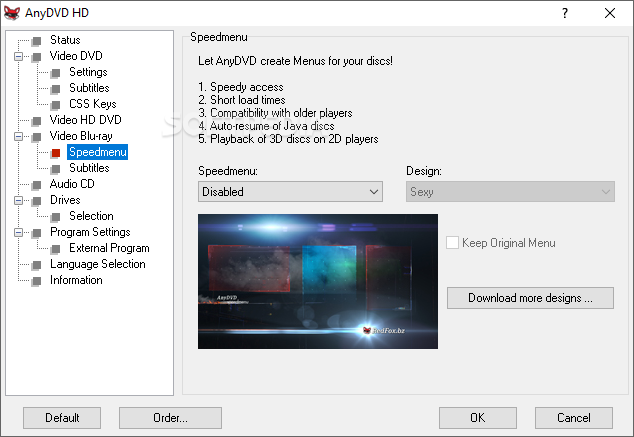
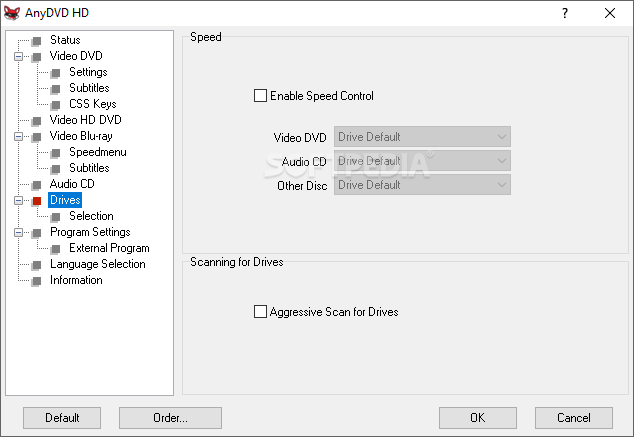
The application is able to clear first play title, adverts and trailers, user prohibitions or parental restrictions from discs. Speed control can also be enabled for a video DVD, audio CD, or other types of discs.
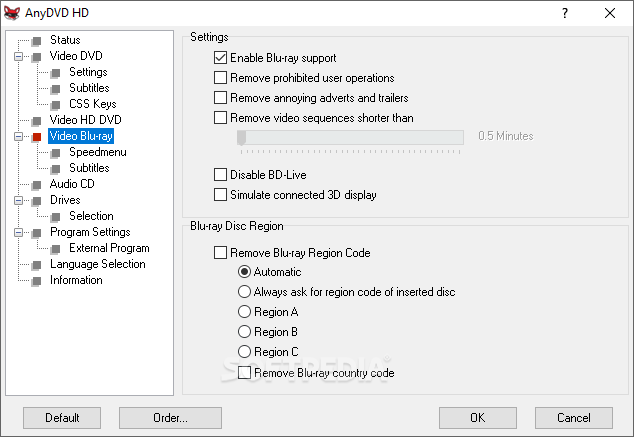
HD support is available in the AnyDVD HD version of the software. This special edition allows you to process HD DVDs and Blu-Ray discs and can rip movies to ISO format.
In conclusion, AnyDVD is a reliable choice when dealing with encrypted DVDs. It runs quietly in the background and outputs results of superior video and audio quality.
What's new in AnyDVD 8.7.1.0:
- New (Blu-ray): Support for new discs
- Fix (Blu-ray): Keys for some discs built into AnyDVD were incorrect.
- These discs now don't need an online connection to correct the problem.
AnyDVD 8.7.1.0
 Softpedia Editor's Pick
add to watchlist
add to download basket
send us an update
REPORT
Softpedia Editor's Pick
add to watchlist
add to download basket
send us an update
REPORT
- runs on:
-
Windows 11
Windows 10 32/64 bit
Windows 8 32/64 bit
Windows 7 32/64 bit
Windows Vista 32/64 bit
Windows XP 32/64 bit - file size:
- 19.2 MB
- filename:
- SetupAnyDVD8710.exe
- main category:
- CD / DVD / Blu-ray Tools
- developer:
- visit homepage
IrfanView

Bitdefender Antivirus Free

Windows Sandbox Launcher

ShareX

4k Video Downloader

Context Menu Manager

calibre

Microsoft Teams

7-Zip

Zoom Client

- Microsoft Teams
- 7-Zip
- Zoom Client
- IrfanView
- Bitdefender Antivirus Free
- Windows Sandbox Launcher
- ShareX
- 4k Video Downloader
- Context Menu Manager
- calibre