
DVD authoring tool that allows you to create a DVD folder, burn data to a DVD, or generate an ISO image, include menus and chapters, as well as transcode clips. #DVD Menu #Create Menu #DVD Burner #Menu #Designer #Burner

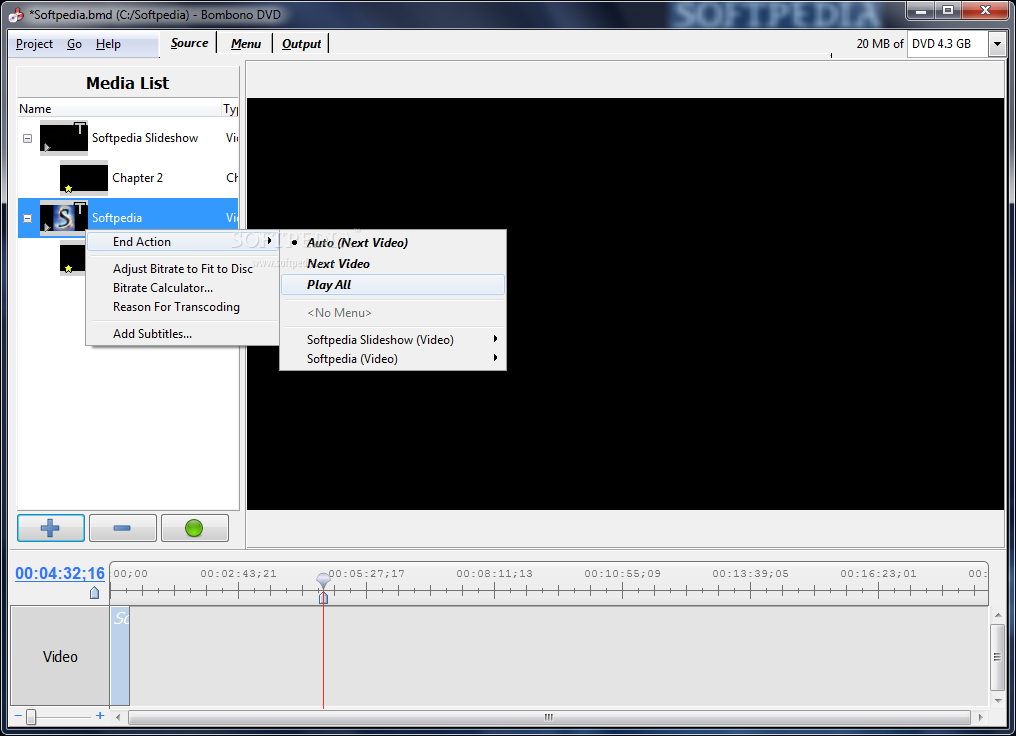
Bombono DVD is an authoring tool whose purpose is to help you create or burn DVDs that include videos, songs, picture backgrounds for menus, and chapters.
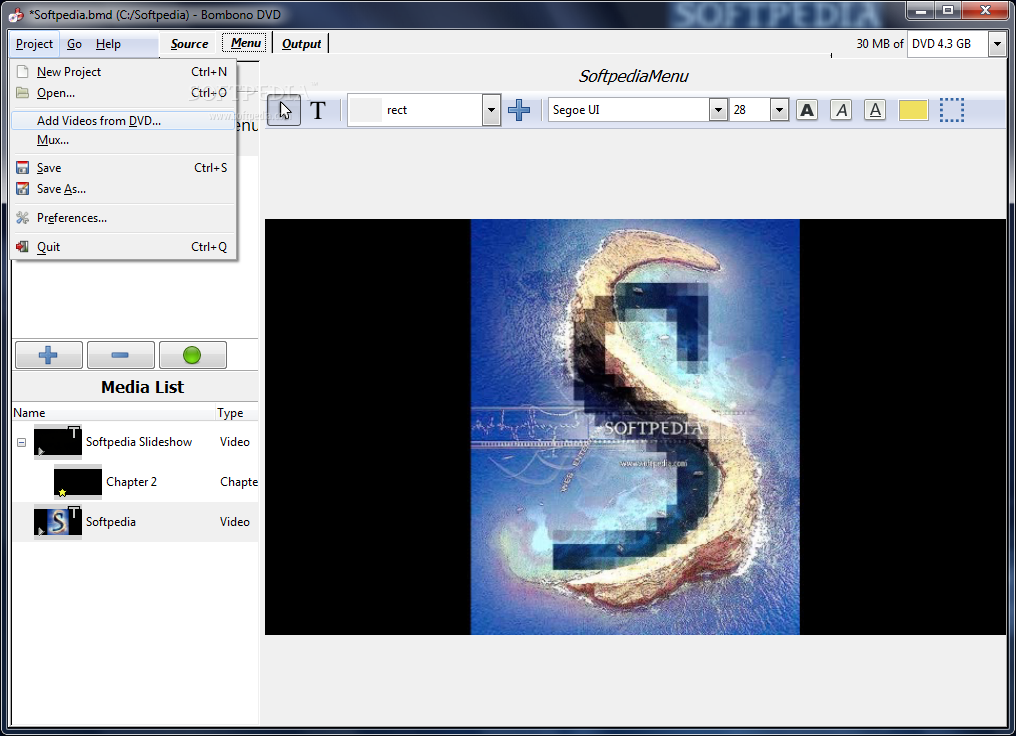
The tool gives you the possibility to create a list with the videos that you want to be included on the target DVD. Clips can be imported using the built-in browse button or drag-and-drop support.
What’s more, you are allowed to add still images (e.g. PNG, JPG, BMP) which are used as menu backgrounds, and audio files like MP2, AC3, and DTS file format. Plus, you may insert videos from DVDs.
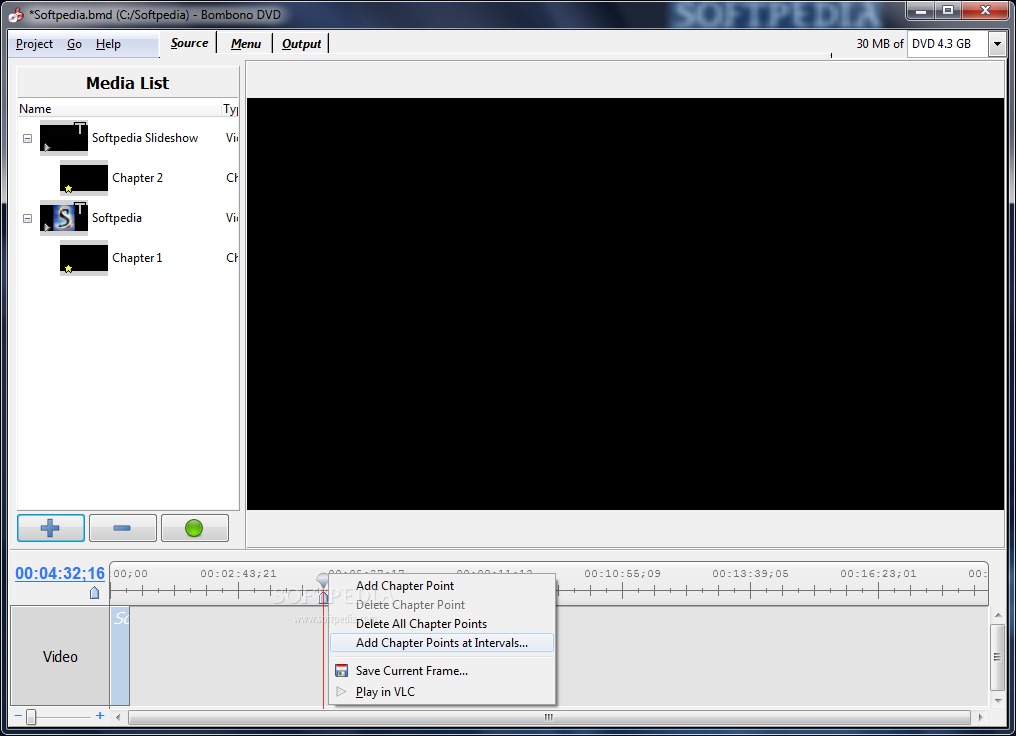
Bombono DVD gives you the possibility to design chapters with multiple points, specify the exact positon of a chapter point via a timeline display, delete all chapter points or only the selected ones, mux audio and video streams into a single file, as well as add points between a custom time interval.
You may transcode videos, capture frames and save them to a file on your computer, rename videos, automatically adjust the bitrate to the disc or make use of a built-in bitrate calculator for accurate results, and set the action which is triggered at the end of each clip, namely automatically play the next clip, play the text clip, or play all of them.
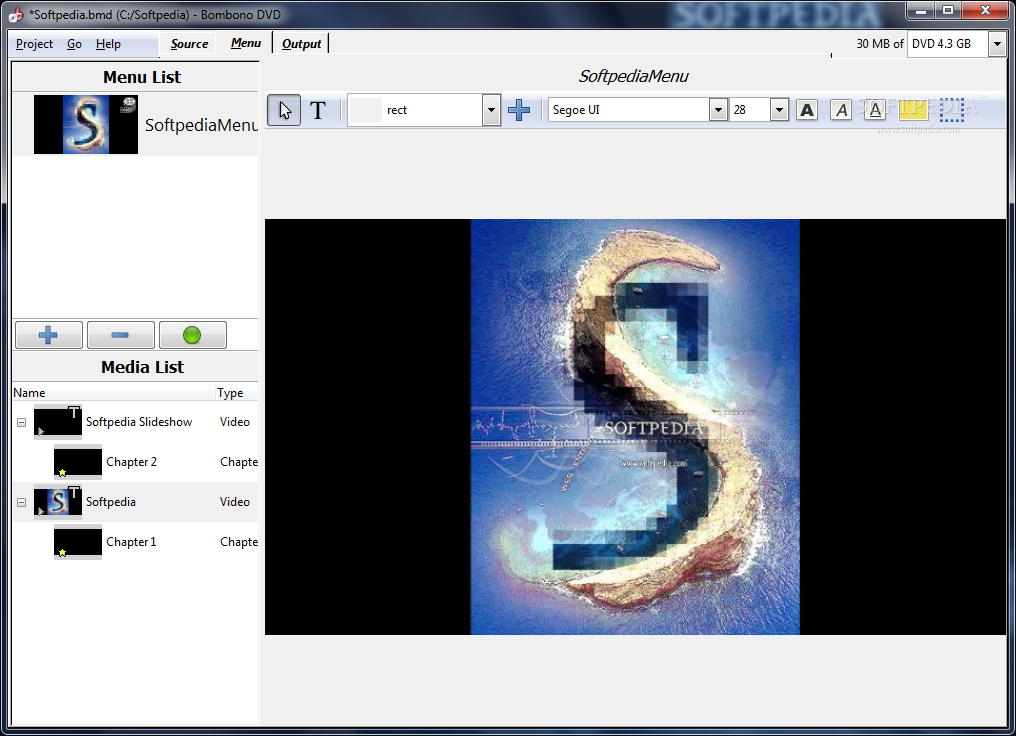
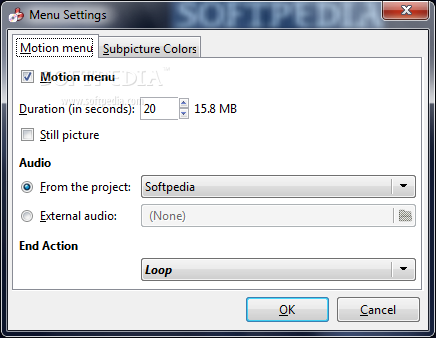
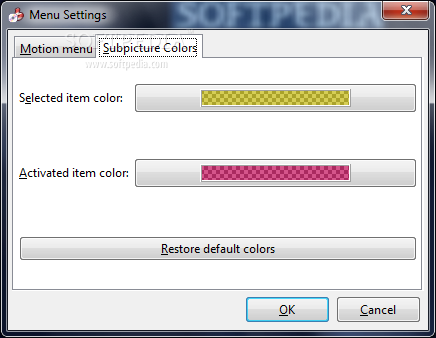
Bombono DVD helps you create menus with user-defined names, change the background color or import images, configure the menu duration (in seconds) and play an audio file in the background, as well as select the ending action (loop or play all clips).
You are allowed to insert custom text which can be altered in terms of font and size, and embed various types of shapes (e.g. check, diamond, hexagon) where you can write custom text messages. The shapes can be dragged and dropped to the desired menu positon.
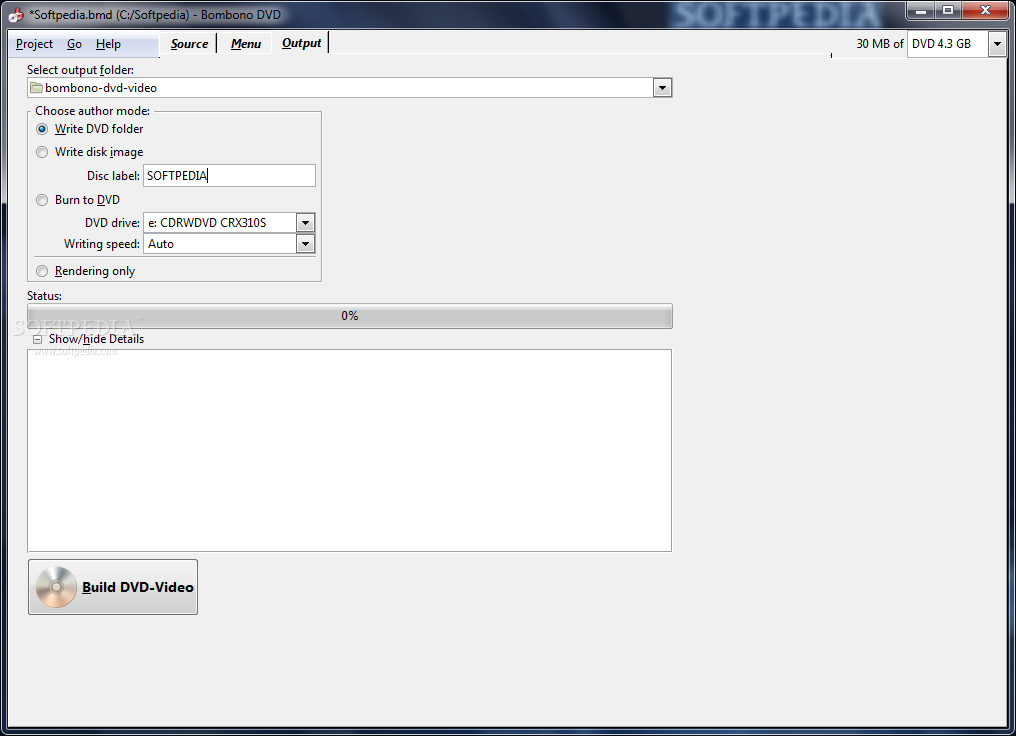
You may save the DVD content to a custom DVD folder on your system, write a disk image with a custom label, and burn data to DVD. Projects may also be saved to a file on your computer so you can import them in the future.
Bombono DVD comes bundled with an advanced suite of features for helping you create DVDs. The GUI cannot be described as highly intuitive so it is suitable especially for professional users.
What's new in Bombono DVD 1.2.2:
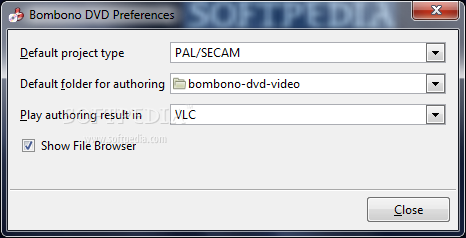
- Two-Pass Encoding option: Project -> Preferences; also fixes #80
- Black and blue icons for DVD menus
- for Windows: checking bad image files
- More closed tickets: #85, #89
Bombono DVD 1.2.2
add to watchlist add to download basket send us an update REPORT- runs on:
- Windows All
- file size:
- 30.2 MB
- filename:
- bombono-dvd_1.2.2.exe
- main category:
- CD / DVD / Blu-ray Tools
- developer:
- visit homepage
Bitdefender Antivirus Free

ShareX

IrfanView

4k Video Downloader

Microsoft Teams

Zoom Client

calibre

Context Menu Manager

Windows Sandbox Launcher

7-Zip

- Context Menu Manager
- Windows Sandbox Launcher
- 7-Zip
- Bitdefender Antivirus Free
- ShareX
- IrfanView
- 4k Video Downloader
- Microsoft Teams
- Zoom Client
- calibre
