
Clean and simple-to-use application which enables you to quickly check CDs and DVDs for errors, as well as recover damaged items. #Check CD #Hash creator #File recovery #Recovery #Recover #Hash

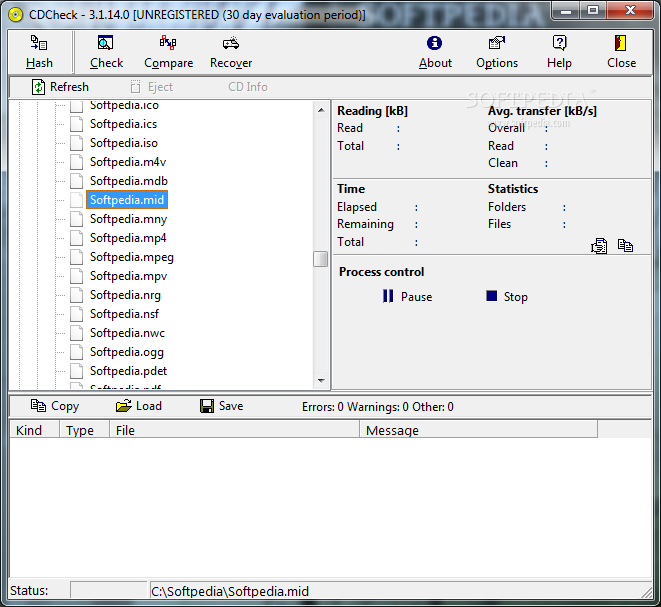
CDCheck is a software tool that was developed in order to aid people in checking their CDs and DVDs for damaged files as well as recover them with just a few clicks.
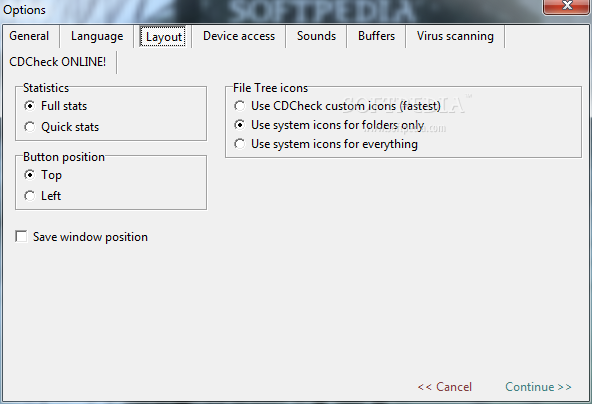
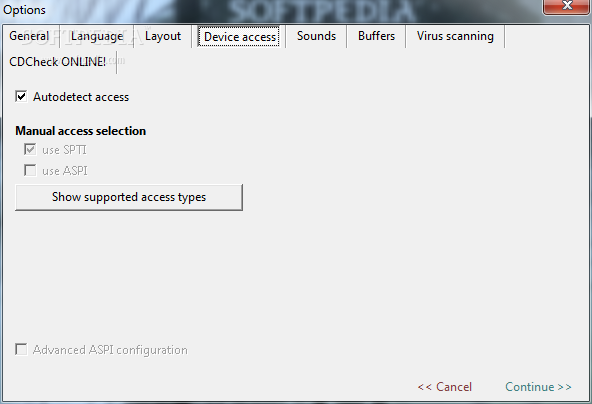
The installation process does not bring any surprises, and it lasts just a few seconds. After wrapping it up, you come face to face with a UI which can be characterized by simplicity. Aside from that, it is a bit outdated, yet it can be used with great ease, including people with little to no previous experience with computers.
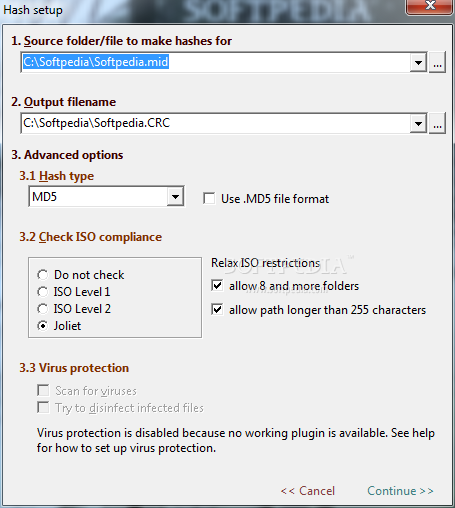
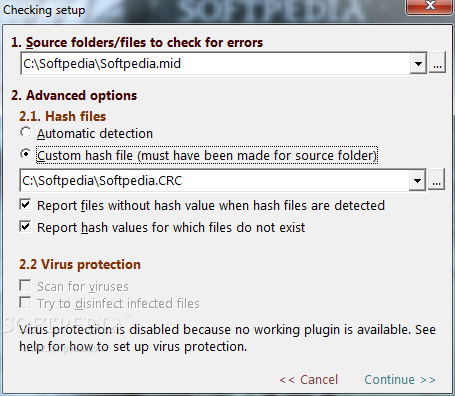
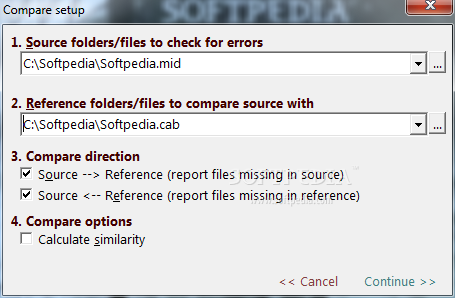
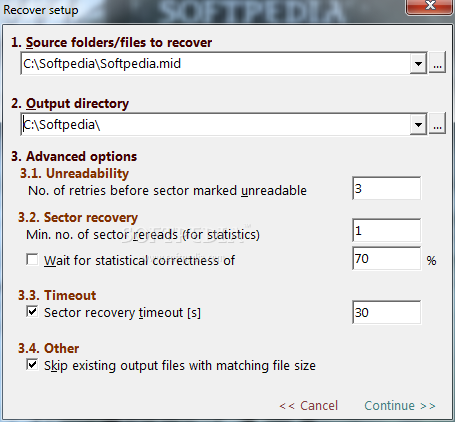
In fact, most actions are built as wizards, which means that you will be guided every step of the way. Moreover, Help contents are provided, and thus all individuals can learn how to use the app at its full potential.
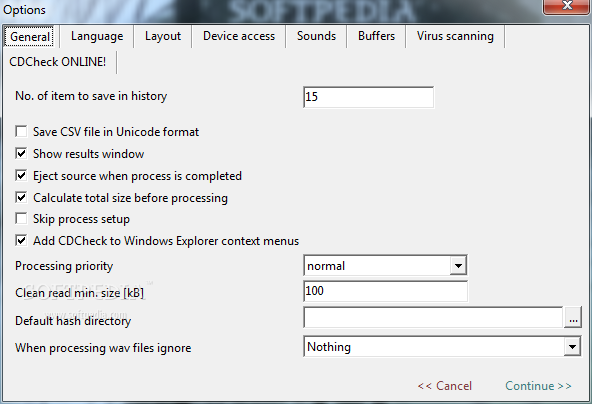
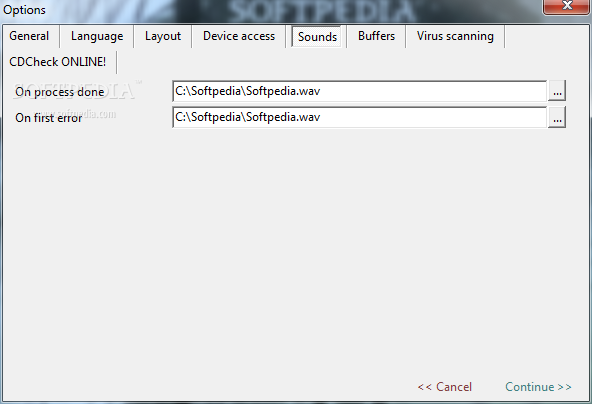
This software utility enables you to check files or directories for errors, as well as recover items, while also setting up number of retries before a sector is marked as unreadable, recovery timeout (expressed in seconds) and skip existing output files with matching size. In addition to that, it is possible to compare two folders or files, calculate similarity, and make several types of hashes (MD5, CRC-32, Gost32, Haval128 etc.) for specified items.
Once one of these processes are complete, logs are displayed, enabling you to view info about the action taken, basic statistics (time elapsed, files or folders processed, source bytes read etc.) and errors. These details can be copied to the Clipboard, printed or saved to the HDD in a TXT format.
CDCheck is a pretty decent piece of software, with a good response time and an intuitive environment. Nonetheless, it is in dire need of an update, and you should know that not all items can be recovered all the time.
Download Hubs
CDCheck is part of these download collections: Checksum Verifiers
What's new in CDCheck 3.1.14.0:
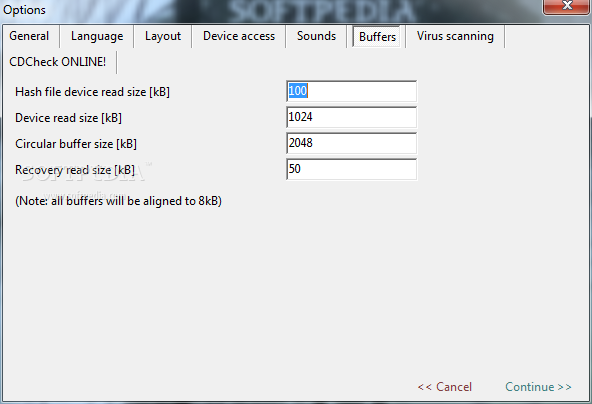
- new better default buffer settings
- languages added / improved
- when entering registration code spaces are ignored
- when using /gcompare reference directory can also be specified
CDCheck 3.1.14.0
add to watchlist add to download basket send us an update REPORT- runs on:
- Windows All
- file size:
- 1.5 MB
- main category:
- CD / DVD / Blu-ray Tools
- developer:
- visit homepage
Context Menu Manager

7-Zip

Microsoft Teams

Zoom Client

calibre

4k Video Downloader

Bitdefender Antivirus Free

IrfanView

Windows Sandbox Launcher

ShareX

- IrfanView
- Windows Sandbox Launcher
- ShareX
- Context Menu Manager
- 7-Zip
- Microsoft Teams
- Zoom Client
- calibre
- 4k Video Downloader
- Bitdefender Antivirus Free