
Intuitive Burning Studio. #CD Burner #ISO Maker #Erase CD #Burner #Burn #Creator

Burning files to CDs, DVDs or Blu-Ray discs is something we’ve all done numerous times. However, if you don’t use the right app the job might be compromised and the entire process would be a waste of time.
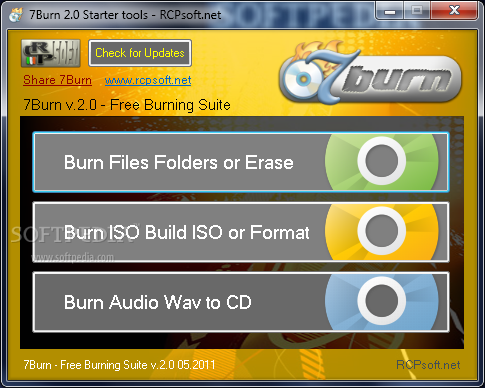
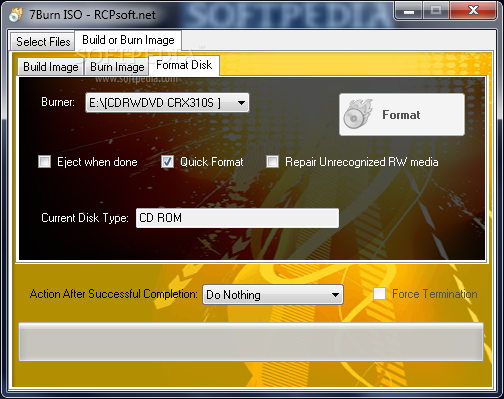
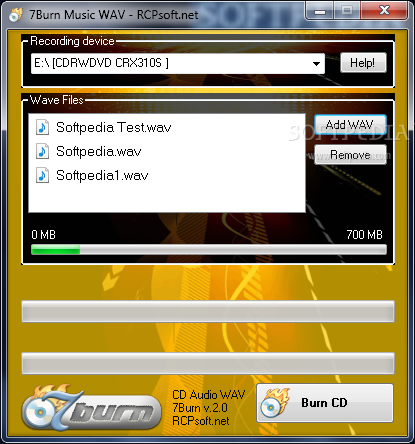
7Burn is a tool designed to write data on any type of support, including Blu-Ray discs. The software offers a few options. You can burn files and folders or erase the data held on the disc, burn or create ISO files or format the disc, as well as write audio WAV files to CDs.
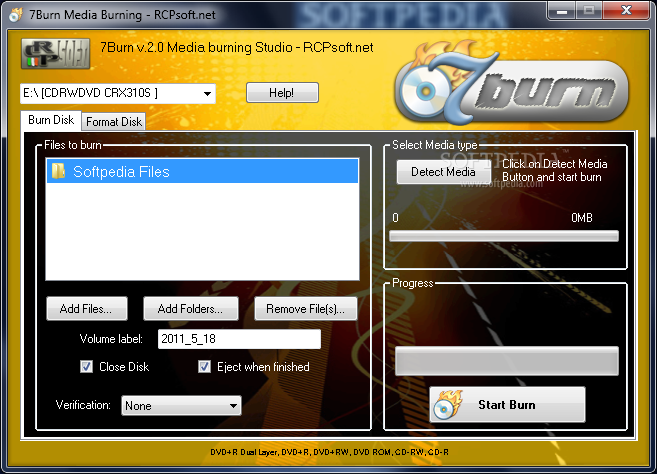
Files can be added individually or as entire folders. Any of the items can be removed from the list from the interface.
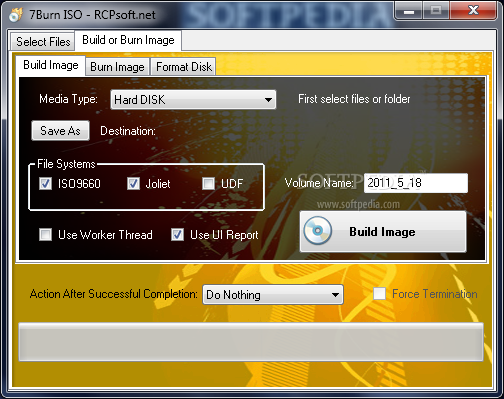
In order to build an image, the media type must be chosen from a drop-down menu. You can copy a wide range of writable discs, including CDs (ROM, R, RW), DVDs (ROM, RAM, +R, +RW, +Dual Layer, -R, -RW, -Dual Layer) and Blu-Ray discs (Rom, R, R E).
You can also opt to create an ISO file by adding files found on the hard disk. You can choose the file systems (ISO 9660, Joliet and UDF), define an output directory and choose an action to run after the task is completed. Newly created ISO files or that are already available on the computer can be burned to any of the supported media.
Creating audio CDs is even easier, as you only need to add WAV files to the list.
All in all, 7Burn is a complex tool that can help you when you need to write various discs. The interface is clean and intuitive, which means that inexperienced users should be quick to figure out all the app’s features.
7Burn 2.0
add to watchlist add to download basket send us an update REPORT- runs on:
-
Windows 7
Windows Vista - file size:
- 4.1 MB


- main category:
- CD / DVD / Blu-ray Tools
- developer:
- visit homepage
Bitdefender Antivirus Free

7-Zip

ShareX

IrfanView

Zoom Client

Microsoft Teams

Windows Sandbox Launcher

Context Menu Manager

4k Video Downloader

calibre

- Context Menu Manager
- 4k Video Downloader
- calibre
- Bitdefender Antivirus Free
- 7-Zip
- ShareX
- IrfanView
- Zoom Client
- Microsoft Teams
- Windows Sandbox Launcher
