
Modern-looking application dedicated to aiding users in burning audio, video and data DVDs, CDs and Blu-ray discs and view information about them, create ISO images and erase discs. #Back-up DVD #Burn DVD #CD burner #Burn #Burner #DVD

CDRWIN is a professional disc burning suite that can accomplish complex tasks such as CD/DVD creation, copying and ripping. It is equipped with a strong technology that makes the burning process speedier and the output results more qualitative.
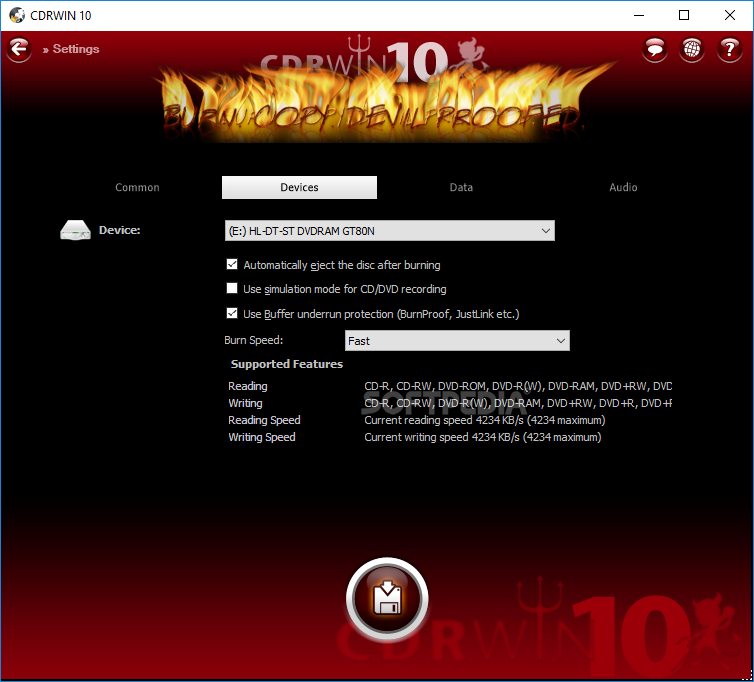
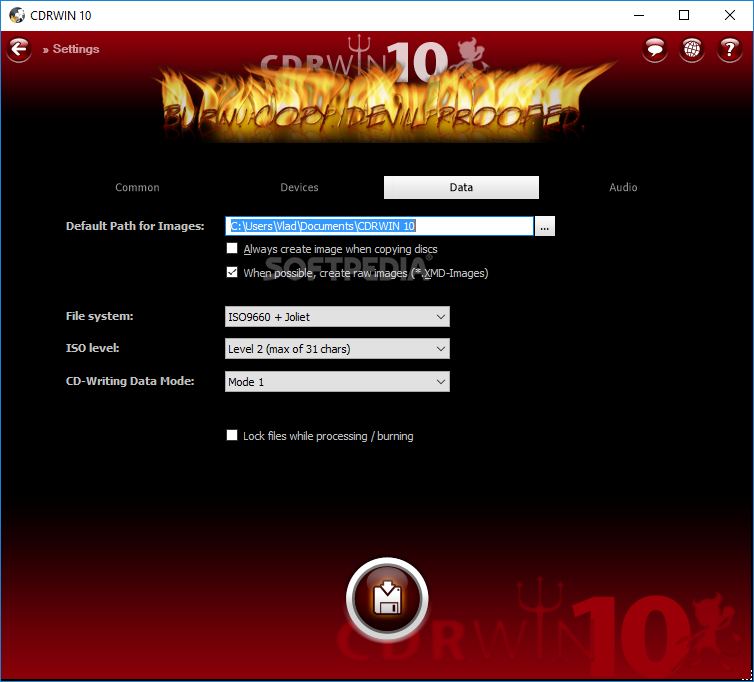
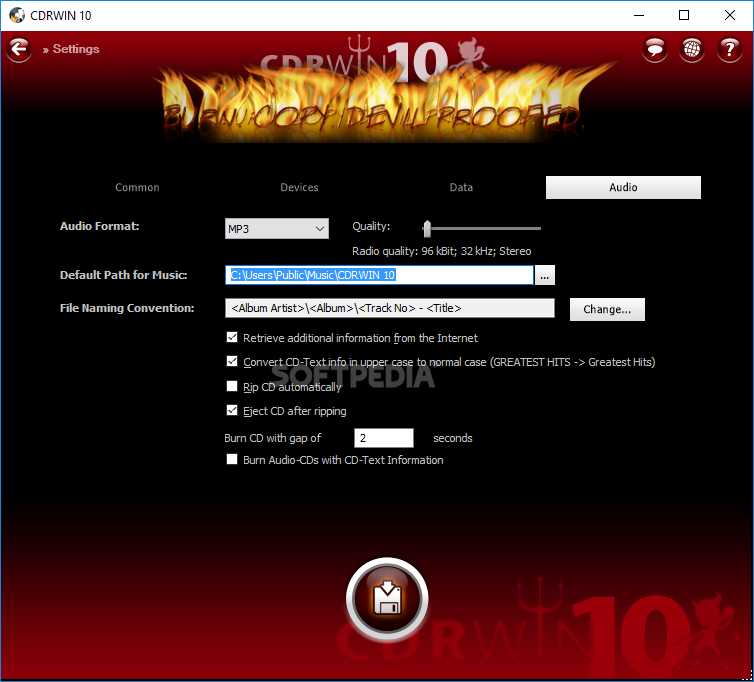
It is able to burn ISO, BIN, XMD, as well as CUE files and provides possibilities to author Orange-Book compatible data and Blu-Ray discs. It can also convert between various audio formats and features built-in support for technologies that prevent write failures (e.g. BurnProof).
The setup process you are required to go through is quite simple; you are not assaulted by offers from third-party products and you do not have to configure many aspects.
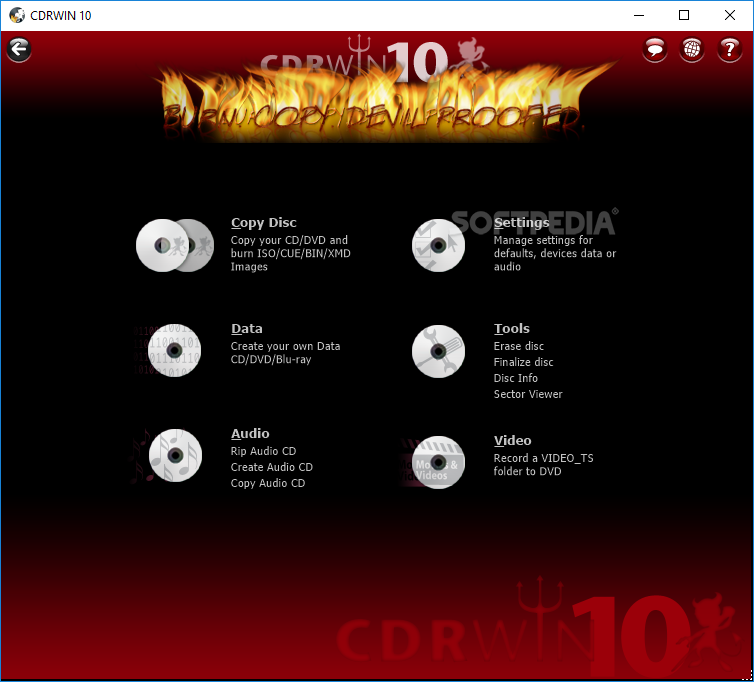
In addition to functionality, this application also impresses through its appearance, as the interface sports many visual incentives and is quite easy on the eyes. The main window lets you select the operation you want to perform, and after selecting this, you come by some pretty typical windows.
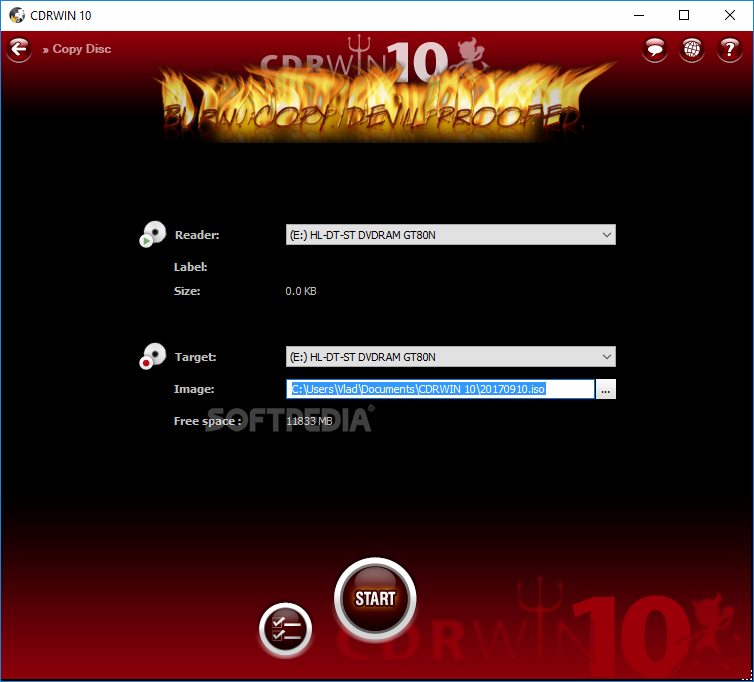
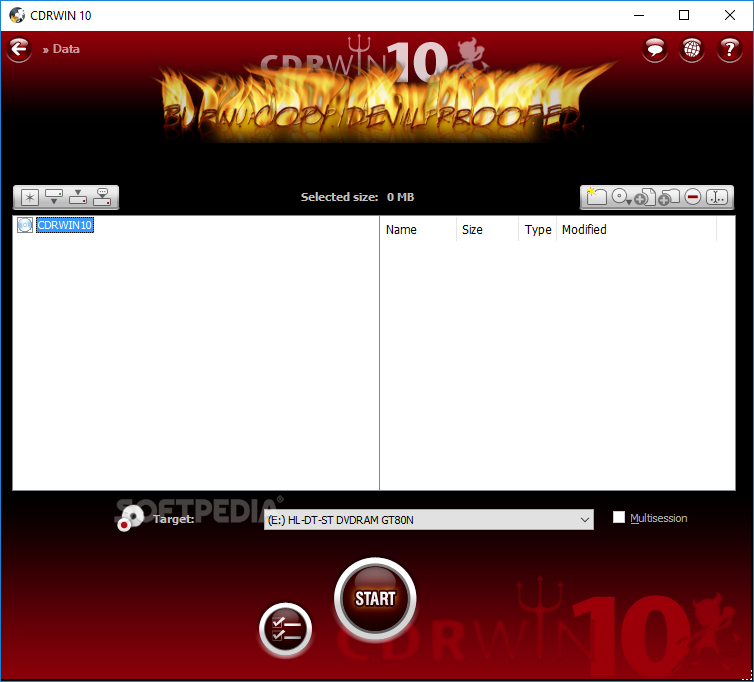
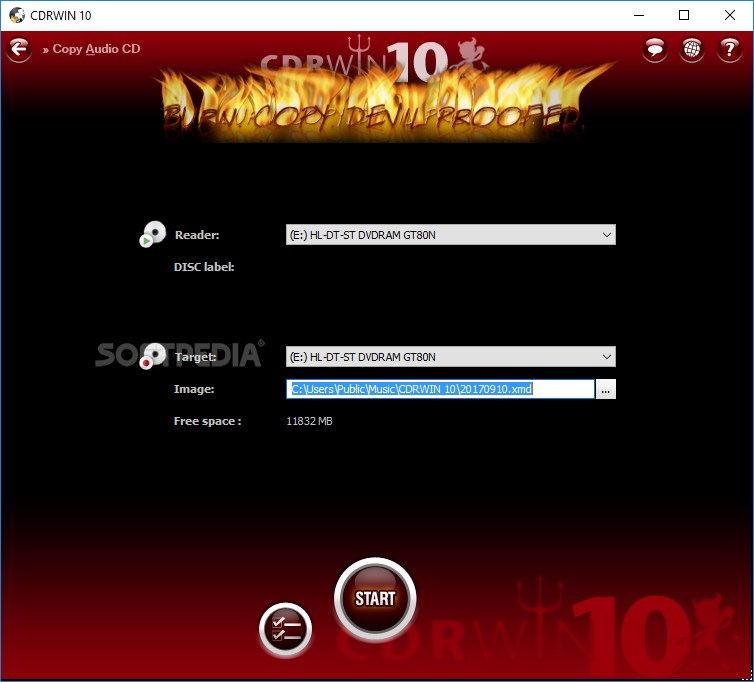
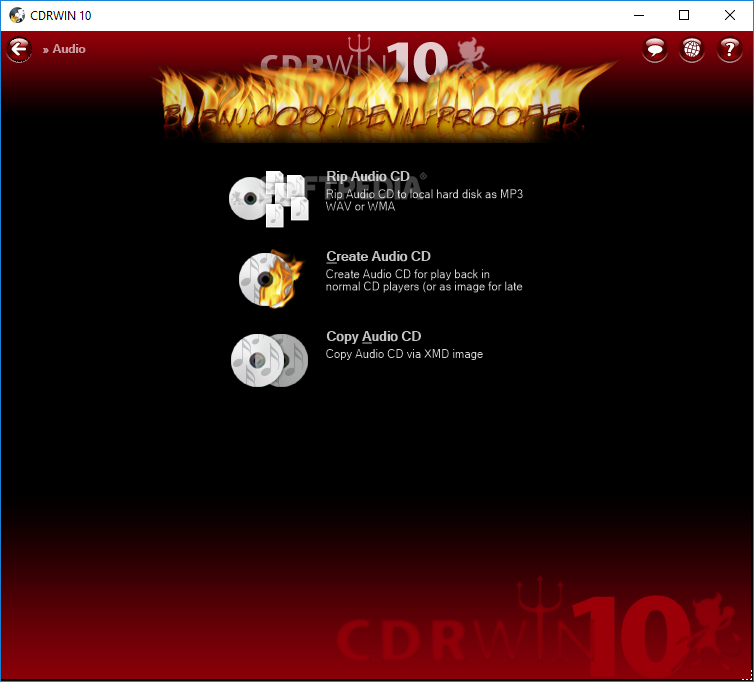
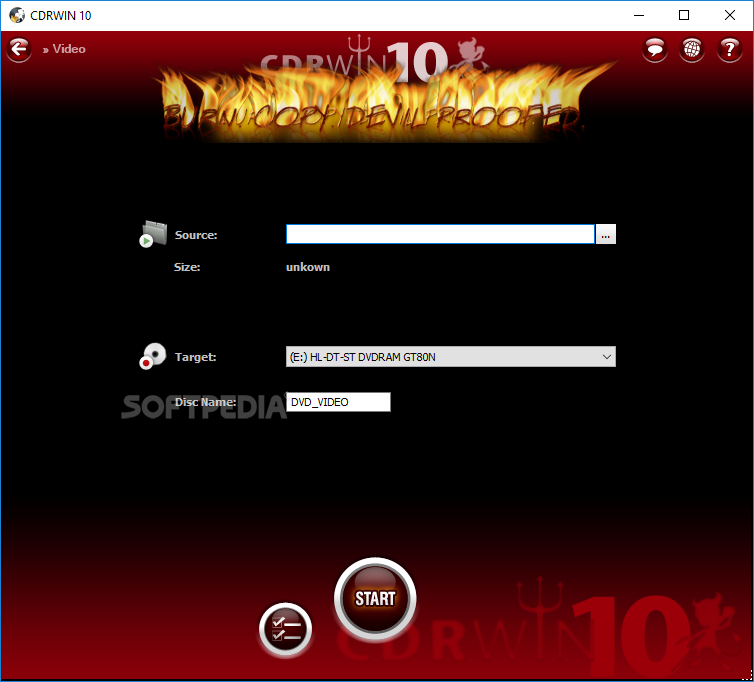
Aside from copying a CD or DVD, you can also burn ISO, CUE, BIN, or XMD files as images, as well as create a data CD, DVD or Blu-ray. Audio options include ripping, creating or copying a CD, while it is also possible to record a VIDEO_TS folder to DVD.
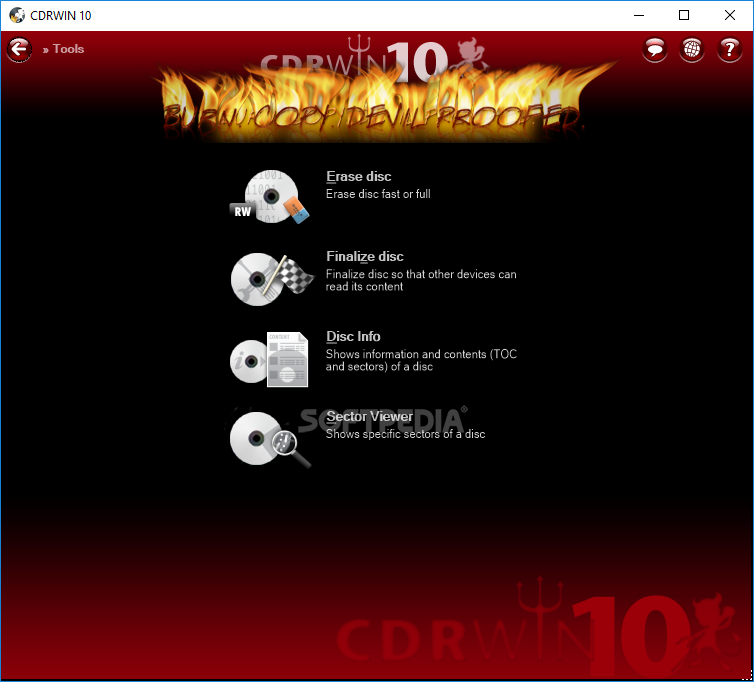
You can easily ease a disc using two of the incorporated methods, namely quick or full, as well as finalize a CD or DVD with just a click of the button. Disc information such as status, number of sessions and tracks, barcode and type can be detected and displayed, while you can also analyze any sector of an inserted disc, and copy the data to the Clipboard.
In conclusion, CDRWIN makes a pretty handy burning suite. It is got enough features to make it a permanent choice for both beginner and professional users, and it runs quite smoothly without putting a strain on the computer’s performance or popping up errors, hanging or crashing.
CDRWIN 10.0.14.106
add to watchlist add to download basket send us an update REPORT- runs on:
-
Windows 10 32/64 bit
Windows 8 32/64 bit
Windows 7 32/64 bit
Windows Vista 32/64 bit
Windows XP 32/64 bit - file size:
- 22.9 MB
- filename:
- cdrwin10.exe
- main category:
- CD / DVD / Blu-ray Tools
- developer:
- visit homepage
calibre

Microsoft Teams

Zoom Client

ShareX

7-Zip

Bitdefender Antivirus Free

Windows Sandbox Launcher

Context Menu Manager

4k Video Downloader

IrfanView

- Context Menu Manager
- 4k Video Downloader
- IrfanView
- calibre
- Microsoft Teams
- Zoom Client
- ShareX
- 7-Zip
- Bitdefender Antivirus Free
- Windows Sandbox Launcher
