
With support for RSS feeds, this tool helps you create discs with all kinds of data, generate NRG images and copy the contents of a CD or DVD to another location. #CD Burner #DVD Burner #Disc Copier #Burn #Burner #Backup

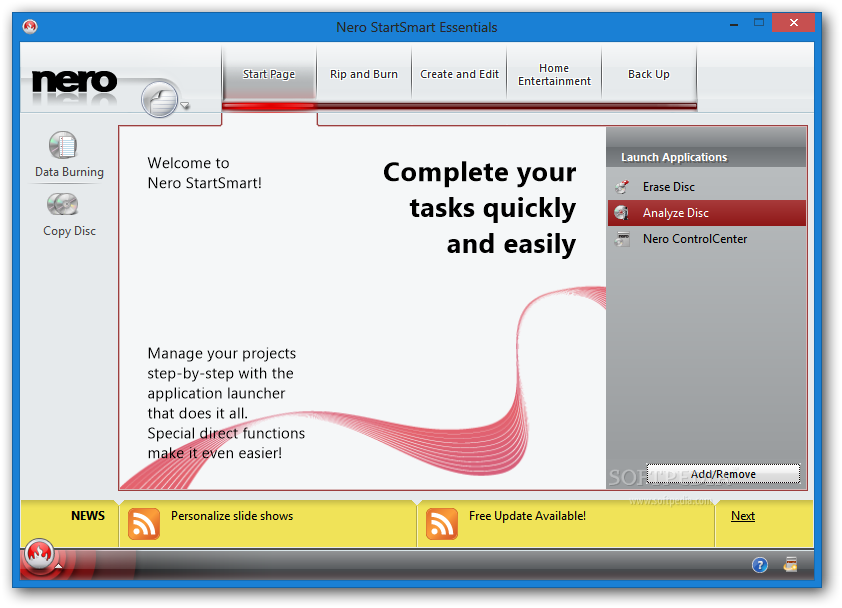
Writing data on CDs or DVDs is a job for specialized software and among the most well-known brands in the business Nero 9 Free definitely stands out. This particular edition is special because it comes cost free, but also without many of the tools included the full suite.
Installation is not that difficult, however you have to be extra careful and pay attention at the third-party products included in the package. Also, please note that the setup will take a while until it successfully copies and installs the files on your computer.
If you used Nero in the past, everything is straightforward. It has a pleasant and clean interface, with the main functions displayed at the top of the main window on tabs.
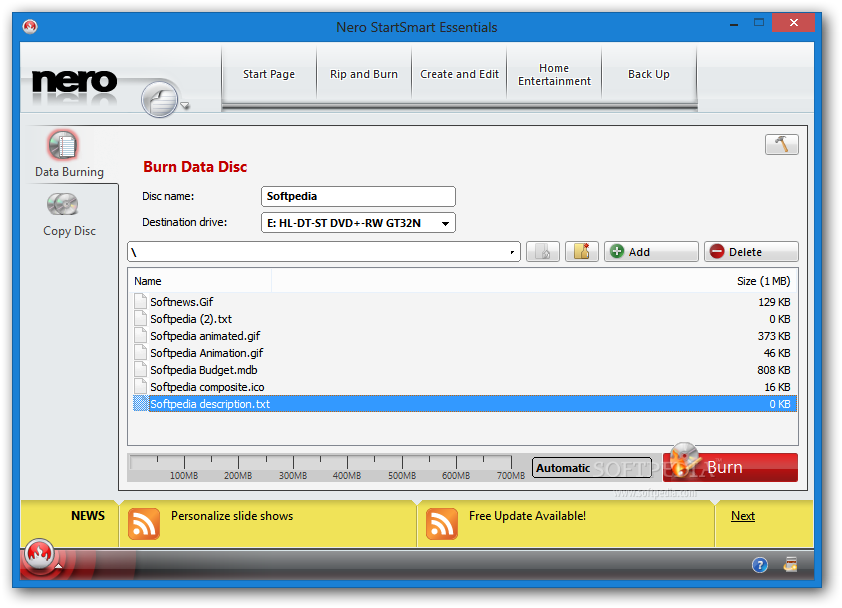
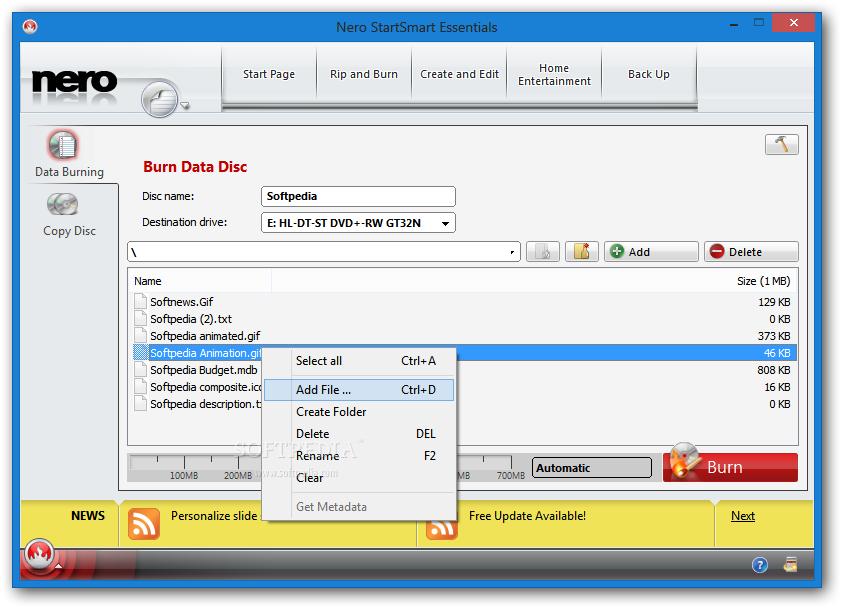
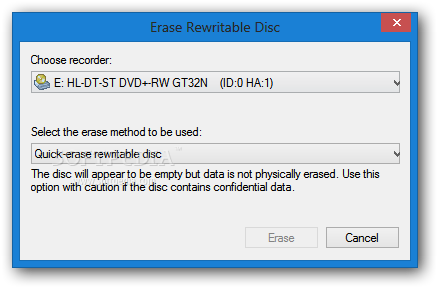
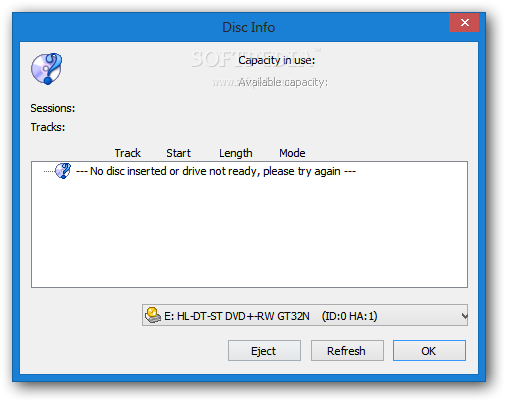
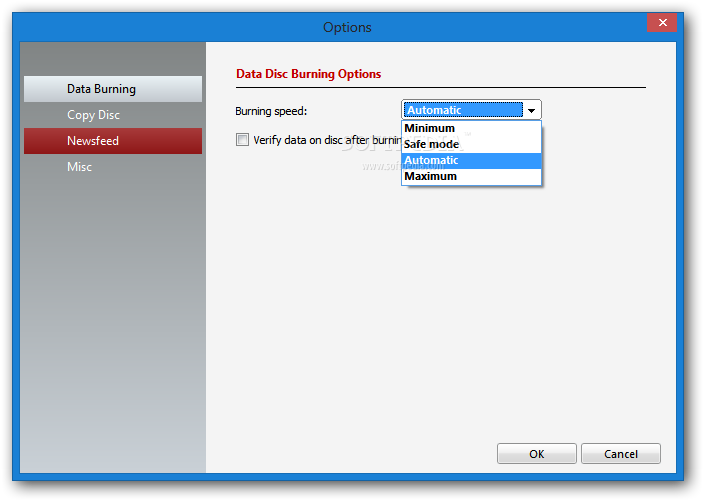
The functions you can use are not so many, as this edition only offers basic data copying and burning features. Just pick the files you want to copy on a disc, make the final adjustments, for burning speed and disc name and you are ready to go.
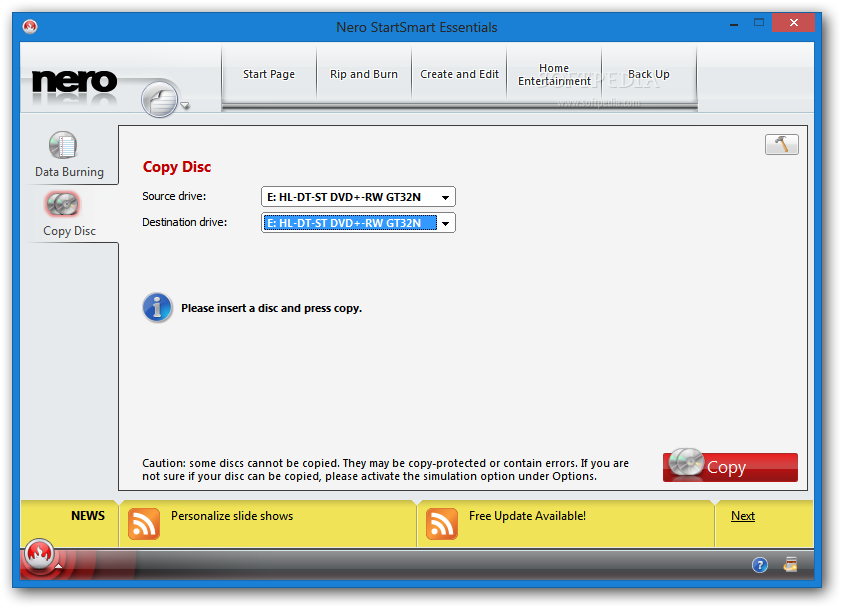
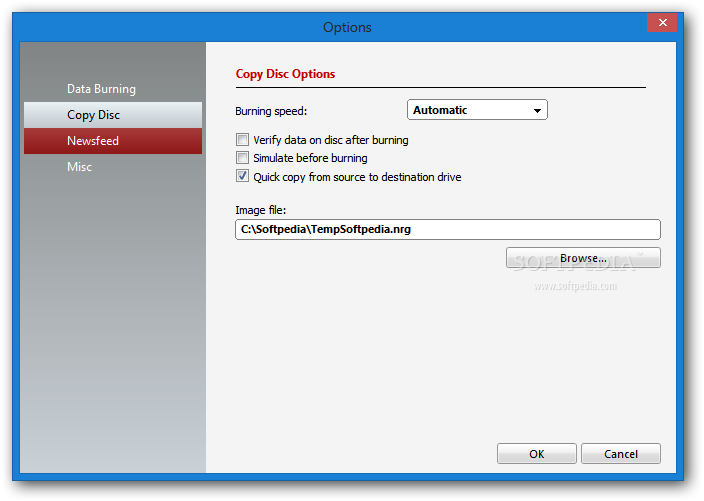
As with the other editions of Nero, you will still be able to create disc images, using an NRG file extension, as well as copy the contents of a disc to another location.
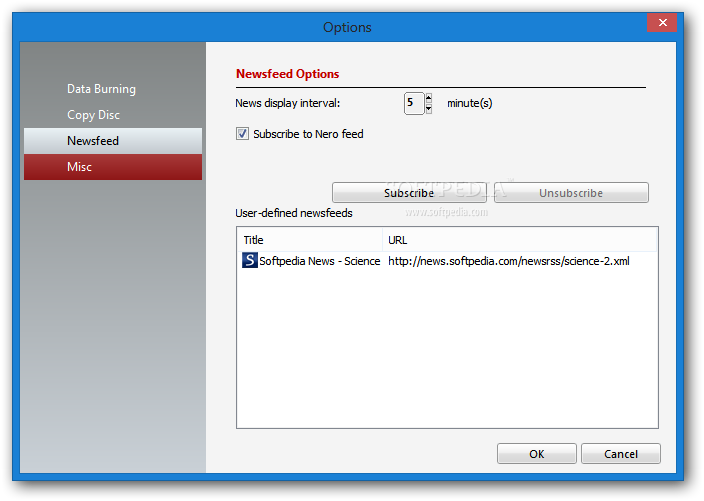
Regardless of the method you choose, you should know it is possible to verify the data after a process is complete. Moreover, it is possible to subscribe Nero RSS feeds and to input your own with just a few clicks.
During our tests the discs were created promptly and with no errors. If the speed doesn't meet your expectations, keep in mind that the overall time that a compilation is burned in depends on a variety things. To name some, the optical drive and discs you use, the amount of data to be written and the speed at which you want the process to be carried out.
Even though a bit heavy on resources and with a lengthy install for what it brings to the table, the free edition of Nero 9 Free offers exactly what one would need to create discs in no time. For anyone who only needs to create CDs and DVDs on the fly, Nero 9 Free might be the right answer.
Download Hubs
Nero 9 Free is part of these download collections: Open NRG
Nero 9 Free 9.4.12.3
add to watchlist add to download basket send us an update REPORT- runs on:
-
Windows 8 32/64 bit
Windows 7 32/64 bit
Windows Vista 32/64 bit
Windows XP 32/64 bit - file size:
- 54.5 MB
- filename:
- Nero-9.4.12.3_free.exe
- main category:
- CD / DVD / Blu-ray Tools
- developer:
- visit homepage
Microsoft Teams

4k Video Downloader

Windows Sandbox Launcher

calibre

Bitdefender Antivirus Free

Zoom Client

Context Menu Manager

ShareX

7-Zip

IrfanView

- ShareX
- 7-Zip
- IrfanView
- Microsoft Teams
- 4k Video Downloader
- Windows Sandbox Launcher
- calibre
- Bitdefender Antivirus Free
- Zoom Client
- Context Menu Manager