
Load up your files and burn them to CDs, DVDs or Blu-rays easily with an adjustable burning speed, create and burn ISO images, create a bootable CD or save projects midway to be resumed later #Burn Disc #ISO Burner #Create ISO #Burner #CD #ISO

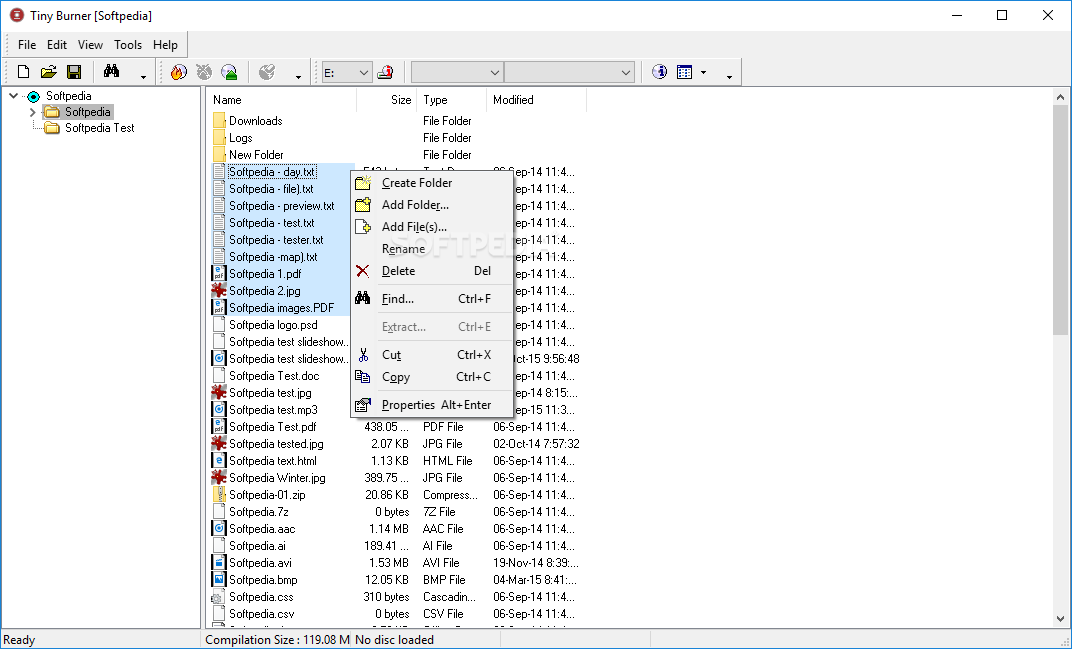
Tiny Burner is a small burning application whose purpose is to help you store data on optical storage media, such as CD, DVD or Blu-ray.
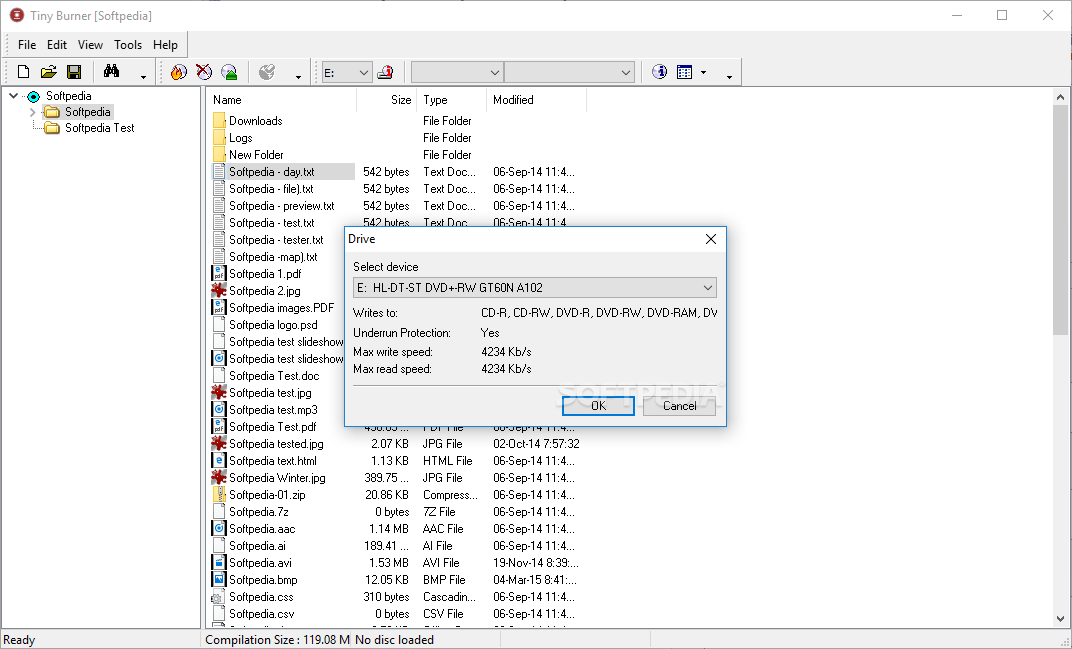
It is able to recognize all sorts of optical discs, such as CD-R/RW, DVD-R/RW, DVD-R/+R DL, DVD+R/RW, BD-R/RE, BD-R/RE DL, HD-DVD-R/RW, and DVD-RAM, including dual-layer DVD.
The clean feature lineup allows you to keep track of multiple burning projects. In addition to the main window where you can create a list with the files that you want to process, the utility puts at your disposal a small floating panel which can be moved anywhere on the desktop.
You can drag and drop files directly in the minimalist window and view the total number of items and size. In case you want to find you more details about each file, you can appeal to the program’s main panel where it displays details about the name, size, type, and date when it was last modified.
You can prepare files on an optical storage media by creating new folders and deleting or renaming files. Each project can be saved to a file on your computer so you can burn data later on.
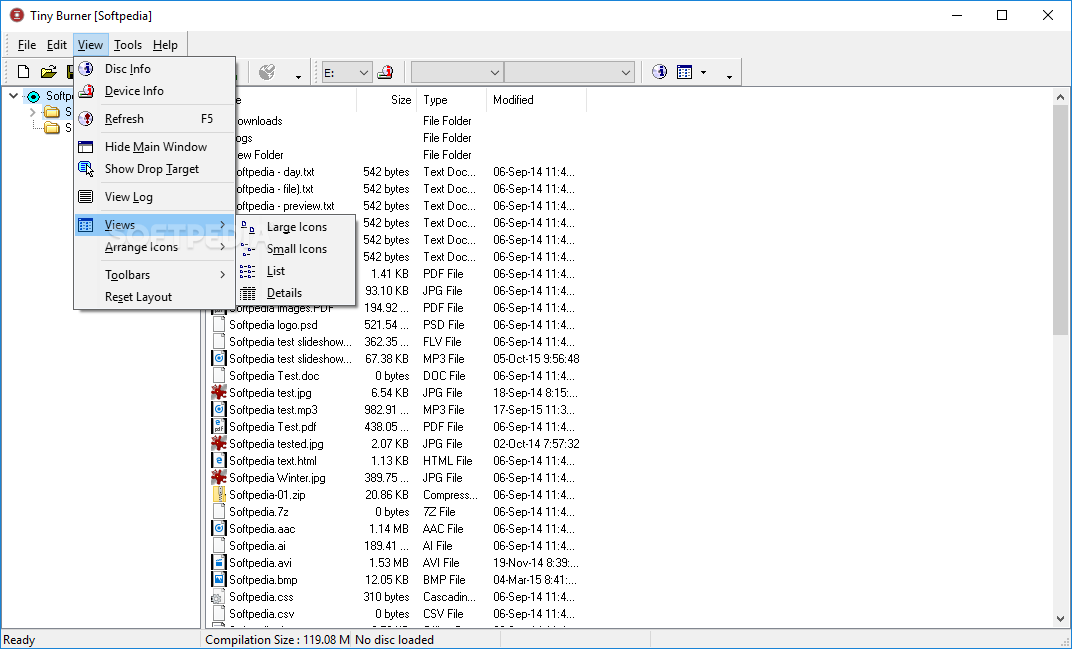
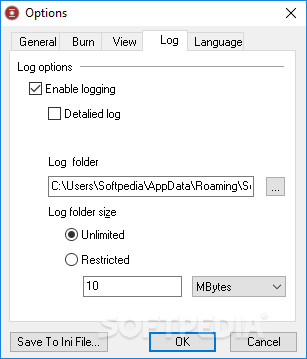
What’s more, you are allowed to check out details about the current disc, refresh the information displayed in the main window, hide the drop target, sort files by name, size, type and date, as well as view logs with data about the burning process and errors.
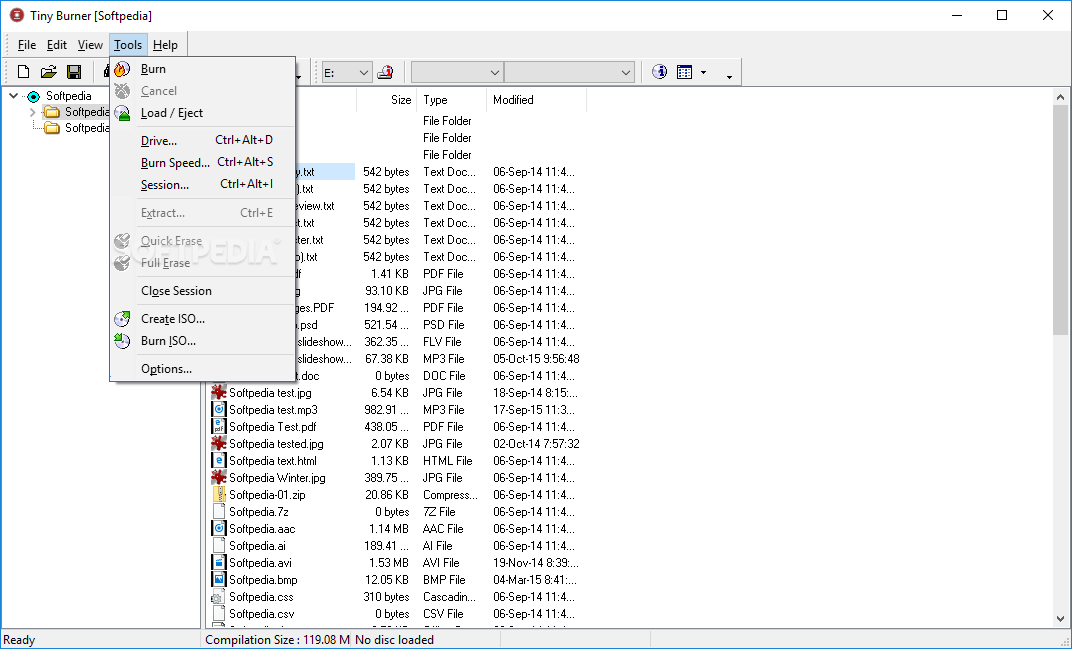
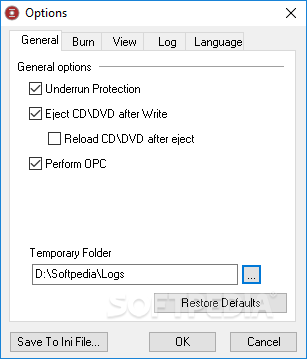
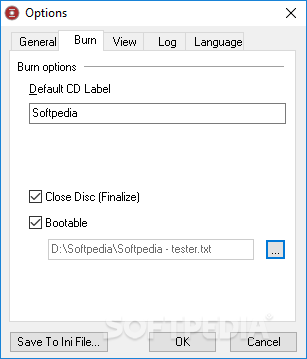
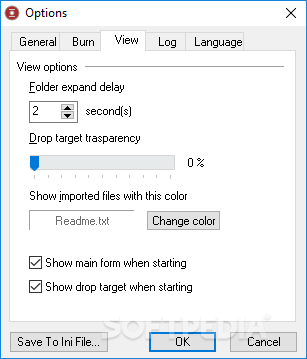
Tiny Burner gives you the freedom to pick the preferred device, adjust the burning speed, create and burn ISO images, and opt for a quick or full erasure of rewritable discs. What’s more, you can eject CD/DVD after writing data, specify the default CD label, generate a bootable CD, and adjust the transparency of the minimalist panel.
Tiny Burner comes packed with a set of intuitive features for helping you accomplish the burning process without spending too much time configuring intricate settings. It is suitable for rookies and professionals alike.
Tiny Burner 1.0 Build 202
add to watchlist add to download basket send us an update REPORT- runs on:
-
Windows 2008 32/64 bit
Windows 2003
Windows 7 32/64 bit
Windows Vista 32/64 bit
Windows XP 32/64 bit
Windows 2K - file size:
- 6.1 MB
- filename:
- tinyburner.exe
- main category:
- CD / DVD / Blu-ray Tools
- developer:
- visit homepage
Zoom Client

IrfanView

4k Video Downloader

Bitdefender Antivirus Free

calibre

Microsoft Teams

ShareX

Context Menu Manager

7-Zip

Windows Sandbox Launcher

- Context Menu Manager
- 7-Zip
- Windows Sandbox Launcher
- Zoom Client
- IrfanView
- 4k Video Downloader
- Bitdefender Antivirus Free
- calibre
- Microsoft Teams
- ShareX
