
Fast compression and decompression tool with extensive file type support, archive spanning, encryption, multiple compression levels, integrity checker, context menu integration, and more. #Create Archive #Extract Archive #File Compression #Archive #Extract #Compression

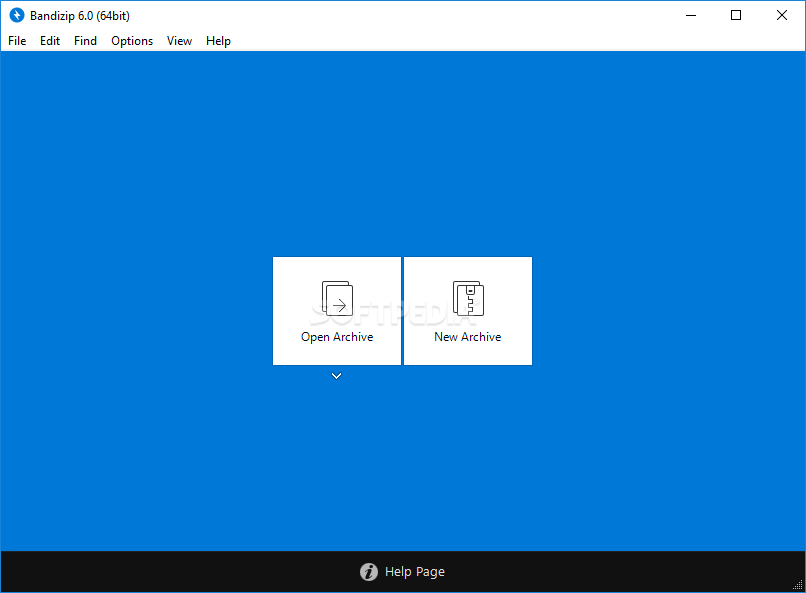
Back in the days when floppy disks roamed the digital world and file archives were just emerging concepts, there wasn’t much choice in terms of compression software. Nowadays, there’s increasing availability and diversity for such apps, therefore standing out in such a pool usually takes something different. Bandizip aims at impressing users with a compression and decompression tool that sports a comprehensive format compatibility list, coupled with intuitive handling for keeping things accessible.
There are two big selector buttons on the main interface, which allow one to either compress or decompress data. We liked the simplicity of the concept and the design, as it leaves little to be desired, while still retaining the minimalism required for novices or those who appreciate it.
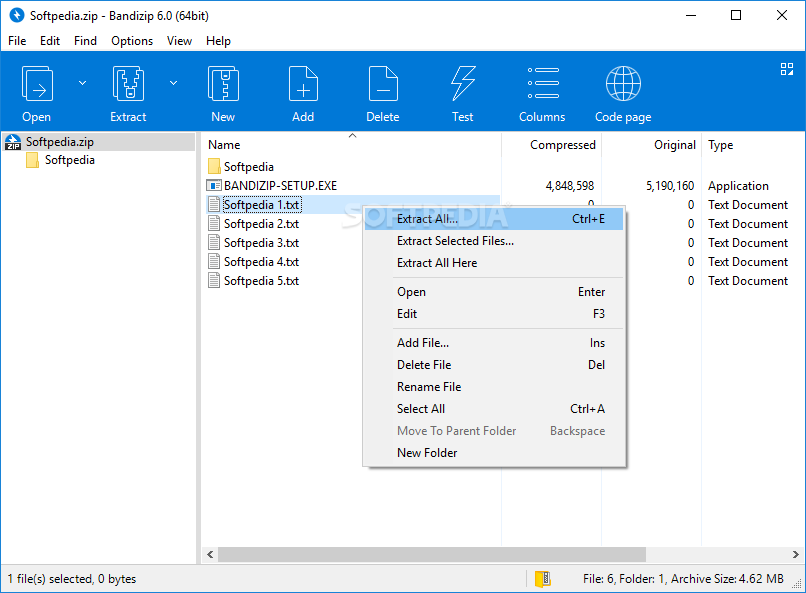
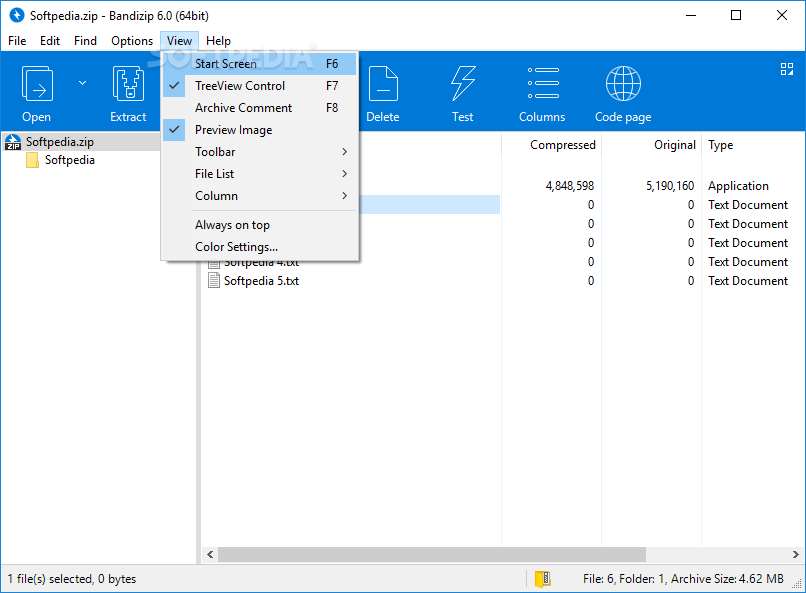
The provided archive viewer is also quite well-designed, offering a standard view of the loaded files, with customizable data columns, which can be rearranged according to one’s particular requirements.
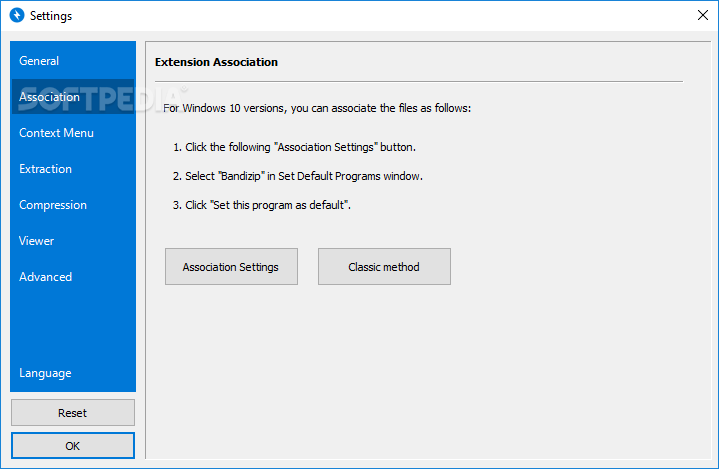
Of course, what good would a file zipper be if it weren’t for its system integration features, and especially the context menu? And this is where Bandizip manages to offer a good degree of configuration, thanks to the dedicated features addressing the integration process.
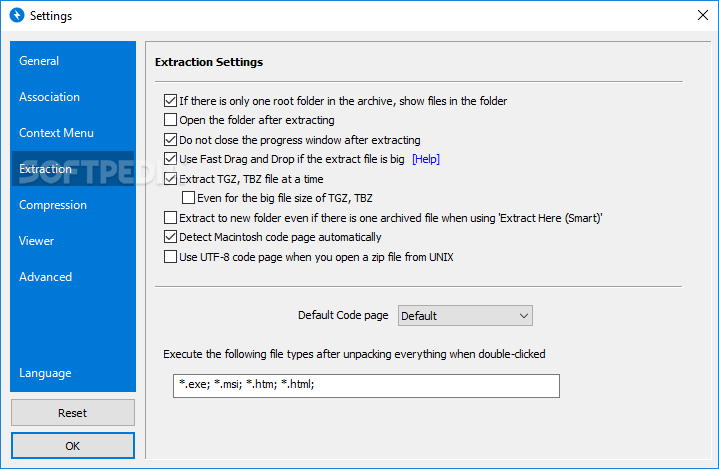
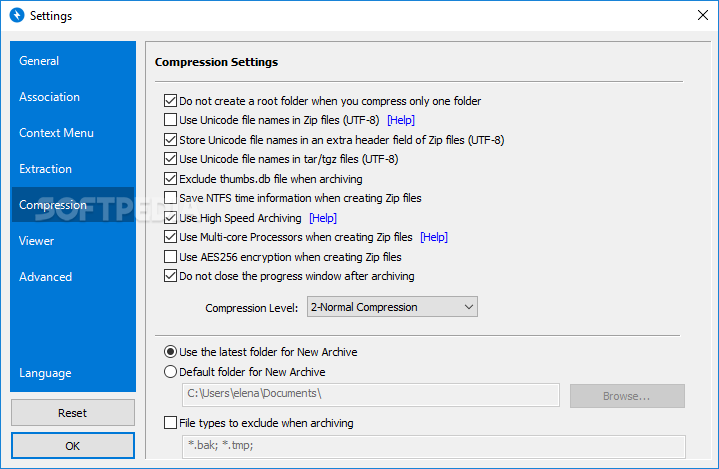
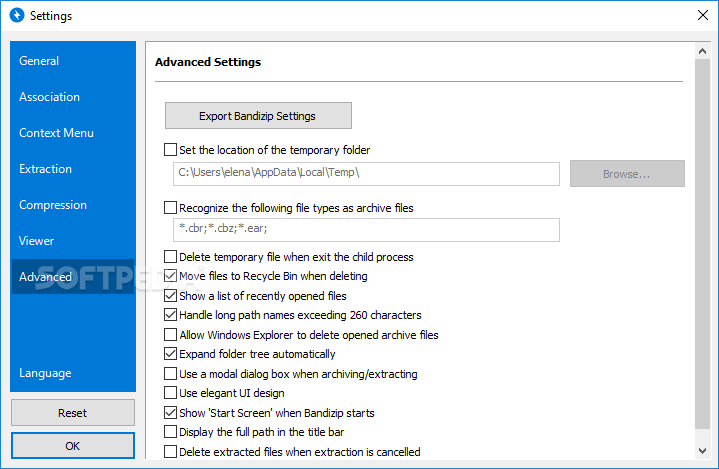
Since we’re talking configuration, we believe that the entirety of the settings bank offers an ample amount of categories, each with an impressive amount of sub-entries, which we could see as quite fit for attaining your preferred setup in no time.
This software addresses those who need a capable archive tool, to help them compress or decompress files, in and from a wide range of formats, using an accessible platform.
What's new in Bandizip 7.33 Build 67761 Beta 2:
- Fixed a bug that preset SFX settings do not apply when creating an EXE file through the context menu
- Improved the app to ask the user whether to disable Fast Drag and Drop when the task fails
Bandizip 7.32 Build 65001 / 7.33 Build 67761 Beta 2
add to watchlist add to download basket send us an update REPORT- portable version
- Bandizip Portable
- runs on:
-
Windows 11
Windows 10 32/64 bit
Windows 8 32/64 bit
Windows 7 32/64 bit - file size:
- 10.7 MB
- filename:
- BANDIZIP-SETUP-STD-ALL.EXE





- main category:
- Compression tools
- developer:
- visit homepage
calibre

7-Zip

4k Video Downloader

ShareX

Context Menu Manager

Bitdefender Antivirus Free

Zoom Client

IrfanView

Microsoft Teams

Windows Sandbox Launcher

- IrfanView
- Microsoft Teams
- Windows Sandbox Launcher
- calibre
- 7-Zip
- 4k Video Downloader
- ShareX
- Context Menu Manager
- Bitdefender Antivirus Free
- Zoom Client