
An alarm clock for your desktop. #Desktop clock #Alarm function #Screen saver #Clock #Alarm #Customize


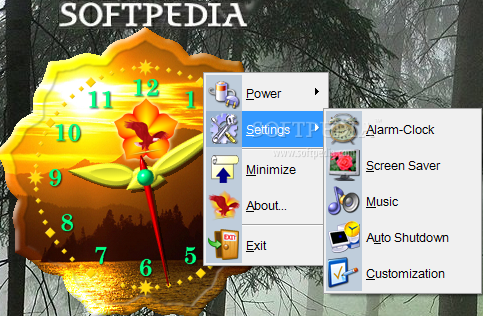
In essence an analog clock, Advanced Clock is a lot more than that, comprising some other extra tools besides the one supposed to show you the current time.
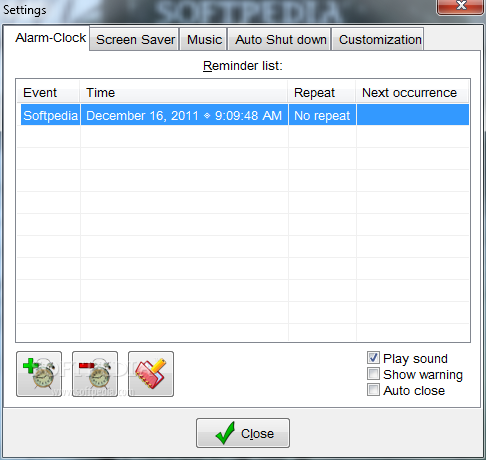
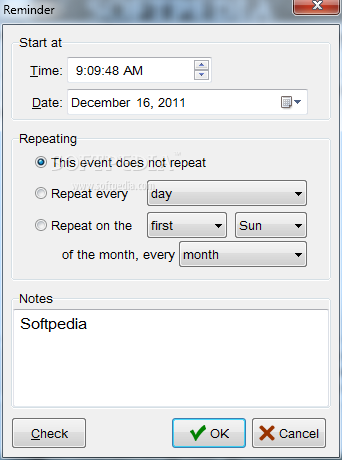
Developed to stay on the desktop all the time, Advanced Clock also comes with an alarm utility that can be configured to play a sound, show a warning or auto close at any user-defined time.
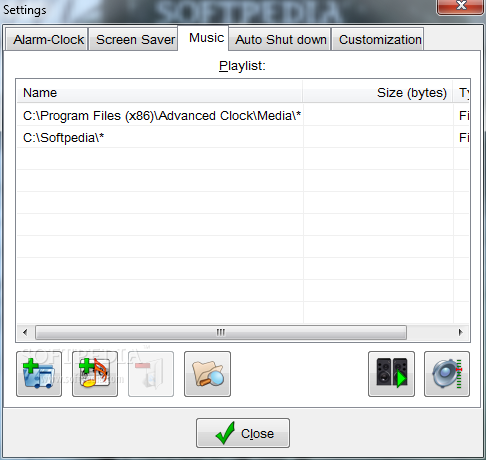
Besides the fact that it includes tiny utilities designed to help you quickly reboot or shut down a system, Advanced Clock has a built-in audio player too. Although only a few users actually expect to find an audio player integrated into a desktop clock, Advanced Clock supports the common multimedia formats on the market, including MP3 and WAV.
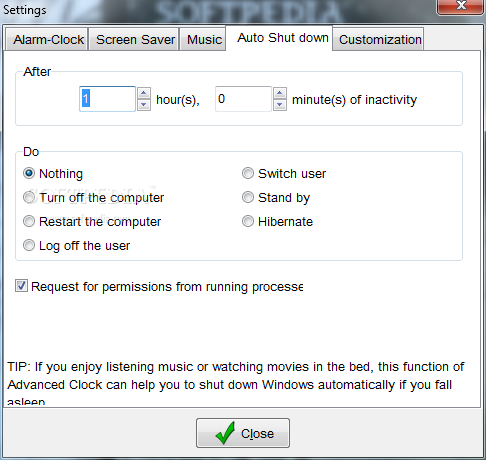
A task scheduler lets you turn off or restart the computer, log off or switch the user at any defined time with minimum user input.
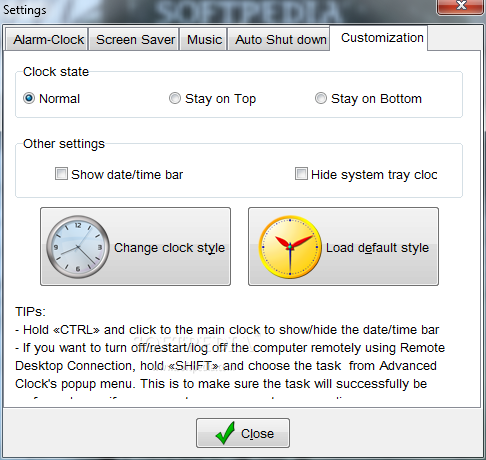
As for the desktop clock per se, it features skin support, with plenty of other themes included in the package. Still, it’s hard to find one that really looks good and most of the designs seem a bit old-fashioned.
On the other hand, Advanced Clock is extremely friendly with hardware resources, so you shouldn’t notice any significant slowdown regardless of the Windows version.
Advanced Clock is yet another desktop clock and nothing more. It struggles to impress with various tools, but none of them actually manages to offer a truly special experience. Just a bit of everything and that’s it.
Advanced Clock 5.9
add to watchlist add to download basket send us an update REPORT- runs on:
- Windows All
- file size:
- 6.4 MB
- filename:
- acsetup.exe
- main category:
- Desktop Enhancements
- developer:
- visit homepage
Windows Sandbox Launcher

Bitdefender Antivirus Free

IrfanView

calibre

Context Menu Manager

Microsoft Teams

4k Video Downloader

Zoom Client

ShareX

7-Zip

- Zoom Client
- ShareX
- 7-Zip
- Windows Sandbox Launcher
- Bitdefender Antivirus Free
- IrfanView
- calibre
- Context Menu Manager
- Microsoft Teams
- 4k Video Downloader