
Powerful clock program that offers support for alarm clock, multiple skins, atomic-time synchronizer, hourly chimes, calendar, different time zones, and sound notifications. #Alarm clock #Set alarm #Clock synchronizer #Alarm #Clock #Timezone

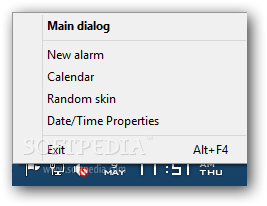
Atomic Alarm Clock is a professional clock and time management program that replaces the Windows clock altogether and helps you set up alarms with sound notifications and custom messages, view the time for multiple locations, and change its appearance with the aid of various skins.
The program is able to replace your default Windows clock with a brand-new one. Right clicking on the clock enables you to configure several settings.
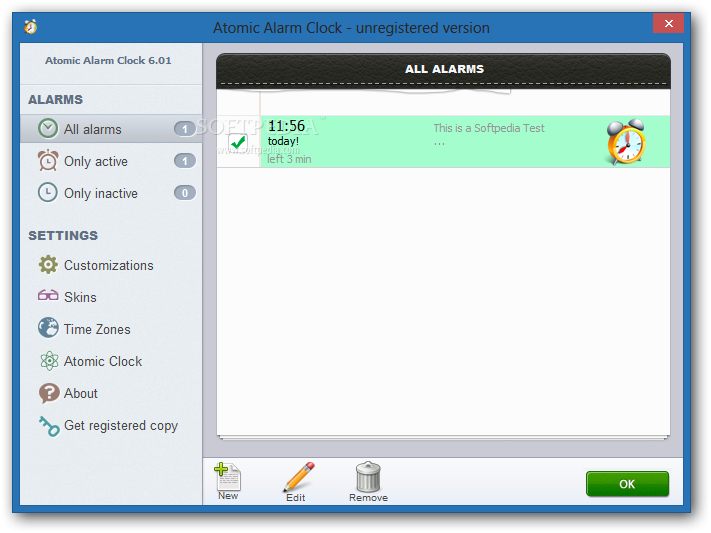
Atomic Alarm Clock gives you the possibility to set up multiple alarms and sort them by All alarms, Only active or inactive.
You can define a new one by selecting the date and time, tweaking recurrence parameters (e.g. once, hourly, daily, annually), showing a custom message, and playing a user-defined sound (MP3, WMA, or WAV file format) with custom volume settings.
What’s more, you can make the application open a custom program or document (e.g. EXE, MP3, M3U, AVI) with certain parameters, shut down or restart the computer, activate the standby or hibernate mode, log on as a different user, or turn off the monitor.
The program lets you wake the computer if it enters into the standby or hibernate mode and save alarm settings to INI file format.
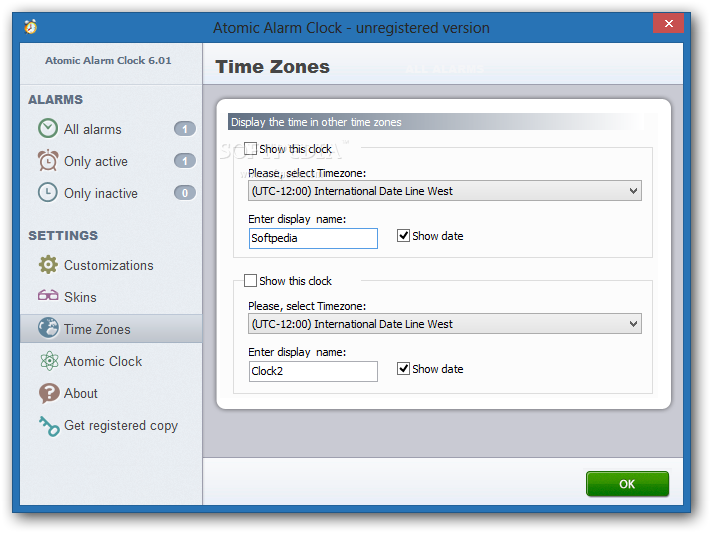
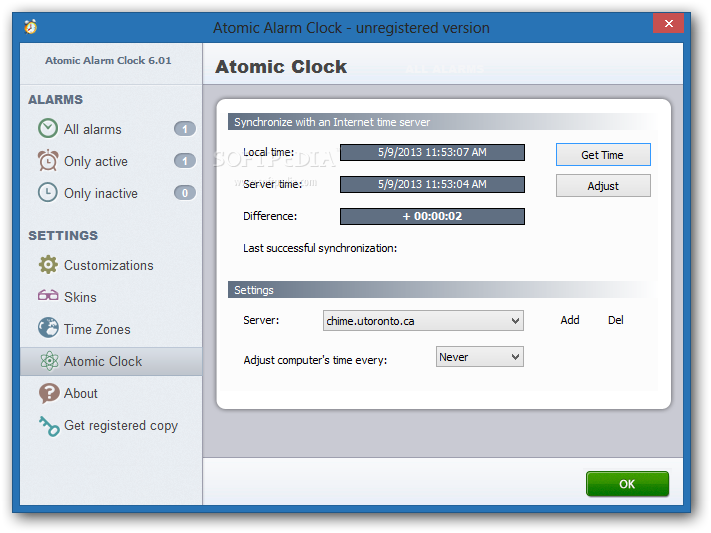
Atomic Alarm Clock features a small and transparent calendar that comes with support for various preset skins. You can view the time displayed in different time zones and synchronize the system time with atomic clock servers.
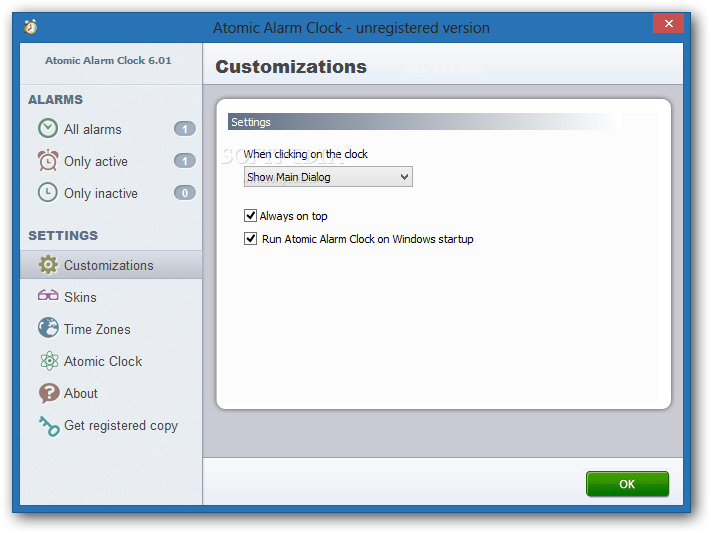
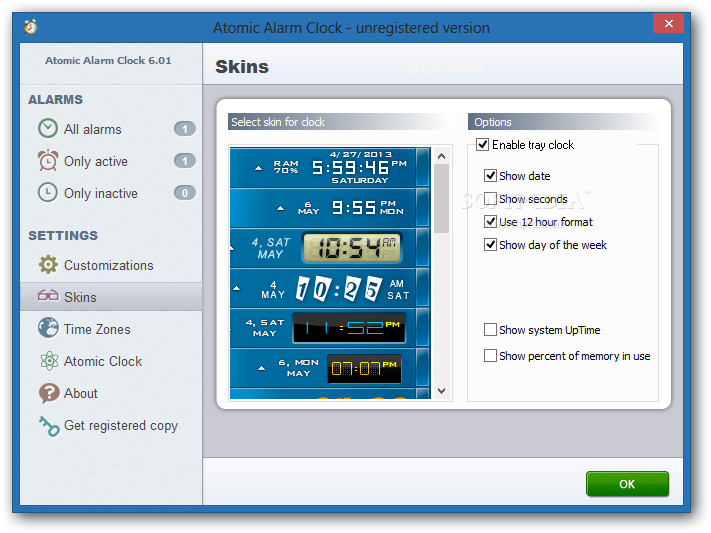
The utility gives you the possibility to play hourly chimes, run the clock at Windows startup, apply random skins when clicking on the clock, as well as choose between several skins. You can make the program reveal several handy features, such as date, seconds, system uptime and memory usage data.
Taken into account the multitude of handy features (alarm clock, multiple skins, atomic-time synchronizer, hourly chimes, calendar, different time zones, and sound notifications) Atomic Alarm Clock is definitely an excellent replacement for the default Windows clock.
Download Hubs
Atomic Alarm Clock is part of these download collections: Timezone Manager
What's new in Atomic Alarm Clock 6.300 Beta:
- Compatible with Windows® 10
Atomic Alarm Clock 6.264 / 6.300 Beta
add to watchlist add to download basket send us an update REPORT- runs on:
-
Windows 10 32/64 bit
Windows 2003
Windows 8 32/64 bit
Windows 7 32/64 bit
Windows XP
Windows 2K - file size:
- 5.8 MB
- filename:
- ataclock6.exe
- main category:
- Desktop Enhancements
- developer:
- visit homepage
Windows Sandbox Launcher

IrfanView

calibre

4k Video Downloader

Microsoft Teams

7-Zip

ShareX

Context Menu Manager

Bitdefender Antivirus Free

Zoom Client

- Context Menu Manager
- Bitdefender Antivirus Free
- Zoom Client
- Windows Sandbox Launcher
- IrfanView
- calibre
- 4k Video Downloader
- Microsoft Teams
- 7-Zip
- ShareX
