
Organize and customize your desktop. #Desktop Clock #Event Planner #Event Notification #Clock #Reminder #Scheduler
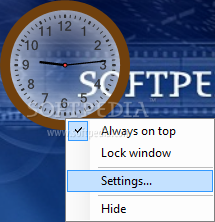
SE-DesktopApps is easy-to-use application for desktop customization. It includes 6 various components for desktop customization and optimization. Notes gadget allows to take quick notes with auto-save feature.
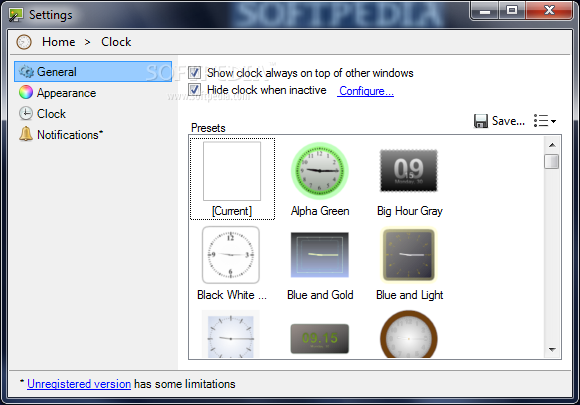
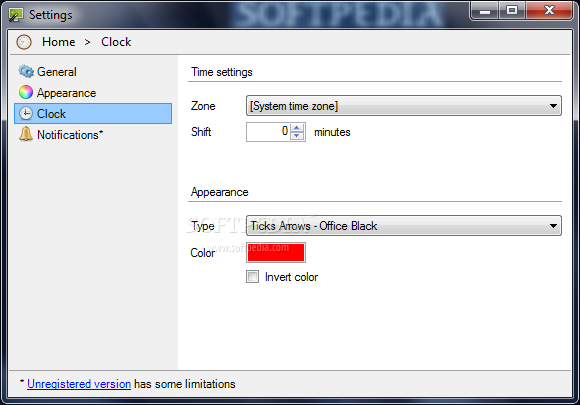
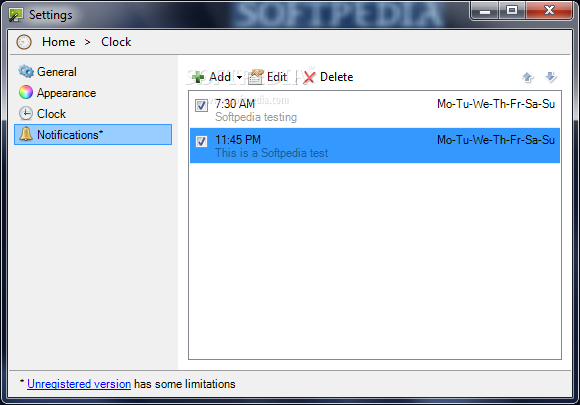
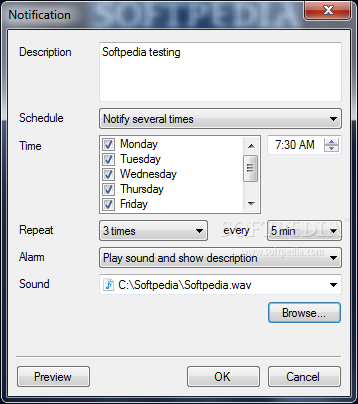
The notes are saved in work folder and shown in desktop gadget for quick access. Clock gadget lets to create beautiful multiform clocks for desktop with useful add-ons, like event reminder and multistage stopwatch with logging feature.
Desktop Player gadget gets an ability to play music right through drag-and-drop onto a customizable desktop gadget and manage media library in full player mode. Launcher gadget fully replaces functionality of SE-TrayMenu and lets to create one or more quick launch panels for applications, files, folders, shortcuts.
Application in the launch panel can have additional start settings - can be launched with arguments, with administrative rights. Additionally it can be started with the custom hotkey. New Explorer gadget gets quick access to system drives and displays statistic info about space usage of every drive.
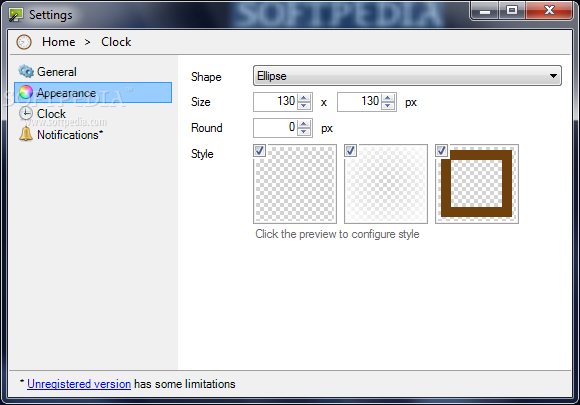
Wallpaper change components allows user to create unique background with custom pictures or textures. A wide range of layouts and appearance presets lets you create inimitable PC desktop style. Useful gadgets with beautiful background help to organize desktop for work and enyoj everyday routine.
System requirements
Limitations in the unregistered version
- Notifications to events are not available
What's new in SE-DesktopApps 1.6.2.62:
- Added hotkey to show and hide all gadgets together
- Added ability to change primary working path. That can be useful to store private information in protected disk or folder and for copy/backup personal information
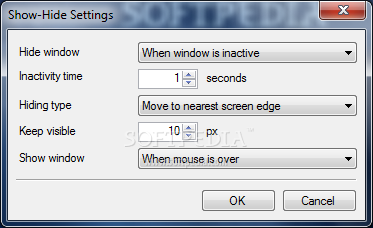
- Added ability to automatically hide and restore of all desktop gadgets when launching application or displaying a popup window
- Added ability to launch applications with administrative rights
SE-DesktopApps 1.6.2.62
add to watchlist add to download basket send us an update REPORT- runs on:
-
Windows 7
Windows Vista
Windows XP
Windows 2K - file size:
- 1.6 MB
- main category:
- Desktop Enhancements
- developer:
- visit homepage
Microsoft Teams

Zoom Client

4k Video Downloader

Context Menu Manager

calibre

ShareX

Windows Sandbox Launcher

Bitdefender Antivirus Free

IrfanView

7-Zip

- Bitdefender Antivirus Free
- IrfanView
- 7-Zip
- Microsoft Teams
- Zoom Client
- 4k Video Downloader
- Context Menu Manager
- calibre
- ShareX
- Windows Sandbox Launcher