
Speaking clock that helps you set up alarms, work with a calendar, timer and calculator, synchronize time, as well as adjust time and date automatically using online servers. #Speak Time #Tell Time #Voice Clock #Speak #Clock #Voice

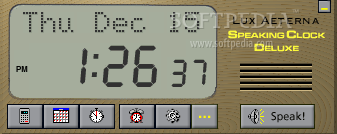
Speaking Clock Deluxe is a desktop clock application that can announce time in multiple languages, with several extra features provided as a bonus.
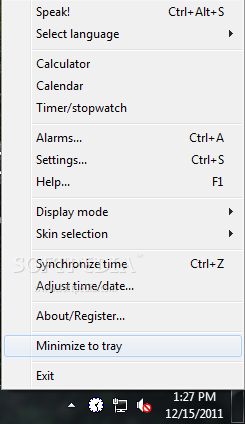
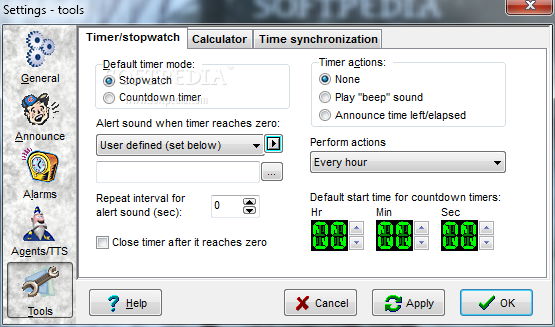
The application offers many other tools, including a calculator, a calendar, a timer and a stopwatch, each with a basic design. Still, the interface helps the app get the job done, but we admit that a modern look would be great.
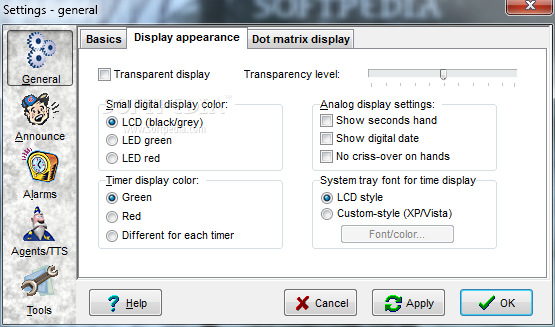
The application has multiple skins included in the package, but none of them looks so appealing as you may expect.
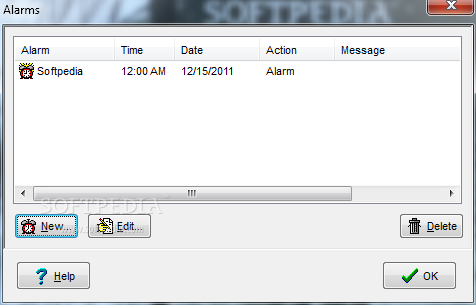
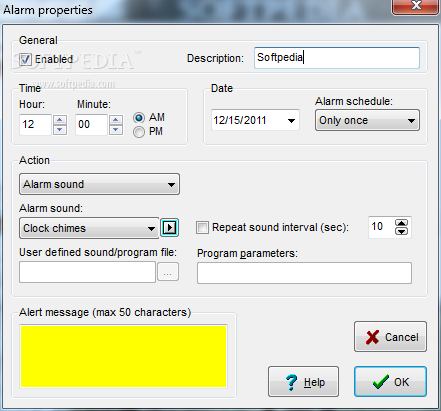
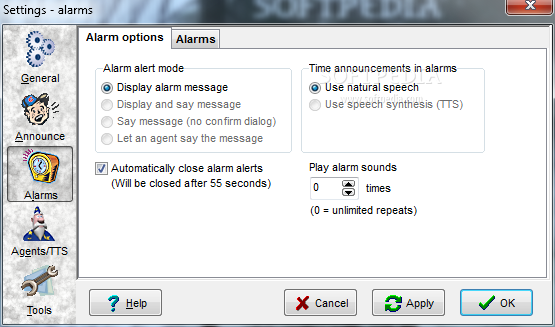
Speaking Clock Deluxe boasts an advanced alarm utility that lets you schedule alarms with a number of actions to be performed at a user-defined time, including launching a program or playing a sound.
Last but not least, Speaking Clock Deluxe gives users the possibility to synchronize time and adjust time and date automatically using online servers, just like the dedicated Windows tool.
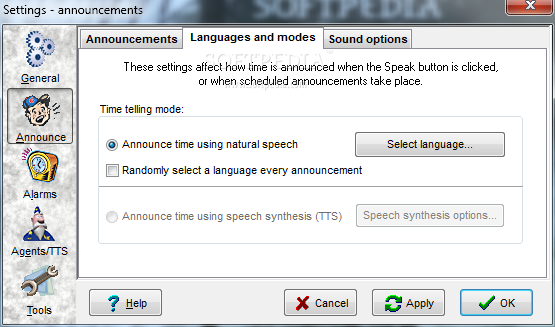
Still, the ace up its sleeve is the dedicated feature to announce time which supports not only English, but also Russian and other languages, with both female and male voices included.
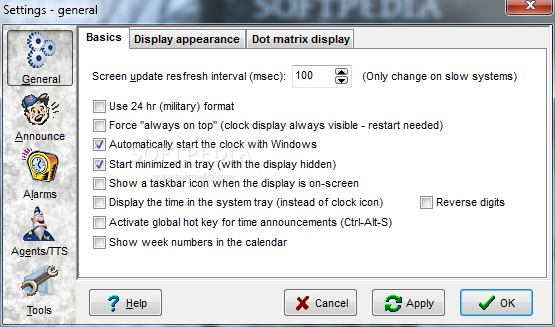
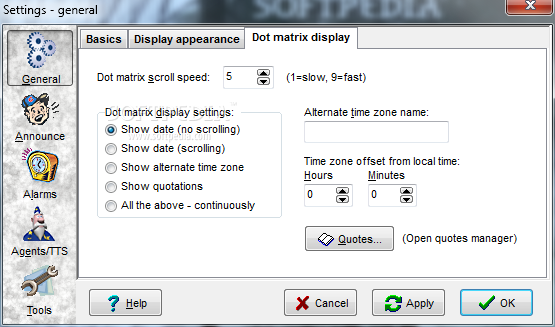
The “Settings” menu is pretty impressive and comprises tons of options concerning most features of the app. Plus, you can configure the MS agent and the text-to-speech support which gives you the power to enable an animated character that speaks the time at any user-defined interval.
Of course, Speaking Clock Deluxe remains friendly with computer resources, and that's pretty impressive since it's supposed to run all the time.
Overall, Speaking Clock Deluxe is a pretty handy desktop clock that comes with a lot of configuration options and with a few interface updates, it could easily become a top product.
Download Hubs
Speaking Clock Deluxe is part of these download collections: Text to Speech, Desktop Clocks
What's new in Speaking Clock Deluxe 3.62:
- News:
- You can now (at last) use MP3 or WMA files for your alarms
- The custom chime sound can now be set to any .WAV file, using
- an easy-to-use file browser (just like the alarm and timer sound)
Speaking Clock Deluxe 3.62
add to watchlist add to download basket send us an update REPORT- runs on:
- Windows All
- file size:
- 3.5 MB
- filename:
- spclock_deluxe.zip


- main category:
- Desktop Enhancements
- developer:
- visit homepage
Context Menu Manager

Zoom Client

ShareX

IrfanView

Bitdefender Antivirus Free

7-Zip

4k Video Downloader

Microsoft Teams

Windows Sandbox Launcher

calibre

- Microsoft Teams
- Windows Sandbox Launcher
- calibre
- Context Menu Manager
- Zoom Client
- ShareX
- IrfanView
- Bitdefender Antivirus Free
- 7-Zip
- 4k Video Downloader