
Design brand new cursors for your applications by extracting and improving the already existing ones from libraries and Windows executable files. #Edit cursor #Design cursor #Create cursor #Cursor #Icon #ANI2GIF

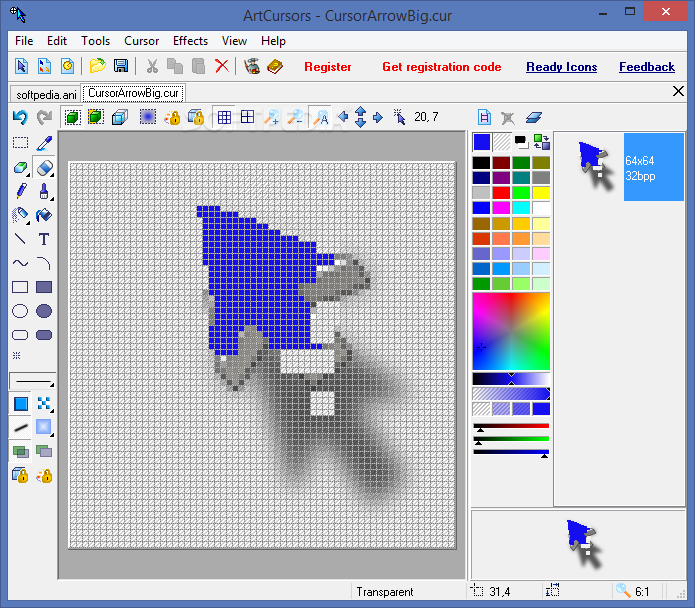
Despite the fact that they make navigation on the computer simpler and more efficient, cursors are often ignored, at least aesthetics-wise.
ArtCursors is a lightweight application that allows you create, edit, export and save icons for your applications.
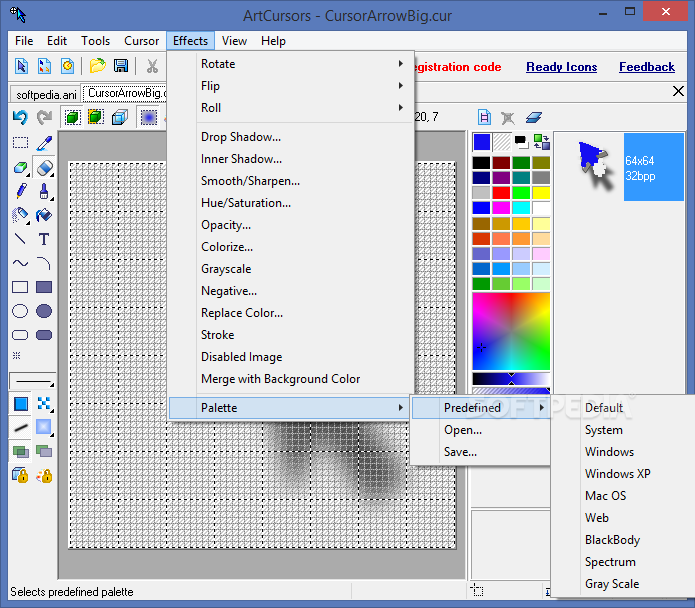
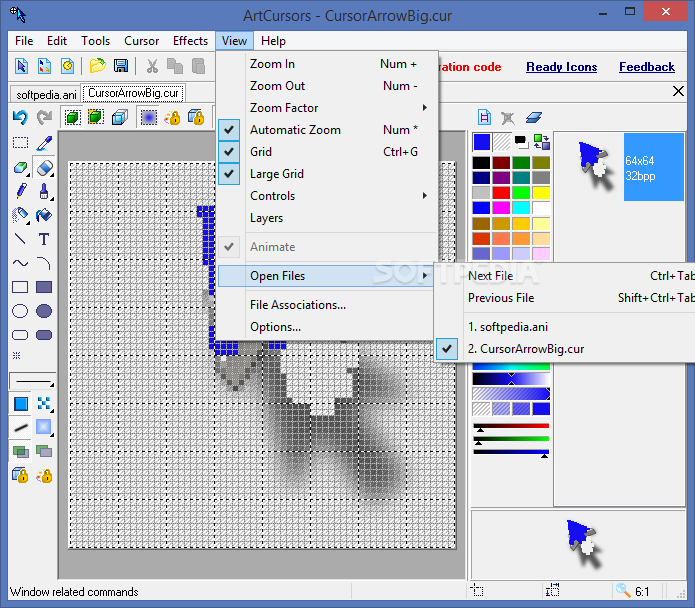
The utility includes an old-fashioned UI comprised of an editing panel surrounded by numerous editing features. Even though it is not a looker, the interface is intuitive and there are slim chances you can encounter difficulties when trying to design your own cursor.
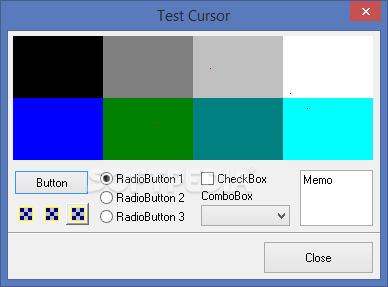
It is necessary to mention that the UI includes a small window that allows you to preview how the cursor looks like while you are still working on it. You can open several tabs and try out various modifications or effects for the icons before you decide which one is best suited for your application.
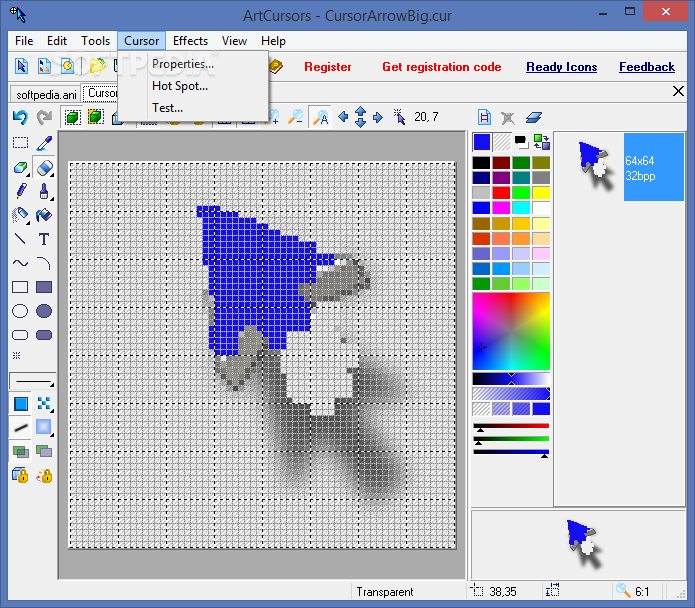
The strong point of the application comes from the plethora of effects you can employ to design a marker or improve the one you already extracted. To put it simply, you can use drop shadow, blend images, lock various color channels or add stroke to create an icon that stands out.
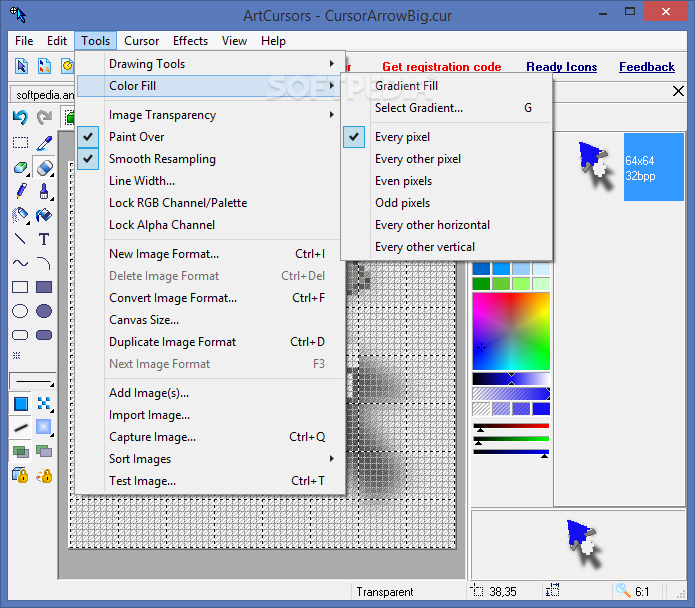
You should know that the program enables you to set your own parameters for each of the special effects you want to use, which is quite a nice feature to have when you are trying to design a particular detail within the cursor. It comes with options that can help you fill in the pixels so that they appear classy and professional, depending on your talent.
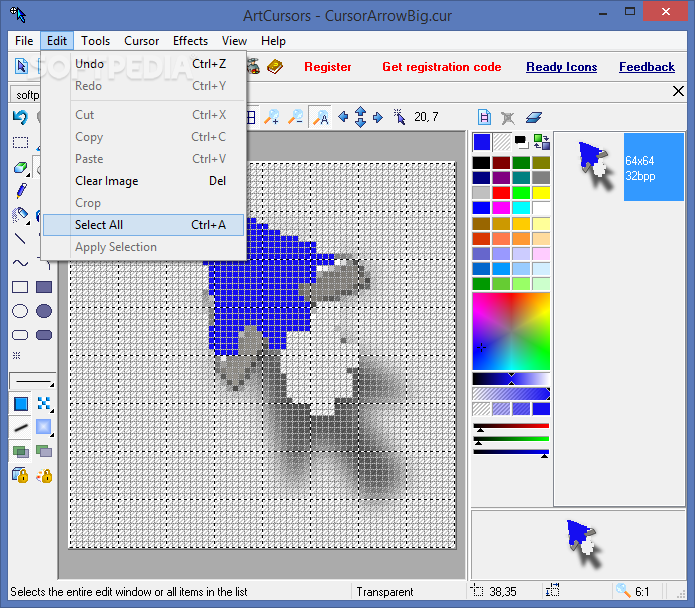
As a side note, the program supports a wide variety of images and enables you to save, import or export your projects to various file formats, including ANI, GIF, BMP, ICPR or PNG to name a few.
Although it could use a modern interface, the truth is that ArtCursors does compensate for the lack of aesthetics features-wise and could be the utility you need to help you design markers.
Download Hubs
ArtCursors is part of these download collections: Cursor Managers, View ANI, Open ANI
ArtCursors 5.30
add to watchlist add to download basket send us an update REPORT- runs on:
- Windows All
- file size:
- 6.3 MB
- filename:
- artcurs.exe


- main category:
- Desktop Enhancements
- developer:
- visit homepage
7-Zip

IrfanView

Microsoft Teams

Bitdefender Antivirus Free

Zoom Client

Windows Sandbox Launcher

calibre

ShareX

4k Video Downloader

Context Menu Manager

- ShareX
- 4k Video Downloader
- Context Menu Manager
- 7-Zip
- IrfanView
- Microsoft Teams
- Bitdefender Antivirus Free
- Zoom Client
- Windows Sandbox Launcher
- calibre