
Design unique icons and cursors for websites or public chats using advanced drawing tools, geometric shapes, lines, and text, as well as save the output as ICO or CUR. #Icon editor #GIF creator #Cursor builder #Icon #Editor #Extraction
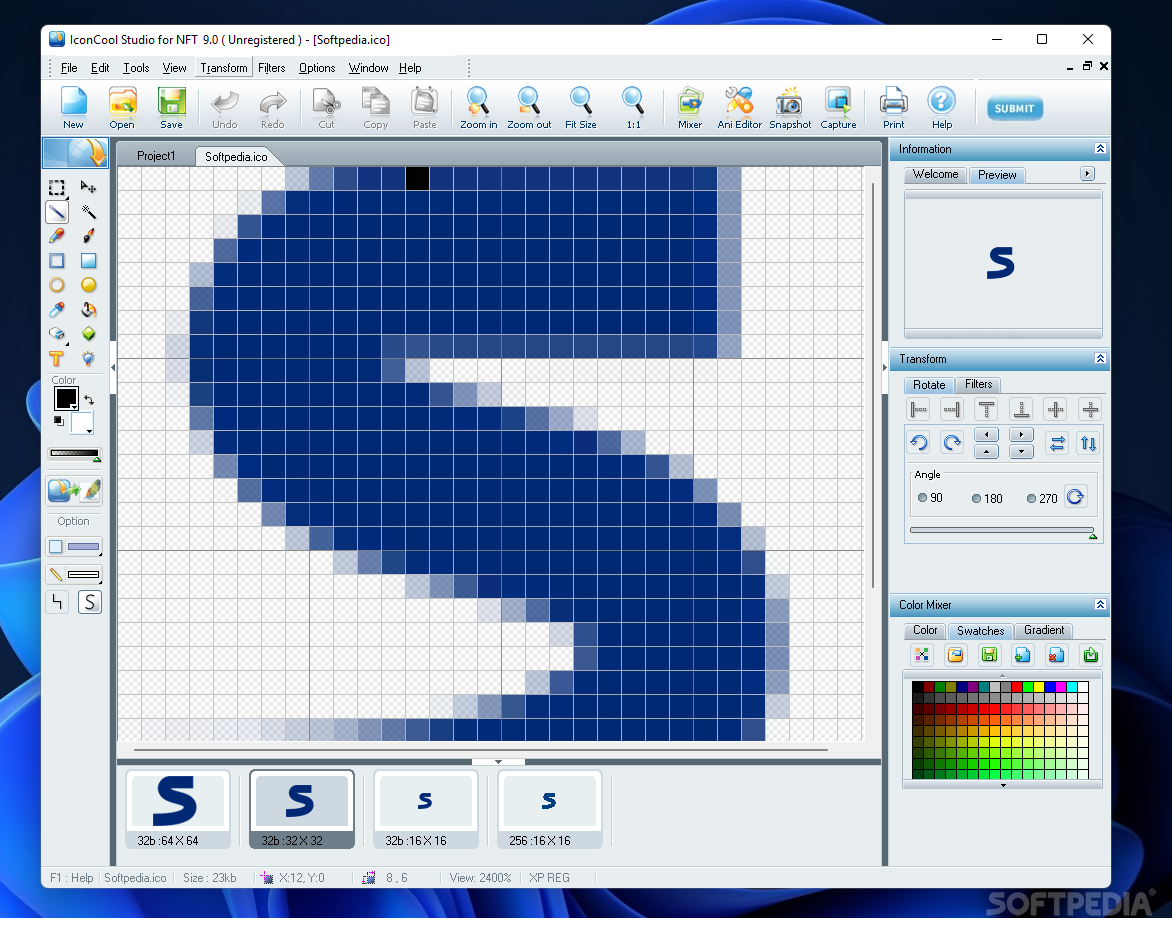
IconCool Studio is a comprehensive and modern program that comes in handy for everyone who possesses some basic editing skills to easily create icons and cursors for your own or professional use.
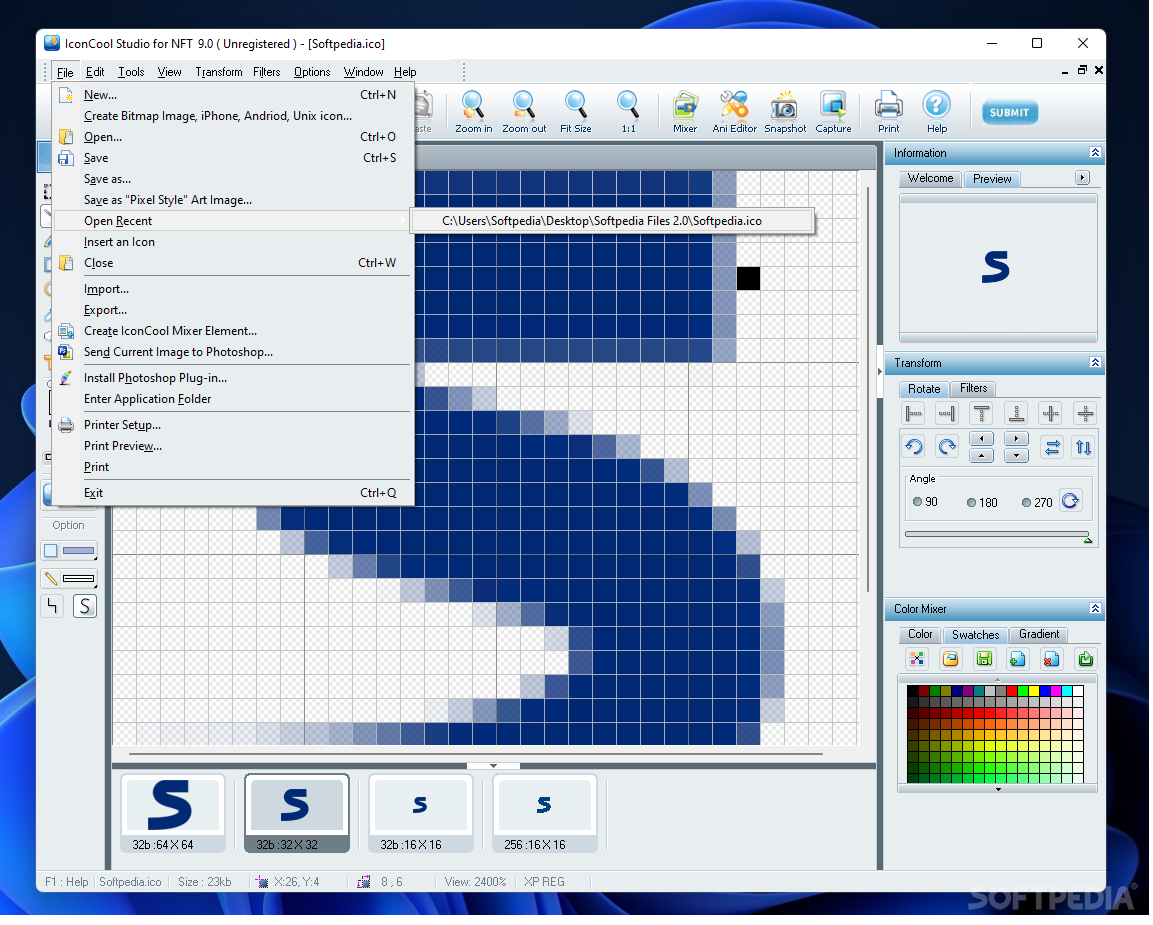
The installer is first downloaded through a separate window on your computer, from where you have to run it in Administrator mode in order to properly launch. To get accustomed with its options, you can use the predefined icons the app comes with.
It's wrapped in a fresh and intuitive interface with several movable panels, like the drawing, information, color mixer, and transform panels. The supported image formats are ICO, CUR, DLL, and ANI.
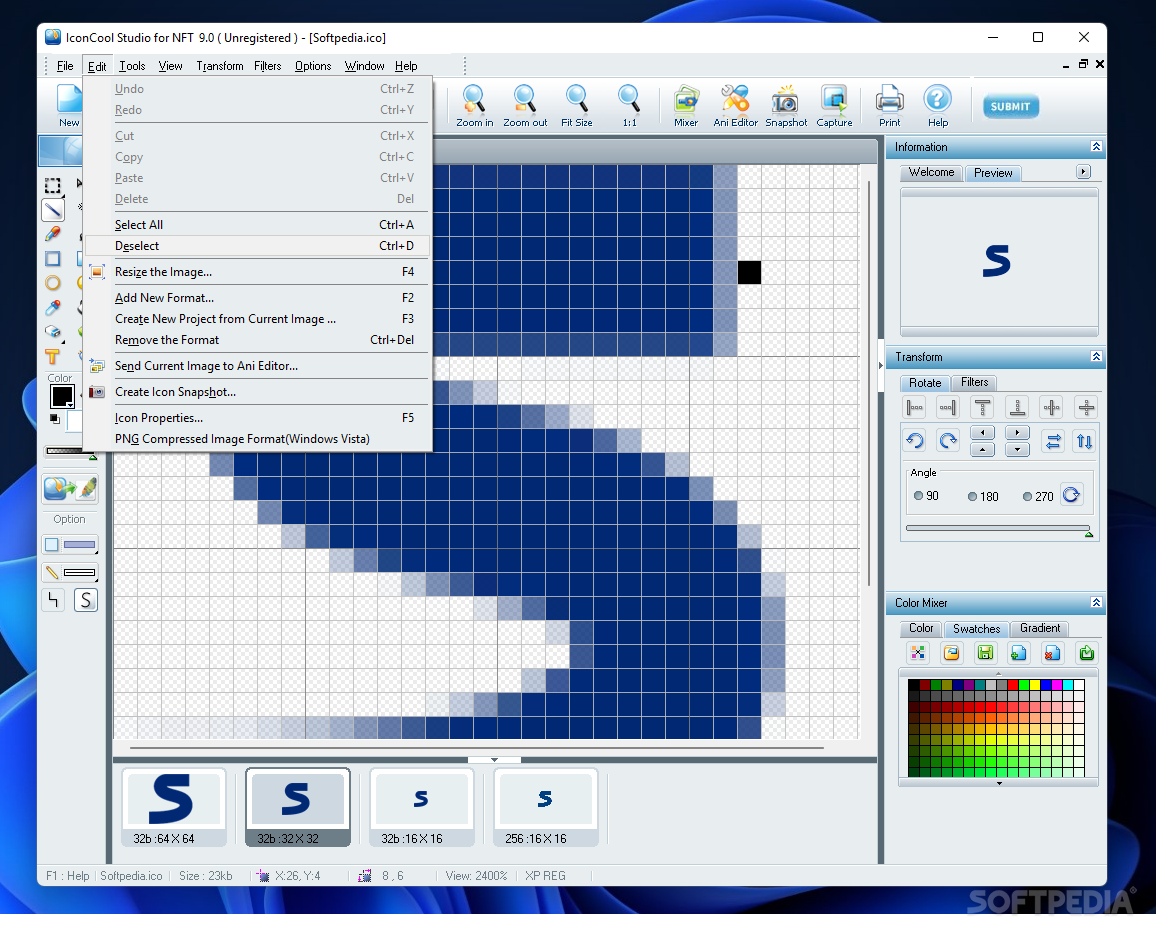
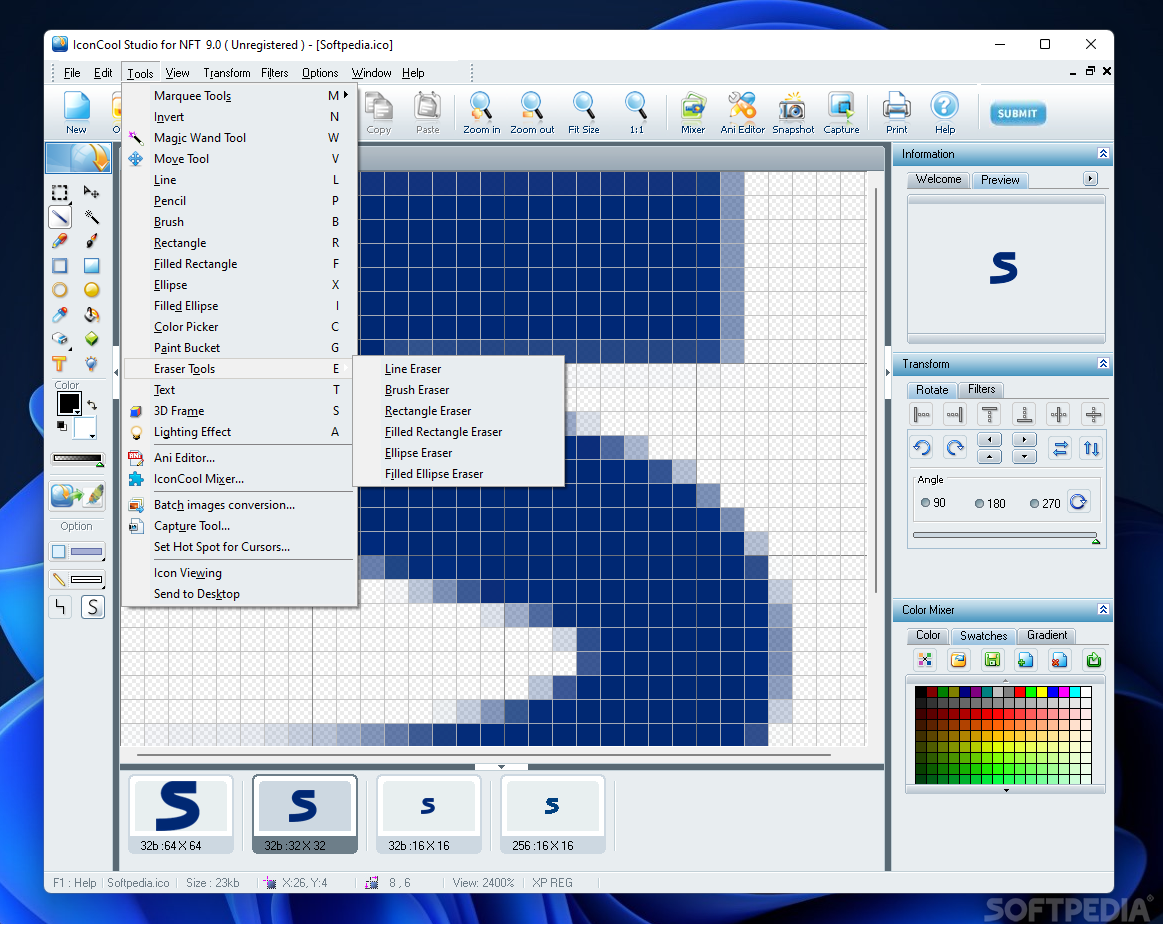
You can paint using the brush, pencil, magic wand, and paint bucket, as well as insert forms (e.g. line, rectangle, ellipse), text, 3D frame, and delete mistakes with the aid of the eraser. The colors for each element can be picked from the provided palette.
It's possible to import images using several methods: through the file browser, snapshot and capture functions. At the bottom, you can choose from a less or more pixeled form of the icon.
Plus, you have the option to use the color mixer to create your own tone collection and easily replace the current colors with your own. The app lets you rotate the item to 90 degrees counterwise and counterclockwise, and flip it vertically and horizontally.
What's more, you have the option to apply custom filters to the icon or cursor to enhance and correct their overall look. Among them you can find contrast, brightness, grayscale, gamma, distort, emboss, negative, or spray. The output may be saved as ICO, CUR, DLL, or EXE.
To sum it up, IconCool Studio is a reliable and useful application designed to offer a professional method to create icons and cursors using drawing, altering, and filtering tools. During our testing, the tasks were executed swiftly and without error.
Download Hubs
IconCool Studio Pro is part of these download collections: Cursor Managers, Make ICO
IconCool Studio Pro 9.0 Build 220226
 Softpedia Editor's Pick
add to watchlist
add to download basket
send us an update
REPORT
Softpedia Editor's Pick
add to watchlist
add to download basket
send us an update
REPORT
- runs on:
-
Windows 11
Windows 10 32/64 bit
Windows 8 32/64 bit
Windows 7 32/64 bit
Windows Vista 32/64 bit - file size:
- 27 MB
- filename:
- iconst8p.exe


- main category:
- Desktop Enhancements
- developer:
- visit homepage
Context Menu Manager

calibre

Bitdefender Antivirus Free

Microsoft Teams

Zoom Client

IrfanView

4k Video Downloader

7-Zip

ShareX

Windows Sandbox Launcher

- 7-Zip
- ShareX
- Windows Sandbox Launcher
- Context Menu Manager
- calibre
- Bitdefender Antivirus Free
- Microsoft Teams
- Zoom Client
- IrfanView
- 4k Video Downloader