
Customize your desktop with desklets. #Desktop widget #Desktop plugin #Desktop gadget #Widget #Gadget #Desktop
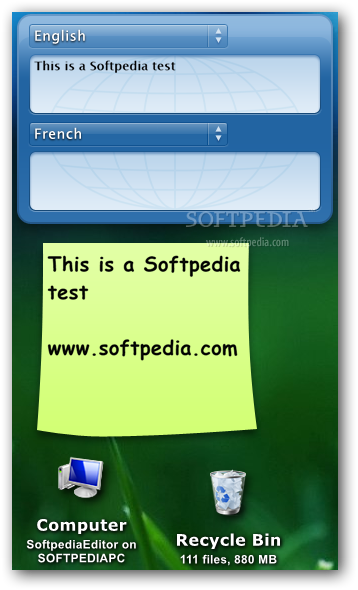
Windows Vista introduced the support for sidebar gadgets, and this innovation opened the road for numerous developers to experiment with desktop widgets. AveDesk is such an application that enhances one’s desktop with so-called desklets, which are in fact mini-apps with varied functions.
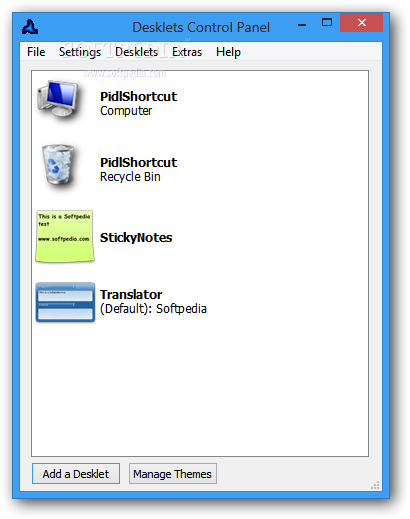
Users can create several desklet lists, and switch them depending on the project they are currently working on. For example, sometimes they might need sticky notes, a calculator, a text-to-speech app or a translation client, whereas other times an FTP manager might be more suitable for their needs.
Be default, AveDesk contains a collection of desklets which come in handy for a wide range of functions, yet tech-savvy users can create their own custom desklets to meet their precise requirements as the software solution also provides an SDK (Software Development Kit).
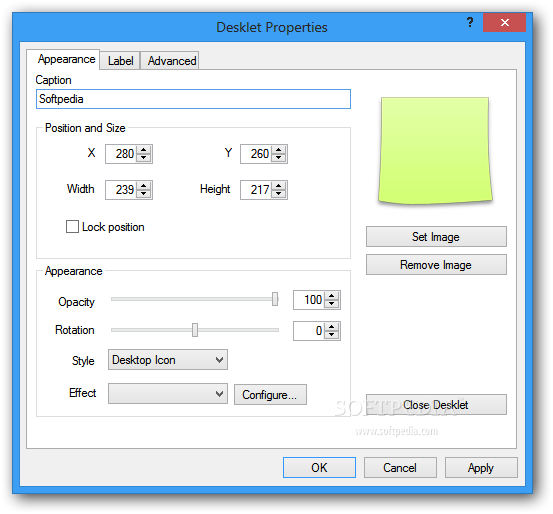
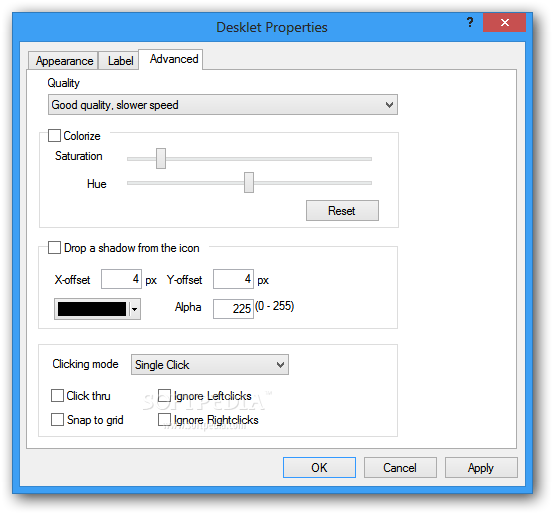
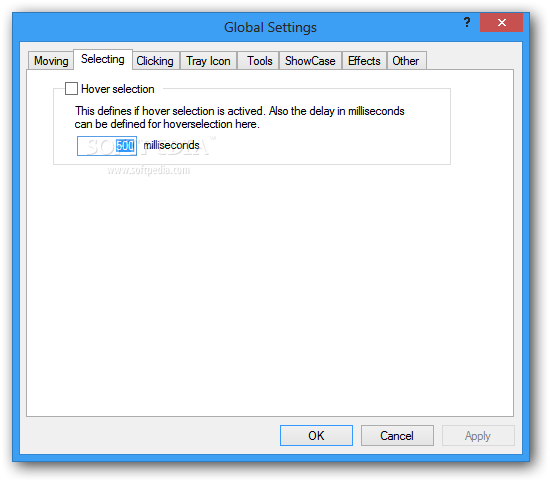
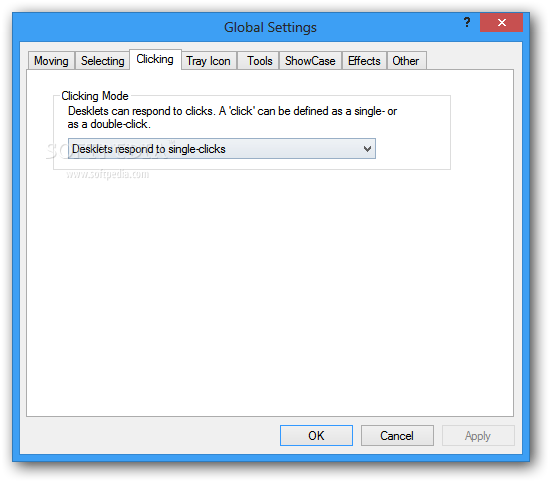
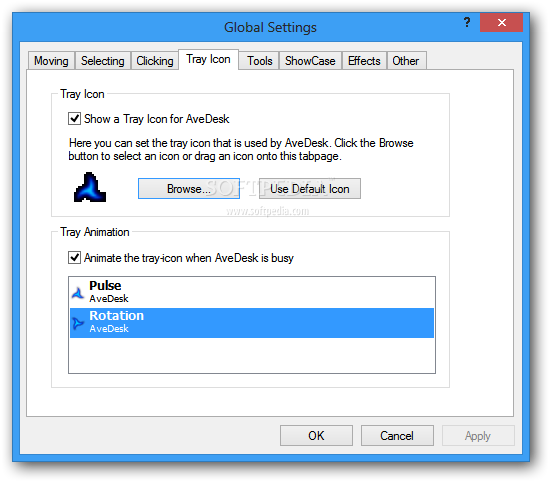
In addition to bringing new functions to the desktop, AveDesk can also be highly customized to make sure it blends in smoothly with the installed OS theme. The desklets’ and the application’s icons can be replaced with custom ones, and the tray icon can be animated to make it more appealing.
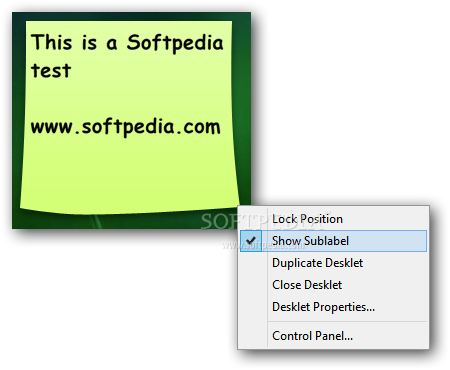
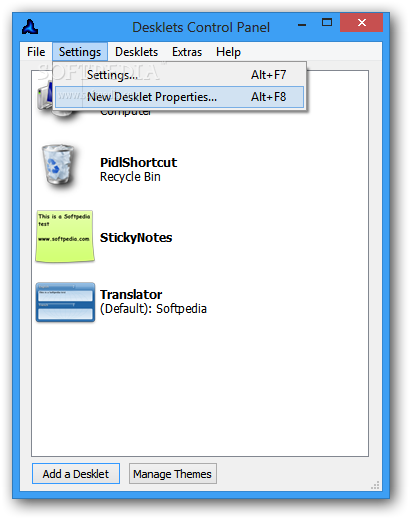
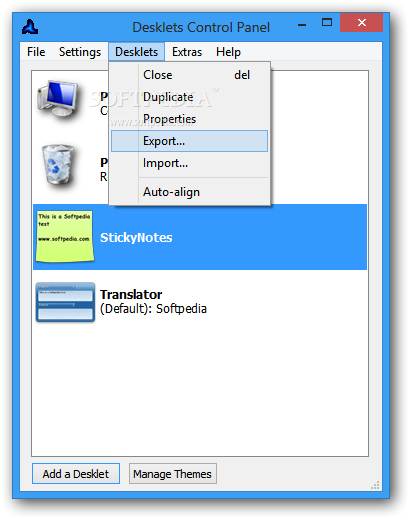
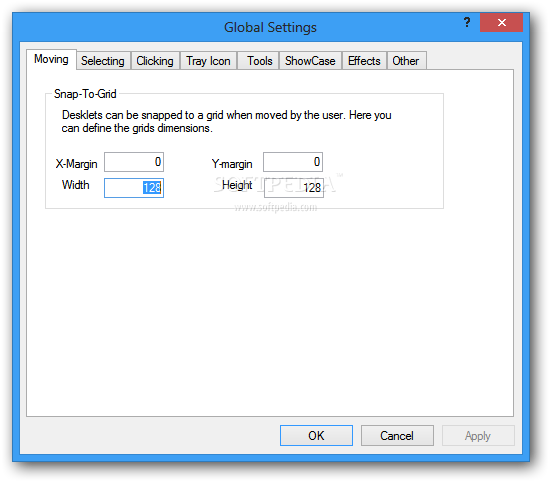
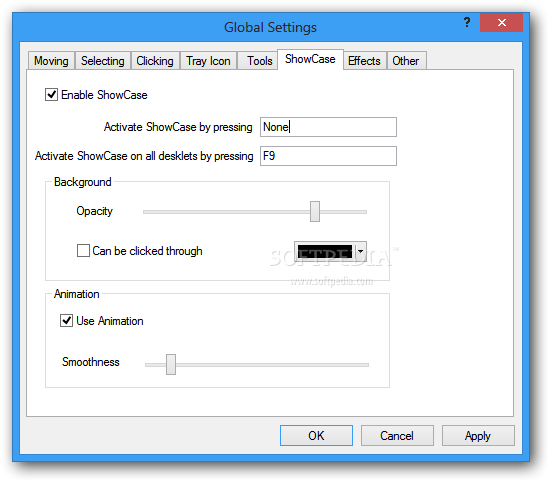
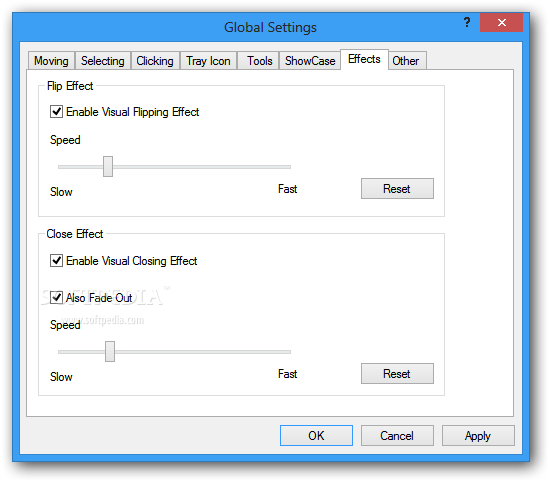
Moreover, the location and dimension of each desklet can be adjusted with ease, to make sure they are not intrusive to users and that they do not interfere with other running programs; their title and effects can also be changed, depending on the preferences of each person. All the active apps can be managed from the dedicated Control Panel.
AveDesk can prove to a valuable addition to one’s desktop, especially they often need several tools when working on their PC, but they do not want a lot of icons in the taskbar. The application supports multi-monitor environments, so users can still enjoy their extended desktop space.
Avedesk 1.4
 Softpedia Editor's Pick
add to watchlist
add to download basket
send us an update
REPORT
Softpedia Editor's Pick
add to watchlist
add to download basket
send us an update
REPORT
- runs on:
-
Windows 8
Windows 7
Windows Vista
Windows XP - file size:
- 5.6 MB
- filename:
- avedesk14.zip




- main category:
- Desktop Enhancements
- developer:
- visit homepage
Bitdefender Antivirus Free

Windows Sandbox Launcher

Context Menu Manager

7-Zip

ShareX

4k Video Downloader

Microsoft Teams

IrfanView

Zoom Client

calibre

- IrfanView
- Zoom Client
- calibre
- Bitdefender Antivirus Free
- Windows Sandbox Launcher
- Context Menu Manager
- 7-Zip
- ShareX
- 4k Video Downloader
- Microsoft Teams