WINDOWS CATEGORIES:


NEWS ARCHIVE >>
SOFTPEDIA REVIEWS >>

WEEKLY HIGHLIGHTS

DVD Cloner45
Spyware Doctor40
1Click DVD Copy40
Apollo DVD Copy40
ABC Amber BlackBer...45
Protected Music Co...40

7-DAY TOP DOWNLOAD

#
Program
Windows Live
Messenger 2009
14.0.8089.726

205,783
Avira AntiVir
Personal - Free
Antivirus 9.0.0.407

195,395
Avira Antivir Virus
Definition File
Update November 6,
2009

180,844
Nexus Radio 4.1.1
131,987
Windows Live
Messenger
8.5.1302.1018

124,237
FreeZ Online TV 1.30
97,621
Y! Multi Messenger
8.x and 9.x

82,764
Microsoft Office
2007

82,452
DVD Shrink 3.2.0.15
59,713
RemoveWGA 1.2
55,654

WEEK'S BEST

  • Internet Explorer ...
  • Online Armor ++ 4....
  • cFosSpeed 5.01 Bui...
  • SONY Vegas Pro 9.0...
  • Firefox 3.6 Beta 1...
  • Nokia Photos 1.6.434
  • Windows Server 200...
  • Skype Portable 4.1...
  • Google Chrome Port...
  • PCMark Vantage Bas...
  • Kaspersky Anti-Vir...
  • Microsoft Virtual ...
  • Messenger Plus! Li...
  • WinX DVD Author [F...
  • SoftPerfect Networ...
  • System Mechanic Pr...
  • Ad Muncher 4.8 Bui...
  • Windows 7 Upgrade ...
  • Pidgin 2.6.3
  • OpenOffice.org 3.2...
  • VirtualDub 1.9.7 B...
  • Maxthon [Softpedia...
  • Spyware Doctor 7.0...
  • SUPERAntiSpyware 4...
  • Adobe Acrobat Prof...
  • Camfrog Video Chat...
  • Adobe Reader 9.2.0...
  • Foxit PDF Reader 3...
  • Microsoft Maliciou...
  • AVG Identity Prote...
  • Home / Windows / Desktop Enhancements / Other Desktop Enhancements
     Report spyware

    Desktop Picture Frame 4.0

    Download button

    Downloads: 2,913  Add to download basket  Tell us about an update
    User Rating:
    Rated by:
    Good (3.3/5)
    24 user(s)
    Developer:

    License / Price:

    Size / OS:

    Last Updated:

    Category:
    Alexei A. Abramoff | More programs
    Demo / EUR 11.38 | BUY the full version
    13.9 MB / Windows All
    September 11th, 2009, 18:28 GMT [view history]
    C: \ Desktop Enhancements \ Other Desktop Enhancements

     Read user reviews (0)  Add a review  Refer to a friend  Subscribe


    Desktop Picture Frame description


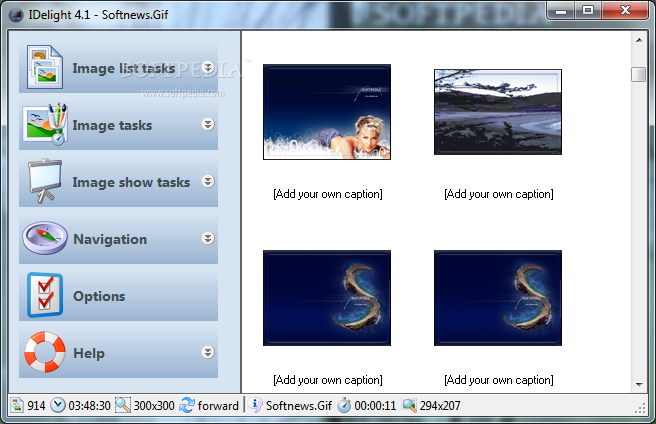
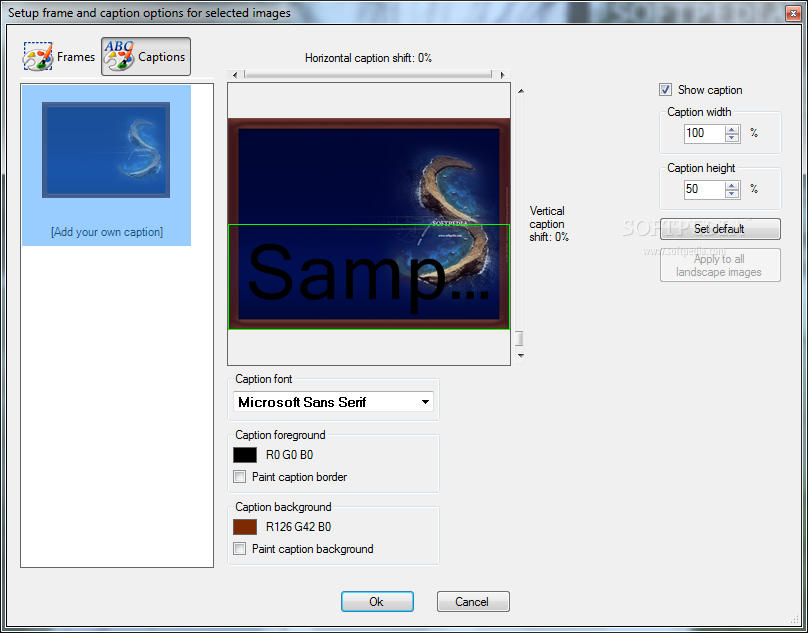
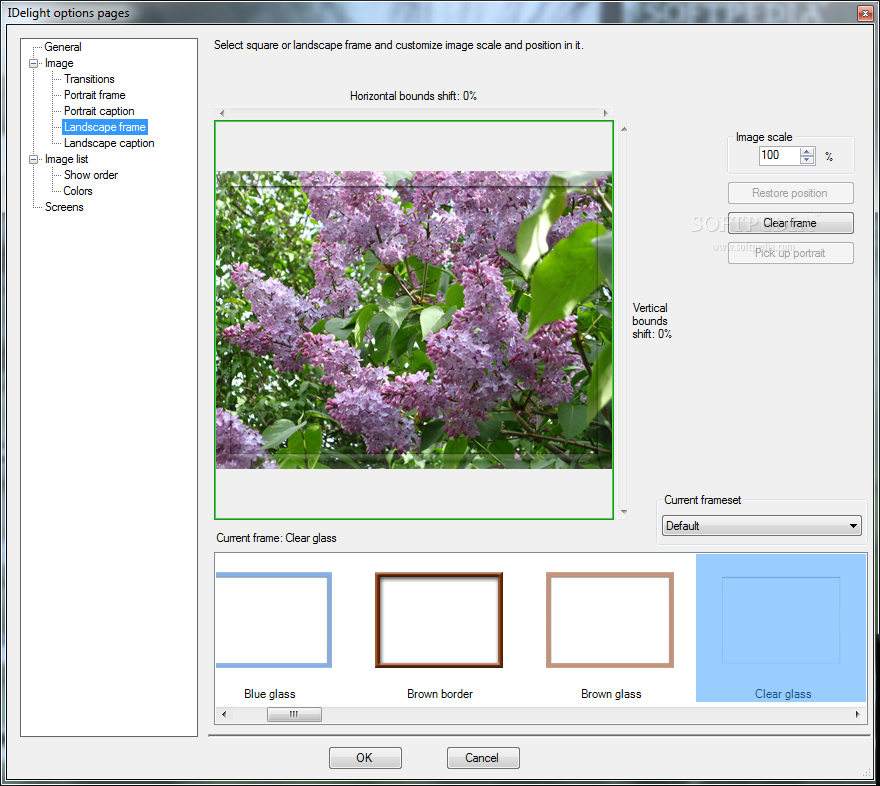
    This application will display a slide-show at the screen corner with visual effects

    Desktop Picture Frame is an absolutely new concept of showing images on desktop. Now you should not spend your money and your precious time for art print of photos and for acquiring of photo frames.

    You baby, your family, your beloved pet, your favourite sights of nature are always close to you on the desktop of your computer. Whatever your do and wherever you are: At home, in the office, on a trip.

    Desktop Picture Frame is quite not a just another habitual slide-show program. Slide-show is docked to one of the screen corners. This software will not not annoy you or interfere with your work because it will be active only when you move your mouse pointer over it.

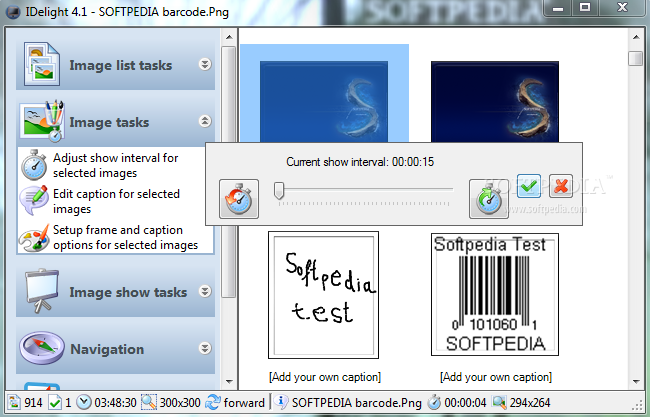
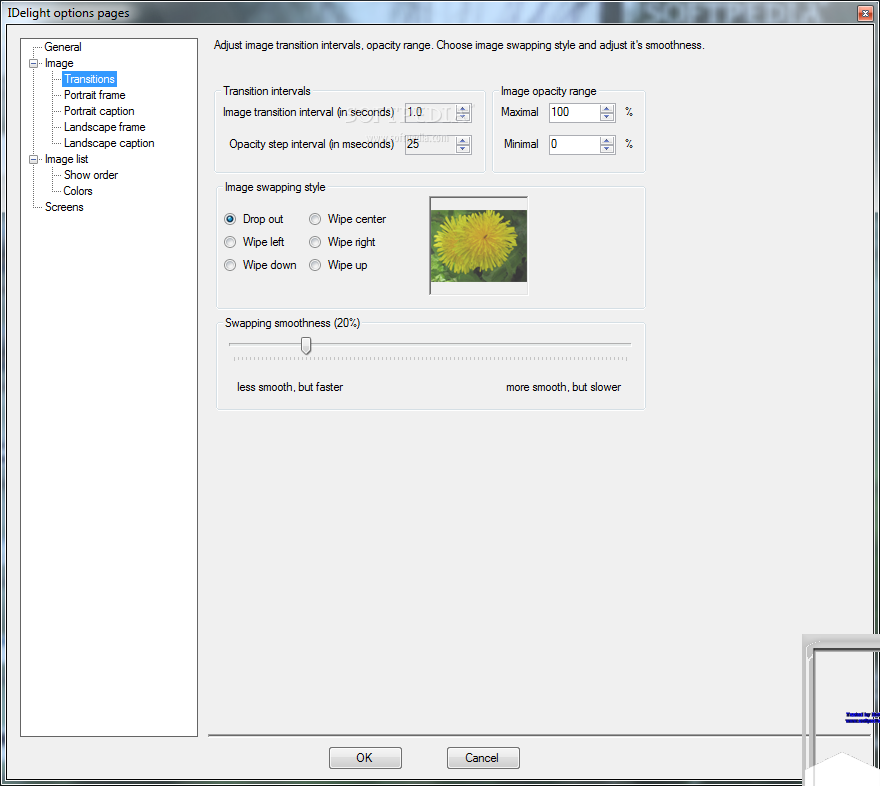
    The program is destined for sequential show of images from the list (slide-show) with visual effects in the smooth image appearance and disappearance manner. Swapping of images goes in time intervals set by the user.

    Here are some key features of "Desktop Picture Frame":

    · Image is the topmost window if visible
    · Omage smoothly vanishes when it feels mouse pointer upon
    · Image stays completely transparent while work is upon its area
    · Image softly appears when mouse pointer leaves its bounds

    Requirements:

    · 16-bit High Color display adapter.
    · NET Framework 2.0
    · Microsoft Internet Explorer 6.0 with Service Pack 1,
    · Microsoft Data Access Components (MDAC) 2.8 for data access applications,
    · Windows Installer version 3.0.
    · Pentium III 400 MHz processor,
    · 96 Mbytes RAM,
    · 300 Mbytes hard disk free space,

    Limitations:

    · The program tracks only mouse pointer positions, and does not track the position of the cursor bar during the text input, for example, in text editors, in spreadsheets editors, etc.
    · The program displays only the first image from multipage images files, for example, TIFF multipage files, as well as in animation-containing files of GIF format.
    · The program does not allow adding to the list and displaying files containing images less than 32x32 pixels, or those of format, which codec is not supported by .NET Framework 2.0.
    · The maximum area of images displaying is limited by the half of the screen height, as the program is not intended for carrying out presentations and other similar purposes.
    · Image displaying realized by the program, can affect concentration of attention and labour capacity.

    What's New in This Release: [ read full changelog ]

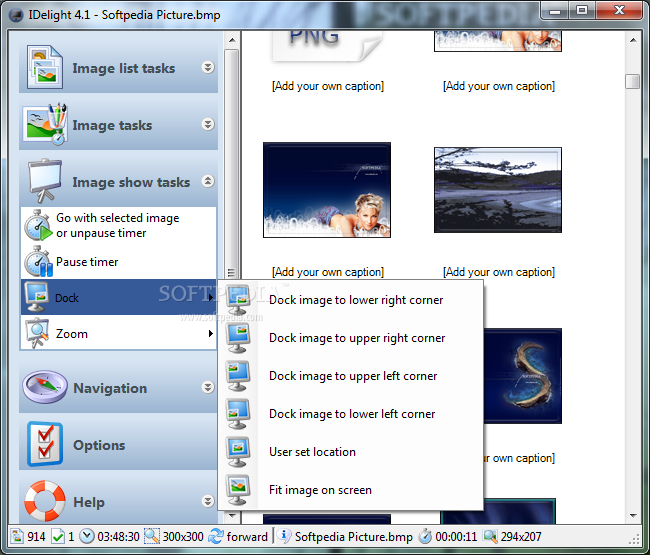
    · Program user interface is refactored to appear and behave like modern
    · sidebar. This is experimental.
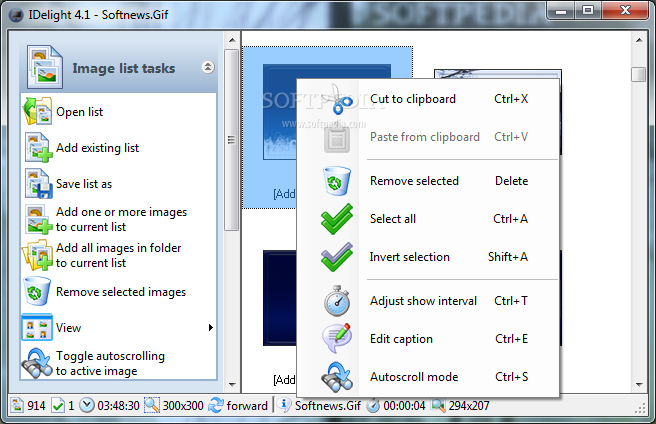
    · "Toggle autoscrolling to active image" button is added to the sidebar.
    · When it's on, active image is always visible
    · Disabling "Prior page" and "Next page" buttons while image list is in
    · details mode and longer than one page is fixed.
    · "Prior page" and "Next page" buttons misbehavior is fixed.
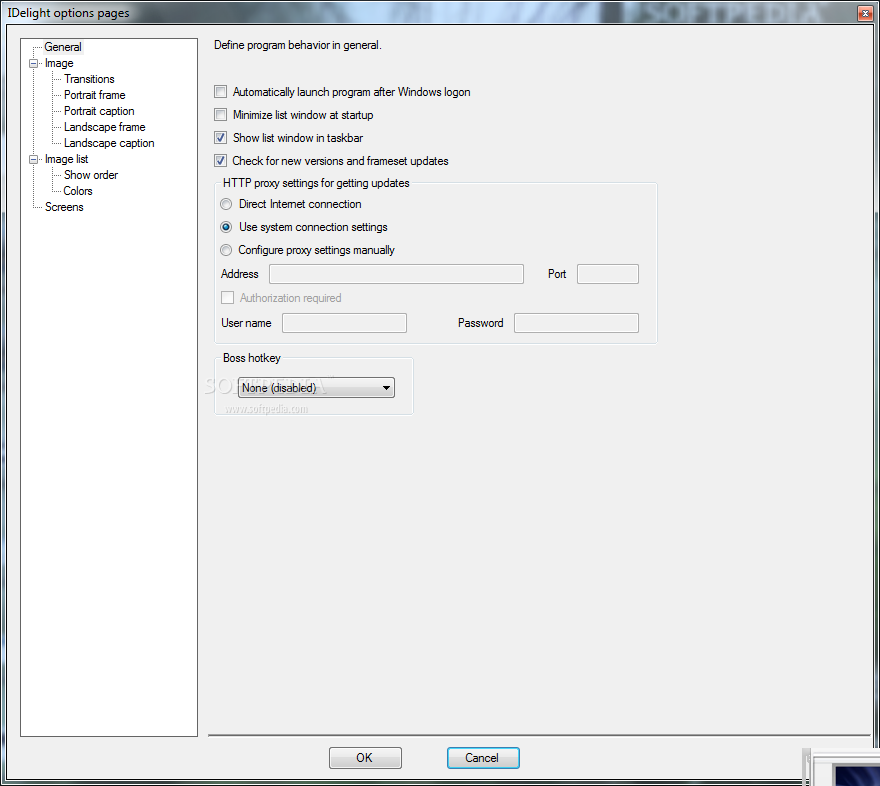
    · Mess with go/pause mode and autostart option is cleared out. "Autostart
    · show" option is deleted from "General" options page.
    · "Prior" and "Next" button logic is changed to loop through list.
    · Bug with total time remains untouched at status bar after default image
    · show time adjusted is fixed.
    · Default image title, when in image filename mode, is made to be shown
    · without extension.
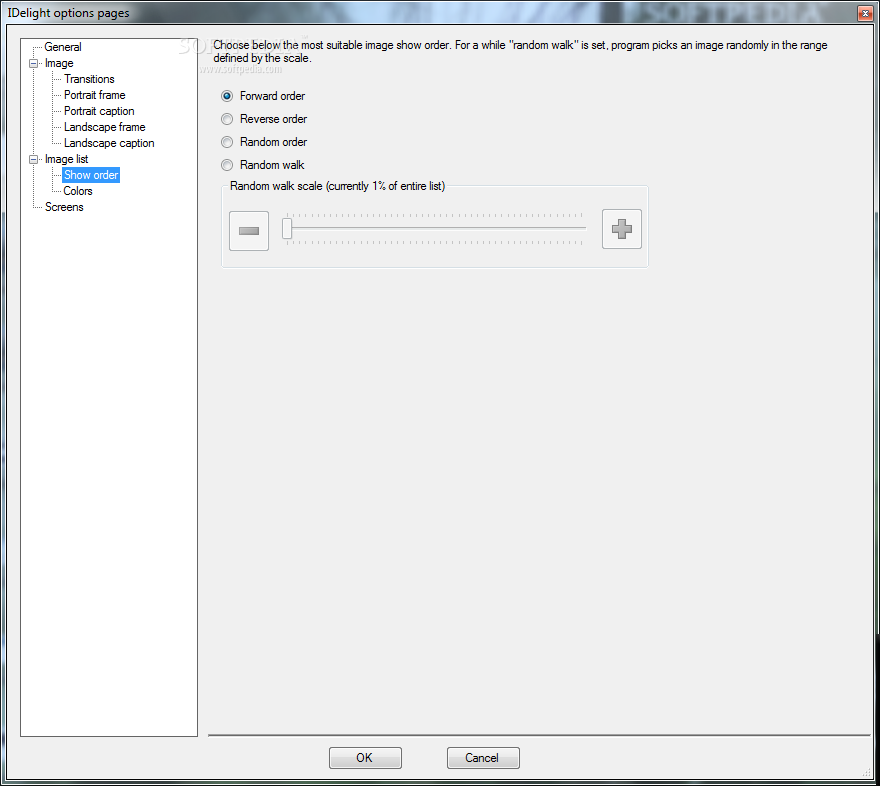
    · Program options page "Show order" is added. It introduces forward,
    · reverse and two random show orders controls.
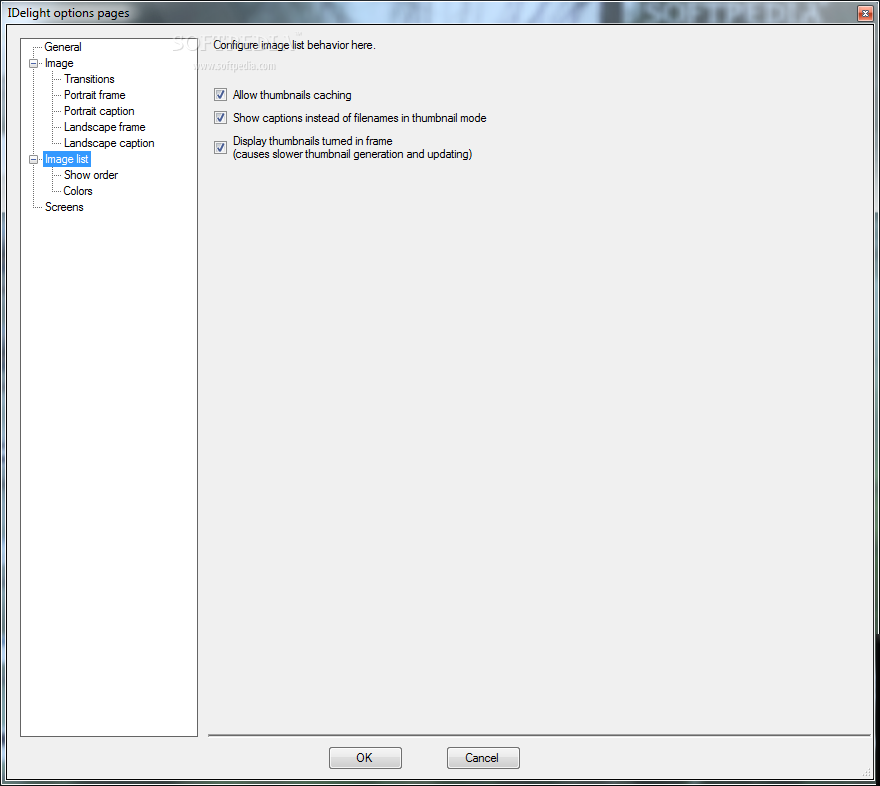
    · Program options page "Image list" is added. It includes new toggle
    · named "Show titles i...

     Softpedia guarantees that Desktop Picture Frame 4.0 is 100% CLEAN, which means it does not contain any form of malware, including spyware, viruses, trojans and backdoors. [read more >]


    TAGS:

    desktop slideshow | fade slideshow | display slideshow | slideshow | customize | display


    HTML code for linking to this page:


    Go to top

    Windows tabGames tabDrivers tabMac tabLinux tabScripts tabMobile tabHandheld tabGadgets tabNews tab

    SUBMIT PROGRAM   |   ADVERTISE   |   GET HELP   |   SEND US FEEDBACK   |   RSS FEEDS   |   ENTER NEWS SITE   |   ENGLISH BOARD   |   ROMANIAN FORUM