
Have your desktop adjusted as you wish, regardless of actual setup or settings, with this one-stop-shop for screen preference adjustment. #Desktop customizer #Wallpaper changer #Configure monitors #Wallpaper #Desktop #Screensaver

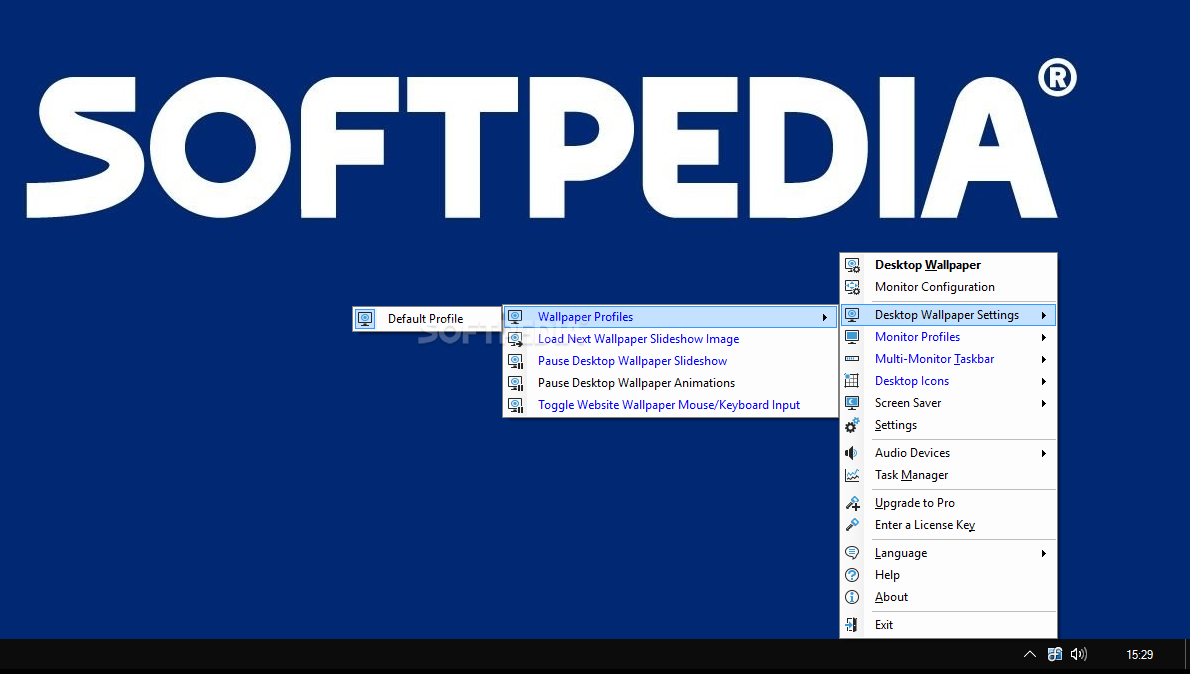
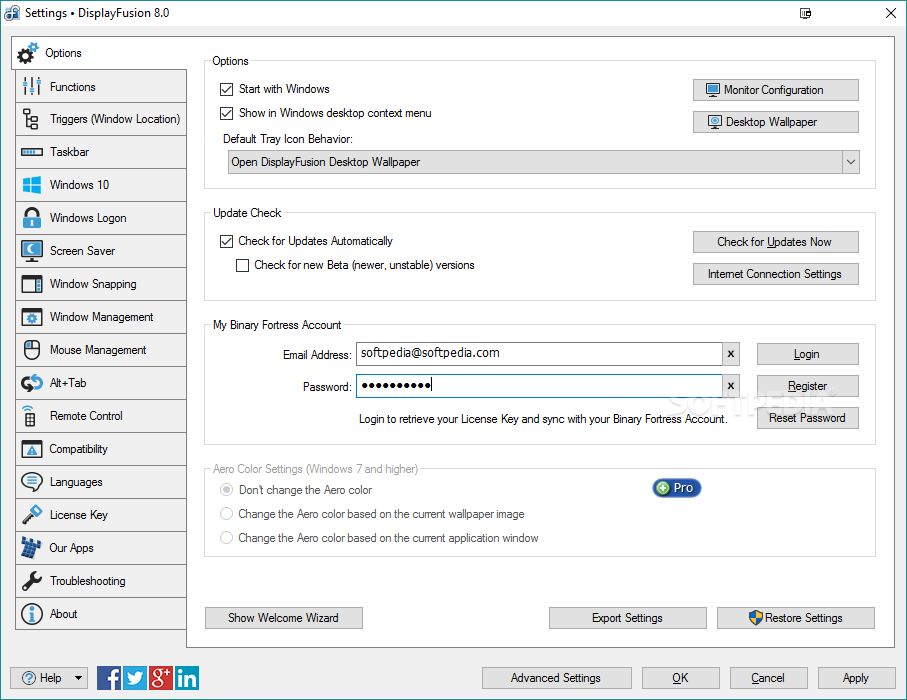
Dealing with intricate monitor settings and display adjustments can be confusing at times, if not irritating. DisplayFusion Pro is one solution to creating a simpler way to deal with these settings. This noninvasive tool will sit in the System Tray until you require its assistance. It won't bug you or ask you for various inputs. It's useful especially to users who don't have time to search and find all the individual desktop and monitor settings.
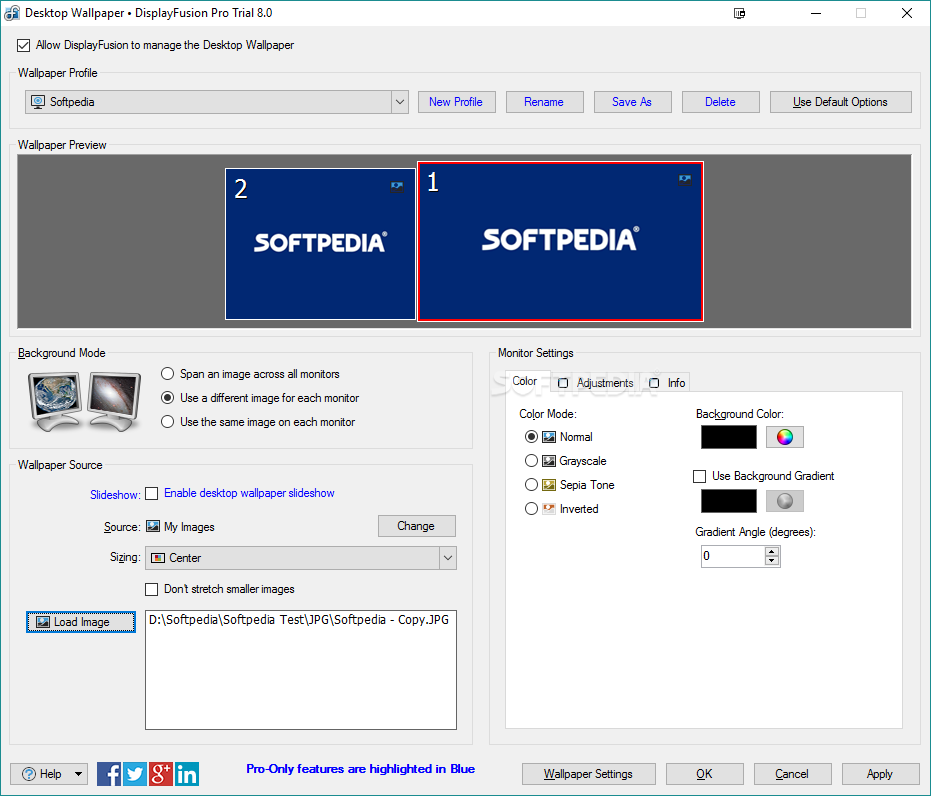
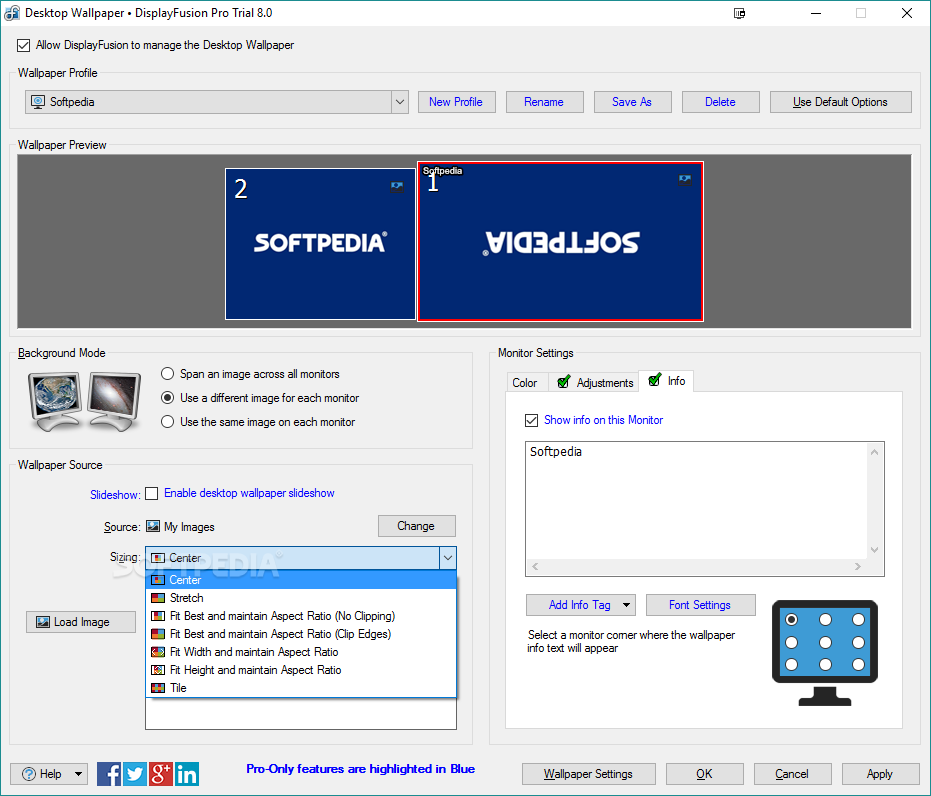
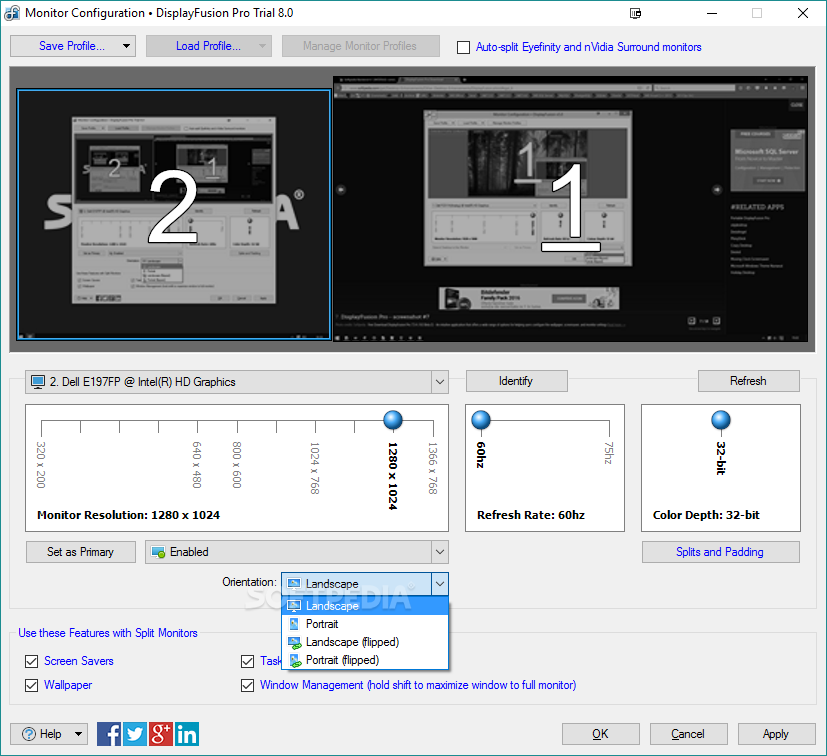
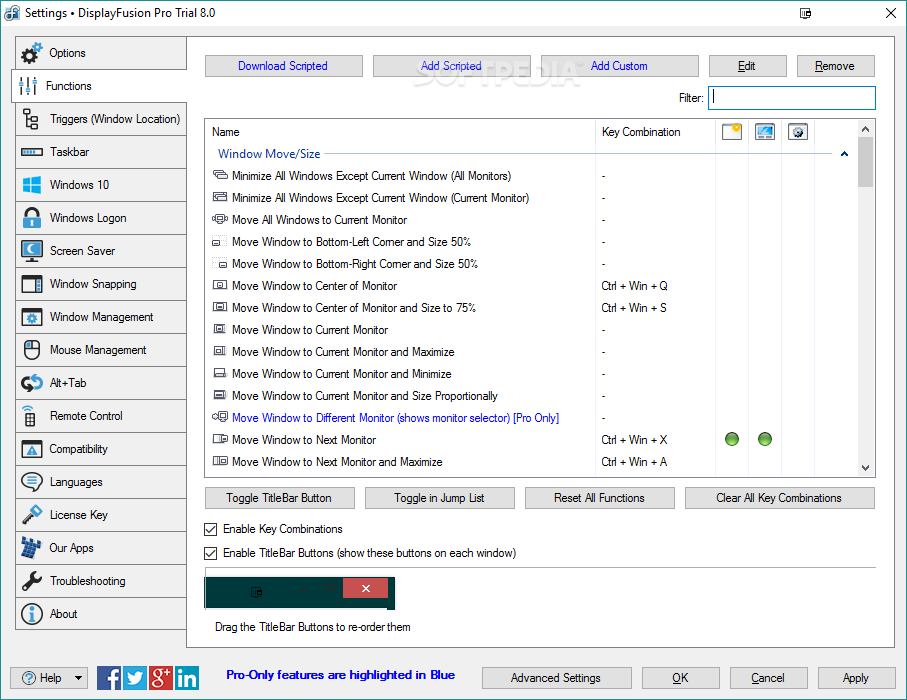
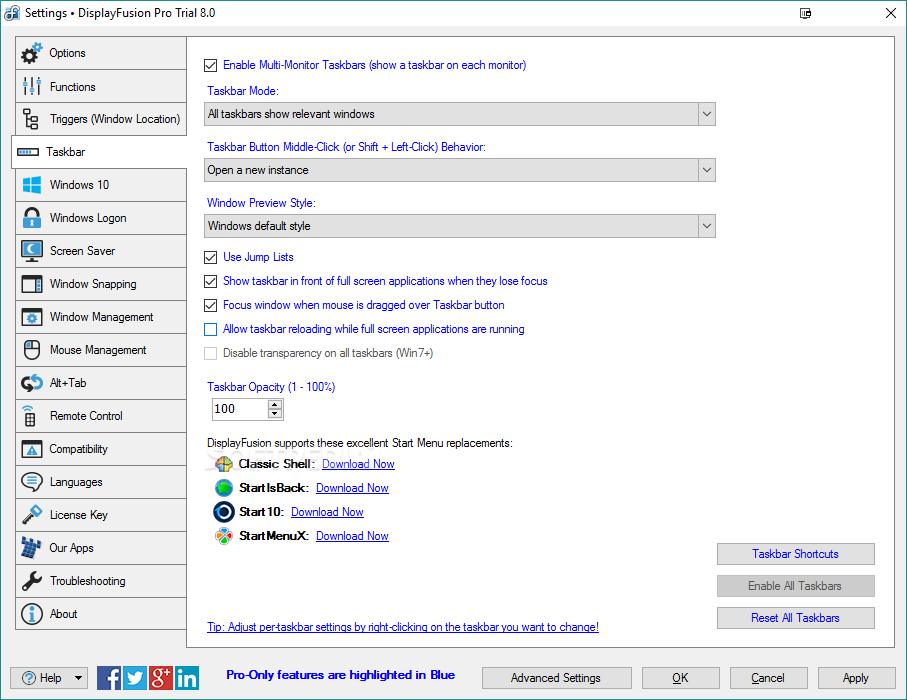
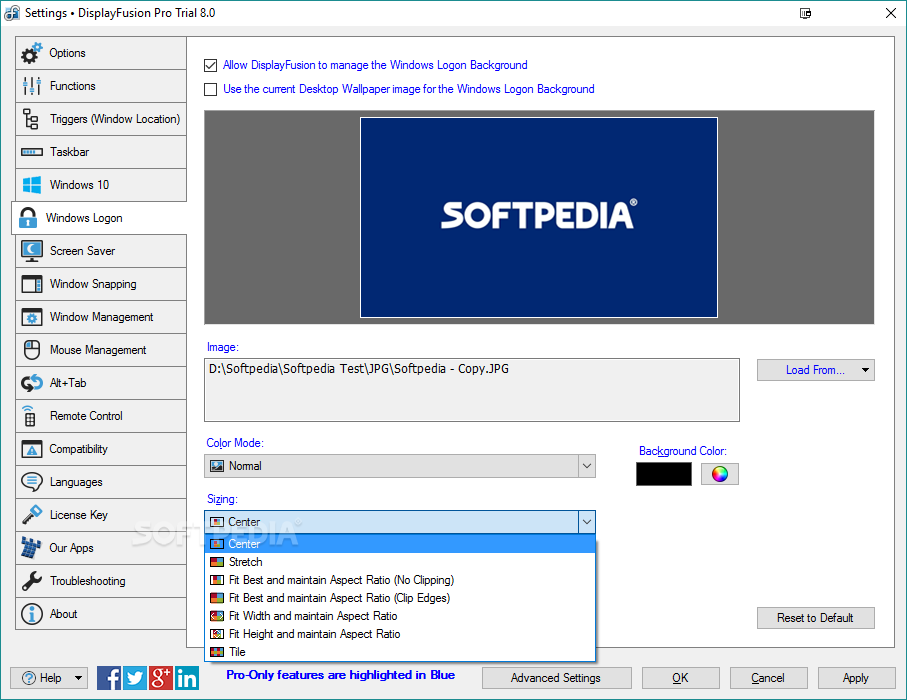
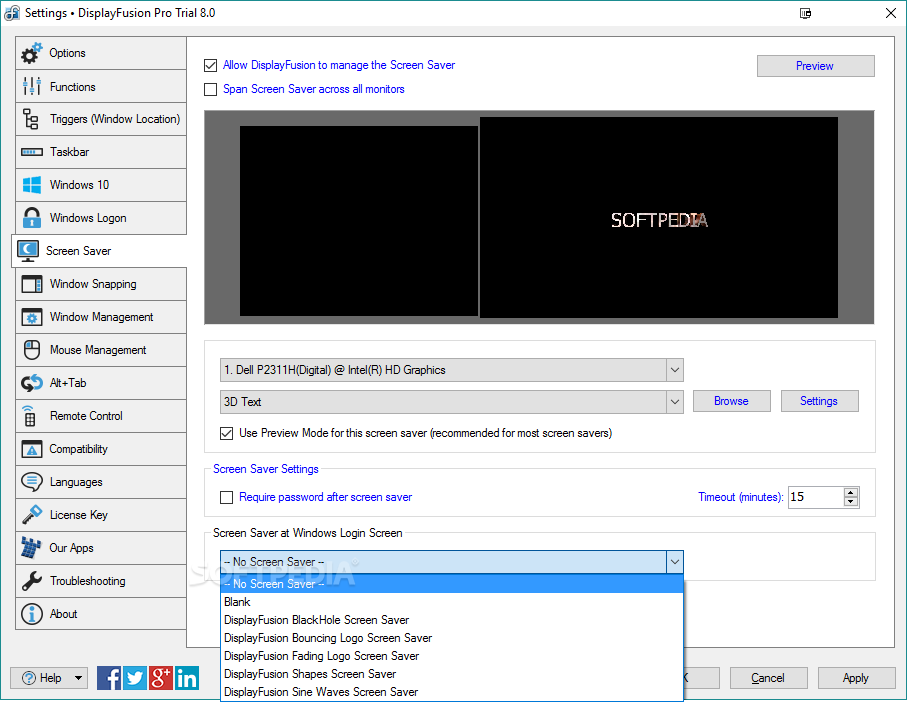
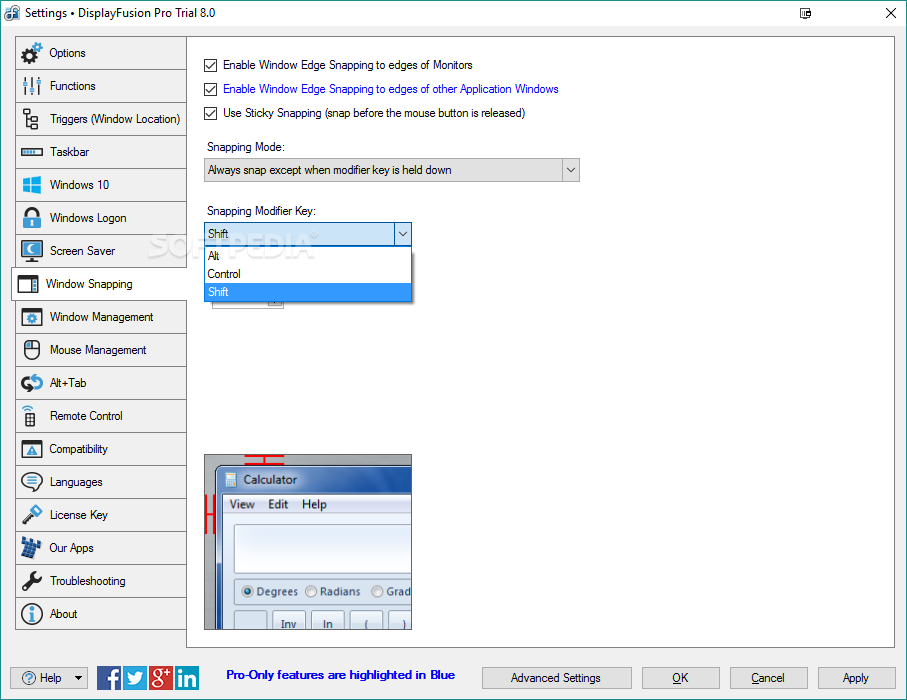
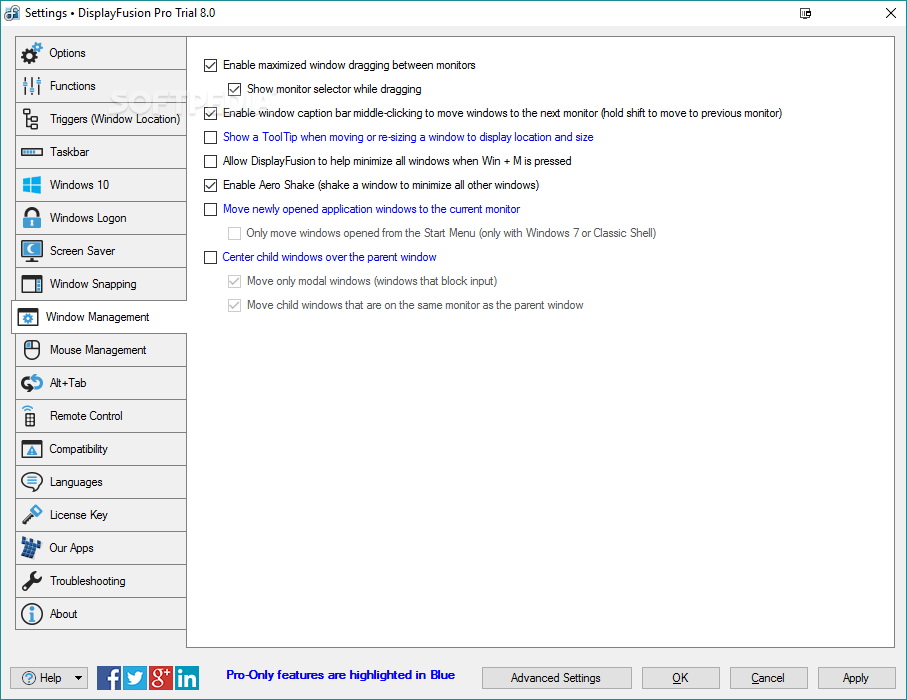
Right from the start, the user will be dealing with a simple System Tray option list. Adjust the desktop wallpaper. There are specific settings for multiple monitor setups. Adjust the way icons are displayed. Create monitor profiles for easy switching between multiple settings when the usage scenario becomes different.
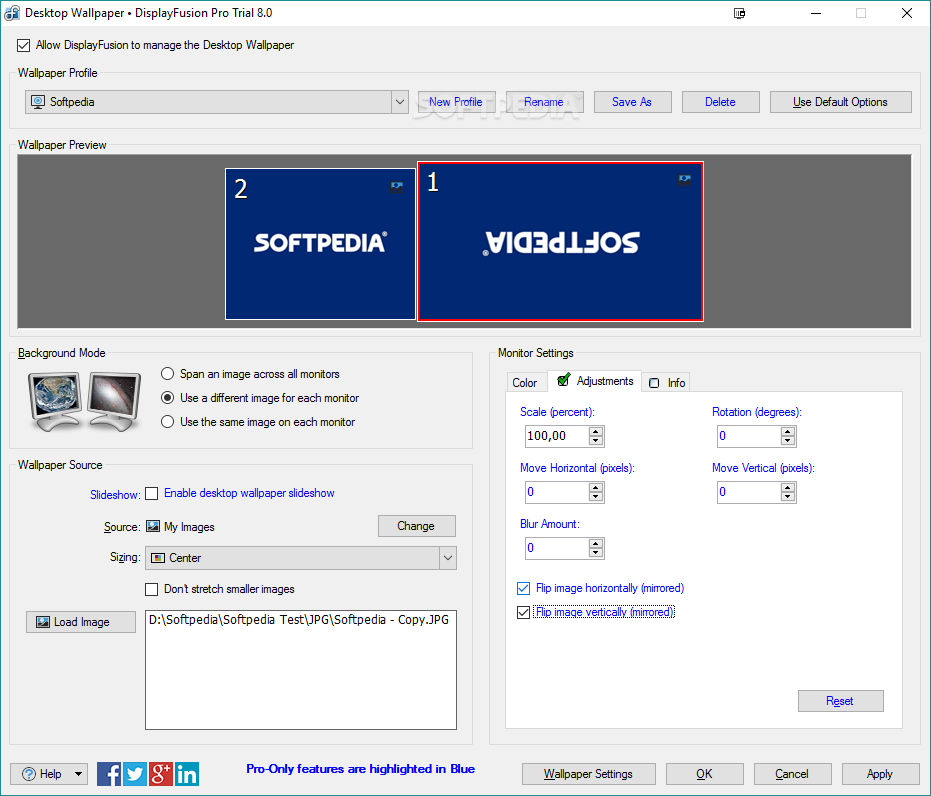
Word to the wise — if you want to fine-tune image positioning, have flipping and mirroring capabilities as well as blurring options, it would be in your best interest to purchase a Pro license key. If you can live without these more sophisticated features, the free version should be good enough.
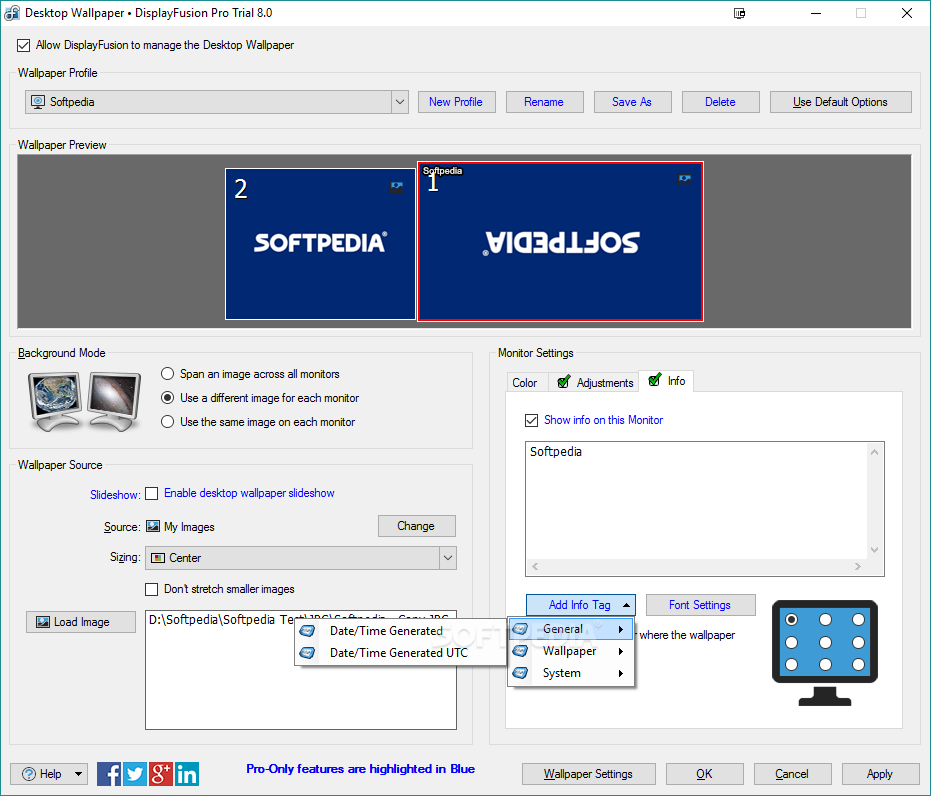
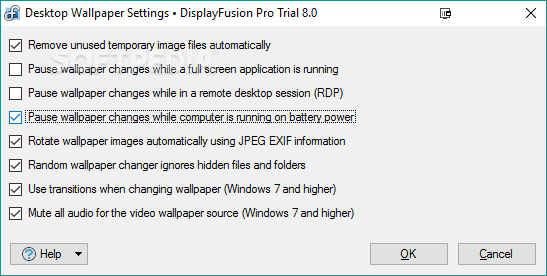
As if the first set of choices were not convincing enough, the application seems to be equipped with scenario-based settings for those users who'd like to test the app to its designed limit. As a result, depending on what you're looking for in this tool, you can opt for things like rotating wallpaper images for JPEG files containing EXIF information.
You can have wallpaper slideshows stop when your laptop's battery is running low. Unused temporary image files can be automatically deleted, thus making room for even more desktop adjustments. The animated wallpapers can also be set to not run when a full-screen program or game has been launched.
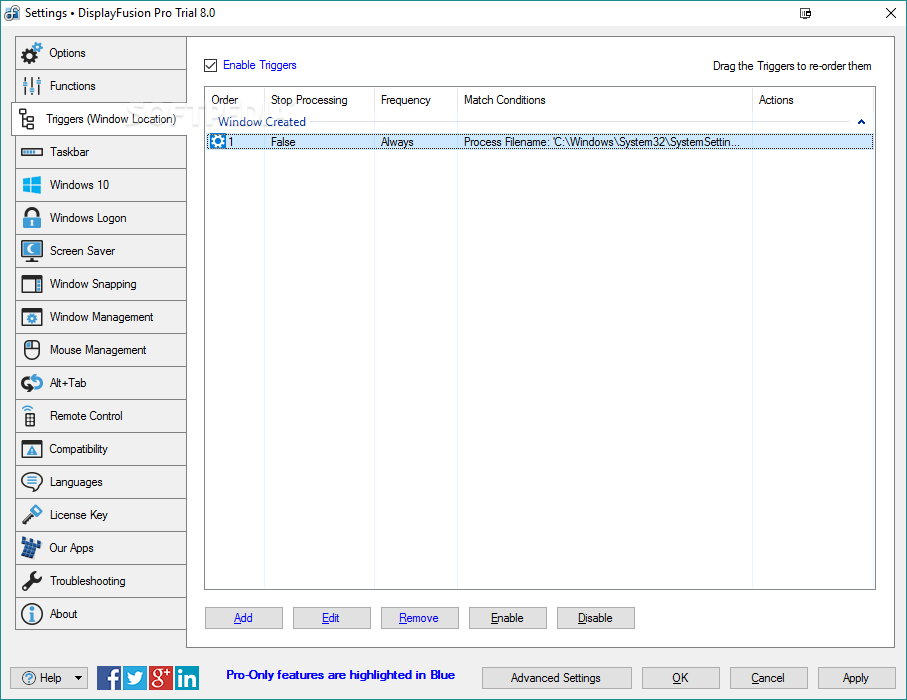
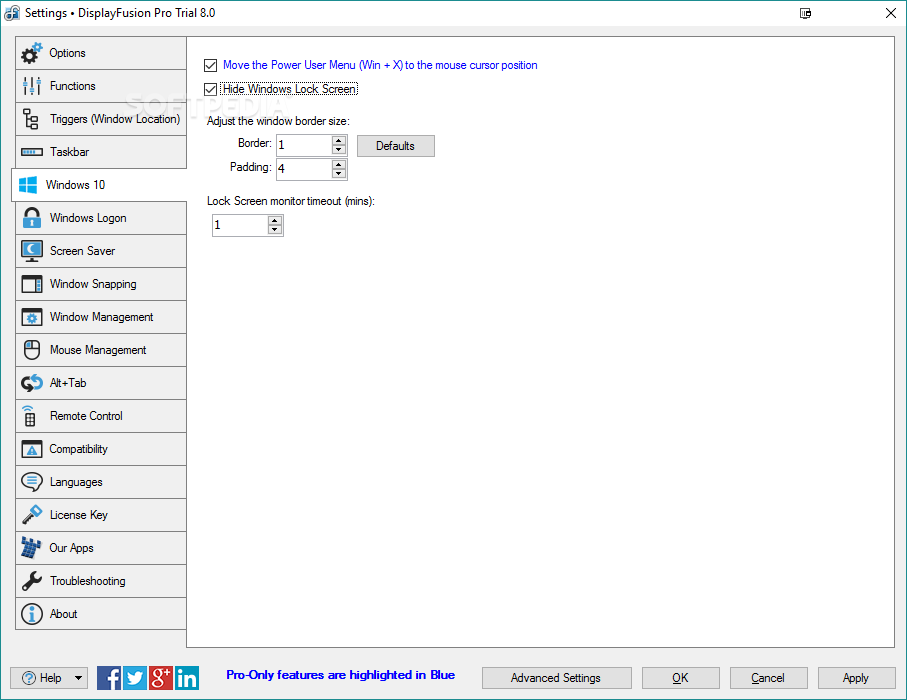
DisplayFusion Pro seems to be a tool designed for users who desire to have more options for tuning their machine's desktop and who subsequently don't want to waste too much time discovering the settings they need in intricately confusing menus.
What's new in DisplayFusion Pro 11.0 Beta 4:
- Change: Added a "Restart Explorer" button to the Troubleshooting tab
- Change: You can now select multiple Custom or Scripted Functions to delete simultaneously
- Fix: Monitor Config now sets active signal resolution
- Fix: Added a fallback for Windows monitor ID if duplicate monitor IDs are detected
DisplayFusion Pro 10.1.2 / 11.0 Beta 4
 Softpedia Editor's Pick
add to watchlist
add to download basket
send us an update
REPORT
Softpedia Editor's Pick
add to watchlist
add to download basket
send us an update
REPORT
- portable version
- Portable DisplayFusion Pro
- runs on:
-
Windows 11
Windows Server 2022
Windows Server 2019
Windows Server 2016
Windows 10 32/64 bit
Windows 8 32/64 bit
Windows 7 32/64 bit - file size:
- 29.7 MB
- filename:
- DisplayFusionSetup-10.1.2.exe
- main category:
- Desktop Enhancements
- developer:
- visit homepage
Microsoft Teams

calibre

7-Zip

Context Menu Manager

Zoom Client

ShareX

IrfanView

Windows Sandbox Launcher

4k Video Downloader

Bitdefender Antivirus Free

- Windows Sandbox Launcher
- 4k Video Downloader
- Bitdefender Antivirus Free
- Microsoft Teams
- calibre
- 7-Zip
- Context Menu Manager
- Zoom Client
- ShareX
- IrfanView