
You can use this efficient and reliable software solution to manage multiple display configurations, saving valuable effort in the process. #Desktop customizer #Wallpaper changer #Configure monitors #Wallpaper #Desktop #Screensaver

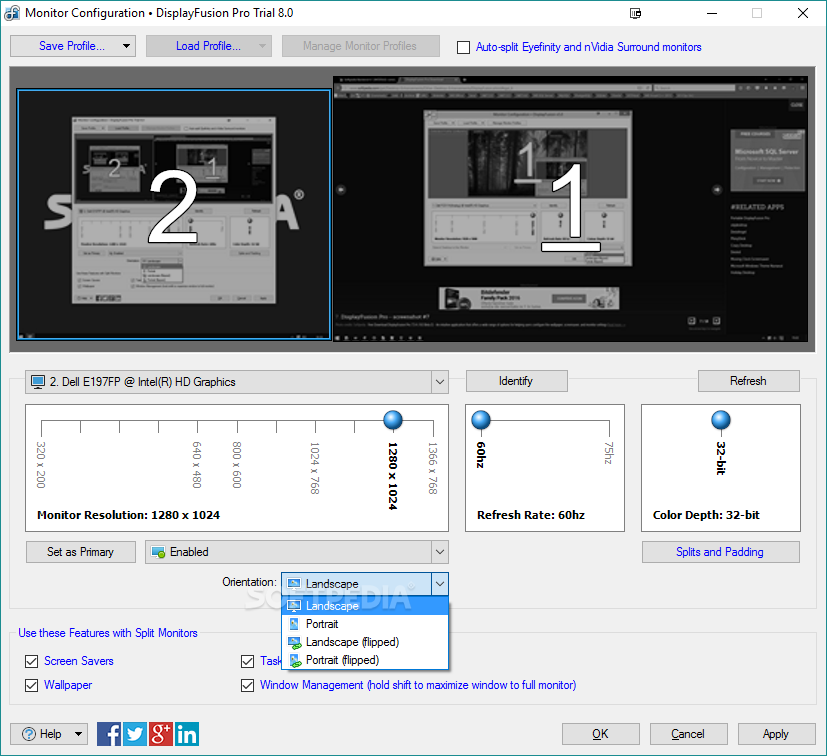
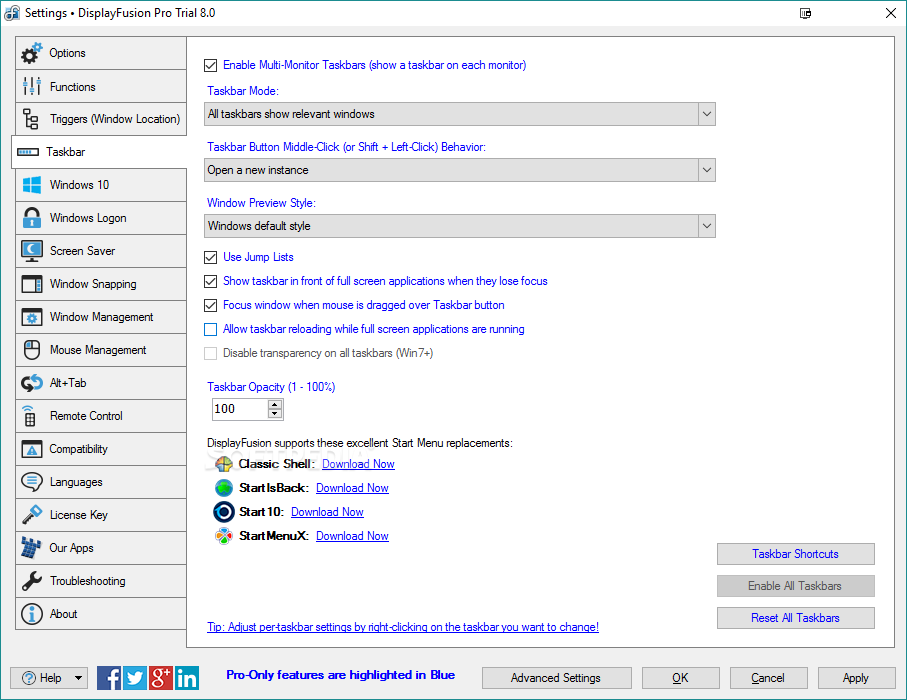
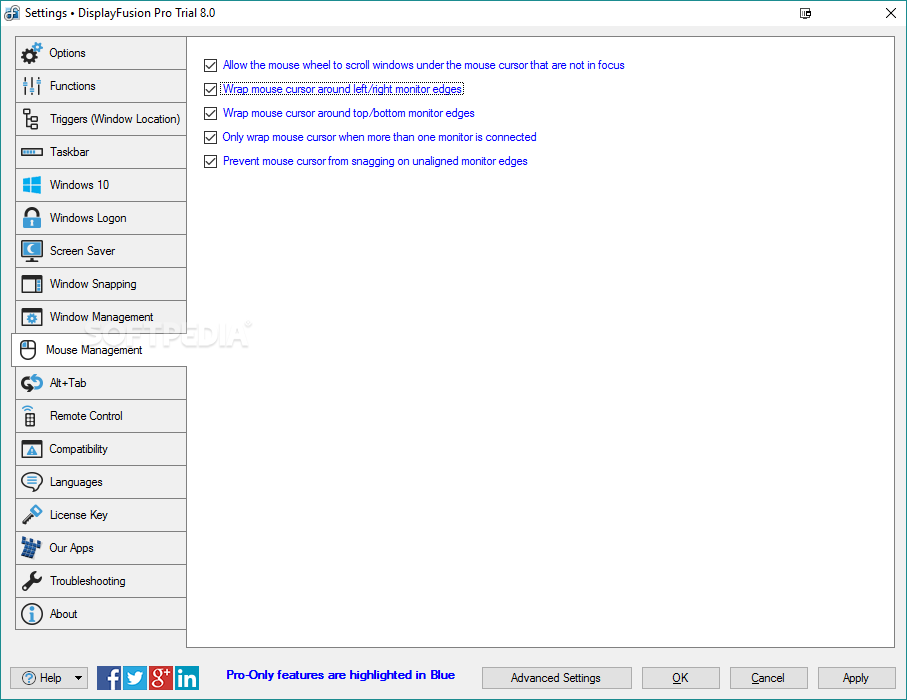
The taskbar is the area from where all your active processes can be selected, minimized to, maximized, and pinned. If your taskbar is constantly full and icons are overlapping, there is a way to take a bit of pressure off. Portable DisplayFusion Pro is a smart program that adds a taskbar to each secondary monitor, causing them to act just as the main display screen, and that's not the only thing it can do.
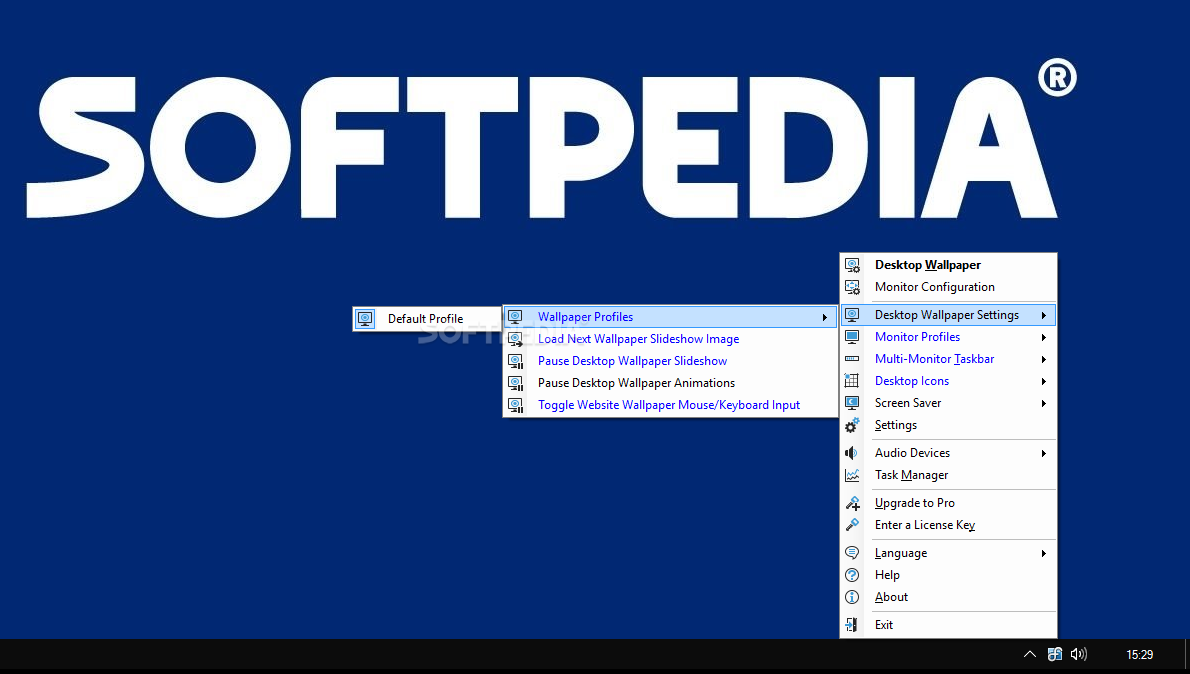
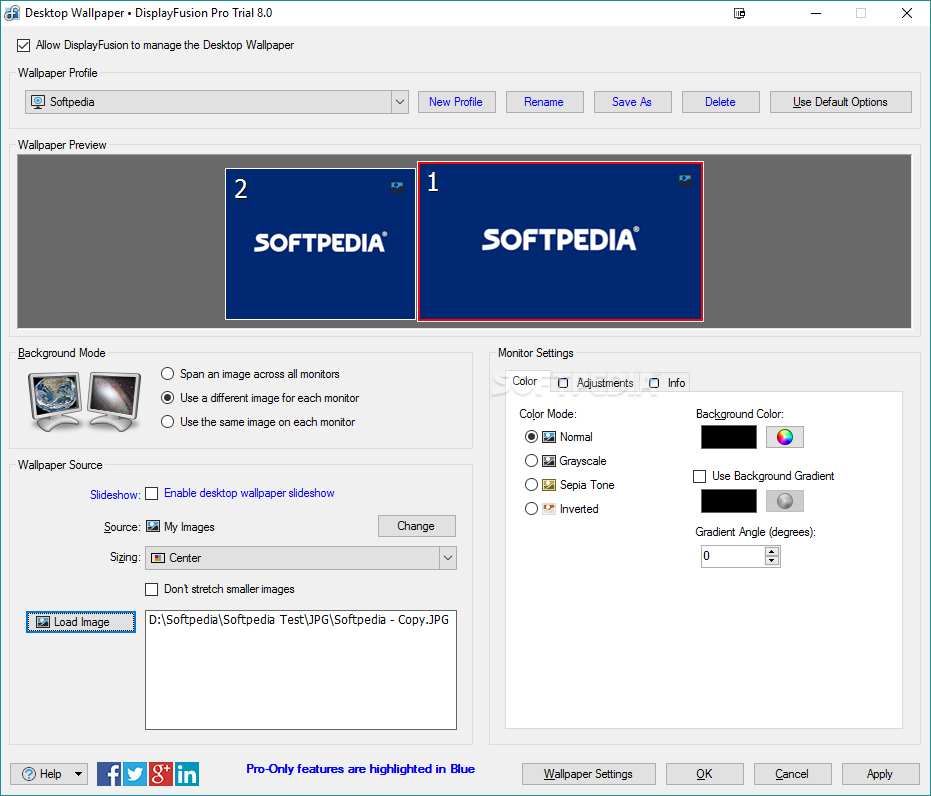
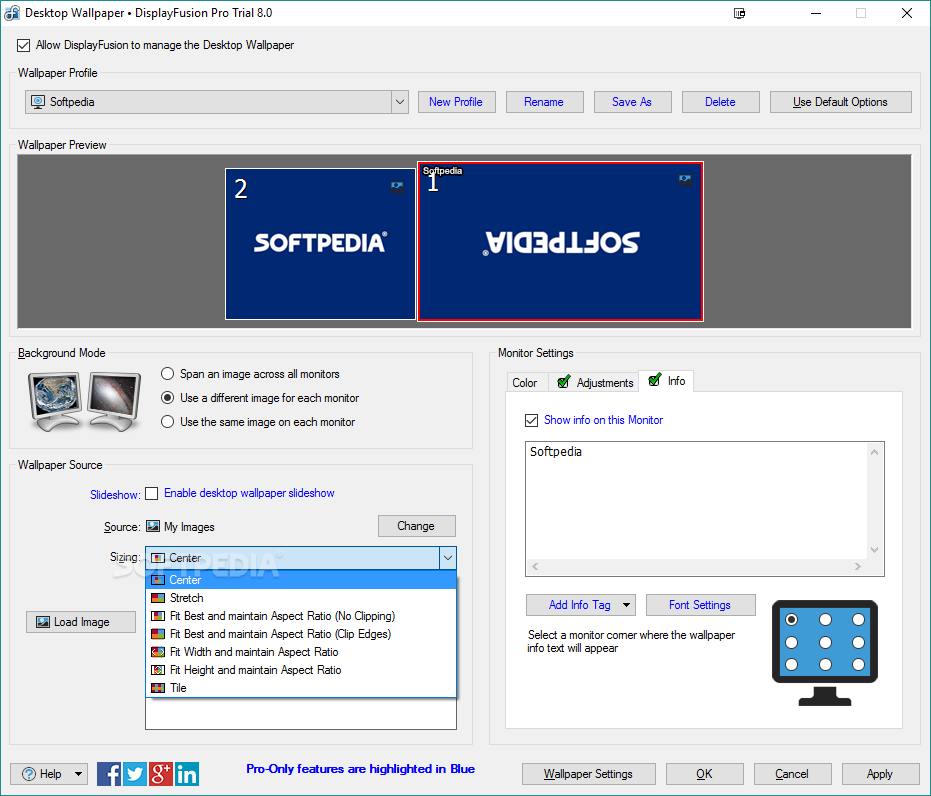
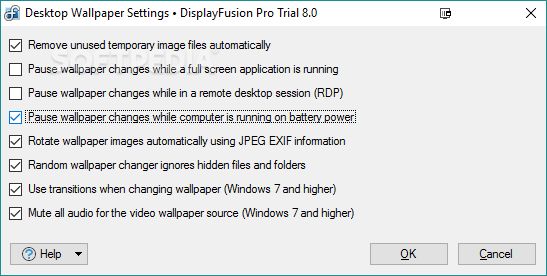
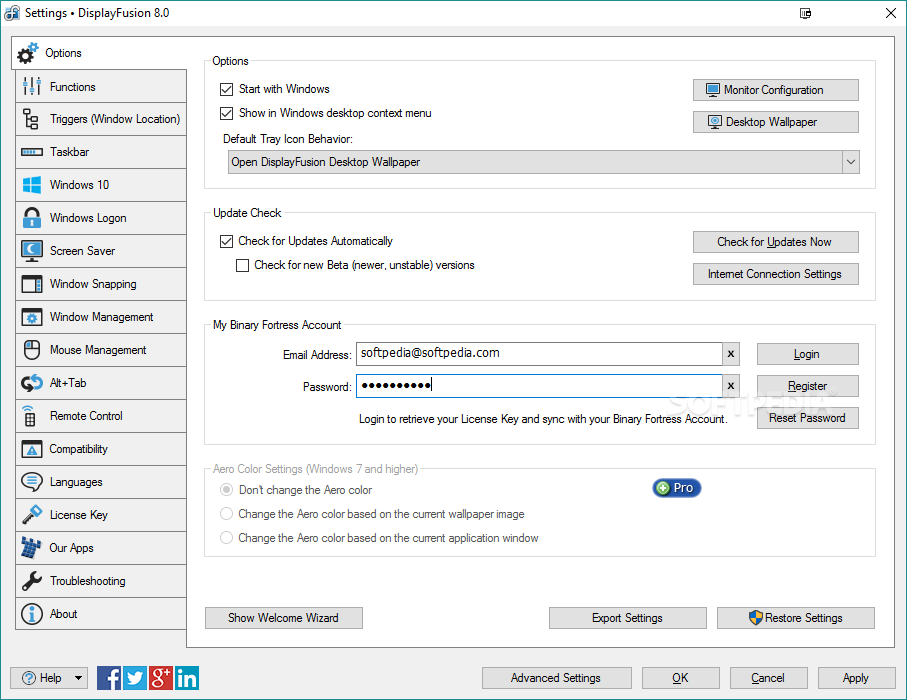
The taskbar is not this app's only focus. Among its plethora of features, one can choose to set up different wallpapers for each monitor in particular. To do that, you must right-click the system tray icon and open the Desktop wallpaper menu. Within that menu, you'll find a preview for all your already identified monitors.
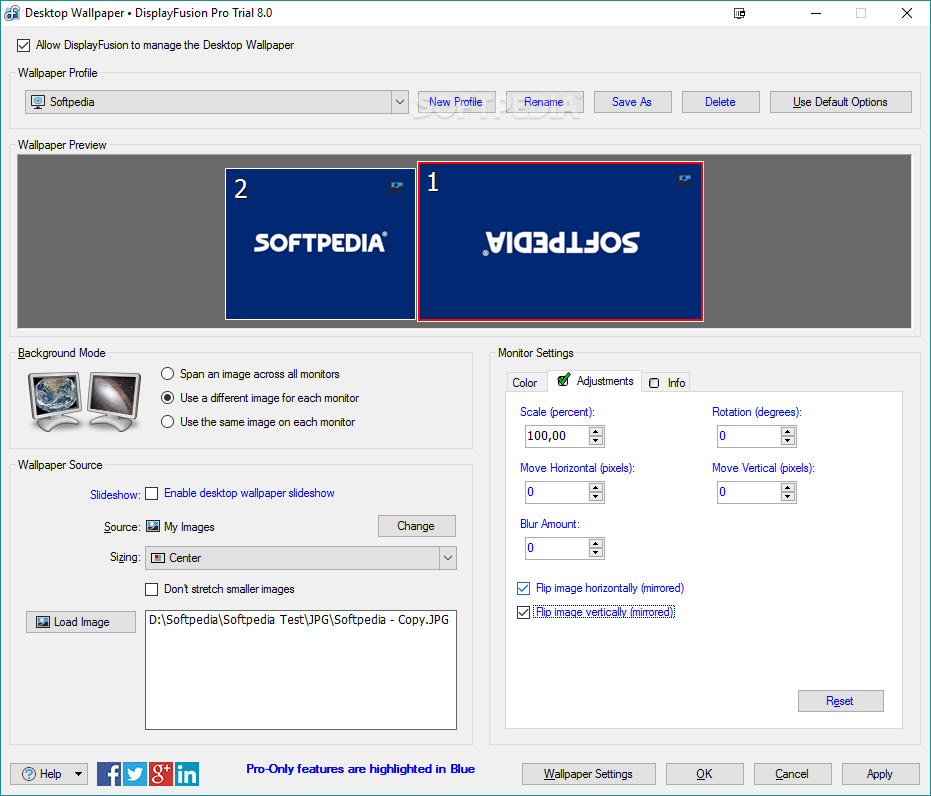
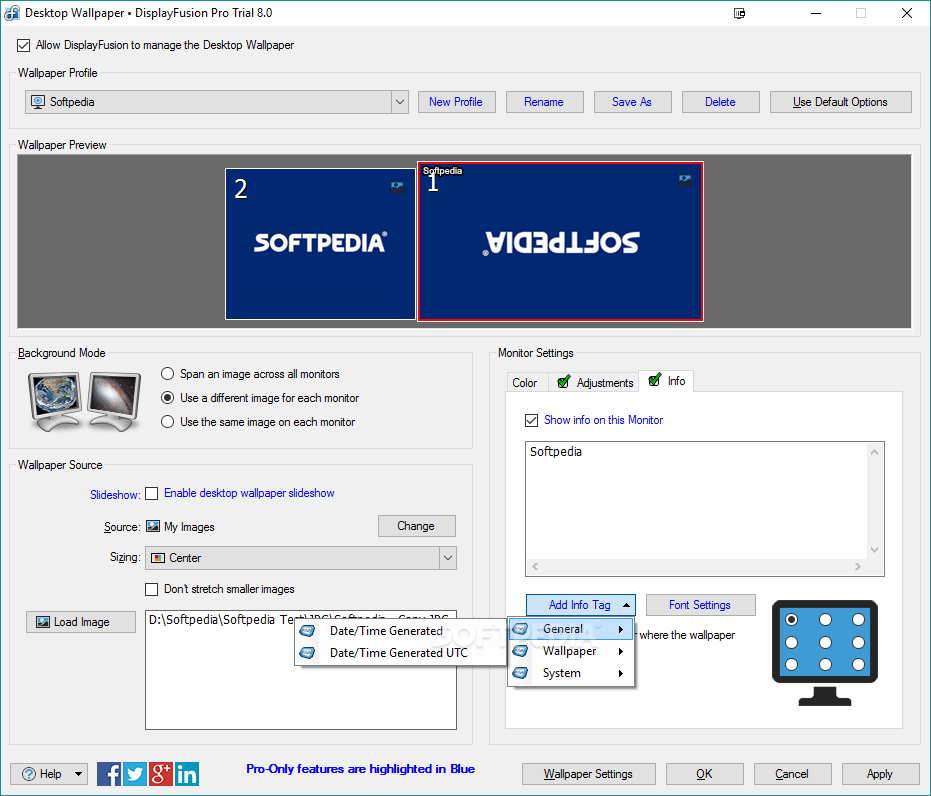
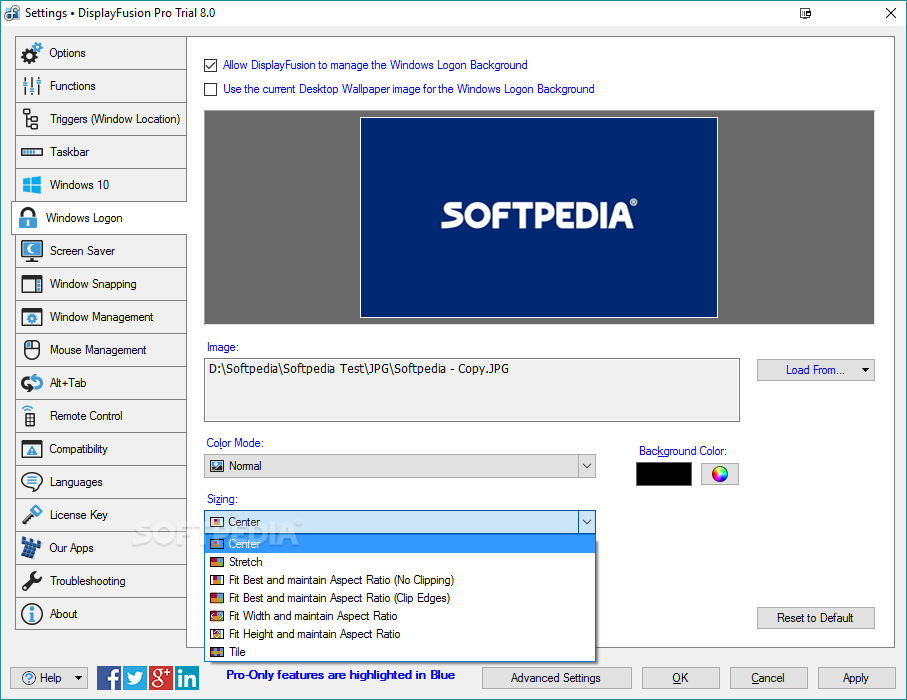
You can set up background images by pasting an image directly from a clipboard or manually selecting its sources. Moreover, you can opt to share a wallpaper between two screens, change the color modes for each particular monitor or apply different adjustments like vertical or horizontal flipping, rotation, and scale percentage.
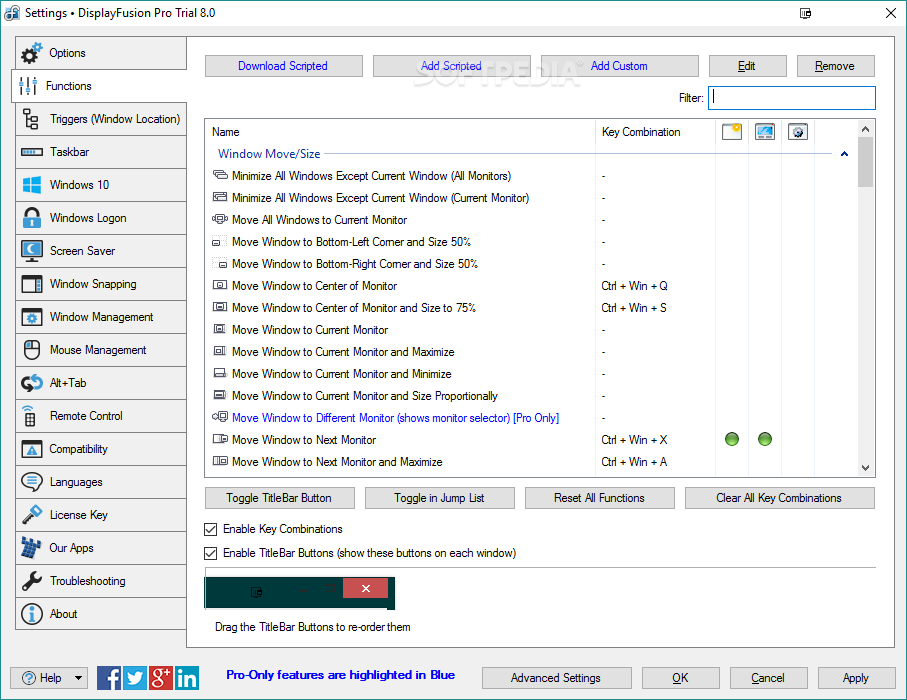
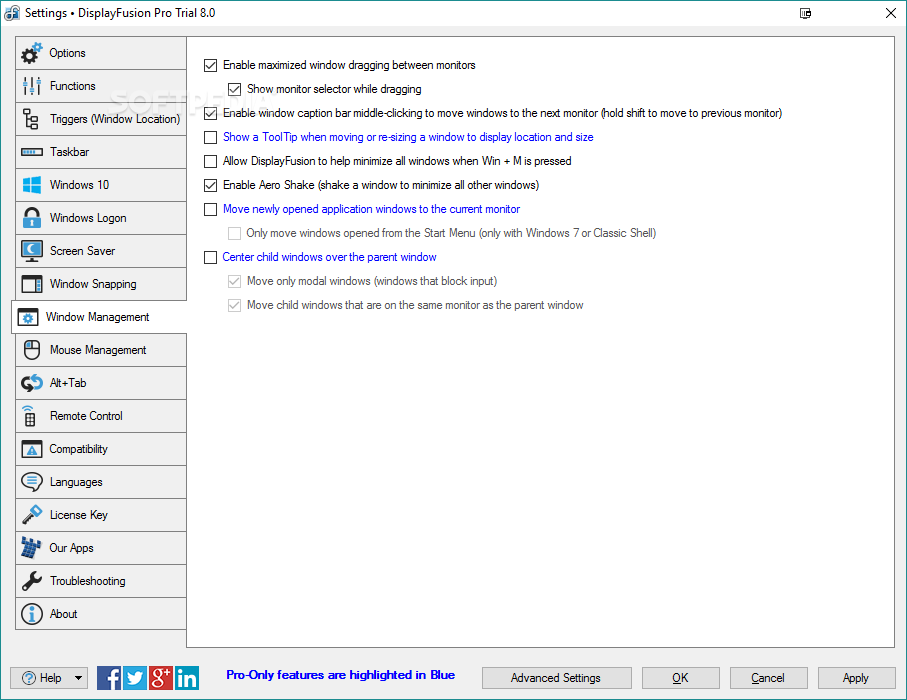
Running the application will cause a new icon to appear in all opened windows. That will be placed near the minimize/restore/close shortcuts, and will allow one to move any windows to the next monitor in line, along with its taskbar icon. This is a very handy method of moving tabs throughout your screens, especially if they are not placed in a perfect line, sparing you the drag and drop action.
The whole package is portable, meaning that you can copy all its contents on a USB removable drive and have it ready each time you need its services.
All things considered, Portable DisplayFusion Pro transforms your multi-monitor setup into a powerhouse. The extended taskbar functionality, freedom of choosing and experimenting with wallpapers, and quick transitioning feature make this app a must for any individuals tired of overlapped, over cumbering processes and windows.
What's new in Portable DisplayFusion Pro 11.0 Beta 4:
- Change: Added a "Restart Explorer" button to the Troubleshooting tab
- Change: You can now select multiple Custom or Scripted Functions to delete simultaneously
- Fix: Monitor Config now sets active signal resolution
- Fix: Added a fallback for Windows monitor ID if duplicate monitor IDs are detected
Portable DisplayFusion Pro 10.1.2 / 11.0 Beta 4
add to watchlist add to download basket send us an update REPORT- portable version
- This is the portable version of the application. An installable version is also available: DisplayFusion Pro
- runs on:
-
Windows 11
Windows Server 2022
Windows Server 2019
Windows Server 2016
Windows 10 32/64 bit - file size:
- 76.9 MB
- filename:
- DisplayFusion-10.1.2-x64.zip
- main category:
- Desktop Enhancements
- developer:
- visit homepage
Zoom Client

Windows Sandbox Launcher

4k Video Downloader

Bitdefender Antivirus Free

Context Menu Manager

calibre

Microsoft Teams

ShareX

IrfanView

7-Zip

- ShareX
- IrfanView
- 7-Zip
- Zoom Client
- Windows Sandbox Launcher
- 4k Video Downloader
- Bitdefender Antivirus Free
- Context Menu Manager
- calibre
- Microsoft Teams