
Refresh the sound scheme in the operating system with audio packages from various users that feature different sounds for for different actions or alerts. #Sound package #Sound theme #Assign sound #Customization #Customize #Assignment
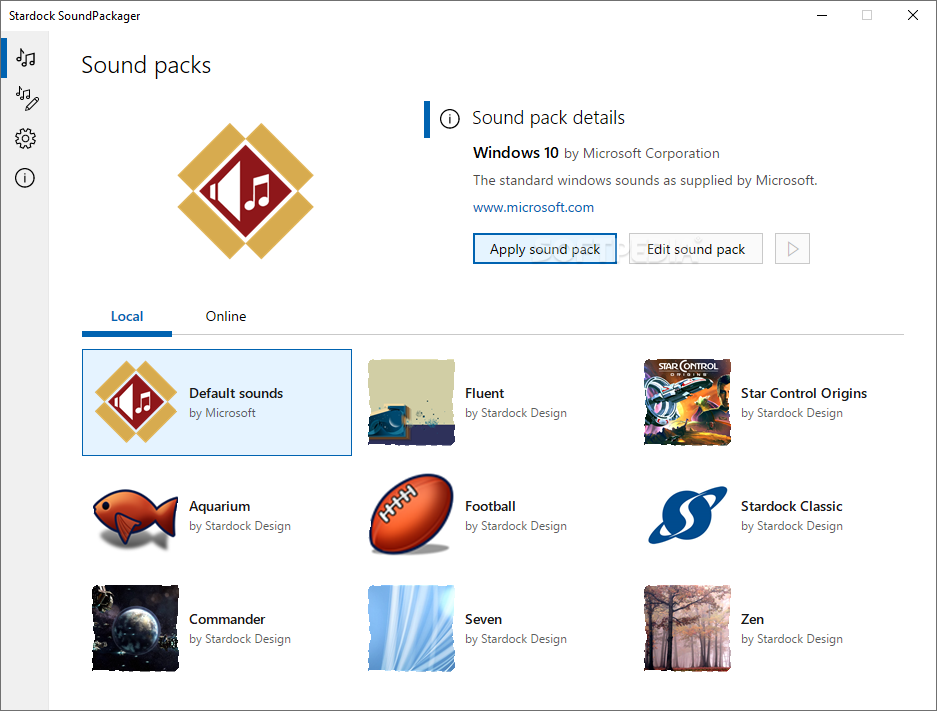
Customization of the operating system has always been desirable but most modifications touch on the visual part. Stardock’s SoundPackager on the other hand, provides plenty of options for changing the sound scheme.
Installing the product is not a tough job it is does not take long for the process to reach an end. Looks bear the marks of a Stardock product, as a clean interface with beautifully designed icons welcomes you.
SoundPackager includes a few sound schemes that can be applied with a single click. Before making the changes there is the possibility to listen to each of the sounds and check the action they are assigned for.
Applying one of the audio packages is simple and in case you want to revert to the system default default the program includes Windows’ own scheme, too.
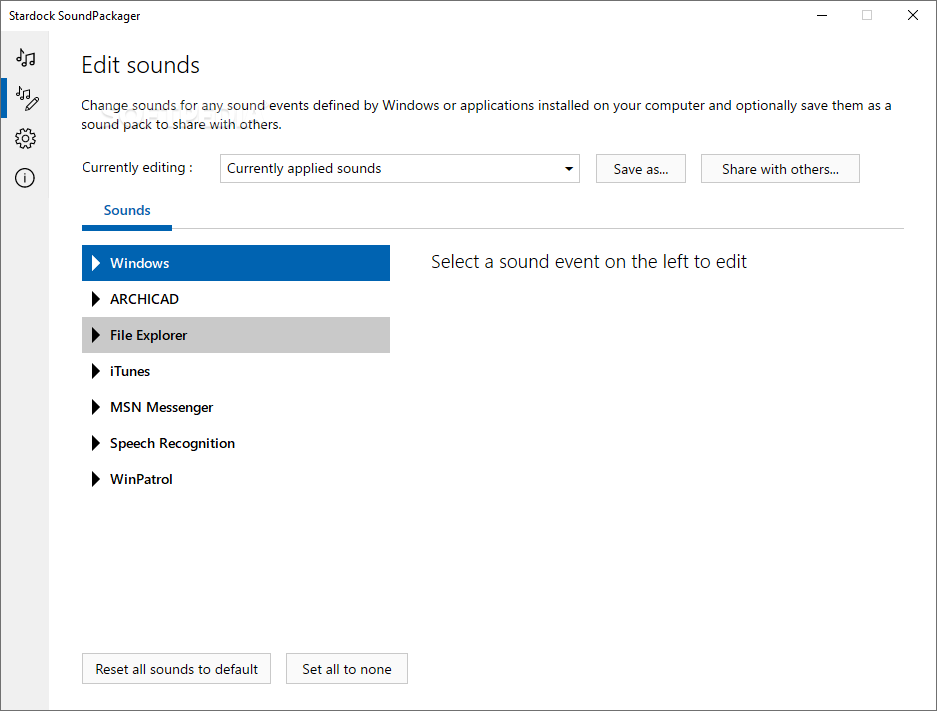
Although there is a predefined set of audio themes it can be enriched with WAV files of your own and assigned for different actions.
The packages included with the application are pretty cool and refreshing but for those that get bored easily the developer offers a plentiful repository with sound schemes created by various users. These can be imported in SoundPackager and customized.
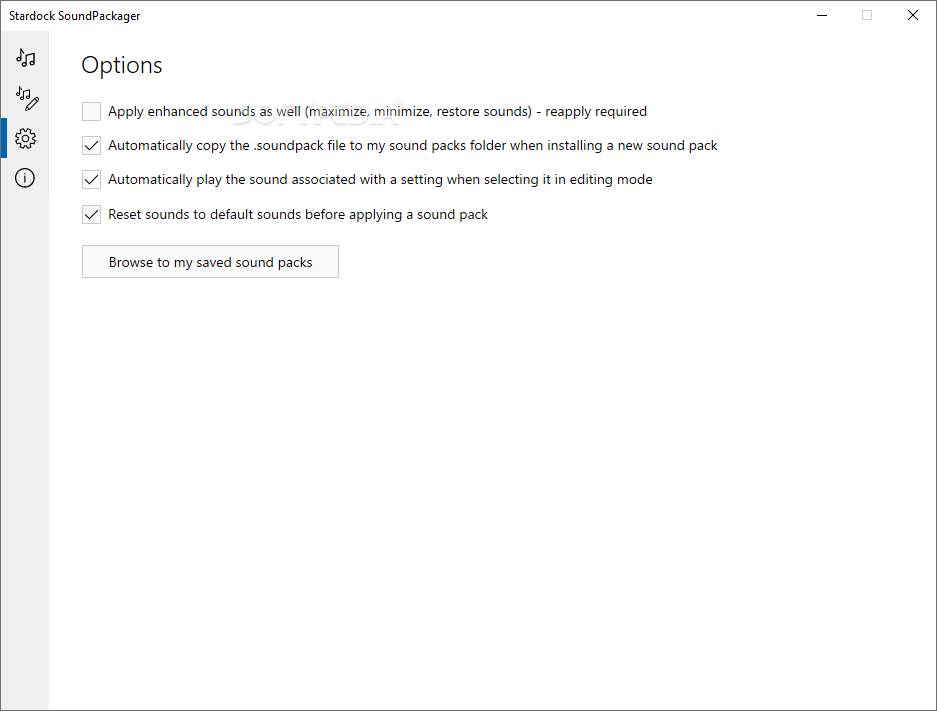
There isn’t too much to tinker with in SoundPackager but you can set a different storage location for the loaded sound bundles and enable the possibility to backup the current scheme before applying it.
The application is very easy to use and thanks to the rich repository on the developer’s website there’s little chance to get bored. More than this, you can add more audio files in order to make sure that each action benefits from its own sound.
SoundPackager 10.0
add to watchlist add to download basket send us an update REPORT- runs on:
-
Windows 10 32/64 bit
Windows 2003
Windows 8 32/64 bit
Windows 7 32/64 bit - file size:
- 50.9 MB
- filename:
- SoundPackager10_setup.exe
- main category:
- Desktop Enhancements
- developer:
- visit homepage
Windows Sandbox Launcher

7-Zip

IrfanView

Context Menu Manager

Zoom Client

ShareX

Microsoft Teams

4k Video Downloader

calibre

Bitdefender Antivirus Free

- 4k Video Downloader
- calibre
- Bitdefender Antivirus Free
- Windows Sandbox Launcher
- 7-Zip
- IrfanView
- Context Menu Manager
- Zoom Client
- ShareX
- Microsoft Teams