
Create multiple virtual desktops containing shortcuts to all types of files or directories, in order to ease your work and organize information easier. #Multiple desktop #File organizer #Create workspace #Workspace #Organizer #Shortcut

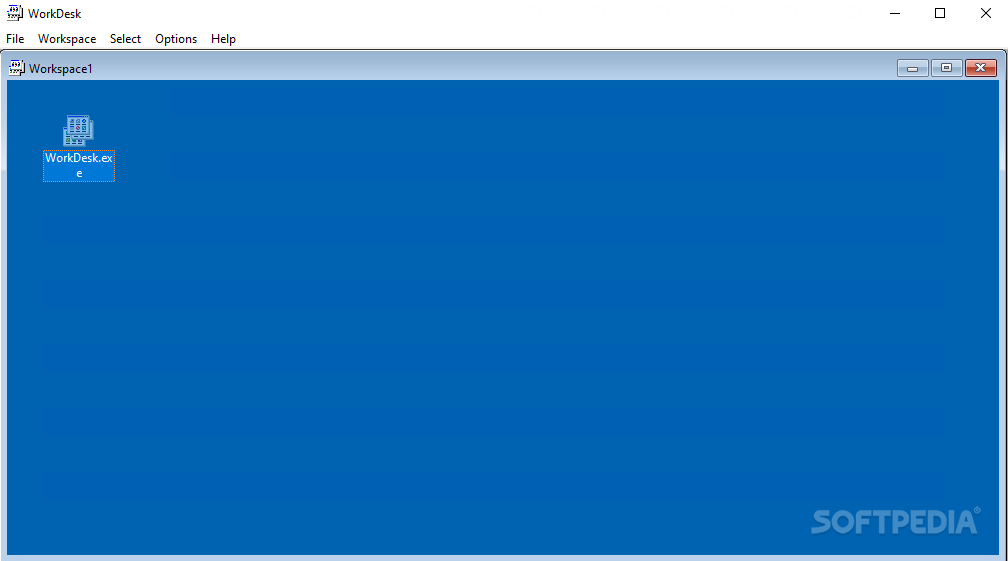
WorkDesk aims to improve your workflow by providing a convenient way to organize your files, while also keeping the computer's desktop free of unnecessary shortcuts.
WorkDesk allows the creation of multiple virtual working spaces, each containing shortcuts pointing to all sorts of files in your computer. This way, you can build a workspace for each of your projects, without having to search the files you need on the hard drive or amongst dozens of shortcuts on the desktop.
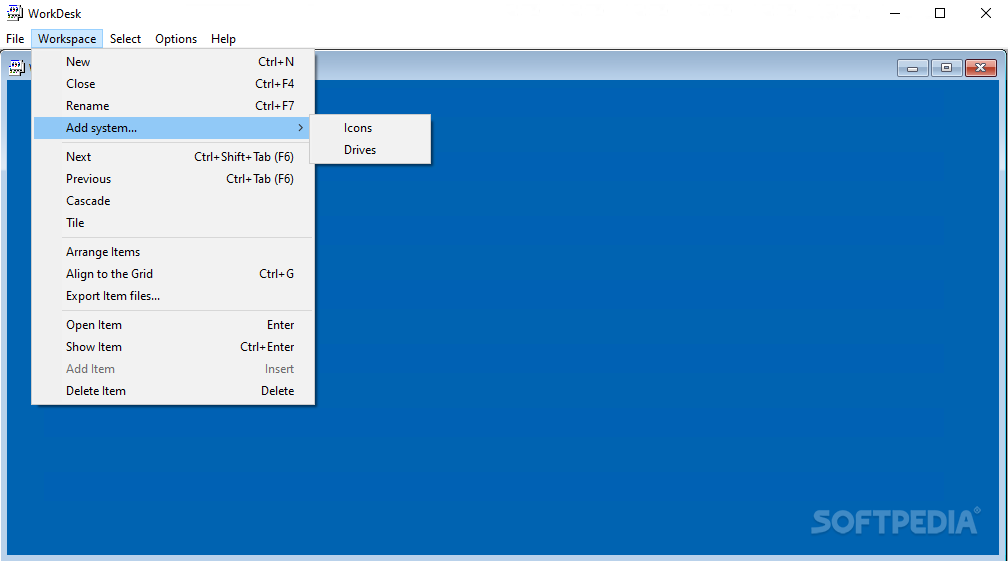
Workspaces appear as new windows embedded inside the main interface of WorkDesk. You can instruct the application to display them as tiles or in cascade, whichever mode you feel more comfortable with.
Each workspace can be assigned a custom name for easier and faster identification. Items within them can be arranged or aligned to the grid and you can open their original location with just a few clicks.
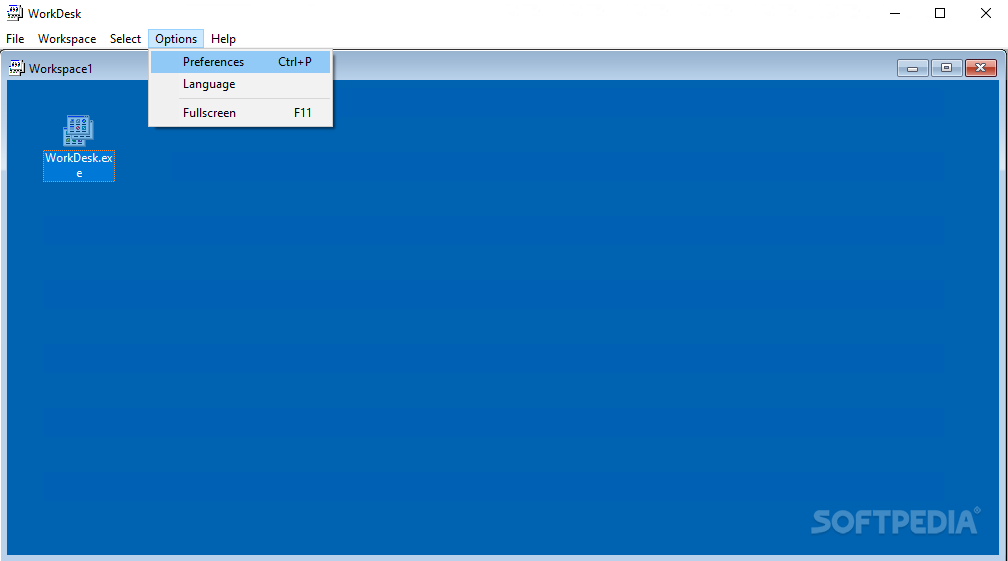
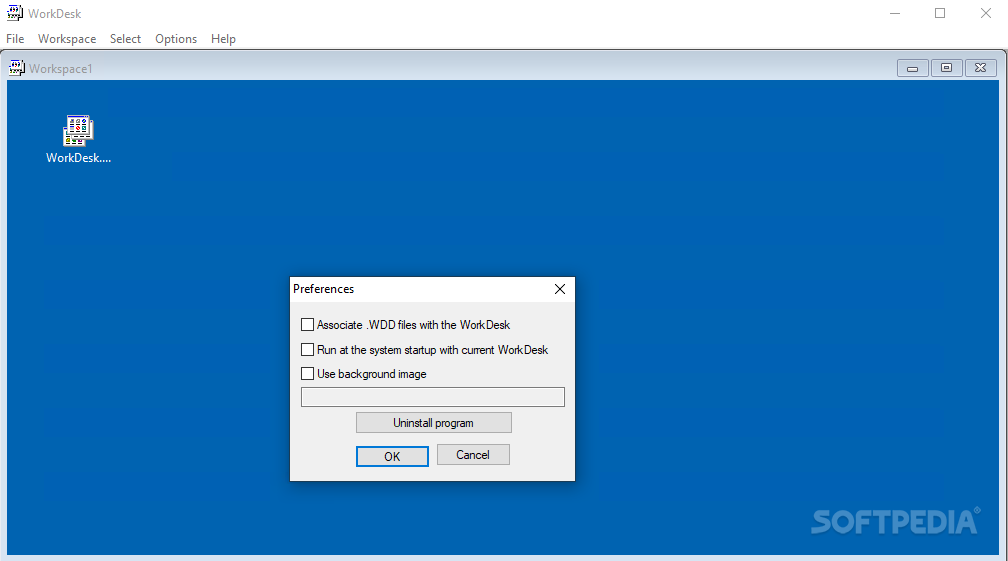
You can automatically insert system icons (My computer, My Documents, Network, Internet Explorer and Recycle Bin) and the local drives to any of the opened workspaces. To make the virtual desktops more close to the look and feel of the real ones, WorkDesk enables you to customize their background image.
WorkDesk assists you in organizing your files in a comfortable and efficient manner and gather shortcuts to all the documents you need for a project in a single place. Its forthright appearance and the plain simple interface makes it intuitive and easy to work with.
Thanks to the way WorkDesk manages your files, your desktop will remain uncluttered and files will be neatly organized for each project you work on.
WorkDesk 1.10
add to watchlist add to download basket send us an update REPORT- runs on:
- Windows All
- file size:
- 25 KB
- filename:
- wrkdsk_u.zip
- main category:
- Desktop Enhancements
- developer:
- visit homepage
calibre

Windows Sandbox Launcher

IrfanView

Bitdefender Antivirus Free

Zoom Client

ShareX

7-Zip

4k Video Downloader

Context Menu Manager

Microsoft Teams

- 4k Video Downloader
- Context Menu Manager
- Microsoft Teams
- calibre
- Windows Sandbox Launcher
- IrfanView
- Bitdefender Antivirus Free
- Zoom Client
- ShareX
- 7-Zip