
Enjoy various cool effects on the screen while your computer's idling with the help of this open source and Electron-based screensaver. #Desktop Screensaver #Emoji Screensaver #Screen Effect #Screensaver #Effects #Emoji

By taking a closer look at the origins of the screensavers, we're bound to discover that in the '90s they were more of a necessity rather than just a simple way of customizing your computer's desktop.
Basically, if you would have left a computer idling with a CRT screen on for hours on end, then there's a good chance you would have encountered the so-called "burn-in effect" upon your return. In short, screensavers were used to counteract the effects of the phosphorus found in those bulky, oldschool CRT monitors.
Needless to say that technology has moved on quite a bit by then, but one fact remains true for most of us: screensavers are fun. That said, without further ado, meet Before Dawn.
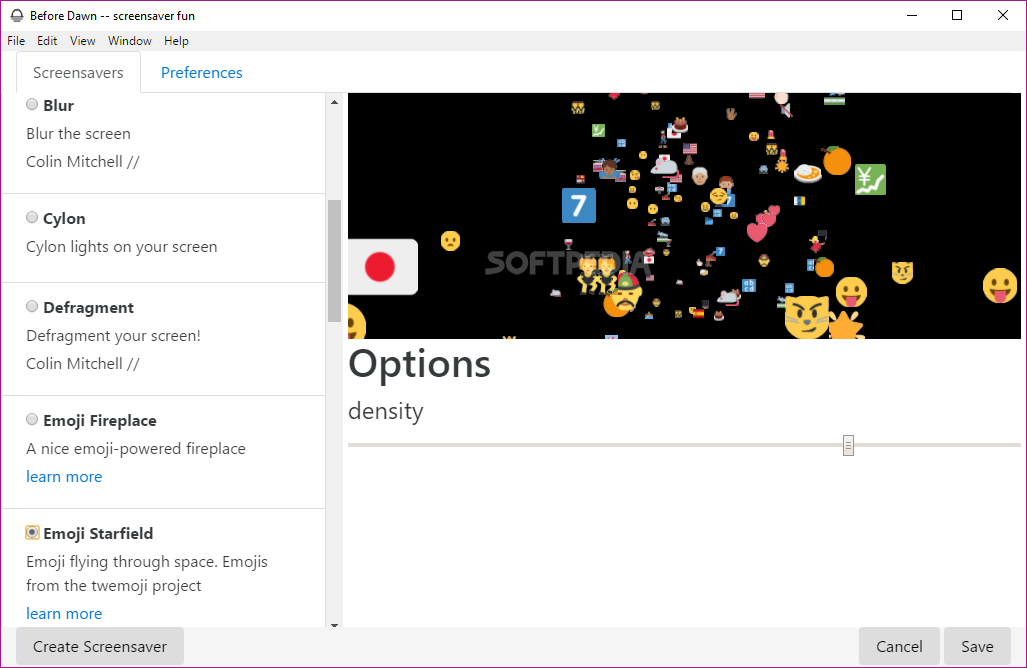
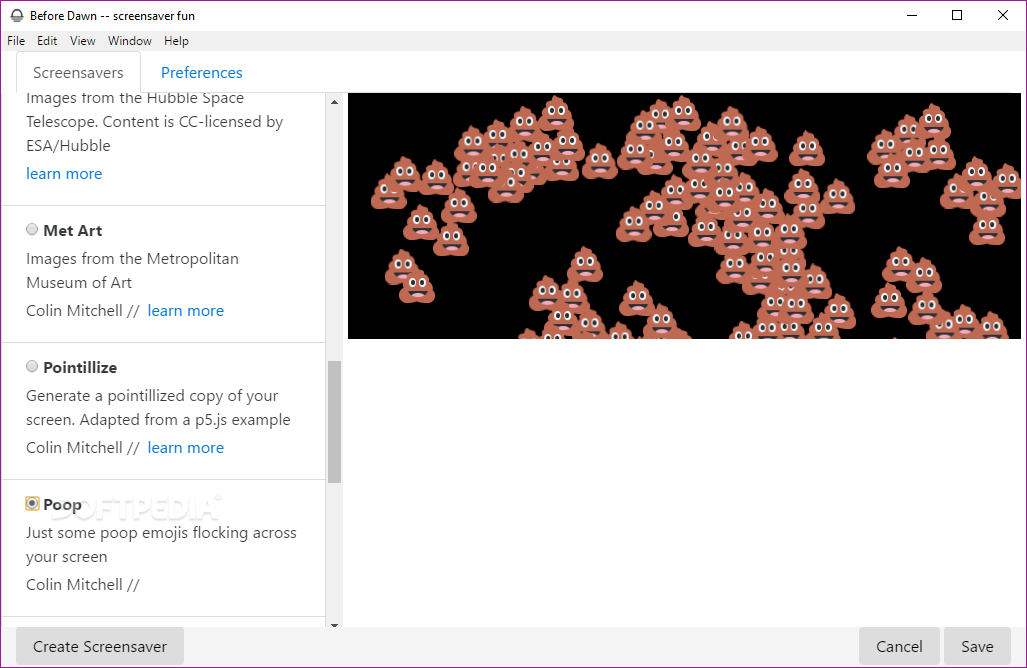
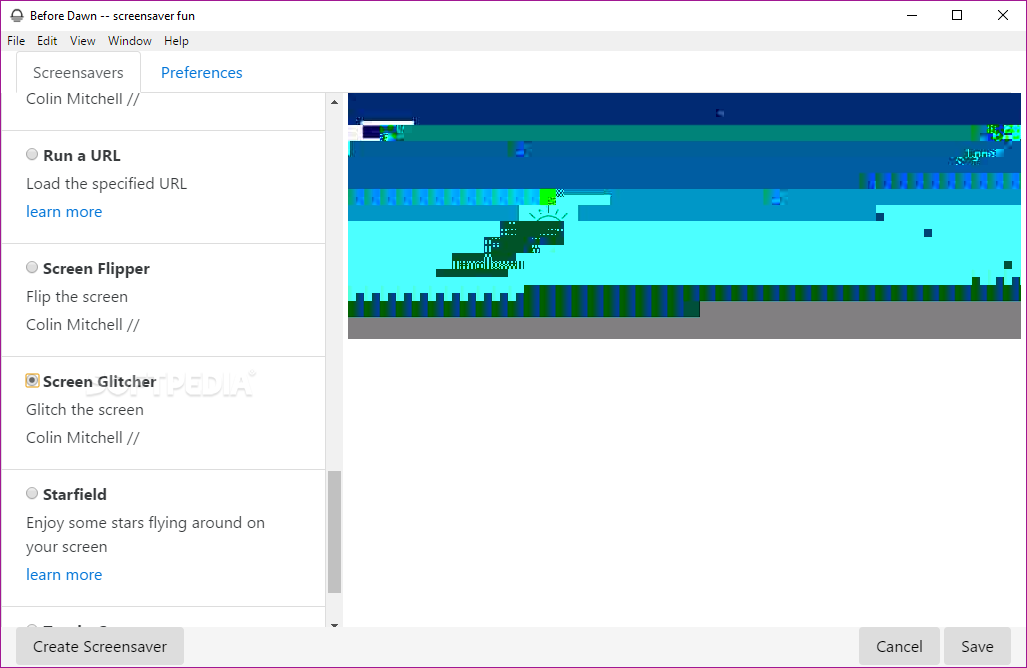
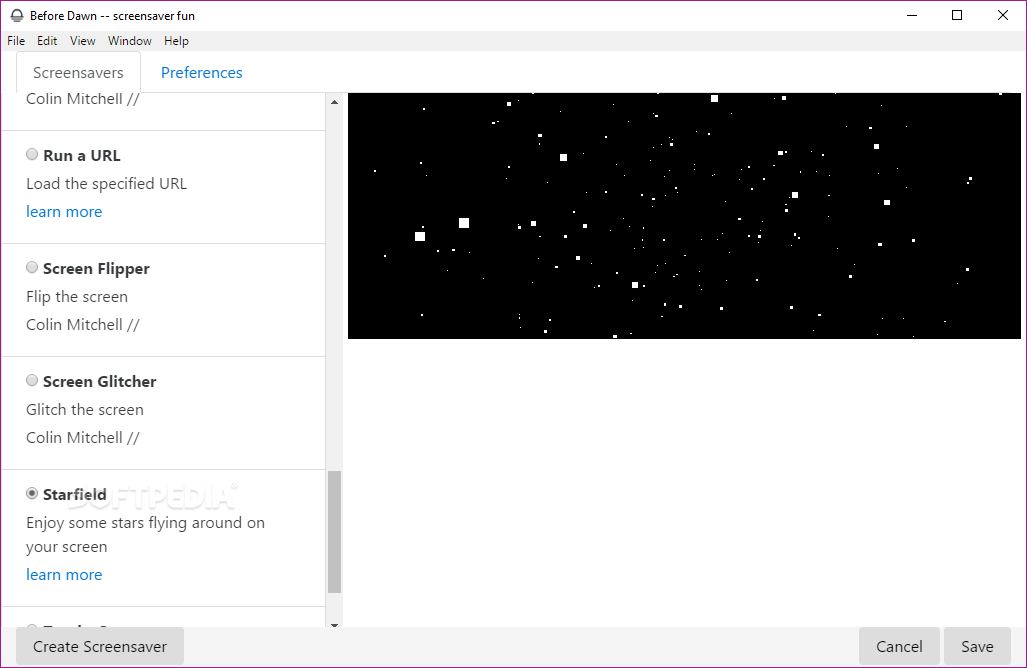
Before Dawn is an open-source, Electron-based screensaver application that aims to animate your computer's screen with its handpicked collection of nifty effects.
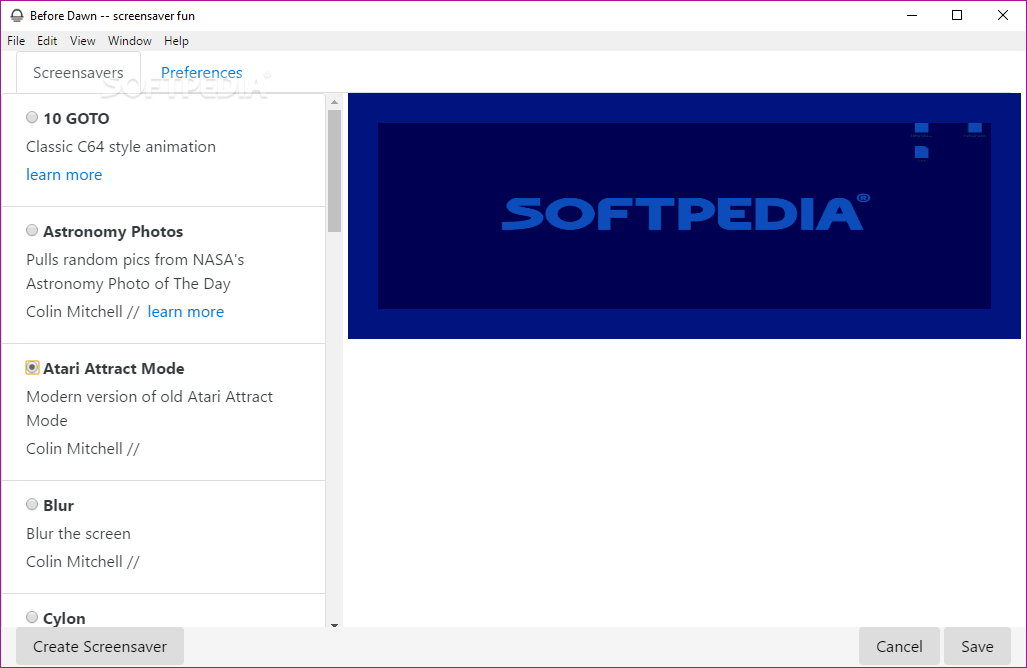
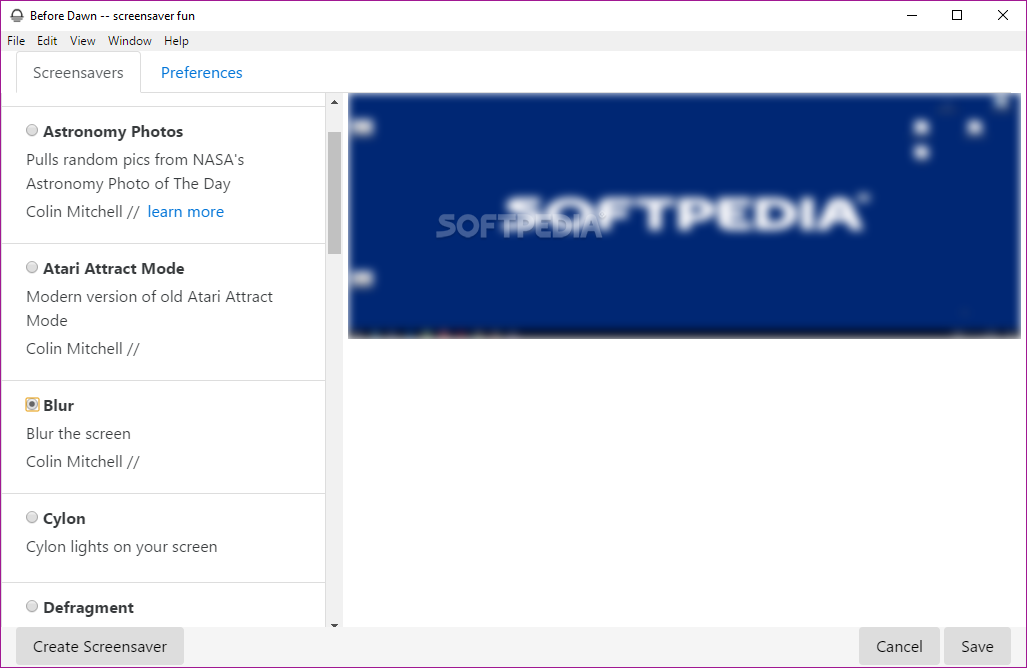
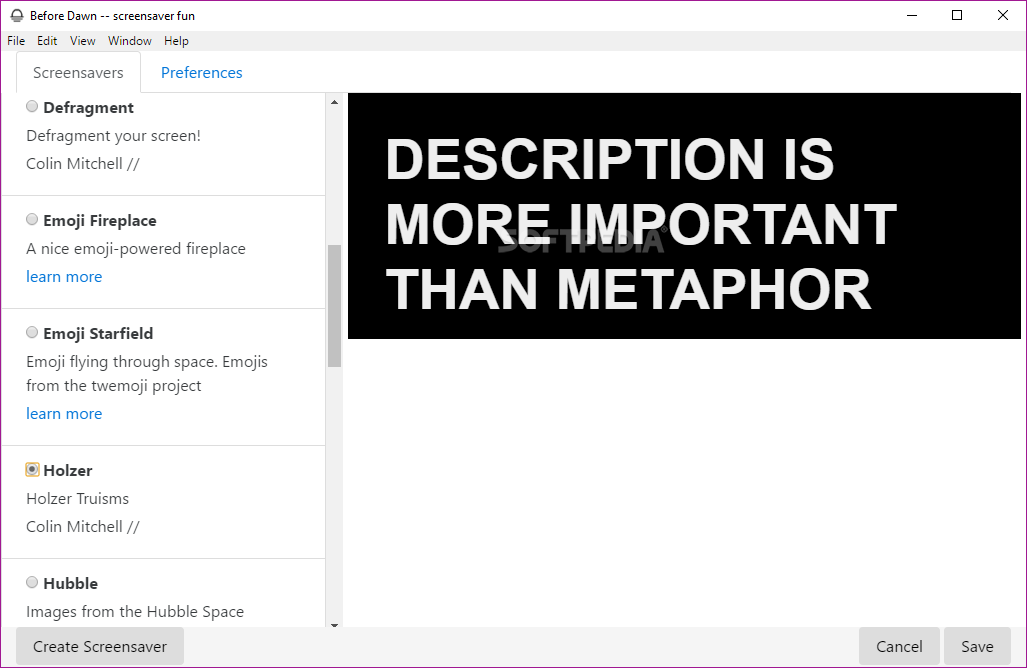
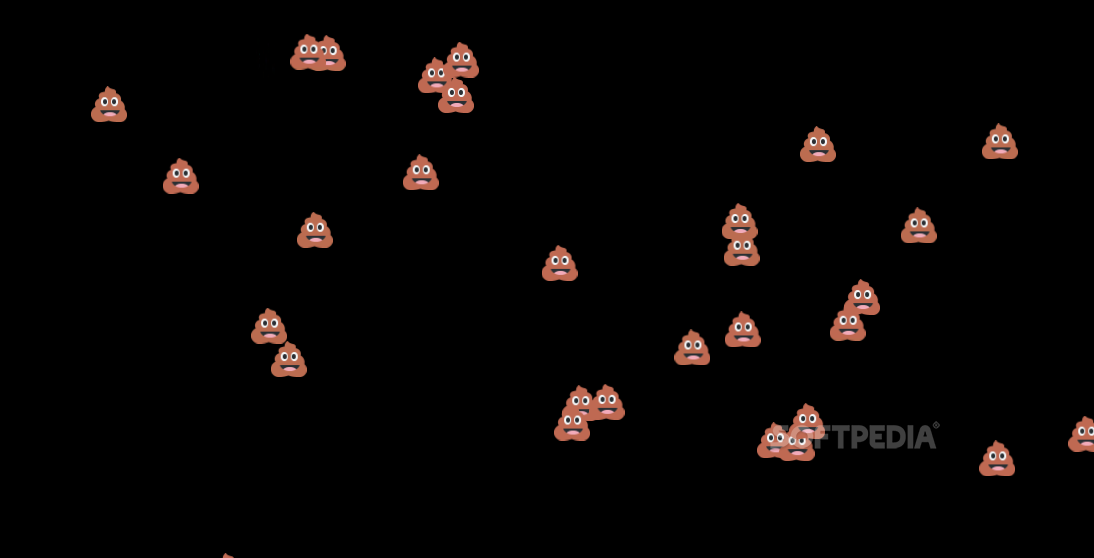
A few of the most interesting self-explanatory effects from the app's collection are as follows: Holzer Truisms, Atari Attract Mode, Blur, Defragment, Emoji Starfield, Pointilize, Screen Flipper, and Screen Glitcher.
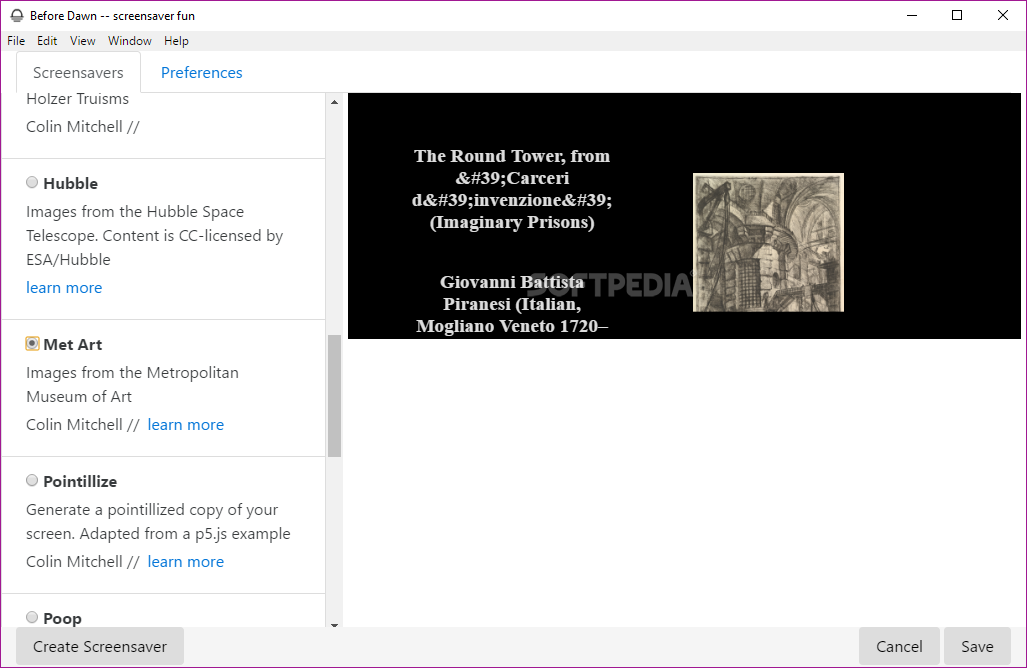
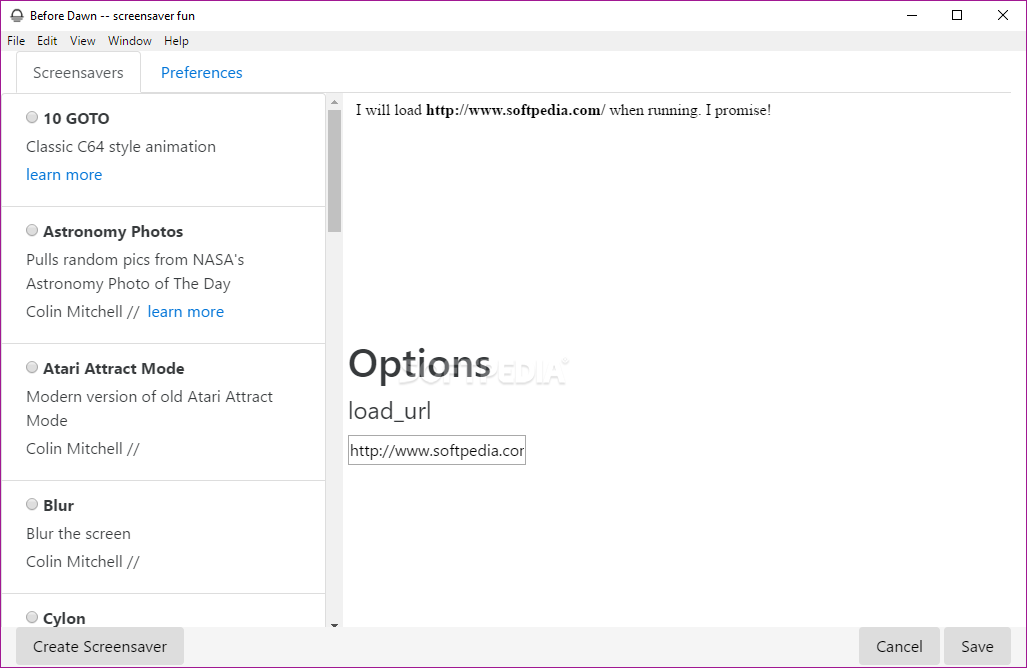
You also get a classic C64 animation, random pictures from NASA's astronomy photo of the day, images from the Metropolitan Museum of Art and the possibility to run almost any URL on your computer's screen.
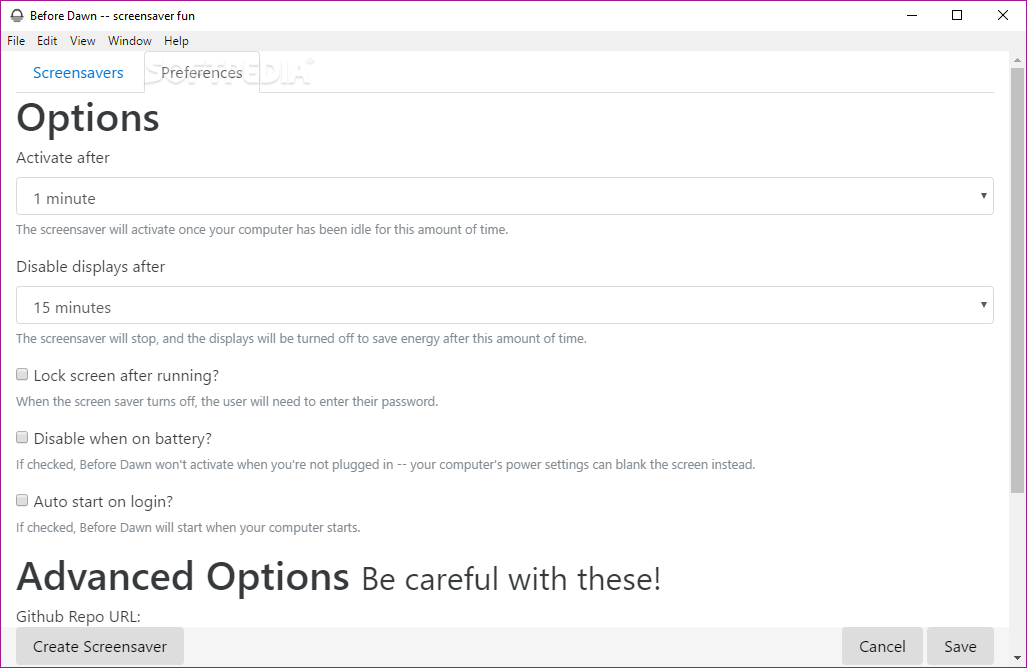
The app also features an Options section that offers multiple ways of customizing the screensaver's behavior. You can set up the app to automatically disable the screensaver when your laptop is running on battery or lock the screen after commencing. You can also choose the period after which it automatically starts of shuts off.
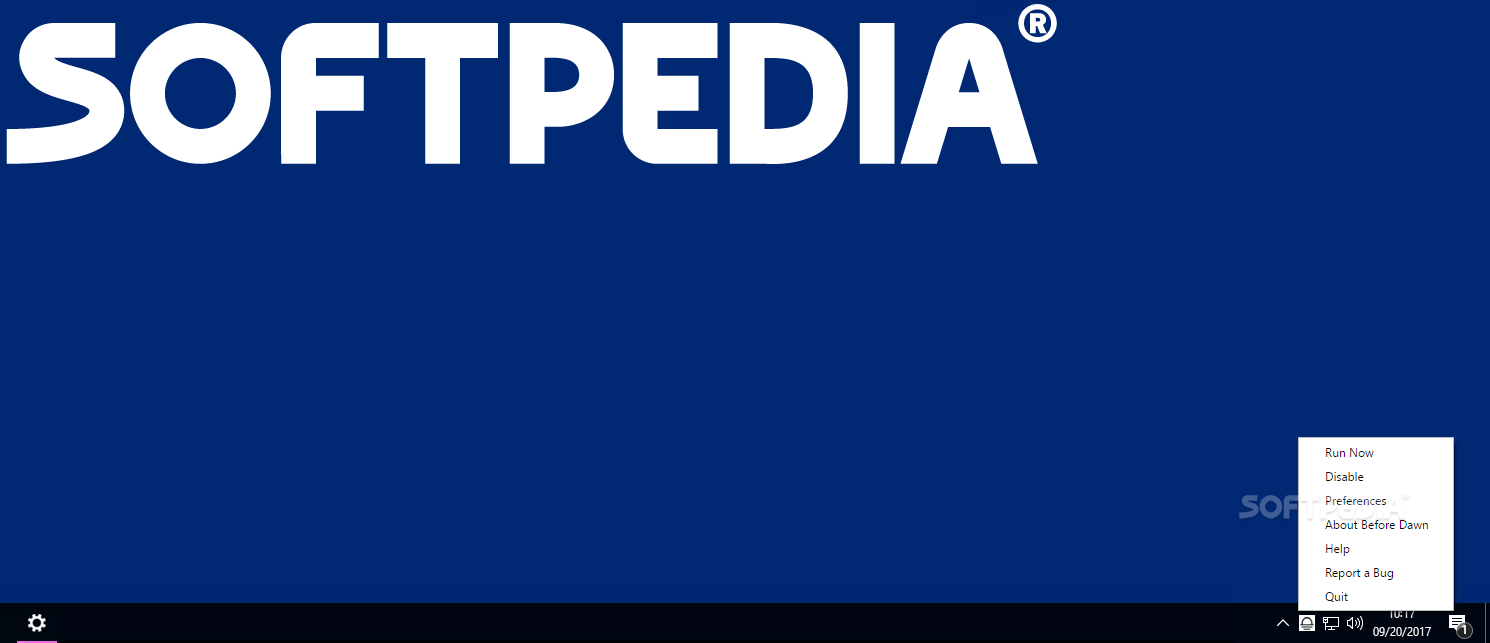
It's also worth pointing out that the app sleekly integrates with your computer's taskbar, as well. From the taskbar menu, you can access the Preferences section, as well as enable or disable the screensaver.
Before Dawn is fairly interesting project that will surely make some users happy by bringing a bit of oldschool nostalgia to their modern computers.
We will admit that since it's built with web technologies (Electron), it's not exactly the snappiest tool around, but even so, the app works as intended, and the collection of effects currently available makes it well worth getting past this little annoyance.
What's new in Before Dawn 0.30.1:
- Fix an issue where there weren't any screensavers in the release oops!
Before Dawn 0.30.1
add to watchlist add to download basket send us an update REPORT- PRICE: Free
- runs on:
-
Windows 11
Windows 10 32/64 bit
Windows 8 32/64 bit
Windows 7 32/64 bit - file size:
- 75.3 MB
- filename:
- Before-Dawn-Setup-0.30.1.exe


- main category:
- Desktop Enhancements
- developer:
- visit homepage
ShareX

calibre

Bitdefender Antivirus Free

7-Zip

IrfanView

4k Video Downloader

Context Menu Manager

Windows Sandbox Launcher

Zoom Client

Microsoft Teams

- Windows Sandbox Launcher
- Zoom Client
- Microsoft Teams
- ShareX
- calibre
- Bitdefender Antivirus Free
- 7-Zip
- IrfanView
- 4k Video Downloader
- Context Menu Manager