
A realistic screensaver that makes your desktop look as if it is on fire, while offering you the possibility to play your music in the background when it is active #Flame Screensaver #Desktop Fire #Fire Screensaver #Flame #Screensaver #Fire
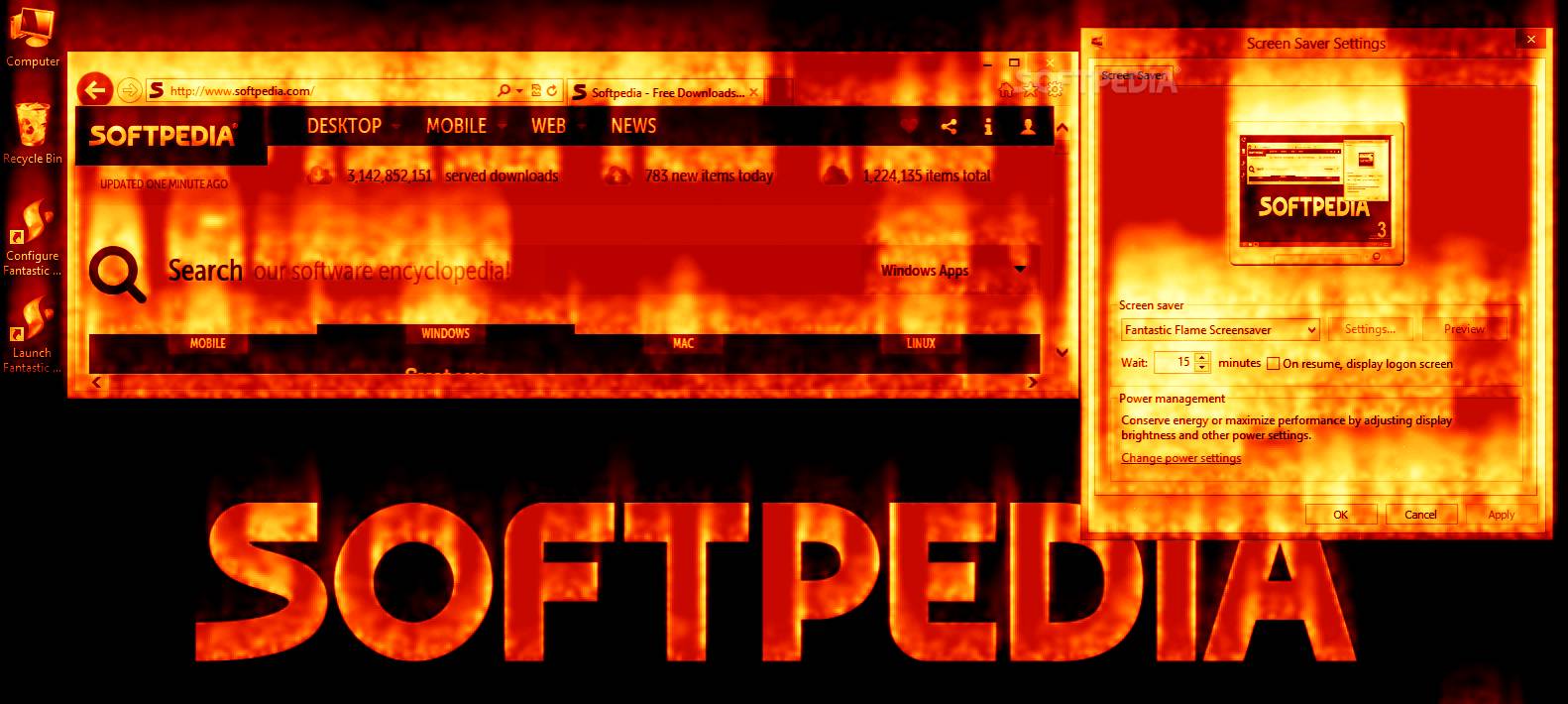
Fantastic Flame Screensaver is a fully customizable screensaver that allows you to protect the content of your desktop with beautiful images. Flames are the main theme of the screensaver and this effect can be applied to your desktop or any other image.
The default setting of the program displays a snapshot of your desktop enriched with a flame effect. Every icon, window and application from the desktop appears to burn intensely. You can replace the desktop snapshot with one of the available images and apply the same effect.
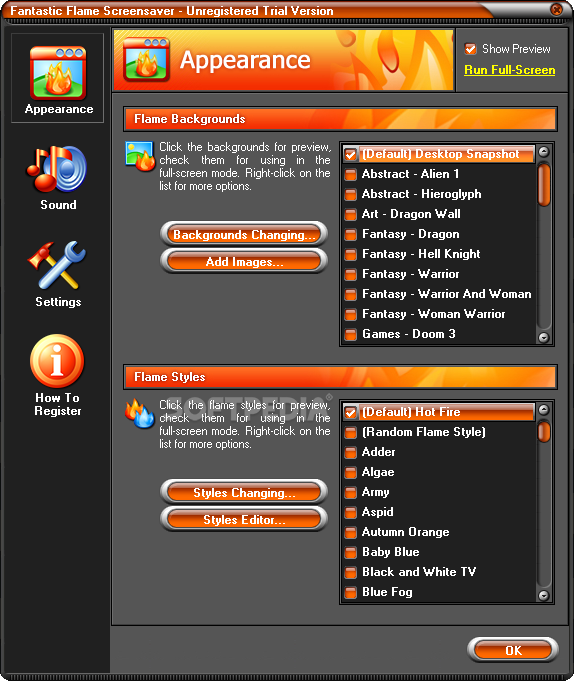
The program includes about forty images related to games, movies and the zodiac. Unfortunately, the demo version does not allow you to set them as screensaver. But you can preview the effect into a separate window in order to grasp the intensity of the image. The screensaver includes the option to add your own images in order to further personalize it.
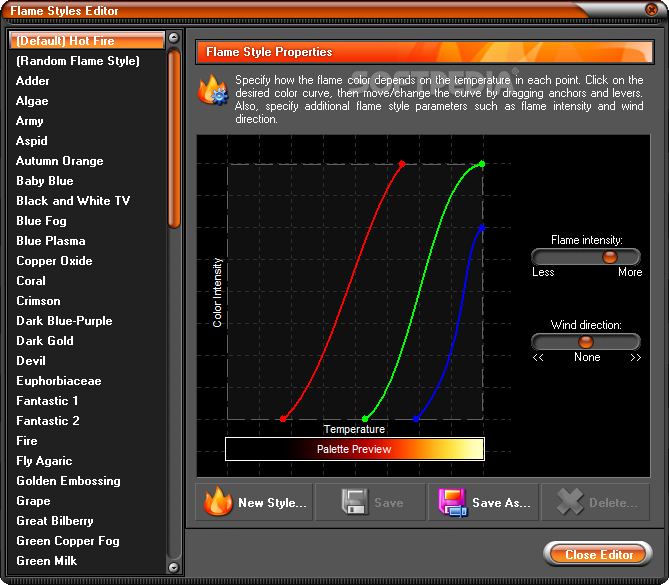
If you feel that the intense red flames are boring, the program allows you to choose a different color. It includes black and white effects, night vision and over eighty more shades that allow you to match your desktop with the colors of your office stationery or your mood.
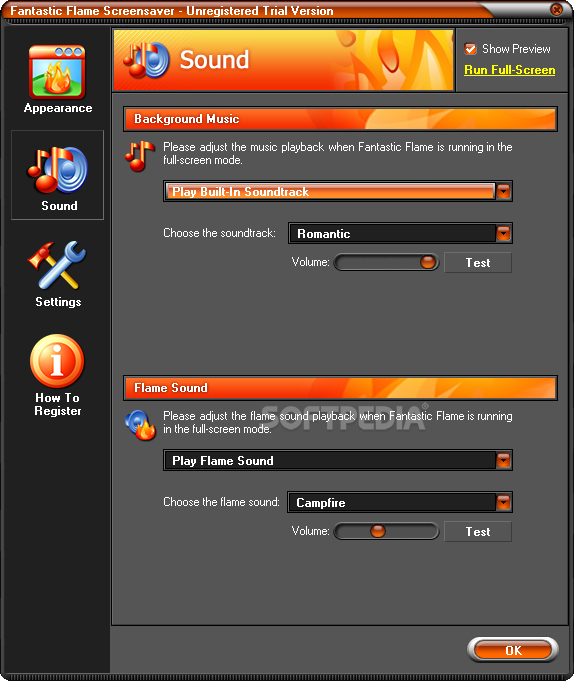
If you want to use your desktop to set the mood for a romantic dinner you can use the image of a fireplace and take advantage of the built-in soundtrack. You can select the romantic background music and add the burning fire effect to create a realistic atmosphere. The program includes different fire sound effects from the calming camp fire to the game-like flame thrower.
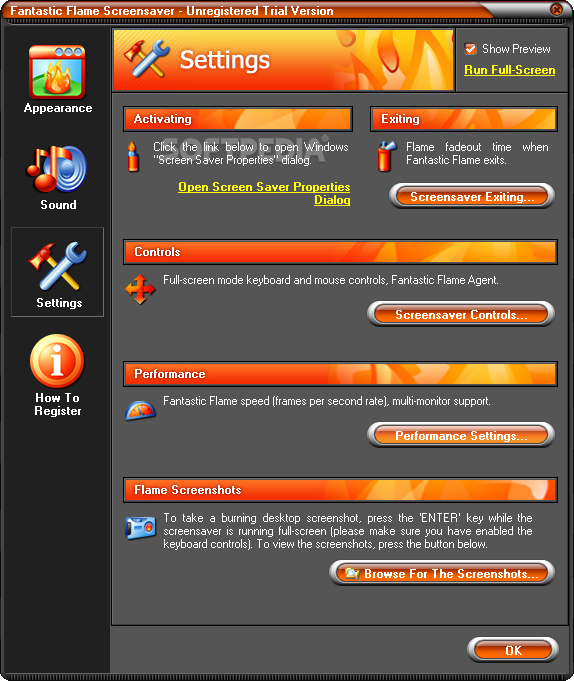
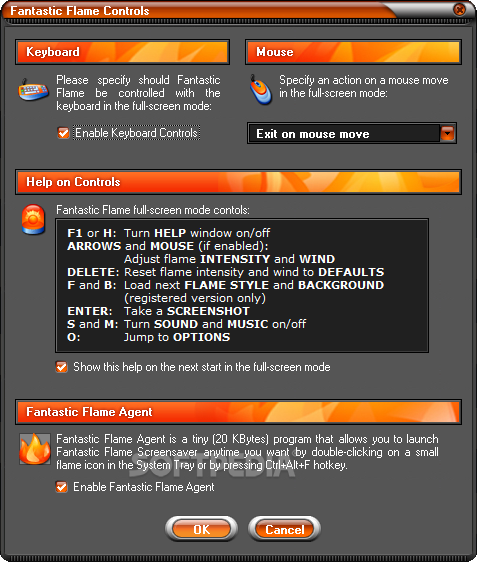
The Options window allows you to use the keyboard or the mouse to change the intensity and the direction of the flames. You can also control the music and the flame sound effect without stopping the screensaver. If you want to share the images with your friends you can take a quick screenshot by pressing one button.
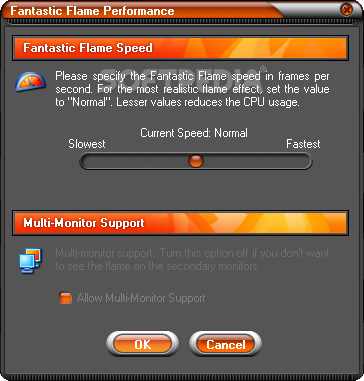
The screensaver includes the Fantastic Flame Agent that is a lightweight component that allows you to fire up your desktop from the tray icon or with a keyboard combination. If you are worried that the Fantastic Flame Screensaver takes too much CPU time you should know that it allows you to adjust the frame rate.
As a final note, the screensaver comes with multi-monitor support that allows you to view the flame effect only on the primary monitor. If you want to change your boring text screensaver into a beautiful and intense experience you should try Fantastic Flame Screensaver.
Fantastic Flame Screensaver 7.00.800
add to watchlist add to download basket send us an update REPORT- runs on:
- Windows All
- file size:
- 5.3 MB
- filename:
- fantastic-flame-fire-screensaver.exe
- main category:
- Desktop Enhancements
- developer:
- visit homepage
calibre

7-Zip

Microsoft Teams

Bitdefender Antivirus Free

Windows Sandbox Launcher

Zoom Client

ShareX

Context Menu Manager

4k Video Downloader

IrfanView

- Context Menu Manager
- 4k Video Downloader
- IrfanView
- calibre
- 7-Zip
- Microsoft Teams
- Bitdefender Antivirus Free
- Windows Sandbox Launcher
- Zoom Client
- ShareX
