
Change the desktop wallpaper automatically by loading pictures in a user-picked folder by turning to this lightweight, handy app. #Wallpaper Changer #Change Wallpaper #Wallpaper Rotator #Wallpaper #Background #Changer
If you get tired of viewing the same wallpaper day in and day out and do not want to change your wallpaper manually every time you get bored of it, you may find a solution in a wallpaper changer that can do that for you.
The list of available tools that can be used to change your desktop wallpaper is certainly a large one. Also, they tend to come in two flavors, some of them are paid and some are free of any charge.
Automatic Wallpaper Changer is a simple tool that features an uncomplicated installation process. After you've accessed the user-friendly interface you can start enriching your desktop experience.
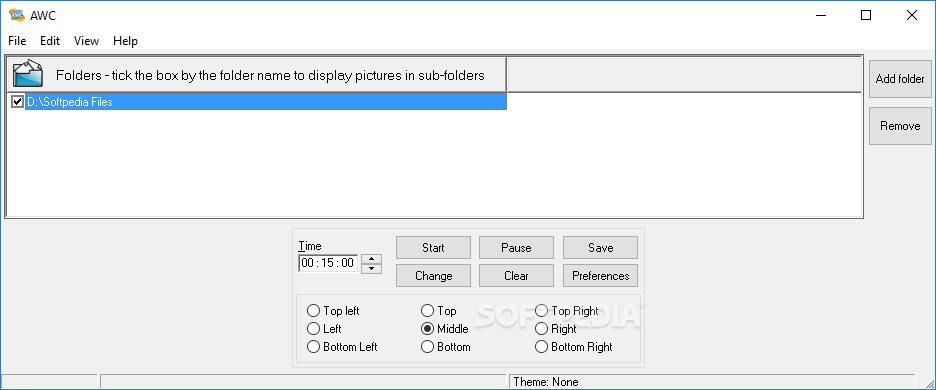
The first thing you'll notice is the simplicity in use, as all the most important features are displayed at a mouse click away. You'll be able to add the image folders one at a time, select the position where you want the wallpapers placed and, of course, the amount of time you want to keep an image displayed on your monitor.
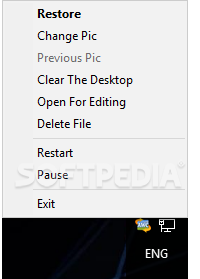
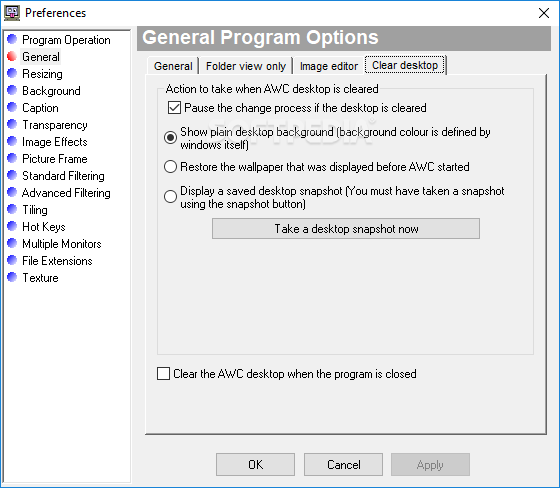
Happily, other basic functions are present under the form of buttons. First of all, you will be able to restart the timer or continue from the last pause. It is also possible to change the background manually, clear the desktop or access the Preferences window.
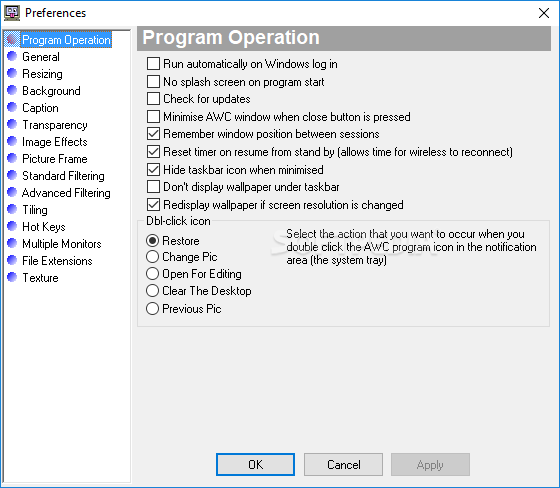
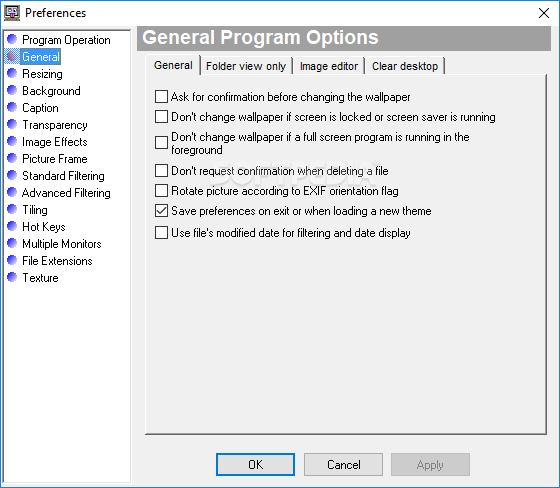
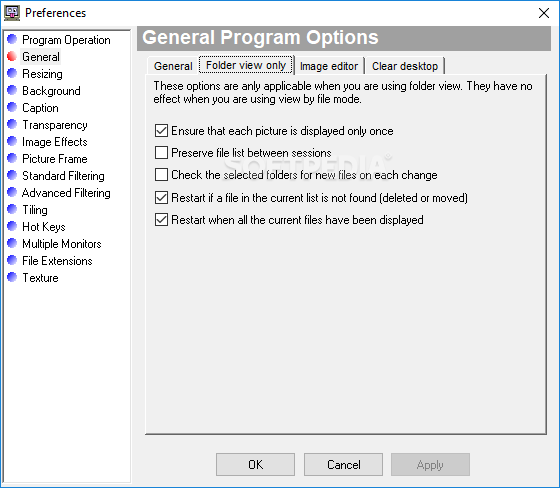
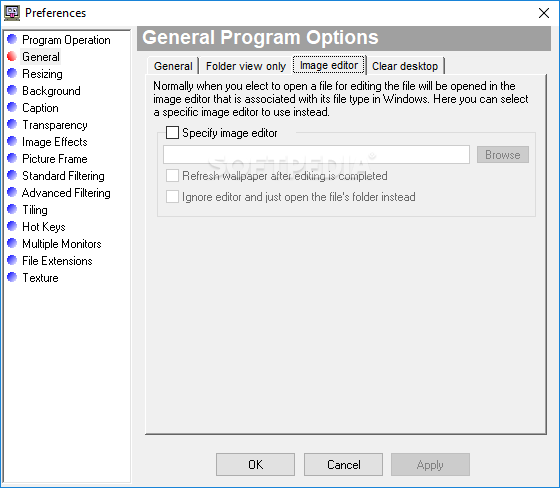
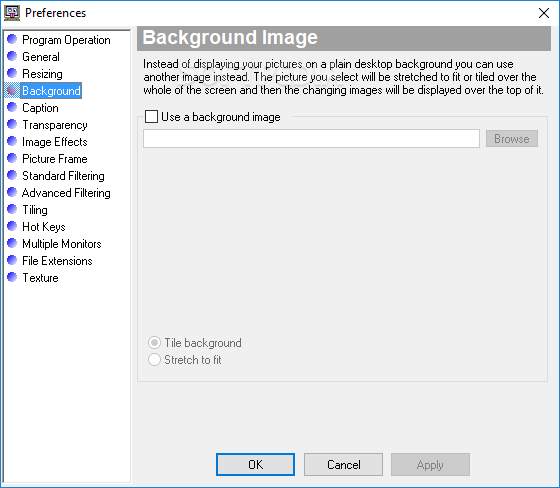
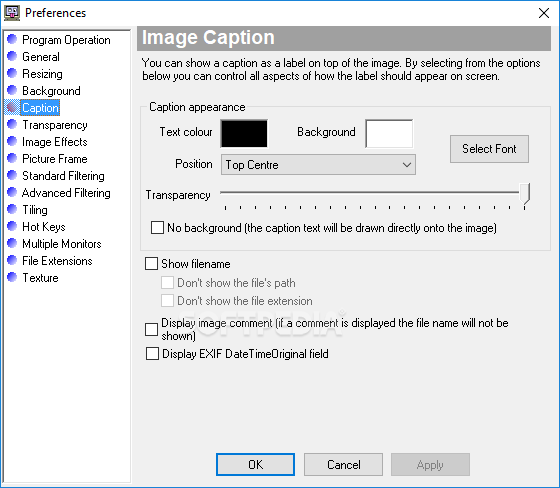
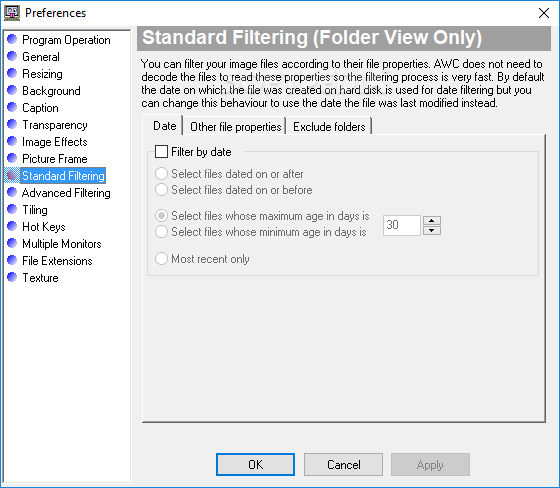
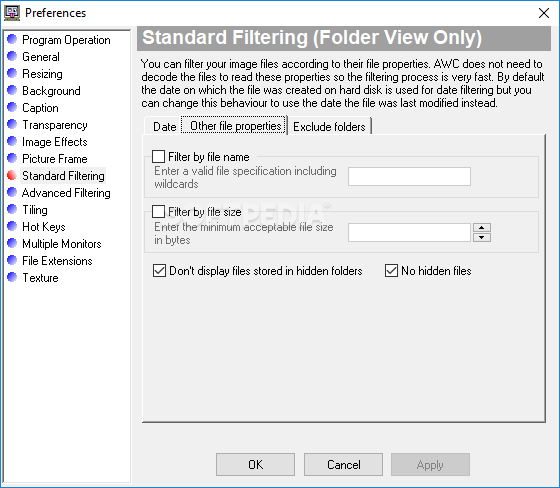
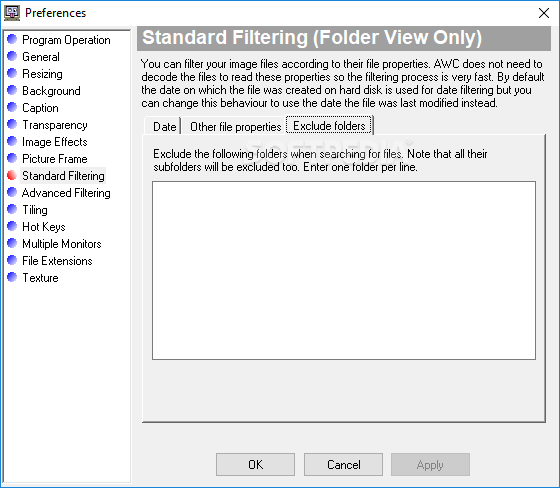
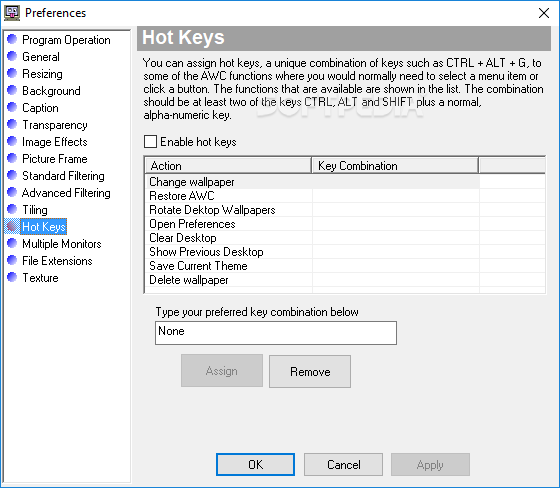
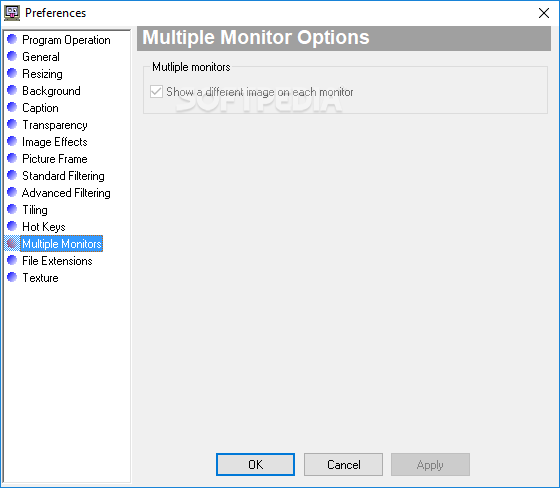
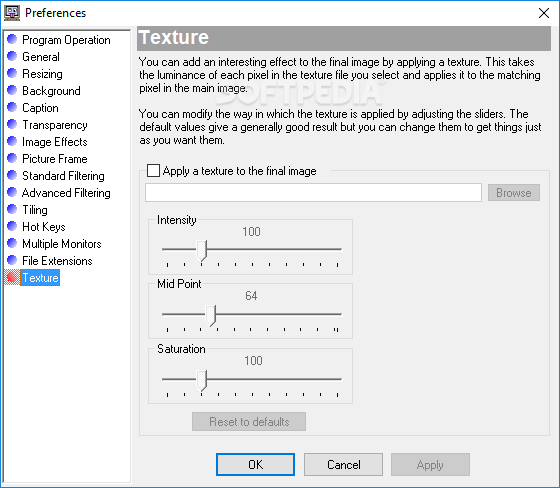
If the features above resemble the default wallpaper changing options found in your system, then you'll be happy to know that the application's true potential lays in the software's Preferences window.
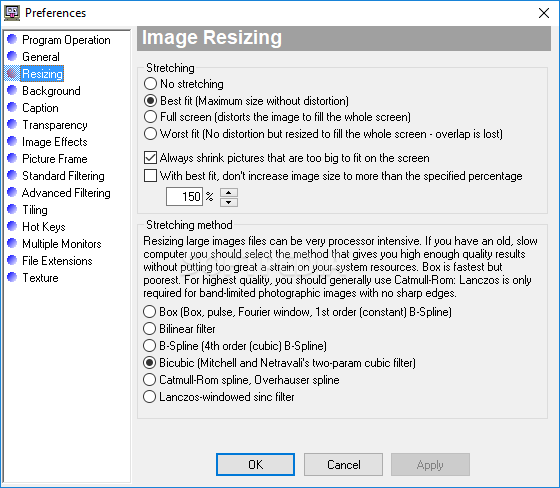
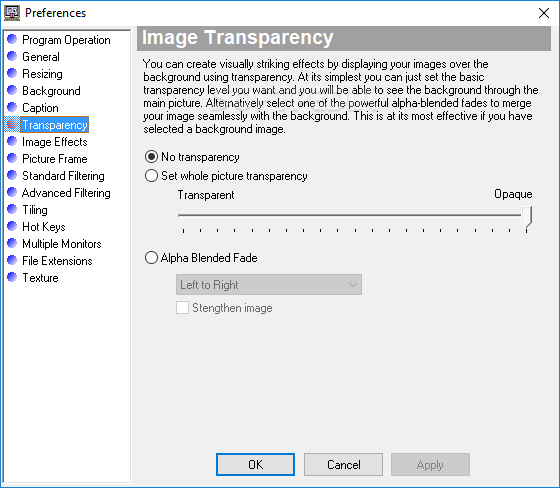
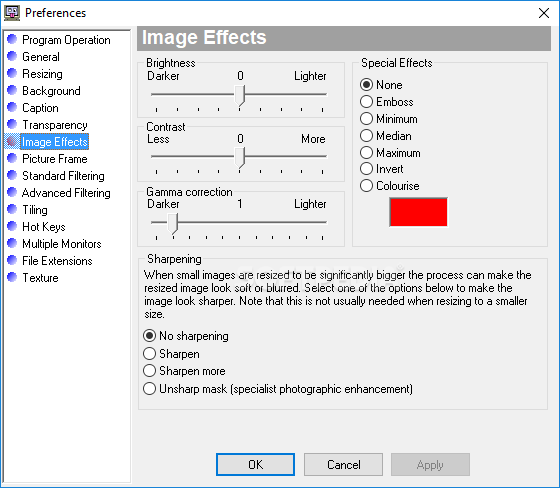
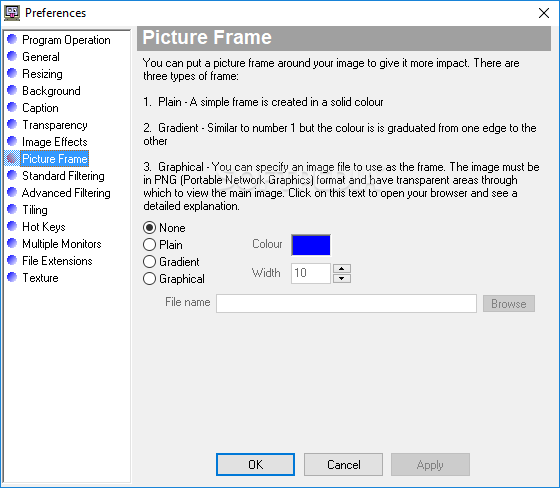
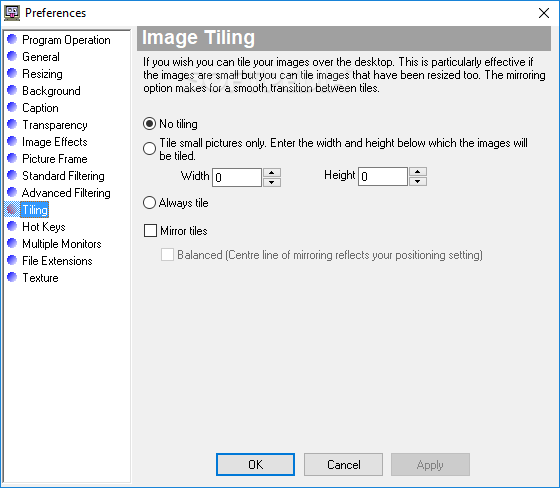
Various image stretching options (best fit, worst fit or full screen) can be accessed from the resizing tab. The transparency level can be adjusted from the tab with the same name. Effects such as brightness, contrast, inversion, or embossing can be applied from the Image Effects window. Note that picture frames can also be applied.
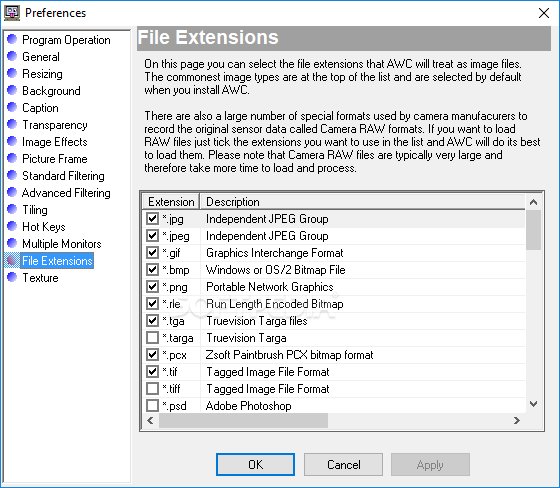
The program is able to support a large number of image formats. The same Preferences window gives you the chance to select the type of files you want to use.
These are just a few of the options included in Automatic Wallpaper Changer, it's up to you to discover the rest.
Download Hubs
Automatic Wallpaper Changer is part of these download collections: Wallpaper Rotators
Automatic Wallpaper Changer 4.11.2
 Softpedia Editor's Pick
add to watchlist
add to download basket
send us an update
REPORT
Softpedia Editor's Pick
add to watchlist
add to download basket
send us an update
REPORT
- runs on:
- Windows All
- file size:
- 12.3 MB
- filename:
- AWCSetup.exe

- main category:
- Desktop Enhancements
- developer:
- visit homepage
Bitdefender Antivirus Free

7-Zip

4k Video Downloader

IrfanView

Zoom Client

Microsoft Teams

calibre

Windows Sandbox Launcher

ShareX

Context Menu Manager

- Windows Sandbox Launcher
- ShareX
- Context Menu Manager
- Bitdefender Antivirus Free
- 7-Zip
- 4k Video Downloader
- IrfanView
- Zoom Client
- Microsoft Teams
- calibre