
Windows XP sweet blue theme. #XP theme #Crystal theme #Crystal XP #Theme #Appearance #Wallpaper
Microsoft Windows XP was the first iteration of this OS series to introduce a new stylish GUI with round edges of windows and overall enhanced visual impact. You may also switch to the classic pre-XP style or choose one of the official themes. Windows XP has five official themes comprising Luna, Royale, Royale Noir, Zune and the Embedded theme.
In order to install and actually use third-party themes, you have to patch the `uxtheme.dll` system file. This operation requires specific software such as UXTheme MultiPatcher or advance know-how regarding this particular DLL file. Once you have finished patching this protected file, a new world opens its gates and thousands of themes reveal themselves.
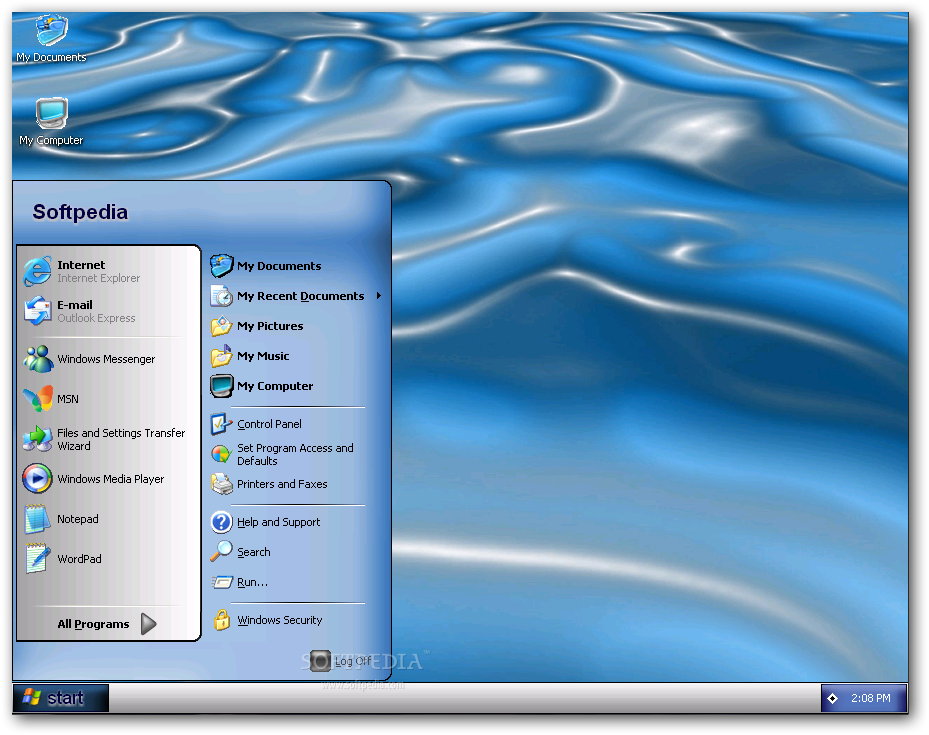
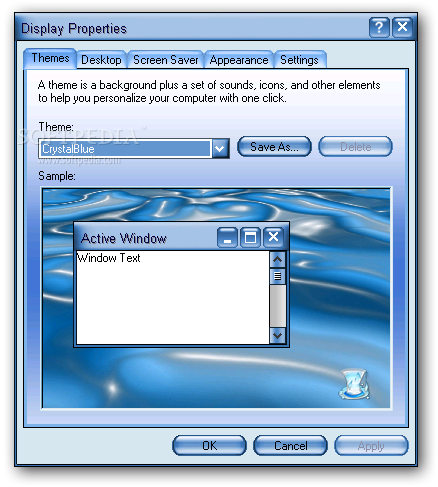
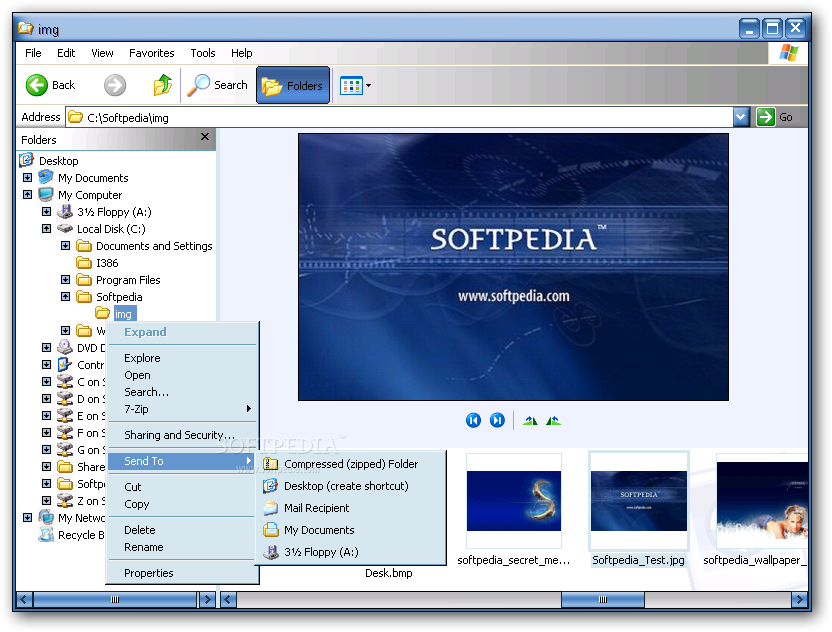
The CrystalBlue XP Theme is one of those many third-party themes, yet a favorite amongst the community members, being the most downloaded third-party stand-alone theme on Softpedia. Installation is done immediately and you can instantly enjoy the blissful blue color palette alongside its abstract wallpaper and nicely-drawn icons for `My Documents`, `My Computer`, `My Network Places` or `Recycle Bin`.
This XP theme harmoniously combines straight lines with round corners, light and dark gradients or window title text shadows while keeping things in balance. It surely pleases the eye and provides a neat environment that may ease your whole experience while sitting in front of the screen. Every single aspect regarding desktop items is modified to better incorporate into the principle of the theme.
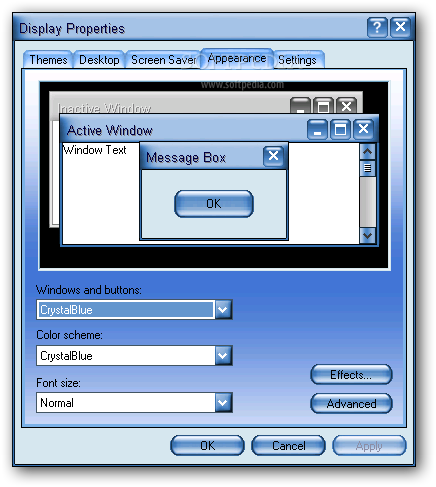
The CrystalBlue XP Theme modifies the 3D objects of the windows, their active and inactive title bar and border, application background, caption buttons, menus, message boxes, palette titles, scrollbars as well as tooltips. The fonts are also tweaked to fit the general appearance and our recommendation is that you enable ClearType to apply the smooth effect for their edges.
Setting the `Visual Effects` within the `Performance Options` window to `Adjust for best appearance` definitely helps in order to make the most of CrystalBlue XP Theme. If you ever feel like trying out a different XP theme and decide to go third-party, this witty and well-designed alternative is clearly one of the top choices.
- runs on:
- Windows XP
- file size:
- 790 KB
- filename:
- CrystalBlue.exe
- main category:
- Desktop Enhancements
- developer:
- visit homepage
Microsoft Teams

Context Menu Manager

IrfanView

7-Zip

Windows Sandbox Launcher

Bitdefender Antivirus Free

calibre

Zoom Client

4k Video Downloader

ShareX

- Zoom Client
- 4k Video Downloader
- ShareX
- Microsoft Teams
- Context Menu Manager
- IrfanView
- 7-Zip
- Windows Sandbox Launcher
- Bitdefender Antivirus Free
- calibre