
Apply the theme never released officially by Microsoft. #Royale Noir #Royale Theme #Noir Theme #Royale #Noir #Theme

Windows XP is not popular in terms of theme customization, in the way that it doesn’t sport a rich collection of built-in skins. Instead, users can rely on Internet resources to download and install various themes to make their desktop look better.
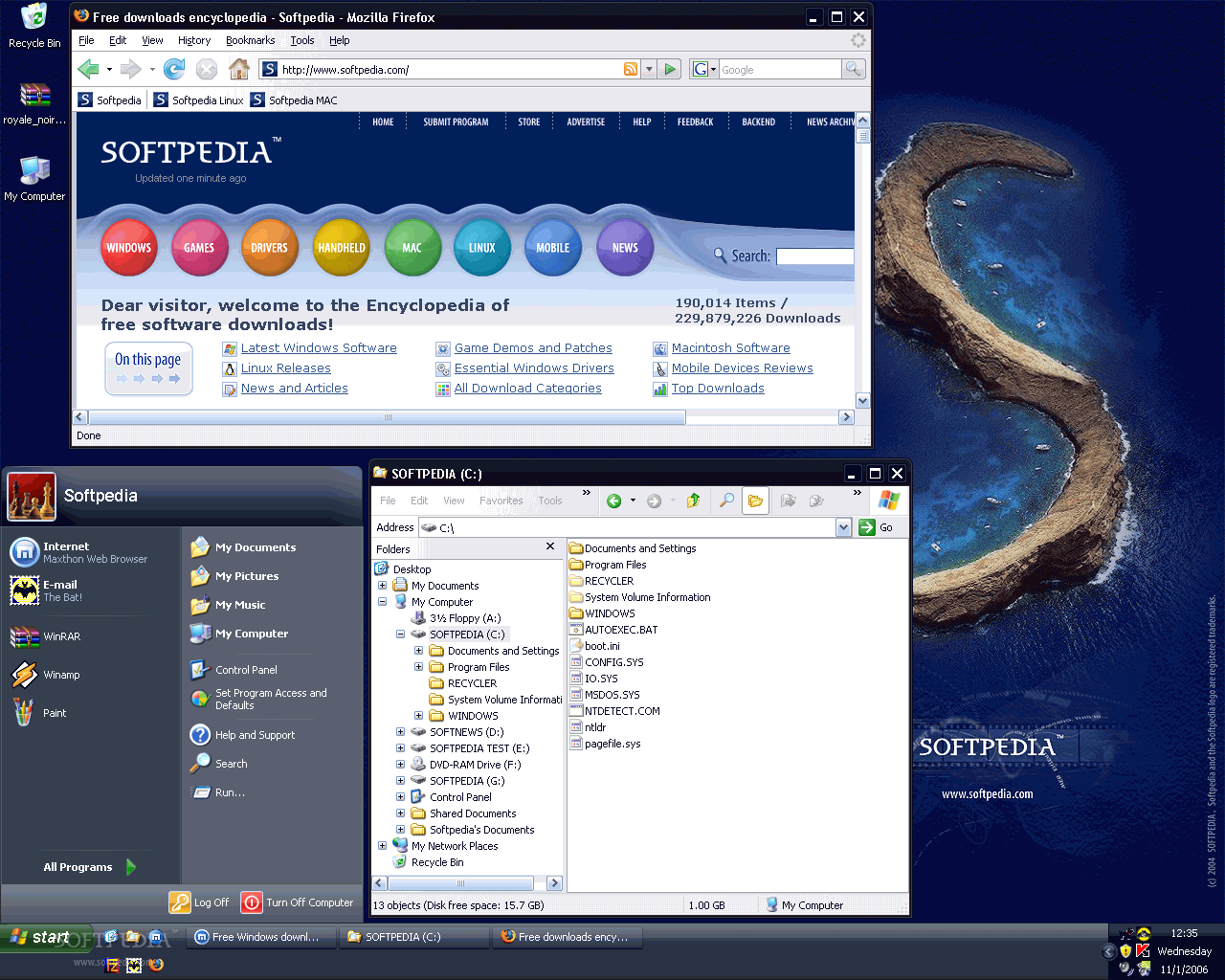
Royale Noir Theme for WinXP is one way to enhance your OS’s appearance. Based on the original Royale Theme, this one brings the same advantages, but slightly changes the colors for the taskbar and the start panel. In order to install and run it, the program requires Uxtheme Multi-patcher (uxtheme.dll system file needs to be patched to allow themes to be successfully deployed).
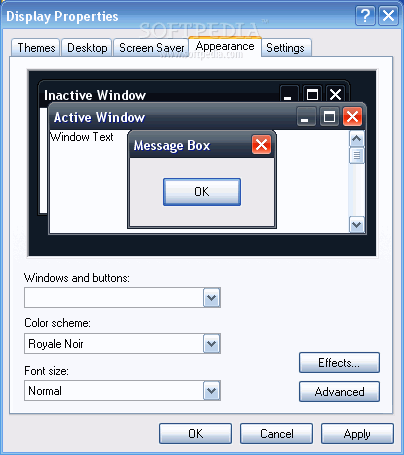
After a quick installation process, Royale Noir Theme for WinXP opens the Display Properties window, allowing you to further customize the theme. At this point, the wallpaper is set to a beautiful and calm nature inspired background that you'll simply love.
The theme reflects on a bunch of Windows elements, such as taskbar, standard windows, startup and shutdown dialogs and several others. It mainly consists of a dark background and dark title bars, in black and gray.
We found it to be visually appealing and, to our surprise, the effect of white text on a black background didn’t turn out to be disturbing for the eyes. It performed beautifully during our tests, without affecting in any way the system’s performance.
Royale Noir Theme for WinXP was designed to enhance the appearance of your XP system with dramatic looks. It was actually created by artists, which makes it all the more interesting. But if black is not your favorite color, you can always try out the original Royale theme.
What's new in Royale Noir Theme for WinXP 1.47:
- Updated cursors
- Used 3D menus
- Adjusted colors
- More visible groupbox
Royale Noir Theme for WinXP 1.47
 Softpedia Editor's Pick
add to watchlist
add to download basket
send us an update
REPORT
Softpedia Editor's Pick
add to watchlist
add to download basket
send us an update
REPORT
- runs on:
- Windows XP
- file size:
- 2.4 MB
- filename:
- Royale_Remixed.rar
- main category:
- Desktop Enhancements
- developer:
- visit homepage
Windows Sandbox Launcher

7-Zip

4k Video Downloader

Microsoft Teams

Context Menu Manager

Zoom Client

IrfanView

calibre

ShareX

Bitdefender Antivirus Free

- calibre
- ShareX
- Bitdefender Antivirus Free
- Windows Sandbox Launcher
- 7-Zip
- 4k Video Downloader
- Microsoft Teams
- Context Menu Manager
- Zoom Client
- IrfanView