WINDOWS CATEGORIES:


NEWS ARCHIVE >>
SOFTPEDIA REVIEWS >>

WEEKLY HIGHLIGHTS

DVD Cloner45
Spyware Doctor40
1Click DVD Copy40
Apollo DVD Copy40
ABC Amber BlackBer...45
Protected Music Co...40

7-DAY TOP DOWNLOAD

#
Program
Windows Live
Messenger 2009
14.0.8089.726

187,869
Avira AntiVir
Personal - Free
Antivirus 9.0.0.407

183,047
Avira Antivir Virus
Definition File
Update November 6,
2009

173,387
Nexus Radio 4.1.1
122,444
Windows Live
Messenger
8.5.1302.1018

113,099
FreeZ Online TV 1.30
93,662
Microsoft Office
2007

76,384
Y! Multi Messenger
8.x and 9.x

75,572
DVD Shrink 3.2.0.15
53,871
AVG Free Edition 9.0
Build 698a1730

52,233

WEEK'S BEST

  • Internet Explorer ...
  • Online Armor ++ 4....
  • cFosSpeed 5.01 Bui...
  • SONY Vegas Pro 9.0...
  • Firefox 3.6 Beta 1...
  • Nokia Photos 1.6.434
  • Windows Server 200...
  • Skype Portable 4.1...
  • Google Chrome Port...
  • PCMark Vantage Bas...
  • Kaspersky Anti-Vir...
  • Microsoft Virtual ...
  • Messenger Plus! Li...
  • WinX DVD Author [F...
  • SoftPerfect Networ...
  • System Mechanic Pr...
  • Ad Muncher 4.8 Bui...
  • Windows 7 Upgrade ...
  • Pidgin 2.6.3
  • OpenOffice.org 3.2...
  • VirtualDub 1.9.7 B...
  • Maxthon [Softpedia...
  • Spyware Doctor 7.0...
  • SUPERAntiSpyware 4...
  • Adobe Acrobat Prof...
  • Camfrog Video Chat...
  • Adobe Reader 9.2.0...
  • Foxit PDF Reader 3...
  • Microsoft Maliciou...
  • AVG Identity Prote...
  • Home / Windows / File managers
     Report spyware

    Directory Opus 9.5

    Download button

    Downloads: 17,655  Add to download basket  Tell us about an update
    User Rating:
    Rated by:
    Very Good (4.3/5)
    145 user(s)
    Developer:

    License / Price:

    Size / OS:

    Last Updated:

    Category:
    GPSoftware | More programs
    Trial / USD 56.00 | BUY the full version
    16.6 MB / Windows XP / 2003 / Vista
    October 6th, 2009, 06:16 GMT [view history]
    C: \ File managers

     Read user reviews (6)  Add a review  Refer to a friend  Subscribe


    Directory Opus description


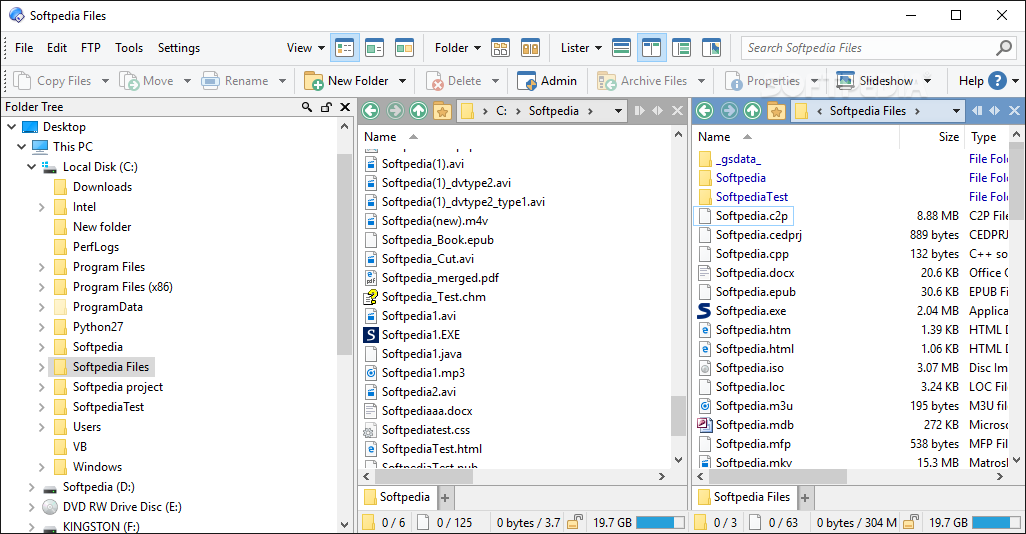
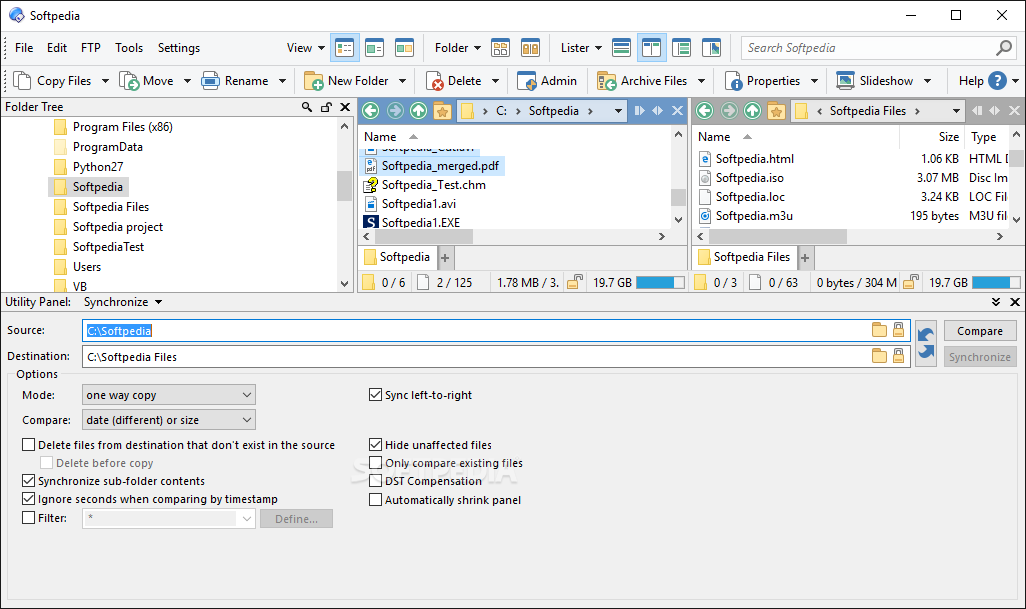
    A complete file manager and Explorer replacement solution

    GPSoftware is proud to announce the release of a major upgrade to its flagship product, Directory Opus. Already well established in the market place as the leading File Manager and Explorer Replacement for Windows, this new version is achieving wide acclaim from both new and existing users. With over two years' development, this is not just a superficial upgrade with new colours! Directory Opus 9 raises the bar for Windows File Managers providing enhanced usability for the novice user while at the same time giving the experienced user more power, functionality and better tools to handle all file management needs.

    A file manager is, at its simplest, a utility program which presents lists of files and allows the user to perform actions of some kind on those files. File managers are useful for moving files between folders, making backup copies of files, viewing pictures and playing sounds, running other utility programs on lists of files, deleting unwanted files and many other "housekeeping" tasks.

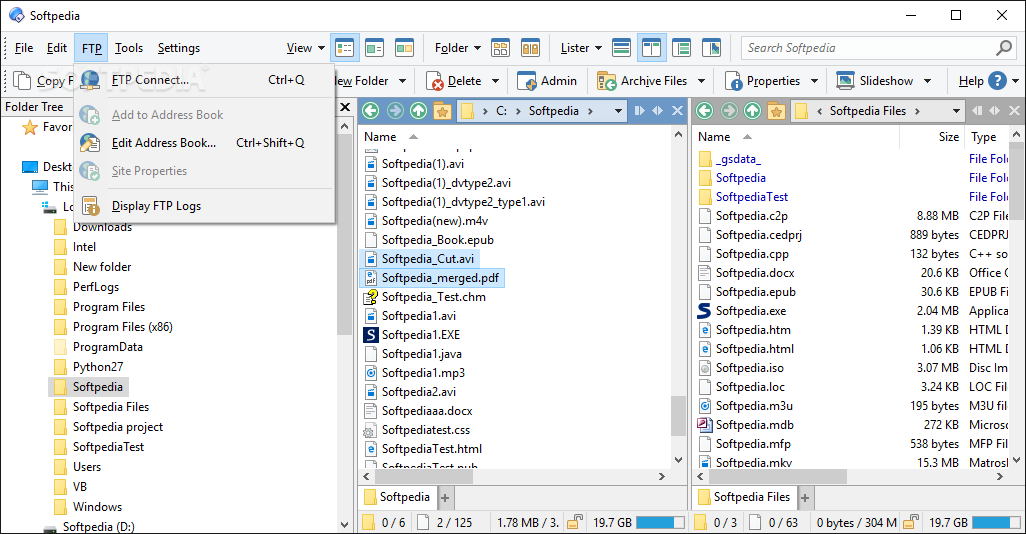
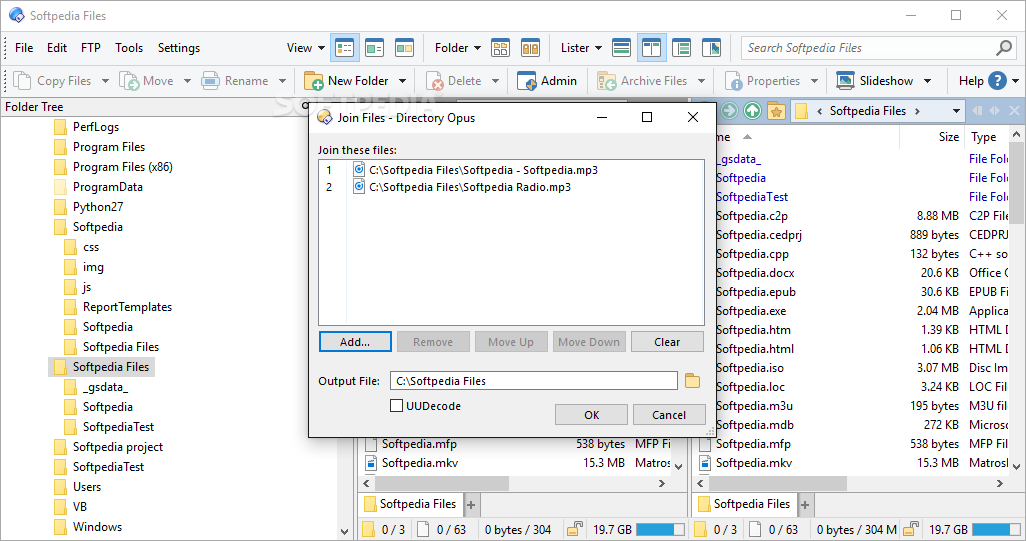
    Directory Opus goes beyond the simple file manager metaphor, and offers you a complete replacement for Windows Explorer and many other utility programs for handling FTP, ZIP, viewing files and images, running slideshows and more. It provides you with all this within a user-friendly and fully-configurable environment within which you can access and manage your important data with a minimum of effort. Harness the power of your computer like never before!

    Directory Opus is a useful, reliable and complete file manager and also an Explorer replacement solution.

    Here are some key features of "Directory Opus":

    · Designed for Windows: Directory Opus 9 has been designed and written from the ground up especially for Windows. Full support for the latest Windows Operating Systems from 2000, XP and 2003 and Windows Vista.
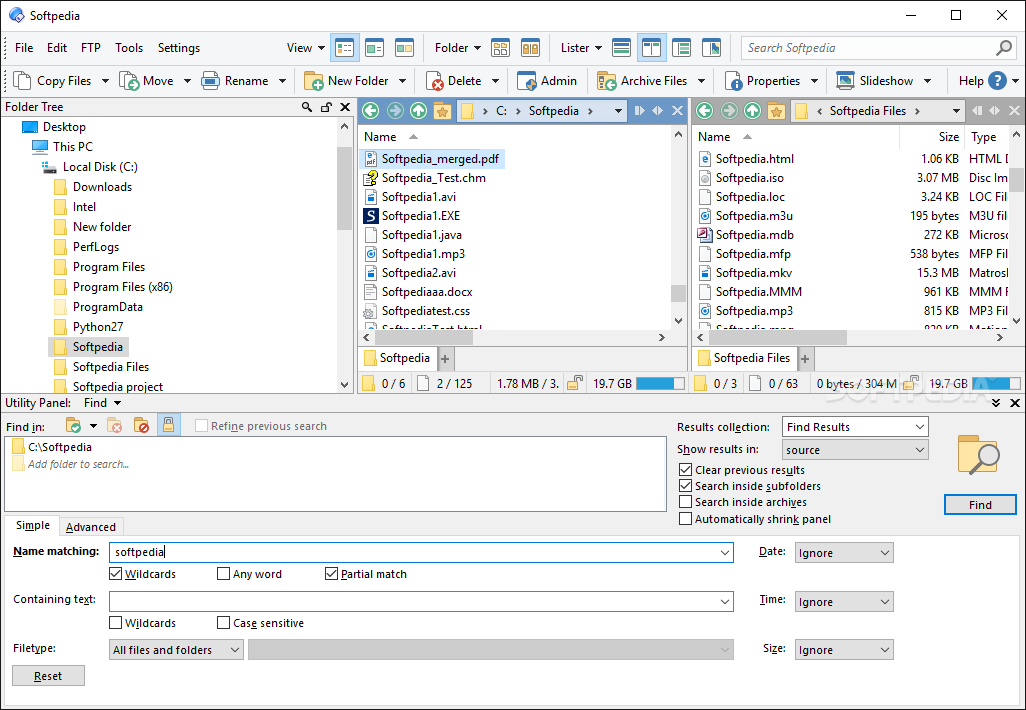
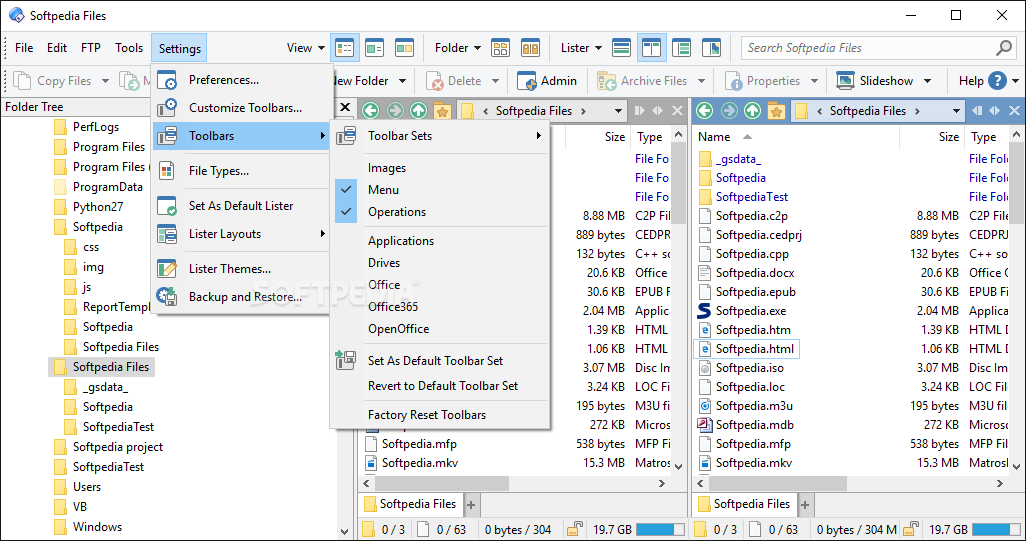
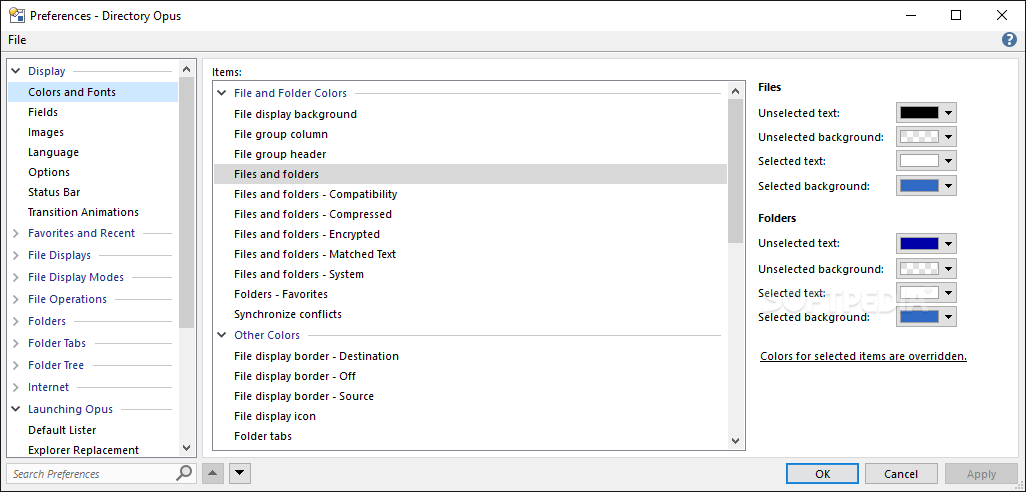
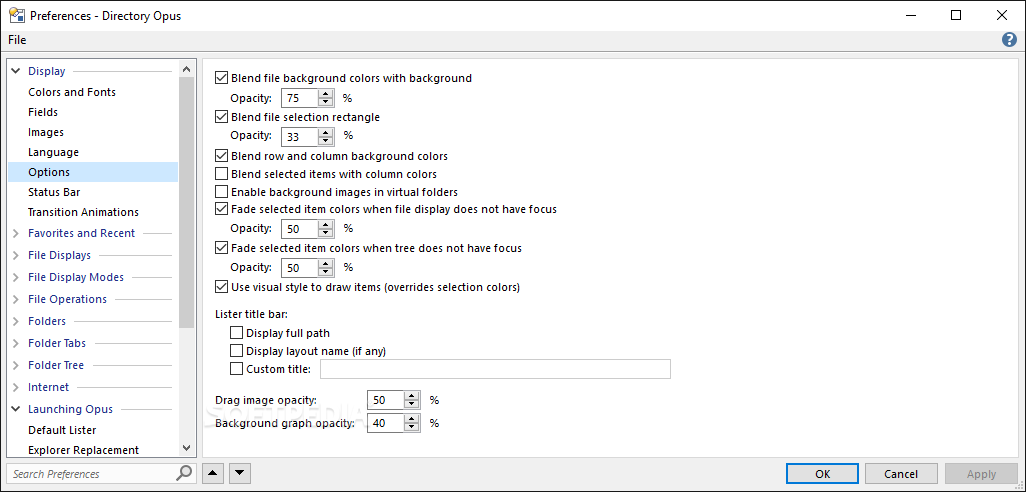
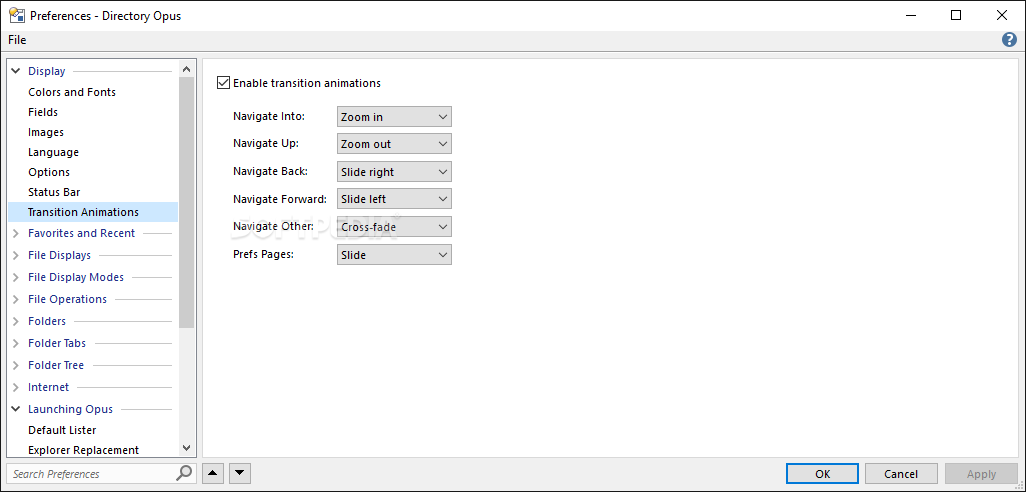
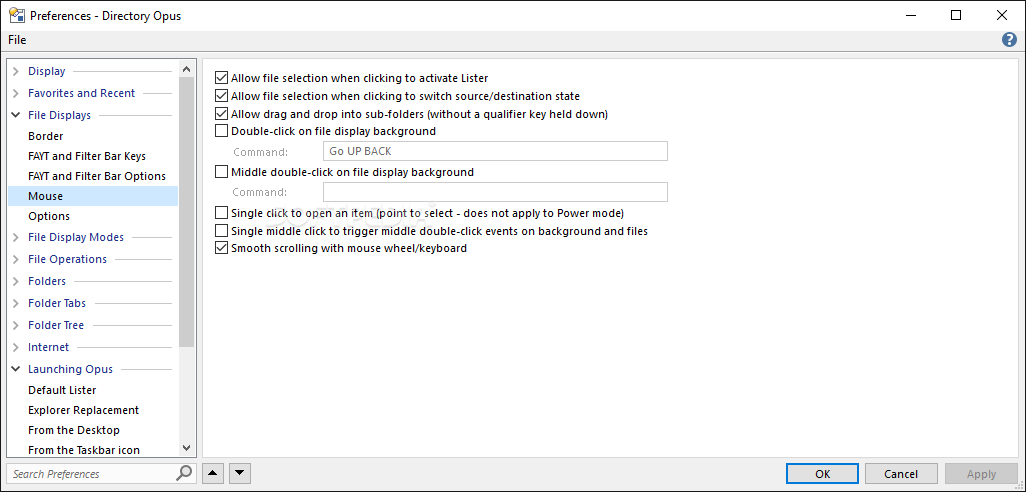
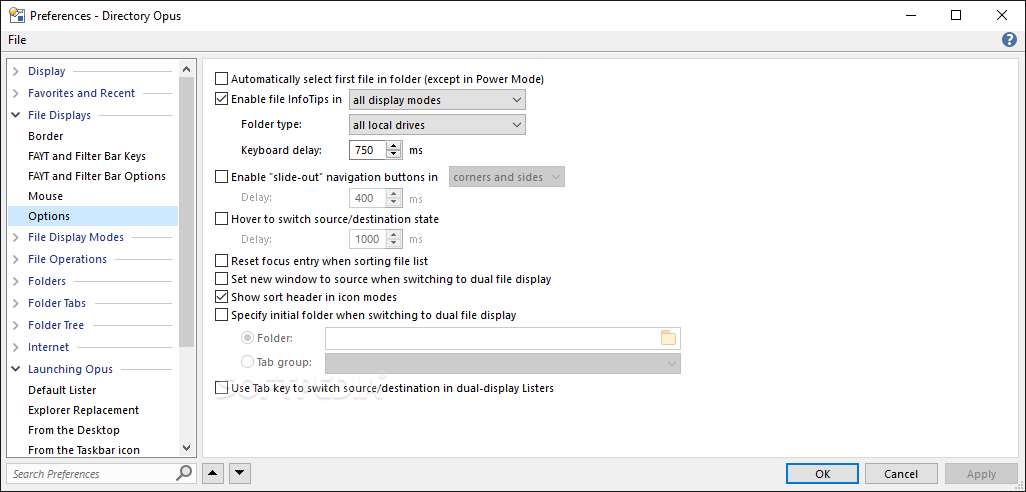
    · Familiar Interface: Unlike many other file managers, Directory Opus defaults to an Explorer-compatible user interface. You can immediately begin using Directory Opus, with no learning curve, because it will feel extremely familiar and comfortable to you. But, you will find that you can easily configure the interface to fully personalize your system including the use of dual file displays or multiple displays for special folders.
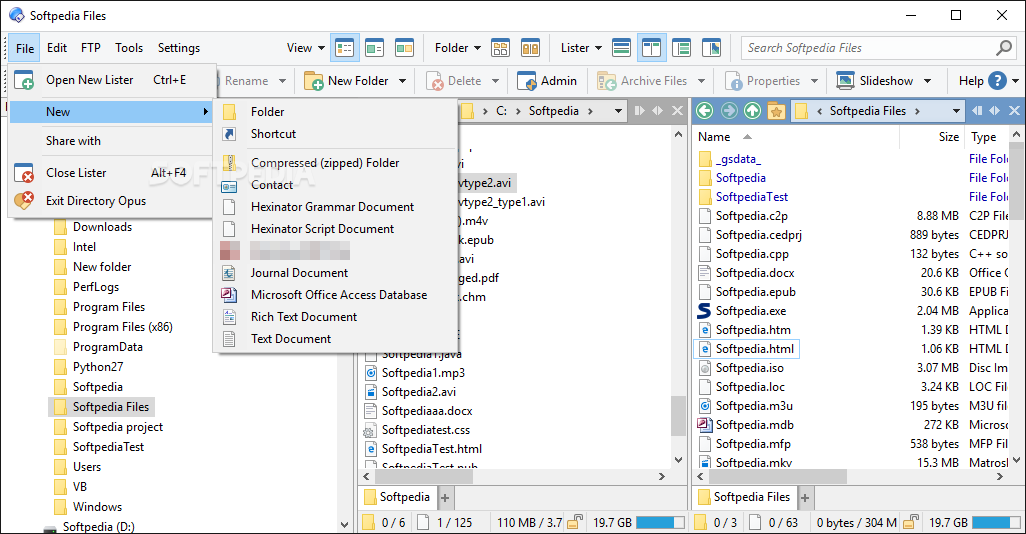
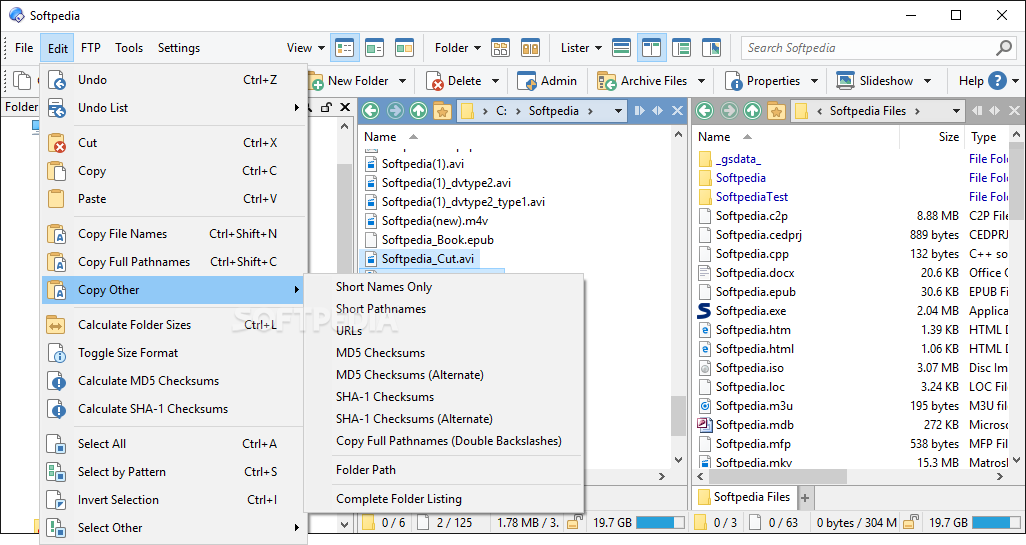
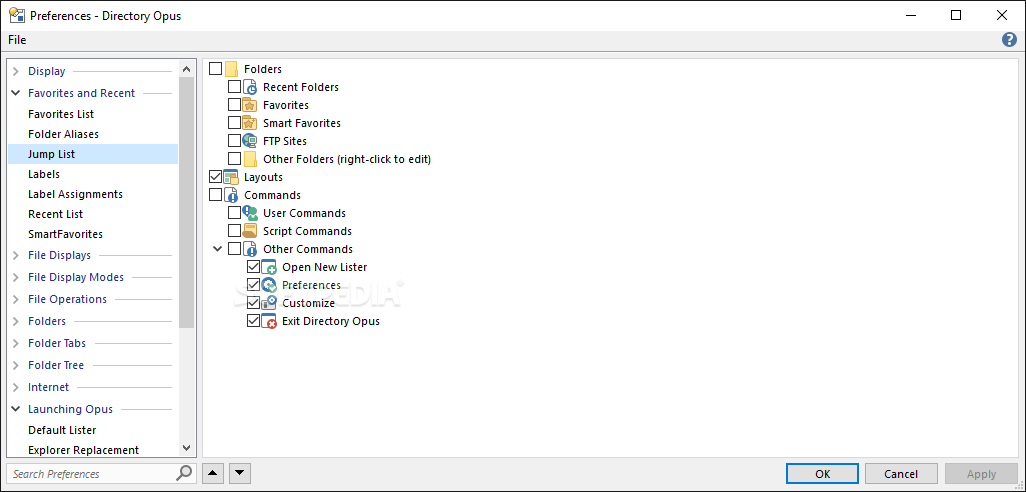
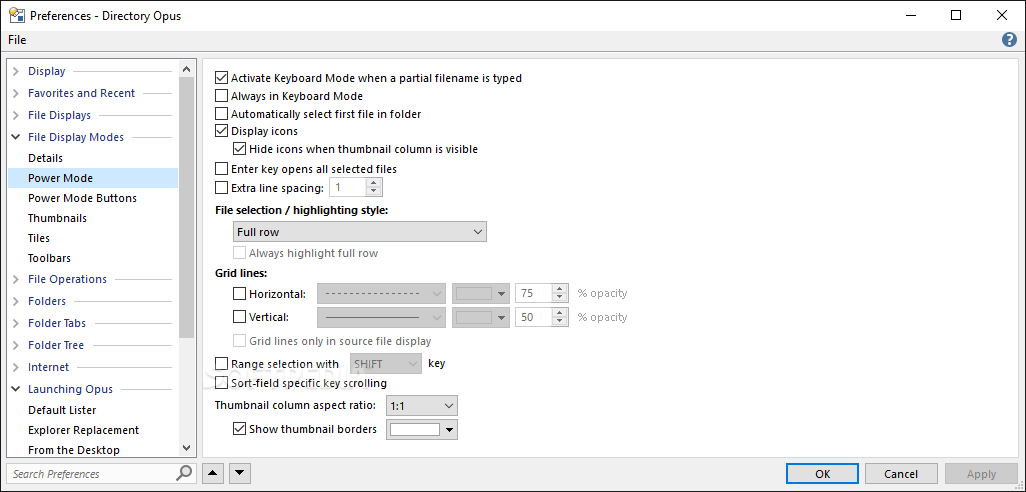
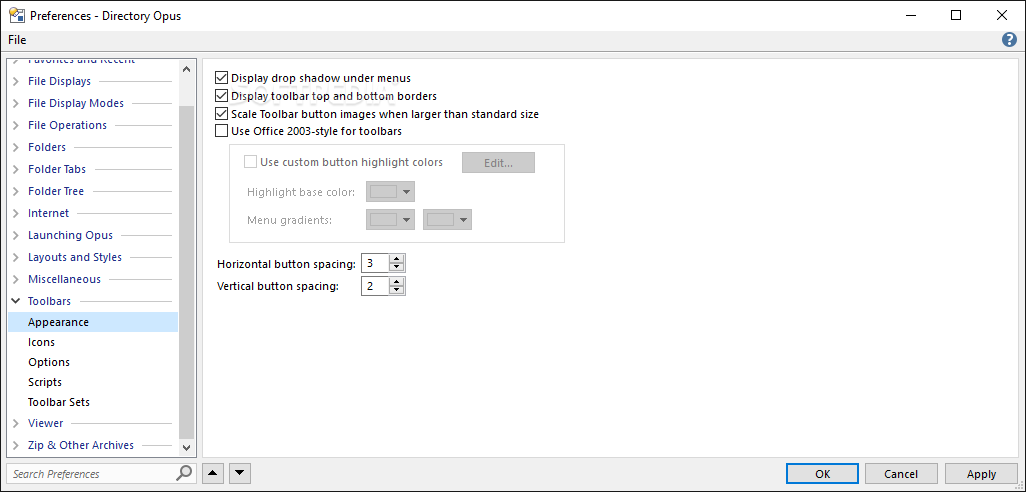
    · Fully Configurable Menus, Toolbars and Hotkeys: Directory Opus supports unlimited menus and toolbars. Toolbars can be attached to any side of a Lister display or can be independent free-floating windows. Directory Opus supports user-configurable hotkeys, both for use within Opus, and globally throughout the system. The Windows key is also fully supported!
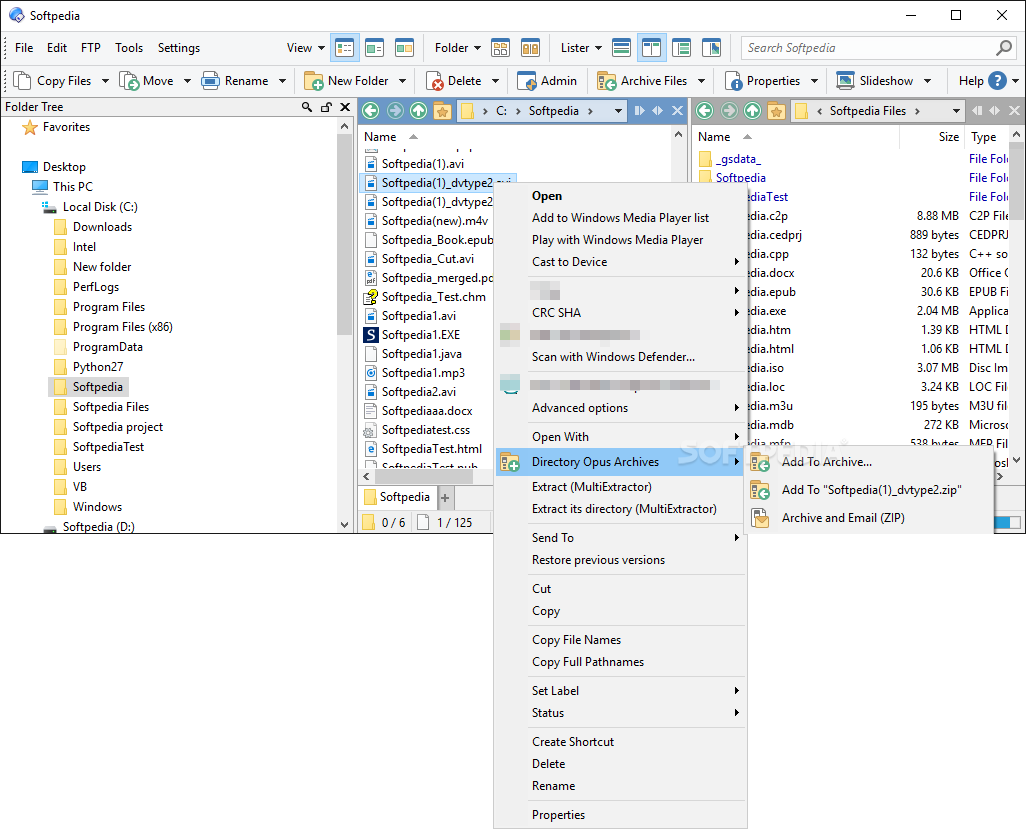
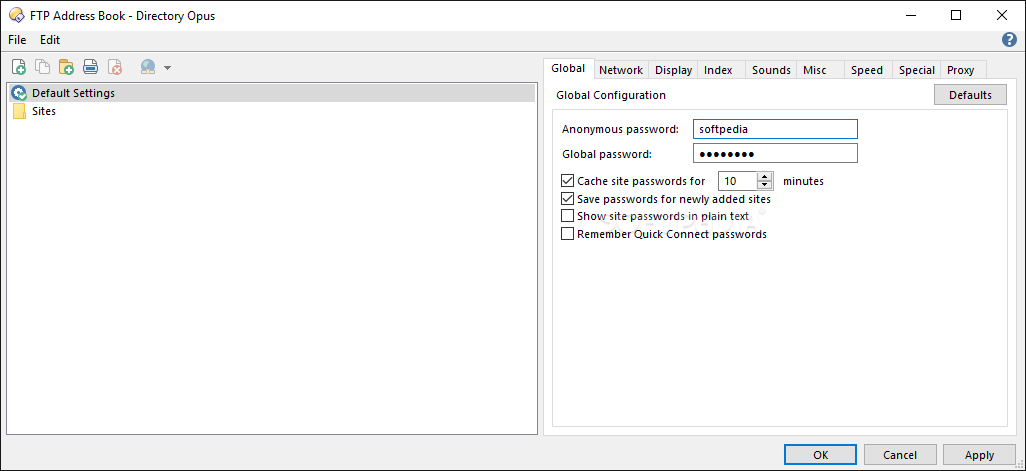
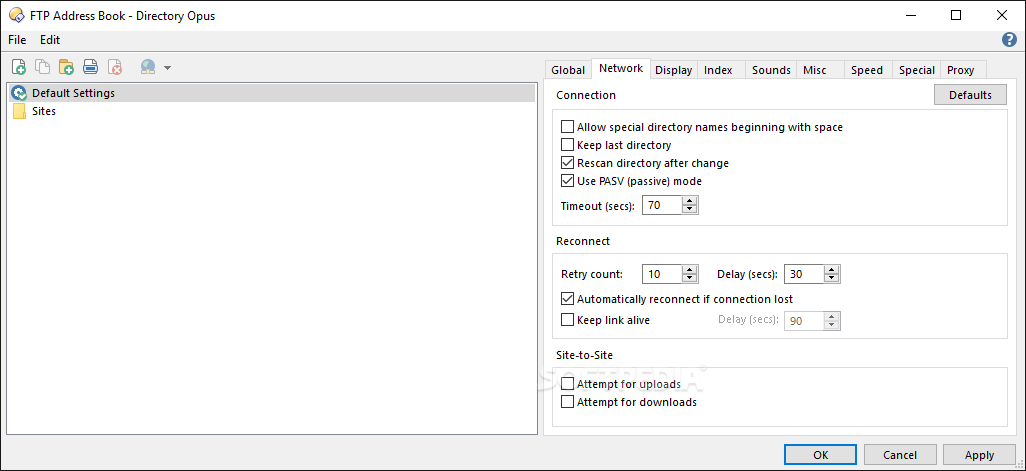
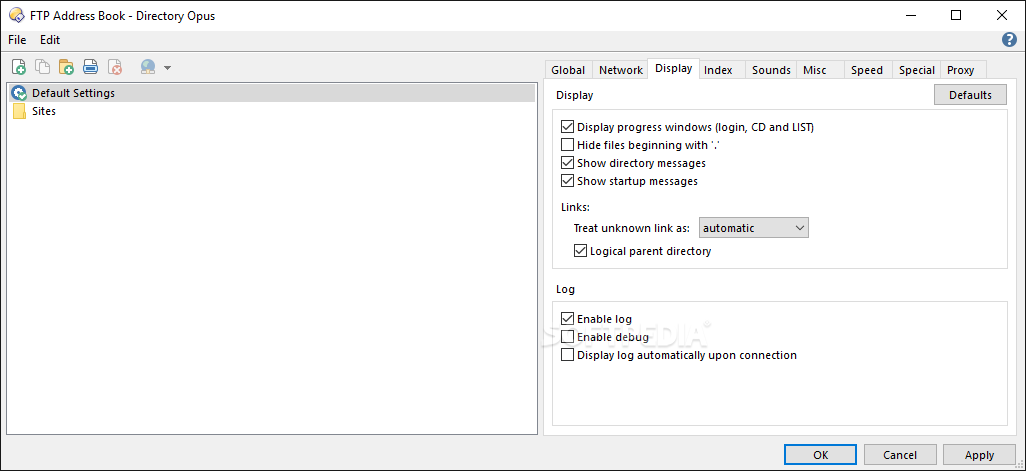
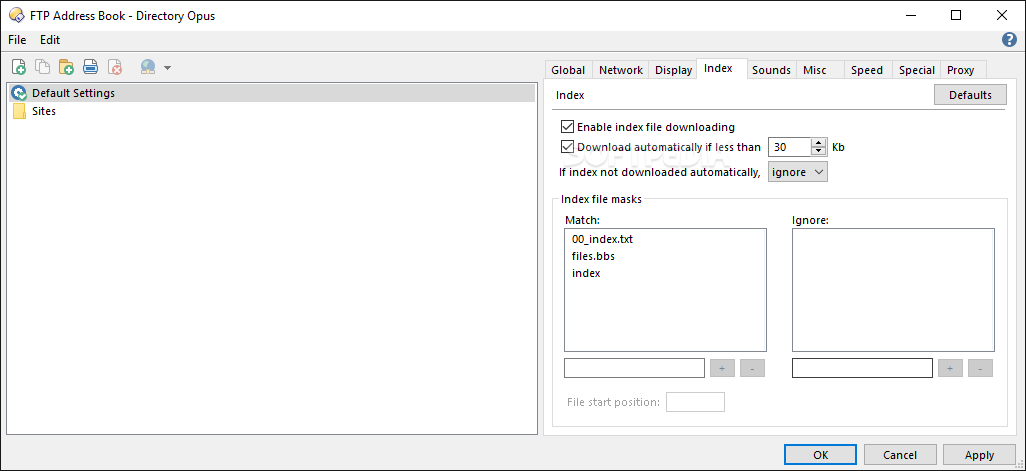
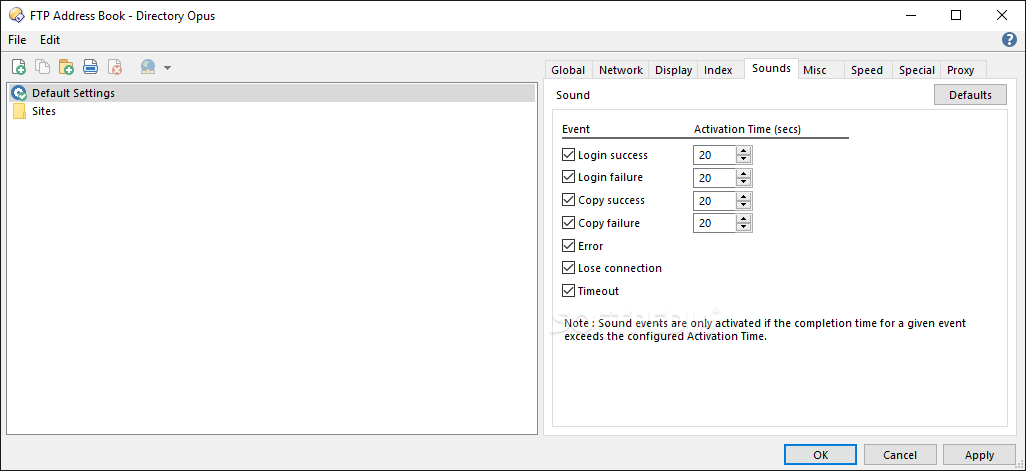
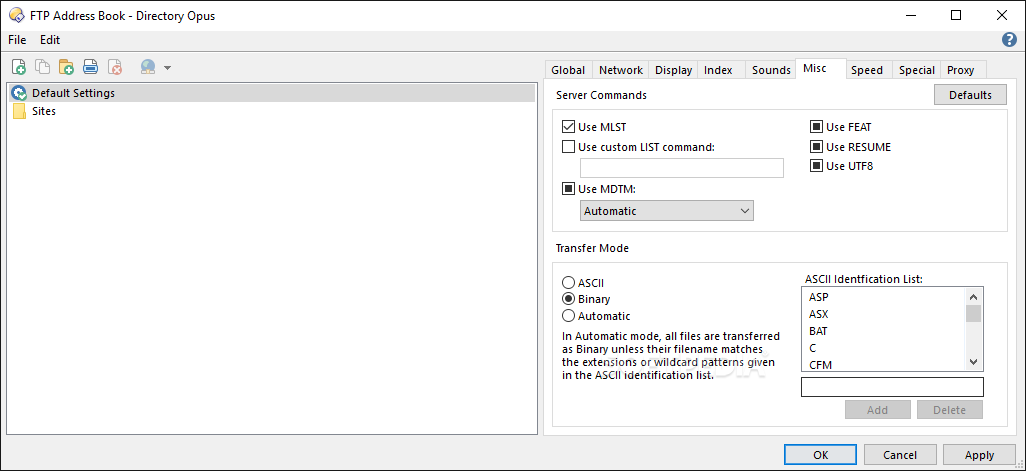
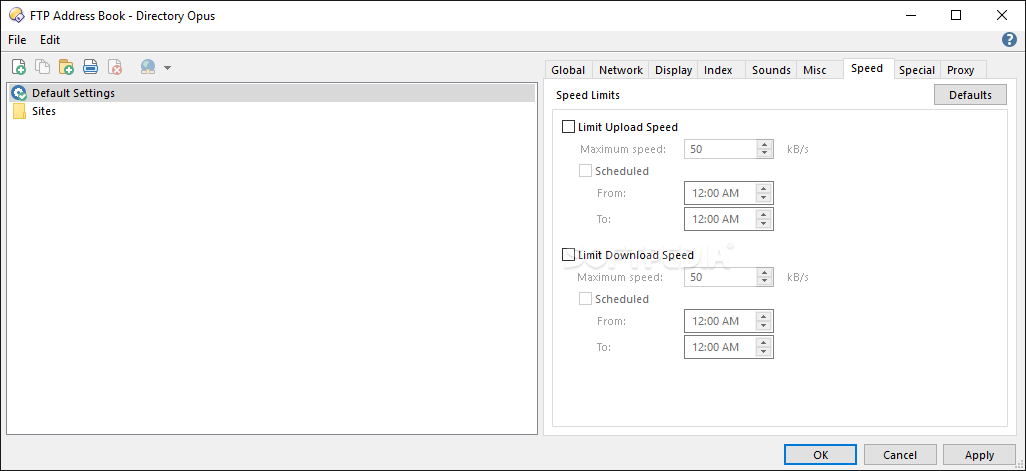
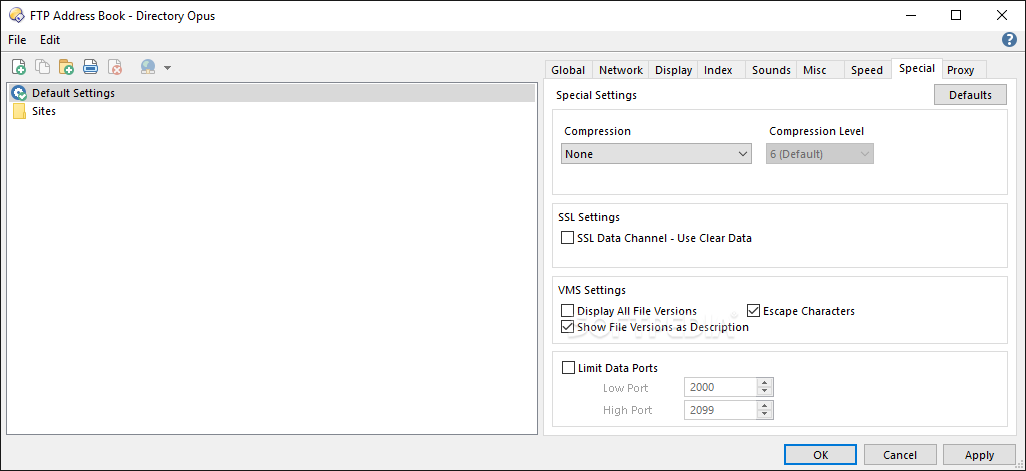
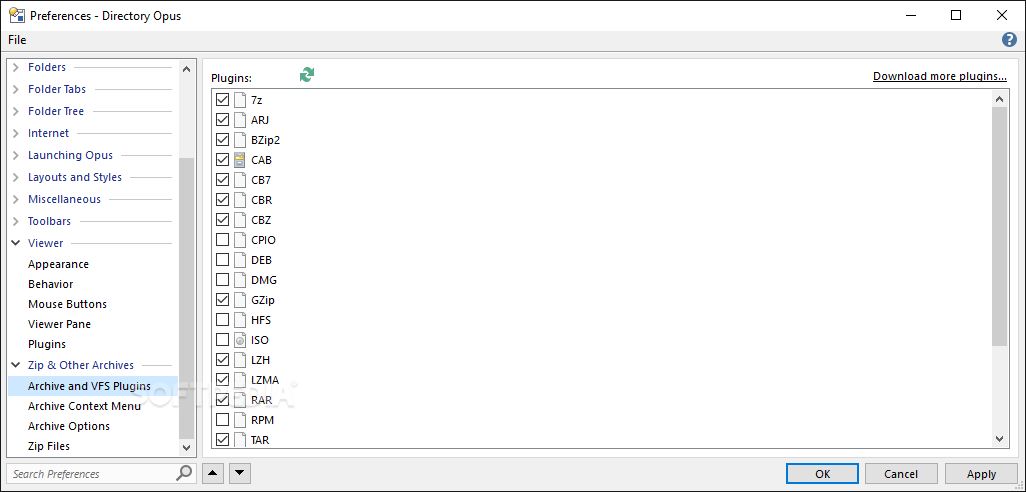
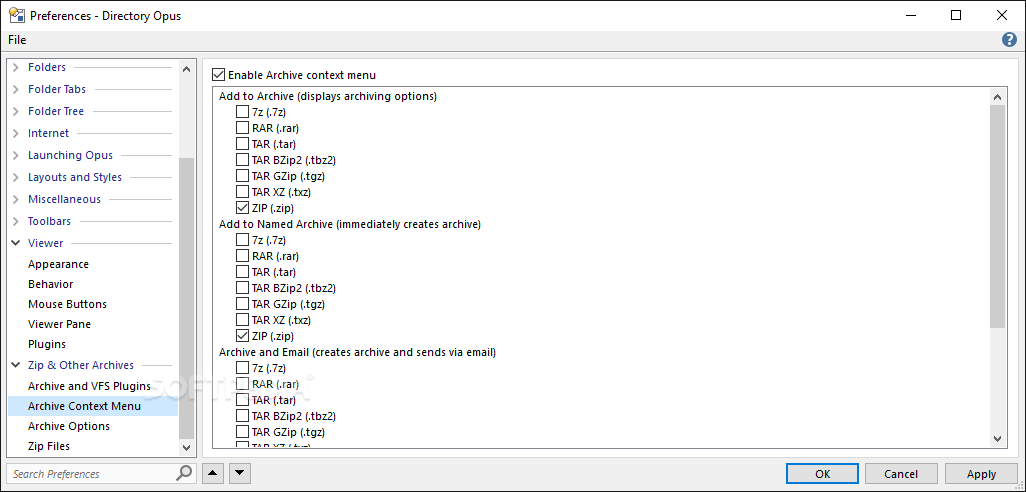
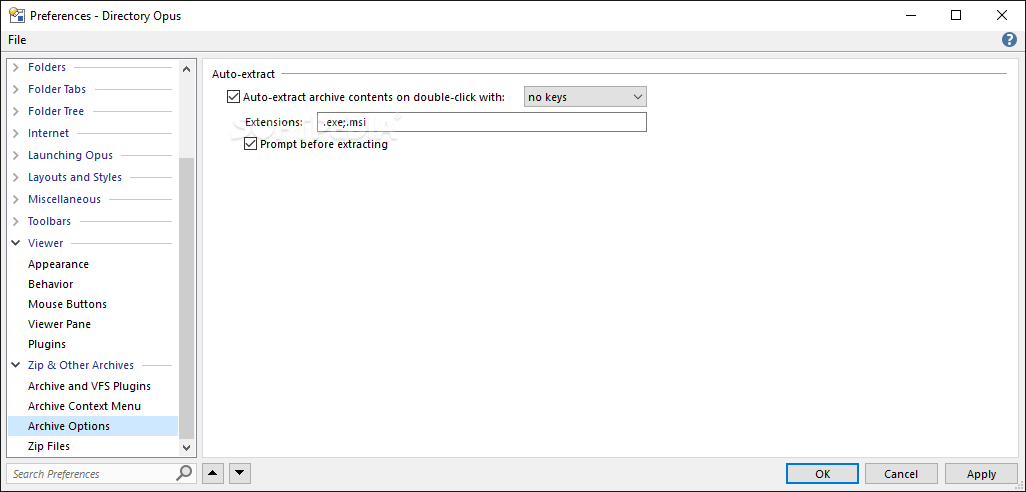
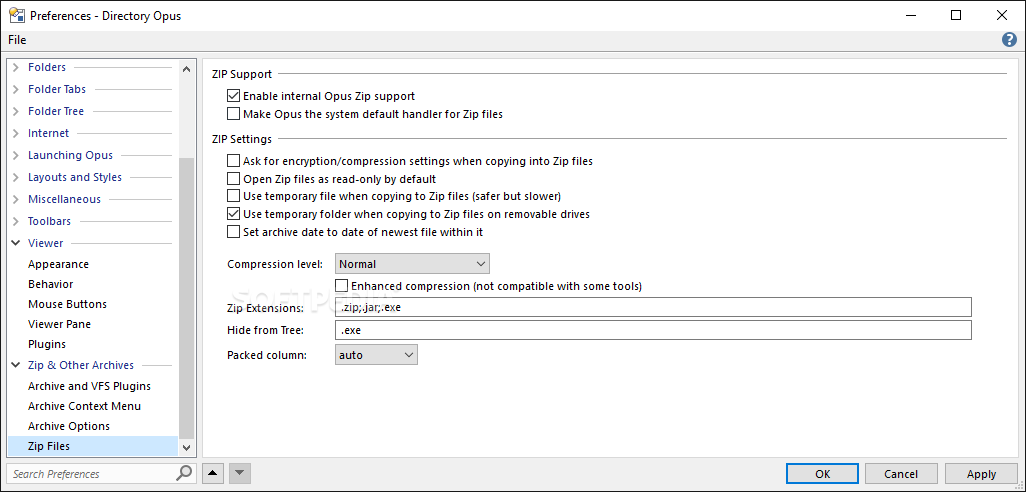
    · Built-in ZIP and FTP Support: Throw away your external ZIP and FTP programs - Directory Opus lets you access ZIP files and FTP sites as easily as local folders! You can copy files from anywhere and to anywhere - even from an FTP site straight into a ZIP file!
    · True Multitasking: The object-orientated multi-threaded design gives you unheralded power to perform multiple operations at the same time. Why should you have to wait for your computer to finish? Now you can begin one task and immediately move on the the next. Zip one folder whilst unzipping into another, at the same time as you are downloading files from a remote FTP site and copying yet more files between your local folders, independently and reliably.
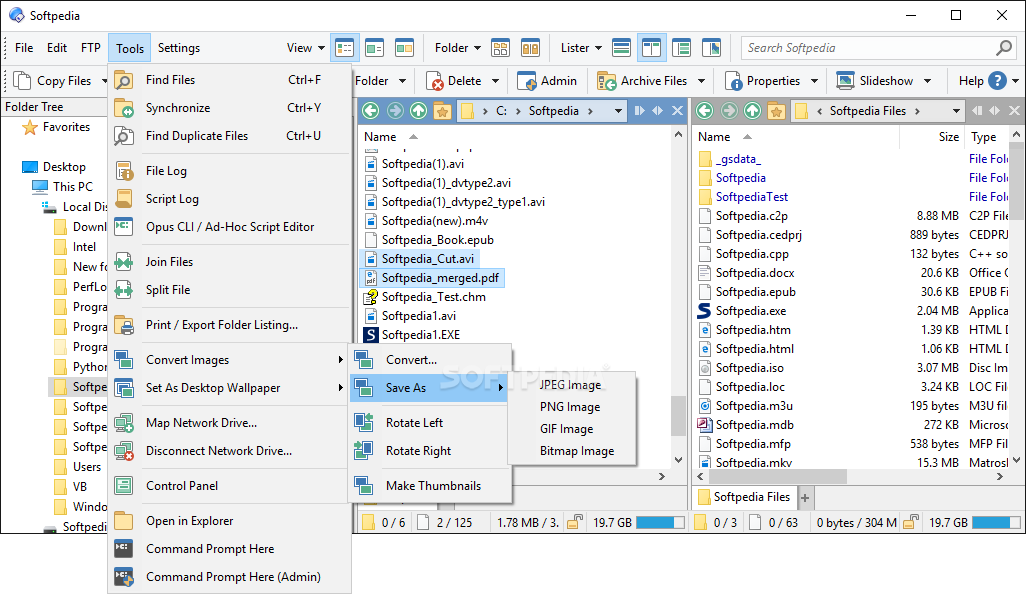
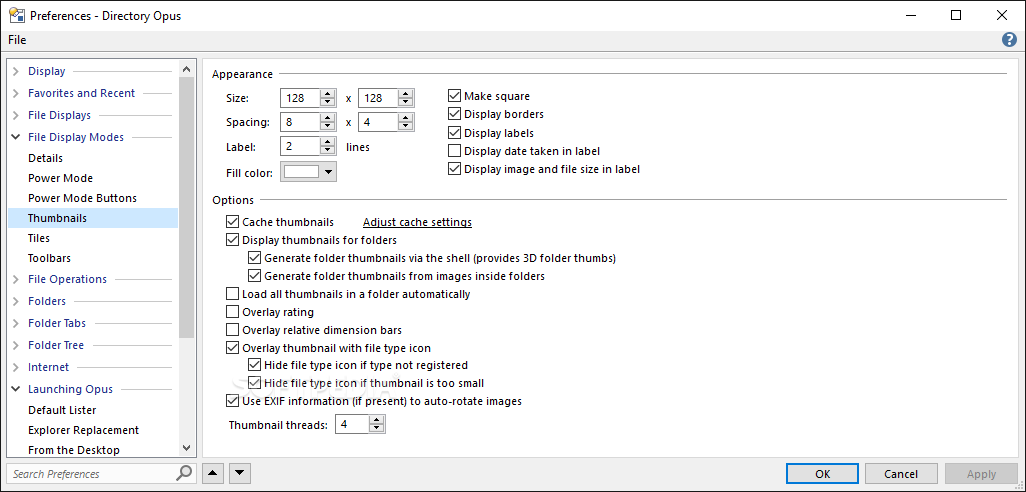
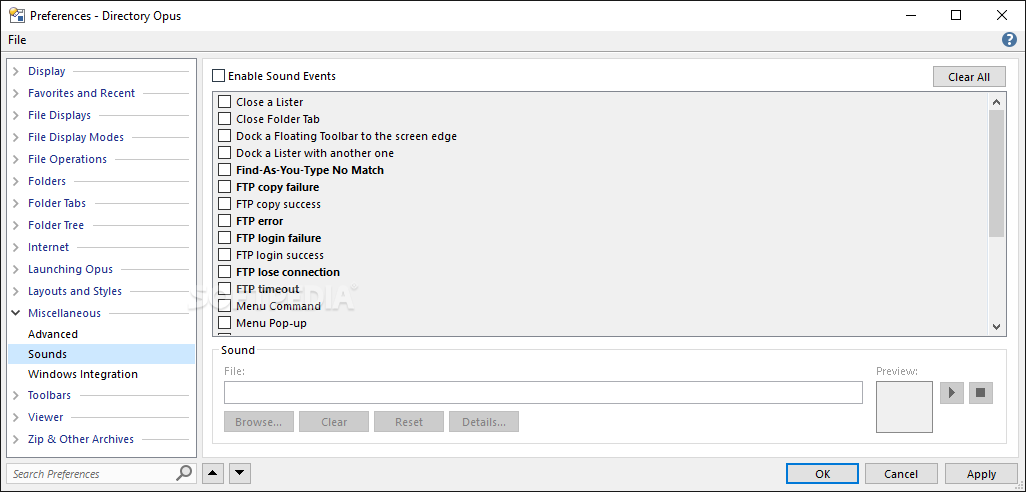
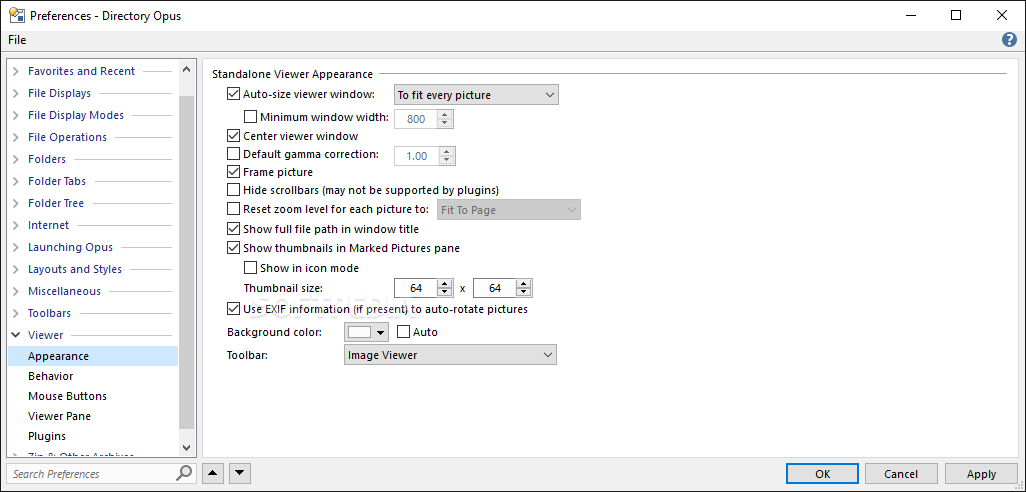
    · Support for Common Image and Sound Files: Directory Opus supports most common image and sound file formats. It provides a quick yet powerful image viewer which lets you view your pictures without having to load a large paint program! It also provides a Thumbnails-style view of your folders, allowing you preview a large number of images to quickly locate the one you are looking for.
    · Built-in Viewer Pane: Quickly view pictures, text files and other types of files in the Opus Viewer pane directly in the Lister window. Opus supports a viewer plug-in system so you can add new drivers for the specific file formats you wish to view as they become available. Directory Opus comes with plug-ins for many popular image and document file formats. Third party libraries can extend the viewing capabilities to include Word and Excel documents, Acrobat files and many other types of files. A free SDK is available for developers to write their own viewer plug-ins.
    · Enhanced Support for Digital Images: More than any other file manager, Directory Opus give you full access to the hidden details of the EXIF format for images from digital cameras. You can now sort images by any field and view all the information about your photos from shooting time, shutter speed, aperture, subject distance, metering type and more...
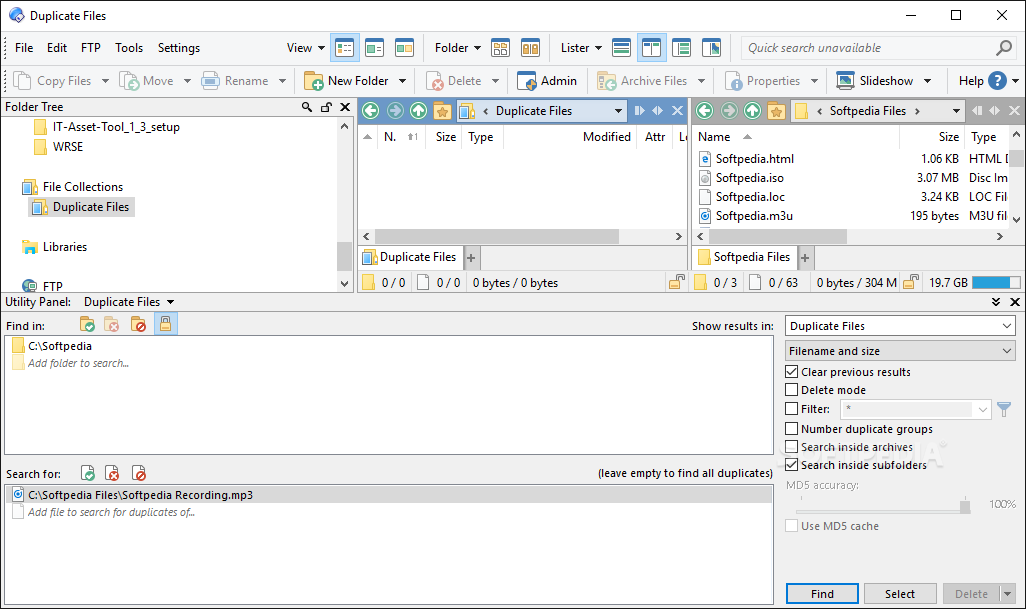
    · Enhanced Finding and Searching: Directory Opus lets you quickly locate the files you need, with an extremely powerful search system. Does Explorer let you search for Led Zeppelin MP3 files recorded at a bit rate of 160 sometime between last Thursday and today? Opus does!
    · Powerful Internal Command Set: With Directory Opus you are not just limited to functions given to you by the programmer. Directory Opus's functions are built upon the most powerful file management command language available in any file manager. You can harness this easily to create your own functions commands to perform the actions that YOU want to do.

    Limitations:

    · 30 days evaluation period

    What's New in This Release: [ read full changelog ]

    Bugs fixed / minor changes:
    · Support for Explorer Replacement mode in Windows 7. Also fixed creation of soft-links in Windows 7.
    · FTP re-upload changed files option now works with programs launched from buttons.
    · The Print Folder function can now print meta-data (e.g. Author, Title, Artist, etc) columns in File Collections.
    · Improved handling of Office safe-saves for files within collections.
    · Text pasted into the Create Folder dialog is now stripped of any linefeeds.
    · Fixed rendering problem with List Mode when font size meant the label text was smaller vertically than the icon.
    · Zip auto-extract now sets the correct current directory for files that are in sub-folders of the zip file.
    · Fixed sorting with Name column when file extension is hidden (previously the extension was still considered for the sort).
    · Image ADDSUFFIX now works correctly when the filename has a dot in the name.
    · Blank links in multi-line commands no longer cause some functions to misbehave.
    · The {filepath} comm...

     Softpedia guarantees that Directory Opus 9.5 is 100% CLEAN, which means it does not contain any form of malware, including spyware, viruses, trojans and backdoors. [read more >]


    TAGS:

    duplicate remover | file search | file manager | explorer | manager | duplicate


    HTML code for linking to this page:


    Go to top

    Windows tabGames tabDrivers tabMac tabLinux tabScripts tabMobile tabHandheld tabGadgets tabNews tab

    SUBMIT PROGRAM   |   ADVERTISE   |   GET HELP   |   SEND US FEEDBACK   |   RSS FEEDS   |   ENTER NEWS SITE   |   ENGLISH BOARD   |   ROMANIAN FORUM