
Dual-pane and multi-tabbed file manager with rich features for experienced users, including advanced search, registry explorer, file packer and aliases. #File manager #File archiver #Folder management #Manager #Explorer #Organizer

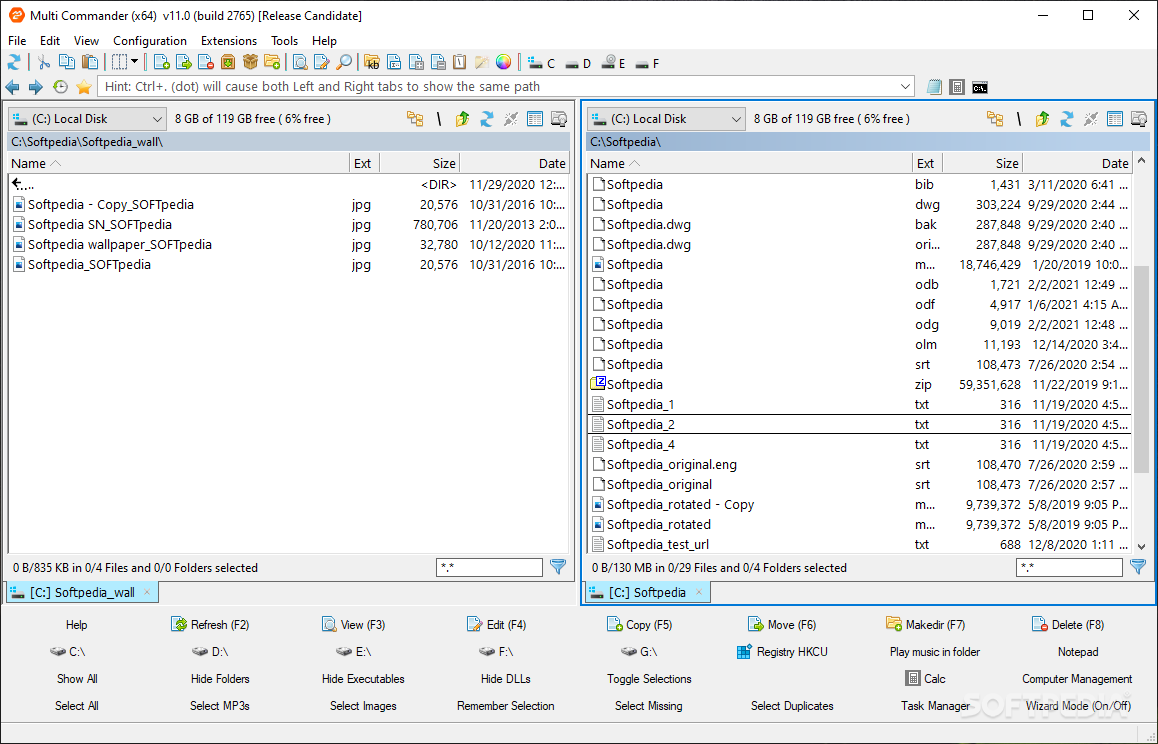
Digital data management in a desktop system context can be as tricky as you want it to be, but often times depends a lot on the volume and characteristics of the data that you handle and choose to manage. Despite the built-in Windows Explorer features being relatively capable, having a dedicated file manager can make a difference.
This is exactly what Multi Commander sets out to provide, and it will offer you a dedicated set of tools for more efficient management of your digital data, in an attempt to replace the built-in Windows Explorer.
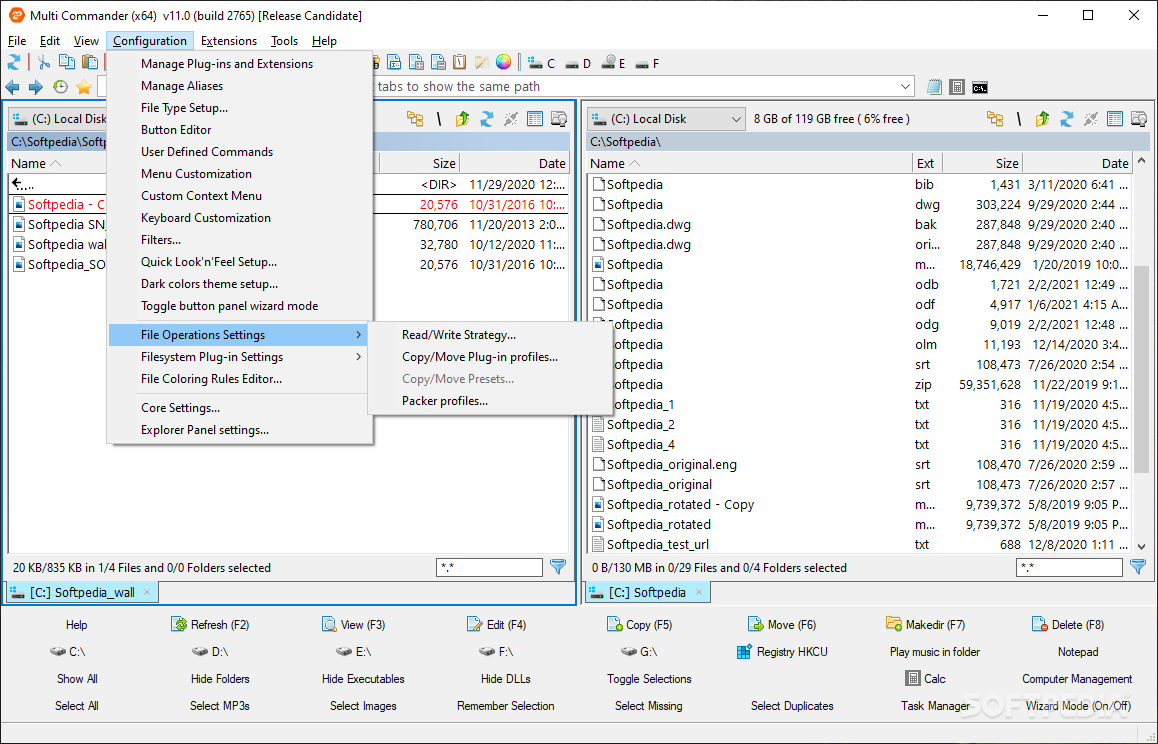
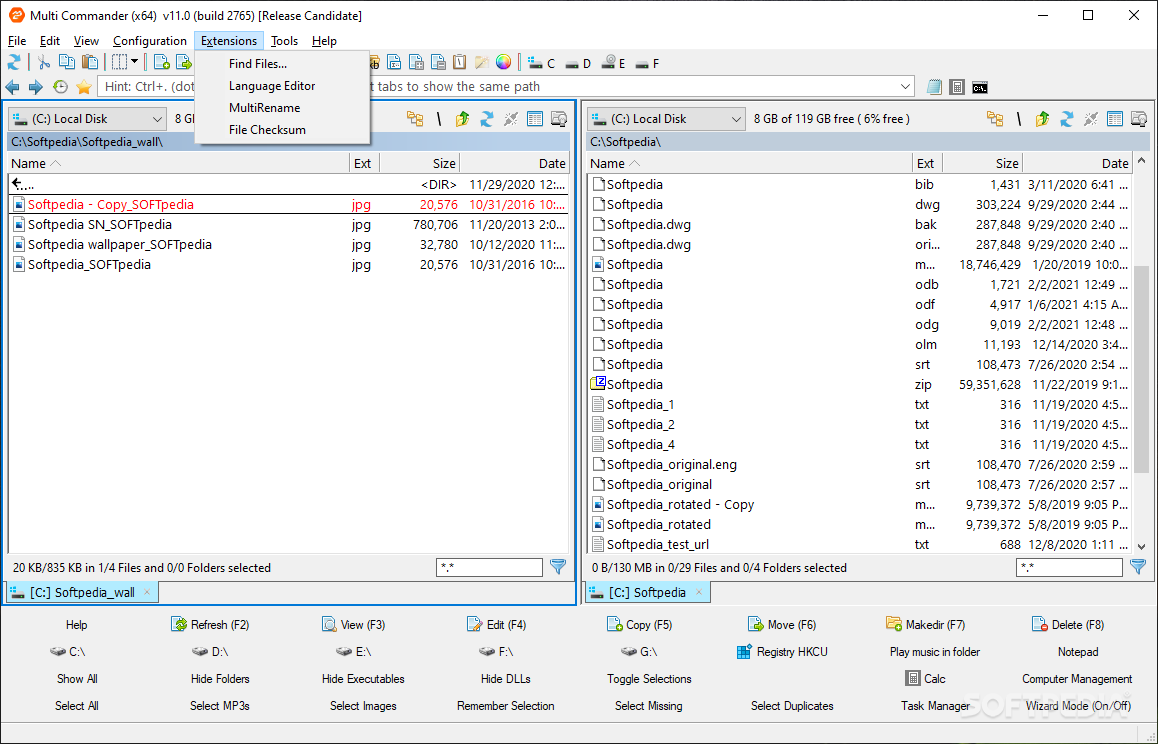
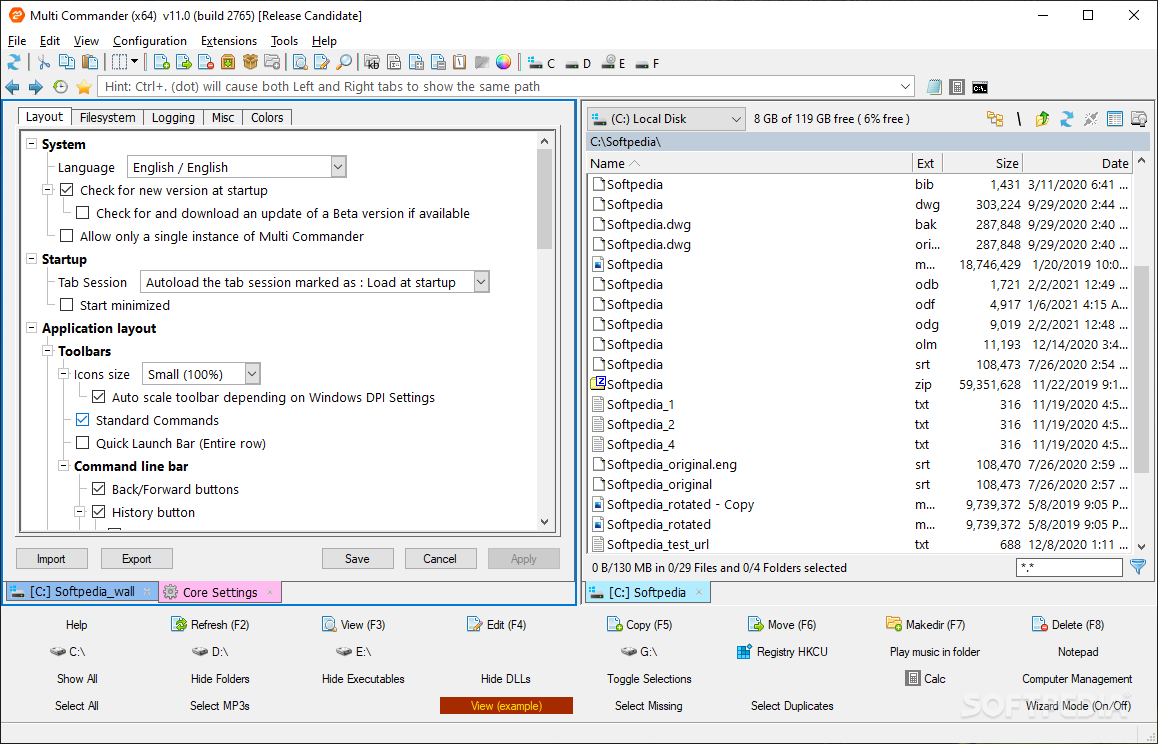
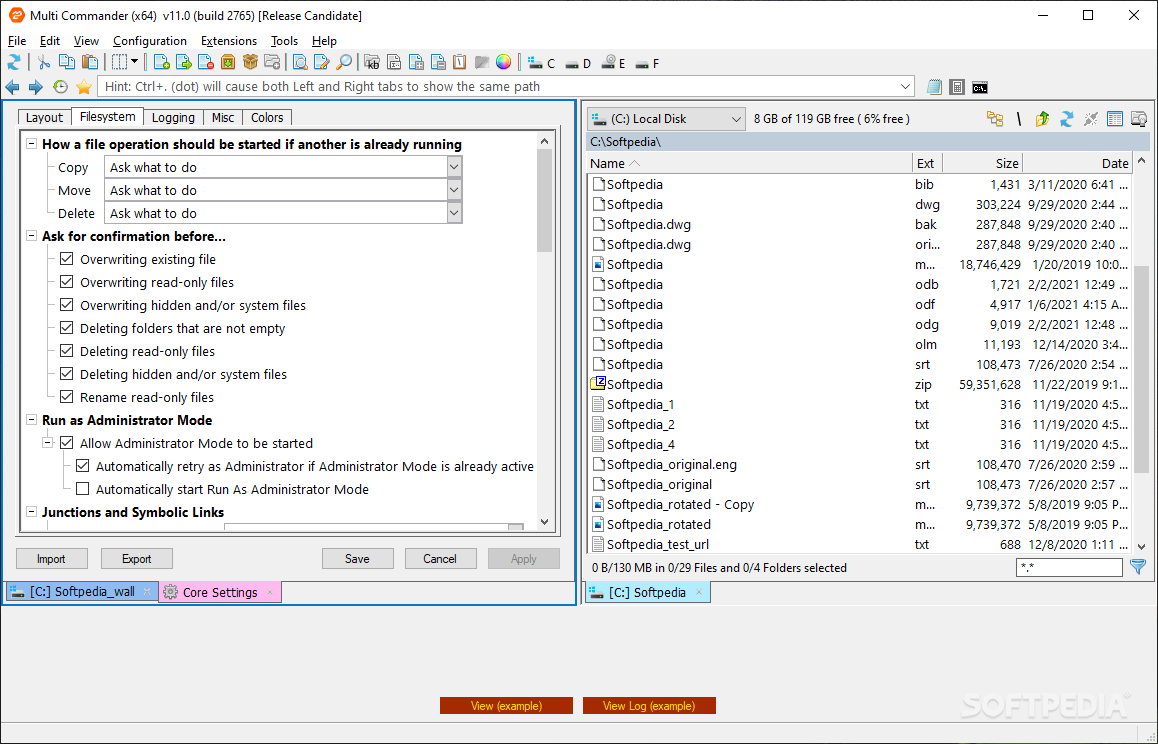
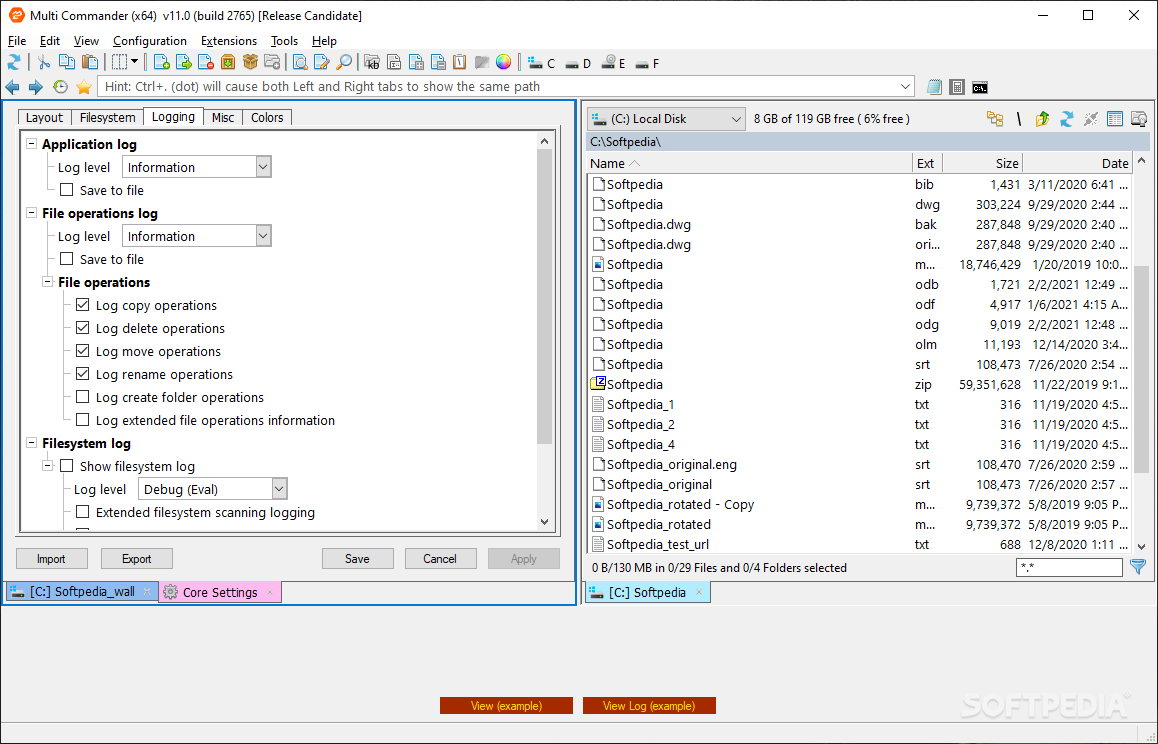
Right after the swift installation process, I was met with a rather familiar interface, which relies on a dual layout for handling the data, and this instantly reminded me of this tried-and-tested design feature present in other file managers, such as Total Commander.
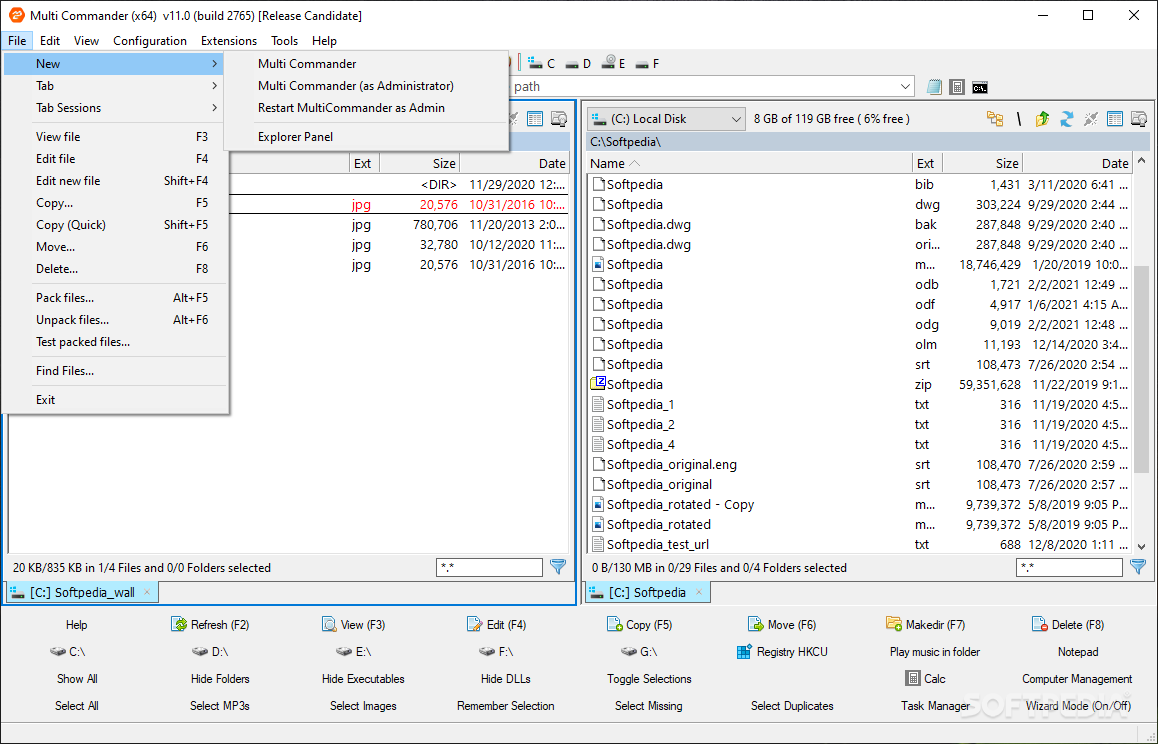
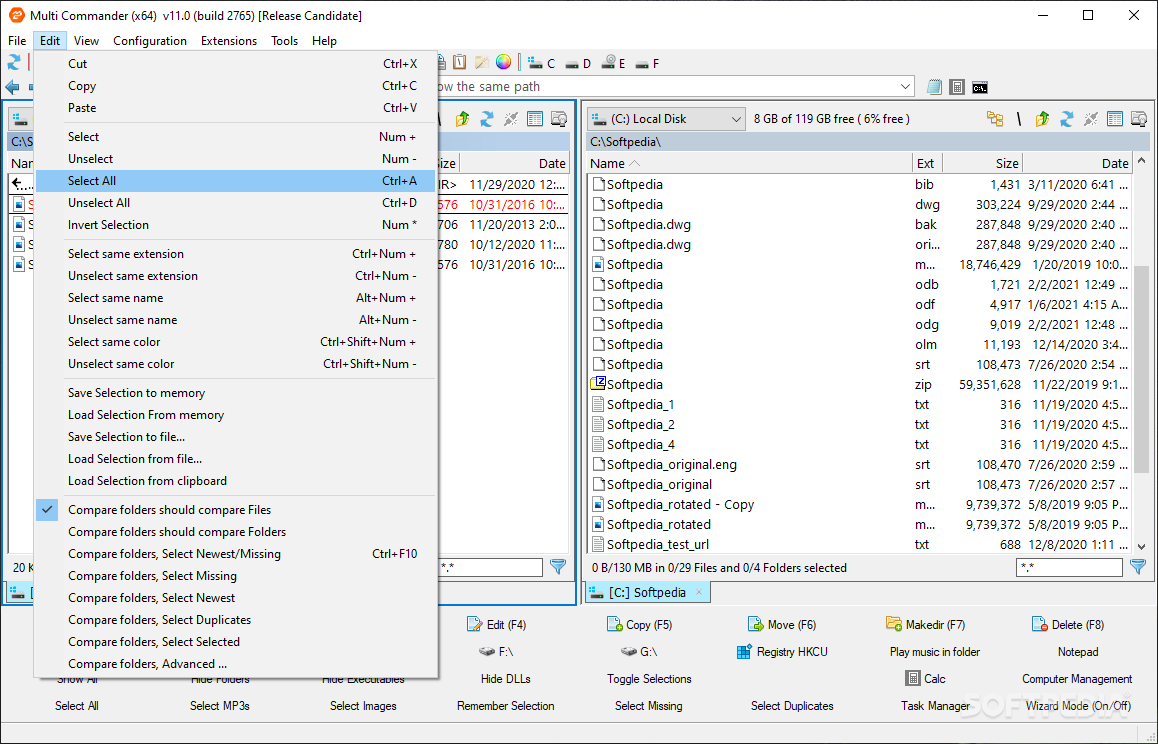
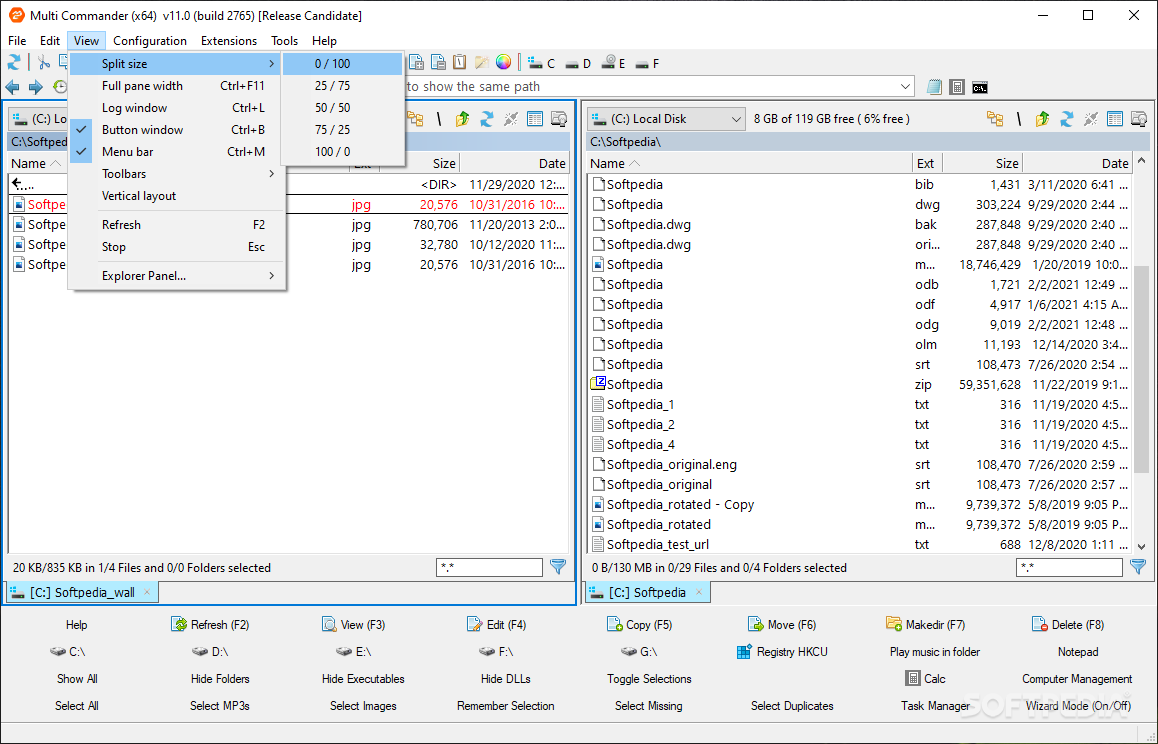
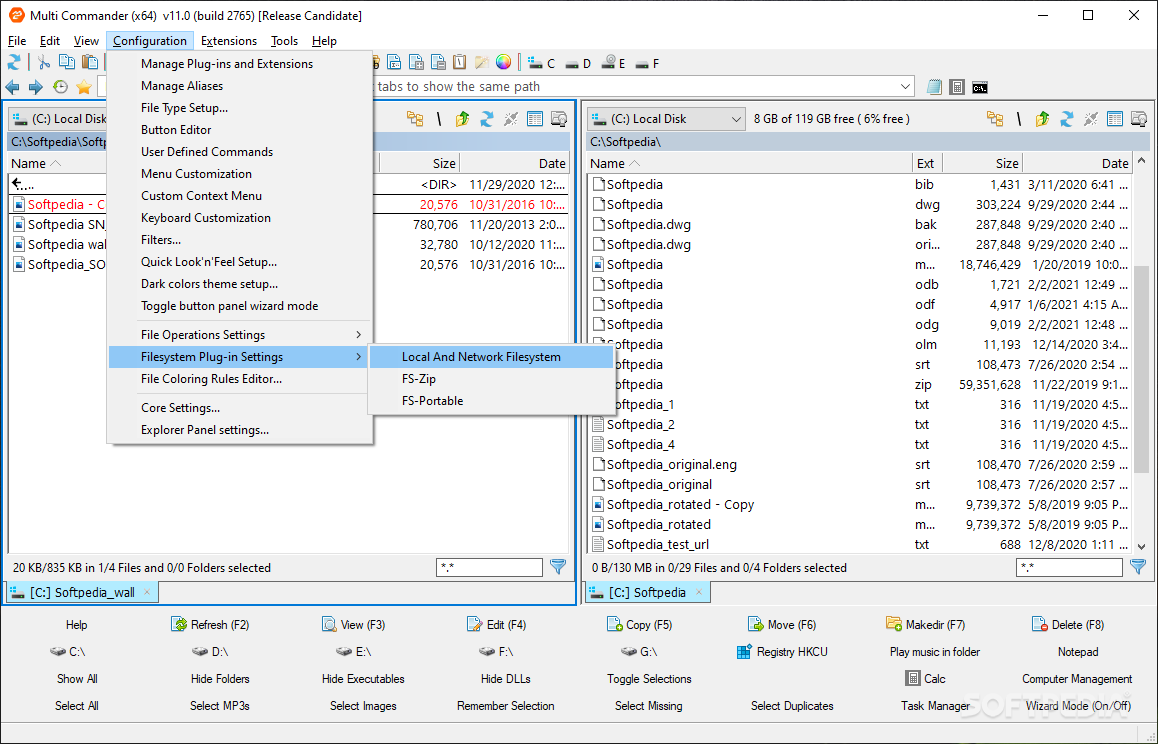
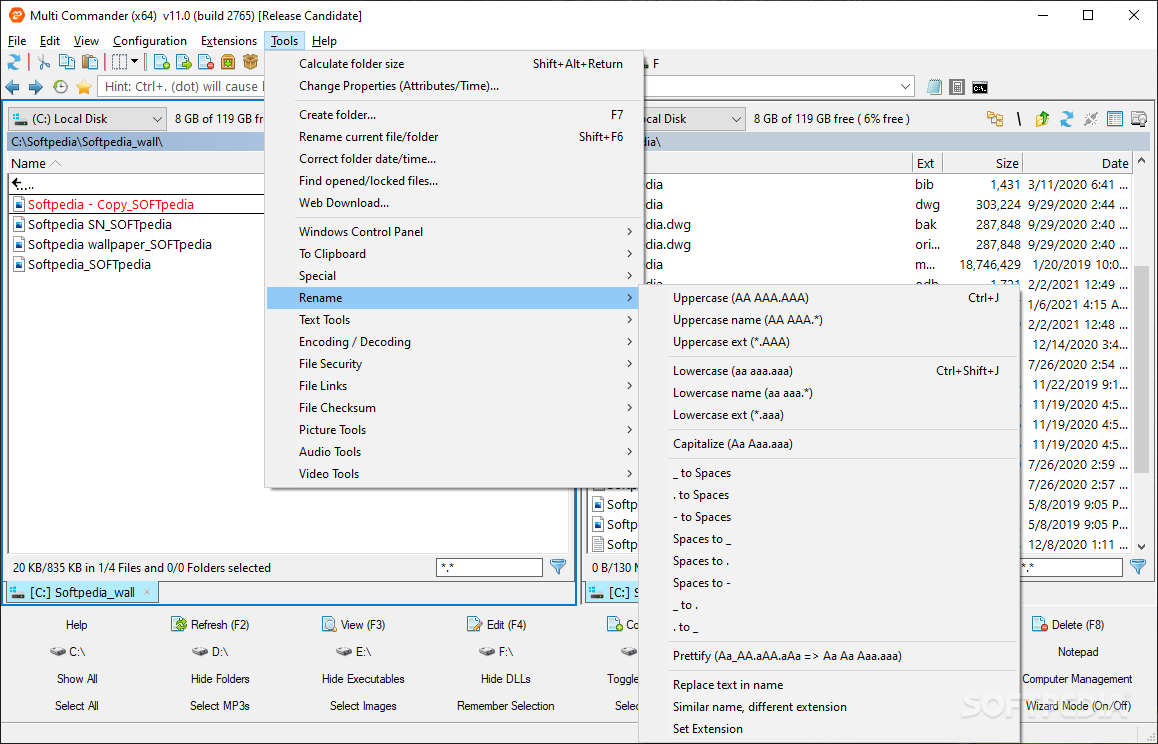
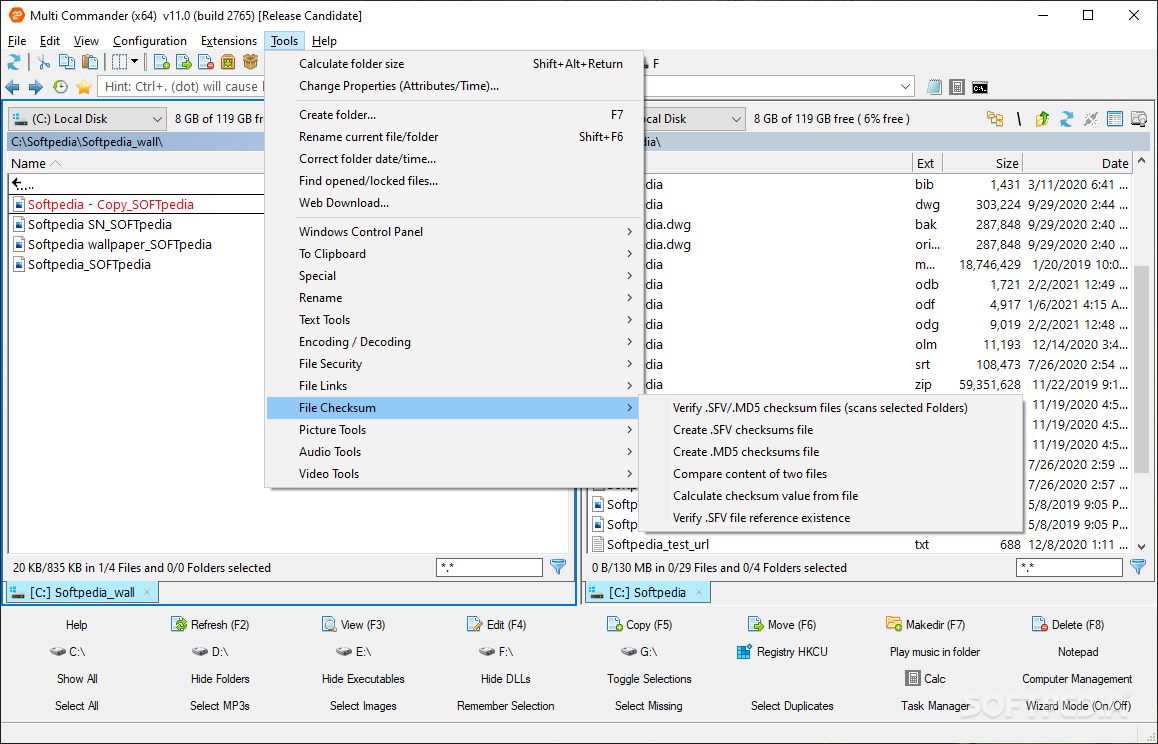
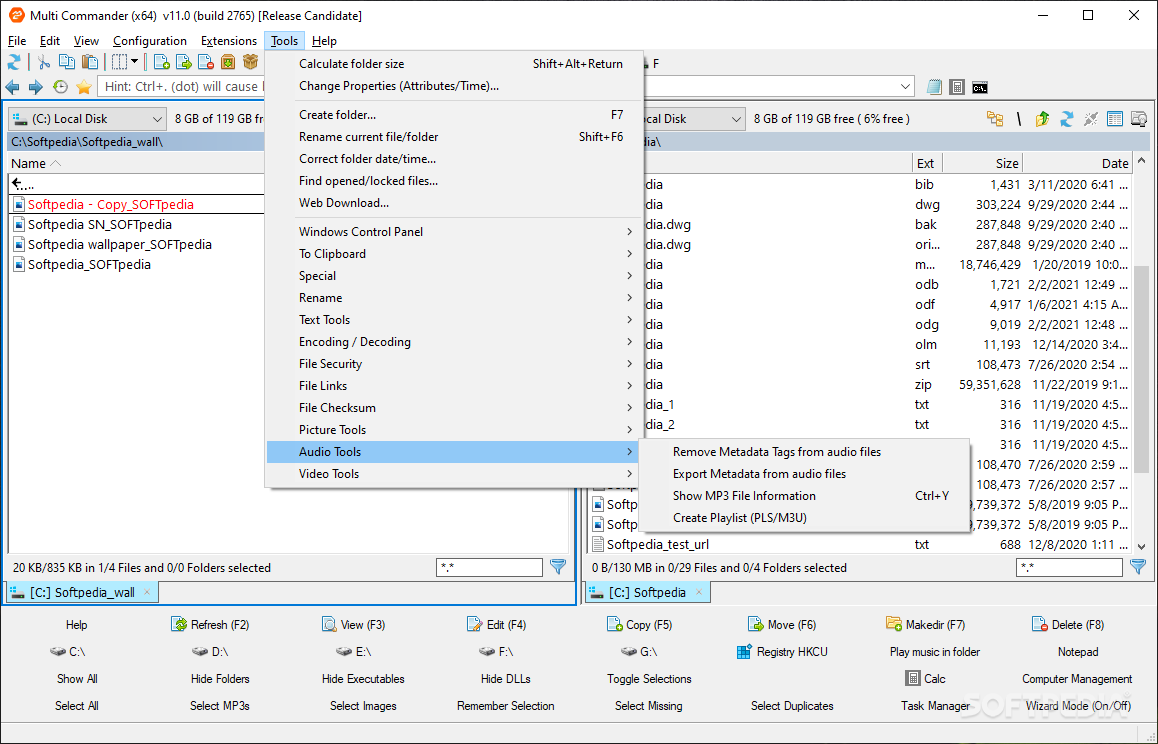
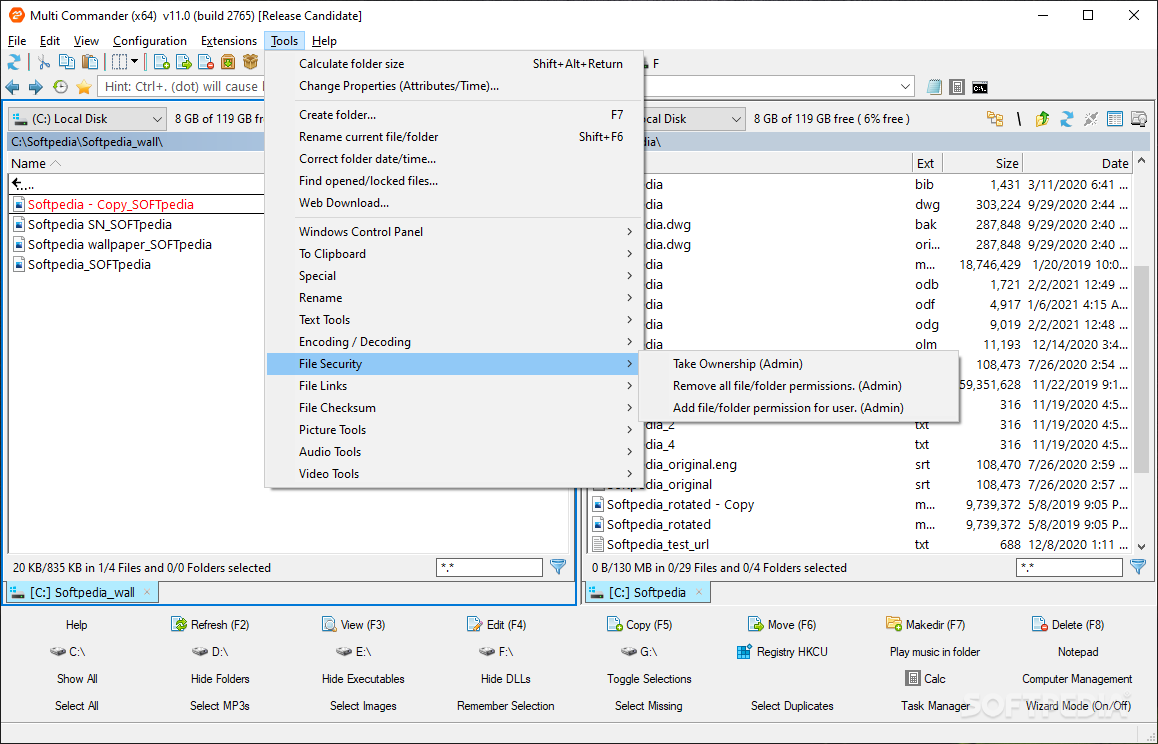
In addition to the good accessibility and efficiency offered by the dual-view layout, I believe that the app also manages to provide a great deal of functionality directly through dedicated buttons, as opposed to menus, which I also found to be very helpful. That’s not to say that the dedicated menus that hold ample amounts of tools aren’t there to back things up.
If you’re a passionate data hoarder then you’re in for a treat. The multitude of features provided by Multi Commander is impressive to say the least, and during testing, I haven’t managed to find an area that might benefit from improvement or lacking features.
The range of tasks and processes on offer is ample and caters to a wide set of potential uses.
Give Multi Commander a try, if you seek an advanced file manager, equipped with functionality and capability to meet even the most stringent requirements of data management these days.
What's new in Multi Commander 14.0.0 Build 2997 Beta:
- CHANGE- Major rewrite of error handing of Copy/Move/Delete operations.
- ADDED - MultiDataViewer is now language aware when doing find. (Can be turned off in option for faster search)
- ADDED - Opening Zip archive with large number of files is now faster
- ADDED - Copy/Move/Delete options for auto handling errors
Multi Commander 13.5.0 Build 2983 / 14.0.0 Build 2997 Beta
 Softpedia Editor's Pick
add to watchlist
add to download basket
send us an update
REPORT
Softpedia Editor's Pick
add to watchlist
add to download basket
send us an update
REPORT
- portable version
- Portable Multi Commander
- runs on:
-
Windows 11
Windows 10 32/64 bit
Windows 8 32/64 bit
Windows 7 32/64 bit
Windows Vista 32/64 bit - file size:
- 8 MB
- filename:
- MultiCommander_win32_(13.5.0.2983).exe
- main category:
- File managers
- developer:
- visit homepage
calibre

Windows Sandbox Launcher

4k Video Downloader

Zoom Client

Microsoft Teams

7-Zip

Context Menu Manager

IrfanView

Bitdefender Antivirus Free

ShareX

- IrfanView
- Bitdefender Antivirus Free
- ShareX
- calibre
- Windows Sandbox Launcher
- 4k Video Downloader
- Zoom Client
- Microsoft Teams
- 7-Zip
- Context Menu Manager