
A utility that lets you view and recover files and folders that are located on your computer in blocked, forbidden or inaccessible locations. #Access Data #Extract Data #Browse Disk #Disk #Scanner #Extract
Due to various reasons, data on your computer can become inaccessible to you.
To solve this issue you can try using various recovery tools that can extract data from the damaged partition or USB drive but that can take time. Also, you might find that the recovery application can have a hard time locating the needed files.
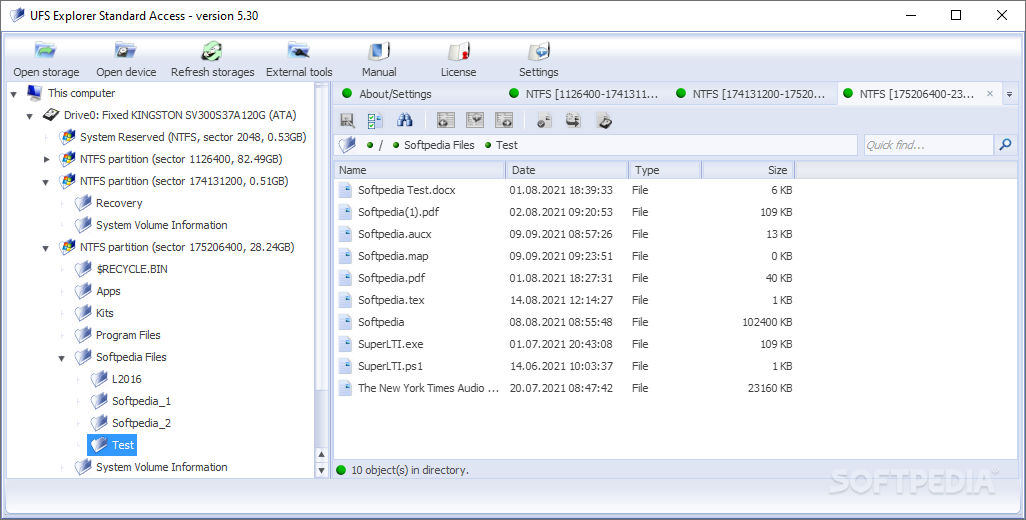
UFS Explorer Standard Access is an application that lets you browse damaged drives as if nothing happened in the first place. With it you can explore inaccessible partitions, flash drives, external storage devices, memory cards, file disk images and even virtual disks. This way you can access and recover files in the easiest way possible, by going straight to the source.
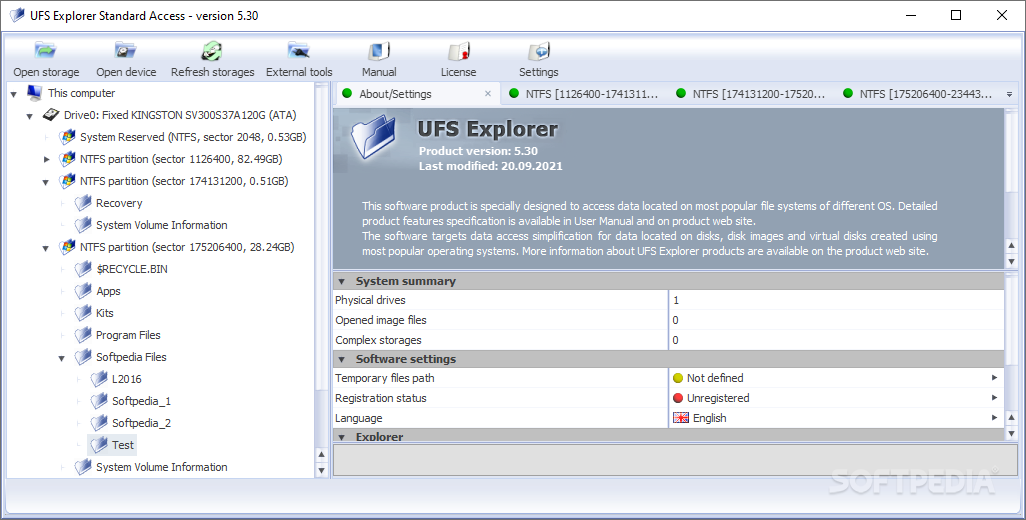
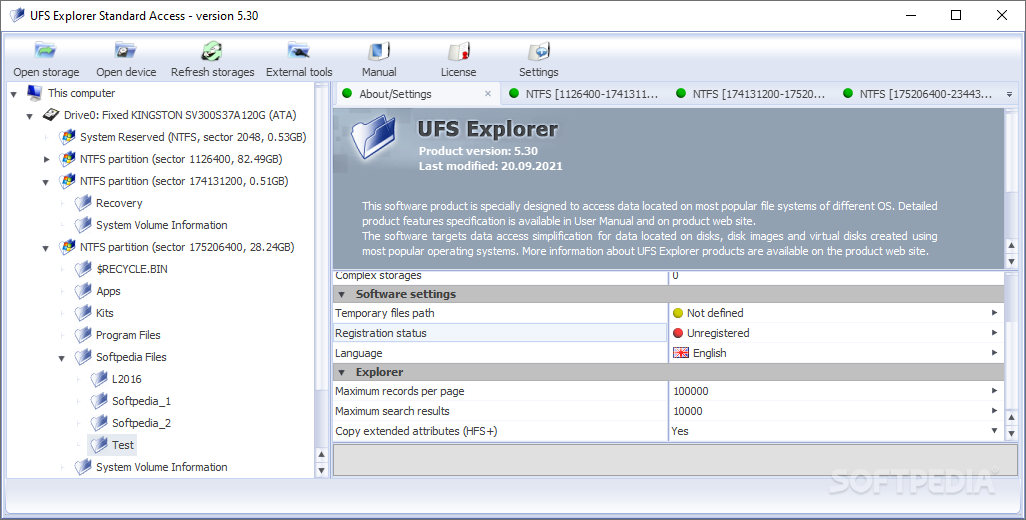
The application displays a comprehensive interface that lets you easily access any folder and file on your system. You browse the folders as you do in the standard Windows Explorer. To view the contents of a file you simply double click it, providing you have the appropriate application installed. For example, you can’t open a JPEG file if you don’t have an image viewer on your computer.
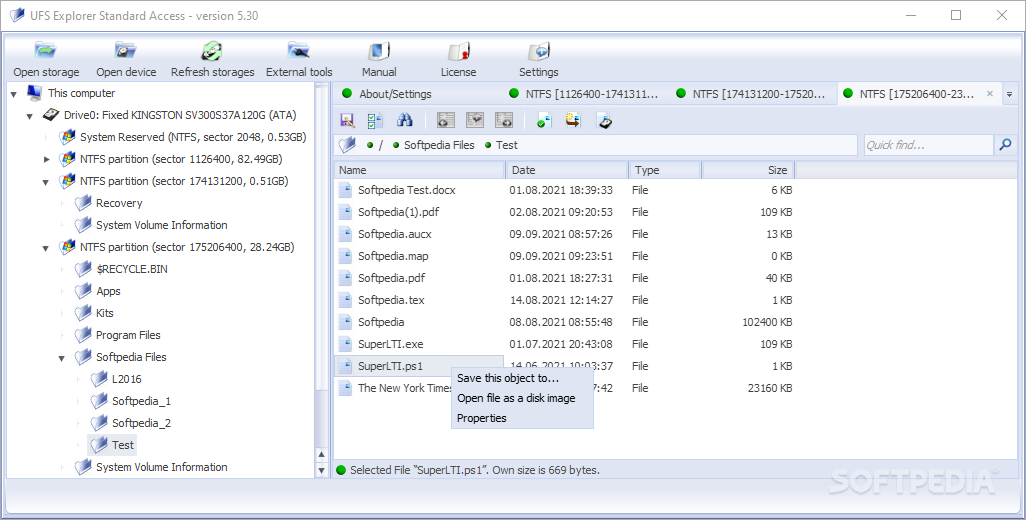
When you find the document or folder that you are looking for, you can’t simply copy it to a new location in the normal way. You have to issue a “save this object to” command which copies the file to the location you choose. The application also provides a feature that lets you evaluate data from a selected folder. It separates the content into good and bad objects and displays information about the number of files and subfolders contained, as well as their total size on disk.
In closing, UFS Explorer Standard Access is a reliable and easy to use tool that truly offers you a fast way of viewing and recovering files from inaccessible storage mediums.
UFS Explorer Standard Access 5.32.0
add to watchlist add to download basket send us an update REPORT- runs on:
-
Windows 11
Windows 10 32/64 bit
Windows 8 32/64 bit
Windows 7 32/64 bit
Windows Vista 32/64 bit
Windows XP 32/64 bit - file size:
- 12.3 MB
- main category:
- File managers
- developer:
- visit homepage
Windows Sandbox Launcher

4k Video Downloader

ShareX

Context Menu Manager

Microsoft Teams

7-Zip

IrfanView

Zoom Client

calibre

Bitdefender Antivirus Free

- Zoom Client
- calibre
- Bitdefender Antivirus Free
- Windows Sandbox Launcher
- 4k Video Downloader
- ShareX
- Context Menu Manager
- Microsoft Teams
- 7-Zip
- IrfanView